How to
Convert a paper form into a web form
Upload a photo or PDF of a paper form and let AI rebuild it as an editable online form you can share, collect responses from, and download as a fillable PDF.
Forms3 min readUpdated
This guide shows you how to turn a paper form into a working online form: upload a photo, scan or PDF, and OneCraft rebuilds every field for you.
Registration forms, intake sheets, waivers. Most of them are still on paper. Retyping one field by field takes an afternoon. Uploading a photo of it takes a couple of minutes.
Upload a photo or PDF of your paper form
Create a new form and click Build from files under the description box. Upload a clear photo, a scan or a PDF of the paper form you use today. OneCraft reads the whole page, from the printed labels down to the blank lines where people write.
You can attach up to five files, each up to 10 MB, as PDF, image or plain text. That matters for a form that runs over several pages: photograph each page and attach them all rather than trying to fit everything into one shot. Building from your own files is available from the Starter plan up, and on the free plan the button shows a padlock with an upgrade link beside it.
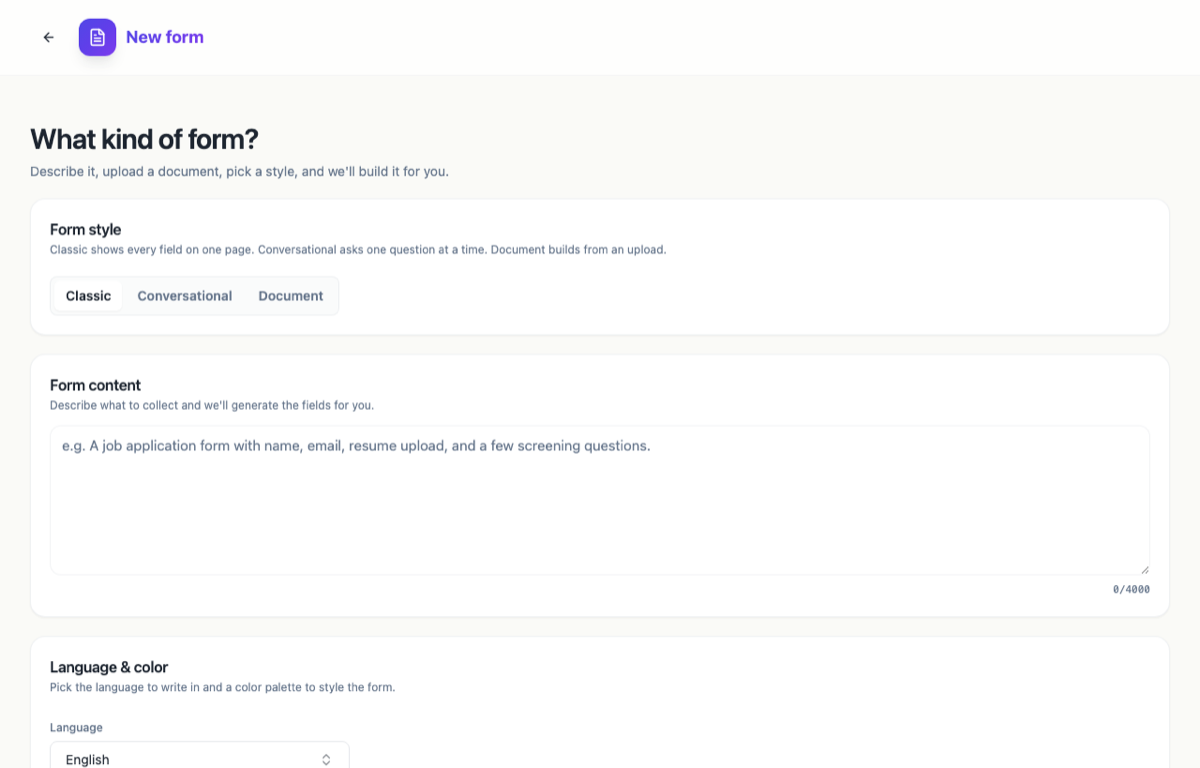 Click Build from files and pick the photo, scan or PDF of your paper form.
Once it uploads, each file appears as a chip next to the button, with a small x to remove it. You can add a note in the description box if there’s anything OneCraft should know, or just hit Generate form. While you are there, set the Language so the rebuilt form comes back in the language your paper form is written in.
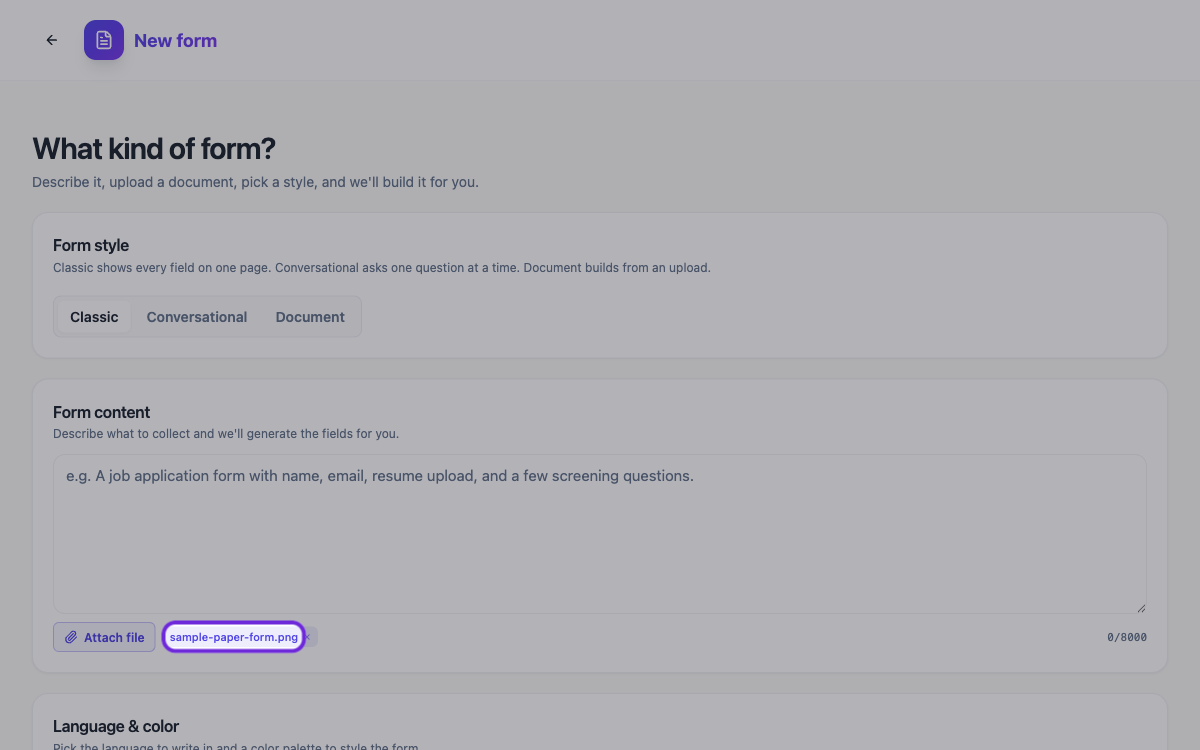 The uploaded form sits right under the description box, ready to generate.
How OneCraft rebuilds the fields
OneCraft recognises each question and recreates it as a real, editable field. Text boxes, dates, dropdowns, checkboxes, even signature lines. What you get is a structured form you can actually work with, not a flat picture of one.
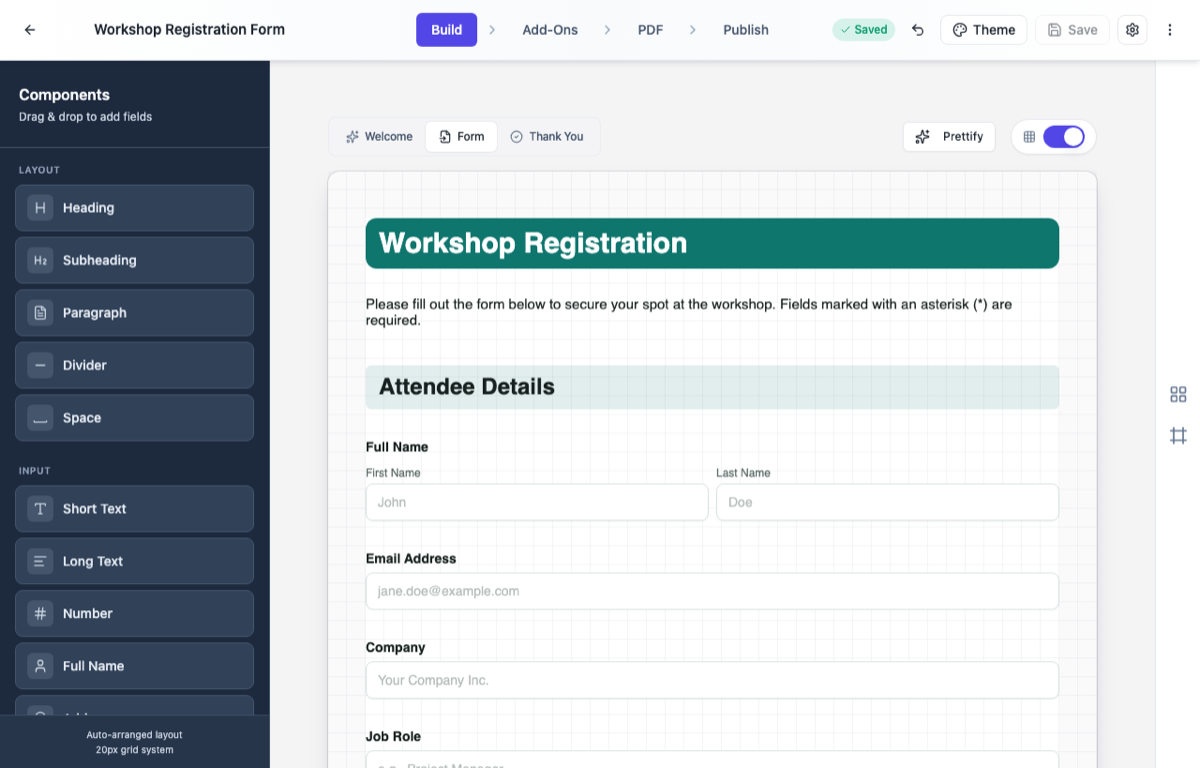 The paper form, rebuilt as a web form you can edit field by field.
Review and adjust the generated form
Open the result in the builder and read through it. Rename anything that came out oddly, mark the important fields as required, add validation, or slip in a question the paper version never had. Restyling it with your own colours and fonts takes one click.
Publish the form or download a fillable PDF
Publish the form and share the link. If it should not be open to everyone, control who can fill it in from the same Publish tab. If the form needs signing, you can also collect e-signatures from multiple signers. And if some people still want paper, download it as a fillable PDF so they can complete it on screen or print it out.
That’s the whole journey. One photo of an old form, and you end up with a shareable web form and a fillable PDF, without retyping a single field.
Ready to try it yourself?
Start free. Describe what you need and let OneCraft do the first draft.
Get startedSee it in the product
More forms tutorials
- Add e-signatures with multiple signersAdd signature fields to a form, choose how each signer's email is collected, set the order people sign in, and collect signatures that are legally clear, with the date and time on record.
- Automate your form with add-onsConnect webhooks, get instant email alerts for new submissions, and send people to your own page after they submit.
- Build your own form themeStart from a built-in theme, or build one from scratch with your own layout, colours, fonts and effects, save it, and reuse it on every form you make.