OneCraft

Say what you need.
Send what comes back.

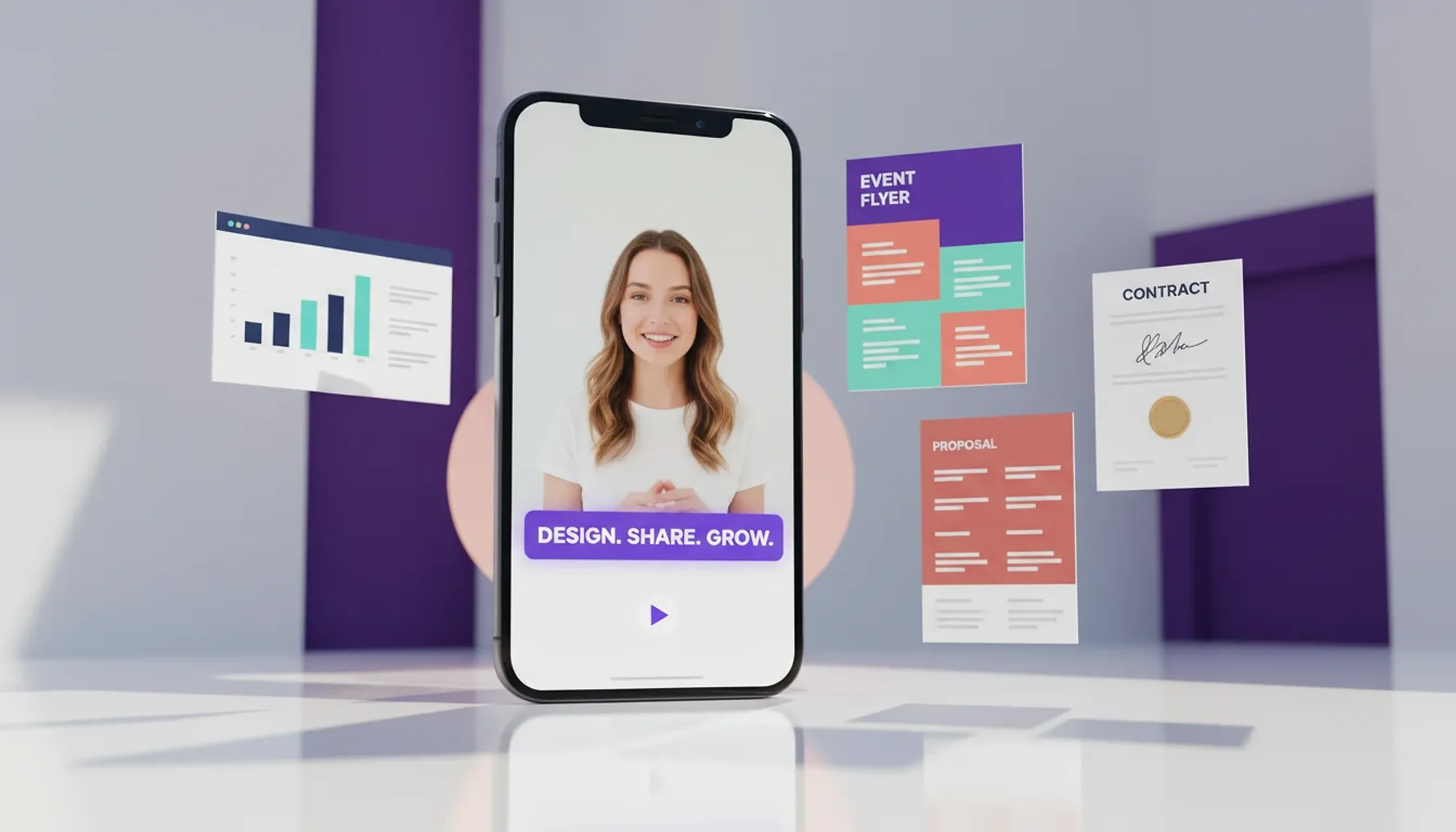
OneCraft turns your description into a finished presentation, flyer, form, document or video clip.
Free to start · No credit card needed
The suite

Six tools. One workspace.

Describe what you need and each tool hands back something finished. Here is what every one of them does.

Presentations

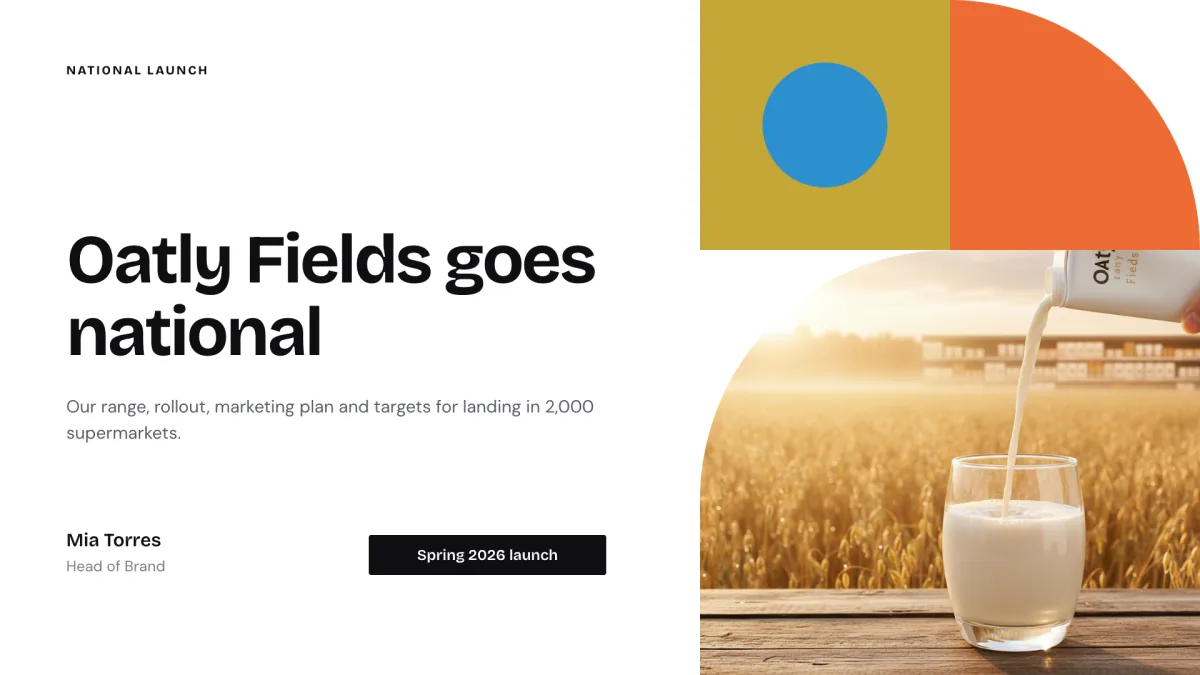
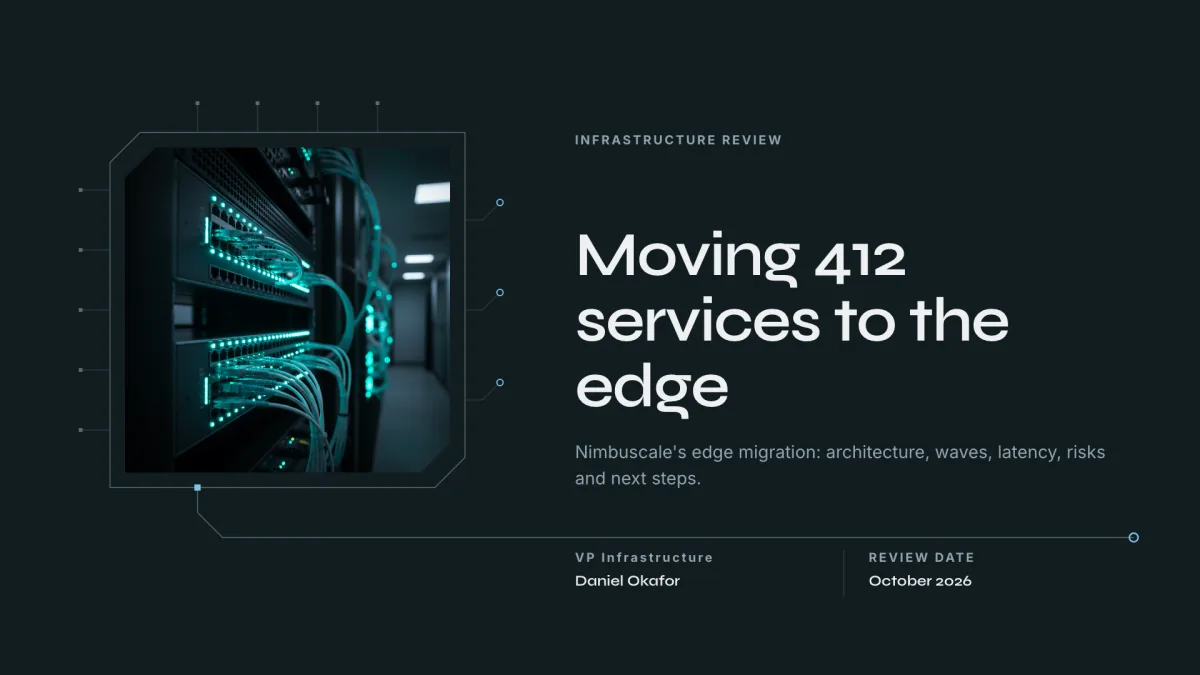
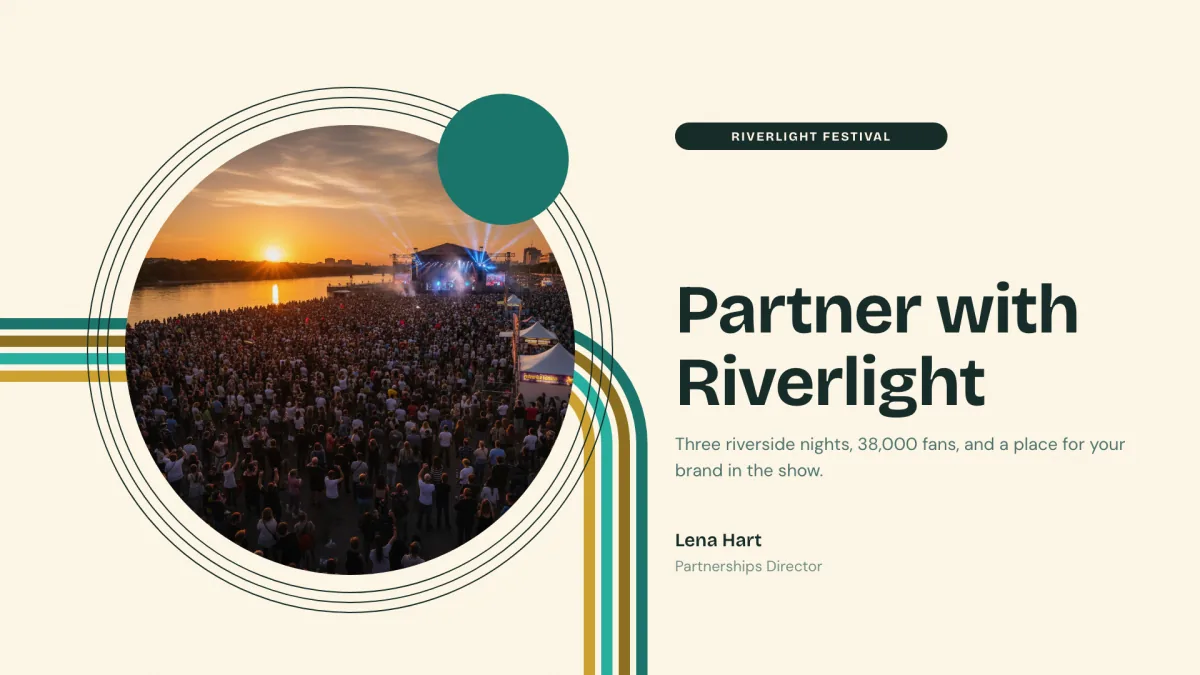
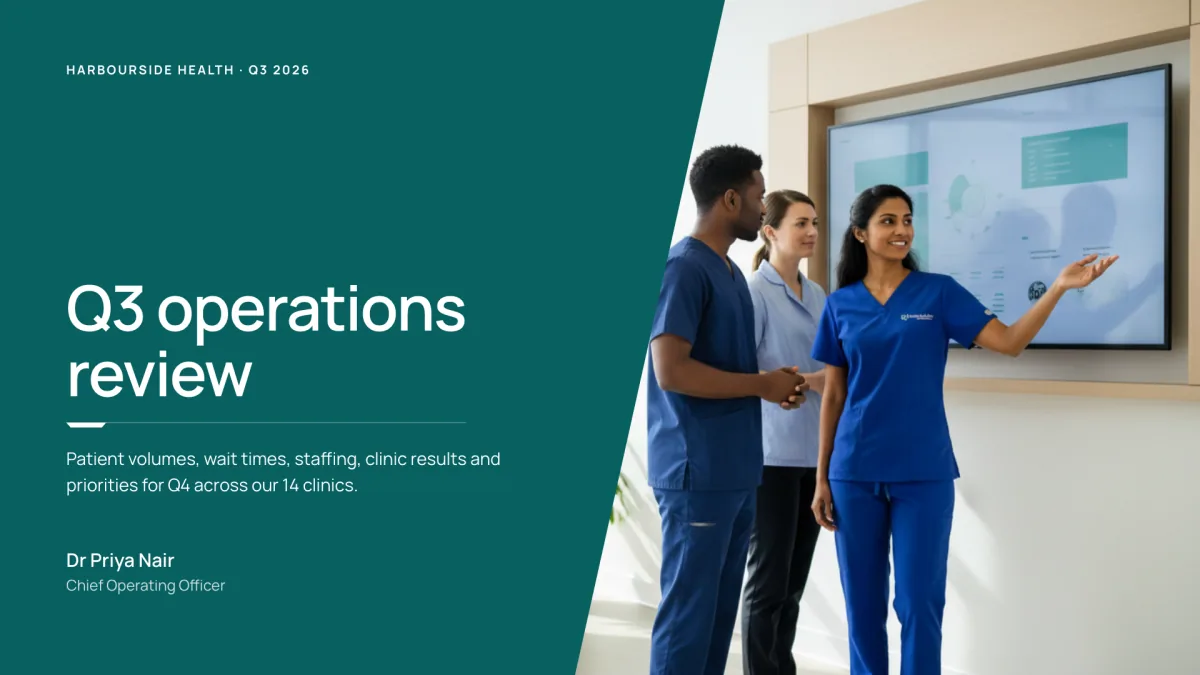
A finished presentation from a clear brief.

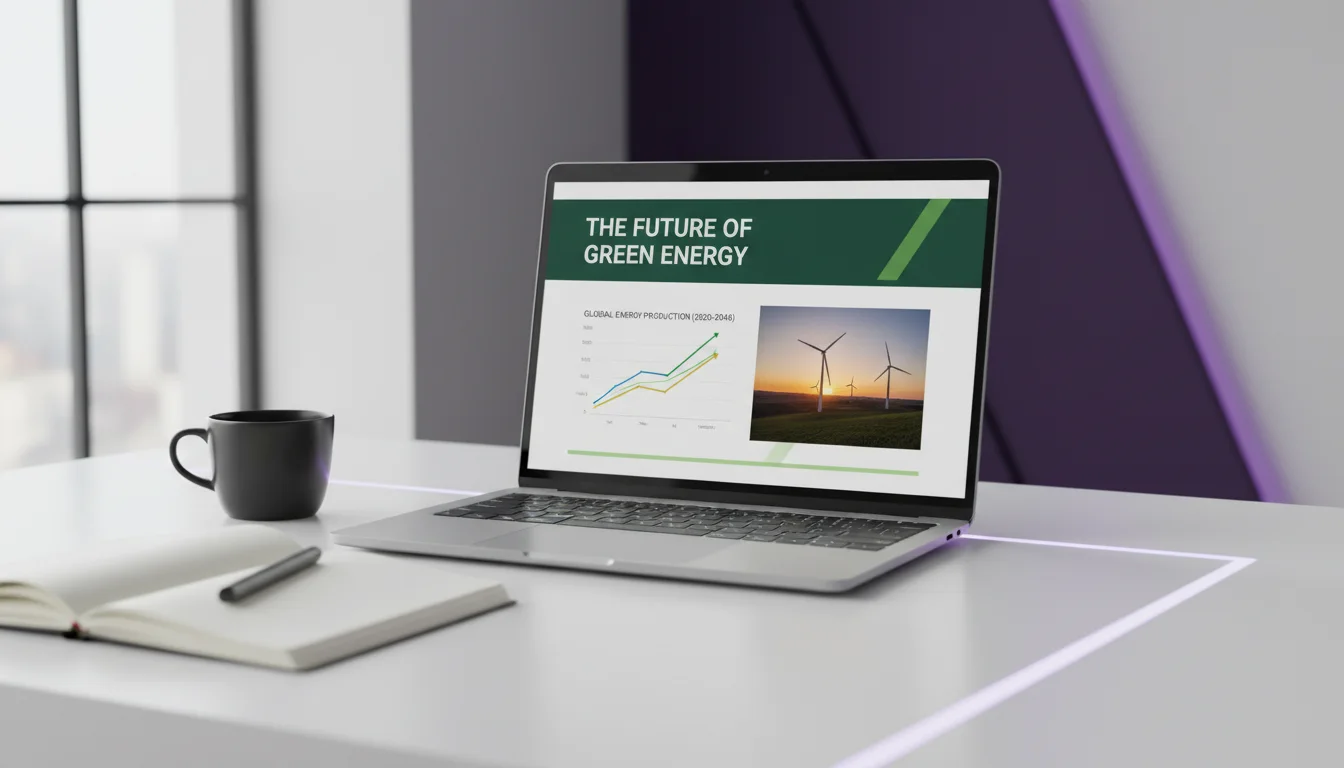
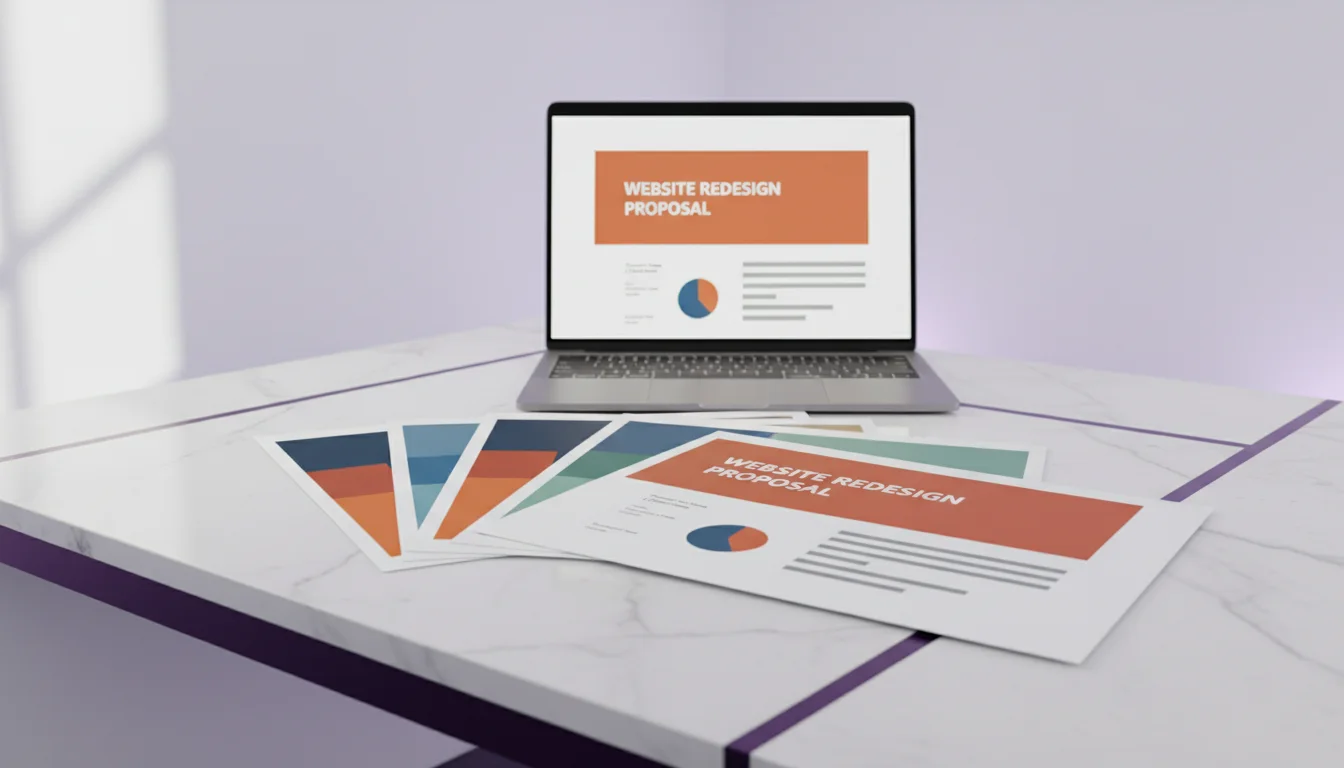
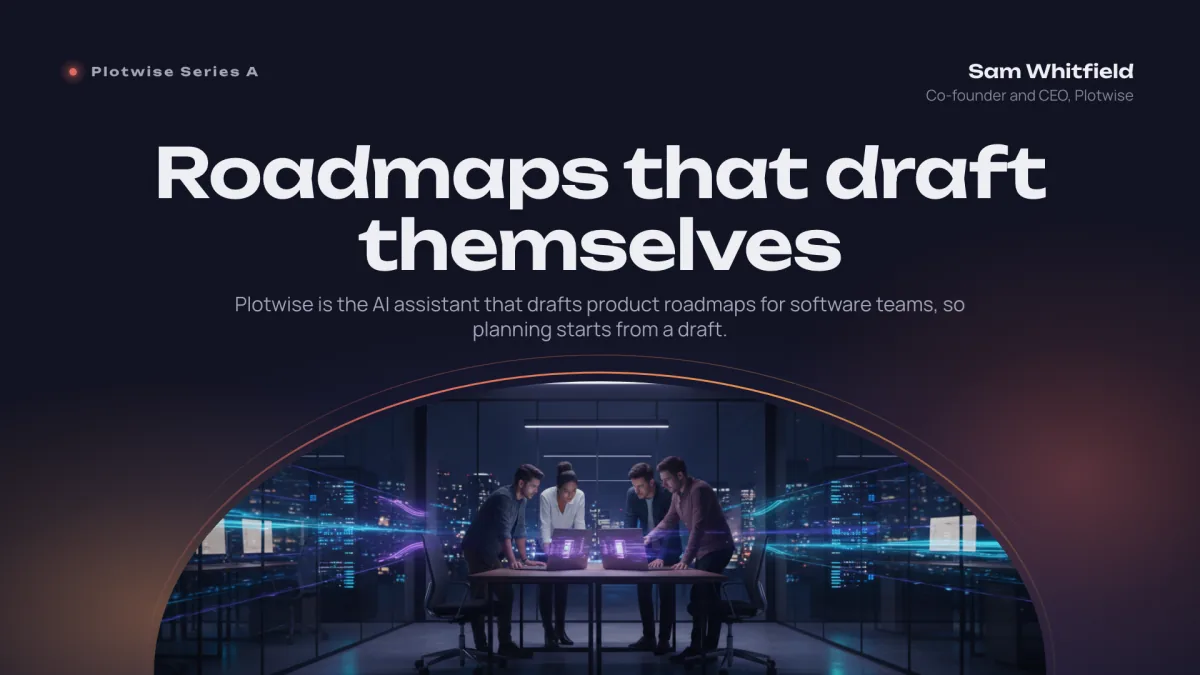
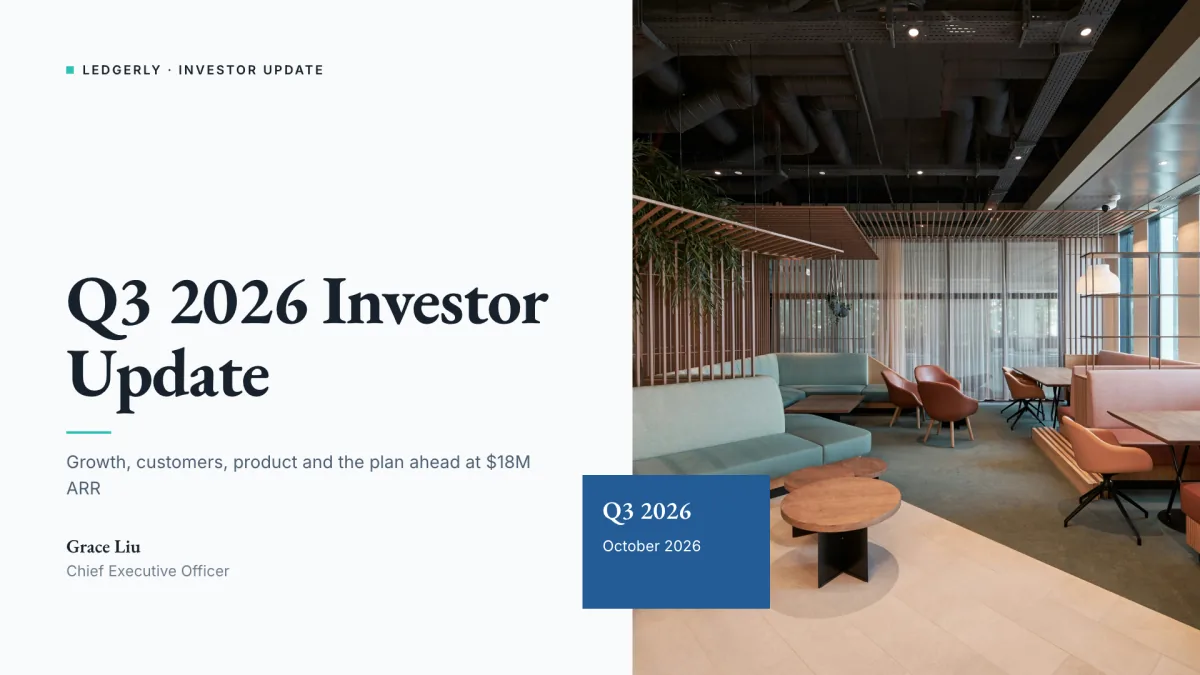
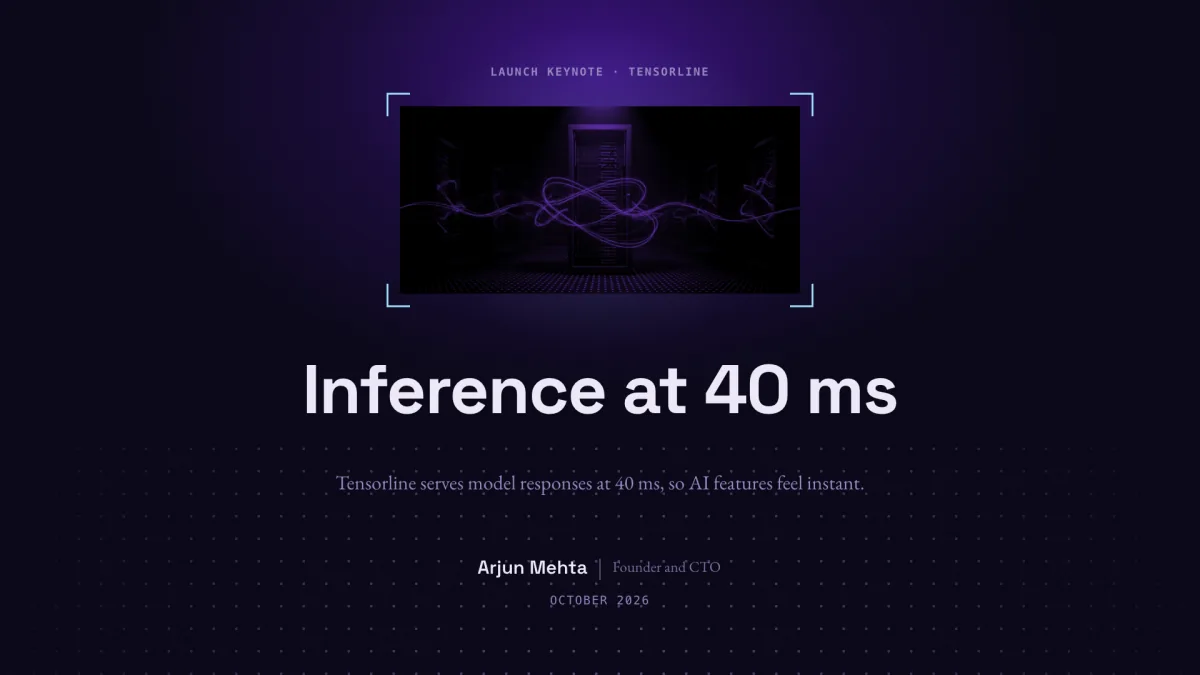
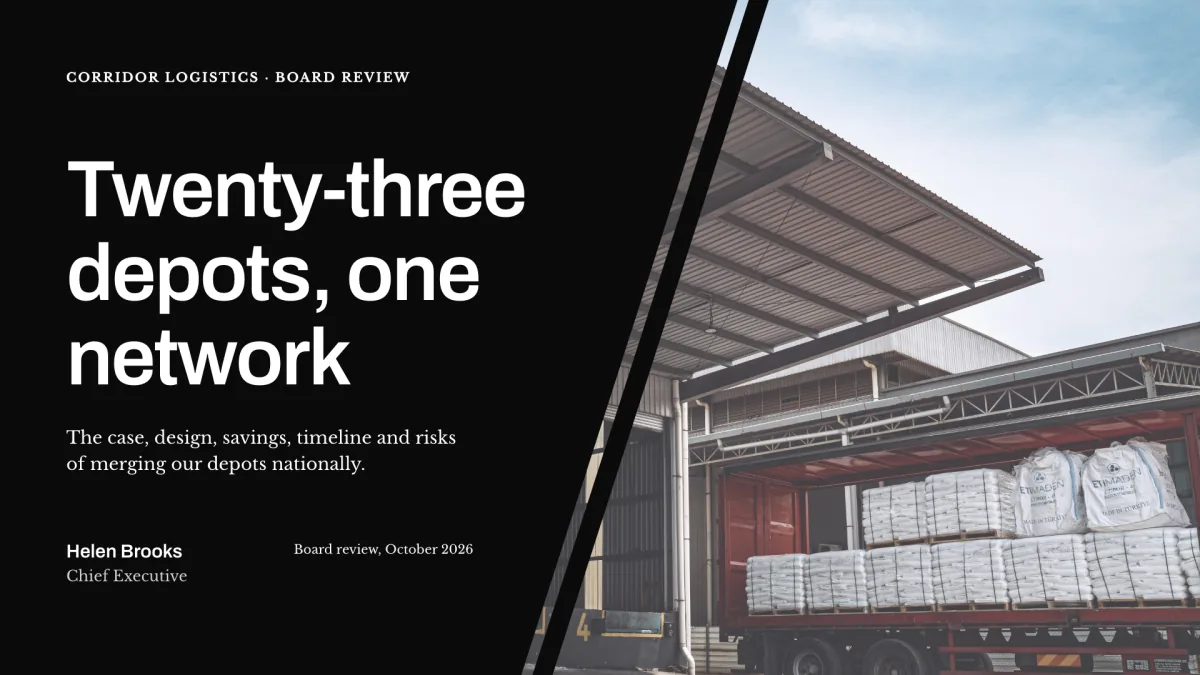
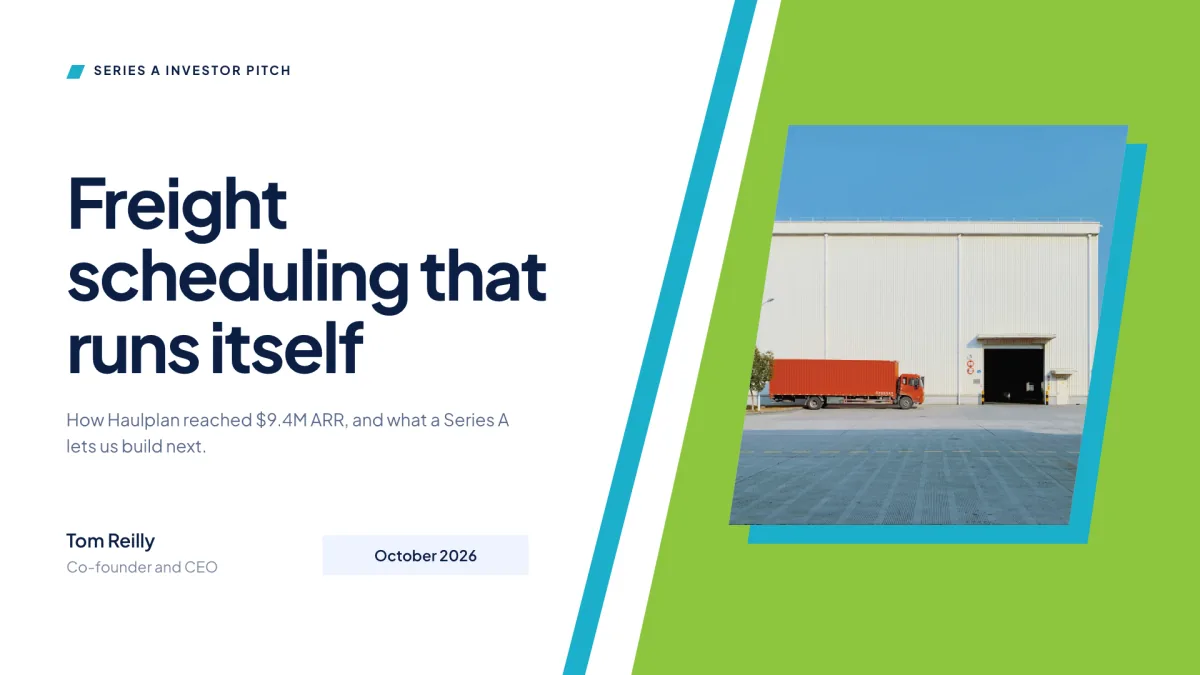
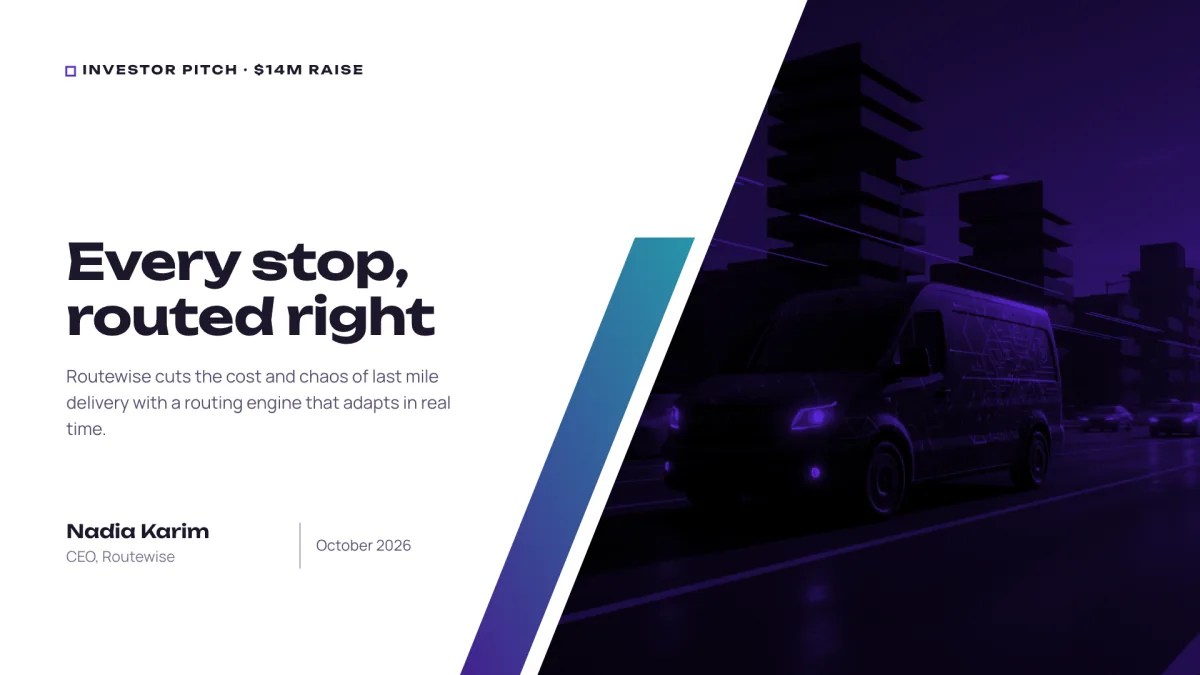
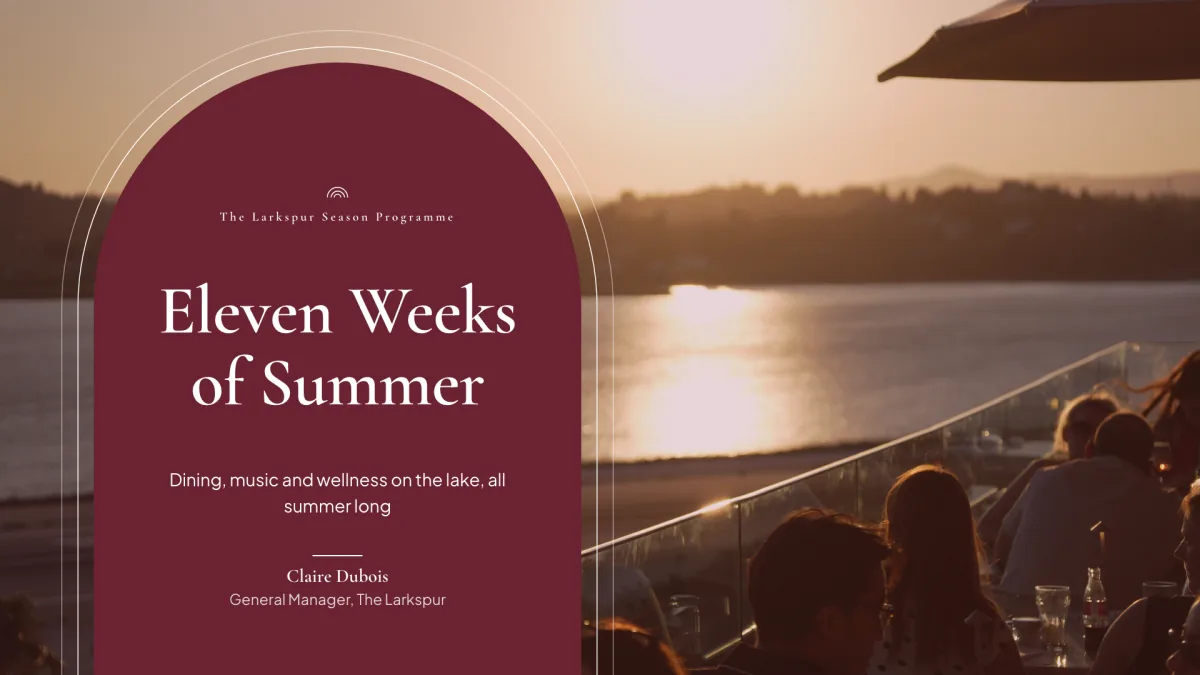
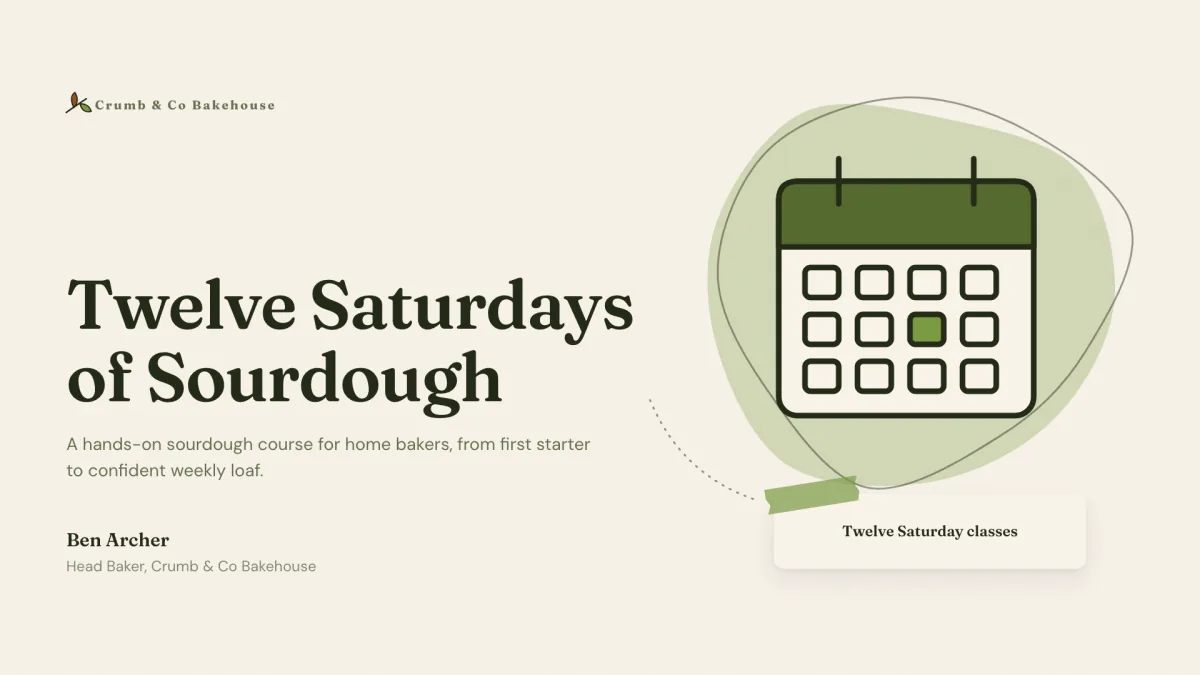
OneCraft researches your topic and designs the deck slide by slide, in your theme and language. Refine it by chatting, then present it, record it, or export it.

  • Start from a sentence, or hand it the report you already wrote
  • Real charts, tables, diagrams and maps, not just bullet points
  • Edit by chatting: rewrite a slide, add a section, swap the theme
  • Restyle the whole presentation in a single click
  • Present in your browser with speaker notes, a pen and a spotlight
  • Record your talk over the slides, camera on, up to 4K
Video Clips

Promo, tutorial and UGC videos, without the editor.

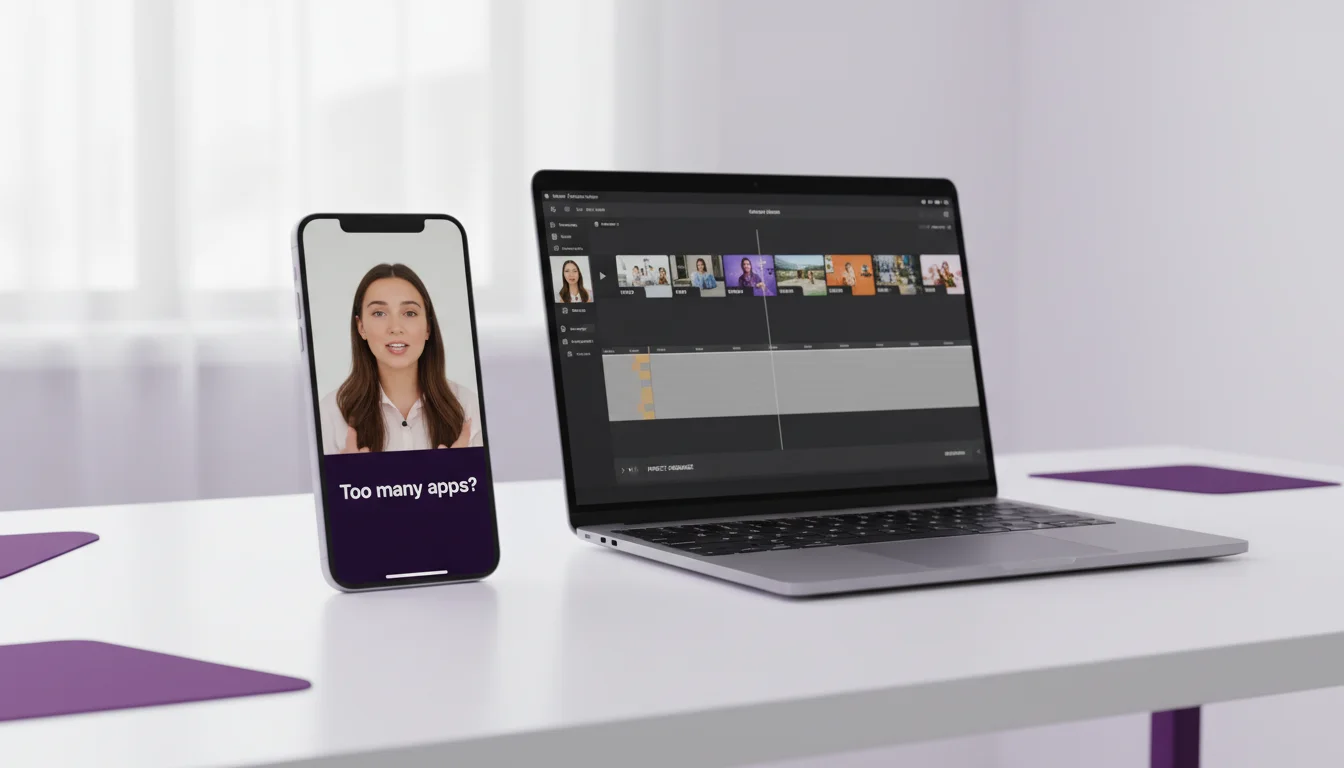
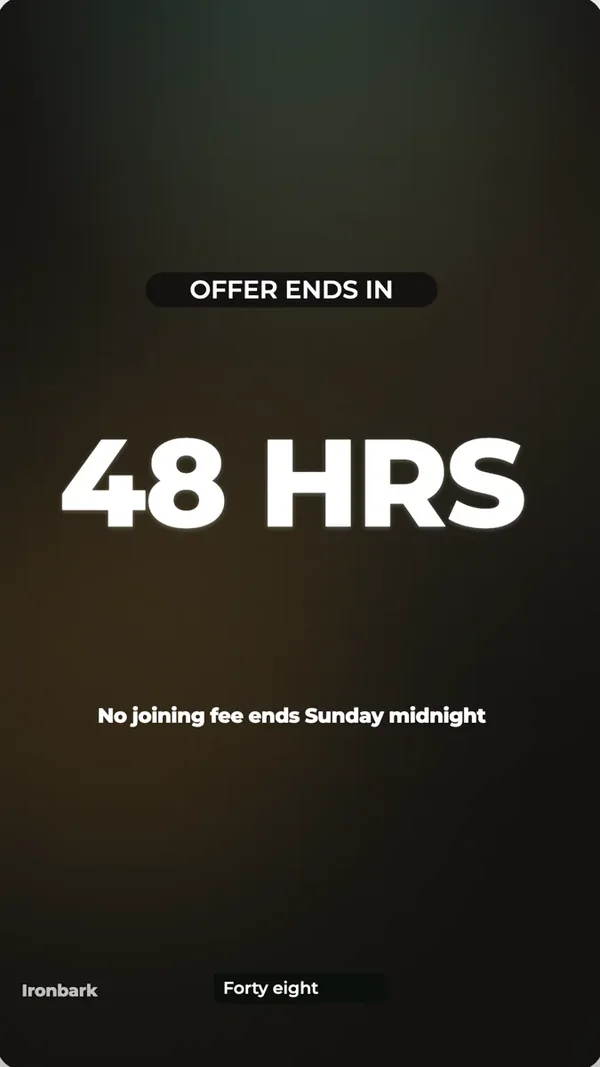
Tell OneCraft about your product and it writes the script, designs every scene, records the voiceover and lays the music. You just review it on the timeline, tweak what you want, and render the MP4.

Promotional

  • Your product pitched from one brief
  • Script, scenes, voiceover and music
  • Your colours, font and wordmark on every scene

Tutorial

  • Capture your screen step by step
  • The video zooms into every click
  • Each step narrated and captioned

UGC

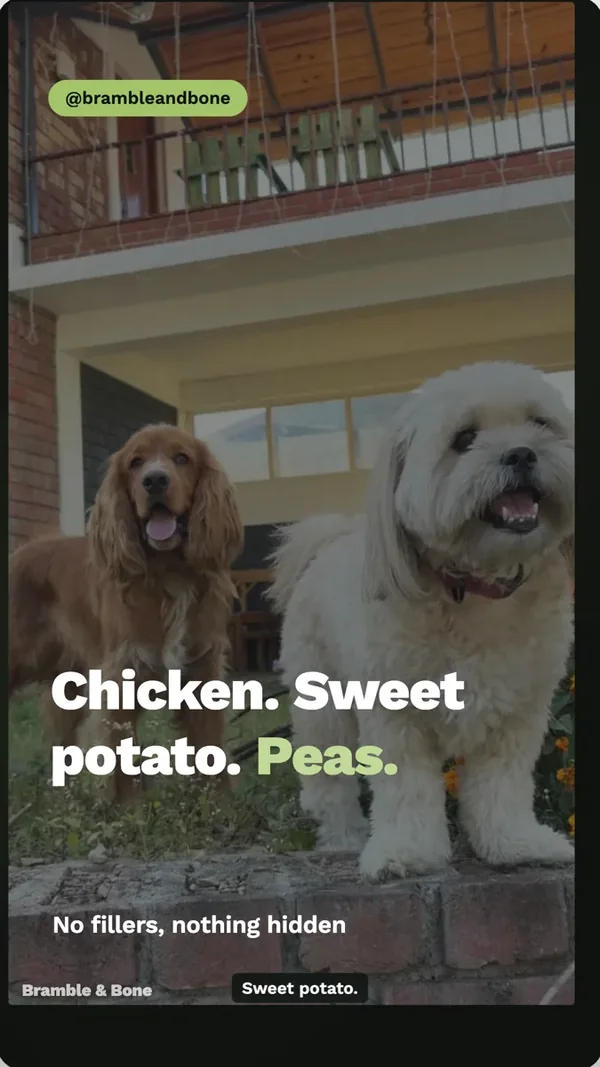
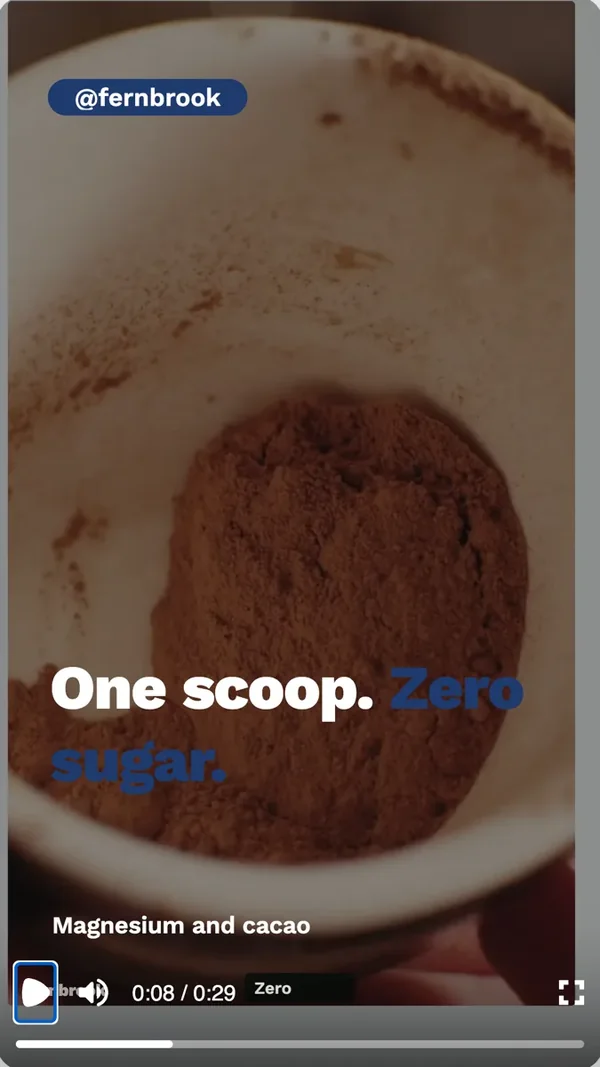
  • Feels like a creator filmed it
  • Short, casual and platform-native
  • Made for Reels, TikTok and Shorts
Flyers

One design, every size you post.

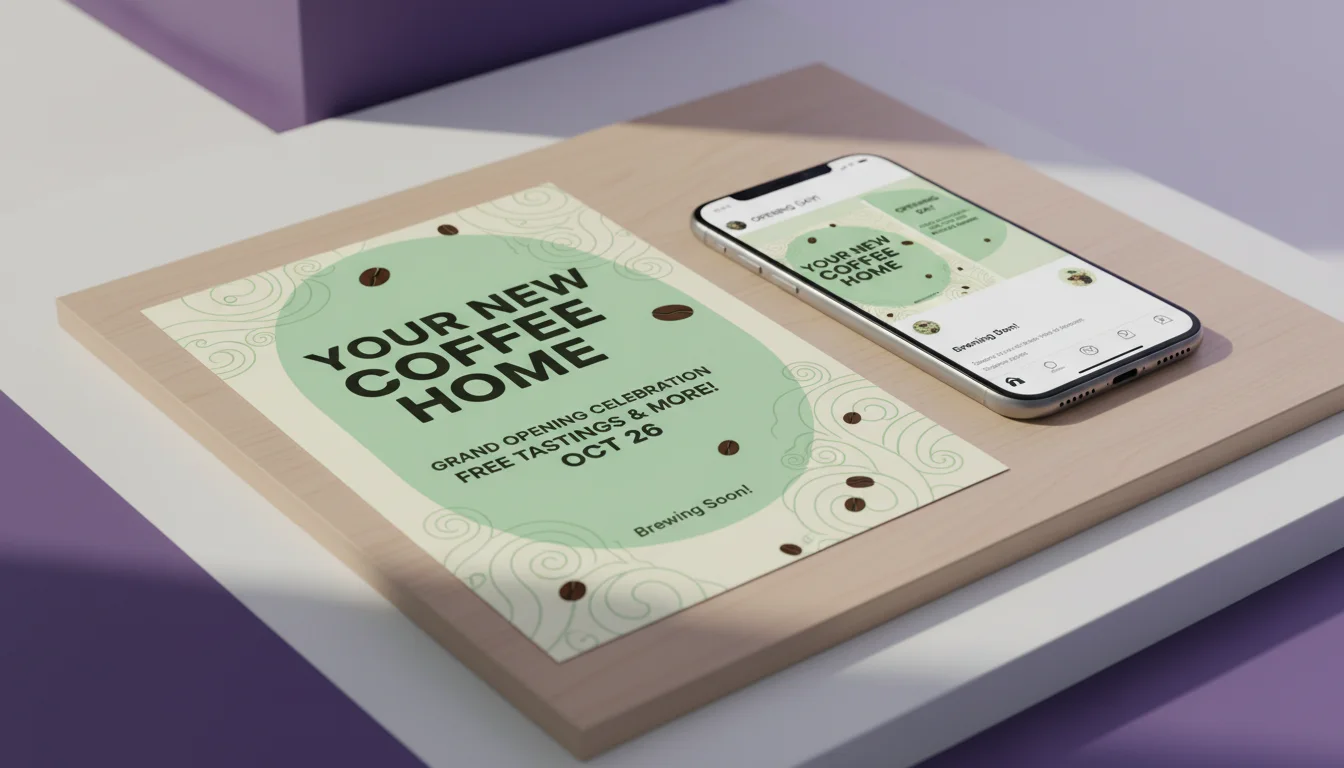
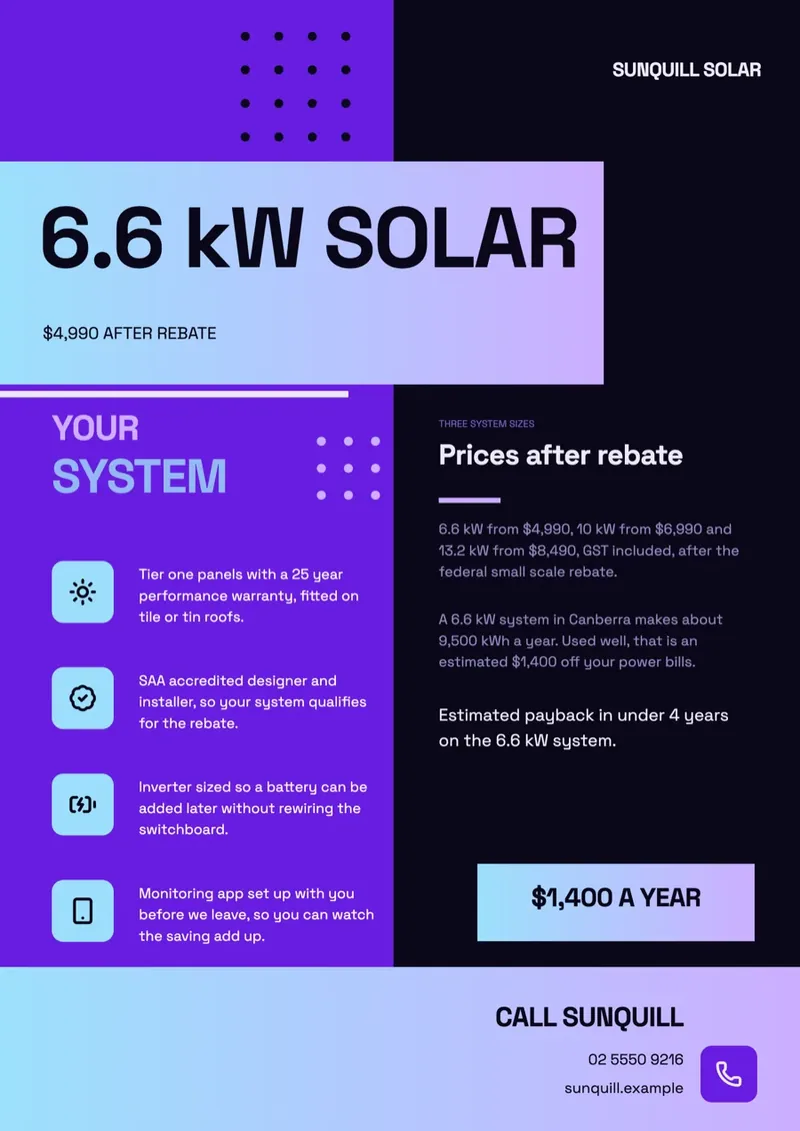
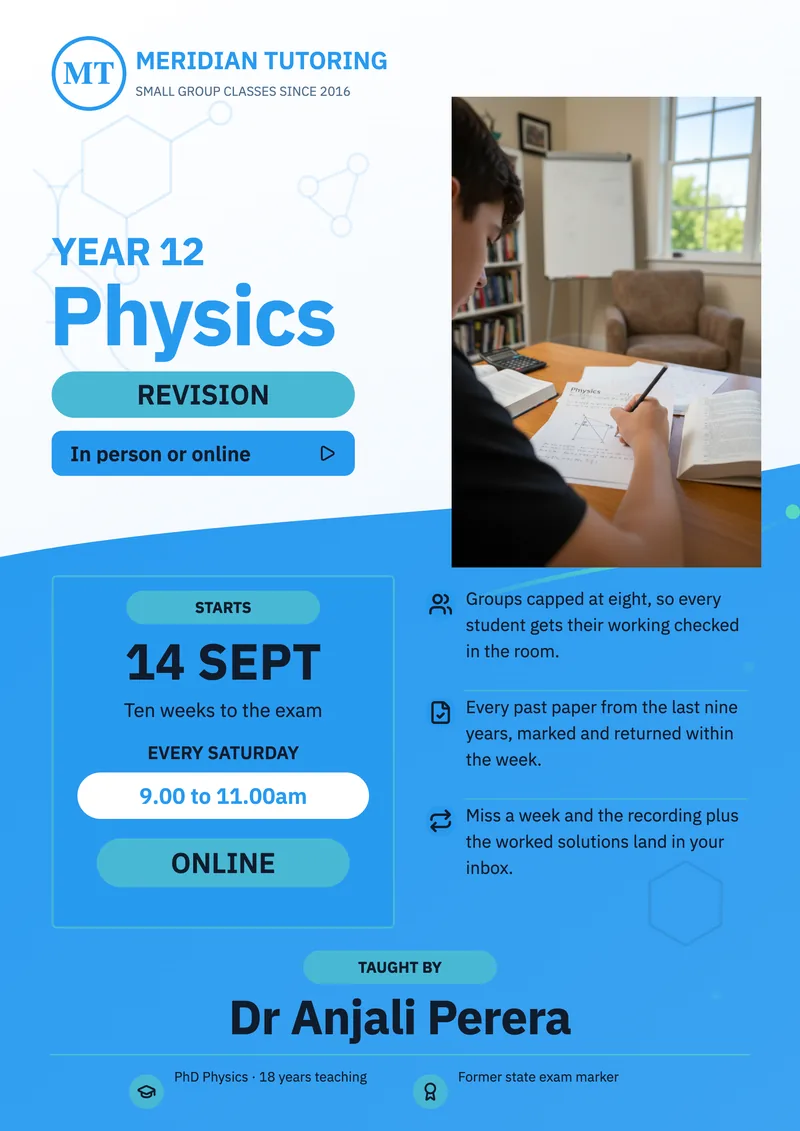
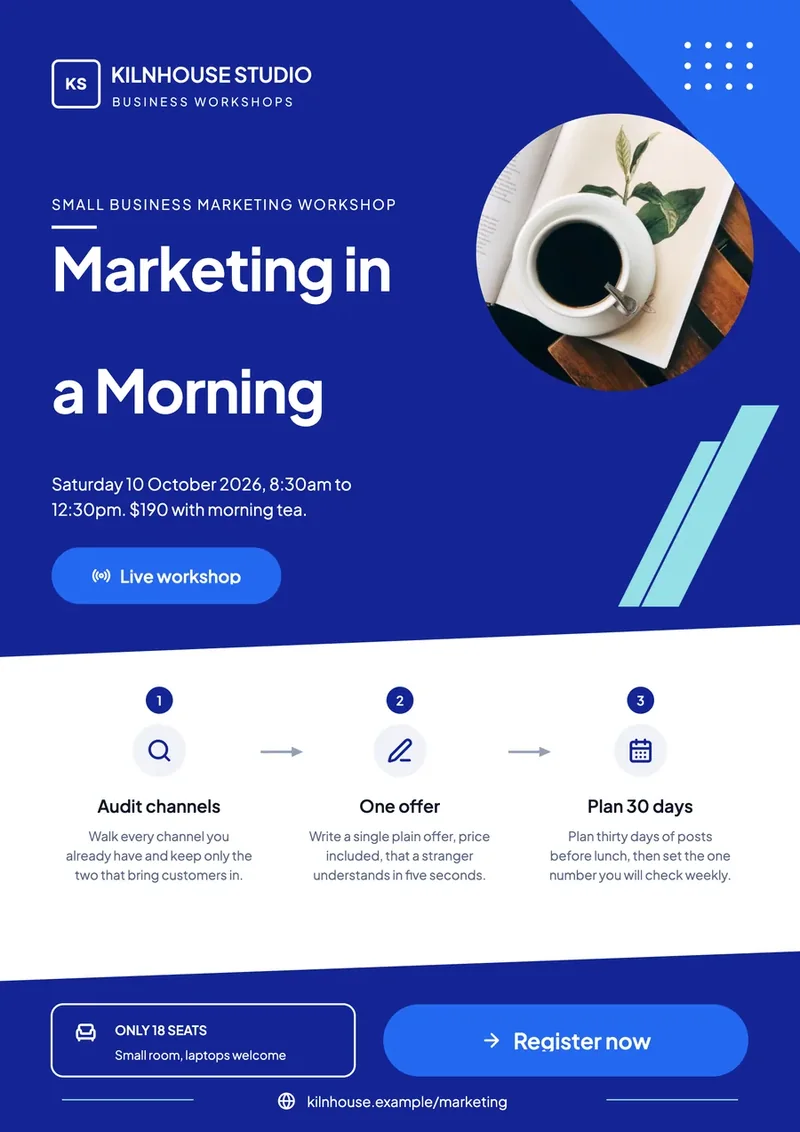
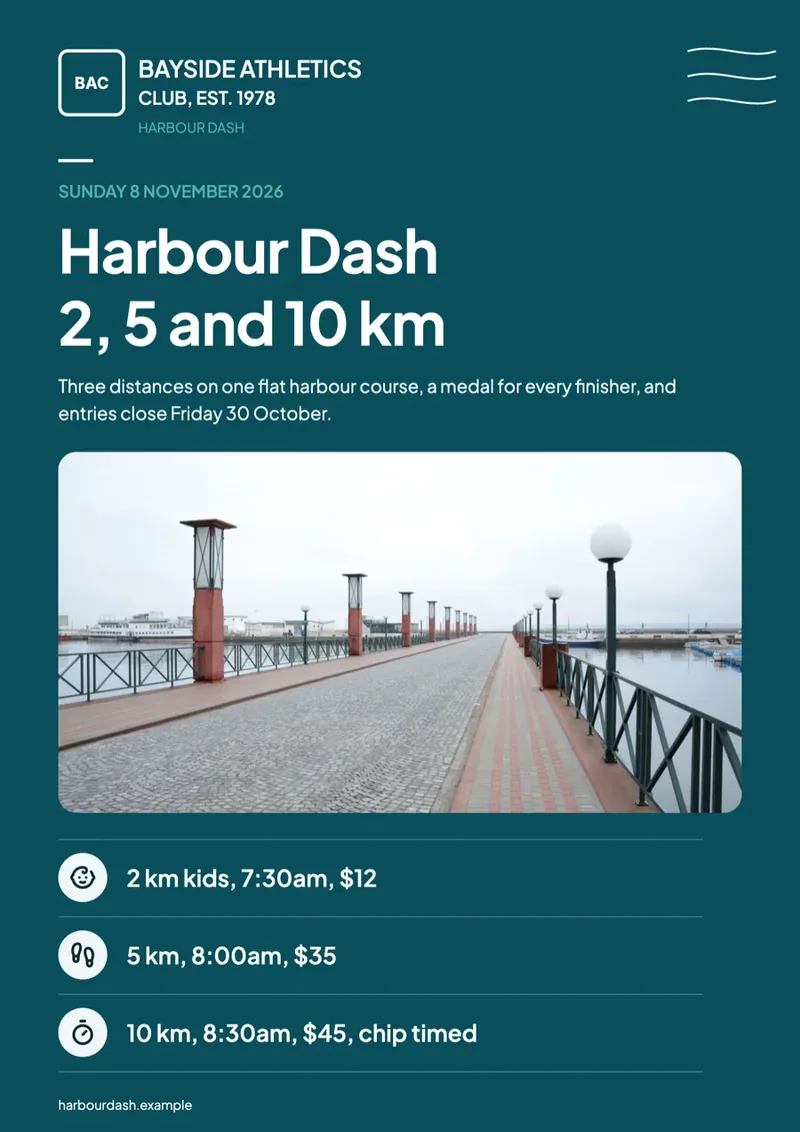
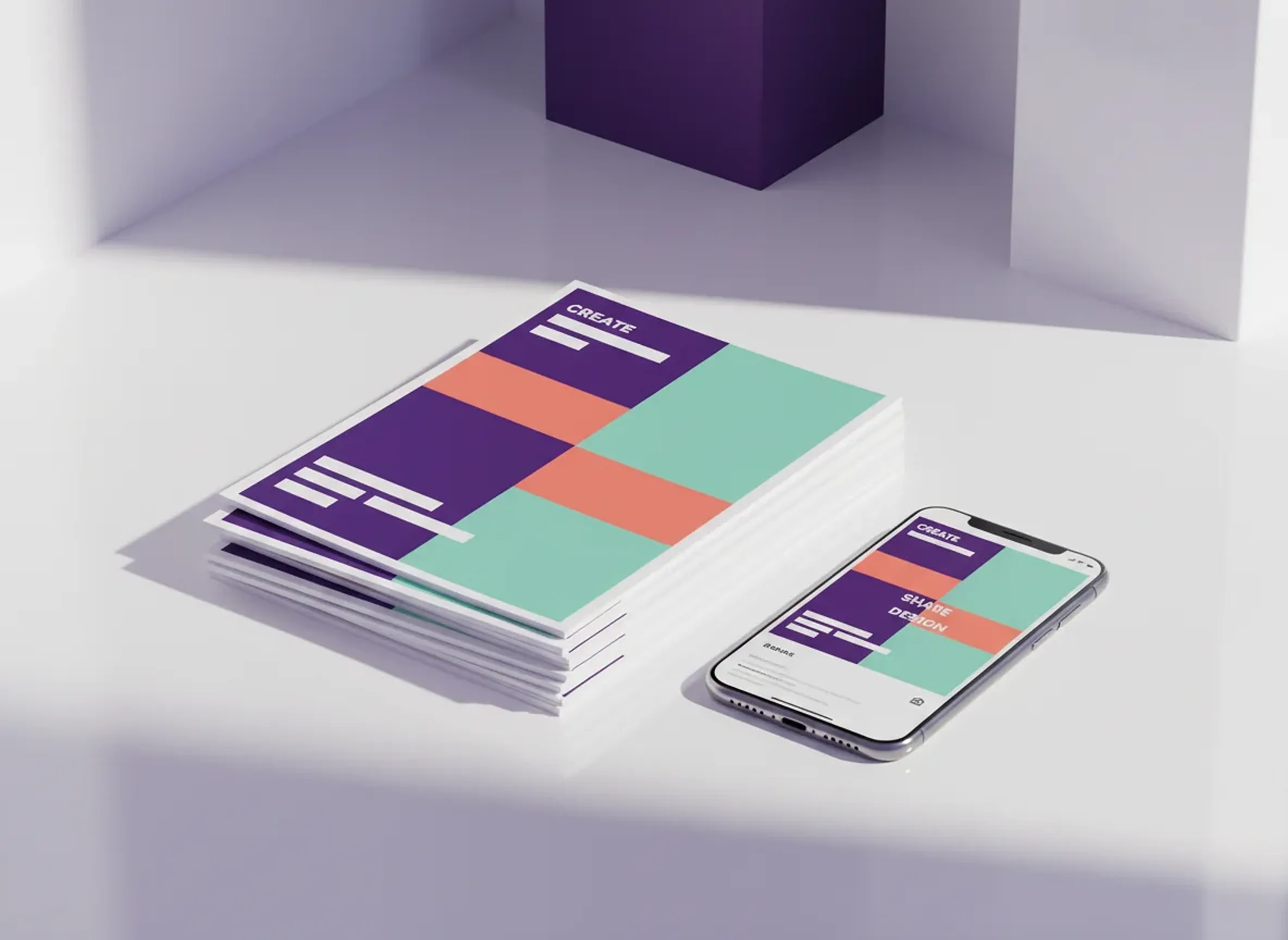
Start from a prompt, choose a look, and edit freely. Switch to a square, a story or A4 and the layout reflows for that shape instead of stretching.

  • Two ready-made designs from a single prompt, keep and edit both
  • One design adapts to print, Instagram, Facebook, LinkedIn and X
  • Generate images and rewrite copy right in the editor
  • Build multi-page flyers in any language
Forms

Forms that collect more than text.

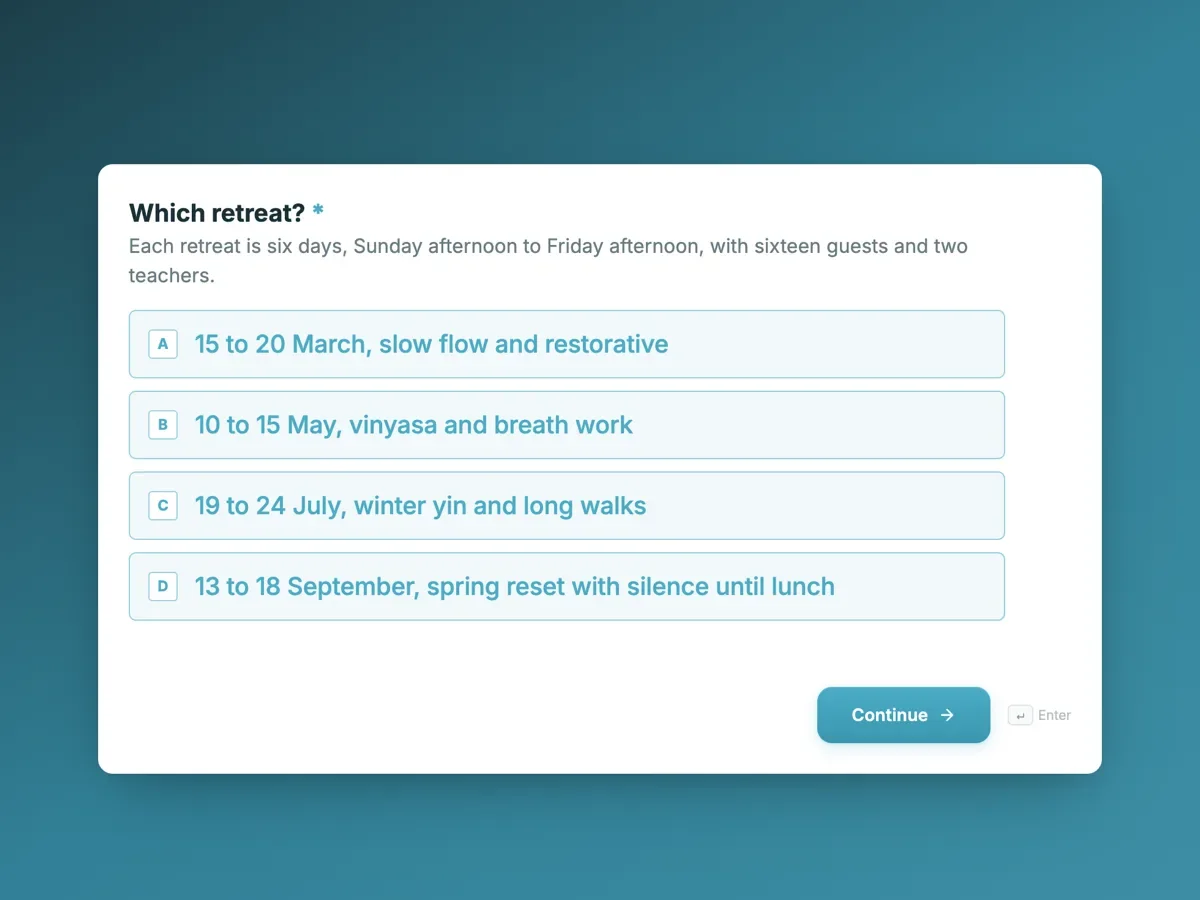
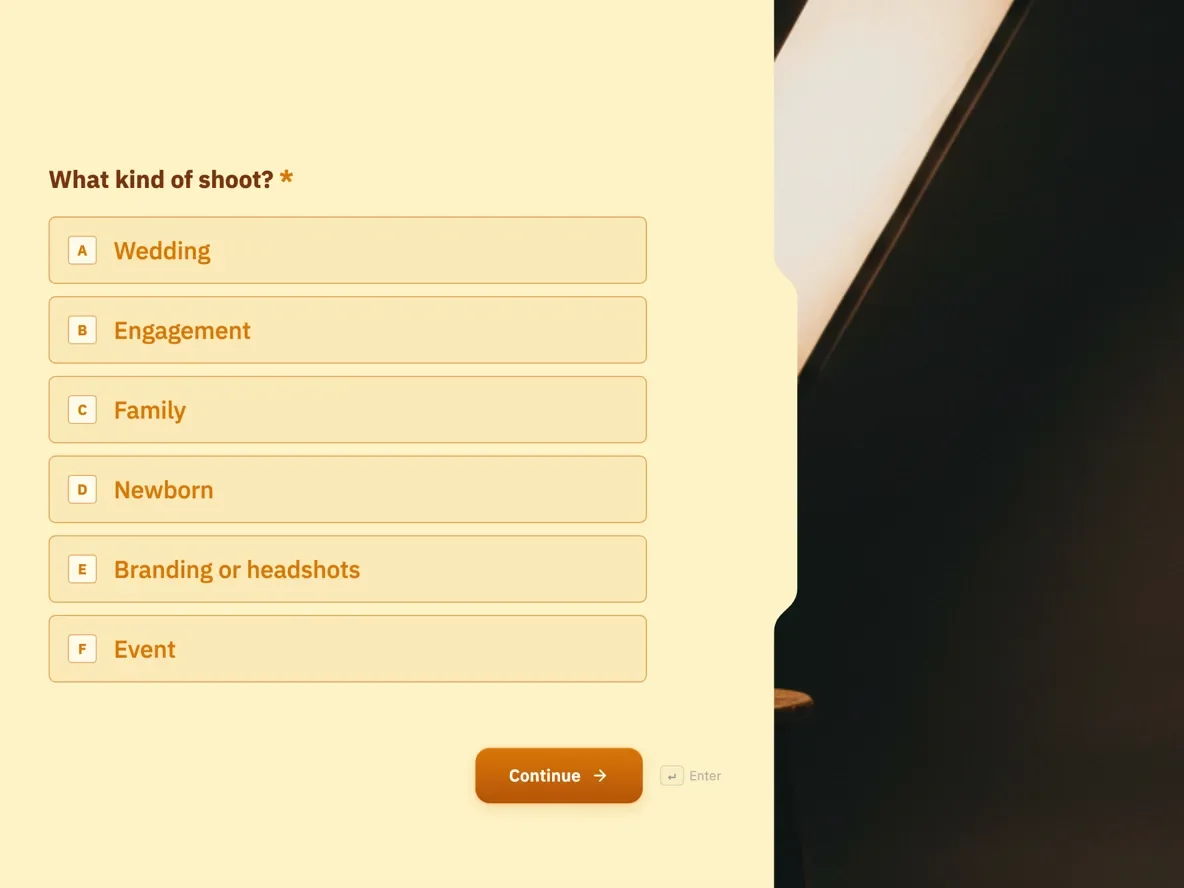
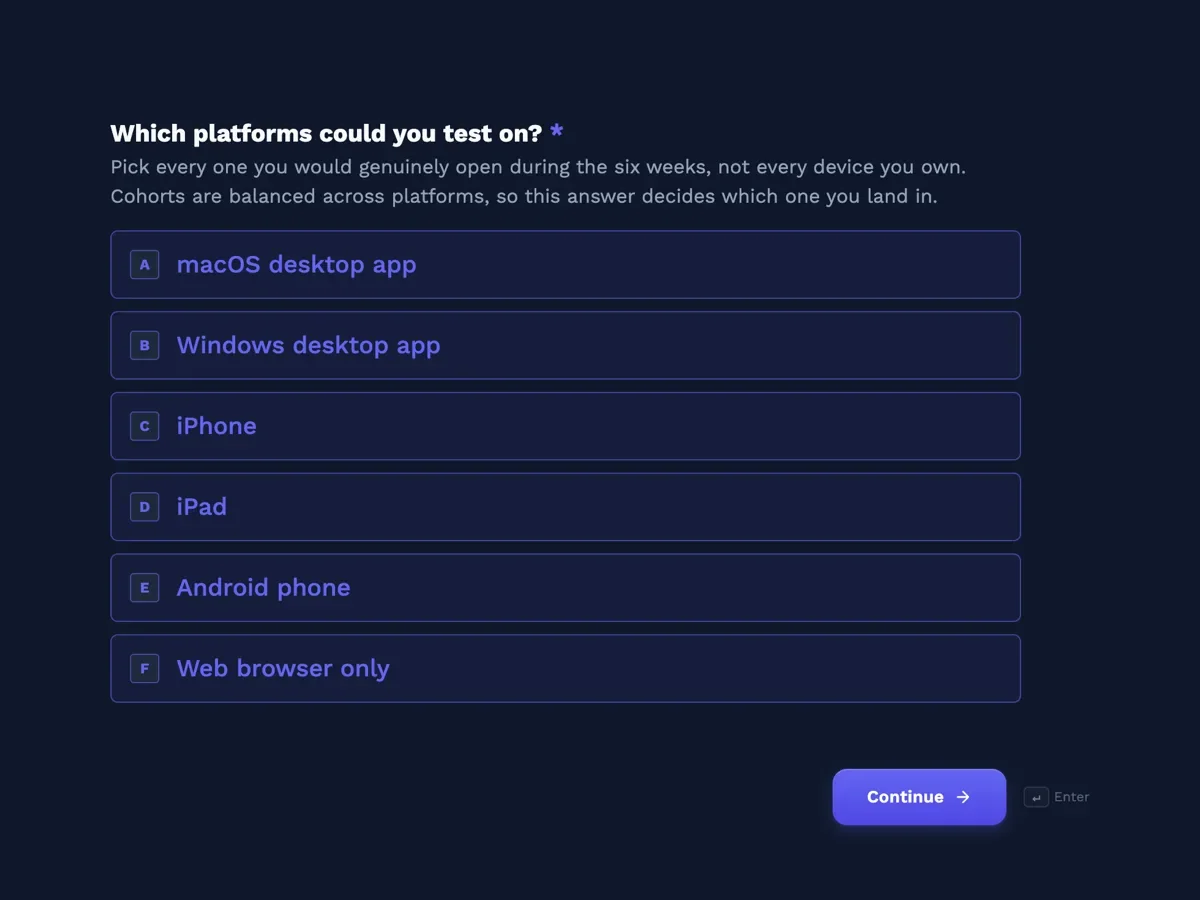
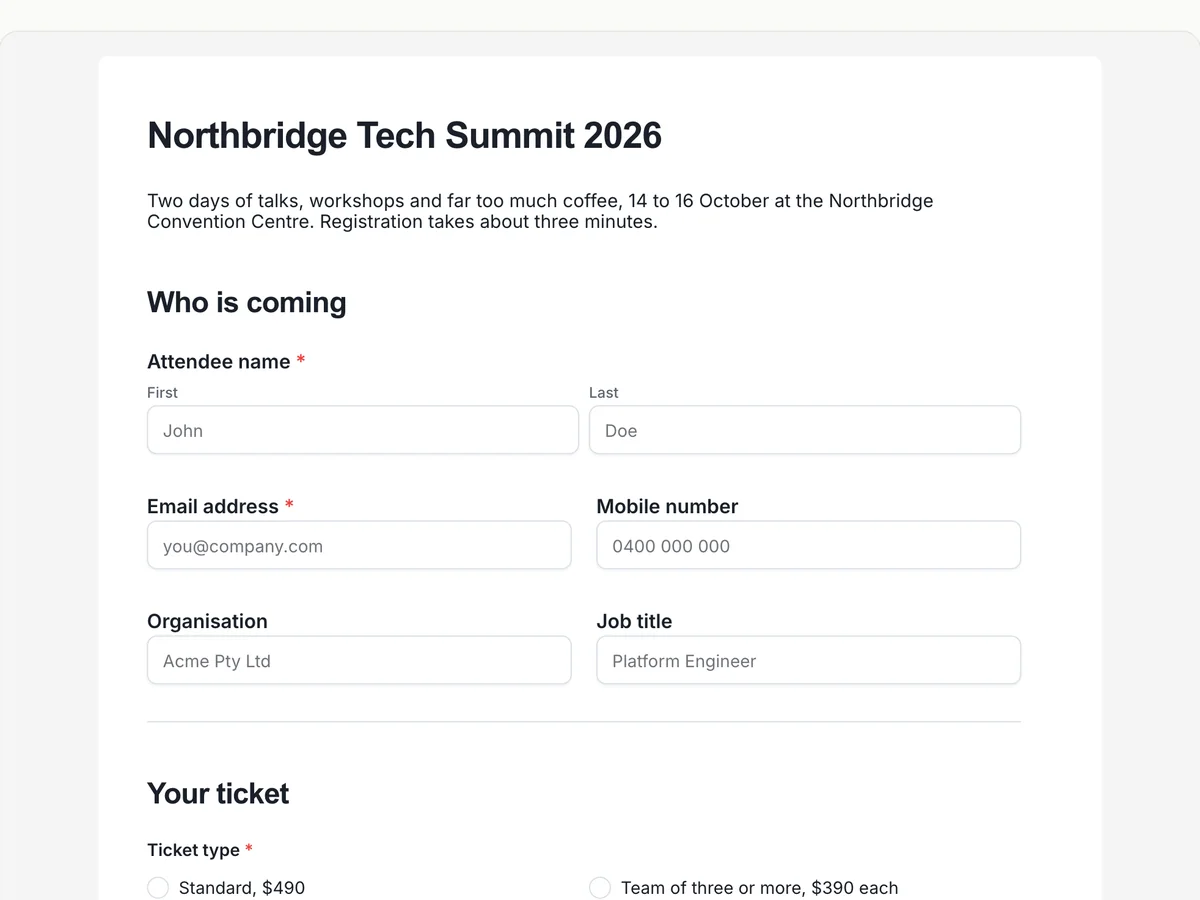
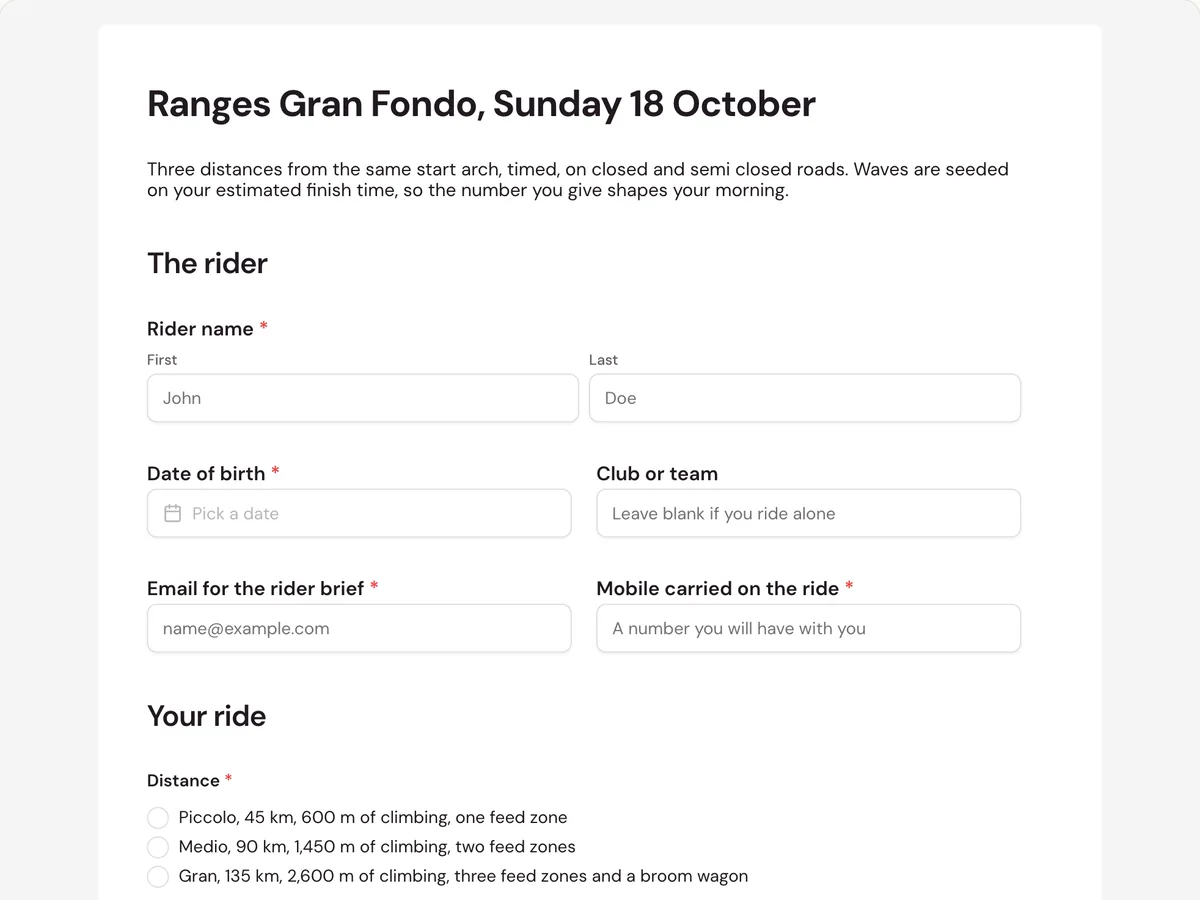
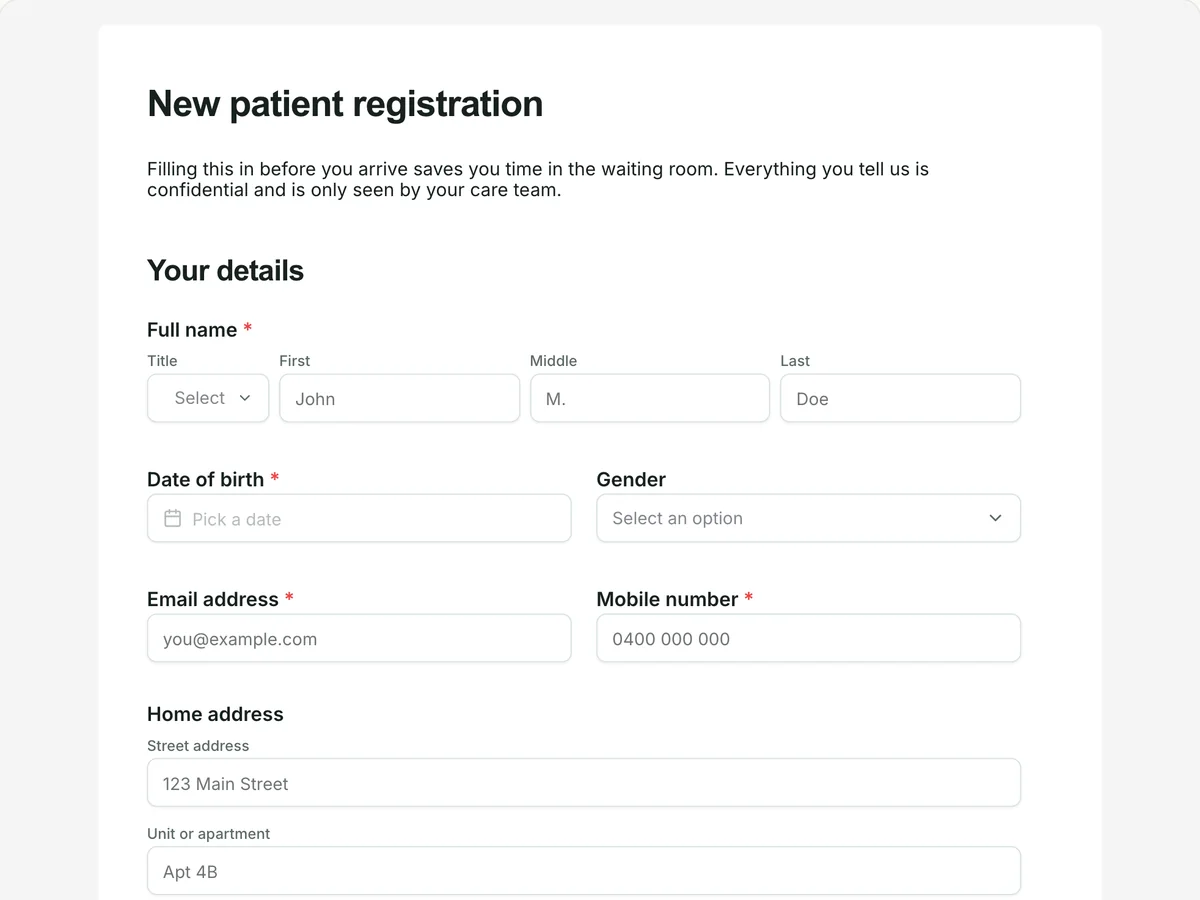
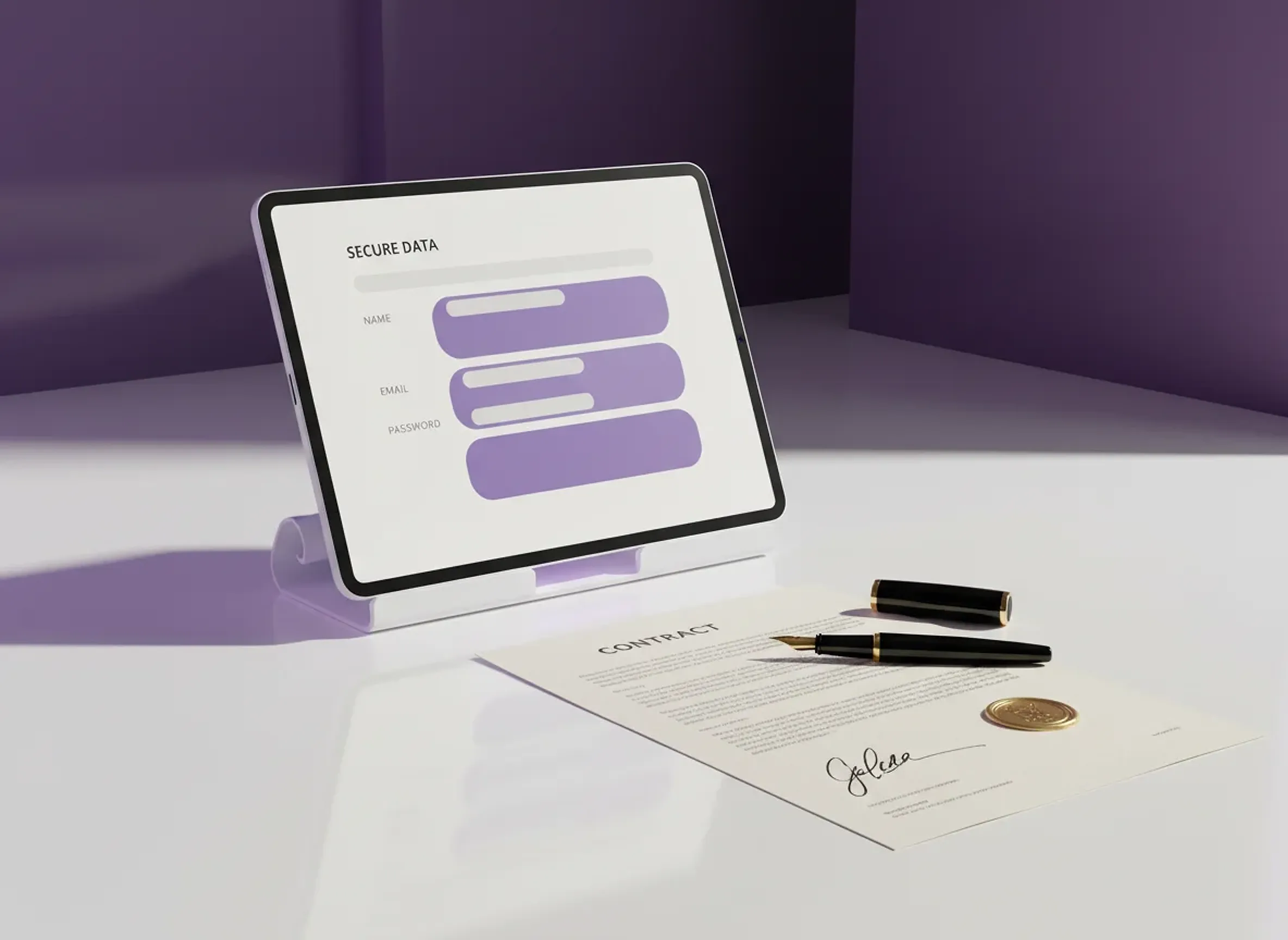
Describe the form or upload the paper one you already use, and OneCraft rebuilds it as a web form. Capture signatures, files, photos and recordings, then review every response in one place.

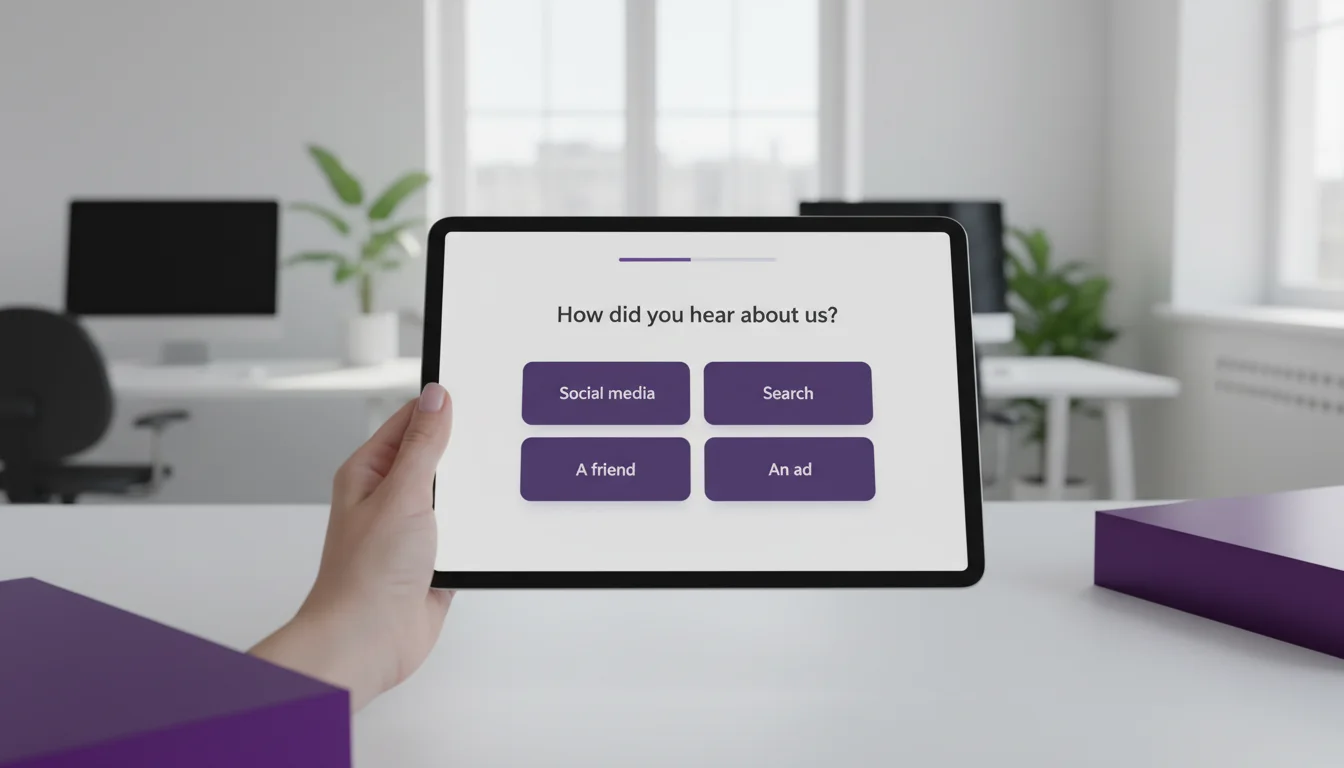
  • Ask one question at a time, or show the whole form, your choice
  • Collect signatures, photos, files and recordings, not just text
  • Legally binding e-signatures with signing order, no extra tool
  • Control who can open it: public, password, login or your domain
  • Every response in one table, as a CSV, or as a finished PDF
Documents

A polished document, written and formatted.

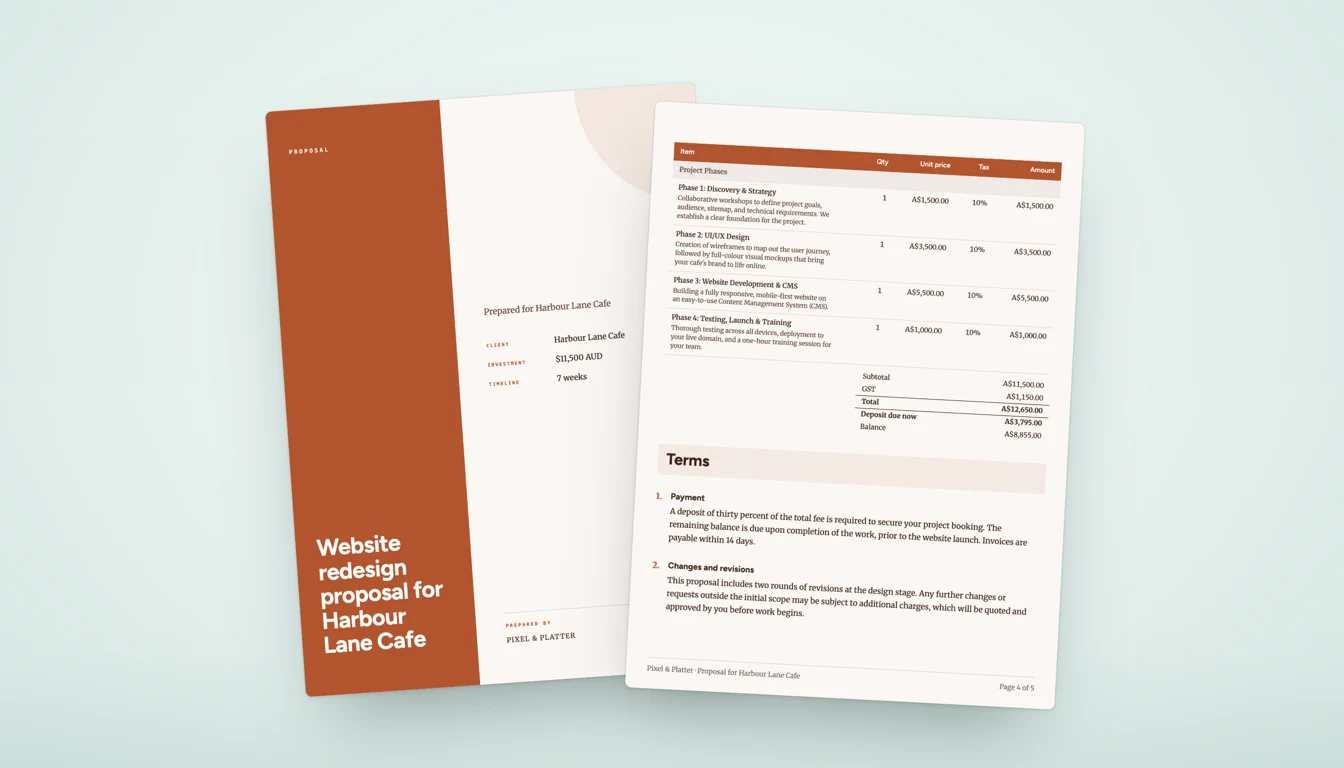
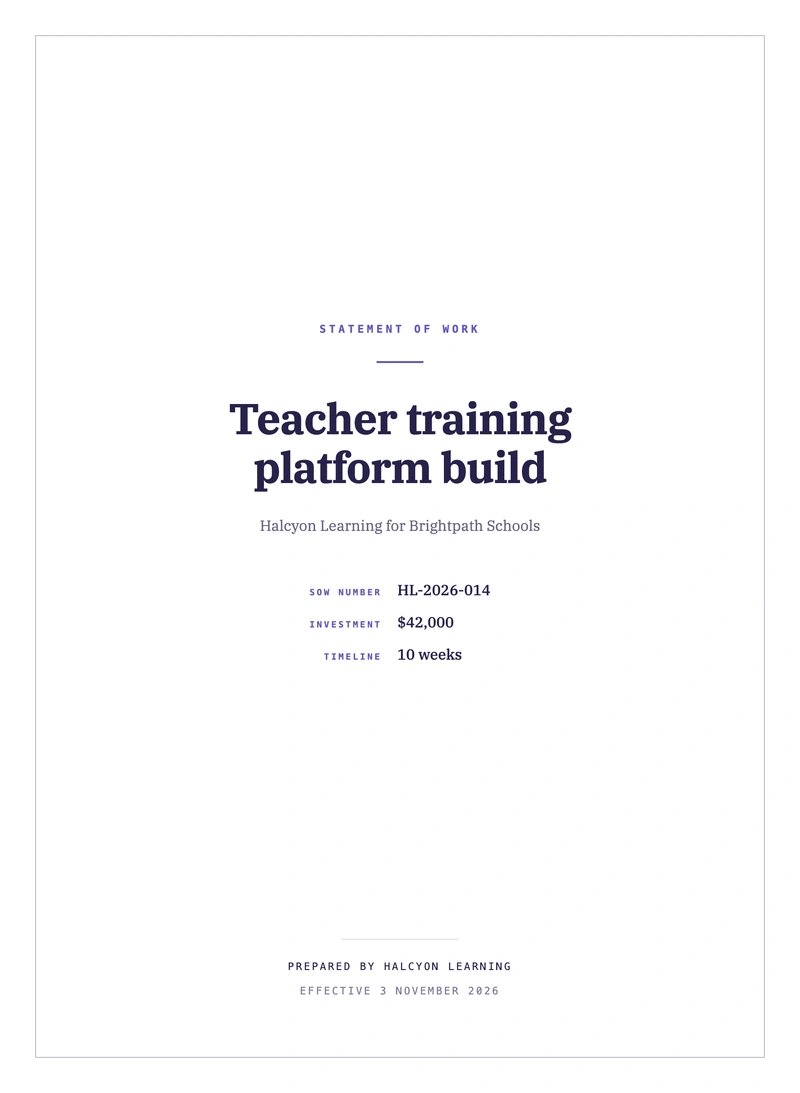
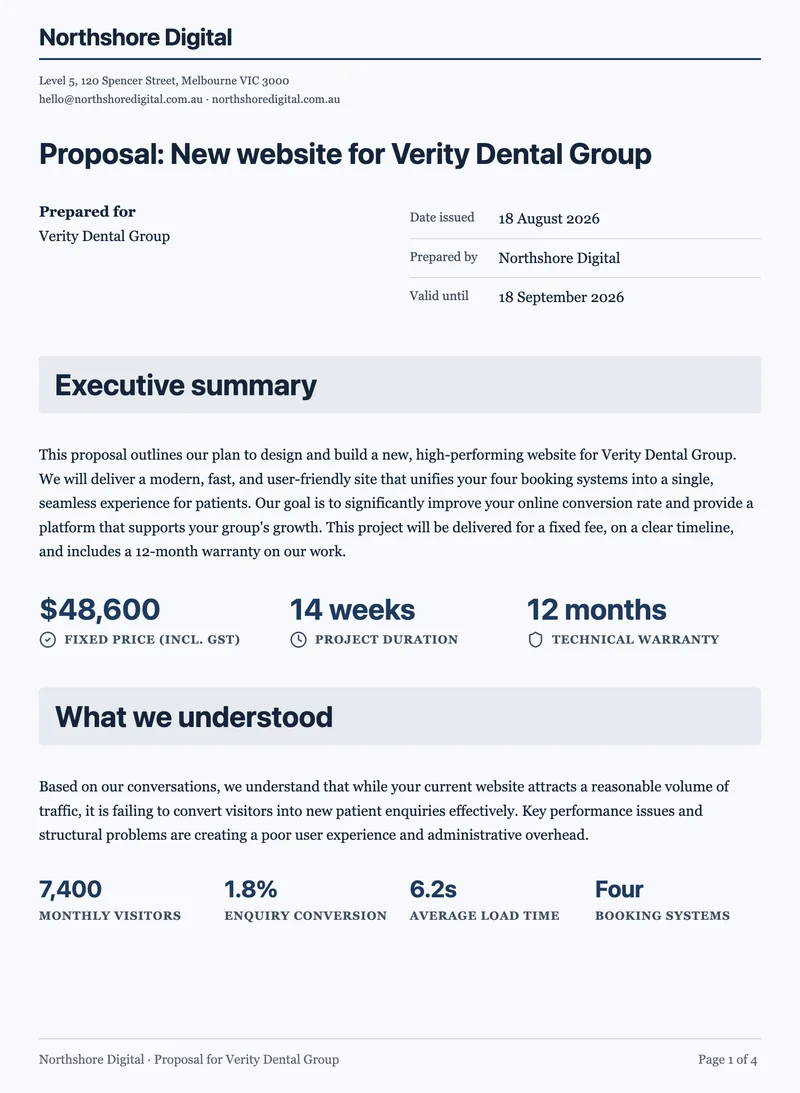
Tell OneCraft what you need and it drafts the whole document, laid out across clean A4 pages. Edit the wording, restyle the look, then export a print-ready PDF or send it out for signatures.

  • OneCraft drafts the whole document, section by section
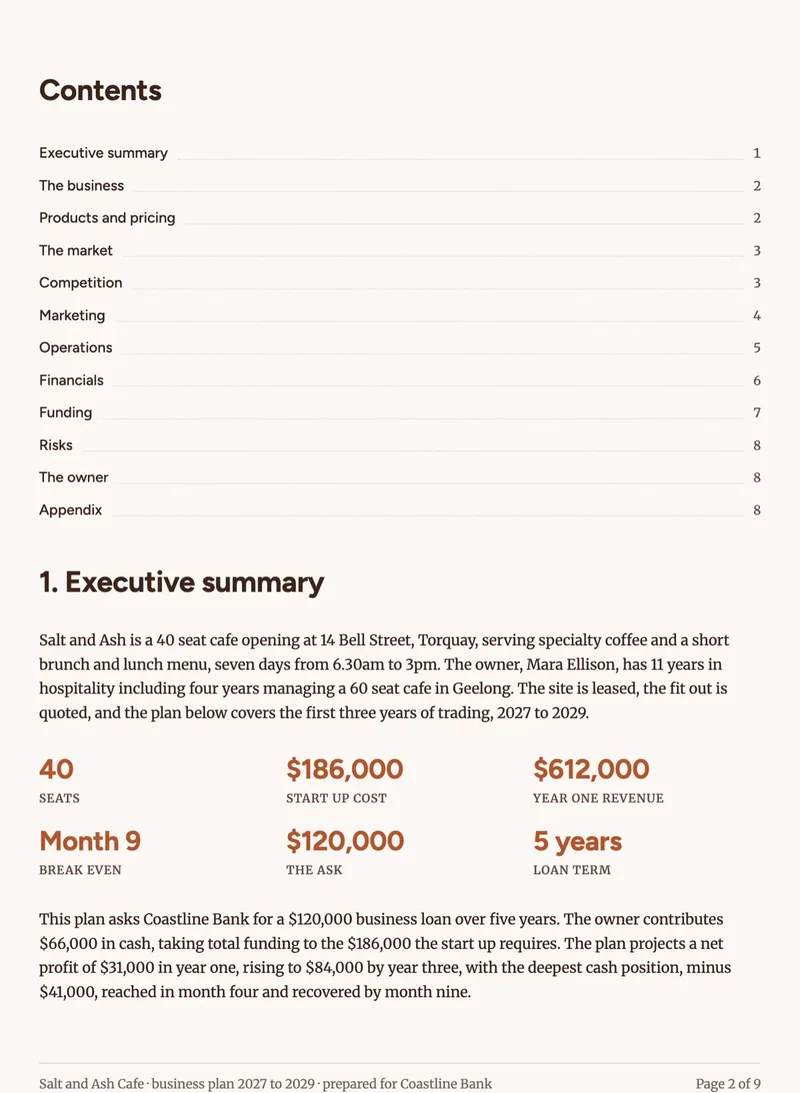
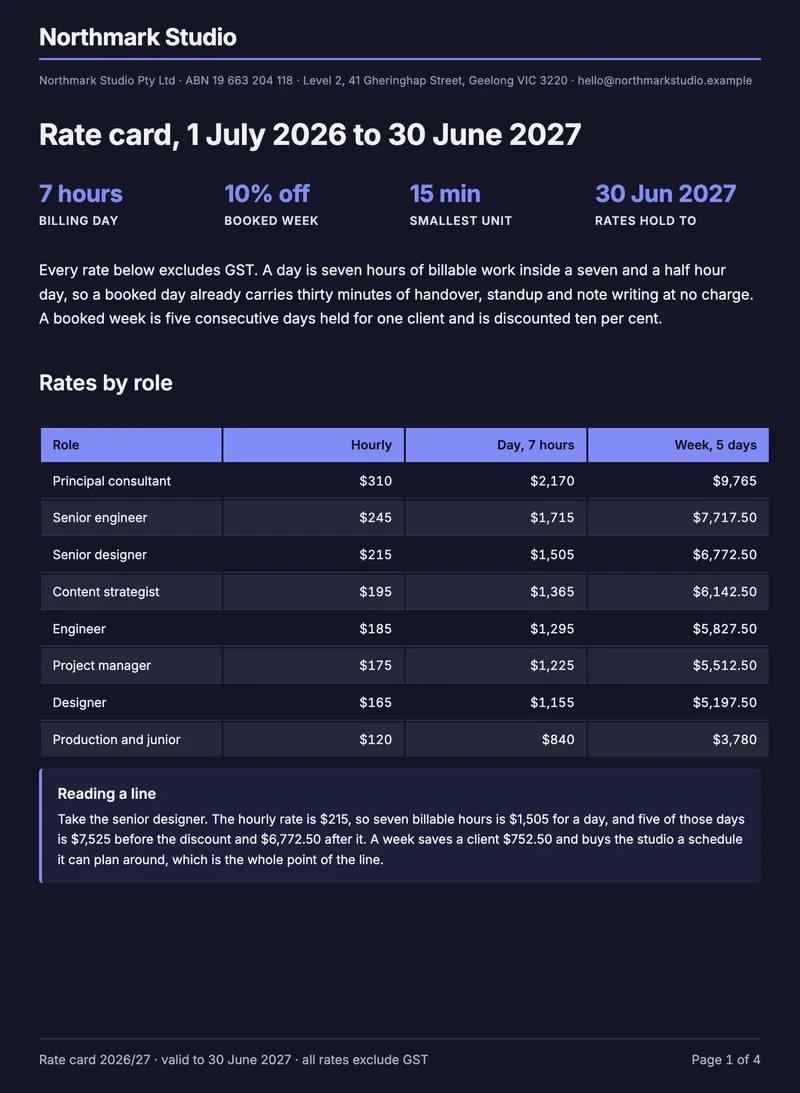
  • Clean A4 pages with headings, tables, charts and a contents page
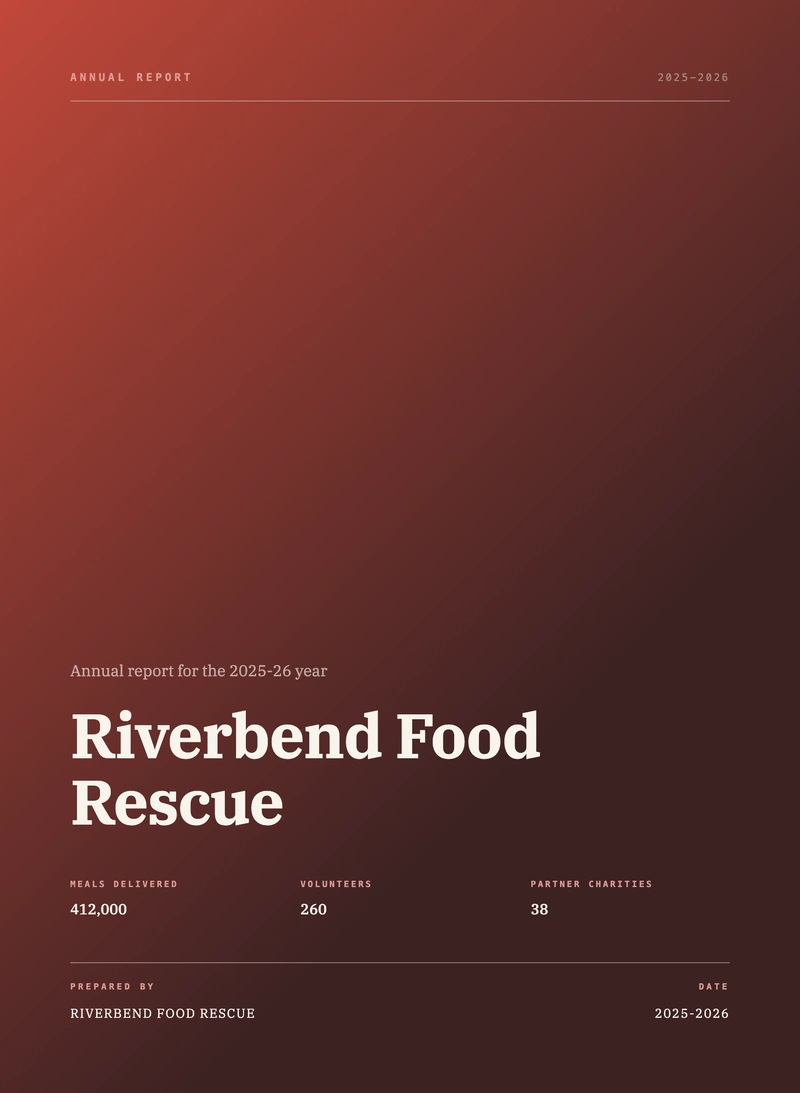
  • Cover page, letterhead and your logo, styled by theme
  • Send it for e-signature without leaving the editor
E-Signatures

Send a PDF for signature, and prove it was signed.

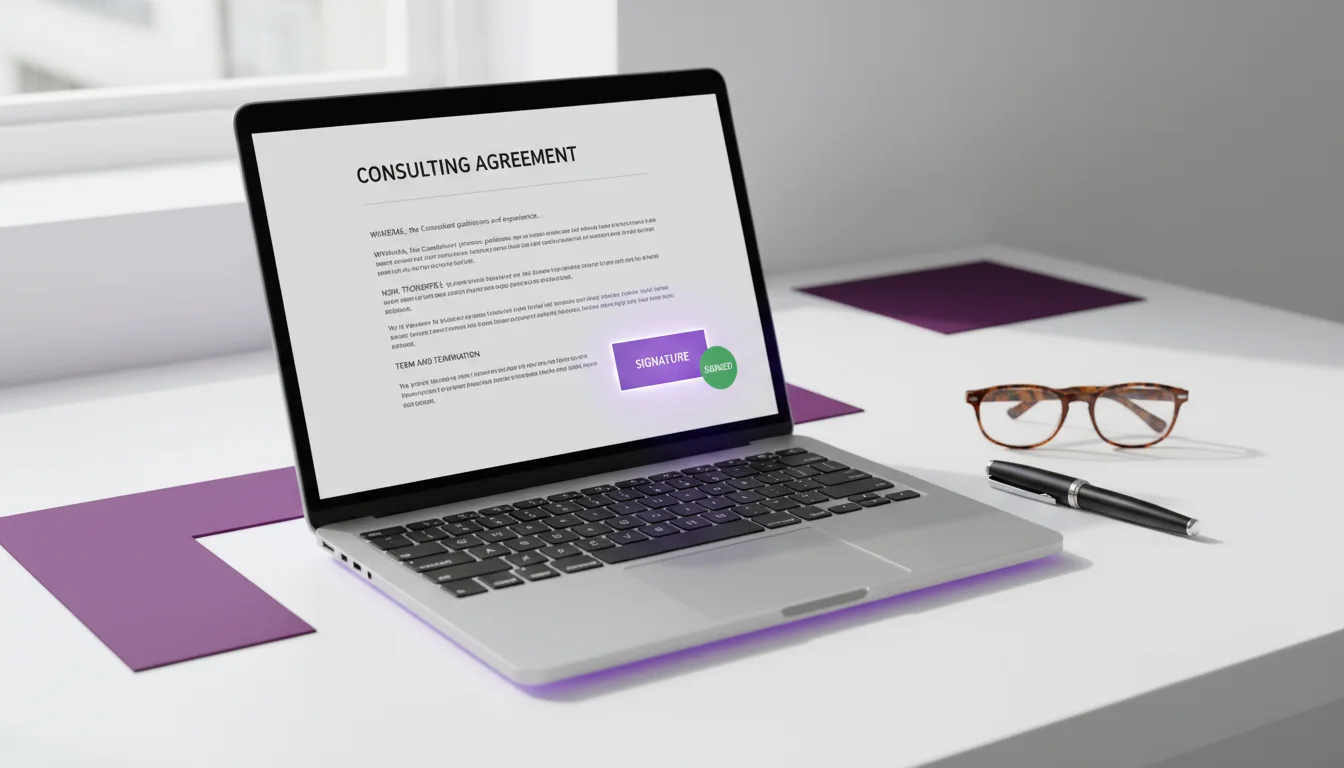
Put the fields where the signatures go, add your signers, and send. Each one gets their own private link. When the last signature lands, OneCraft attaches a certificate of completion and digitally seals the file, so any later change to it shows up.

SignatureA. Perera
Date16 Aug 2026
Signed & sealed
Sent to 2 signers · 1 signed
  • Drop signature, initial and date boxes straight onto your PDF
  • Send to one person or many, in order or all at once
  • Verify each signer with an emailed code or an access code
  • The finished file is certified and sealed, so tampering shows
  • See who opened it, who signed, and who is still sitting on it

Templates

Start from a design that already looks right.

Real presentations, flyers, documents and forms, made with OneCraft and shown here live. Tap a colour under a design to see it in another theme, and try the forms yourself, that is exactly how your own work behaves.

Honeycomb framework

Growth projections chart

World map with stats

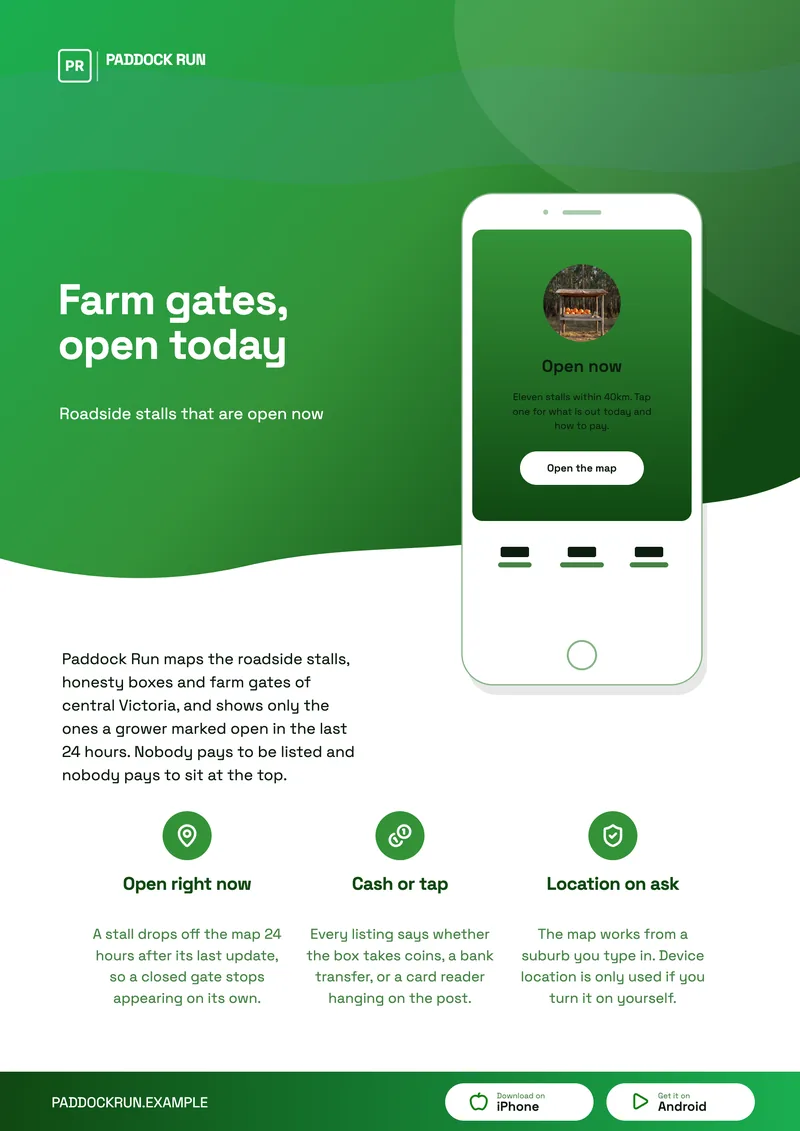
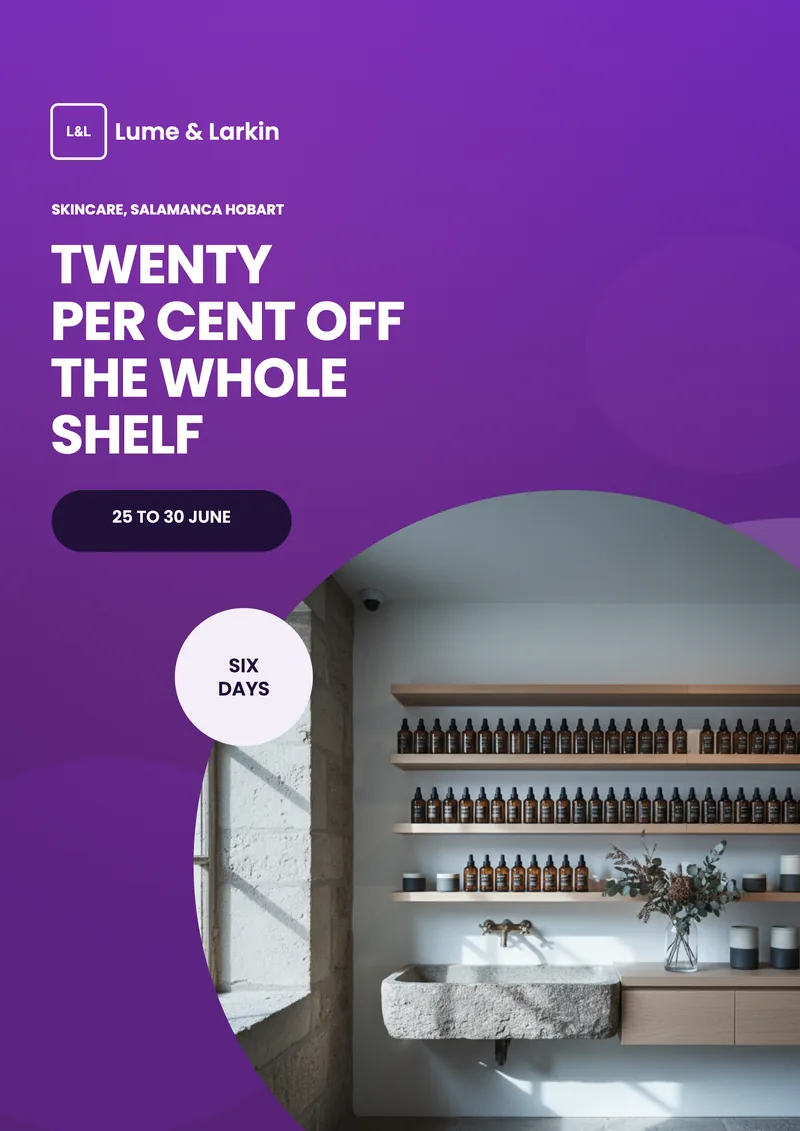
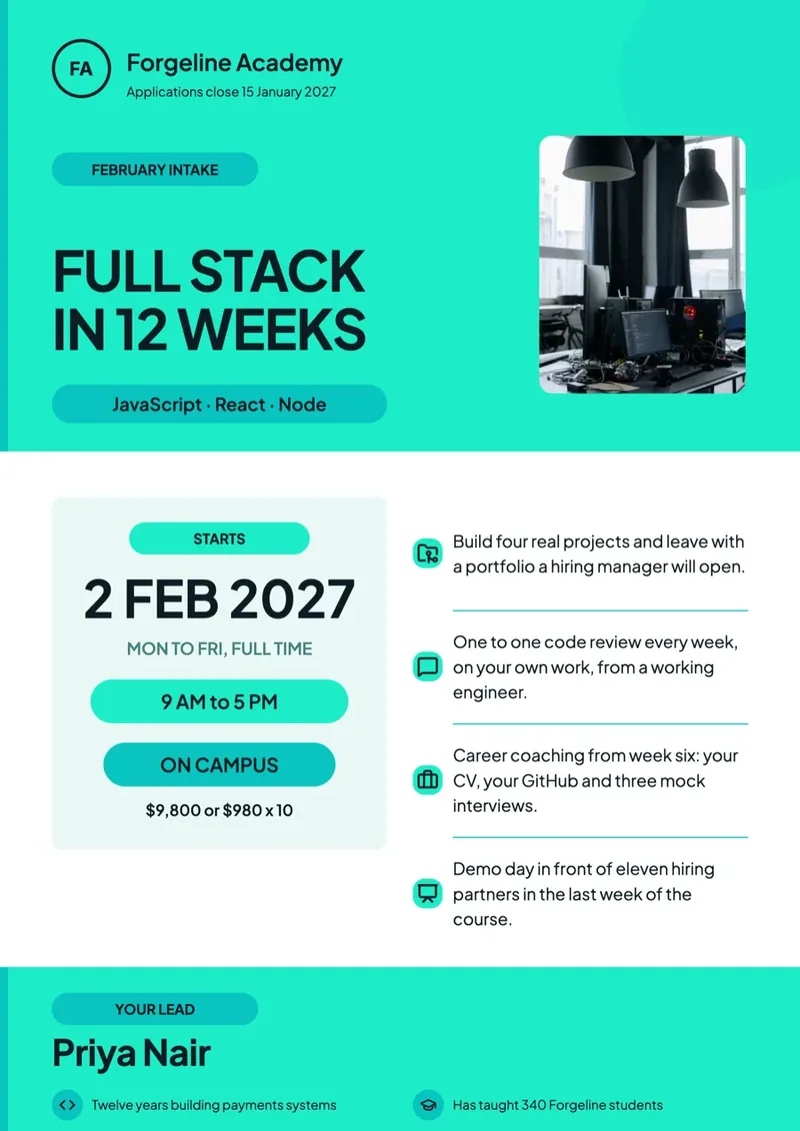
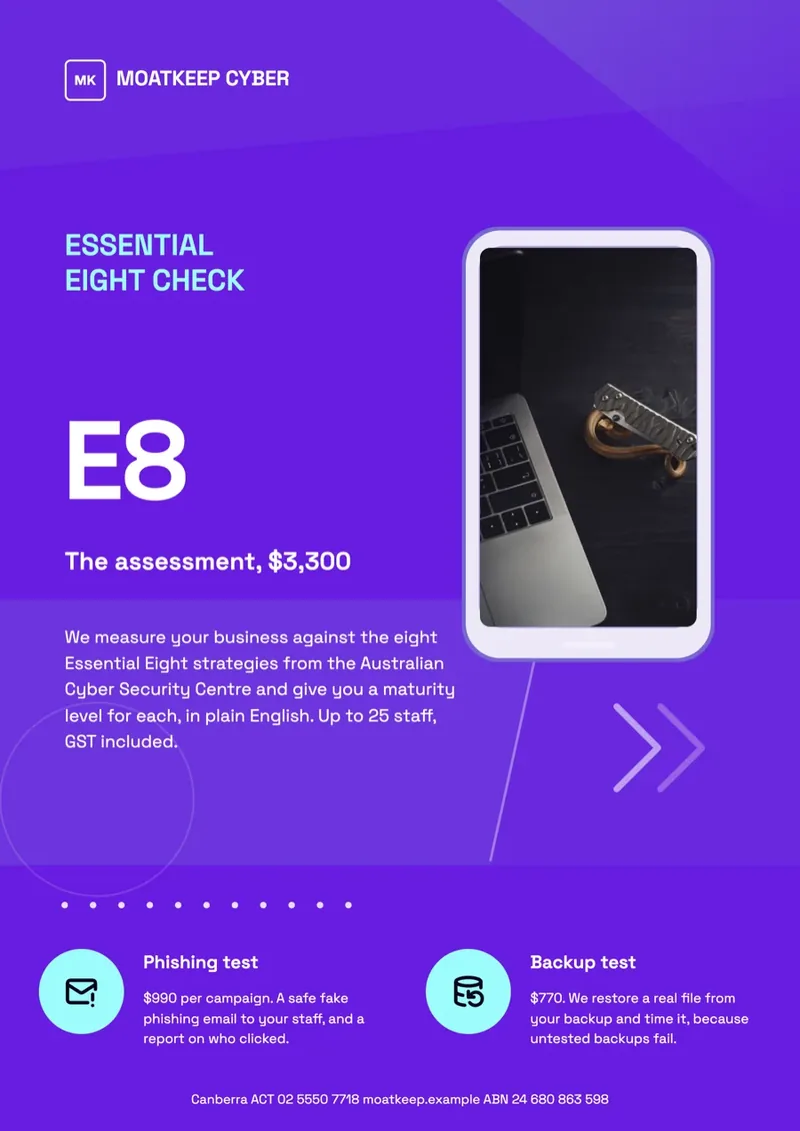
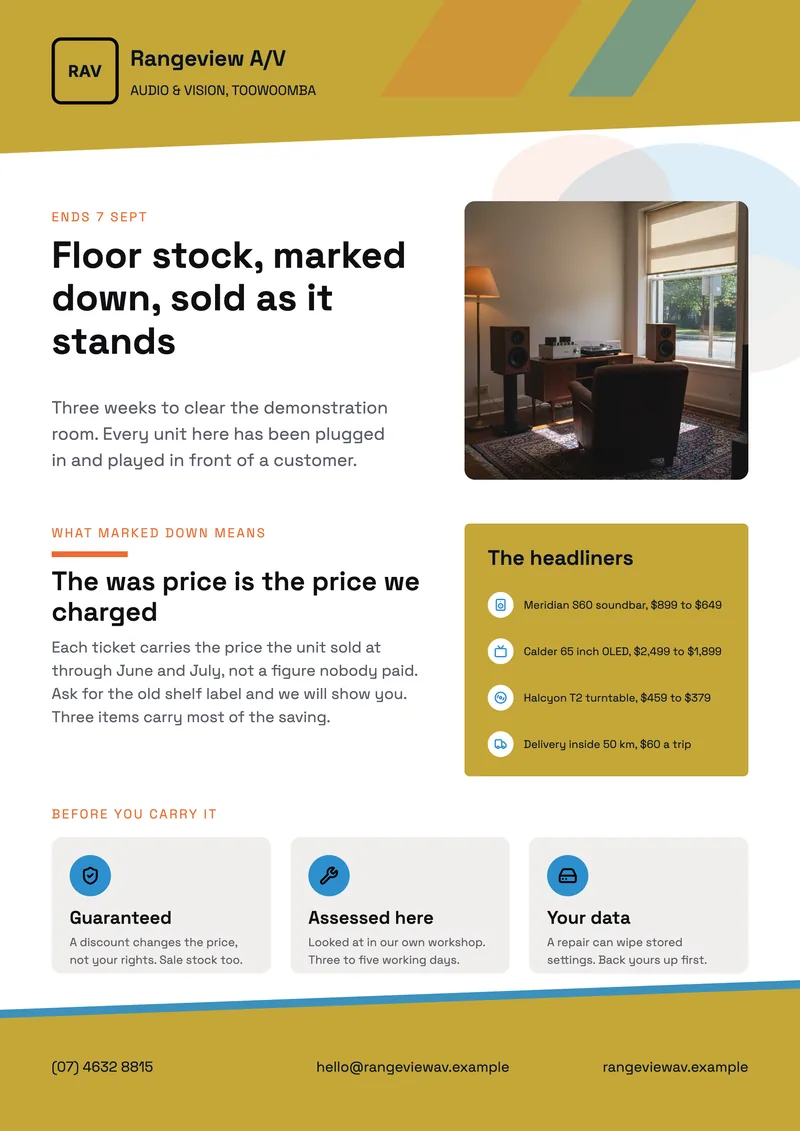
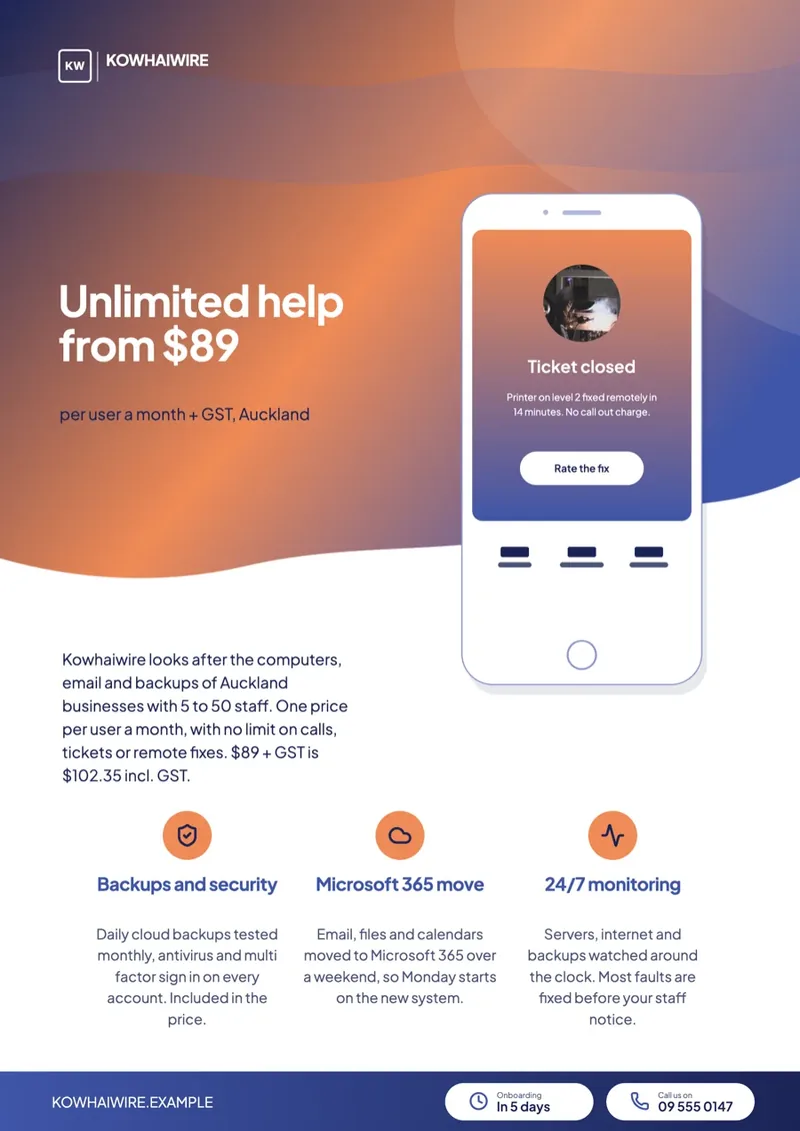
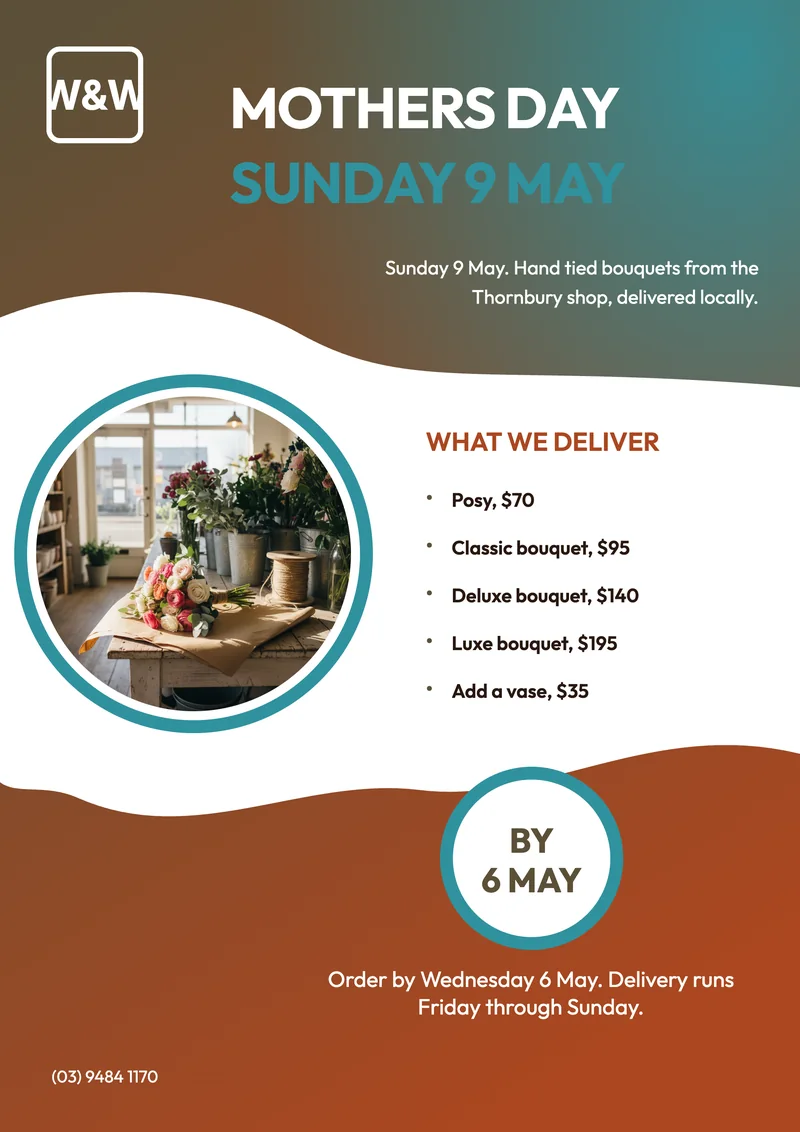
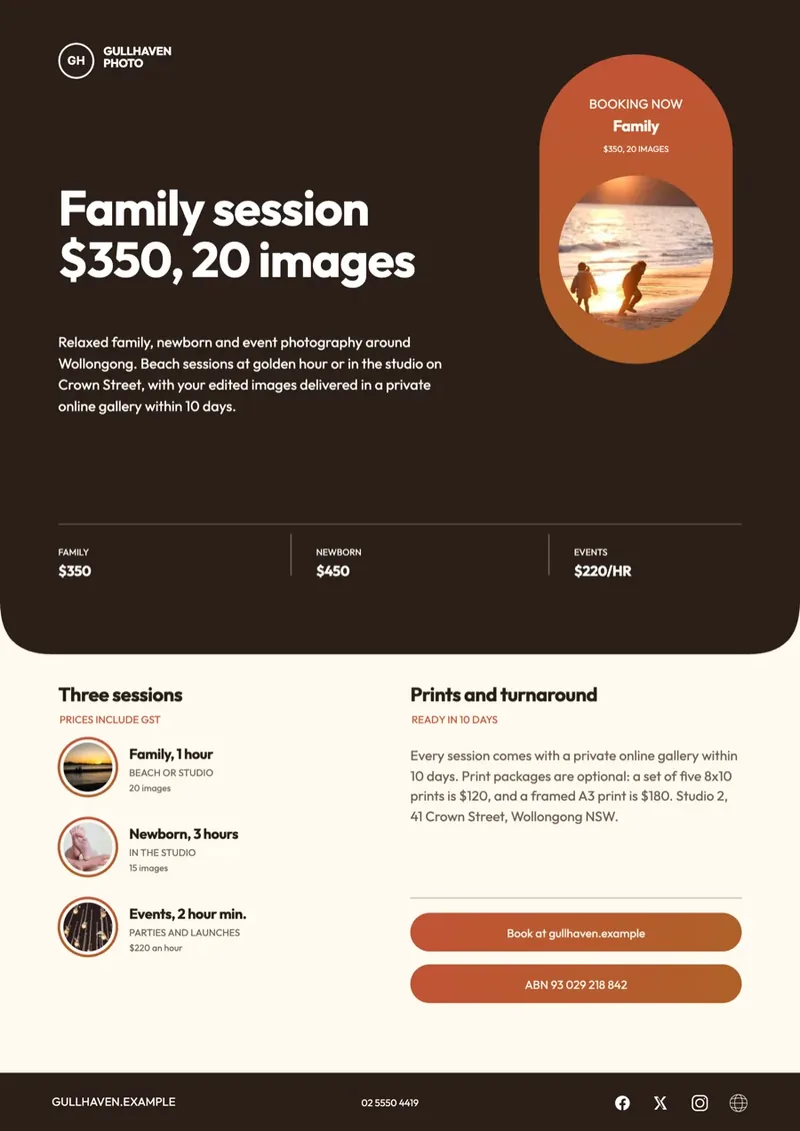
Pricing plans flyer

Launch plan flyer

Studio services flyer

Growth proposal document

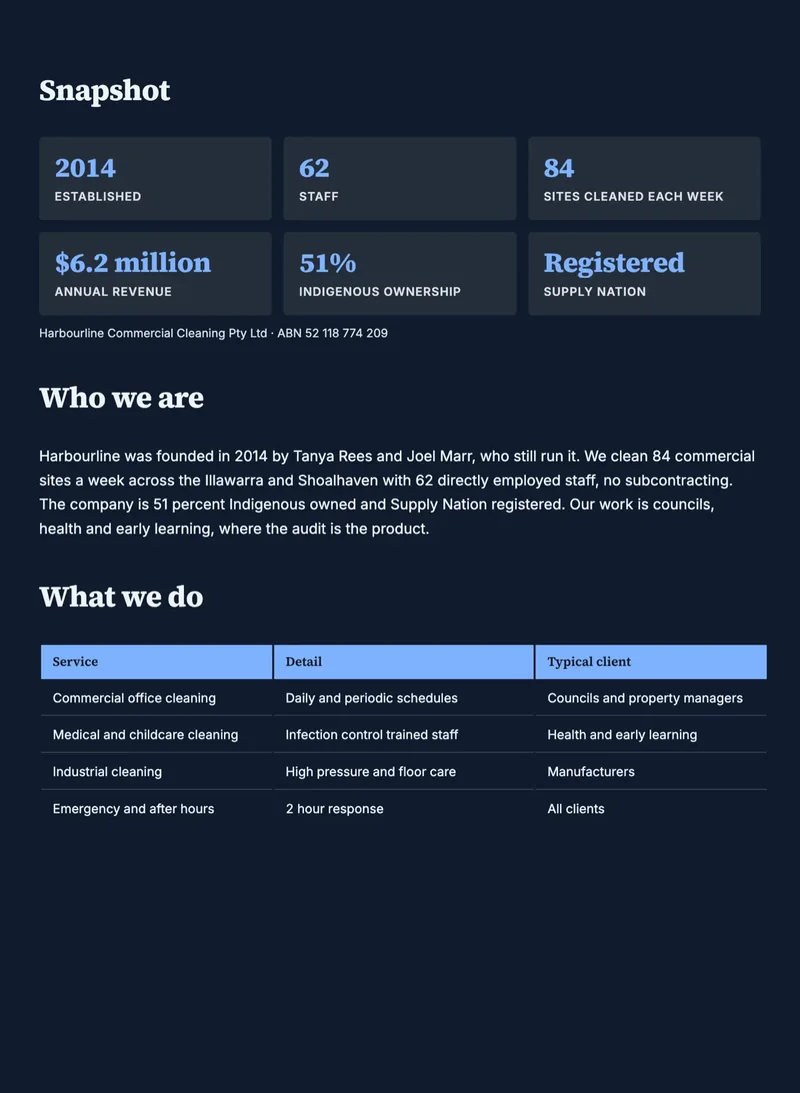
Company profile document

Use cases

Start with the thing on your list.

A few common starting points. Whatever the draft looks like, it stays yours to edit.

See more live examples

Presentations
  • Investor pitch presentation
  • Sales report or one-pager
  • Quarterly business review
  • Webinar or training deck
  • Conference talk
  • Company all-hands
Flyers
  • Event flyer
  • Product launch post
  • Sale or promo announcement
  • Restaurant or cafe menu
  • Real estate listing
  • Class or workshop poster
Forms
  • Application with e-sign
  • Customer feedback survey
  • Event registration
  • Job application
  • Contact or lead form
  • Paper form turned into a web form
Documents
  • Business proposal
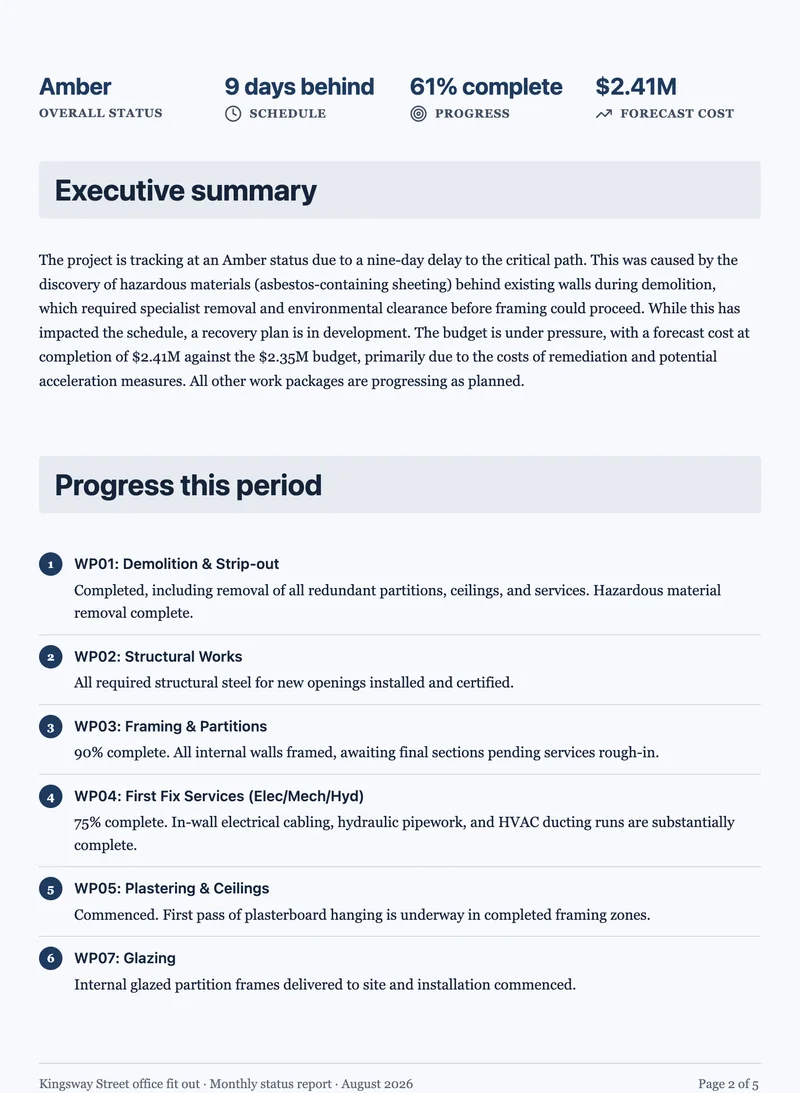
  • Project report
  • Invoice or quote
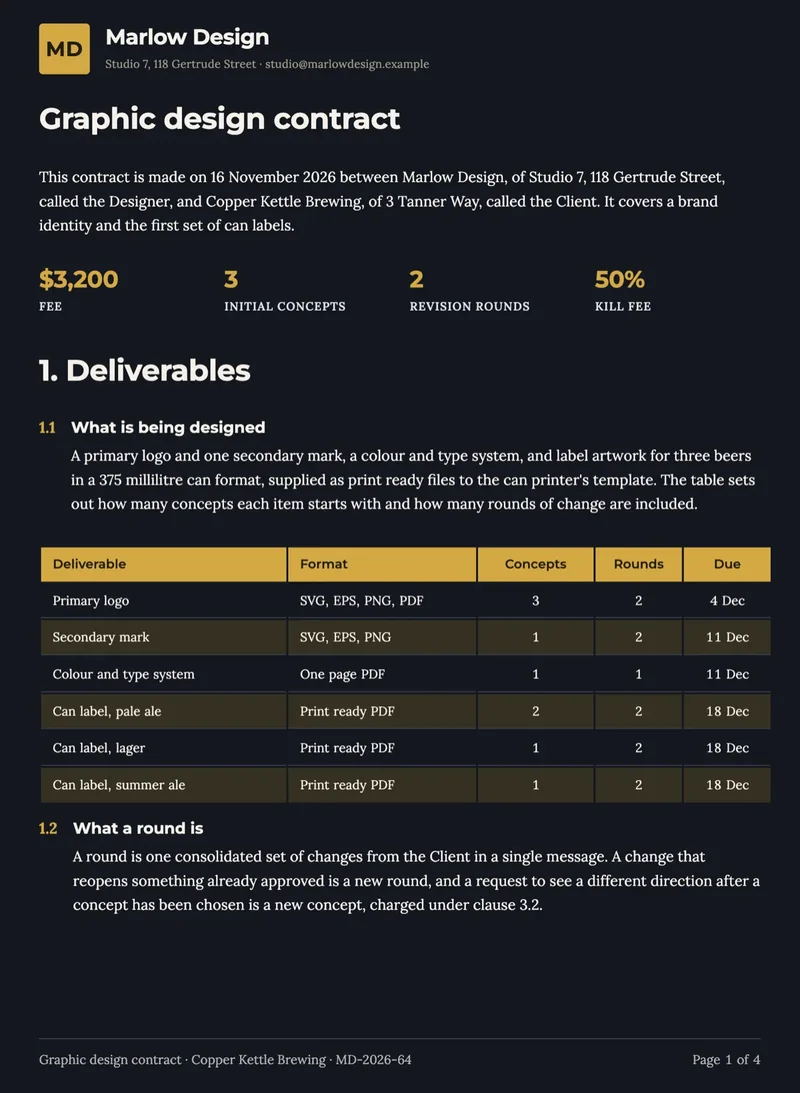
  • Contract or agreement
  • Meeting notes
  • Case study
Video Clips
  • Launch clip for Reels
  • Feature demo for YouTube
  • Product ad for TikTok
  • Explainer clip
  • Testimonial reel
  • Event recap
E-Signatures
  • Client contract
  • Employment offer
  • NDA
  • Quote approval

Why OneCraft

Six tools that behave like one.

One login, one dashboard, one bill. And one design system underneath, so your brand looks the same in a deck, a flyer and a video clip.

Design lives in the templates

Hundreds of layouts drawn by people. OneCraft fills them in, so the output looks composed, not generated.

Restyle in one click

Themes are token-based. Swap one and every page, flyer or scene recolours at once, with no rework.

Edit by asking

Every editor has an AI assistant. Ask for a punchier line or a new section, watch it land on the canvas, and undo if you change your mind.

Signatures built in

Forms, documents and uploaded PDFs can all be sent for legally binding e-signatures, certified, sealed and tracked.

Nothing gets lost

Undo up to 50 steps in every editor, and presentations and forms keep a full version history you can restore.

Leaves in any format

PowerPoint, PDF, PNG, MP4, fillable forms, public links and embeds. Whatever the recipient expects.

Pricing

One plan covers all six.

Start free with 100 credits a month. One balance covers everything, and you keep what you make.

Free

$0/month

See what it can do

  • 100 credits a month
  • Enough for about 3 AI projects
  • Presentations, flyers, forms, documents and video clips
  • Send documents for signature
  • Limited exports

Starter

$8/month

Make it yours

  • 300 credits a month
  • Enough for about 10 AI projects
  • Import your own files and brand assets
  • Tutorial videos with screen capture
  • Presentations up to 20 slides
  • Unlimited exports
Most popular

Pro

$25/month

Put it in front of people

  • 1,000 credits a month
  • Enough for about 30 AI projects
  • Everything in Starter
  • UGC video clips with an AI presenter
  • Export to PowerPoint, fillable PDF and screen recording

Pro+

$125/month

Run it at scale

  • 5,000 credits a month
  • Enough for about 160 AI projects
  • Everything in Pro
  • Team collaboration
  • Priority support
  • Guaranteed uptime SLA

Enterprise

Custom

Built around you

  • Unlimited credits
  • No project limits
  • Everything in Pro+
  • Custom integrations
  • Dedicated support team

FAQ

Questions, answered.

One workspace for every kind of content you publish: presentations, flyers, forms, documents, video clips and e-signatures. Describe what you need, OneCraft fills hand-designed templates, and you get a finished, editable result.

One. A single sign-in, one dashboard listing every presentation, flyer, form, document, video clip and envelope, and one subscription that covers every module.

The design intelligence lives in hundreds of hand-designed templates. OneCraft fills them with your content, so the result stays composed and on-brand rather than flat.

Everything is editable: text, layouts, colours and fonts. Themes are token-based, so swapping one recolours the whole piece with no rework.

Claude (on AWS Bedrock) and Gemini Pro write outlines, fill templates and power chat edits; Gemini generates images; Google Vision reads uploaded documents; Tavily and Jina research the web live while it writes.

PowerPoint, PDF and PNG for presentations and flyers; fillable PDFs with e-signatures for forms; MP4 for video clips; plus public share links and embeds.

Start free with 100 credits a month, about 3 presentations, no card required. Credits cover everything you make, and you keep it all. Paid plans scale from $8/mo (Starter) to $25/mo (Pro) and $125/mo (Pro+), with Enterprise priced to fit your team.

Contact

Talk to a human.

Pricing, enterprise, partnerships, or just stuck on something. Write to us and a person replies within a business day.