E-signature examples
Signing, document by document
Each page takes one kind of document and shows the signing side of it: where the fields sit, who signs which one, how each signer proves who they are, and what the finished signed file contains.
100 examples, page 1 of 5
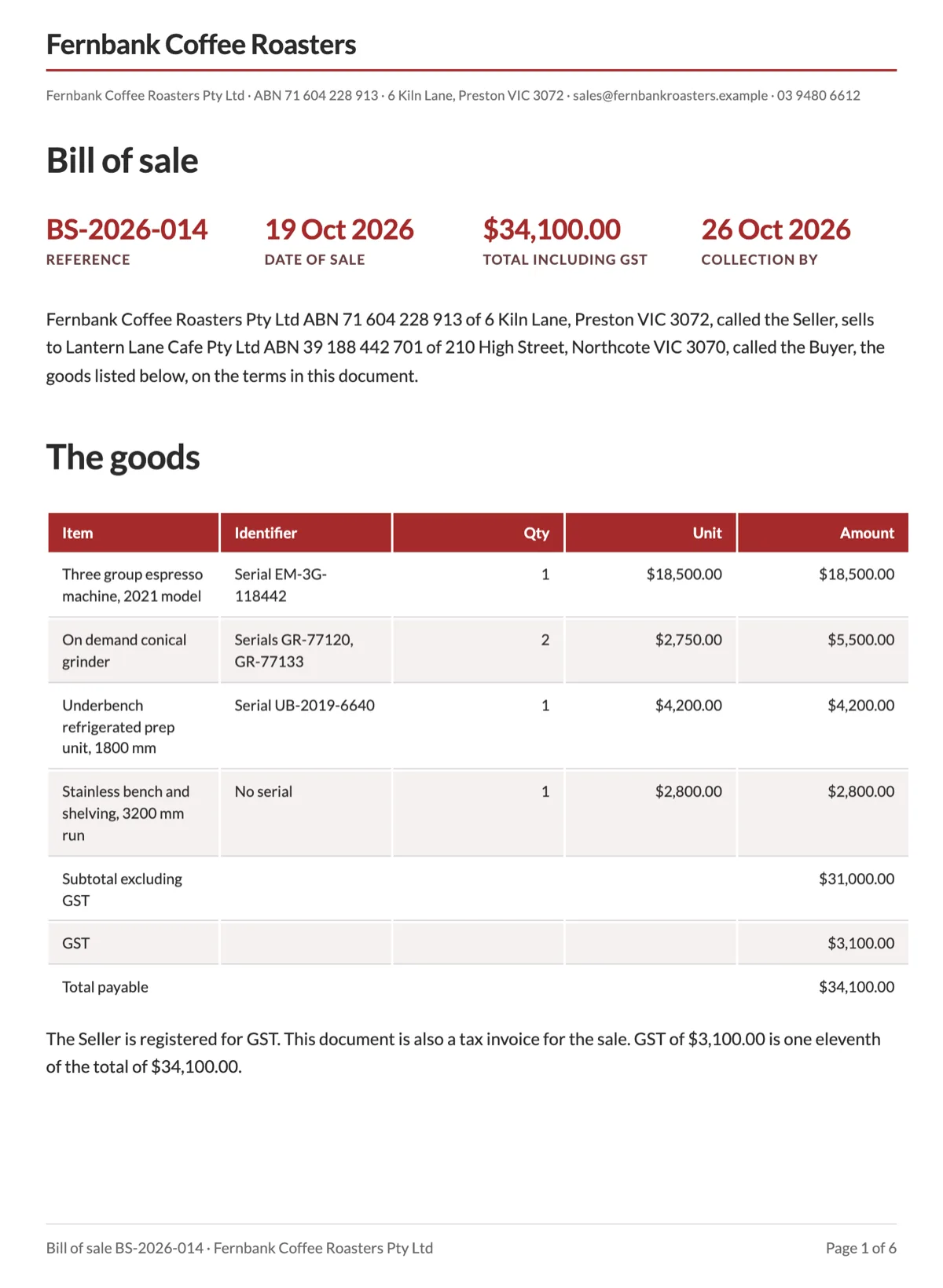
Bill of sale e-signature for a sale and its collection receipt
A bill of sale e-signature is really two records: the sale itself and the receipt on collection, which happens on a different day and states a different fact. This six page cafe equipment sale, BS-2026-014 from Fernbank Coffee Roasters to Lantern Lane Cafe, runs as two envelopes on one PDF: the sale signed by both companies in parallel and the receipt signed in person when the goods left Preston.
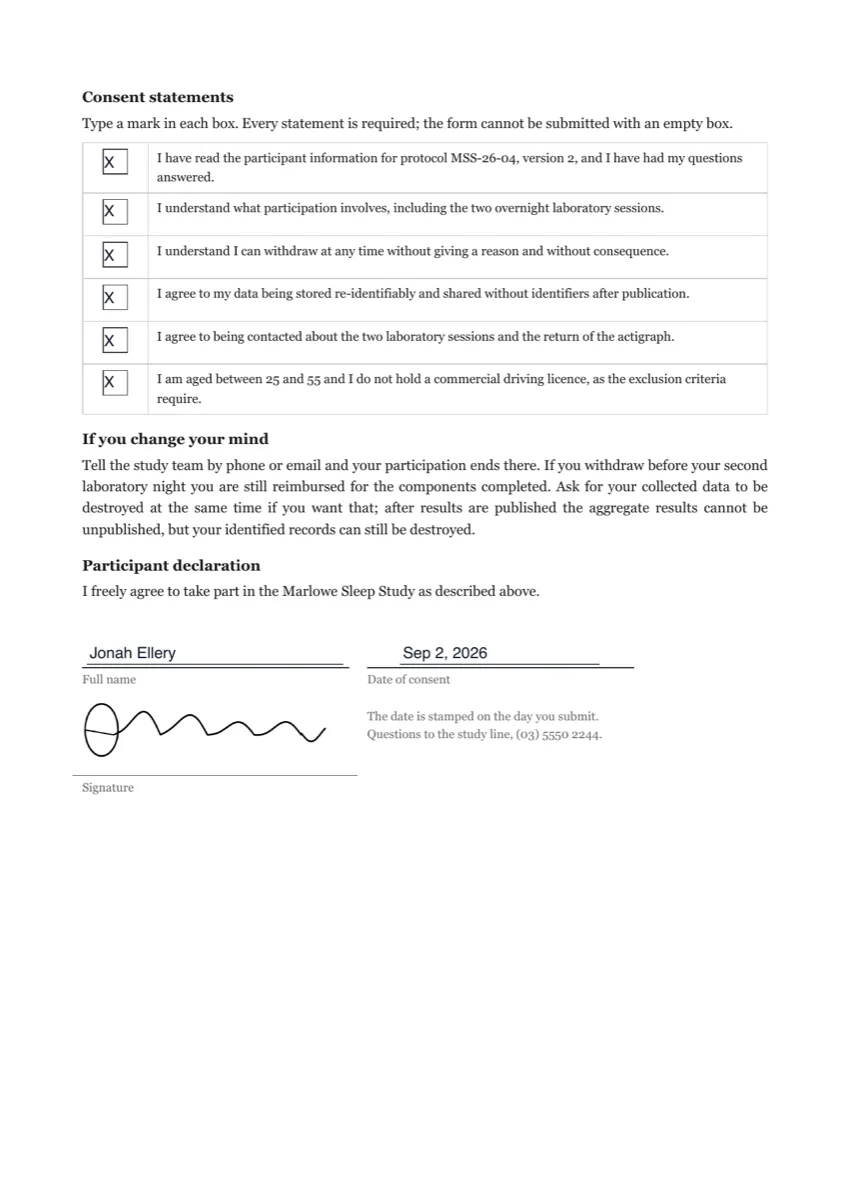
Consent form e-signature
A consent form e-signature needs two things an ordinary signature does not: proof of who consented and a record of exactly what they agreed to. This two page participant consent for the fictional Marlowe Sleep Study captures both, with six required statement boxes, a six digit emailed code, and an audit trail this page walks through event by event.
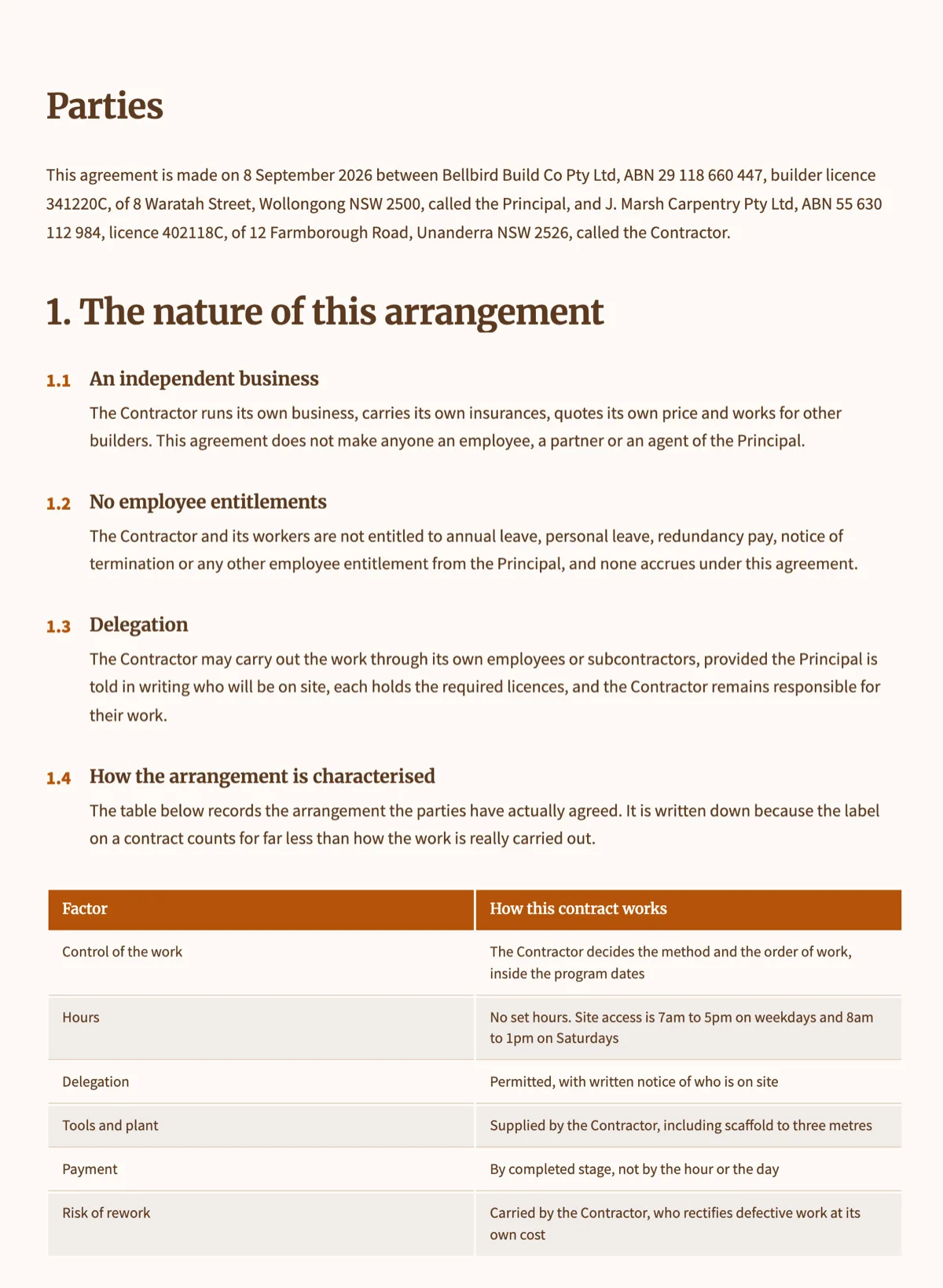
Contractor agreement e-signature
A contractor agreement e-signature puts both businesses on one certified file: the contractor accepts first behind a one-time code, and the builder countersigns once the terms are accepted. This page shows the seven page Bellbird Build Co carpentry package from the documents examples signed that way, and then a second run of the same envelope in which the contractor declines, so the decline path here is recorded, not imagined.
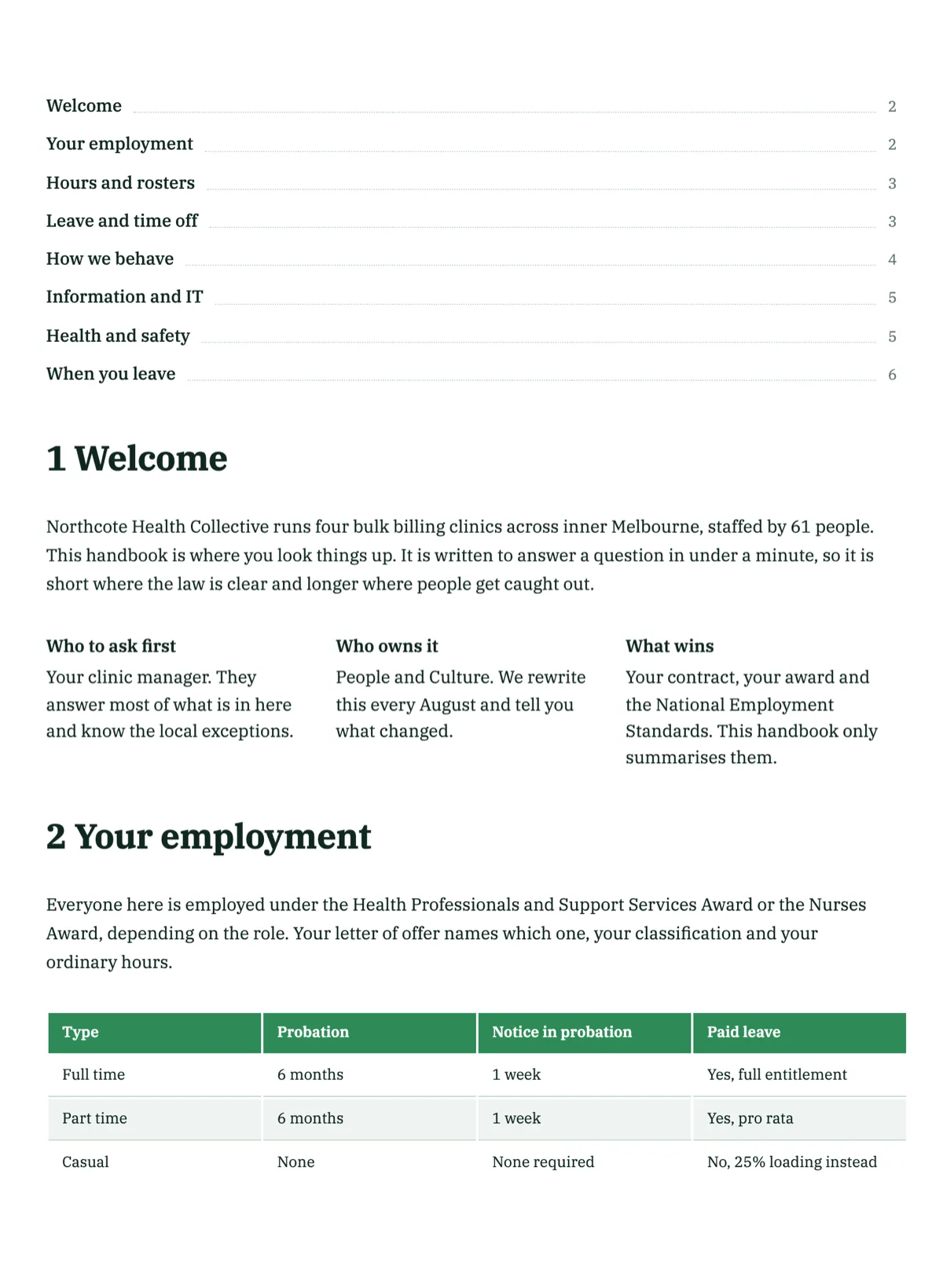
Employee handbook acknowledgement e-signature
An acknowledgement only proves something if the whole handbook was in front of the person who signed it. This envelope sends the complete six page Northcote Health Collective handbook, version 3.1, with a one page acknowledgement appended as page 7. Every field sits on that last page and none on the six before it, so the signer scrolls the document they are acknowledging rather than a one page summary of it.
Employment contract e-signature
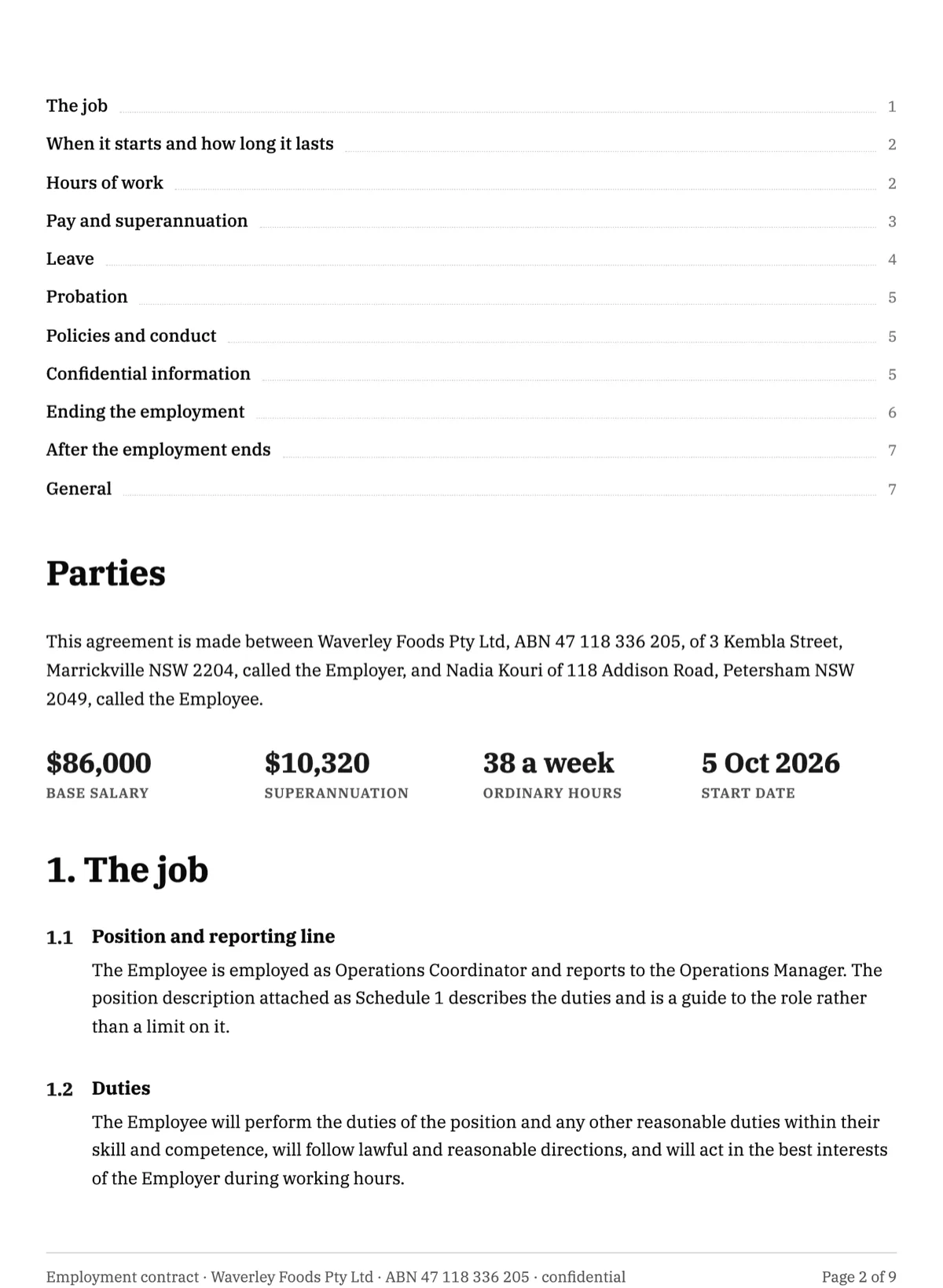
An employment contract e-signature should leave the new hire's mark on every page that sets a term, not just the last one. This nine page Operations Coordinator contract from Waverley Foods, from the documents examples, shows the employee initialling pages 2 to 8 and signing page 9 from a single drawing, verified by an emailed code, with the employer countersigning only after acceptance and before the Monday 5 October 2026 start.
Freelance contract e-signature
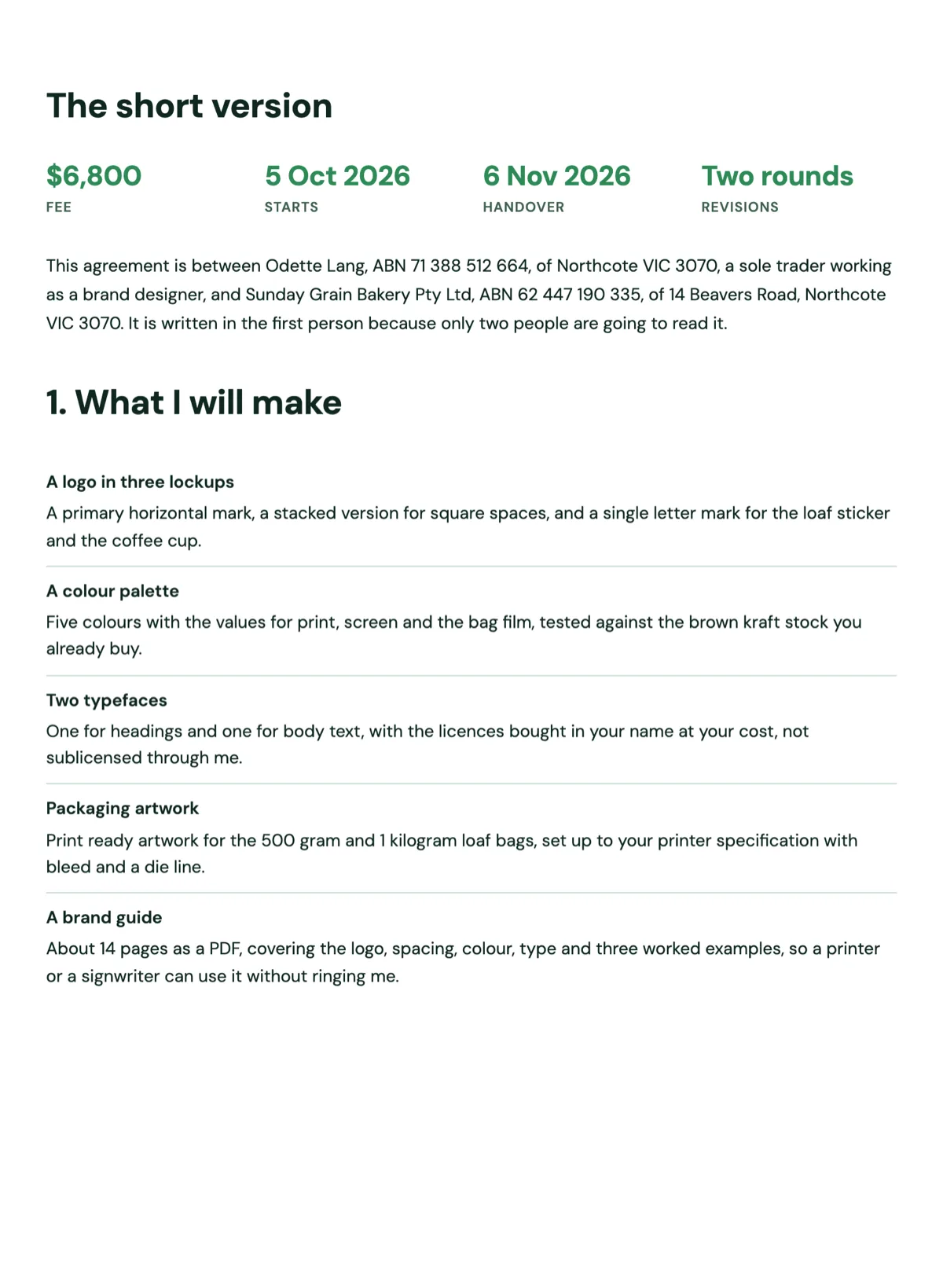
A freelance contract e-signature usually needs exactly one signer: the client, because the freelancer wrote and sent the offer. This page shows the six page Sunday Grain brand identity agreement from the documents examples signed that way, with the client initialling the fee table on page 3, typing her position in the page 6 block, and the certificate of completion explained field by field so a freelancer knows what they are holding.
Invoice approval e-signature, manager then finance
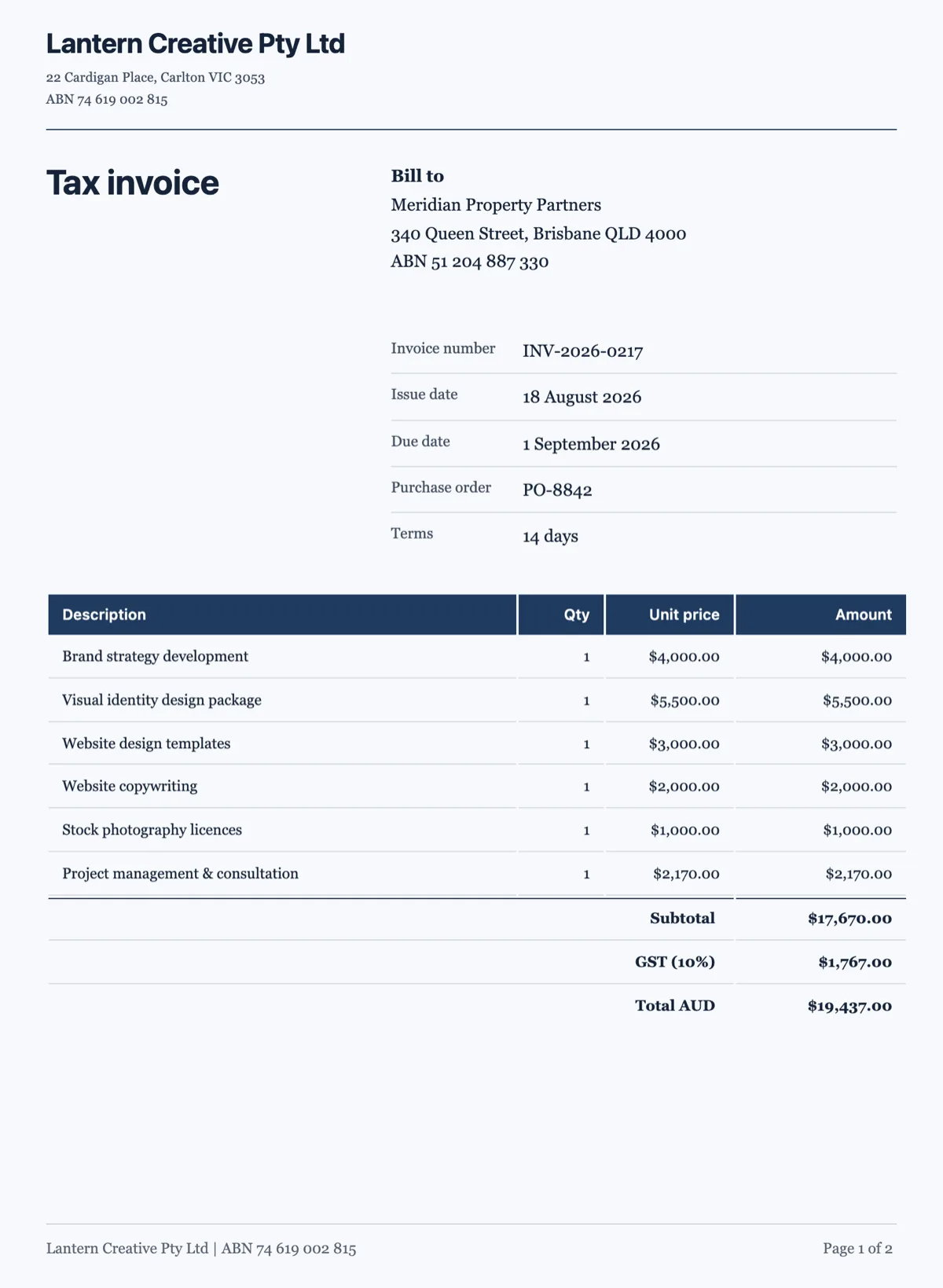
An approved invoice has to show two different people checked two different things, in an order nobody can shuffle afterwards. This envelope carries Lantern Creative's two page tax invoice INV-2026-0217 to Meridian Property Partners, with a one page approval sheet appended as page 3. Meridian's department manager signs, dates and types a cost centre first, then its finance officer does the same and names the payment run.
Medical consent e-signature
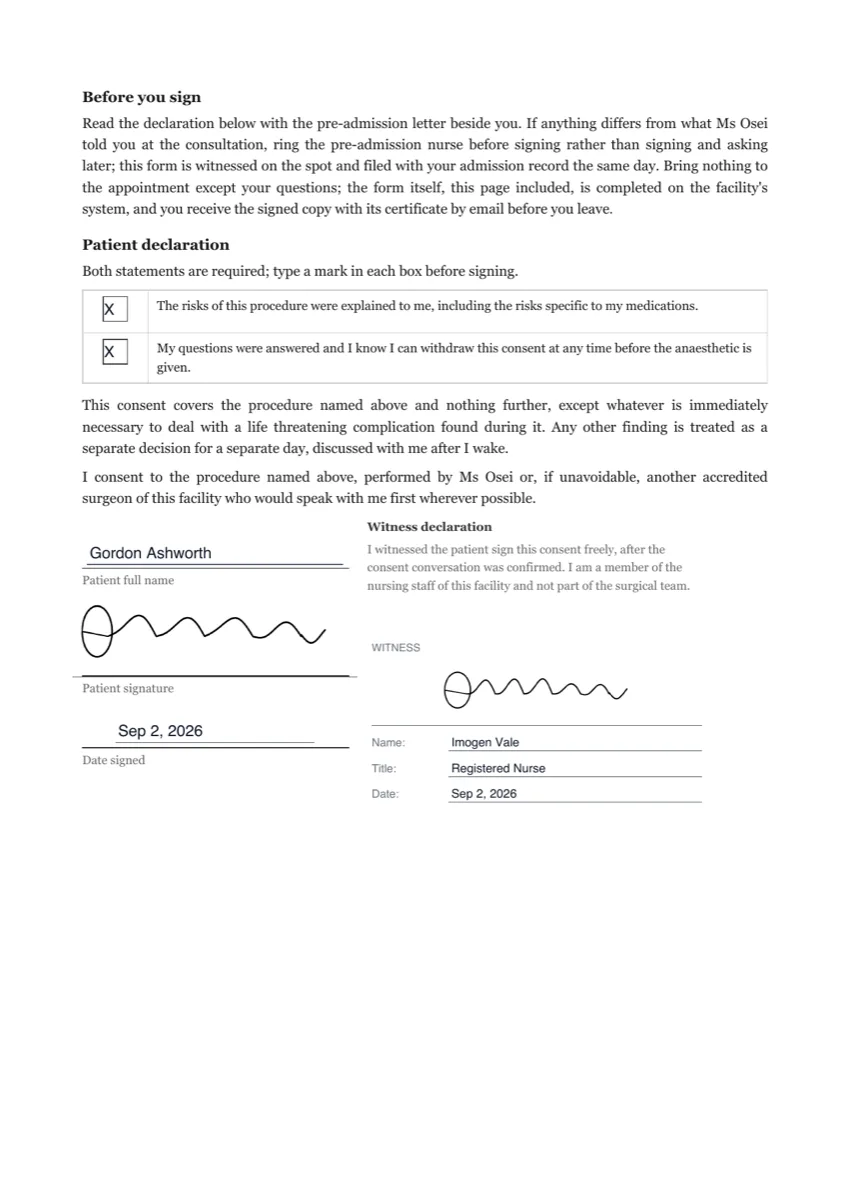
A medical consent e-signature has to prove three things: who consented, that they saw the risks, and that the file has not changed since. This two page consent for a day surgery arthroscopy at a fictional clinic covers all three, with an access code given at the pre-admission call, two required risk statements, a nurse signing a WITNESS block, and DocMDP certification sealing the result.
Notice to vacate signature
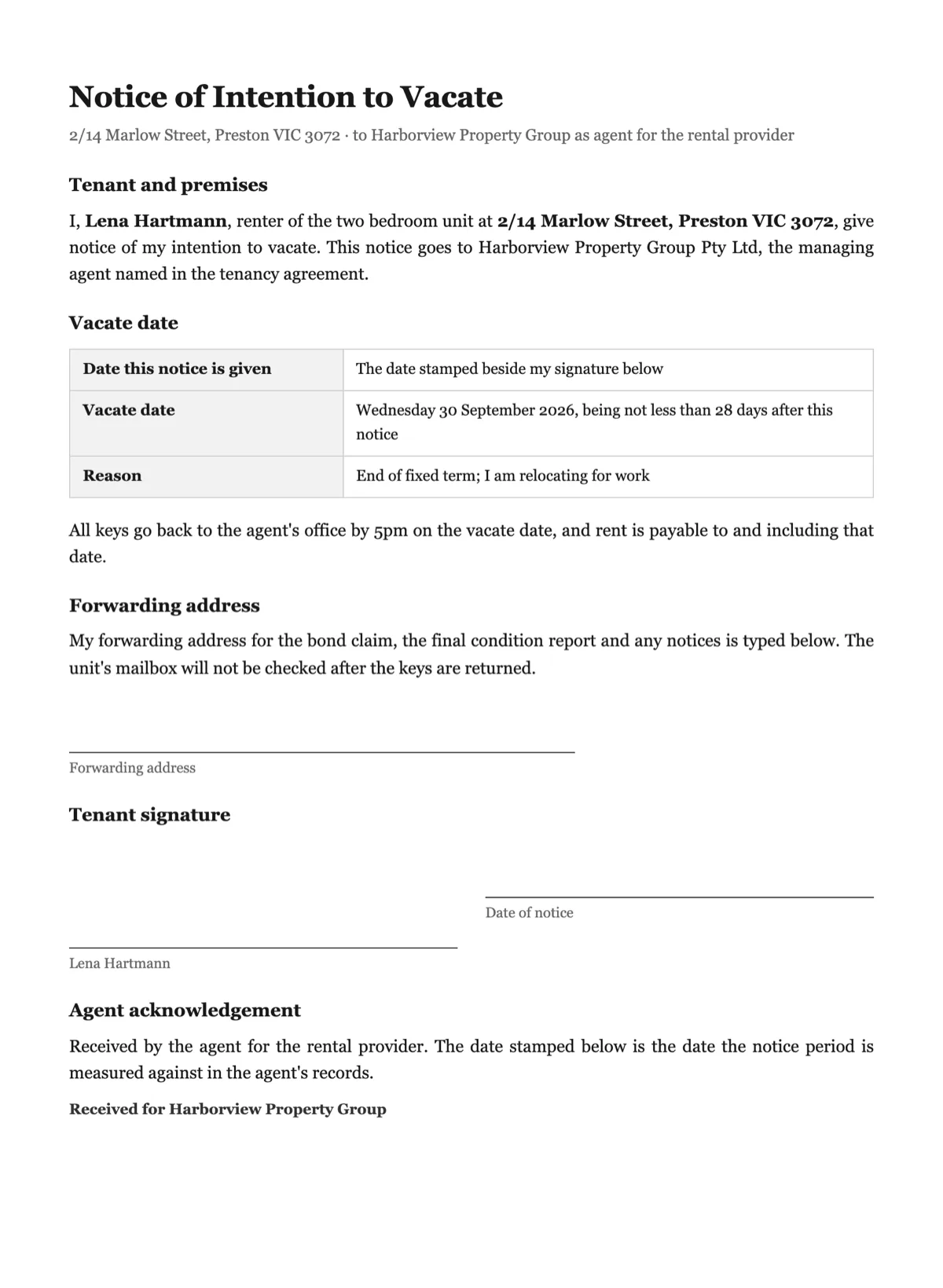
A notice to vacate signature needs two marks: the renter giving the notice and the agent acknowledging the day it arrived. This one page Victorian notice for 2/14 Marlow Street, Preston shows the renter signing first with her forwarding address typed in, the agent acknowledging second behind a one-time code, and what the thirty day envelope expiry means for a notice nobody acts on.
Offer letter e-signature
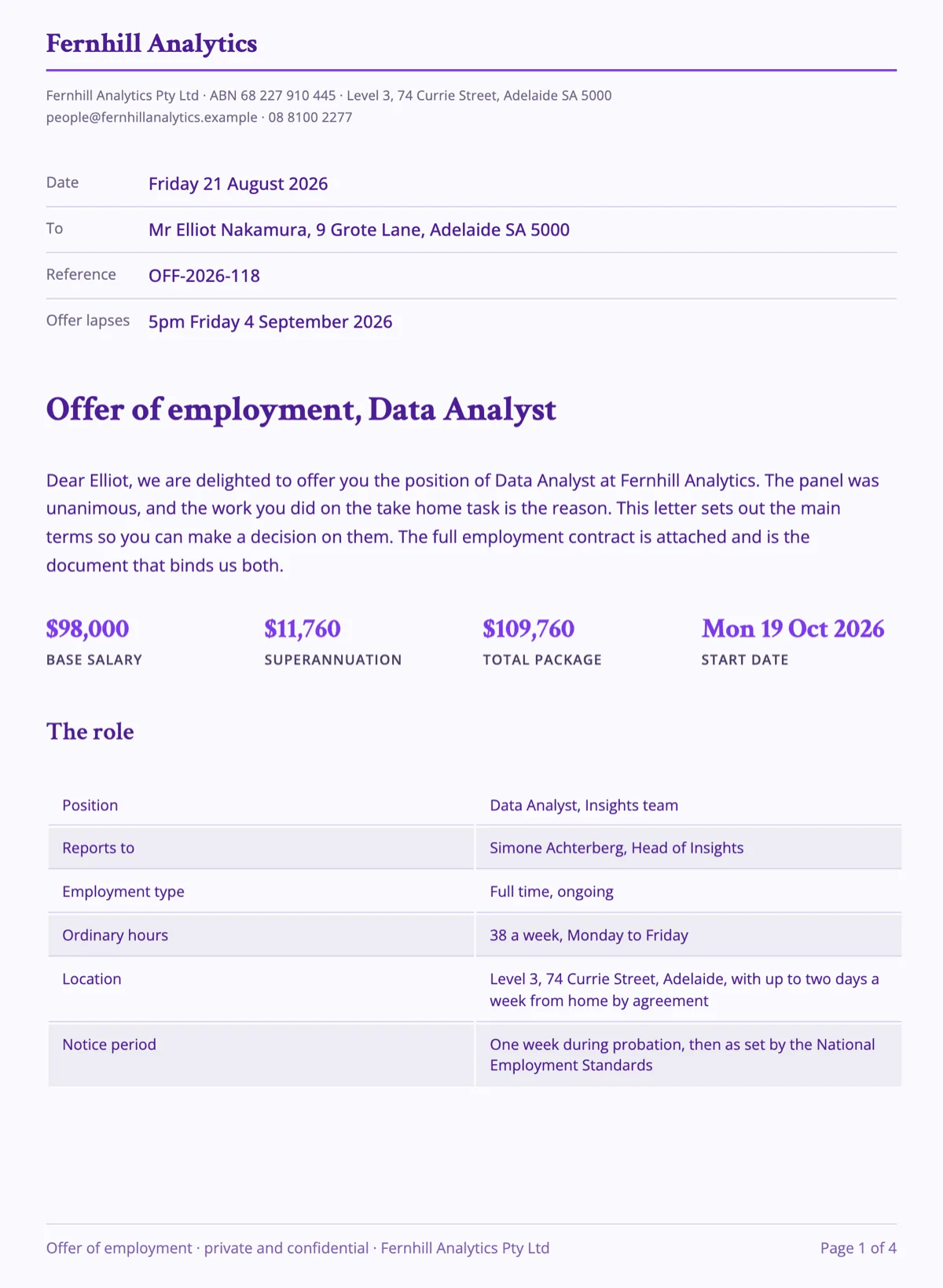
An offer letter e-signature works best as a two signer envelope: the candidate accepts first, the employer countersigns second, and the acceptance date records itself. This page shows the Data Analyst offer from the documents examples signed exactly that way, with the candidate choosing a typed signature instead of a drawn one.
Permission slip e-signature
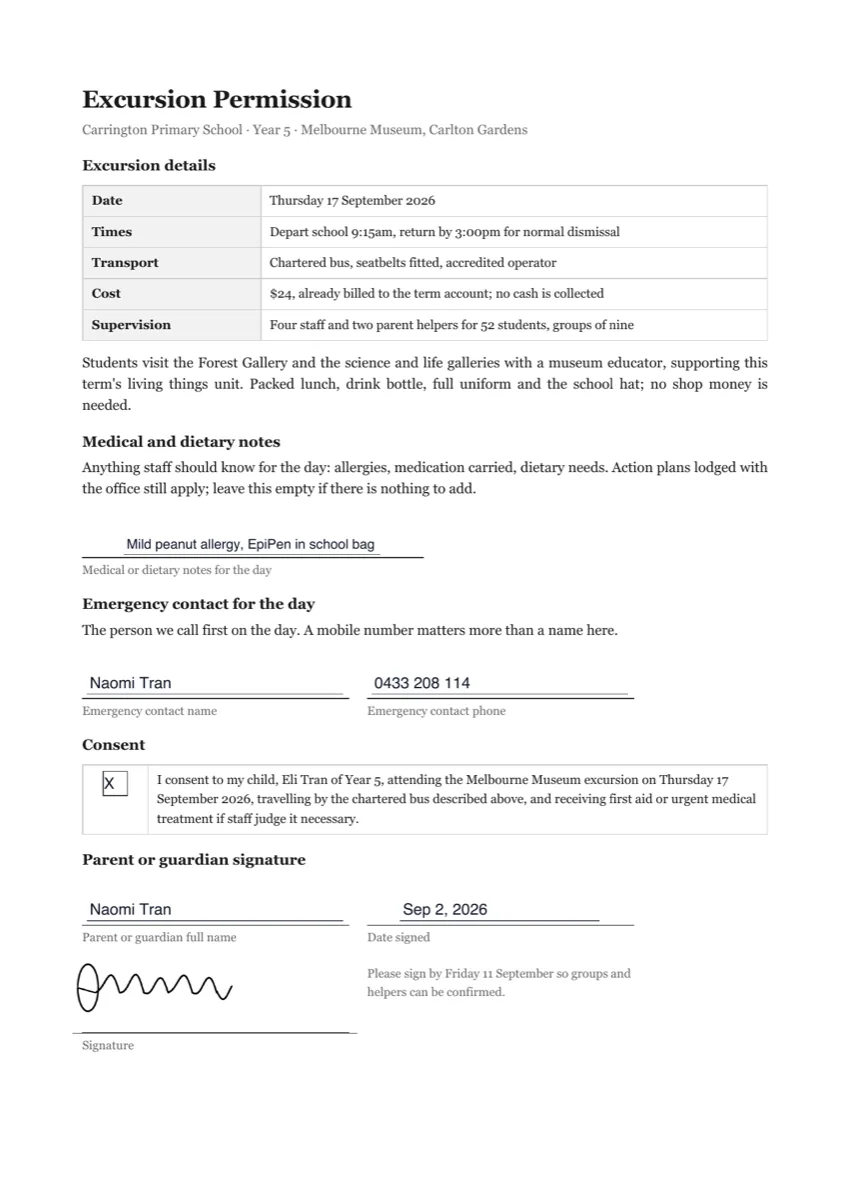
A permission slip e-signature gets signed where parents actually are, on a phone in the evening. This one page slip for a Year 5 museum excursion was signed on a 390 pixel wide screen, where the portal moves every typed field into a panel above the read-only page, and that phone journey is exactly what this page shows.
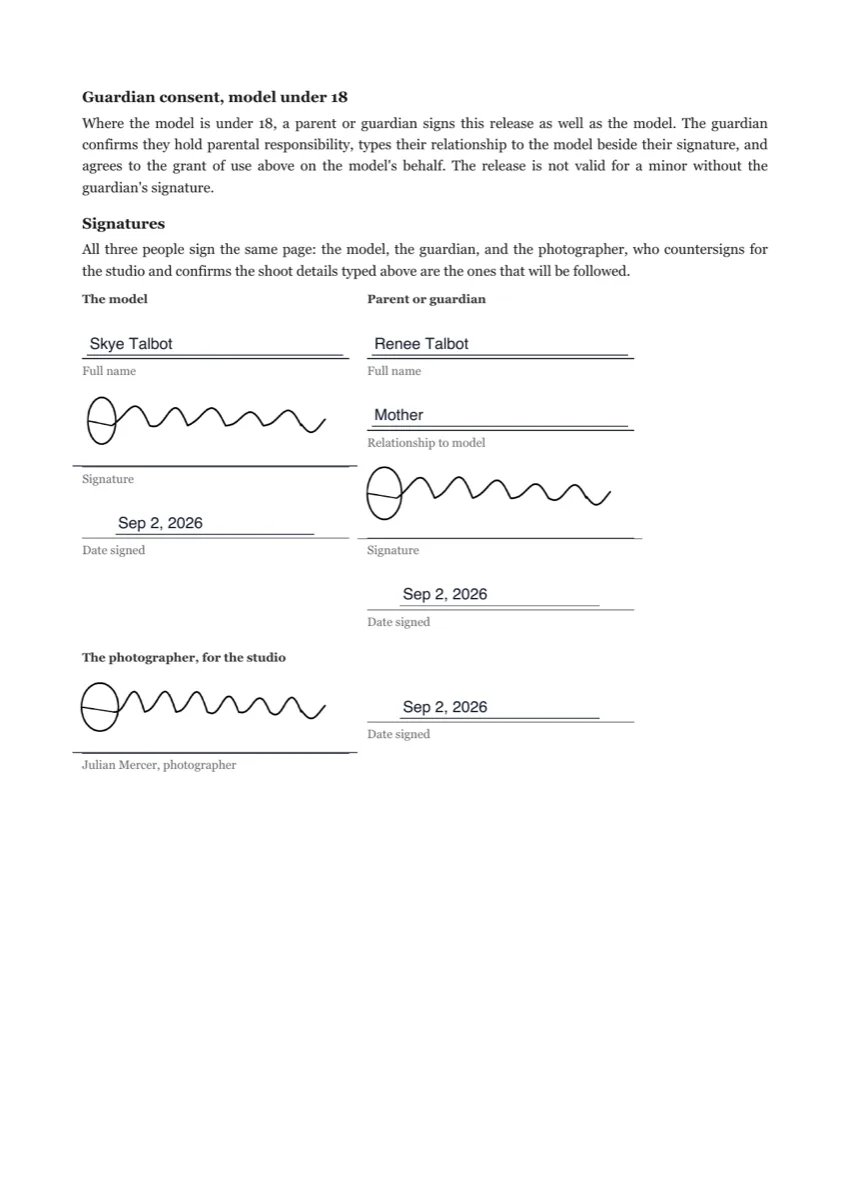
Photo release form signature
A photo release form signature for a minor needs three people on one document: the model, a parent or guardian, and the photographer. This release for a fictional Melbourne dance studio's promotional shoot shows all three signing one envelope in parallel, with the shoot date and the permitted use typed into the photographer's own fields, so the finished release records the scope under his signature.
Policy acknowledgement e-signature
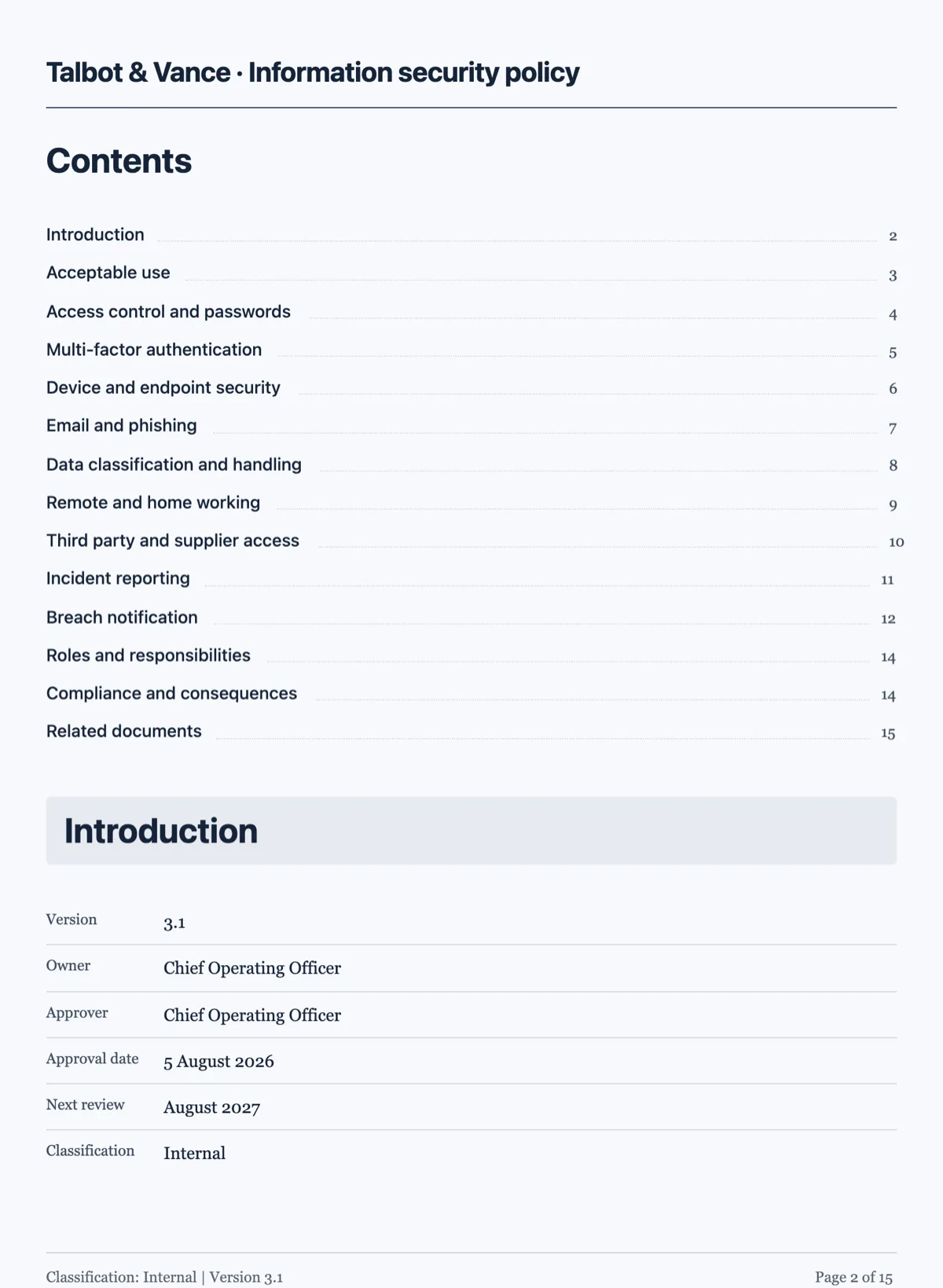
A policy acknowledgement e-signature turns a compliance chore into a per person record: one employee, one envelope, one certificate naming the version acknowledged. This page shows the information security policy from the documents examples acknowledged by one employee through three required statement marks, and then what running the same envelope across a team of forty actually looks like.
Purchase order approval by e-signature
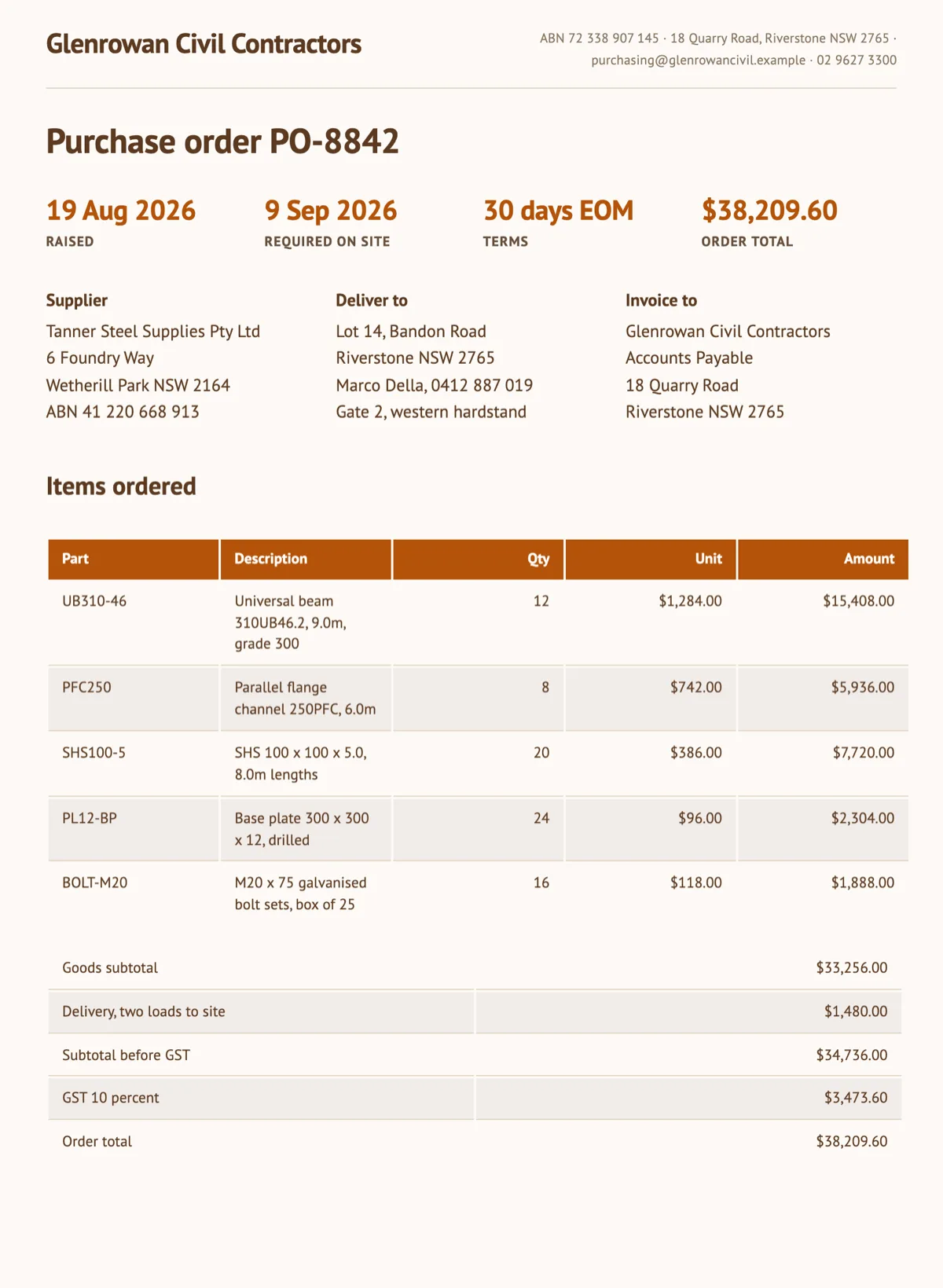
A purchase order approval signature does two jobs on one page: someone inside the buyer authorises the spend, and the supplier acknowledges the order. This page shows PO-8842 from the documents examples, Glenrowan Civil Contractors' $38,209.60 steel order to Tanner Steel Supplies, signed that way, with the authorisation first and the supplier's acknowledgement second.
Rent increase notice acknowledgement e-signature
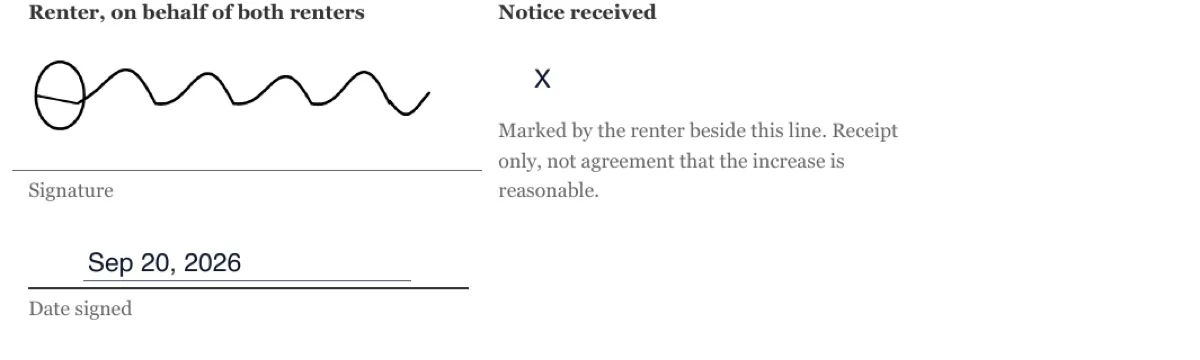
A rent increase notice only does its job if the agent can show later that the renter received it, and when. This one page notice for 7/22 Lyndhurst Crescent takes three fields from a single signer: a typed box that prints an X beside the words I have received this notice, a drawn signature, and a date nobody types.
Sign a business proposal online
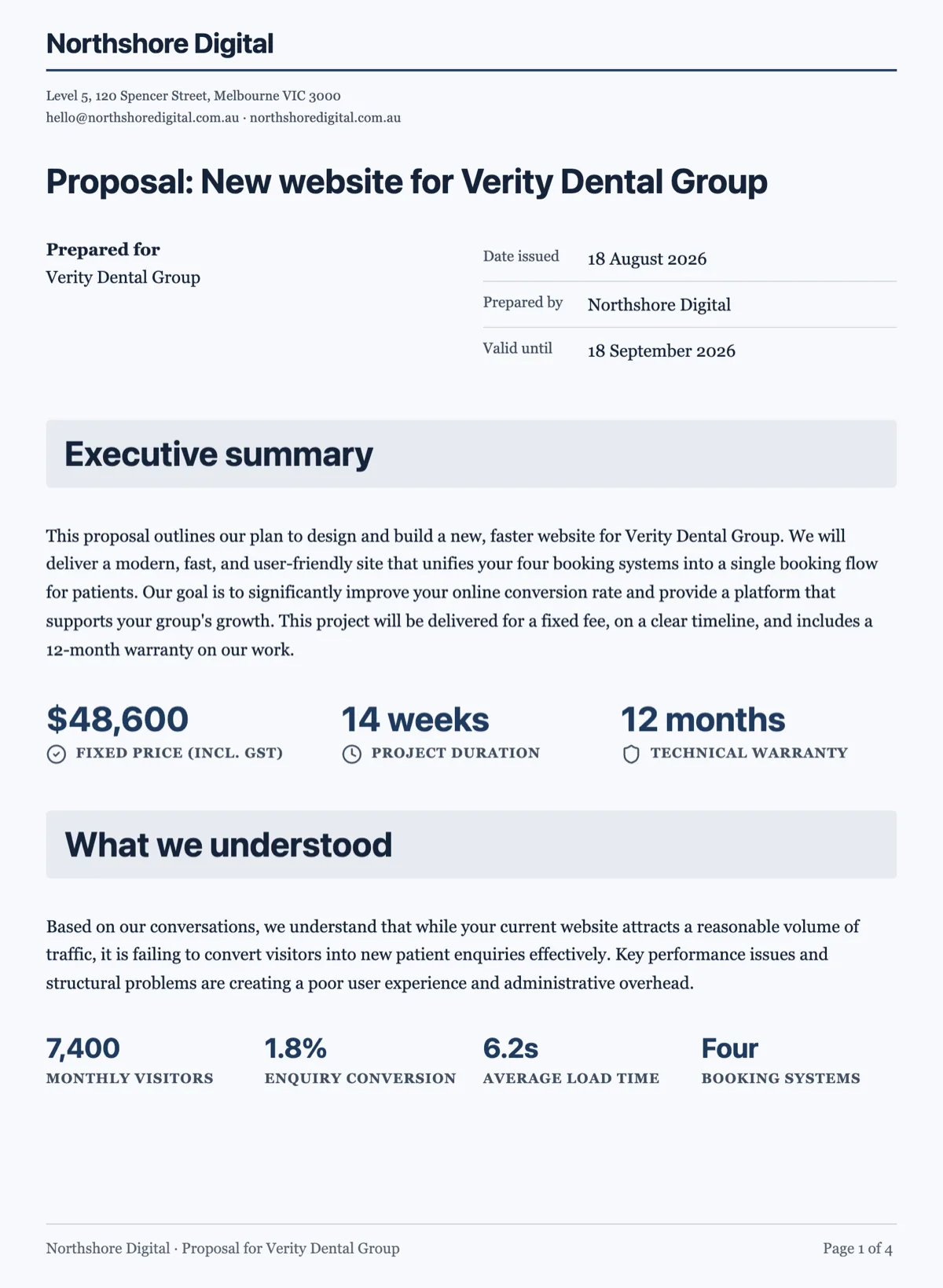
To sign a business proposal online, put every field on the acceptance section and nothing on the pages before it, so the client reads the price before reaching the pen. This envelope carries the four page Northshore Digital proposal to Verity Dental Group from the documents examples: the client signs first in the For Verity Dental Group block on page 4, then Northshore countersigns in the block beside it.
Sign a casual employment agreement online
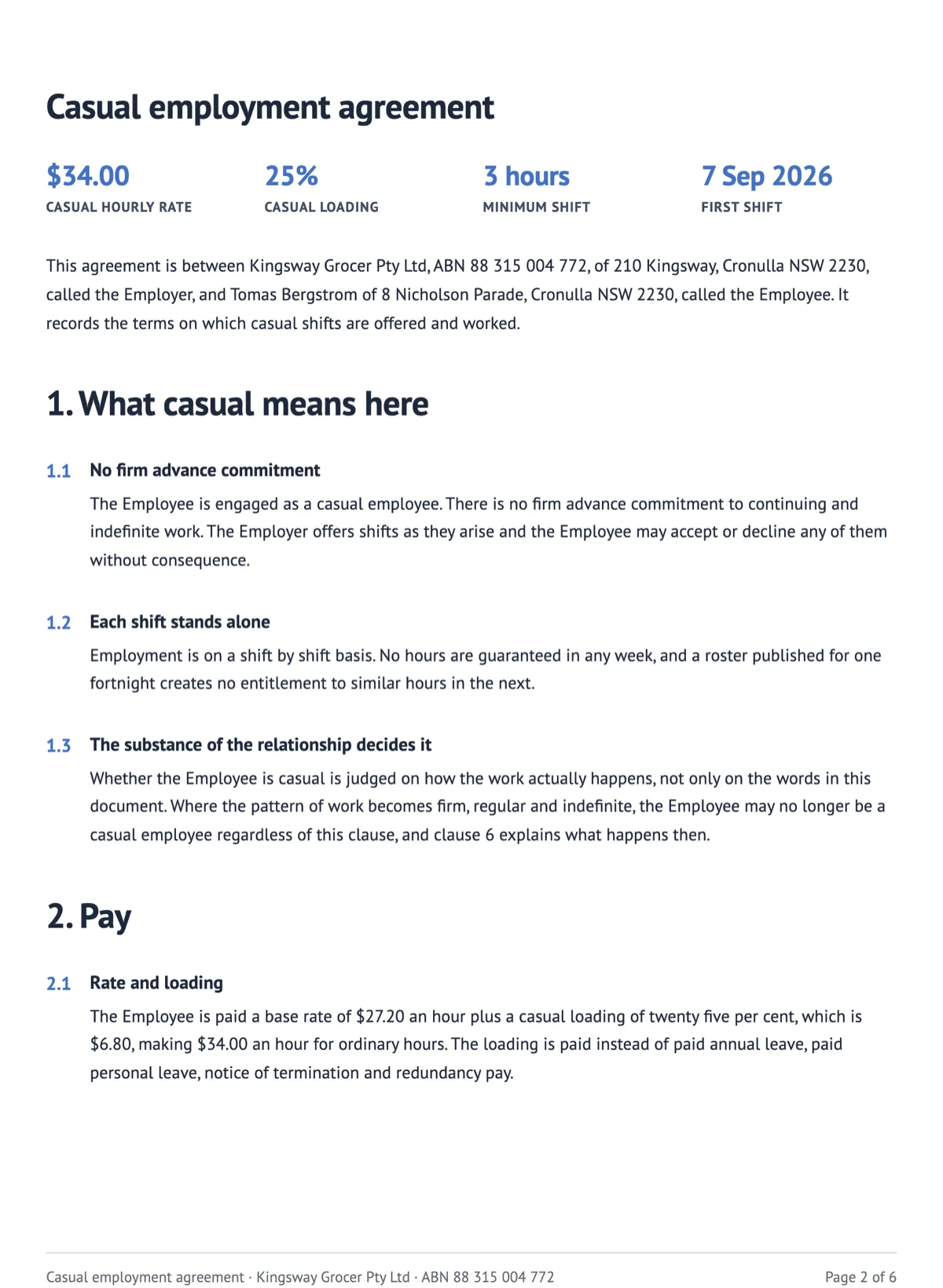
A casual employment agreement has to show the employee saw the loading and the rate table, not only the last page. This envelope carries the six page Kingsway Grocer retail assistant agreement from the documents examples, with initials on pages 2 to 5, a name, signature and stamped date on page 6, and the store manager countersigning once the employee is through, days before the first shift on Monday 7 September 2026.
Sign a catering contract online
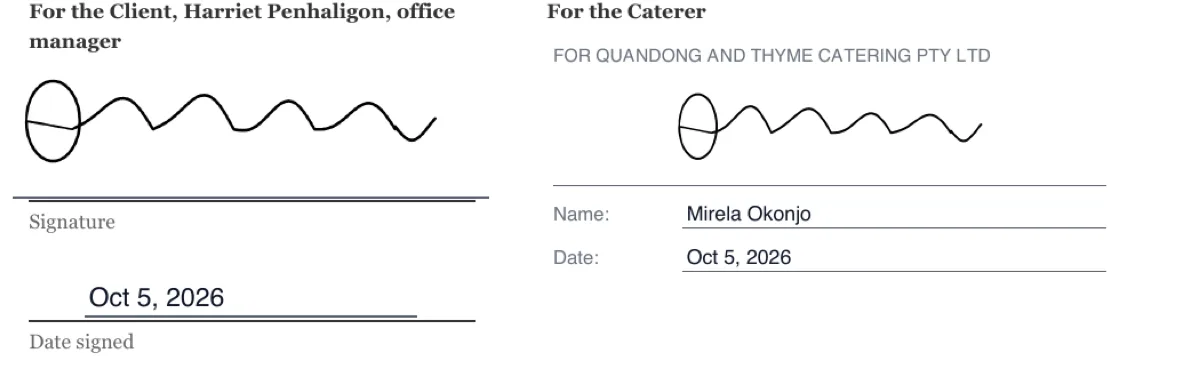
Signing a catering contract online should lock the menu, the price per head and the date final numbers are due, because those three decide the invoice. This four page contract for a Sydney architecture firm's end of year lunch has the office manager type the estimated guest count, initial the menu, and sign, then the caterer signs, before the deposit falls due.
Sign a childcare enrolment agreement online
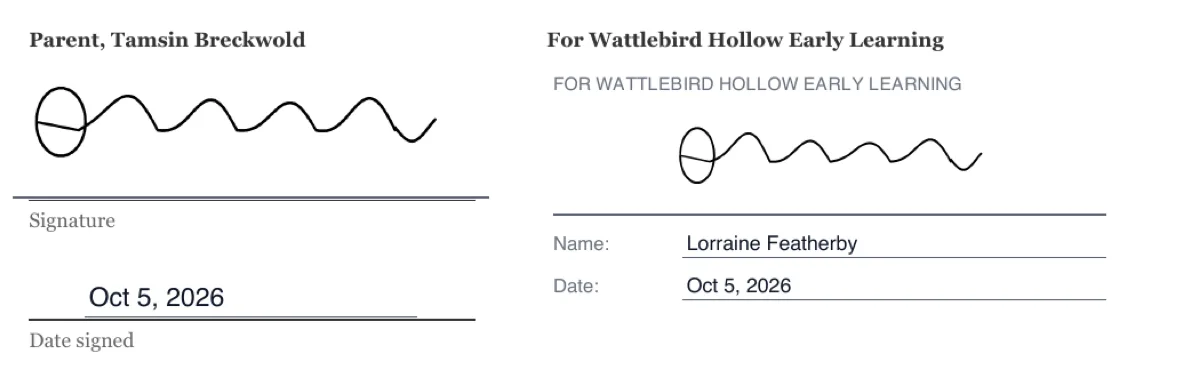
To sign a childcare enrolment agreement online, the parent has to supply the facts only a parent can give, the people allowed to collect the child and the consents for photos and sunscreen, before the centre accepts. This five page agreement for a three year old at a South Australian long day care centre has the parent type three pickup names, choose two consents as typed X marks and sign, and the director signs after.
Sign a commercial lease online
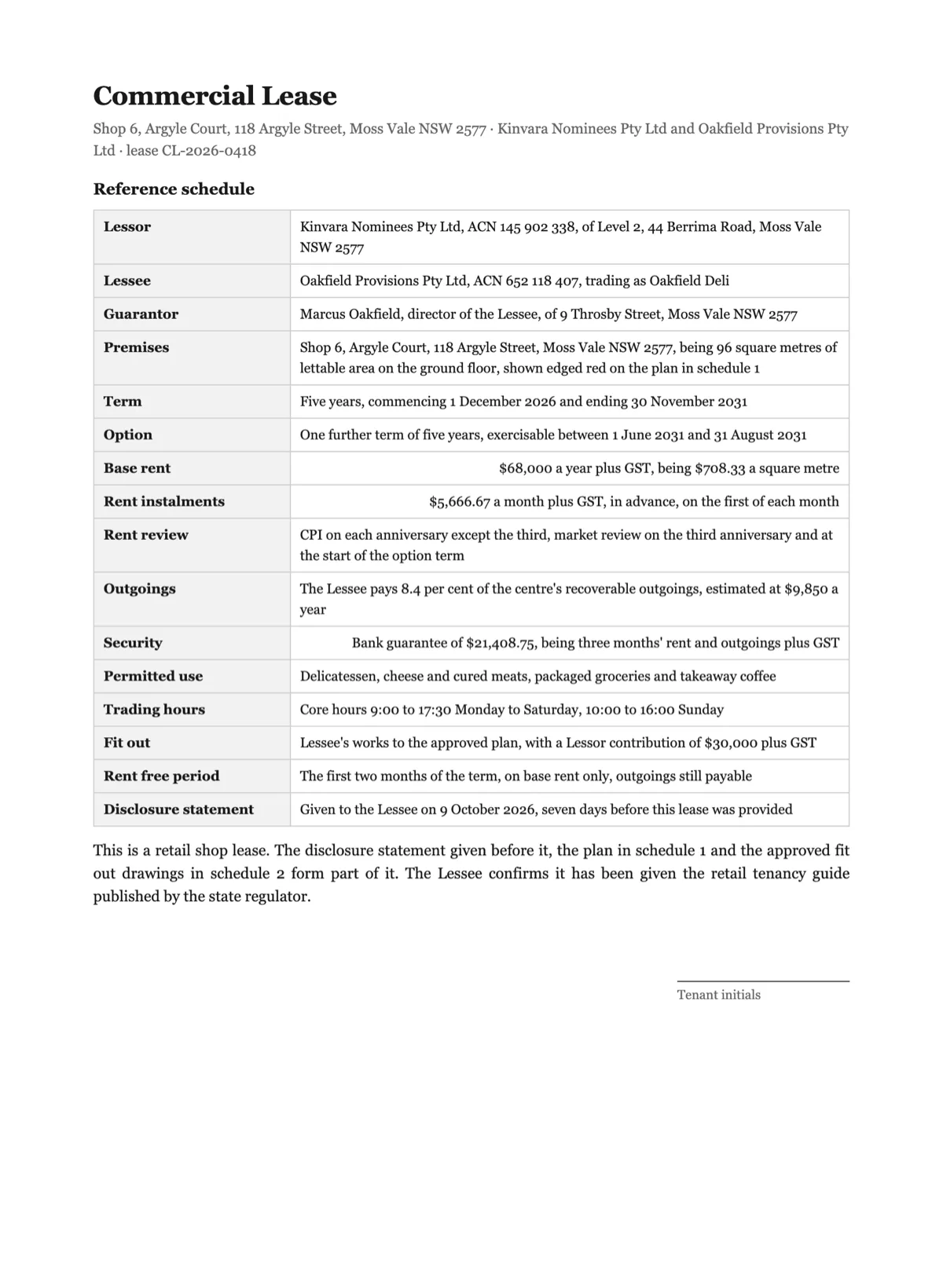
A fourteen page retail lease is the document people most often sign without reading, which is exactly why an initial on every page is worth placing. This five year lease of Shop 6 at Argyle Court takes fourteen initials from the tenant, a personal guarantee from her fellow director on page 13, and the lessor's block last on page 14.
Sign a contractor onboarding pack online
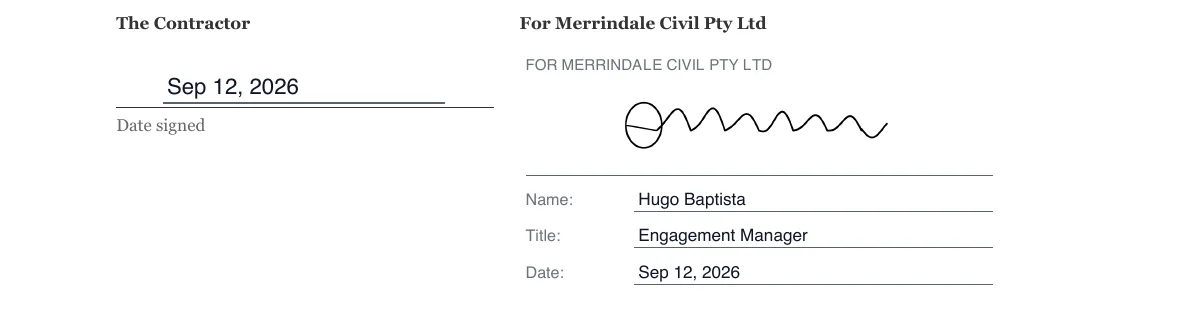
Contractor onboarding usually arrives as four separate attachments and comes back as three, because somebody missed one. This envelope binds the services summary, the confidentiality undertaking, the site rules and the bank details page into a single six page PDF, with a signature on two of them, initials on the other two, and one certificate at the end instead of four.
Sign a convertible note online
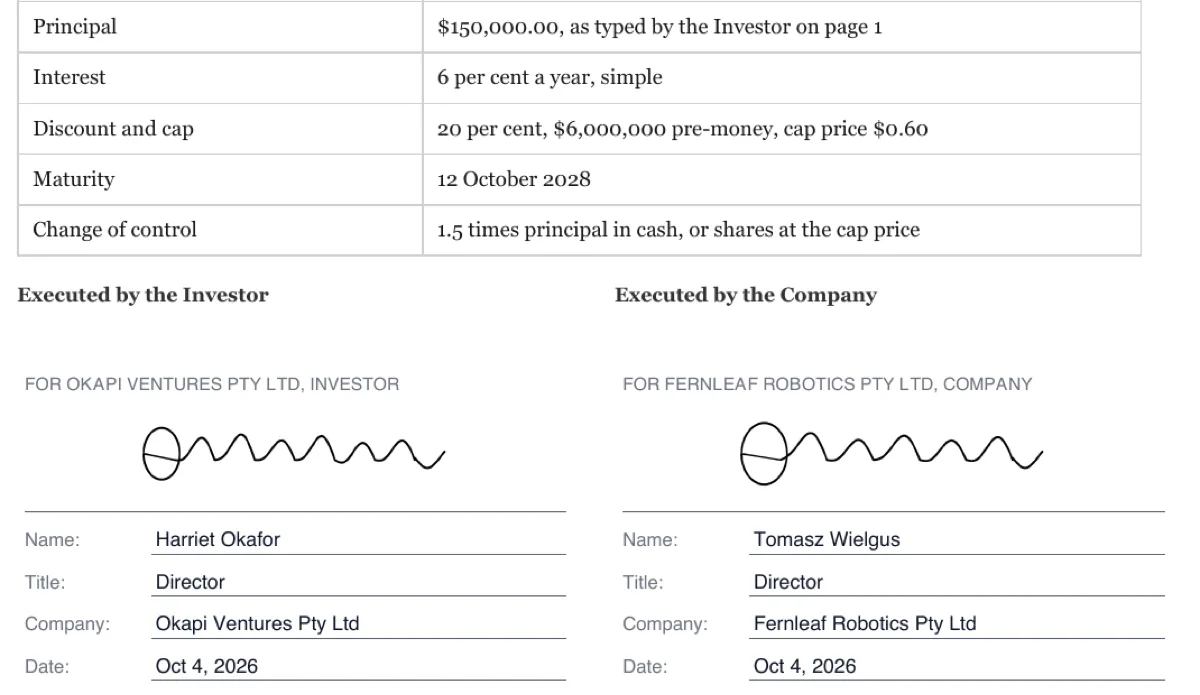
A convertible note has to record the principal the investor actually committed and that both companies executed it in the right capacity. In this six page note for a robotics startup, the investor types the $150,000 investment amount on page 1 and signs a company block behind an emailed code, and the founder signs for the company after.
Sign a cosmetic procedure consent online
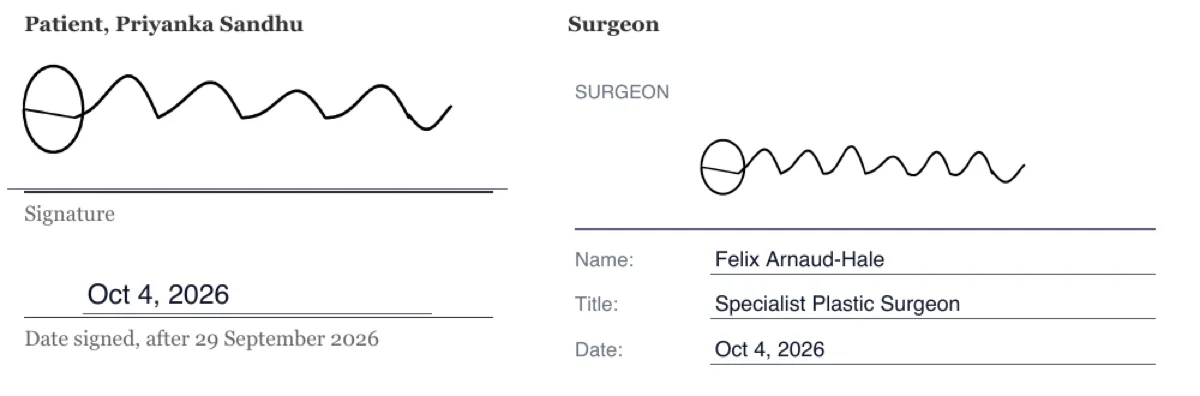
A cosmetic procedure consent has to prove the decision was not made in the consulting room: the referral, two consultations and a cooling off period come first, and the signature after. This three page consent for upper eyelid surgery prints the cooling off end date of 29 September 2026 on page 1, and the patient's stamped signature reads Oct 4, 2026.
Sign a counselling agreement online
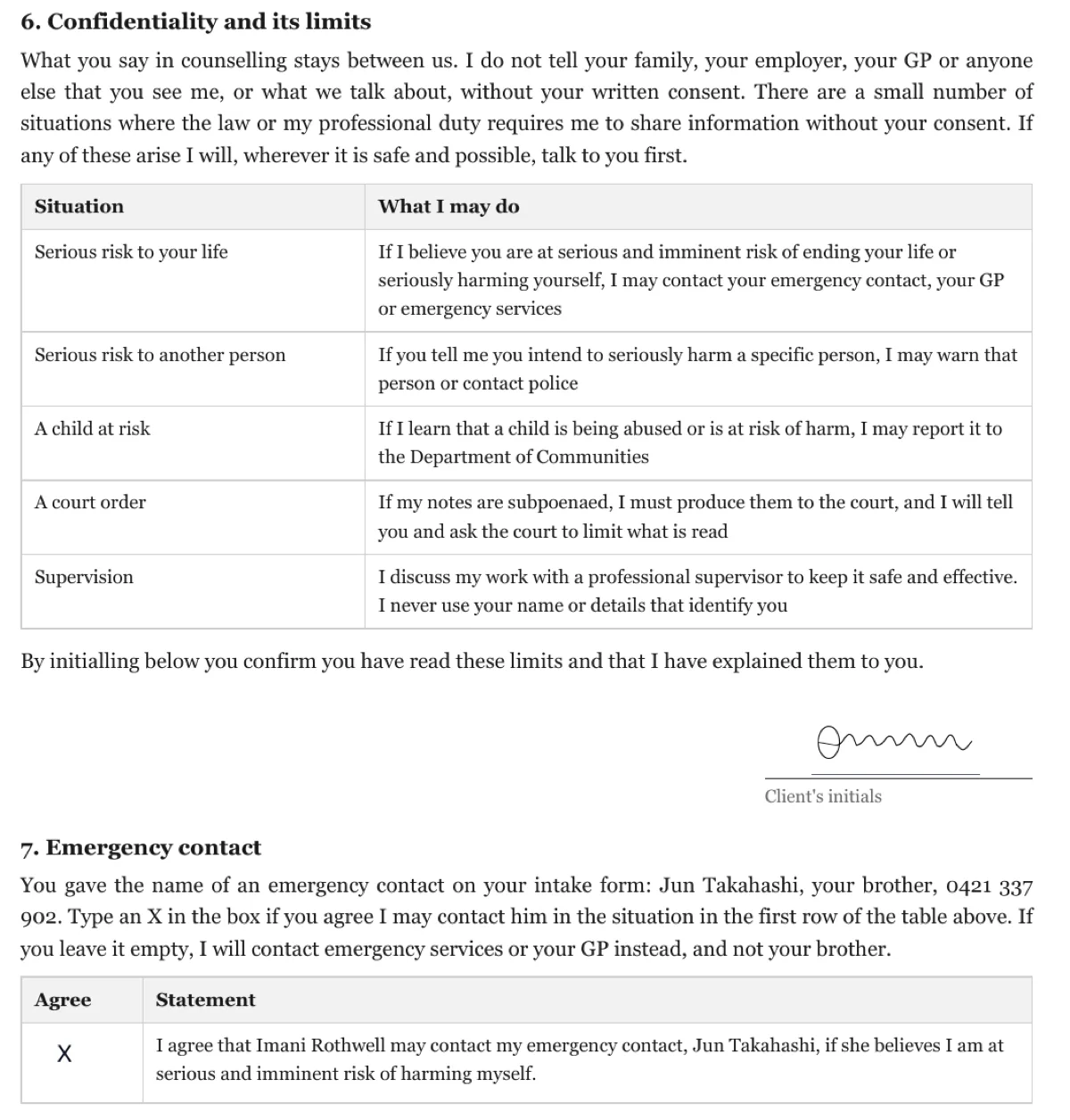
A counselling agreement has to show that the client understood, before the first session, exactly when confidentiality can be broken and who may be called in a crisis. In this three page agreement the client initials the limits of confidentiality, makes a separate choice about his emergency contact, and signs behind an emailed code before the counsellor countersigns.
Send your own document for signing
Upload a PDF or start from a document you wrote here, place the fields for each signer, and send it. You can follow who has opened, signed or declined.
Start an envelope