Videos
HR video maker
An internal benefits or policy video usually explains the change beautifully and never says what to do about it. Four minutes about an exciting new partner, the actual change buried at two minutes forty, no effective date, no deadline, and nothing about what happens to somebody who does nothing at all.
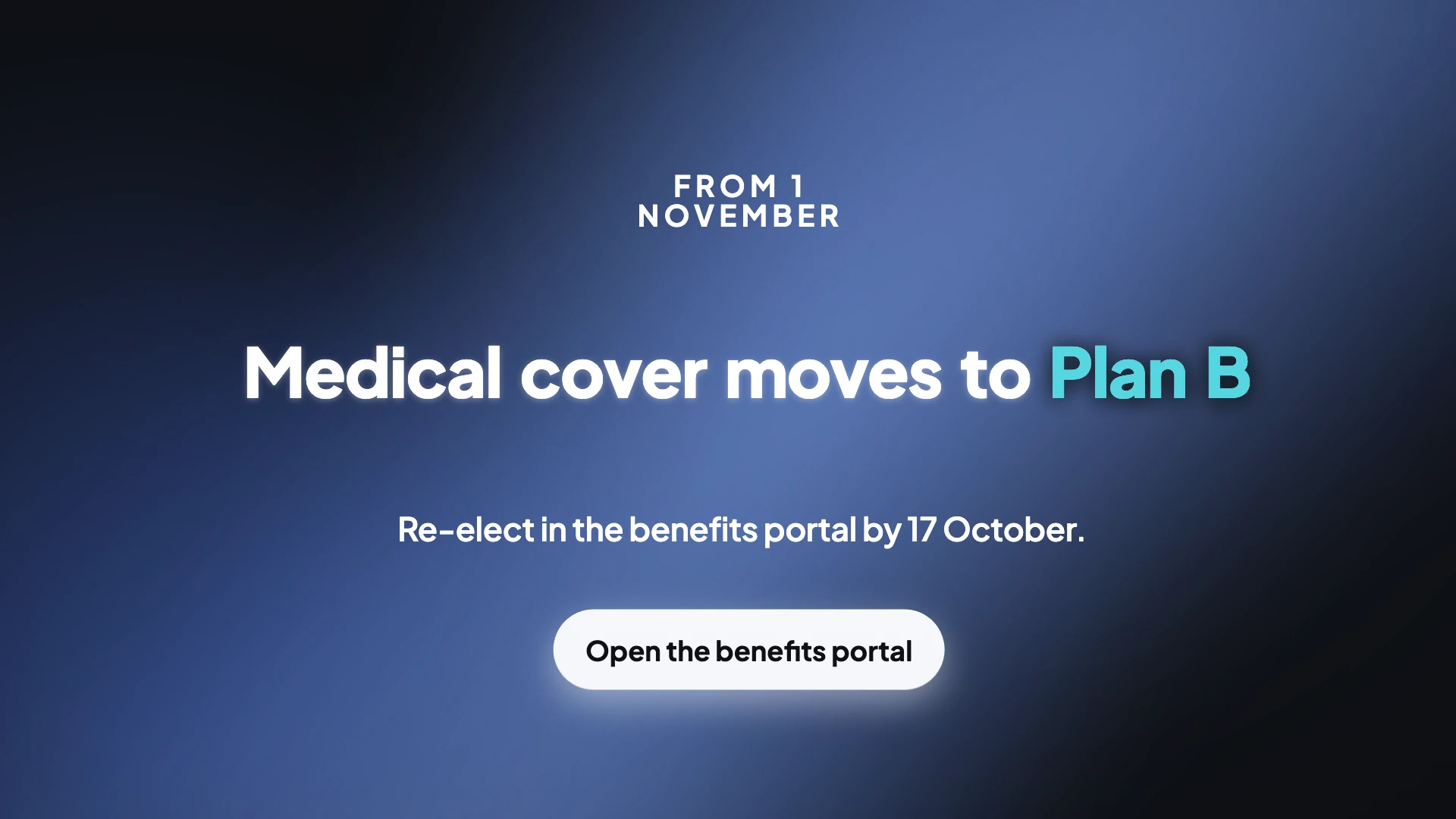
The five beats, in order
The change in one sentence: we are moving from this to that. The effective date, as text on screen. What the employee must do, as a verb with an object, log in and re-elect rather than review your options. The deadline as a date, held long enough for somebody to photograph it. And what happens if they do nothing, which is the default election or the lapse. That last one is the beat that gets cut for time and the one that generates every escalation afterwards.
You cannot spend forty seconds on the upside and three on the downside
Benefit plan disclosure rules require that exceptions, limitations, reductions and restrictions are not minimised, rendered obscure or made to appear unimportant, and that they are described no less prominently than the benefits themselves. A hero treatment of the new perk followed by a legal card at double speed is precisely what that prohibits. In practice it means the restriction gets its own scene at the same type size as the benefit.
The video is not the plan, but misstating it still matters
Courts have allowed relief for inaccurate statements about benefits even where the plan document itself was accurate, and the specific problem in the leading case was comparative reassurance, describing a new arrangement as an overall improvement. So ban comparative language, better, nobody will be worse off, upgraded, unless legal has verified it for every affected population. Say what changes and let people work out what it means for them, with a route to ask.
Two things a change video must not contain
Named conditions or traceable claim examples, and any screen recording showing member data, both of which cross the health information firewall. And uncaptioned delivery: internal video accessibility has been the subject of enforcement settlements requiring captioned videos alongside interpreting. Captions here are burned in and on by default, which covers the first part of that obligation.
How it works, in three steps
Step 1
Write the change as one sentence
We are moving from X to Y. Everything else in the video hangs off that line, and it becomes the opening scene copy.
Step 2
Put the date and the deadline in the brief
Both as real dates. They become on-screen text large enough to read, and a countdown scene is refused without one.
Step 3
Cut a thirty second reminder
Duplicate the video, keep the action, the deadline and the default, and drop the explanation. Send that one as the window closes.
The full walkthrough with screenshots is in the guide Add voiceover, captions and music to a video.
Limits worth knowing
- There is no filmed presenter. A named leader beat is an uploaded clip, or a quote scene carrying their words with their title.
- Nothing checks your copy against the plan documents or the notice deadlines. That review is yours.
- The share link is public to anyone holding it, with no password and no expiry, so it is not the right channel for confidential material.
- Dates written into the brief are baked into the export, so a moved deadline means rebuilding and reissuing.
Questions people ask
How long should an internal change video be?
Sixty to one hundred and twenty seconds, with a thirty to forty five second reminder cut for the end of the window. Post the short cut alongside the full recording rather than instead of it.
Does video actually work for internal communication?
Survey data across more than a thousand communications professionals shows leader video used by under half of teams but rated effective by around four fifths, which is the widest gap between usage and effectiveness of any leader channel. The implication is that it is underused rather than overrated.
Should it be polished?
Not particularly. The same research recommends filming a thirty second update on a phone in high risk situations, on the basis that authenticity beats production value. A clean captioned video with the right five beats beats a beautiful one missing the deadline.
Can we skip the boring parts?
Not the restrictions. Disclosure rules require limitations to be presented no less prominently than benefits, so the exclusions scene has to look like the benefits scene rather than like fine print.
Make your own video
The button opens the generator with this use case already described. Change the wording to match yours, generate, then edit anything you like.
Create a video with OneCraftRelated pages
Onboarding video maker
The default onboarding video is one twenty to forty minute orientation film fronted by an HR generalist, opening on company history and the org chart. It ages the moment a tool changes, it is watched at a fraction of its length, and it front loads what the new hire does not need over what they are anxious about.
AI voice options
There are two different voice pickers here and they work at different scales. When a video is generated, the director chooses from eight characters, four styles across two genders. In the builder afterwards, every voice Google offers is searchable per scene. Most people only need the first.
AI product video maker
If you sell a physical thing you already have the raw material: the photographs from the listing. The work is deciding which shot opens, which ones group together, which scene can hold four of them at once, and how each picture sits in its box without being cropped through the subject.
More finished work of this kind is on the video examples hub.