Videos
AI creator video or faceless video
These are the two ways to make a video without filming anything, and they are not interchangeable. One casts a person and animates them talking. The other never shows anybody. They have different plan gates, different length ceilings, different scene libraries and different failure modes.
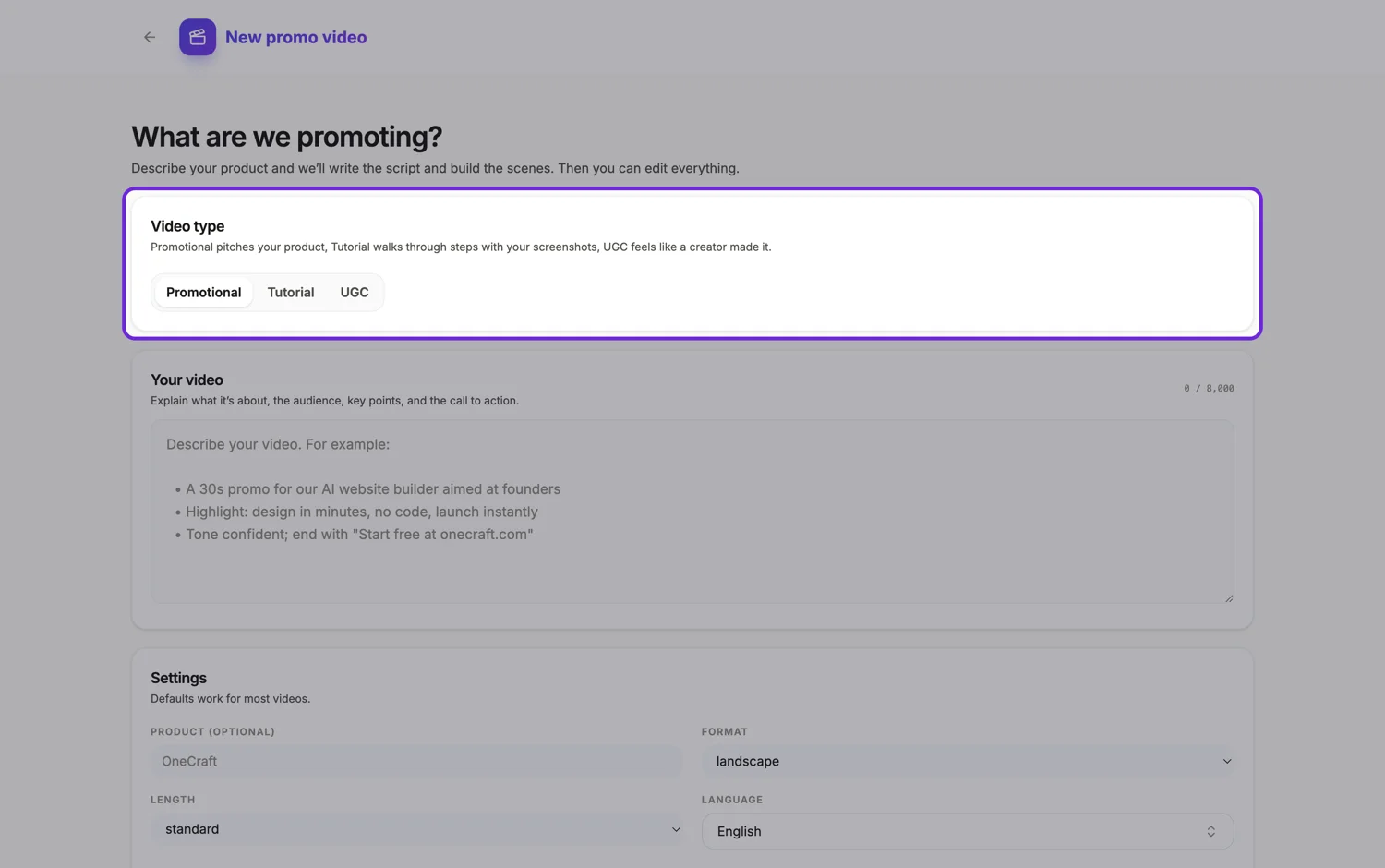
What the talking format actually produces
A written persona description becomes one generated portrait. One synthesised voice speaks every line. That portrait is then animated per beat by an avatar model, so the same face and the same voice carry the whole video. Two or three of those talking scenes form the spine, hook then experience then recommendation, and quick proof beats cut between them. The last scene is always a closing offer or ask.
What faceless produces instead
No person at any point. The screen is carried by typography, counting numbers, building charts, drawn diagrams, ticking checklists and your own screenshots, with a narration track over the top and captions burned in. There is no persona to describe and nothing to animate, so generation is faster and the whole scene library of 425 layouts across 50 roles is available rather than the four creator roles.
The gates are not the same
The creator format needs the Pro plan or higher, and below that the type is locked in the picker and the backend refuses with a 403. It is also hard capped under 30 seconds, with a maximum of three talking scenes and every other scene held to two and a half or three seconds. Faceless has neither restriction: a promotional video is available on a free account, and long length allows up to twelve scenes.
Choosing between them
Pick the creator format when the buying decision is social, when the product is cheap enough to try on somebody's word, and when the placement is a feed where a talking head is the native form. Pick faceless when the subject is technical, when the claim needs a chart or a diagram to be credible, when the video has to be reissued in several languages, or when a synthesised person would read as dishonest for what you are saying.
How it works, in three steps
Step 1
Check your plan before you plan
The creator format is Pro and above. If you are on a lower plan the choice is already made, and faceless is available immediately.
Step 2
Describe the person, or describe the argument
For the creator format write who they are: age, look, clothing, setting. For faceless write the through line and the numbers instead.
Step 3
Judge it muted
A talking video muted is a face and a caption. A faceless one muted should still make its whole case, which is the honest test of whether the copy is doing its job.
The full walkthrough with screenshots is in the guide Make a UGC creator video with AI.
Limits worth knowing
- The creator format is Pro plan and up. The faceless approach is available on the promotional type, which every plan can use.
- A creator video is capped under 30 seconds with at most three animated talking clips.
- Uploaded footage of a real person is never used in the creator spine. Your own clips belong in a clip scene on a normal video.
- Both formats depend on a synthesised voice, so neither can carry a genuinely personal apology or a legally sensitive statement.
Questions people ask
Can I use my own face instead?
Not in the talking spine. You can upload your own footage into a clip scene on a promotional video, which plays it with trim and fit controls, but the creator persona is always generated from a description.
Which one performs better?
It depends entirely on the placement. In a fast scrolling feed a face in the first second earns attention. On a landing page or in an email, a faceless explainer with a clear chart usually holds longer, because the visitor already chose to be there.
Do I have to disclose that the person is generated?
Advertising rules differ by market and are tightening on synthetic presenters. Check the requirements where the ad runs before publishing, and treat the persona as a stand-in rather than a claimed customer.
Can I mix them?
Within one video, no. The creator roles are only offered in that mode and the uploaded clip role is disabled there. Make them as two videos and use each where it suits the placement.
Make your own video
The button opens the generator with this use case already described. Change the wording to match yours, generate, then edit anything you like.
Create a video with OneCraftRelated pages
Add captions to a video
Most tools transcribe the audio to make captions, which means the captions inherit whatever the speech recogniser heard. Here they come from the other direction: the narration text you wrote is the source, the speech is synthesised from it, and the captions are generated from the same string.
Sales pitch video maker
Outbound video splits into two jobs and only one of them belongs here. The one to one prospecting video, where a rep films themselves waving with the prospect's name on a whiteboard, is a camera job and this tool has no camera. The pitch asset that follows the reply is a build job, and that is what this is for.
Countdown offer video
Urgency in a video is a scene, not a widget. A countdown scene sets a deadline in type large enough to read in a feed at arm's length, and it will not be built at all unless your brief contains a real date. What it never does is count down against a live clock, which is worth understanding before you plan a campaign around it.
More finished work of this kind is on the video examples hub.