E-signatures
Electronic signature online
One envelope holds one PDF, the people who have to sign it, and the boxes each of them fills. That is the whole model. Everything else, the invitations, the identity checks, the stamping and the final certified file, follows from those three things.
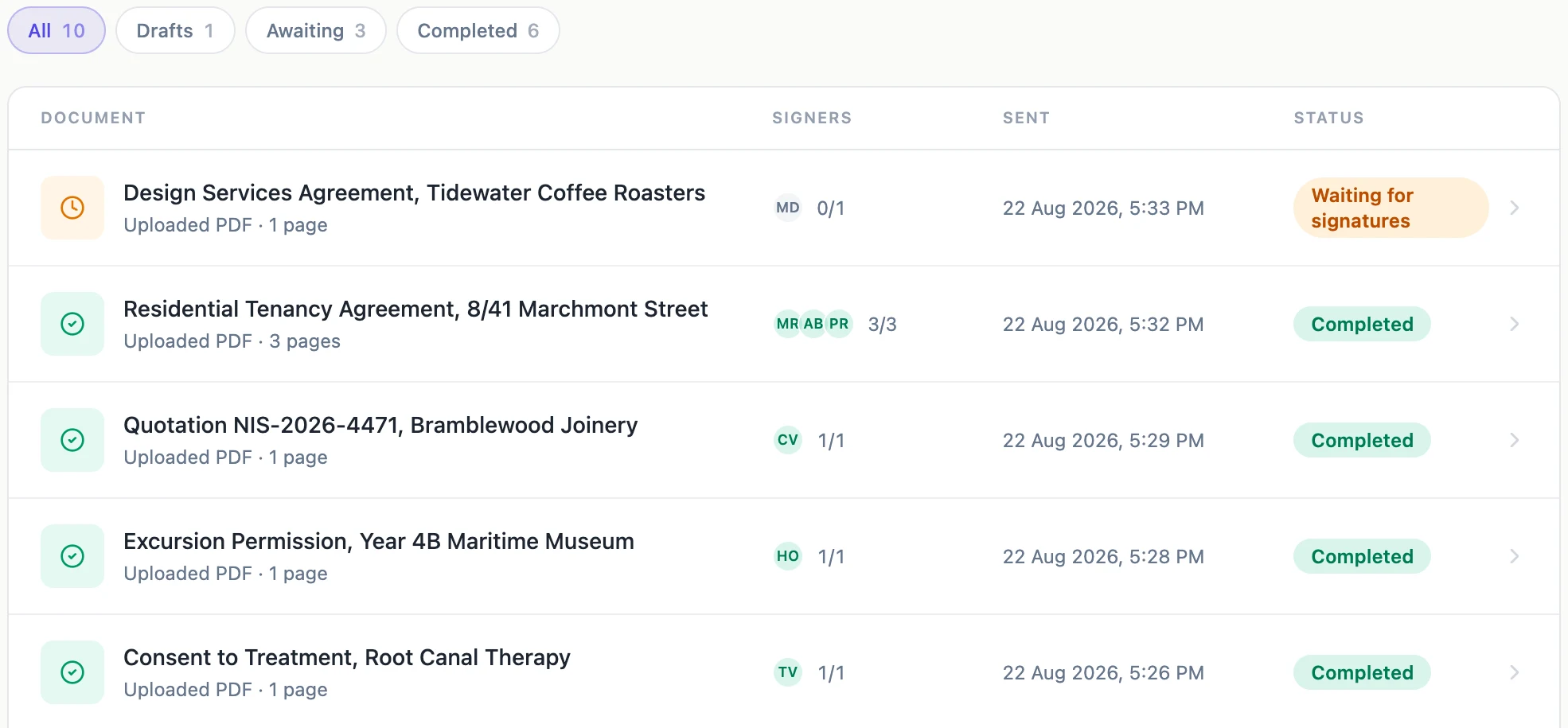
What an envelope actually is
Give it a title, add a short note if the signers need context, then attach the PDF. On upload the file is read once with pdf-lib to capture the exact width and height of every page in points, plus a sha256 of the bytes. Those page sizes are what every field position is stored against, which is why a box you place at the top of page three lands there when it is stamped rather than somewhere near it. A rotated page is refused at this point, by number, because its recorded size would disagree with what any reader draws.
Recipients carry the verification, fields carry the work
Each recipient has a name, an email, a position in the signing order and a way of proving who they are. Fields belong to a recipient, not to the envelope, so a signer opening their link sees only their own boxes as live. An envelope refuses to go out until every signer has somewhere to actually sign: a signature, an initials or a signature block field. A date on its own is not enough, because a date is stamped rather than signed.
Sending is a one-way door
The prepare screen is draft only. Once you press Send the envelope leaves draft and the editor redirects to the status page for good, because a document whose contents can change after somebody signed it is not evidence of anything. If the wording is wrong you withdraw the whole request, fix it and send again. That is deliberately more friction than an edit button, and it is the reason the last read before sending matters.
Every signature is stamped into a new file
The PDF you uploaded is never written to again. A working copy is seeded from it, and each signature is drawn into a fresh copy under its own key, so the state after the first signer and the state after the third are both still retrievable. When the last signer finishes, the fully stamped file is hashed, a certificate of completion is built from the event log, and the result is certified with a PAdES signature at DocMDP level 1.
What you are left holding
Two files on the status page: the certified signed document, and the certificate of completion as a PDF of its own. Both are downloaded through links that live for an hour. Everyone involved, signers and sender, also gets the certified copy emailed to them as an attachment. Underneath sits the audit trail, a numbered and hash-chained list of every event from creation to certification, with the IP address behind each one.
How it works, in three steps
Step 1
Attach the PDF
Up to 25 MB, pages upright, no password. The page geometry and a hash of the file are recorded at this moment.
Step 2
Add signers and place their fields
One card per signer, each with its own colour. Drag fields from the palette onto the page for whichever signer is selected.
Step 3
Send, then watch the status page
Invitations go out, and the page shows who has opened, signed or declined without you having to ask them.
Limits worth knowing
- One envelope holds at most 25 recipients and 500 fields.
- The PDF has to be under 25 MB, unencrypted, and saved with its pages upright. A rotated page is refused with its page number.
- Nothing about the document or its fields can be changed after you send. Withdraw and resend instead.
- Only a draft can be deleted. Once an envelope has been sent it stays on the list with its history.
Questions people ask
Do signers need an account?
No. A signer gets a link that belongs to them alone and opens it in a browser. The only thing they may be asked for is whichever identity check you set on them.
Can I sign my own document?
Yes. Add yourself as a recipient, or use the Sign here button beside your own name on the status page, which opens the signing view on the device you are already using.
What happens if the certification step fails?
The envelope is marked failed and you are emailed about it. It never ships an uncertified file and calls it signed, which is the one failure mode worth being strict about.
Where do documents written here fit in?
A document or a form built in OneCraft can hand itself straight over as an envelope, with the fields worked out from its own signature blocks rather than placed by hand.
Make your own signing flow
The button opens the generator with this use case already described. Change the wording to match yours, generate, then edit anything you like.
Send a document for signingRelated pages
Sign a PDF online yourself
Sometimes nobody else is involved. You have a PDF that needs your signature on it, and you want it back as a proper certified file rather than a photo of a scribble pasted into a page.
Multiple signers on one document
Three people signing the same agreement is three sets of boxes on one PDF. The difficulty is never the signing, it is making sure the right box belongs to the right person and that nobody can fill in somebody else's.
Initials on every page
A twelve page lease traditionally wants a set of initials in the corner of each page, so nobody can quietly swap page seven later. Producing twelve marks by hand is tedious. Producing one and having it land twelve times is not.
More finished work of this kind is on the e-signature examples hub.