Documents
QR code on a document
A QR code is the bridge between a printed page and something online. It earns its place only where a reader would genuinely scan: to pay, to book, to verify. Everywhere else it is a square of noise.
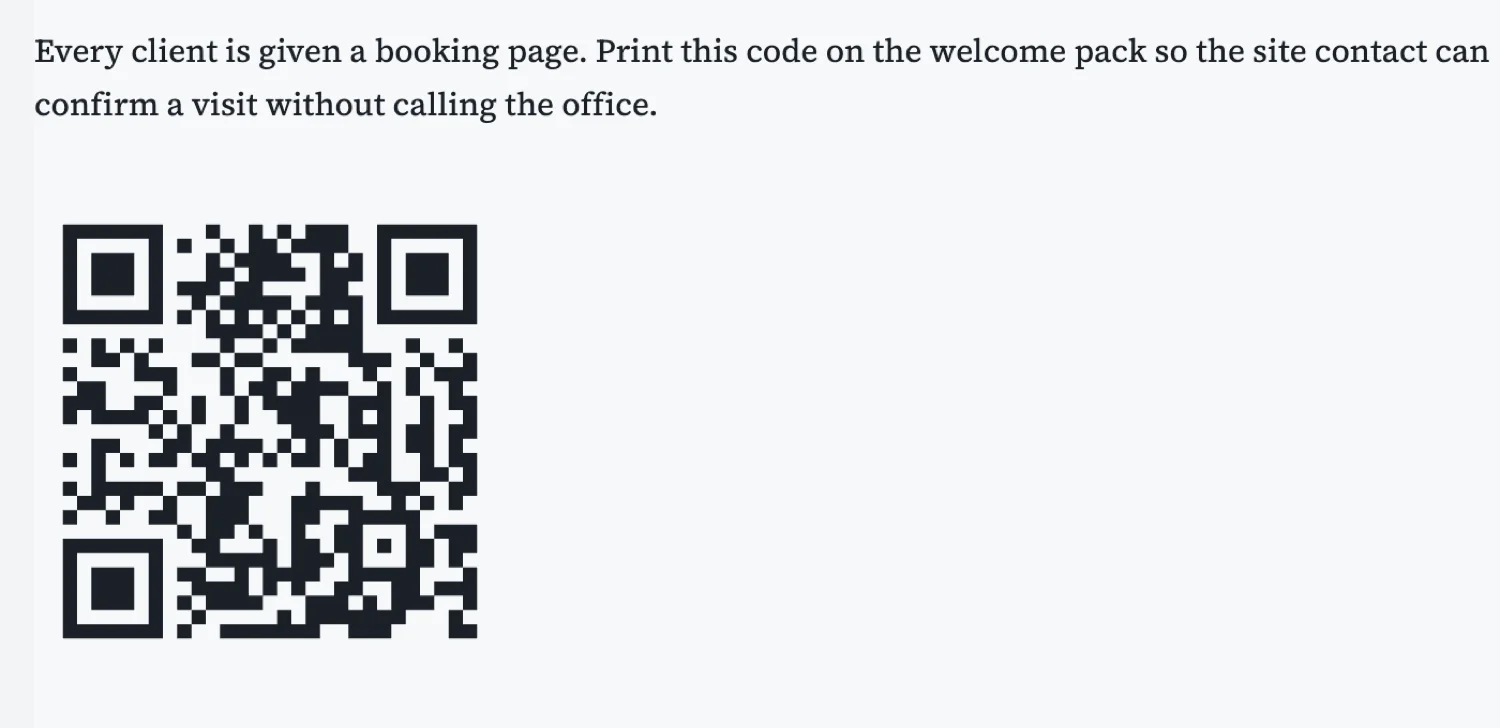
Three places it is genuinely useful
A payment link on an invoice, so somebody can pay from the paper rather than typing a reference. A booking or confirmation page on a welcome pack or an appointment letter. And a verification URL on a certificate, so a third party can check it is real. If your use is not one of those three, ask what the reader gains by lifting their phone.
Always label it
A bare code is a gamble. One line telling somebody what happens when they scan, "Scan to pay this invoice" or "Scan to confirm a visit", is the difference between a code that gets used and a code that gets ignored. People do not scan unlabelled squares, and they are right not to.
Size it for the distance
A code on an A4 page read at arm’s length wants to be about three to four centimetres square. Smaller and a phone camera struggles in poor light, which is where most invoices get read. There is no benefit to a huge one, and a code taking a quarter of the page looks like the document was designed around it.
Keep the URL short and stable
A short URL makes a simpler, more reliable code, and a stable one keeps working after the document has been printed and filed. Point it at something you control and will not move, because unlike a link in an email you cannot go back and fix it.
How it works, in three steps
Step 1
Decide what the scan does
Pay, book or verify. If it is none of those, leave it out.
Step 2
Add the code and label it
One line saying what happens when they scan.
Step 3
Print it and scan it
Test on paper, in the light the document will actually be read in.
The full walkthrough with screenshots is in the guide Every document component and when to use it.
Limits worth knowing
- The code carries a URL or text you supply; it is not tracked or dynamic.
- A printed code cannot be changed, so point it at a stable address.
- Very long URLs make denser codes that are harder to scan.
See it on a finished piece
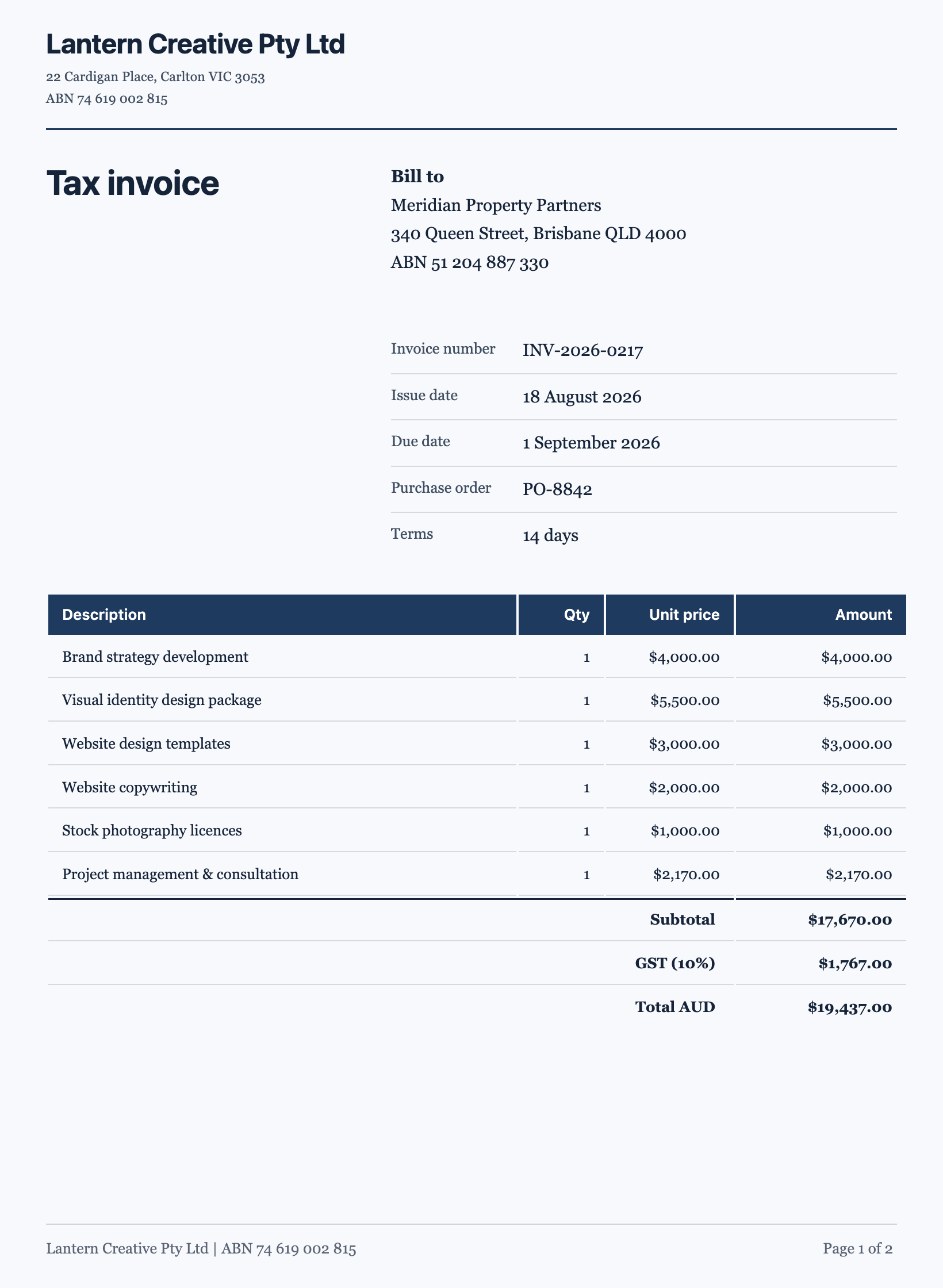
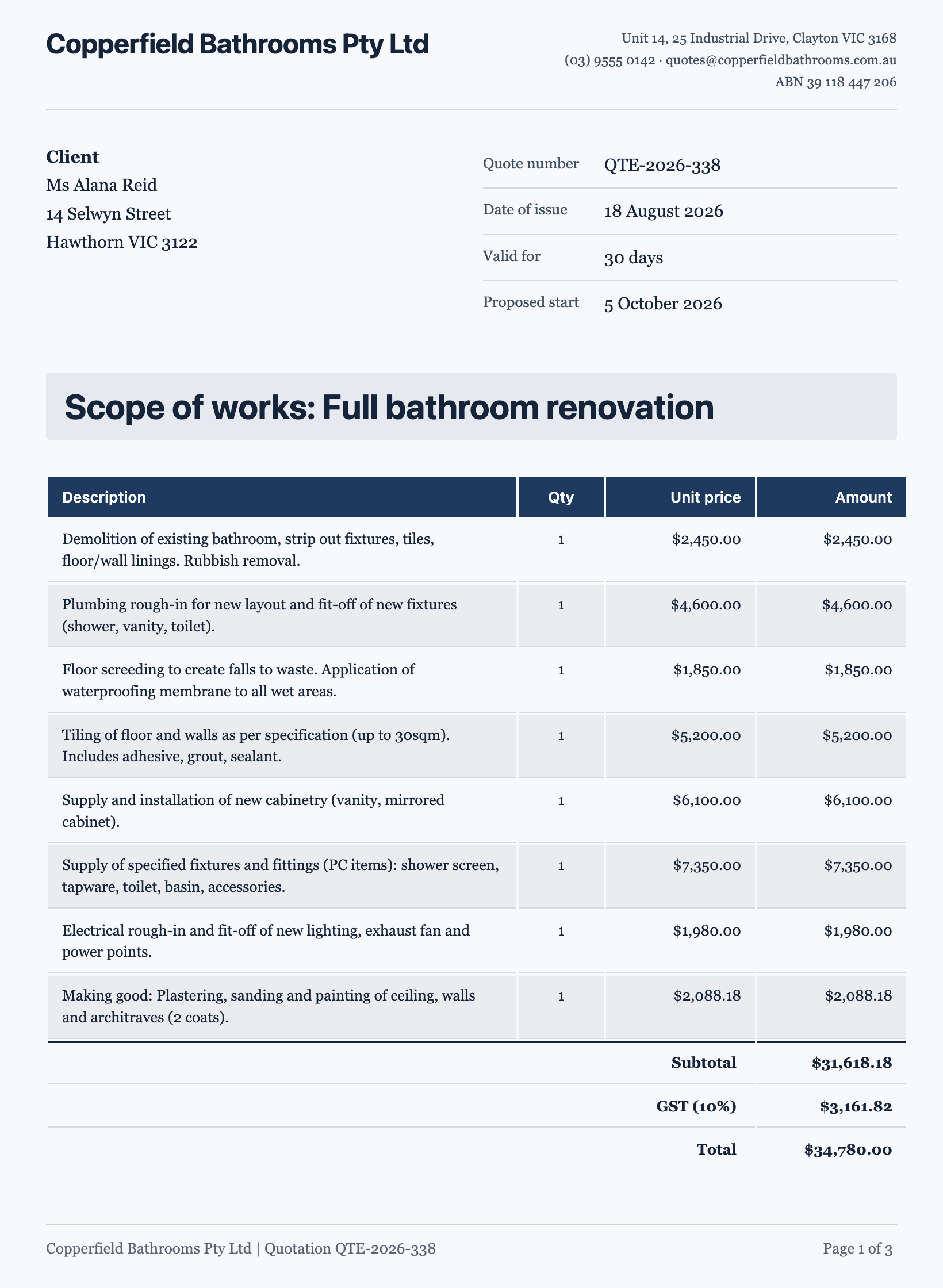
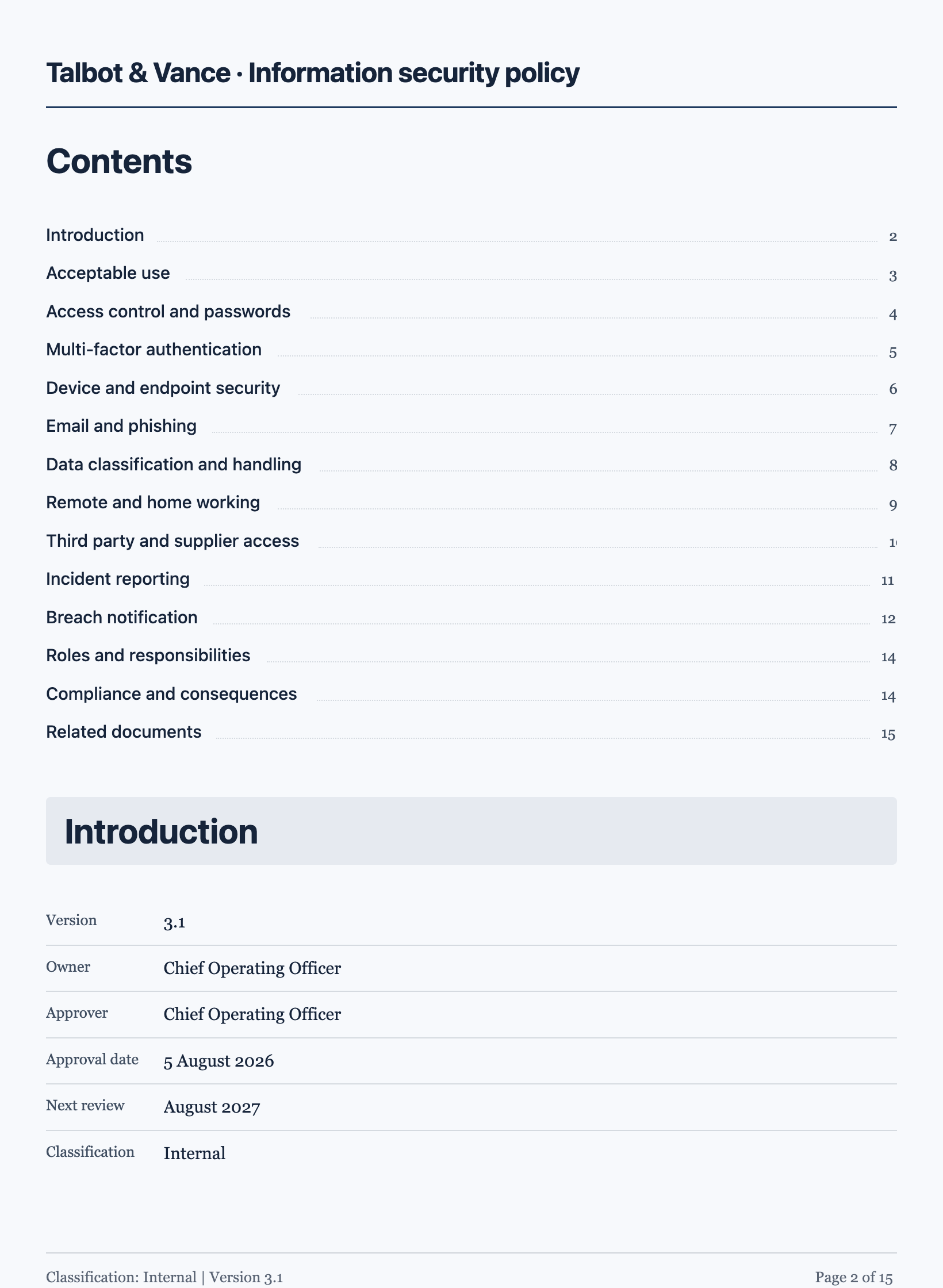
Questions people ask
How big should a QR code be on an A4 page?
Around three to four centimetres square for something read at arm’s length. Smaller struggles in poor light.
Can I track scans?
Not from the code itself. If you need to count them, point it at a URL you can measure on your own side.
Does it need a label?
Yes. People do not scan unlabelled squares. One line saying what happens is what makes it useful.
Make your own document
The button opens the generator with this use case already described. Change the wording to match yours, generate, then edit anything you like.
Create a document with OneCraftRelated pages
Document to PDF
Export is not a print dialog. The document is rendered on the server from the same page layout you have been editing, which is why the PDF matches the screen rather than approximating it.
Document letterhead
A letterhead is the sender-identity band at the top of the first page. It belongs on documents that speak for somebody, and it is deliberately kept off the ones that do not.
Flyer with a QR code
A QR code on a flyer is the shortest route from paper to a booking page. On these designs it is not a pasted picture: the code is computed from whatever you type into it and drawn as vector art that takes its colours from the theme, so it stays crisp and stays legible when the palette changes.
More finished work of this kind is on the document examples hub.