Documents
Document letterhead
A letterhead is the sender-identity band at the top of the first page. It belongs on documents that speak for somebody, and it is deliberately kept off the ones that do not.

Four styles, and what each suits
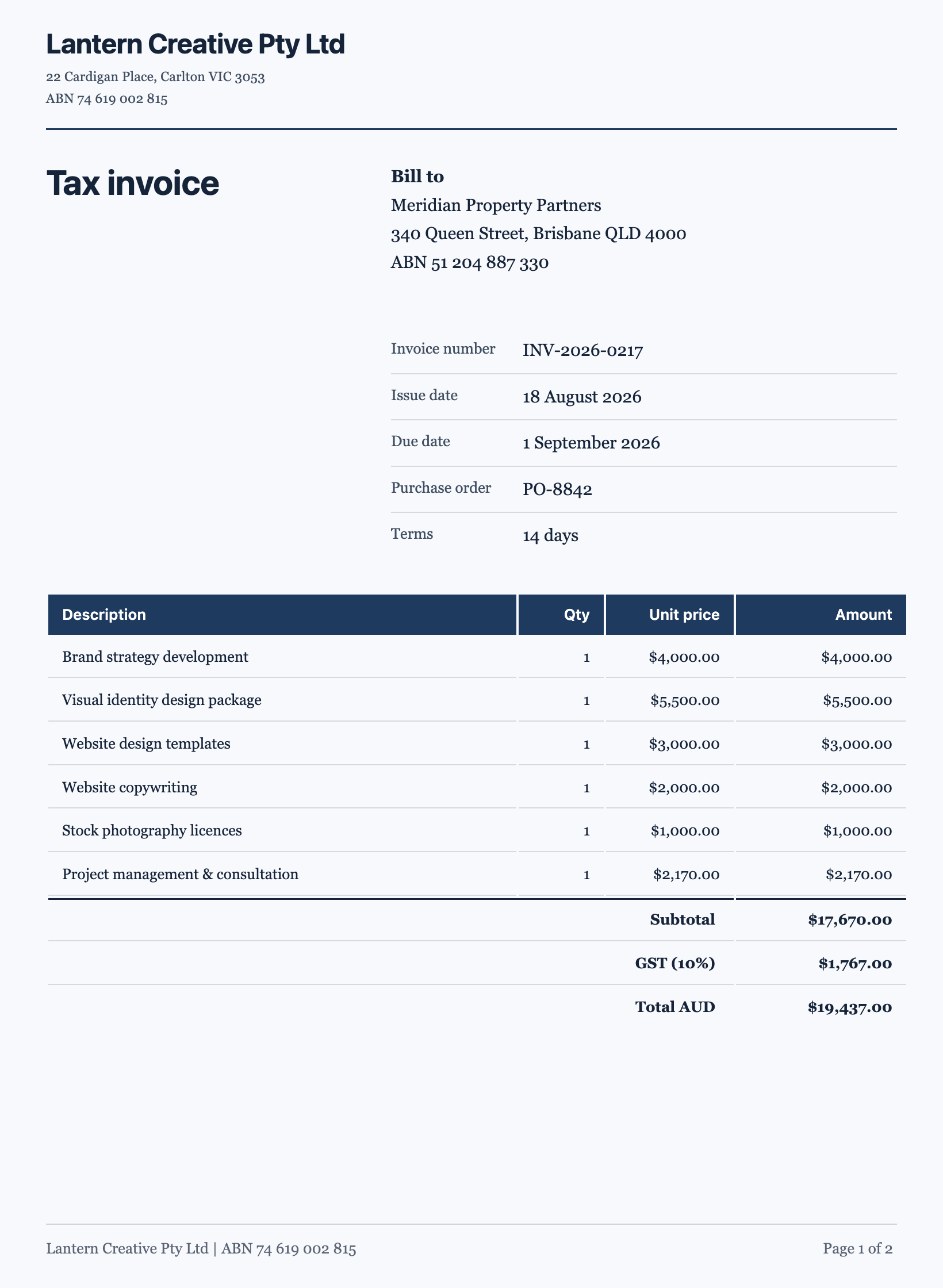
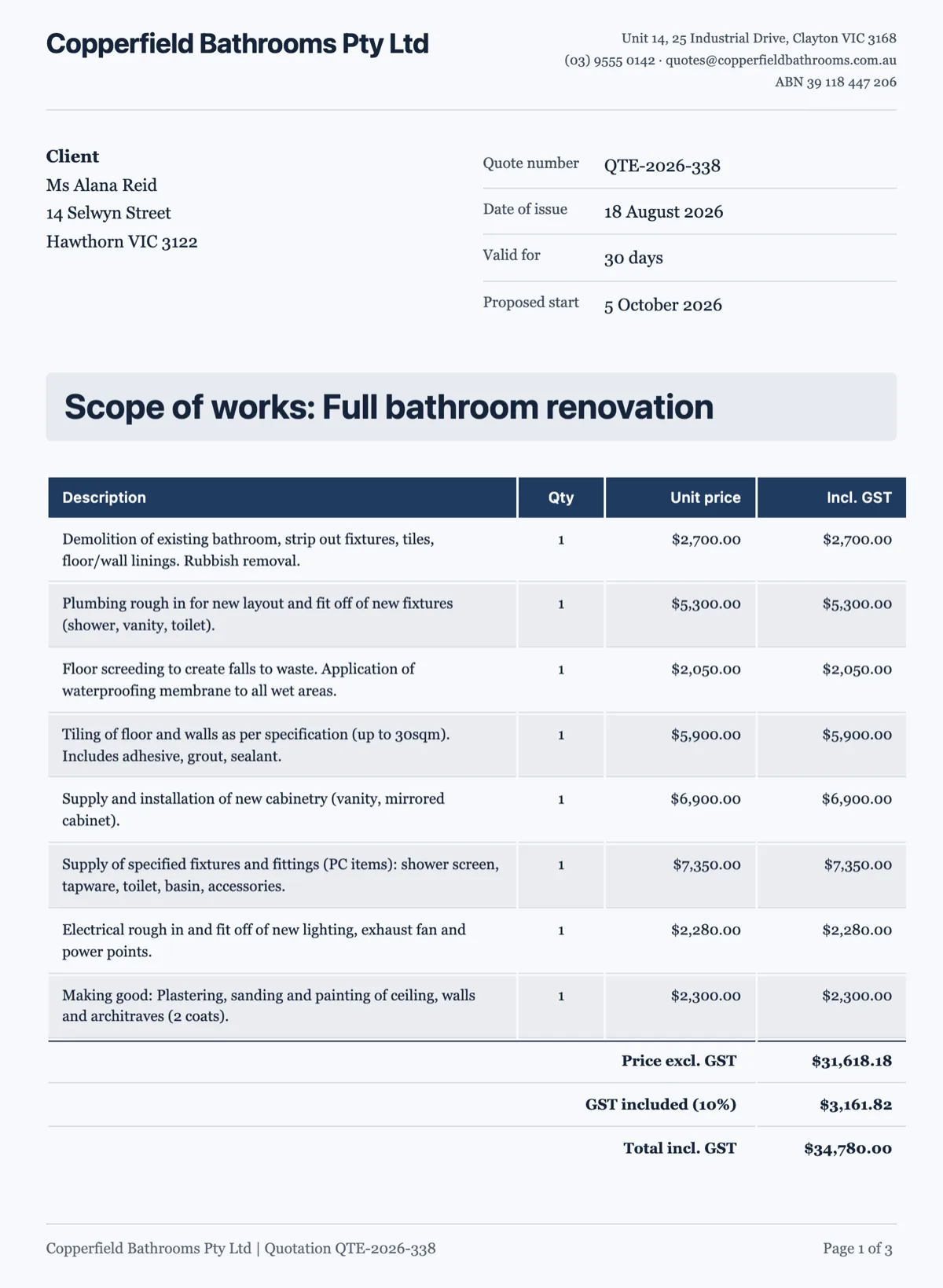
Ledger is the one for invoices, quotes and statements: compact and businesslike, the name and the details laid out like a record. Masthead runs the name across the top and suits a letter. Underline is a quieter letter treatment, a name with a rule beneath. Monogram suits a personal brand, where the sender is a person rather than a company.
Only when the document speaks for a sender
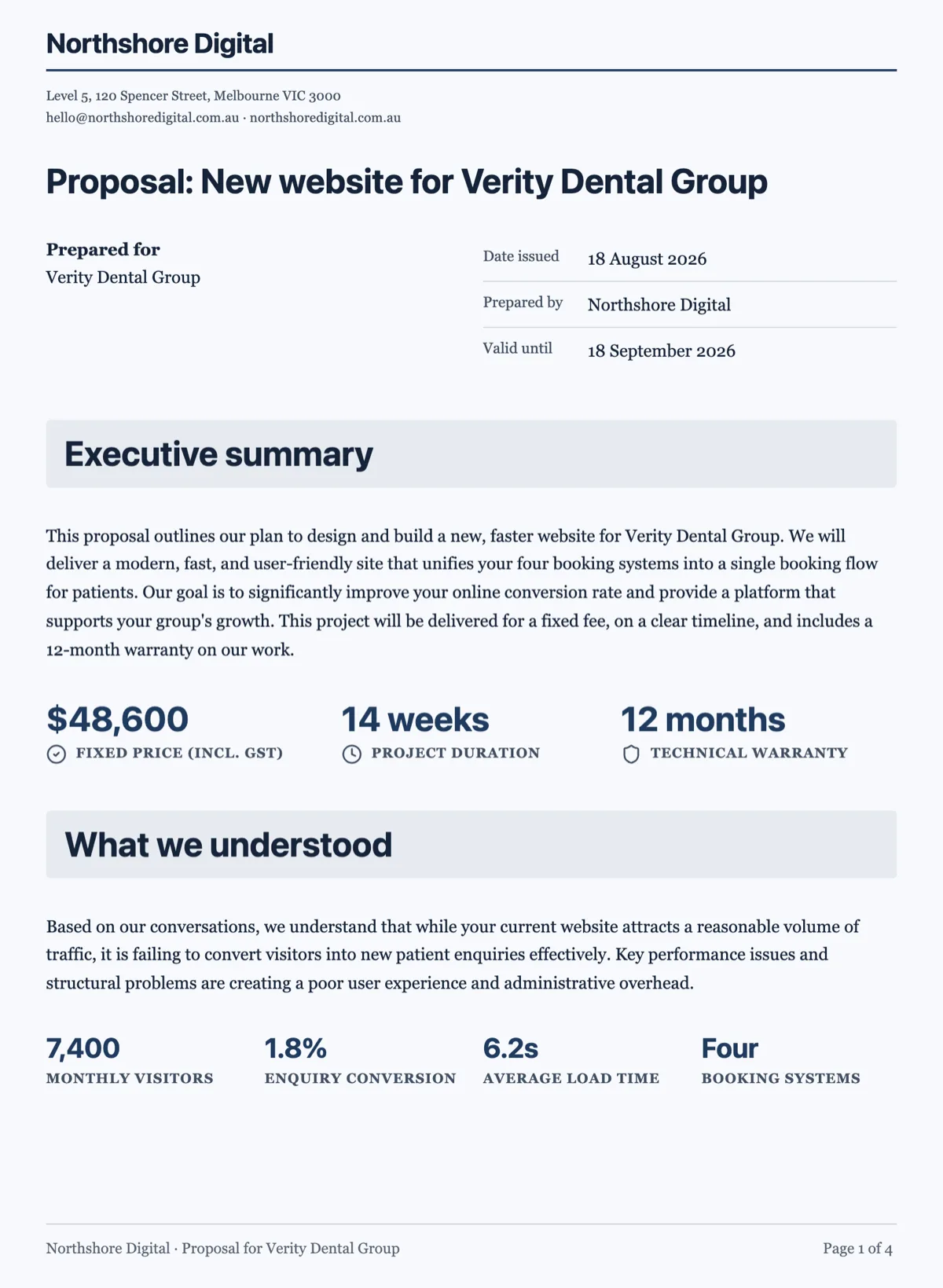
A letter, an invoice, a quote, a receipt or a statement is sent by somebody to somebody, so it carries a letterhead. A report, a paper, a manual, a resume, or a contract without a named sender does not: putting a company band on top of a two party agreement implies one side wrote it, which is exactly the impression a contract should not give.
It is furniture, not content
The letterhead is part of the page, not a block in the flow, so it does not repeat if you add content above it and it does not get pushed onto page two. That also means you should not add a heading with the company name as well, which is the usual way a document ends up saying who sent it twice.
The running header is a different thing
A letterhead appears once, at the top of the first page. A running header repeats on every page and carries a short line such as the document title or a reference. Long documents use a running header so a loose page can be identified; short documents do not need one.
How it works, in three steps
Step 1
Decide if there is a sender
If the document is sent by one party to another, it wants a letterhead. If it is a shared record, it does not.
Step 2
Pick the style for the document
Ledger for invoices and quotes, masthead or underline for letters, monogram for a personal brand.
Step 3
Do not repeat the name in a heading
The band already says who you are. A heading with the company name is the most common duplication.
The full walkthrough with screenshots is in the guide Lay out a document exactly how you want it.
Limits worth knowing
- Four letterhead styles.
- The letterhead prints on the first page only; use a running header for every page.
- It is page furniture, so it cannot be moved into the middle of the document.
See it on a finished piece
Questions people ask
What is the difference between a letterhead and a running header?
A letterhead is the sender band on the first page. A running header is a short line repeated on every page so a loose sheet can be identified.
Which letterhead style suits an invoice?
Ledger. It lays the sender details out like a record, which is what an accounts team is scanning for.
Should a contract have a letterhead?
Usually not. A two party agreement with one company band on top reads as though one side owns the document.
Make your own document
The button opens the generator with this use case already described. Change the wording to match yours, generate, then edit anything you like.
Create a document with OneCraftRelated pages
Document theme colours
A theme is a set of colour tokens and two fonts, and every block on the page reads from it. Switching theme restyles the headings, the tables, the charts and the callouts together rather than one at a time.
Data tables in a document
A table is the right block whenever the reader will compare values rather than read sentences. Rates, line items, schedules and specifications all belong in one, and prose about them does not.
Custom document theme
When none of the ten presets is your brand, you have two routes: describe the look in a sentence and let it generate one, or set the colour tokens yourself. Most people should start with the first.
More finished work of this kind is on the document examples hub.
Written and checked by the OneCraft team. Last checked .