Forms
Printable A4 forms
Plenty of forms have to exist on paper as well as on a link. Setting the page size and the margins deliberately, and checking the PDF layout once, is the difference between a document and a printed web page.
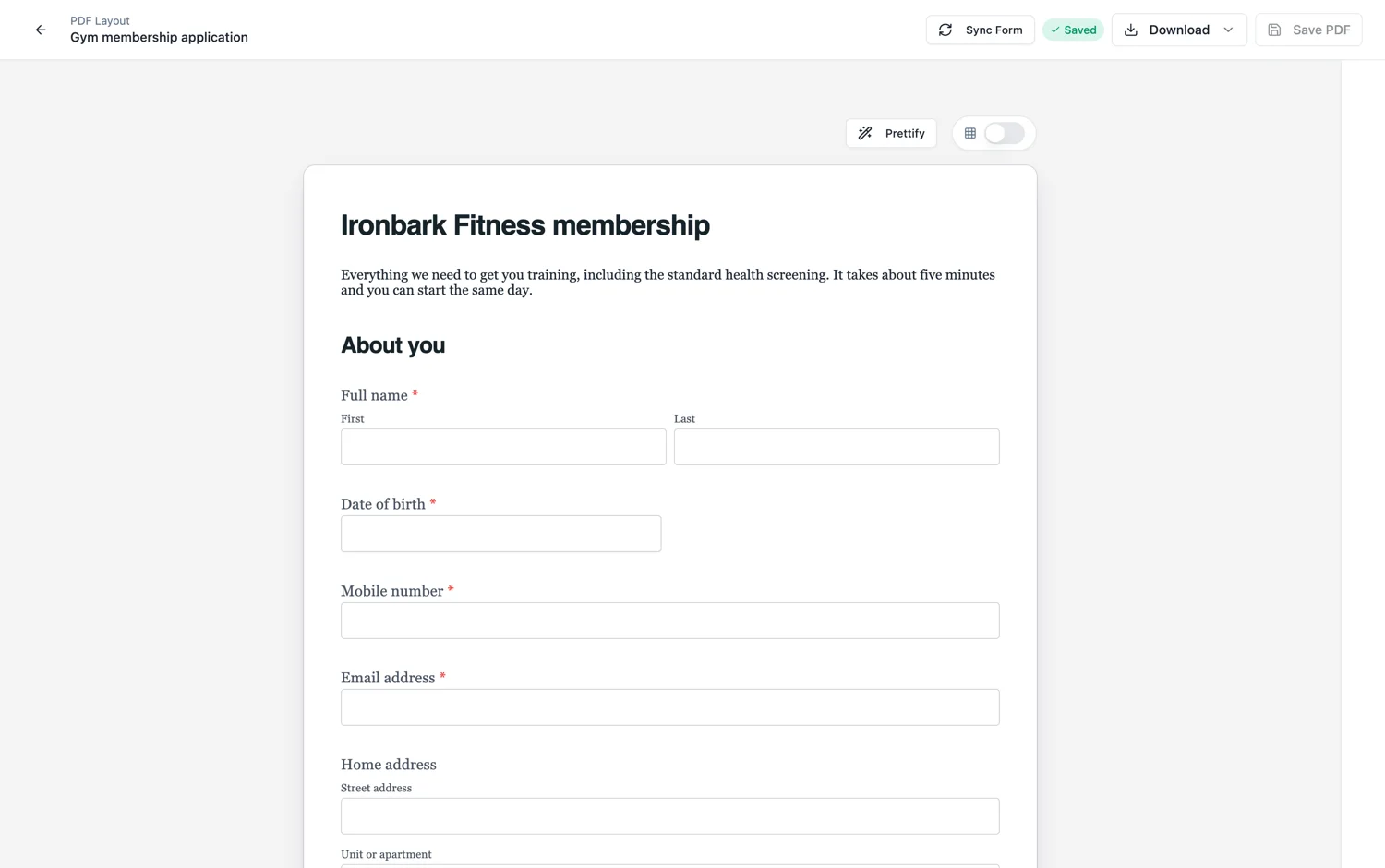
Set the page size first
A4 portrait, A4 landscape, Letter or a custom size. Choose it before you lay the form out, because changing it afterwards moves every page break. If your audience is in the United States, Letter is not optional politeness, it is the paper that is in the tray.
Margins are where prints go wrong
Padding can be set symmetrically or per side. Most desktop printers cannot print to the edge and will silently shrink or clip a page whose content runs too close. Around fifteen millimetres of margin is a safe minimum, and more on the side you might staple or hole punch.
Give it a header and a footer
The PDF layout carries its own header with a logo and company name and its own footer with text and a page number. On a printed form these are not decoration: the header is how somebody knows which organisation the sheet belongs to once it has been photocopied, and the page number is how they know a page is missing.
Check the breaks before you print a hundred
Open the PDF once. Look for a section heading stranded at the foot of a page, a signature block that has been pushed onto a page of its own, and any field that lands awkwardly across a fold. Adjusting the spacing above a block is usually the whole fix.
How it works, in three steps
Step 1
Choose the page size
A4 or Letter, decided before you lay the form out.
Step 2
Set safe margins
About fifteen millimetres minimum, more on a stapled or punched edge.
Step 3
Read the PDF once
Check the page breaks, the header on every page and the footer page numbers.
The full walkthrough with screenshots is in the guide Shape the PDF version of your form.
Limits worth knowing
- Print output is for classic forms.
- There is no bleed or crop mark support. This is office printing, not commercial print.
- Page size applies to the whole form, not per page.
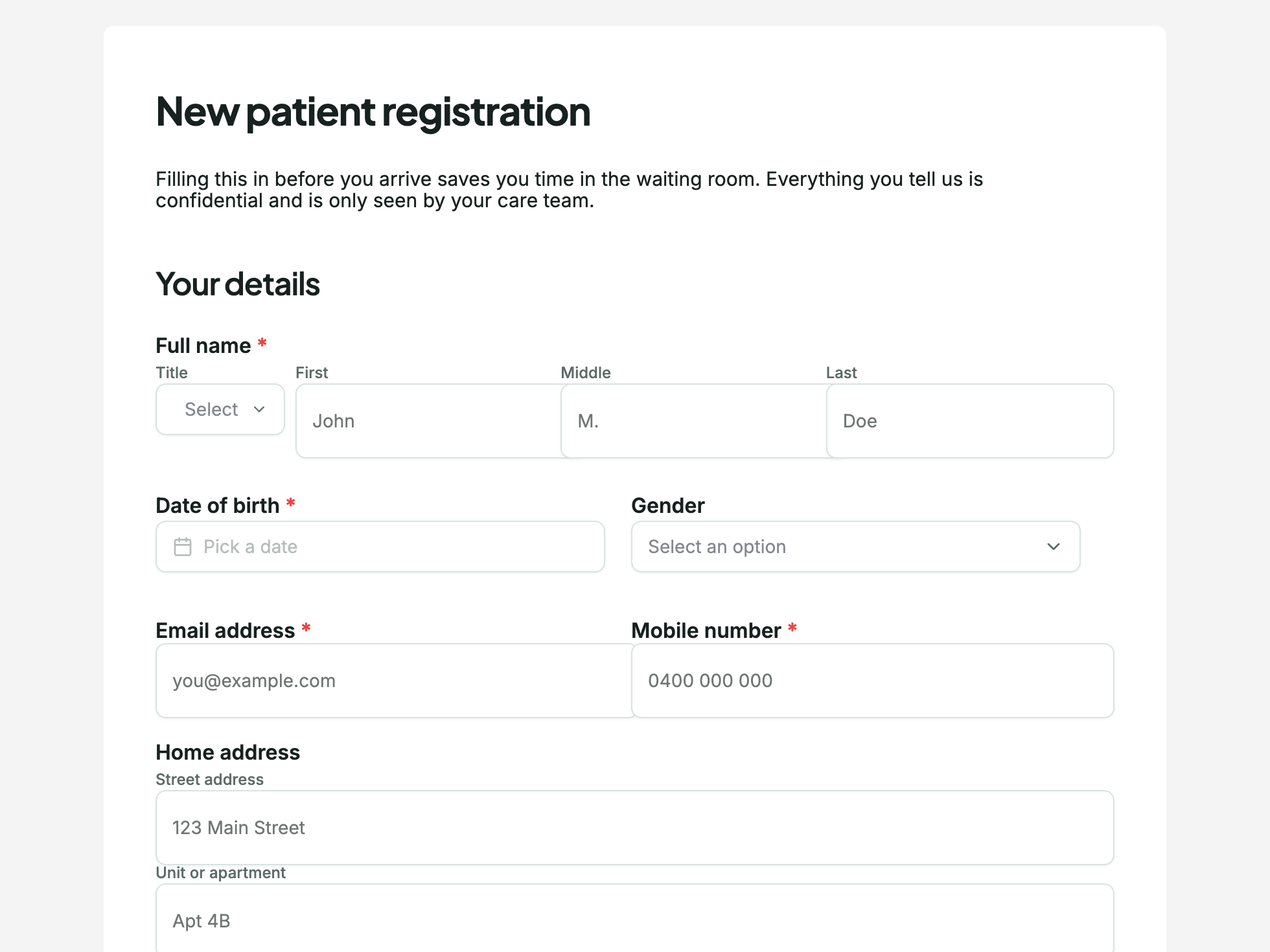
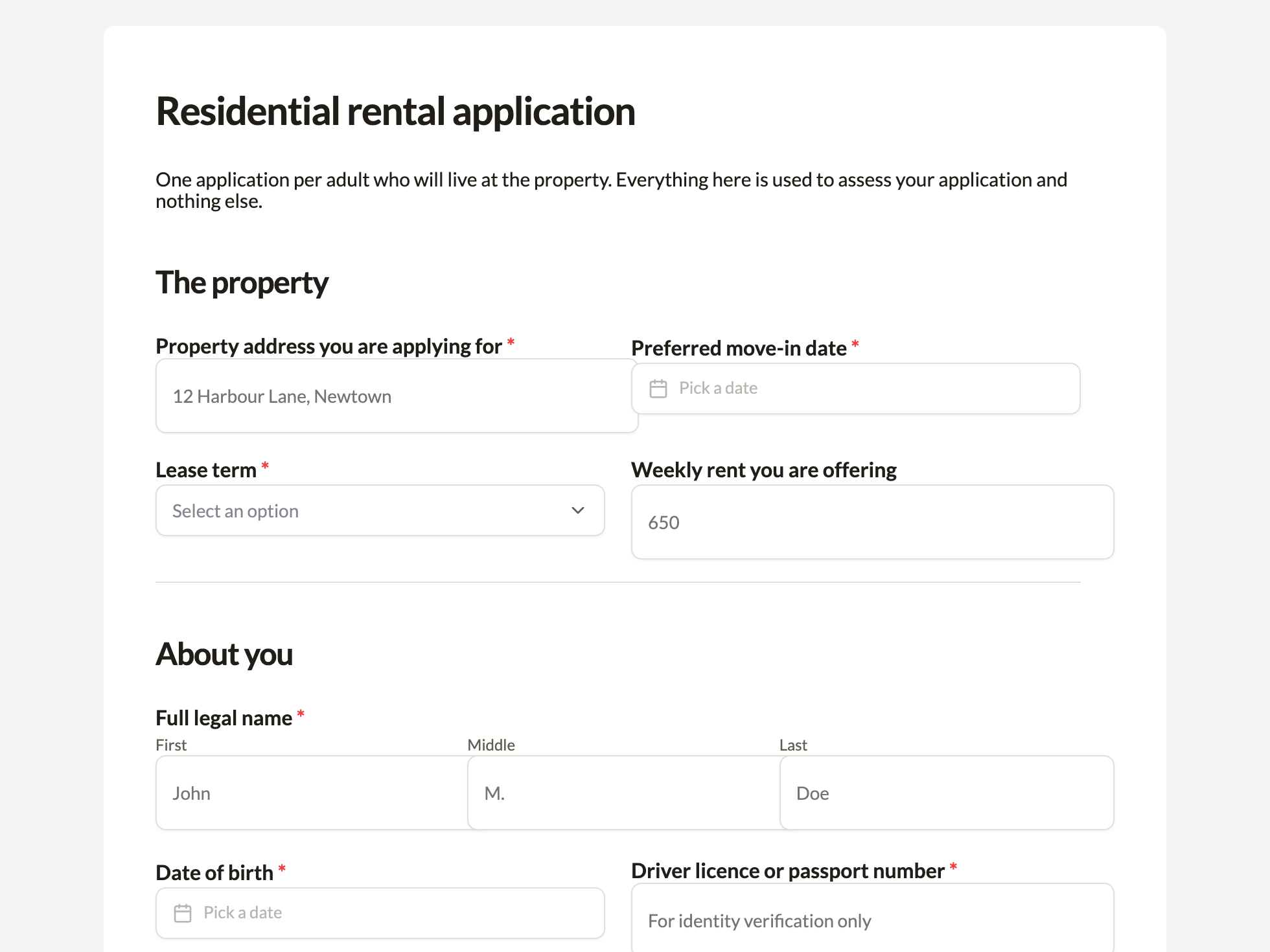
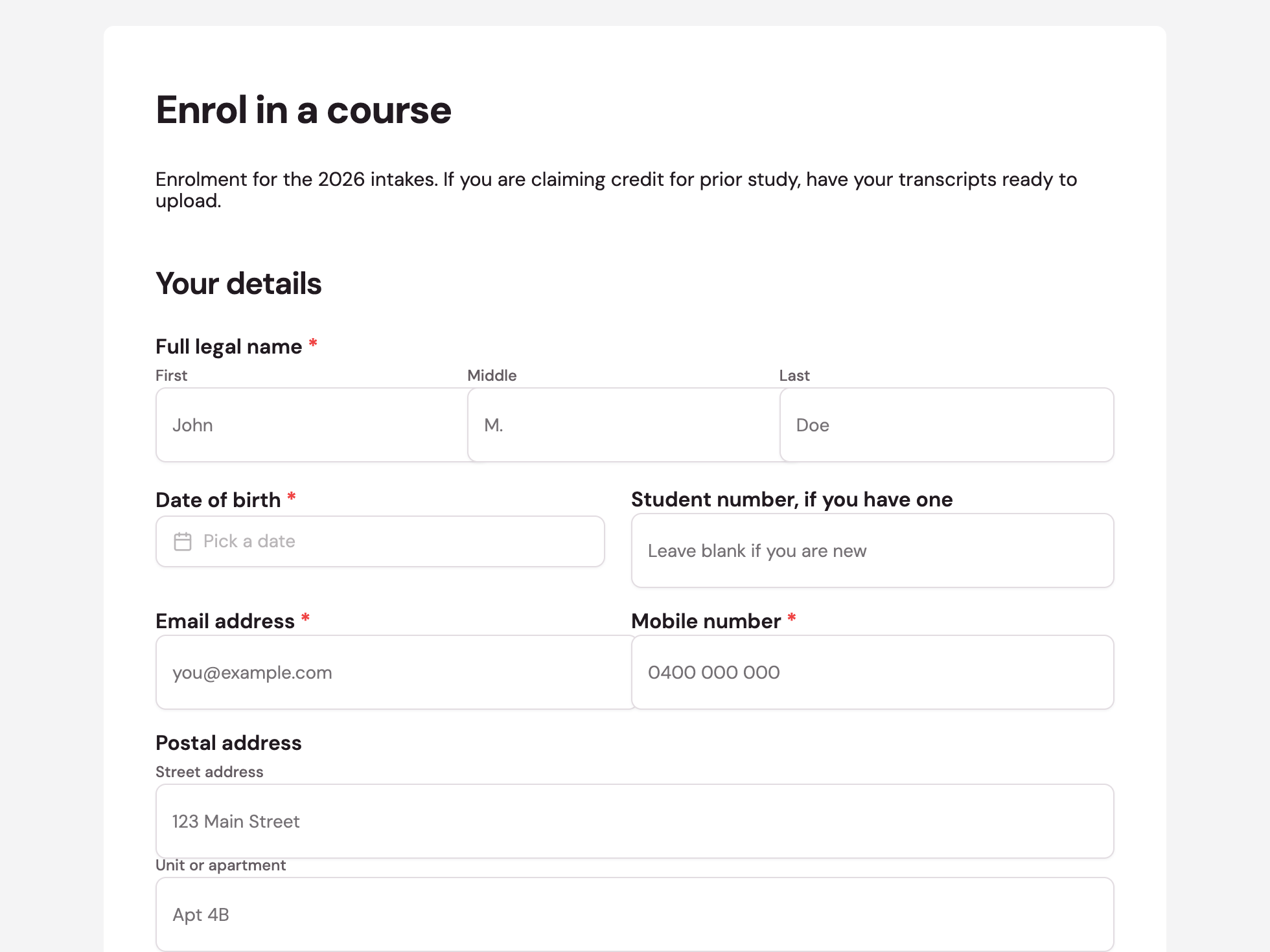
See it on a finished piece
Questions people ask
Can I print on Letter instead of A4?
Yes, it is one of the page size options along with A4 portrait, A4 landscape and a custom size.
How much margin should I leave?
About fifteen millimetres as a minimum, and more on the edge you staple or hole punch. Most office printers cannot print to the edge.
Can people type into the printed version?
Not the blank template, which is a flat page. The fillable PDF export is the version with real form fields, and it is available from the Starter plan.
Make your own form
The button opens the generator with this use case already described. Change the wording to match yours, generate, then edit anything you like.
Create a form with OneCraftRelated pages
Design the PDF version of a form
A form on screen and the same form on paper want different things. The PDF layout is a second arrangement of the same fields, with its own order, its own header and footer, and the ability to hide anything that only matters online.
A4 flyer maker
A4 is the default canvas and the only paper size on offer, in portrait at 1240 by 1754 pixels and landscape at 1754 by 1240. If the flyer is going on a noticeboard, into a letterbox or across a counter, this is the one to build in and everything else is a derivative of it.
Edit a PDF flyer without the original file
Print PDFs outlive the people who made them. When the artwork file is gone and only the export survives, the useful question is not whether a PDF can be rebuilt but how much of it comes back, and the answer depends on something most people would never guess: the PDF is read as pictures, not as text.
More finished work of this kind is on the form examples hub.