Documents
Write a document from a description
You are not asked how many pages you want. The length is worked out from what the document has to do, and that decision changes how it is written, not just how long it runs.
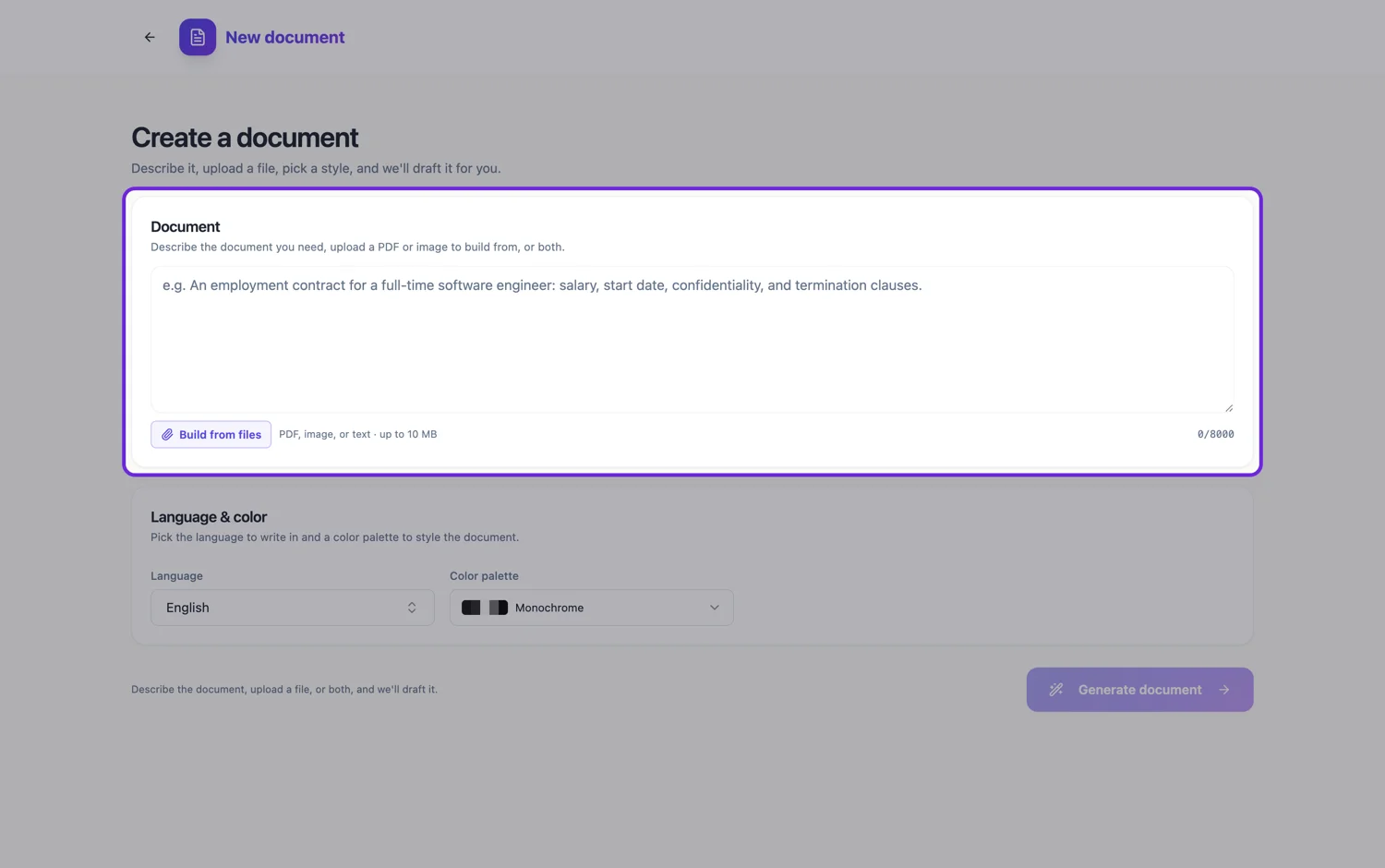
One page, composed
A certificate, an invitation, a title page or a one-pager is treated as a single deliberately laid out page rather than a short document. That means the page is composed to fill properly: the blocks are sized to use the height rather than stopping halfway down with white space underneath. It also means no cover, no running header and no contents list, because furniture on a one page document is noise.
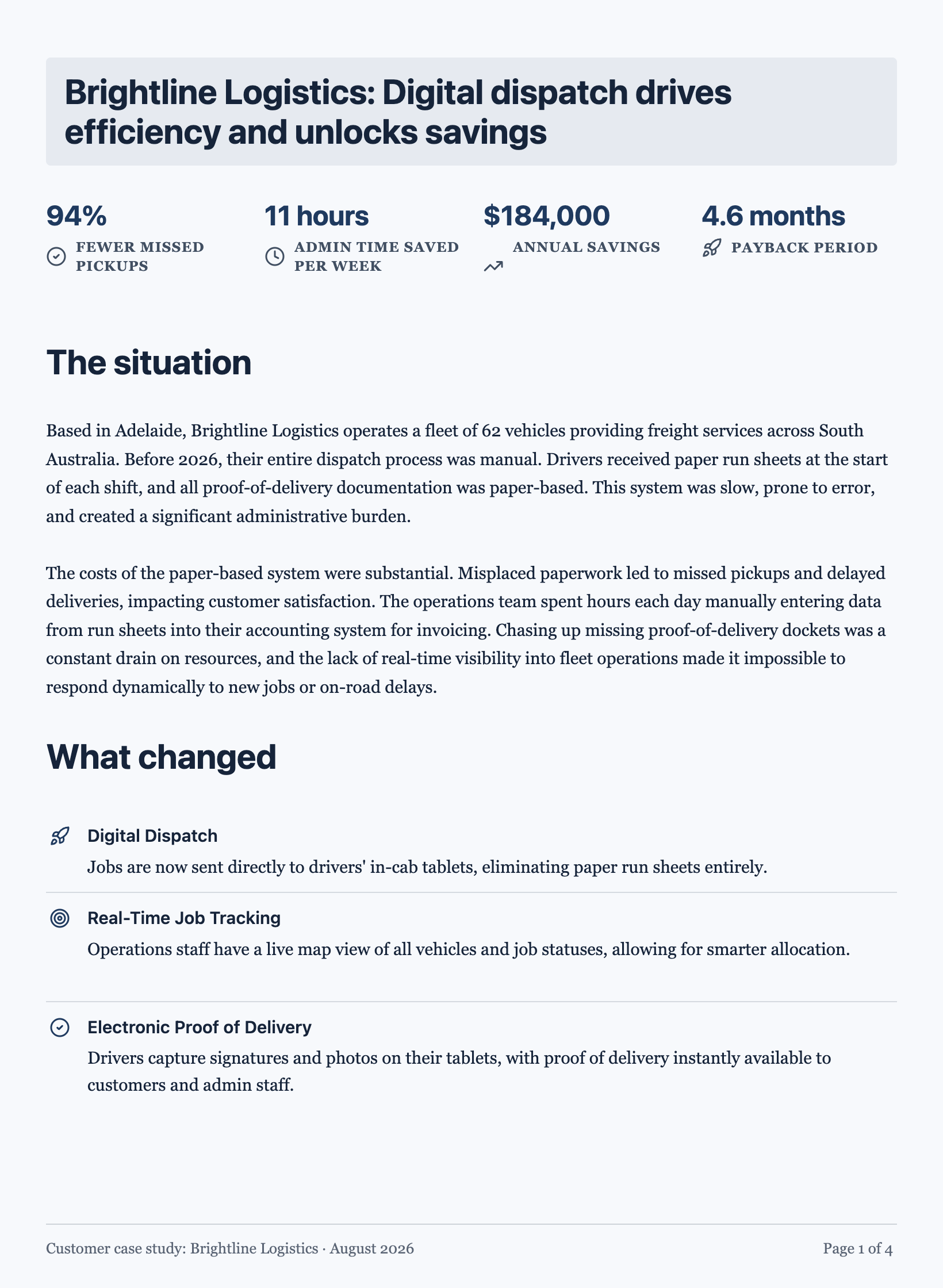
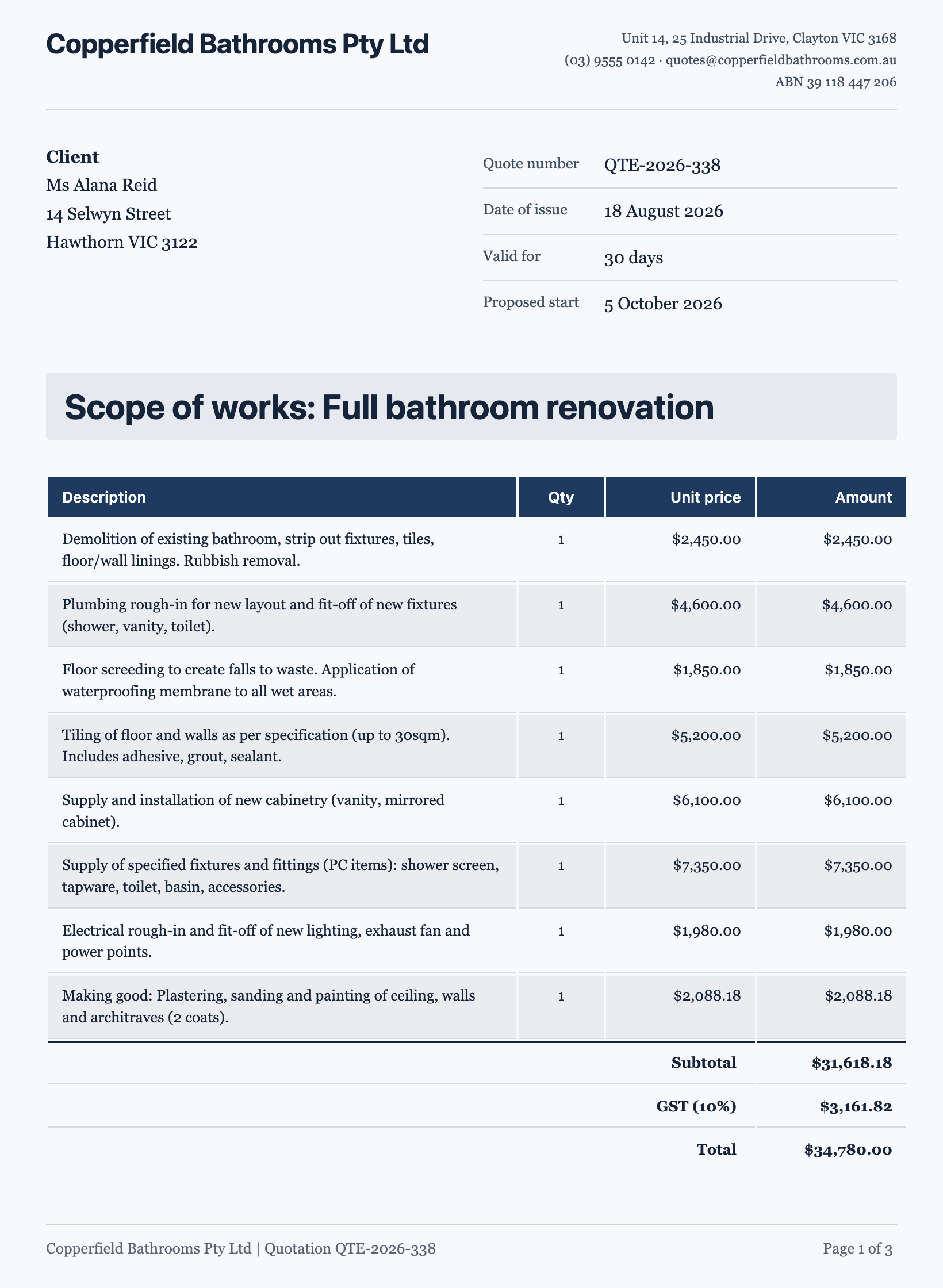
Two to five pages, flowing
A position description, an invoice, a letter, a proposal, a resume, a case study or a policy of up to about ten short sections is written as continuous content and flowed onto pages. You write the substance and the engine decides where the pages break, keeping a heading with the block underneath it and never splitting something that could fit a page whole.
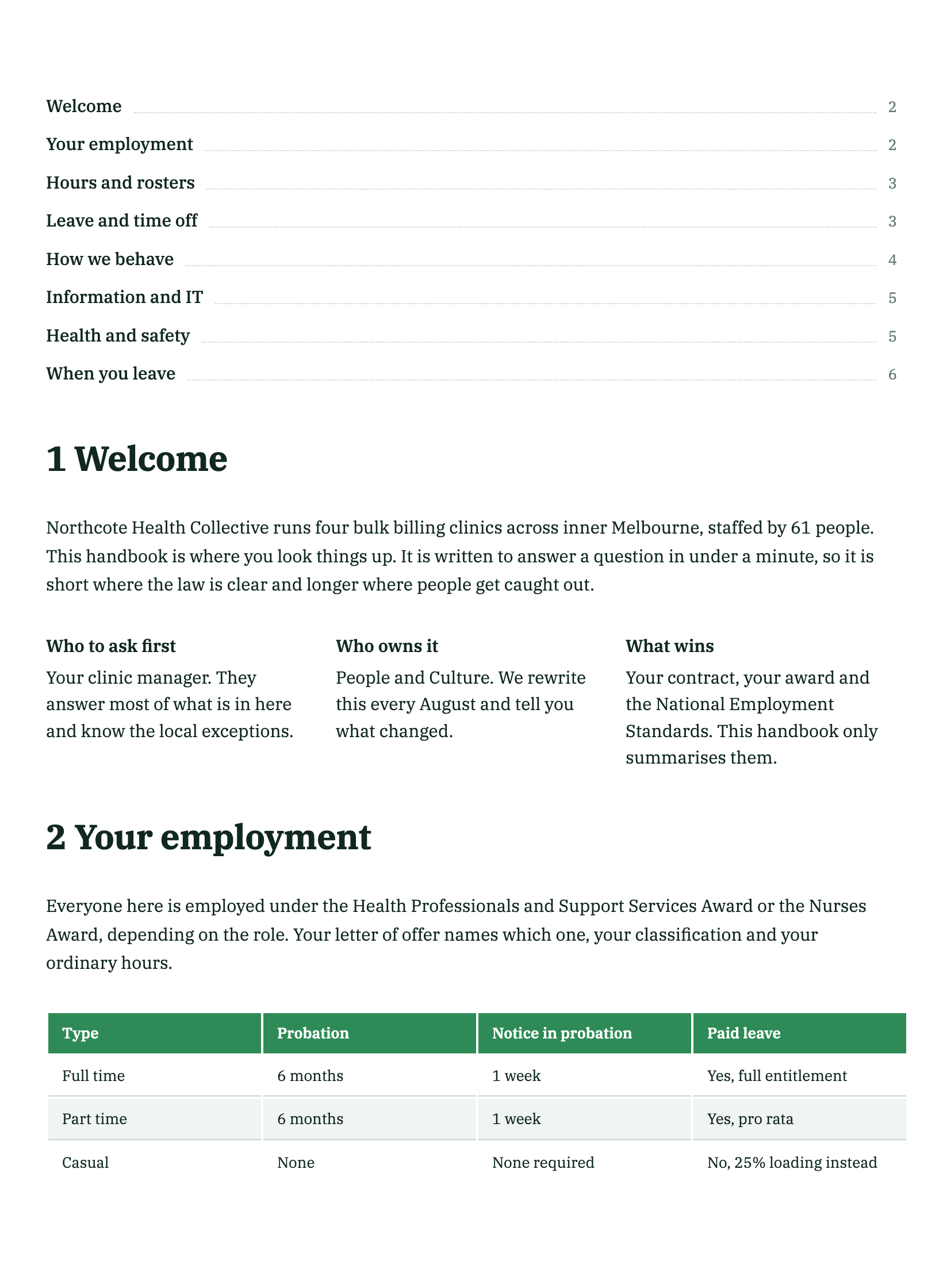
Six pages and up, planned first
A white paper, a manual, an annual report, a handbook or a thesis is not written in one pass, because it would be cut off mid way. It is planned as an outline of sections with a brief for each, and then each section is written against its brief. That is why long documents take longer and why they hold together: every section was told what it must cover and what belongs to a different section.
What you can influence
Naming the sections you need is the strongest lever, because it feeds the plan directly. Saying how long the thing should be helps less than saying what has to be in it: ten named sections produce a long document whether or not you asked for one. If you want it short, say what to leave out rather than asking for fewer pages.
How it works, in three steps
Step 1
Say what it must contain
List the sections and the facts, figures and parties that belong in them. That is what sets the length.
Step 2
Generate
Short documents are written straight through. Long ones are outlined first, then written section by section.
Step 3
Trim on the canvas
Deleting a section you did not want takes a click, and the pages reflow around it.
The full walkthrough with screenshots is in the guide Create a document with AI.
Limits worth knowing
- Length is inferred from the content, not set by a slider.
- A very long document takes noticeably longer, because it is planned before it is written.
- The prompt box takes 8,000 characters.
See it on a finished piece
Questions people ask
Can I ask for an exact page count?
You can ask, but what actually decides the length is how much has to be covered. Naming fewer sections is a more reliable way to get a shorter document.
Why did my long document take longer?
Anything over about six pages is outlined first and then written section by section, because a document that size cannot be produced in one pass without being cut off.
Will a one page document look empty?
It should not. A single page document is composed to fill the page rather than written as a short document that stops halfway down.
Make your own document
The button opens the generator with this use case already described. Change the wording to match yours, generate, then edit anything you like.
Create a document with OneCraftRelated pages
Documents written with web research
Before writing a document from a prompt alone, the generator searches the web once, reads the strongest result in full, and writes with those findings in front of it. It is a grounding step, not a citation engine, and the difference matters.
AI document generator
Most tools that write a document hand you a wall of text. This one decides what kind of document it is first, then writes it and lays it out on A4 pages with the tables, headings, clauses and page breaks a document of that kind actually needs.
Write a document in another language
The language picker sits under the description box, next to the colour. Choosing there produces a document written in that language throughout, rather than an English document with translated paragraphs.
More finished work of this kind is on the document examples hub.