Documents
AI document generator with web research, grounded but not cited
An AI document generator with web research searches the web once before it writes from a prompt alone, reads the strongest result in full, and writes with those findings in front of it. It grounds the facts in the document; it does not print citations, a reference list or links, and the difference matters.
It does not print citations
This is the honest limit. The findings ground the writing, they do not become footnotes or a reference list, and the document does not link out to its sources. If you need citations in the finished document, write them in yourself or paste your sources into the prompt so the facts and their attributions arrive together.
It runs only when you have not attached a file
If you attach a document to build from, that document is the ground truth and no search happens: the words are already chosen and the job is layout and structure. Research runs on the other path, where you describe a topic and there is nothing else to work from. That split is deliberate, because searching the web for a document you already wrote would introduce facts you did not ask for.
What it actually fetches
One search, five results, plus the full text of the top result when it scores well enough to be worth reading. Those findings are handed to the writer with an instruction not to invent numbers beyond them, which is the point: a figure in the document should come from something rather than from nowhere.
It never blocks the document
If the search fails, times out or returns nothing, generation carries on without it. That means a document always arrives, and it also means you cannot tell from the output alone whether research ran. For anything where the numbers matter, check them.
How it works, in three steps
Step 1
Describe the topic, do not attach a file
Research only runs on the prompt-only path. Attaching a document turns it off, because your document is the source.
Step 2
Ask for specific facts
Naming what you want, market size, growth, channels, gives the search something to find and the writer something to place.
Step 3
Check the numbers before you send it
Findings ground the writing but are not cited, so verify any figure you are going to stand behind.
The full walkthrough with screenshots is in the guide Create a document with AI.
Limits worth knowing
- Research runs only when no file is attached.
- One search of five results, plus the full text of the top result when it scores highly.
- Sources are not printed as citations or links in the document.
- If research fails the document is still written, without it.
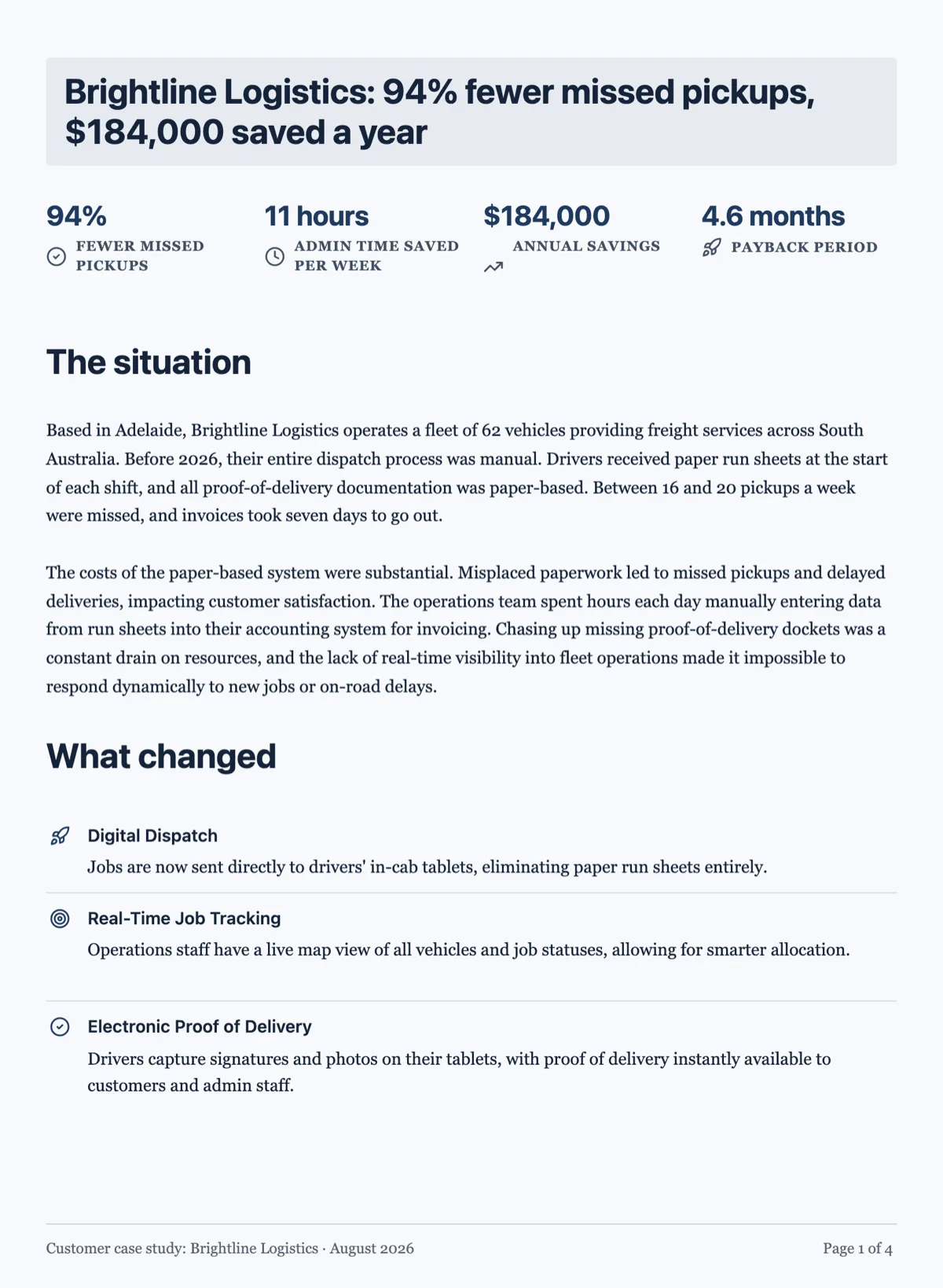
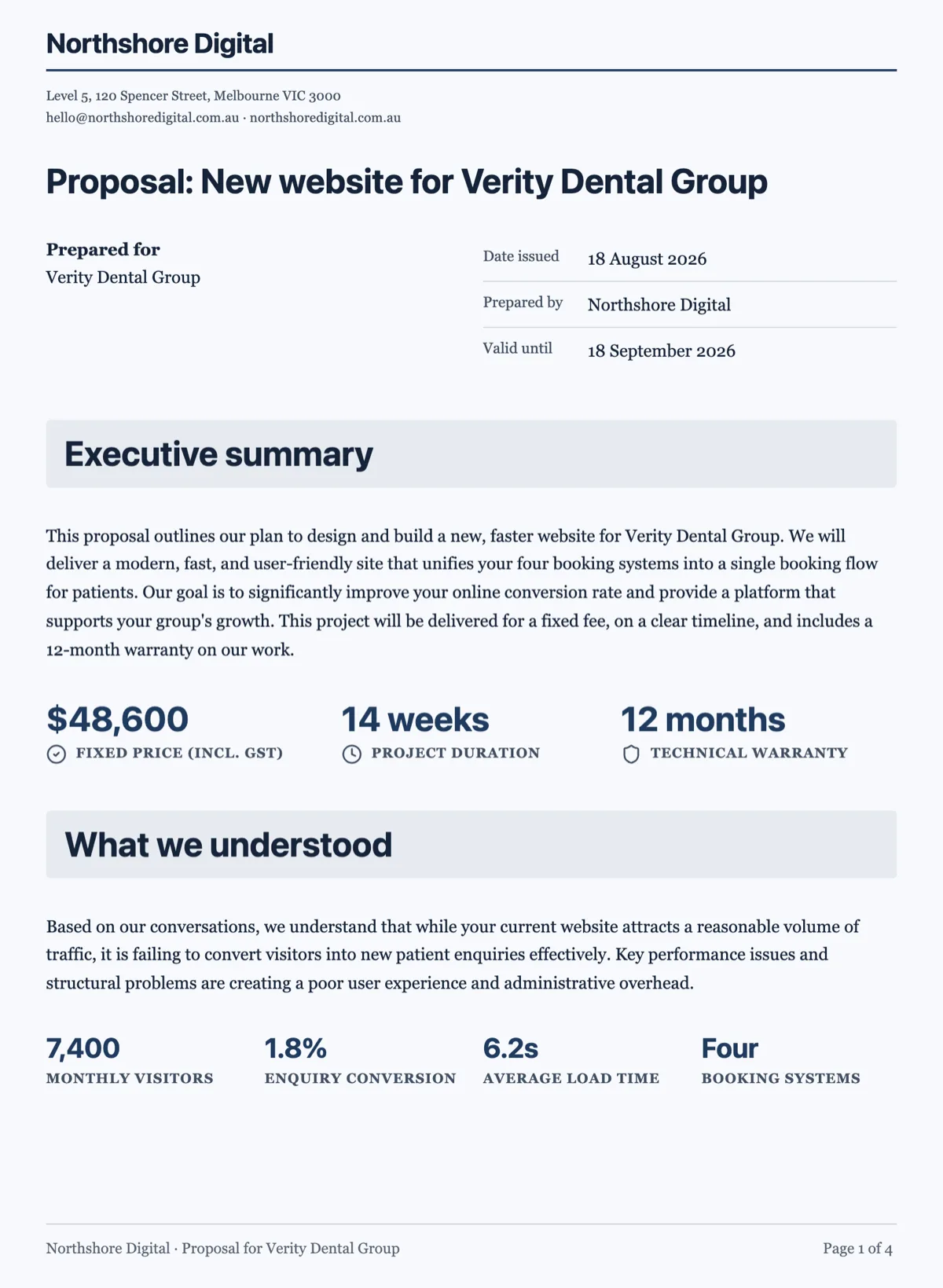
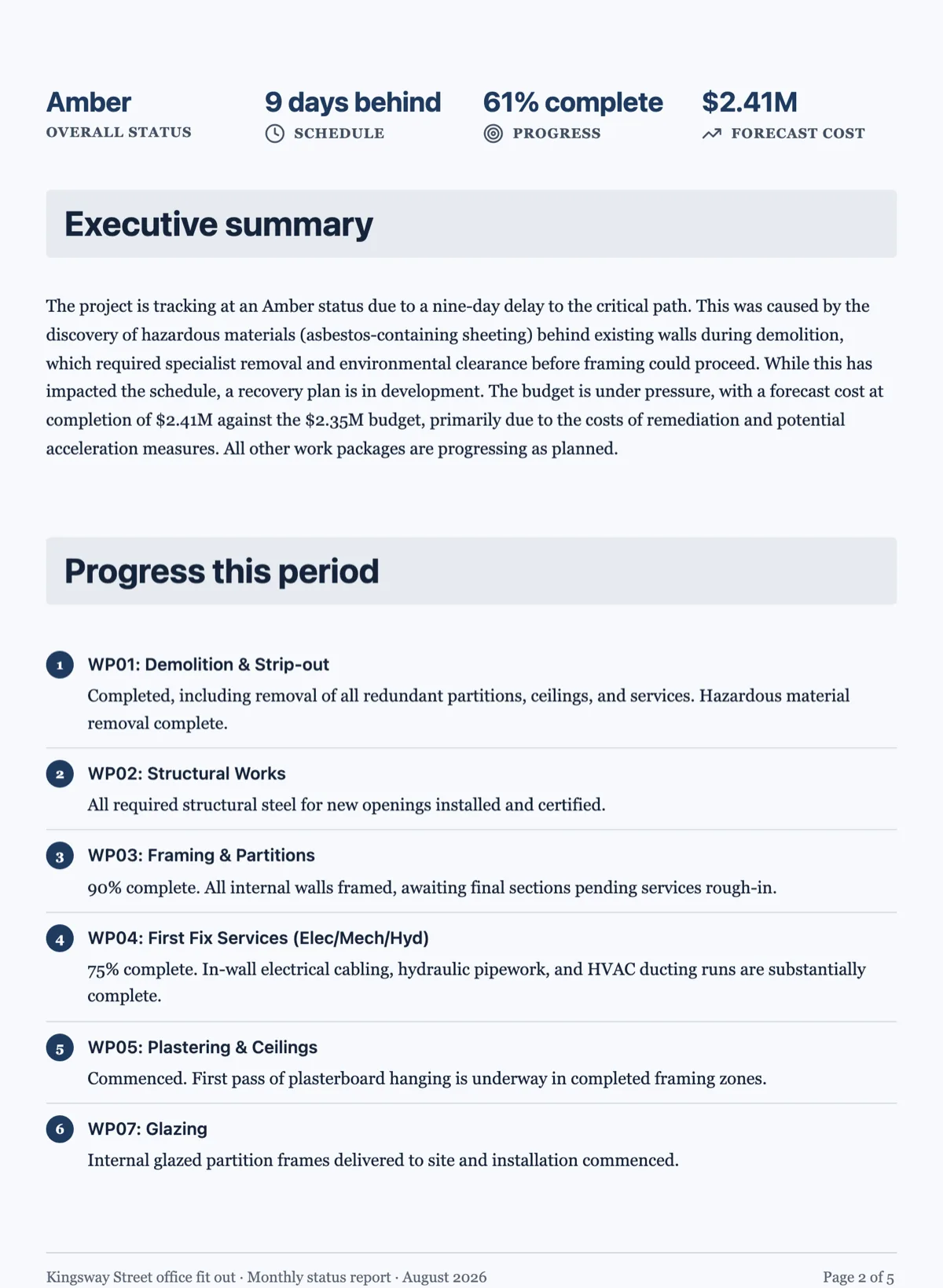
See it on a finished piece
Questions people ask
Does the document cite its sources?
No. The findings ground the writing but they are not printed as citations or links. If you need references, paste your sources into the prompt and ask for them to be included.
Can I turn research off?
Attach a document to build from and it does not run, because your file becomes the source of truth.
How current are the facts?
They come from a live search at the moment you generate: one search returning five results, plus a full text read of the top result when it scores 0.5 or better, capped at 10,000 characters of findings. Nothing is checked for you after that, so verify any figure you are going to stand behind before the document goes out.
Where do the facts come from if I attach a file?
From your file. When a document is attached, the research step does not run at all, because the attachment already grounds the content and a search could bring in facts you did not ask for. The generator lays out and structures what you supplied instead of topping it up from the web.
Can I get a references list in the finished document?
Only if you supply it. The generator has no instruction to cite what it found, so it will not add footnotes or a bibliography by itself. Paste your sources into the prompt and ask for a references section, and they arrive alongside the facts they support, where you can edit them on the canvas like any other block.
Make your own document
The button opens the generator with this use case already described. Change the wording to match yours, generate, then edit anything you like.
Create a document with OneCraftRelated pages
A presentation researched from web sources
Before it plans a deck, the writer can look things up. One search, and optionally a full read of a couple of the pages it found. This page covers what that changes, when it does not bother, and the thing you should not expect from it.
Write a document in another language
The language picker sits under the description box, next to the colour. Choosing there produces a document written in that language throughout, rather than an English document with translated paragraphs.
Generate a long document
A handbook is not a long letter. Past about six pages a document needs navigation, a consistent structure and sections that do not repeat each other, and that only happens if the outline exists before the writing does.
More finished work of this kind is on the document examples hub.
Written and checked by the OneCraft team. Last checked .