Presentations
A presentation researched from web sources
Before it plans a deck, the writer can look things up. One search, and optionally a full read of a couple of the pages it found. This page covers what that changes, when it does not bother, and the thing you should not expect from it.
The budget is one search and one read
Exactly one web search per deck, returning the five most relevant results with their snippets. Optionally one follow up that fetches the full text of at most two of those pages, up to twenty thousand characters each. Both limits are hard. There is no second round, which is why the query is planned carefully rather than fired off, and why the instruction tells the model to pick the single phrasing most likely to surface what it needs.
It skips research more often than you would think
The rule is to search when the topic needs current data, meaning news, market figures or recent science, and to skip when the deck is about an internal company matter, a metaphorical framing, a manifesto, or an evergreen educational topic. A deck on photosynthesis does not get a search. A deck on this quarter's battery prices does. That saves time and, more importantly, keeps stale search results out of content that did not need them.
What research actually changes on the slide
Specificity. The planner is told never to invent numbers and to return an empty list of figures when it has none, so a deck without research tends to carry claims and a deck with research tends to carry claims with figures attached. Those figures can be promoted to a pull quote, a large value with a short label under it, which is the visible difference between a researched deck and a generic one.
No citations are printed on the slides
This is the honest limit. The planner records the URLs it used against each slide, and the writer reads them as grounding, but nothing in the deck renders a citation, a footnote or a source line. The research improves what is written; it does not produce a bibliography. If your audience needs sources on the slide, paste them into the prompt and ask for a sources slide, which is written as ordinary content.
When an attachment beats a search
If you already hold the report, attach it. An attached file is treated as the authoritative content and gets used far more heavily than a snippet from a search result, and it removes the risk of a five result search missing the thing you actually cared about. Research is for topics where the current facts live on the open web and not on your drive.
How it works, in three steps
Step 1
Name the timeframe
Include the year or quarter in your topic. The search query is built from your wording, and recency has to come from you.
Step 2
Say which figures matter
Market size, growth rate, headcount. Naming them makes them the target of the one search you get.
Step 3
Verify the numbers
Open the slides carrying figures and check them. One search is a starting point, not an audit.
The full walkthrough with screenshots is in the guide Make a pitch presentation with AI.
Limits worth knowing
- One web search per deck, five results. One optional page fetch covering at most two URLs.
- Sources are not printed on the slides. Research grounds the content, it does not produce citations.
- Research is skipped for internal, evergreen or metaphorical topics, which is usually correct but is not something you can force.
- A failed search never blocks generation. The deck is written without it and nothing tells you that happened.
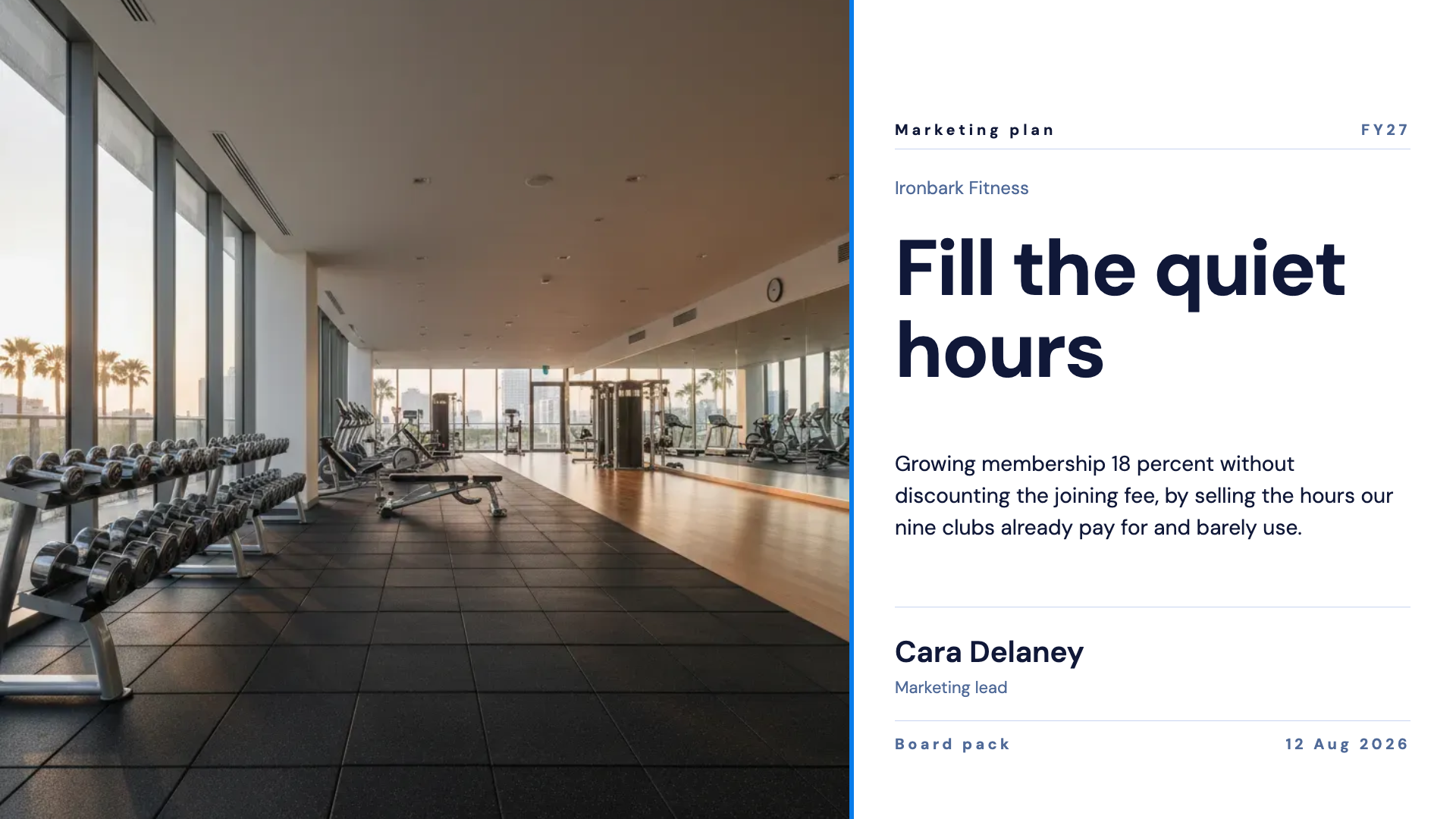
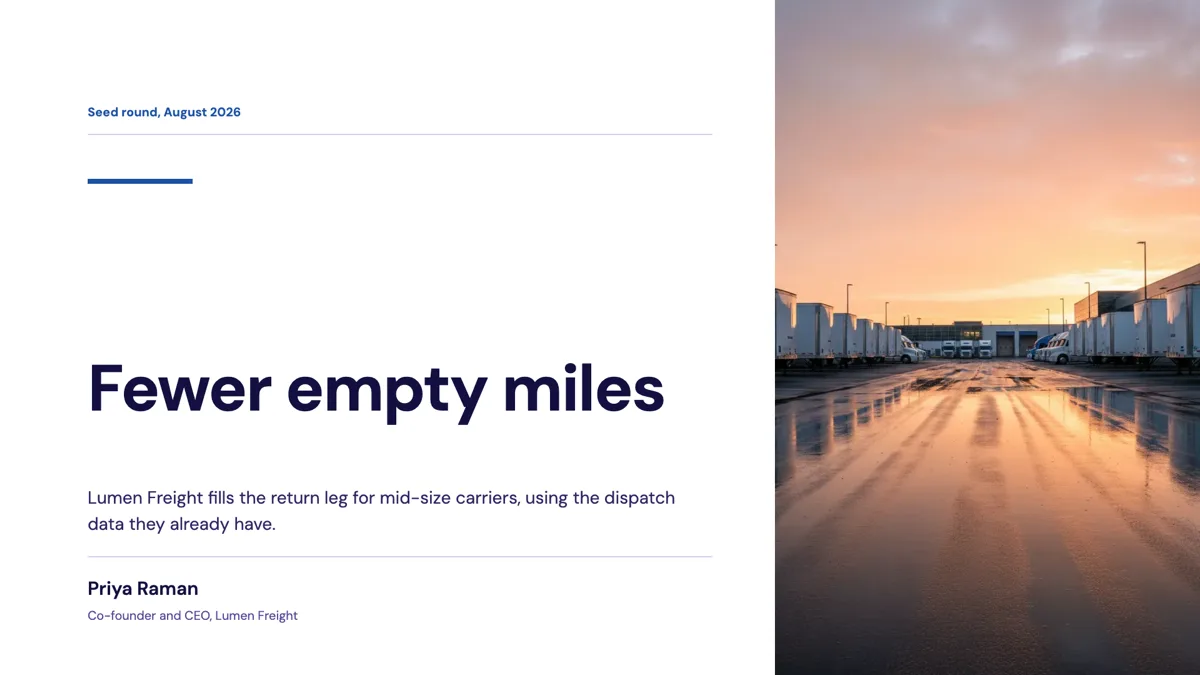
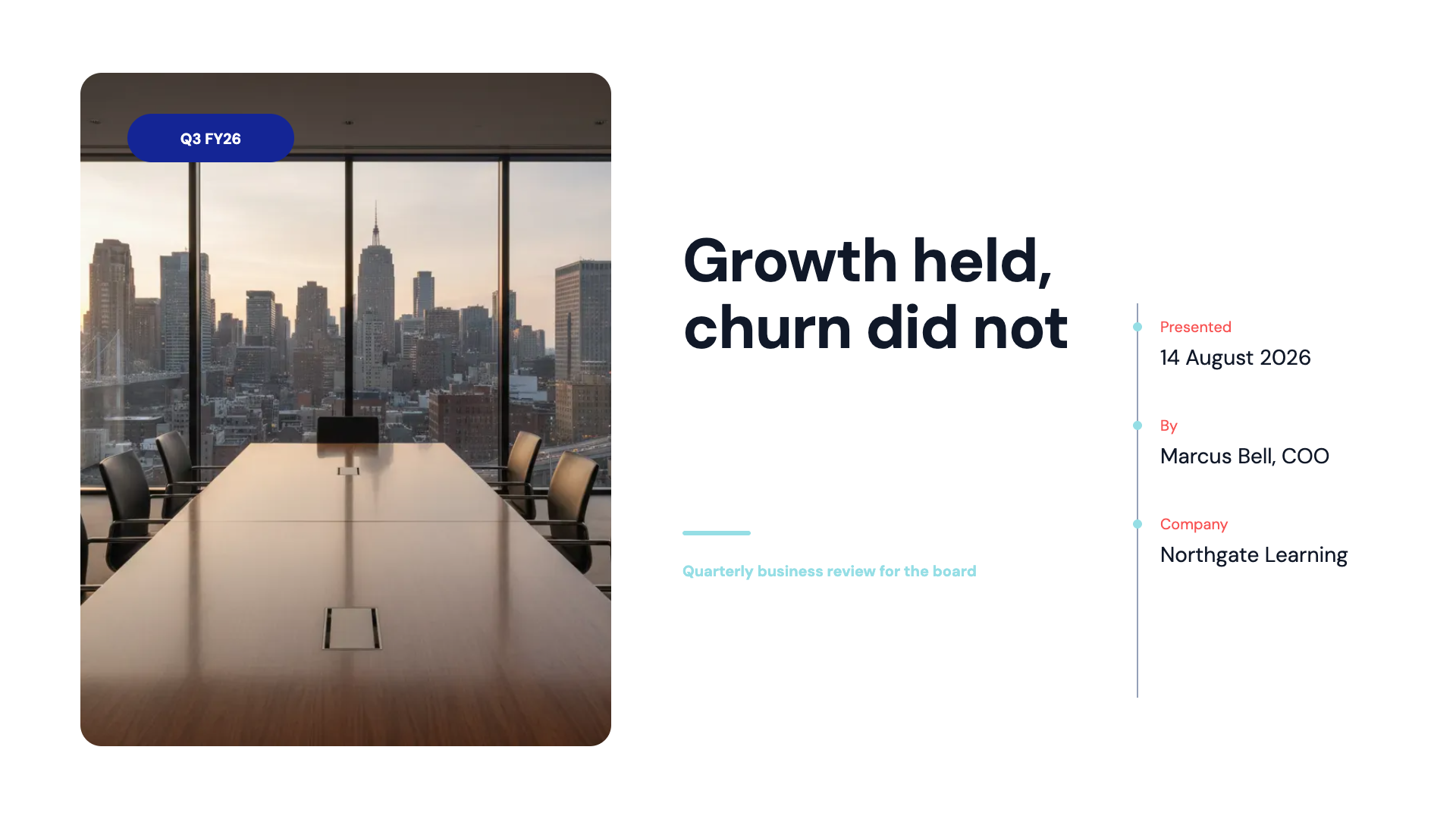
See it on a finished piece
Questions people ask
Will the deck show where a figure came from?
No. The URLs are recorded internally and used as grounding, but no slide renders a citation. Ask for a sources slide and paste the references if you need them visible.
Can I make it search more than once?
No. One search and one page fetch per deck are hard budgets. Give the topic enough detail that a single query lands well.
How do I know whether it searched at all?
You cannot see it directly. As a rule of thumb, a topic with dates, market figures or recent events triggers it and an internal or evergreen topic does not.
Is research more reliable than attaching a document?
No. An attached file is treated as the source of truth and used far more thoroughly. Attach what you have and let research cover only what you do not.
Make your own presentation
The button opens the generator with this use case already described. Change the wording to match yours, generate, then edit anything you like.
Create a presentation with OneCraftRelated pages
AI document generator with web research, grounded but not cited
An AI document generator with web research searches the web once before it writes from a prompt alone, reads the strongest result in full, and writes with those findings in front of it. It grounds the facts in the document; it does not print citations, a reference list or links, and the difference matters.
Generate slides from text
The prompt box is not a search field. It holds 10,000 characters, which is about 1,300 words, so a whole brief fits and gets used. This page is about what happens to that text on the way to becoming slides.
Export to PowerPoint
Two PowerPoint exports exist and they solve different problems. This is the one whose entire job is looking right: each slide is placed into the file as a picture, so what opens in PowerPoint is exactly what you designed, on any machine, with no fonts to install.
More finished work of this kind is on the presentation examples hub.
Written and checked by the OneCraft team. Last checked .