Videos
AI video ad maker
The awkward part of running a video ad is never the first cut. It is the second one, at a different shape, for a different placement, without redoing the work. Every slot in every scene here carries a separate position for each canvas, so changing the aspect ratio reflows the design instead of stretching it.
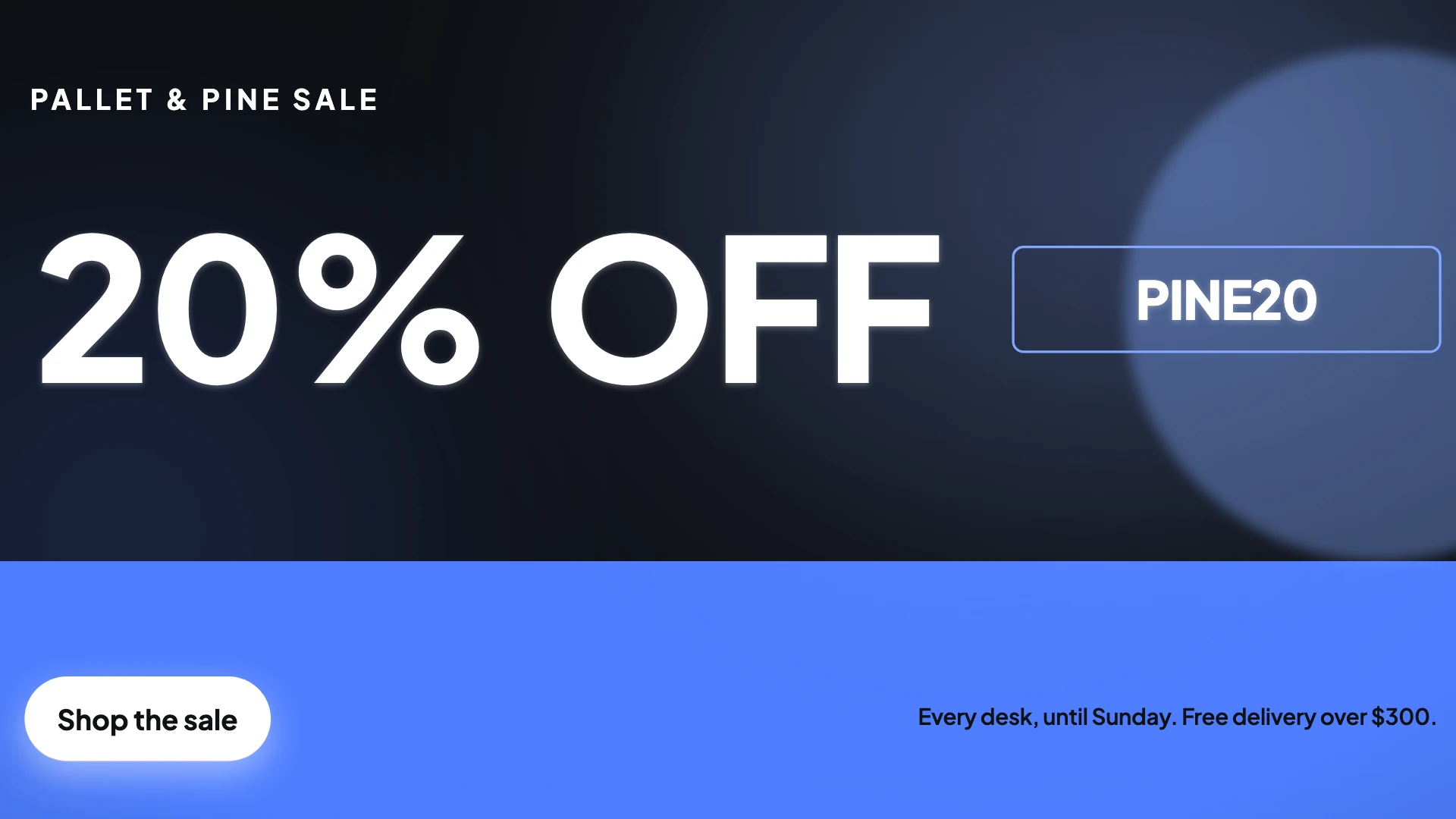
Two shapes, one document
The 16:9 landscape master is 1920 by 1080 and the 9:16 vertical is 1080 by 1920. Slots hold a box for each, plus per format overrides for size, alignment, font size, camera move and 3D tilt, because a tilt that reads wide will crop badly when the frame narrows. Switching format in the toolbar rebuilds the layout from those positions. Your manual edits are kept per format, so nudging something in the vertical cut leaves the landscape one alone.
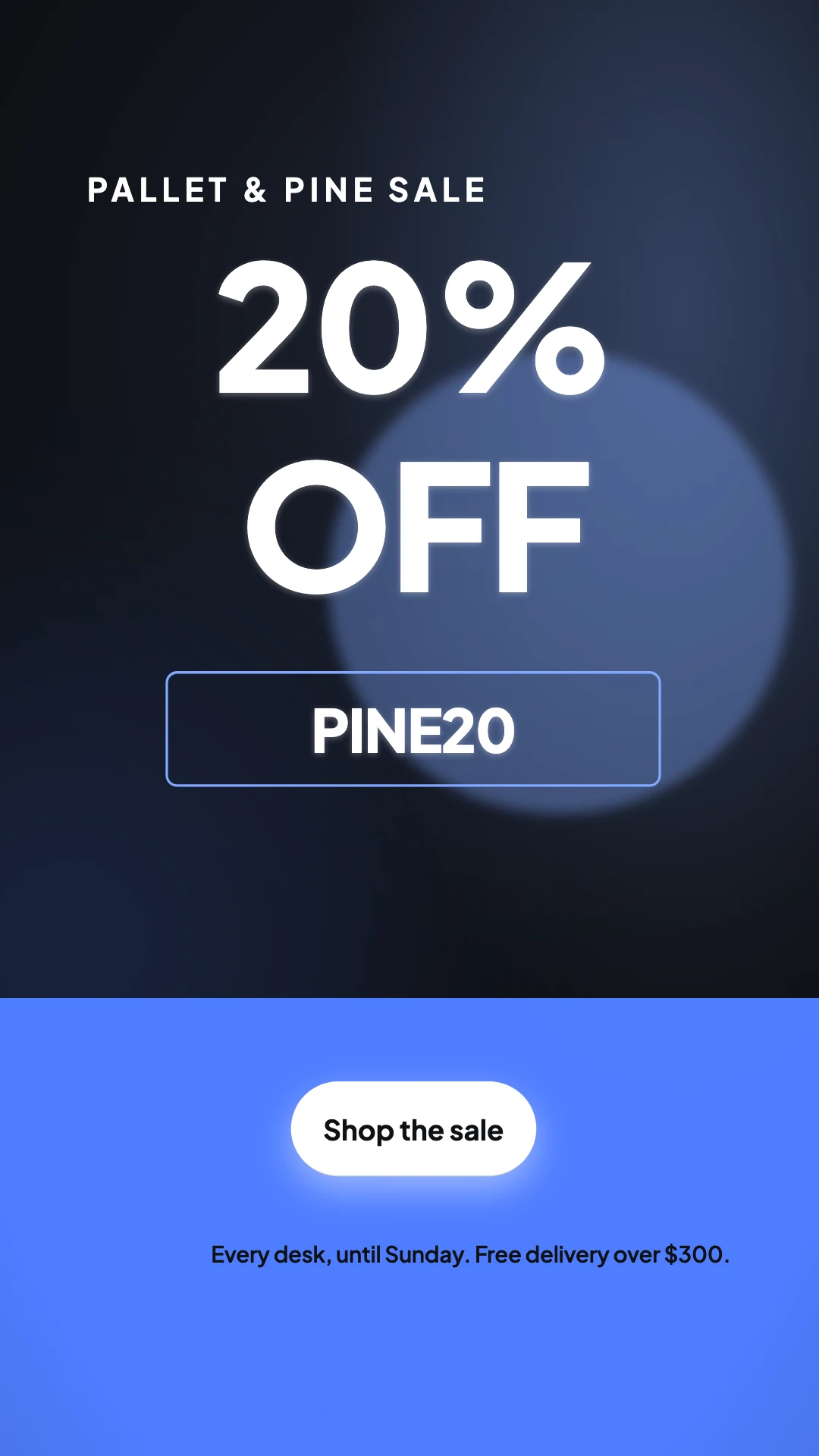
The offer scenes
An ad usually turns on a specific promise, and there are scene roles that exist only to carry one. Offer holds a headline with a pulsing button, a one word deal inside a filled circle, a promo code chip, a swinging price tag, or a hard colour split. Countdown carries a date in enormous type, a single deadline line of at most fourteen characters, or an animated three two one. Both are refused unless the brief actually contains a real offer or a real date.
Where the ask goes
The closing scene is a role of its own and there are three. Use cta when there is a genuine action, and its layouts include a brand band with an oversized wordmark, a headline with a pulsing button, a risk reversal line under the button, and a four tile days hours minutes seconds counter. Use contact for a service business that wants a phone number on screen. Use outro when a hard sell would jar.
Sound off by default
Most feed video is watched muted, so captions are on by default and derived live from the narration, in a dark pill at the bottom. When the voice returns word timings, each word lights up as it is spoken; otherwise the letters type on just ahead of the voice. They sit higher in the vertical cut than the wide one, at 120 pixels from the bottom against 44, to clear the interface a phone puts over the frame.
How it works, in three steps
Step 1
Put the offer in the brief verbatim
The percentage, the code, the deadline, the delivery threshold. Anything you do not state will not appear, because invented numbers are banned.
Step 2
Build the placement you care about most
Get that cut right first, including the closing scene copy, then switch format and fix only what the narrower or wider frame breaks.
Step 3
Export each shape
Export from the toolbar at 1080p, or 4K on a paid plan. A render already made from identical content is reused rather than charged again.
The full walkthrough with screenshots is in the guide Export one video for YouTube, Reels and TikTok.
Limits worth knowing
- Only 16:9 and 9:16 are offered. The 1:1 square canvas is implemented but hidden from the pickers.
- There is no in-product ad account connection. You export an MP4 and upload it wherever the ad runs.
- Countdown scenes render the date you wrote as text. Nothing counts down against a live clock after export.
- 4K export needs the Starter plan. A free account is limited to 1080p.
Questions people ask
Will the vertical cut just be a cropped version?
No. Each slot has its own box in each canvas, so text reflows, columns become stacks and a wide hero becomes a tall one. It is a relayout, not a crop, which is why nothing important slides off the edge.
How long should a video ad be?
Short, at 3 to 6 scenes, lands near ten seconds and is the safest choice for a feed placement. Standard gives you room for a proof beat before the ask. Long is usually too much for paid social and better suited to a landing page.
Can I put my logo on it?
Yes. Set a wordmark or a logo URL in the theme panel and turn on the corner watermark, which holds a small mark bottom left through the middle scenes and fades out before the closer.
Can I A/B two versions?
There is no duplicate action for a video, so work in sequence. Export the first version, then change the hook scene and the closing line in the same video and export again. Each export is its own MP4. There is no built in split testing, so the comparison happens in your ad platform.
Make your own video
The button opens the generator with this use case already described. Change the wording to match yours, generate, then edit anything you like.
Create a video with OneCraftRelated pages
Countdown offer video
Urgency in a video is a scene, not a widget. A countdown scene sets a deadline in type large enough to read in a feed at arm's length, and it will not be built at all unless your brief contains a real date. What it never does is count down against a live clock, which is worth understanding before you plan a campaign around it.
Vertical video maker
If you only make one vertical file, it has to survive four different sets of interface furniture. Each platform covers a different part of the frame, so the design target is not any one safe zone, it is the union of all of them, and that union is a smaller box than most people expect.
Facebook video ad maker
Facebook is the placement where the old advice still holds. The feed autoplays with the sound off, the ad footer sometimes does not render at all, and in-stream lets a viewer skip after five seconds. Everything about how a Facebook video ad is built follows from those three facts.
More finished work of this kind is on the video examples hub.
Written and checked by the OneCraft team. Last checked .