Videos
Instagram video ad
The two Instagram ad placements look similar and behave differently. A Feed ad gets 125 characters of primary text and a viewer who may pause. A Reels ad gets 44 characters, no auto-captioning from Meta, and a viewer who is already moving. The video has to absorb what the copy fields cannot hold.
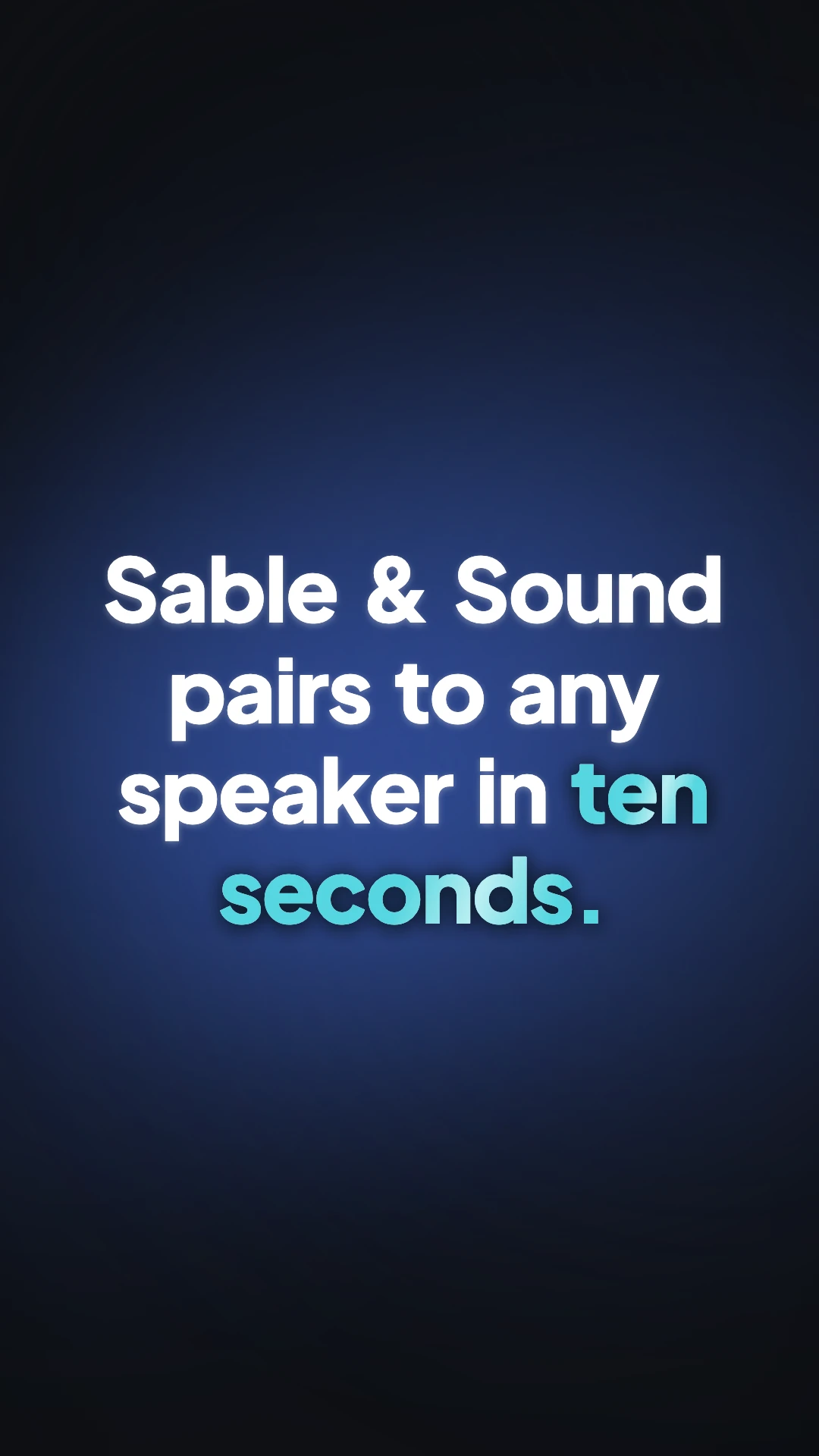
44 characters changes everything
A Reels ad allows 44 characters of primary text. That is a short sentence. A Feed ad allows 125 and up to 30 hashtags. When the caption field shrinks to a fragment, everything the caption used to carry has to move into the video itself: the offer, the qualifier, the reason to care. This is the practical reason Reels ads carry more on-screen copy than feed ads do, and why the closing scene has to state the ask rather than gesture at it.
The specification, placement by placement
Meta's current guide lists Instagram Feed video at 9:16, 1080 by 1920, with a one percent aspect ratio tolerance, a 250 pixel minimum width and durations from one second to sixty minutes. Reels ads are 9:16 at 1440 by 2560, from zero seconds to fifteen minutes, with a minimum width of 250 pixels under 30 seconds and 500 pixels at 30 seconds and over. Both cap at 4 GB and accept MP4 or MOV.
Meta does not caption a Reels ad
Auto-captioning is not supported on the Reels ad placement. Whatever captioning your ad has, you supplied. Captions here are generated live from each scene's narration and burned into the picture, so an exported Reels ad arrives already captioned. That is not a small convenience: it is the difference between an ad that works for a viewer with the sound down and one that does not.
The safe box, and what Meta claims for respecting it
The same 14 percent top, 35 percent bottom and 6 percent side exclusion applies. Meta's own reporting on partner enabled native Reels creative, meaning 9:16 with audio that respects that zone, is an average 5 percent lower cost per result and 11 percent higher conversion rate against business as usual, and against static image ads a 34.5 percent lower cost per result with twice the delivery. Those are Meta's numbers about Meta's placements, so read them as directional, but the direction is consistent.
How it works, in three steps
Step 1
Move the caption into the video
Write the offer, the qualifier and the ask as scene copy. With 44 characters in the field, the video is where the argument lives.
Step 2
Avoid licensed music
Meta steers advertisers to its own sound collection. The tracks here are cleared for use in videos you build with them, which keeps the audio question simple.
Step 3
Export vertical and check the width rule
A 1080 wide export clears both the 250 and the 500 pixel minimums, so the same file works whether the ad is under or over 30 seconds.
The full walkthrough with screenshots is in the guide Export one video for YouTube, Reels and TikTok.
Limits worth knowing
- Reels ads exclude anything published before 15 October 2021, GIFs, camera and face effects and product tags. None of those are produced here, but it is worth knowing what the placement refuses.
- Burned in captions sit 120 pixels from the bottom, inside the 672 pixel zone Meta asks you to keep clear.
- There is no Instagram publishing connection. You export and upload in Ads Manager.
- The Feed spec in Meta's current guide is 9:16 rather than the 4:5 it used to be. If you have an older 4:5 pipeline, that shape is not available here anyway.
Questions people ask
Should a Reels ad and a Feed ad be the same video?
They can share a cut, since both are specified at 9:16 in Meta's current guide. What must differ is the copy plan, because 44 characters against 125 means the Reels version has to say more on screen.
How long should it run?
Short. The placement allows minutes, but a Reels ad competes with organic Reels, so the first three seconds decide it. Short length here builds 3 to 6 scenes and lands around ten seconds.
Does the export meet the resolution minimums?
Yes. Standard vertical export is 1080 by 1920, above the 500 pixel minimum width for ads of 30 seconds and over. The Ultra option doubles that to 2160 by 3840, which is more than the placement needs.
Can I put a promo code in it?
Yes, and this is the placement where you should. Offer scenes include a promo code chip and a price tag layout, and with only 44 characters in the caption field, on screen is the only place a code reliably appears.
Make your own video
The button opens the generator with this use case already described. Change the wording to match yours, generate, then edit anything you like.
Create a video with OneCraftRelated pages
AI UGC video generator
UGC ads work because they look like somebody filmed themselves in a kitchen, not because they look expensive. This generator casts one AI creator, gives them a voice, and animates their portrait speaking each line, then cuts between those takes with fast proof beats.
App promo video maker
App store video is the most tightly specified format in this list, and the two big stores specify it differently. One enforces a hard fifteen to thirty second window and accepts nothing but screen captures of the app itself. The other wants the first ten seconds to be genuine in-app experience and most of the runtime to be representative.
Instagram Reels maker
Reels is the only vertical surface where the platform states its safe area in plain text rather than shipping a template and leaving you to measure it. Meta asks for 14 percent of the top, 35 percent of the bottom and 6 percent of each side to be kept clear of text, logos and anything else that matters.
More finished work of this kind is on the video examples hub.
Written and checked by the OneCraft team. Last checked .