Videos
Course promo video maker
Course marketplaces publish an unusually specific recipe for the promo video, down to how many seconds each part gets. The instruction people most often break is the one about the learning objectives: list them, do not describe them, and do not teach anything yet.
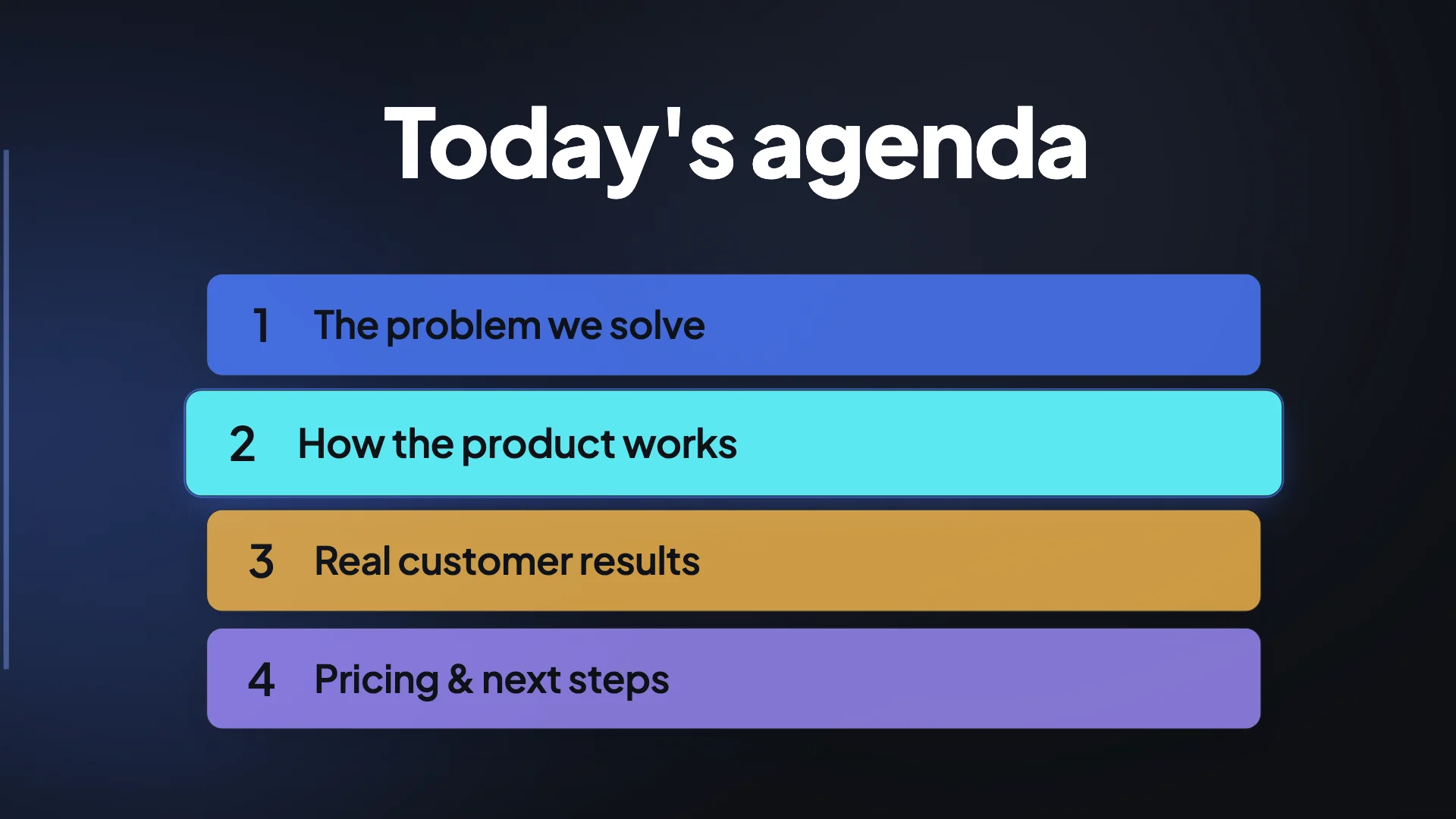
The published recipe, in order
Three seconds of course branding, which exists so learners can maximise the player and set the volume. Twenty seconds of welcome and instructor introduction, including one sentence on why you are credible. Twenty seconds of benefits, stated as specific skills rather than abstract concepts, so you will know how to deploy a service beats you will master cloud infrastructure. Twenty seconds listing the major learning objectives without describing them. Fifteen seconds on who the ideal learner is. Ten seconds of thanks and the call to enrol.
Ninety seconds is the target, two minutes the ceiling
The marketplace's own strongest instruction is to keep it under two minutes, with ninety seconds named as ideal. That matches what research on tens of thousands of educational video sessions found: median engagement peaks at around six minutes and falls off sharply, and a promo has far less latitude than a lesson. Standard length here builds four to nine scenes, which at teaching pace is close to that ninety second target.
Do not teach in the promo
This is the single most common failure and the recipe warns about it explicitly. A promo that starts explaining a concept has stopped selling the course and started giving away a lesson badly, in a format with no time to do it properly. List what will be taught, in short phrases, and let the free preview lessons do the demonstrating. Structurally that is a checklist or a how it works scene, both of which hold four to six short lines and are built for exactly this.
The marketplace bans that actually exist
Coupon codes, references to coupon codes and referral links are prohibited on a course landing page, and the promo video sits inside that perimeter. So are external links, misleading marketing claims and content duplicated from other landing pages. Separately, outcome and earnings claims are held to the endorsement rules: consumer testimonials are not scientific evidence, and a disclaimer saying these results do not prove the product works does not rescue an unsupported claim.
How it works, in three steps
Step 1
Write the objectives as a list
Four to six short phrases naming what somebody will be able to do. That list becomes the checklist scene, which is the heart of the video.
Step 2
Give one sentence of credibility
Not a biography. One line on why you are the person to teach this, which becomes the intro scene copy and the second spoken line.
Step 3
Name the ideal learner explicitly
Who this is for and who it is not. A use case scene is built for exactly that, and it is the beat that stops the wrong students enrolling.
The full walkthrough with screenshots is in the guide Make a promo video with AI voiceover.
Limits worth knowing
- There is no filmed instructor here, and some marketplaces recommend a talking head in the intro. An uploaded clip is the way to include one.
- One marketplace requires an audio track and rejects a video without one, so do not export this silent for that platform.
- The same marketplace requires at least 1280 by 720 and 16:9, which the landscape export meets exactly.
- Coupon codes and referral links are banned on that marketplace's landing page, which includes the promo video.
Questions people ask
Should I appear on camera?
One major platform recommends it strongly for the class intro, which is a reason to upload a short clip of yourself and place it in a clip scene. Another platform's own recipe does not require it, so it depends where the course lives.
Can I mention the price or a discount?
Coupon codes and referral links are explicitly prohibited on the marketplace landing page. Stating a price is a different question and is not covered by that ban, so check your platform's own rules rather than assuming either way.
How many objectives should I list?
Four to six. That is what a checklist scene is built to hold, and it is enough to show scope without becoming a syllabus that nobody reads at video speed.
Can I show lesson footage?
Upload a short clip and place it in a clip scene with trim controls. Keep it to a few seconds, since the recipe reserves the promo for framing rather than teaching.
Make your own video
The button opens the generator with this use case already described. Change the wording to match yours, generate, then edit anything you like.
Create a video with OneCraftRelated pages
Event promo video maker
One shoot produces two videos and they are not versions of each other. The sizzle reel is fifteen to thirty seconds of crowd reactions, fast pans and movement, and it goes on next year's registration page. The recap is forty five seconds or more of establishing shots, venue detail and longer speaker clips, and it reports on what happened.
AI UGC video generator
UGC ads work because they look like somebody filmed themselves in a kitchen, not because they look expensive. This generator casts one AI creator, gives them a voice, and animates their portrait speaking each line, then cuts between those takes with fast proof beats.
Instagram Reels maker
Reels is the only vertical surface where the platform states its safe area in plain text rather than shipping a template and leaving you to measure it. Meta asks for 14 percent of the top, 35 percent of the bottom and 6 percent of each side to be kept clear of text, logos and anything else that matters.
More finished work of this kind is on the video examples hub.
Written and checked by the OneCraft team. Last checked .