E-signatures
E signature consent forms
A consent form is the one document where refusing has to be as easy as agreeing, and where the record of who agreed matters more than the mark on the page. That changes which settings are worth the extra friction.
Verify before the document opens
Set the recipient to an emailed one-time code. Nothing is sent until they open their link, and the code that arrives is good for a short window and can be spent once. Until it is entered, the page shows the document title and their own name and nothing else, so a forwarded email or a shared mailbox does not expose the contents of a consent form to somebody it does not concern.
Refusing has to be one click
The Decline button sits in the same bar as the one that finishes signing, with a reason box marked optional. Somebody who is not ready to consent should not have to close the tab and hope you notice. Declining stops the envelope, sends you an email carrying their words, and leaves a declined event in the record with the moment and the address it came from, which is the outcome you actually want documented.
What the record captures per person
The certificate of completion gives each signer their own block: how they were verified, written out in full, the moment they signed, the address the request came from, when they accepted the electronic signing consent and which version of that wording, and the hash of the document as it stood at the instant they signed. That last figure is what ties a specific person to a specific version of the form.
Consent to the form, and consent to signing
Two different things, easy to conflate. The clinical consent lives in the document and is what the person is agreeing to. The electronic signing consent is a separate fixed line above the submit button confirming they accept an electronic signature as binding. Both are recorded, but only the first is yours to write, and its wording belongs in the PDF where they can read it before they commit.
What the product does not claim
This is a general signing product and nothing here is legal or regulatory advice. The product makes no claim of compliance with any particular health information regime in any particular country. Practically, the document you upload is stored in the product's storage and the completed copy is emailed as an attachment to everyone on the envelope, so decide whether that suits the sensitivity of the form before you send it.
How it works, in three steps
Step 1
Put the clinical consent wording in the PDF
It is what the person is agreeing to, so it belongs where they read it rather than in a covering email.
Step 2
Set the recipient to an emailed one-time code
Nothing about the document is served until the code is entered, so the extra step is buying real privacy.
Step 3
Keep the field set short
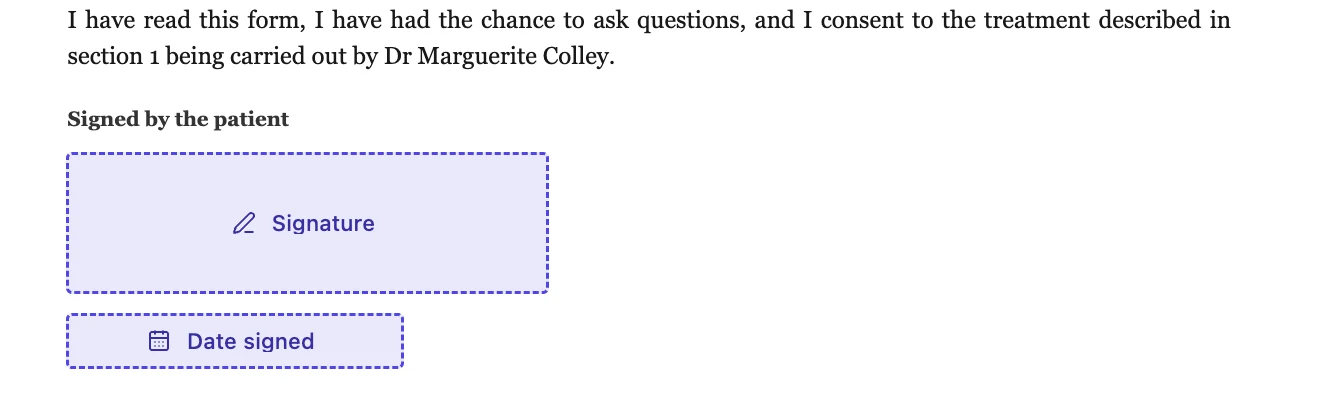
A signature, a date that fills itself, and a name line. Every extra required box is one more reason somebody stops halfway.
The full walkthrough with screenshots is in the guide Send a PDF for e-signature.
Limits worth knowing
- The emailed code goes to the same address as the invitation, so it proves current access to that inbox rather than identity.
- The completed PDF is emailed as an attachment to every recipient. That cannot be switched off.
- The electronic signing consent wording is fixed and cannot be replaced with your own.
- The product makes no compliance claim for any health information regulation, and nothing on this page is legal advice.
Questions people ask
Which identity check should I use?
An emailed one-time code where you only hold an email address. An access code shared during a phone call is stronger, because it is a genuinely separate channel.
Can somebody consent on behalf of another person?
Only in the sense that they are the recipient and the document says who they are consenting for. Add the Title line to the signature block so their relationship is written on the page.
What if they change their mind after signing?
A signature cannot be withdrawn once submitted. Withdrawal of consent is a matter for your own process and usually a fresh document recording it.
Is a signature collected this way valid?
That depends on the law where you are and on the rules of your profession, and it is not something a product can promise. What this page can tell you is exactly what is recorded, which is set out above.
Make your own signing flow
The button opens the generator with this use case already described. Change the wording to match yours, generate, then edit anything you like.
Send a document for signingRelated pages
Electronic signing consent
A single line above the submit button asks the signer to agree that signing electronically counts. It is the least visually interesting part of the flow and one of the more useful things kept afterwards.
How to verify a signed PDF
Somebody sends you a file and says it is signed. Checking that claim takes about twenty seconds, and it does not involve trusting the sender, the covering email or the marks on the page.
Are electronic signatures legally binding?
This page does not answer that question, because no software can. Whether a signature binds anybody depends on the law where you are, the kind of document, and eventually on somebody deciding a dispute. What a product can do is be exact about what it recorded.
More finished work of this kind is on the e-signature examples hub.
Sources
Written and checked by the OneCraft team. Last checked .