Forms
One question at a time forms
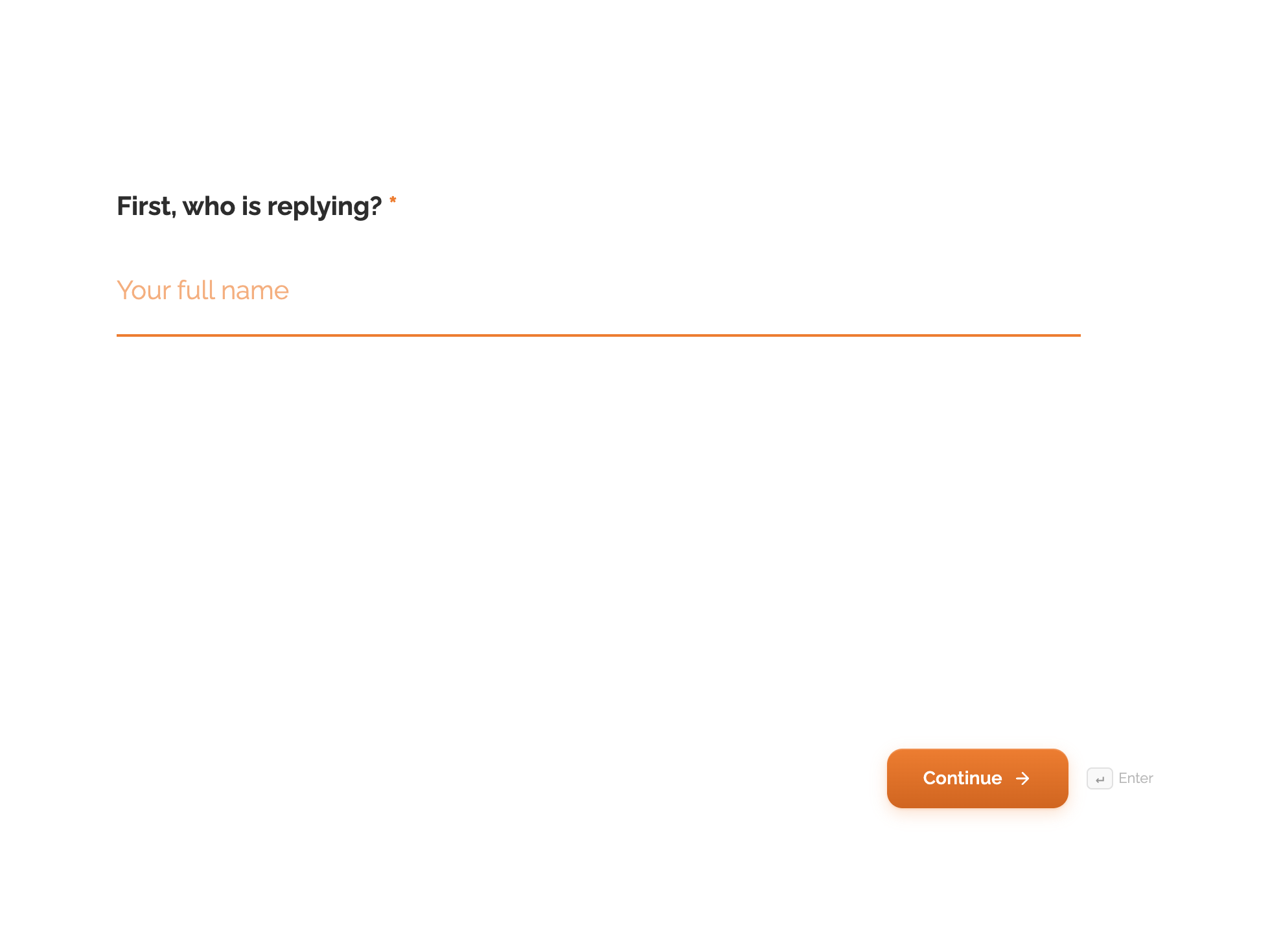
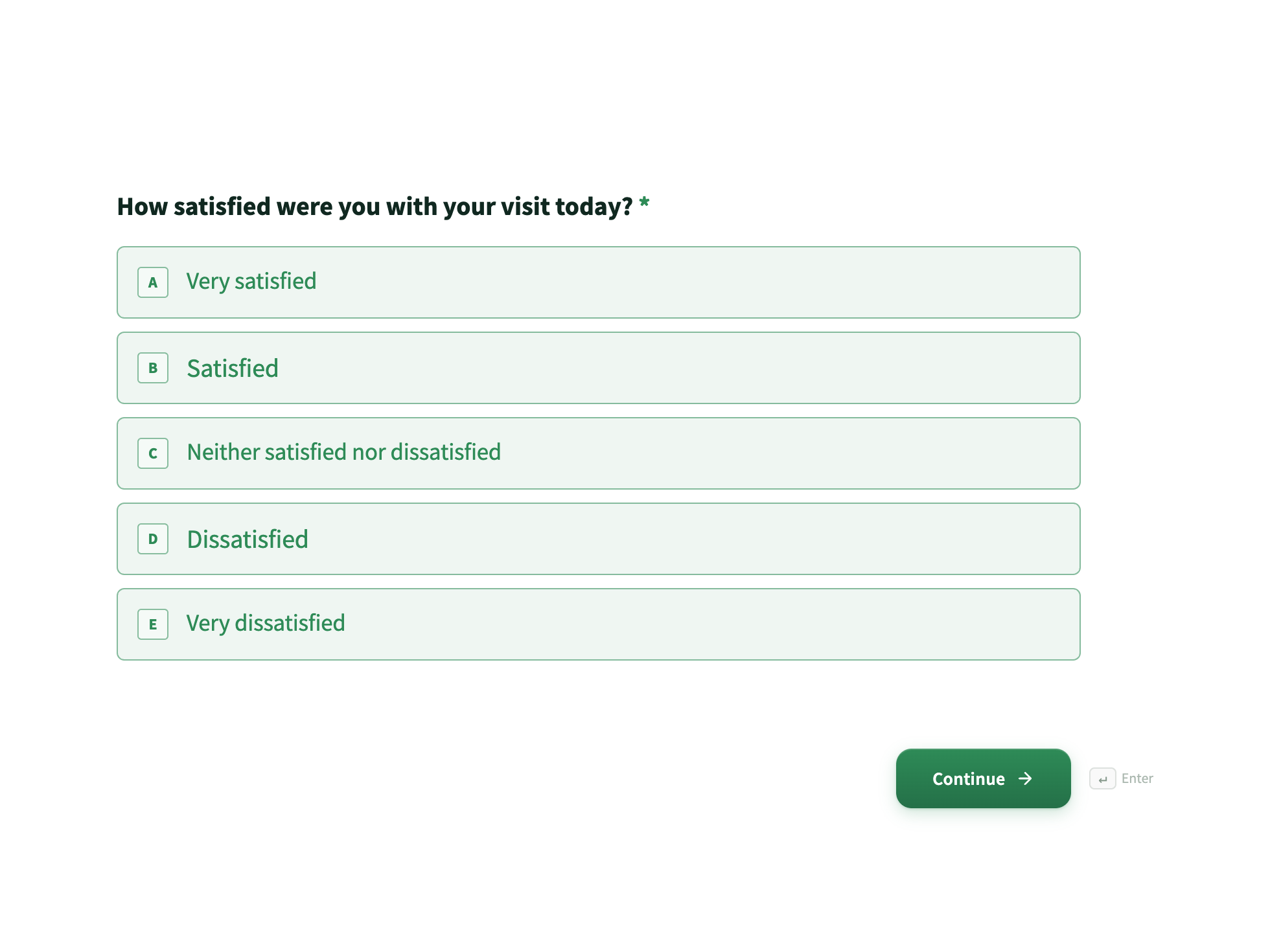
Twelve questions can be twelve screens or one page. Both take the same answers and produce the same row in your responses table. The difference is entirely in what the respondent feels, and it decides who finishes.
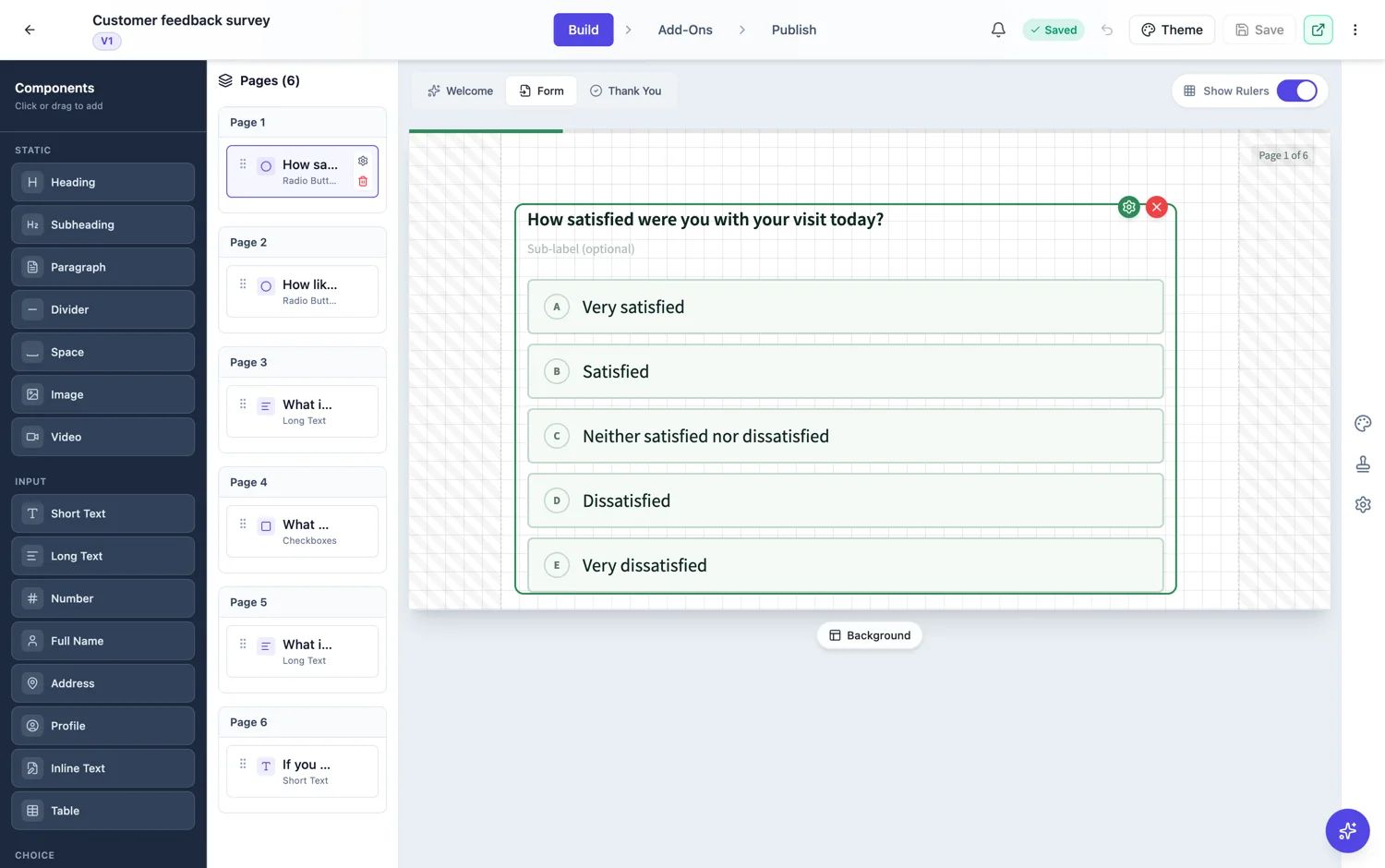
What a single page asks of someone
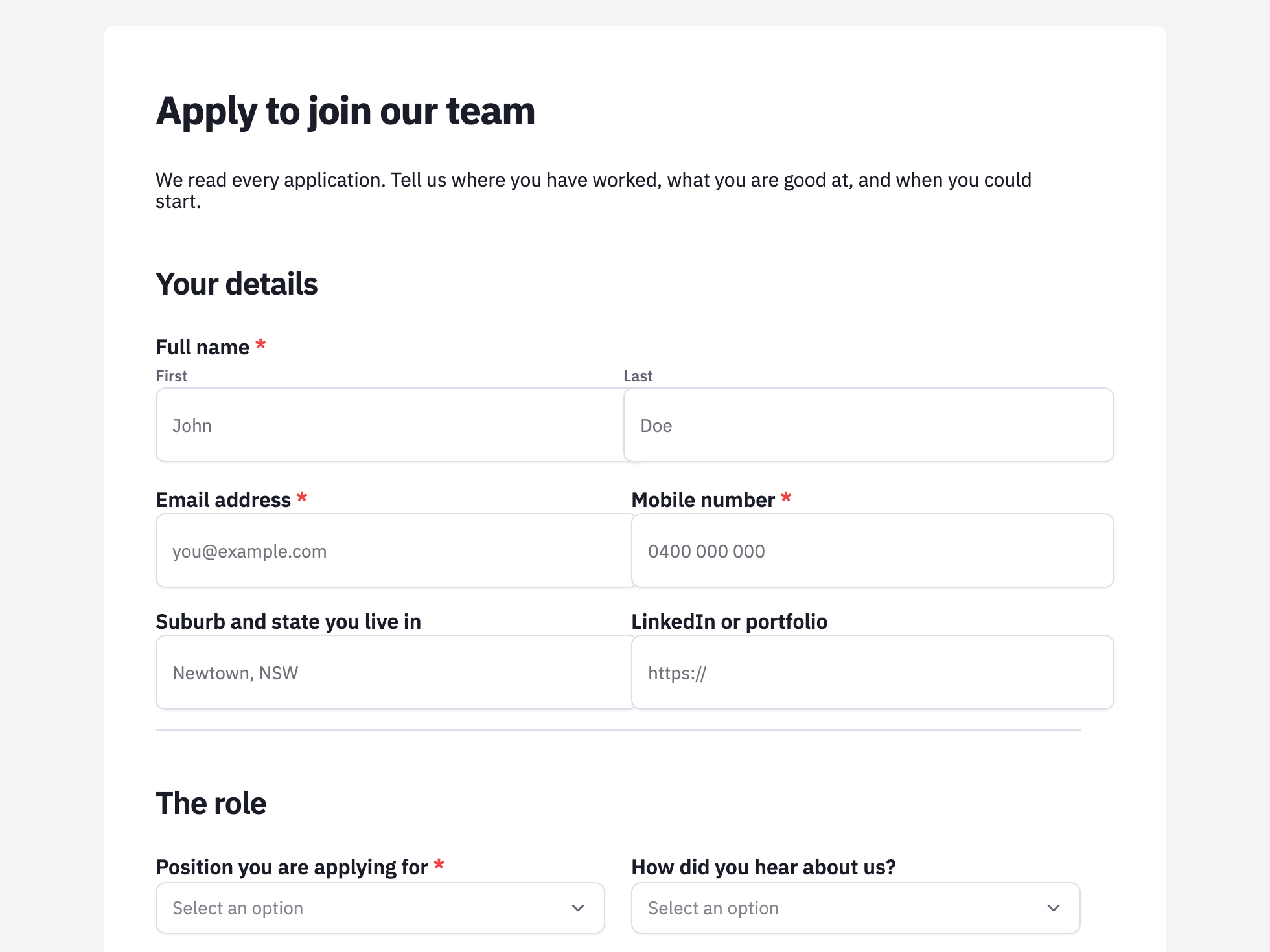
It asks them to judge the whole job before answering anything. That judgement happens in about a second and it is not generous: people count the boxes, not the seconds. A page of twelve fields reads as work even when eight of them are one word answers. The upside is that everything is visible, which is what you want when someone needs to gather information before they start.
What twelve screens asks of someone
It asks for one small commitment, then rides on the fact that a started thing is hard to abandon. Each screen is a single decision, so nothing looks hard. The progress bar tells them how much is left, which replaces guessing with a countdown. The cost is repeated taps: twelve screens means eleven more moves than one page.
How to choose
Ask who is filling it in. A stranger who owes you nothing, on a phone, after clicking a link, is a conversational form. A supplier, a patient with paperwork in front of them, or anyone doing this for the fourth time, is a classic form. If the form has uploads, a table of line items or a signature, that settles it as classic regardless of who is filling it in.
The middle option
A classic form can be split into steps without becoming conversational. Switch a long classic form to paginated and it becomes a wizard with Back and Next, a page counter and page breaks that never cut a field in half. That gives you grouped screens rather than one question per screen, which suits application forms with four clear sections.
How it works, in three steps
Step 1
Count the questions honestly
Count fields a respondent must answer, not blocks on the canvas. Headings and dividers do not tire anyone out.
Step 2
Pick the format for the person, not the form
Stranger on a phone means conversational. Someone with documents in front of them means classic.
Step 3
Try the middle if neither fits
Set a classic form to paginated for grouped steps with a progress counter, without rebuilding it as conversational.
The full walkthrough with screenshots is in the guide Classic vs conversational forms.
Limits worth knowing
- Classic and conversational are separate builders. Moving a form between them means rebuilding the layout.
- Paginated mode is classic only, and it splits by page breaks rather than one question per page.
- Neither format saves a form that asks for too much. Cutting three questions beats changing the layout.
See it on a finished piece
Questions people ask
Which format gets more completions?
One question at a time usually finishes more of the people who start, especially on phones and for cold audiences. For people who already intended to fill the form in, the difference is small.
Is there a question count where I should switch?
There is no clean number, but past about eight questions a single page starts to read as work, and past about twenty a conversational form starts to feel long even with a progress bar.
Can I get a progress bar without conversational?
Yes. A classic form set to paginated shows a page counter and Back and Next buttons.
Make your own form
The button opens the generator with this use case already described. Change the wording to match yours, generate, then edit anything you like.
Create a form with OneCraftRelated pages
Conversational form builder
A conversational form shows one question at a time on its own screen, with a progress bar and a keyboard shortcut to move on. It is the right shape when you are asking a stranger for something and the risk is that they stop halfway.
Forms that take a voice recording
Some answers are quicker said than typed. A recording field asks for audio instead of text, with a recorder, a running timer and a duration cap, and the recording plays back in the response.
Background designs for forms
A conversational form gives each question a whole screen, and a plain screen with one question on it can feel bare. Background designs fill that space without competing: 24 patterns across four families, applied per form or per page.
More finished work of this kind is on the form examples hub.