Forms
Forms that take a voice recording
Some answers are quicker said than typed. A recording field asks for audio instead of text, with a recorder, a running timer and a duration cap, and the recording plays back in the response.
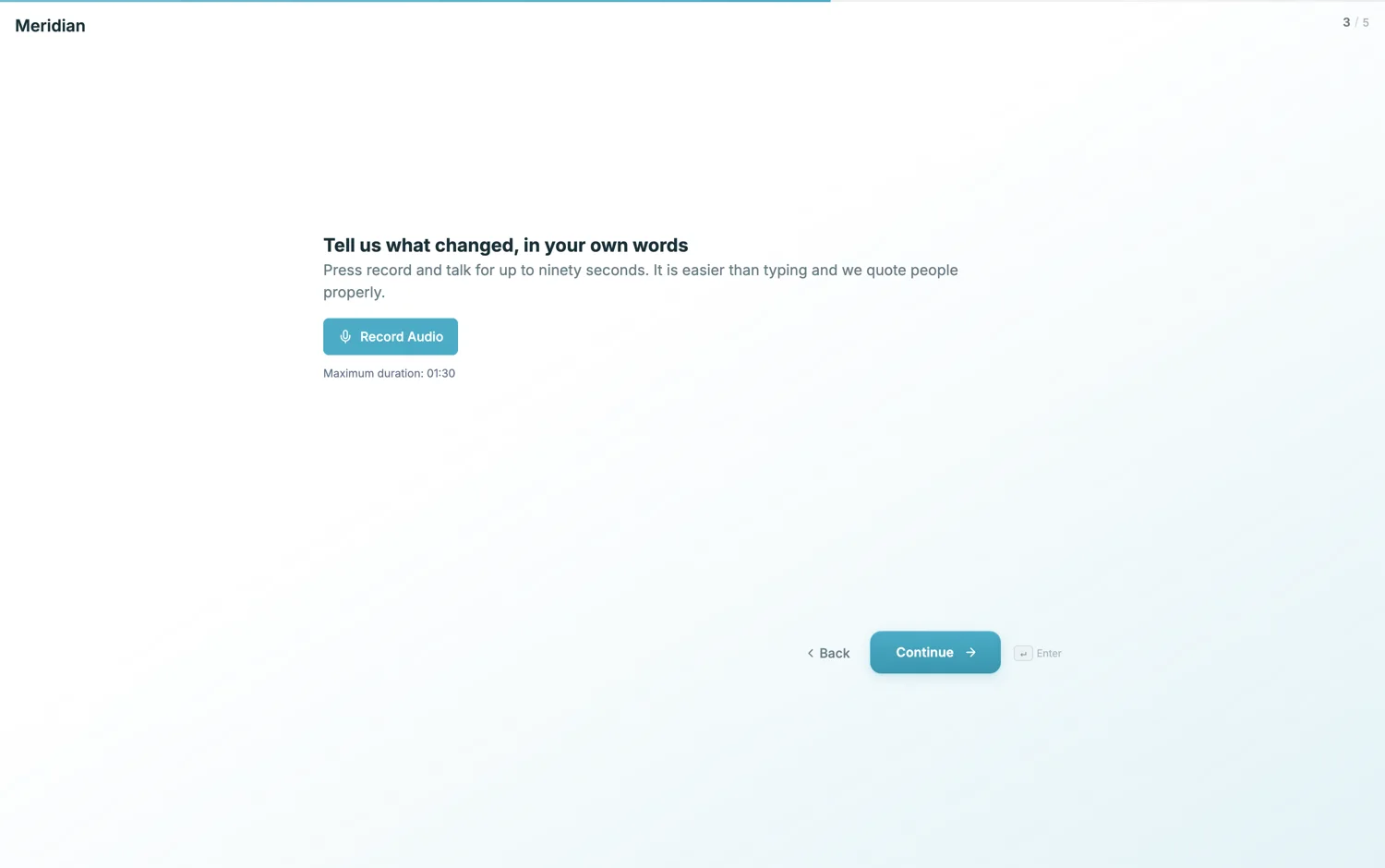
When speaking beats typing
Three cases. Long open answers, where people type two words and stop but will happily talk for a minute. Testimonials, where the words you get back are warmer and more usable than written ones. And anything where the respondent is not comfortable writing, whether because of language, literacy or simply being on a phone in the street.
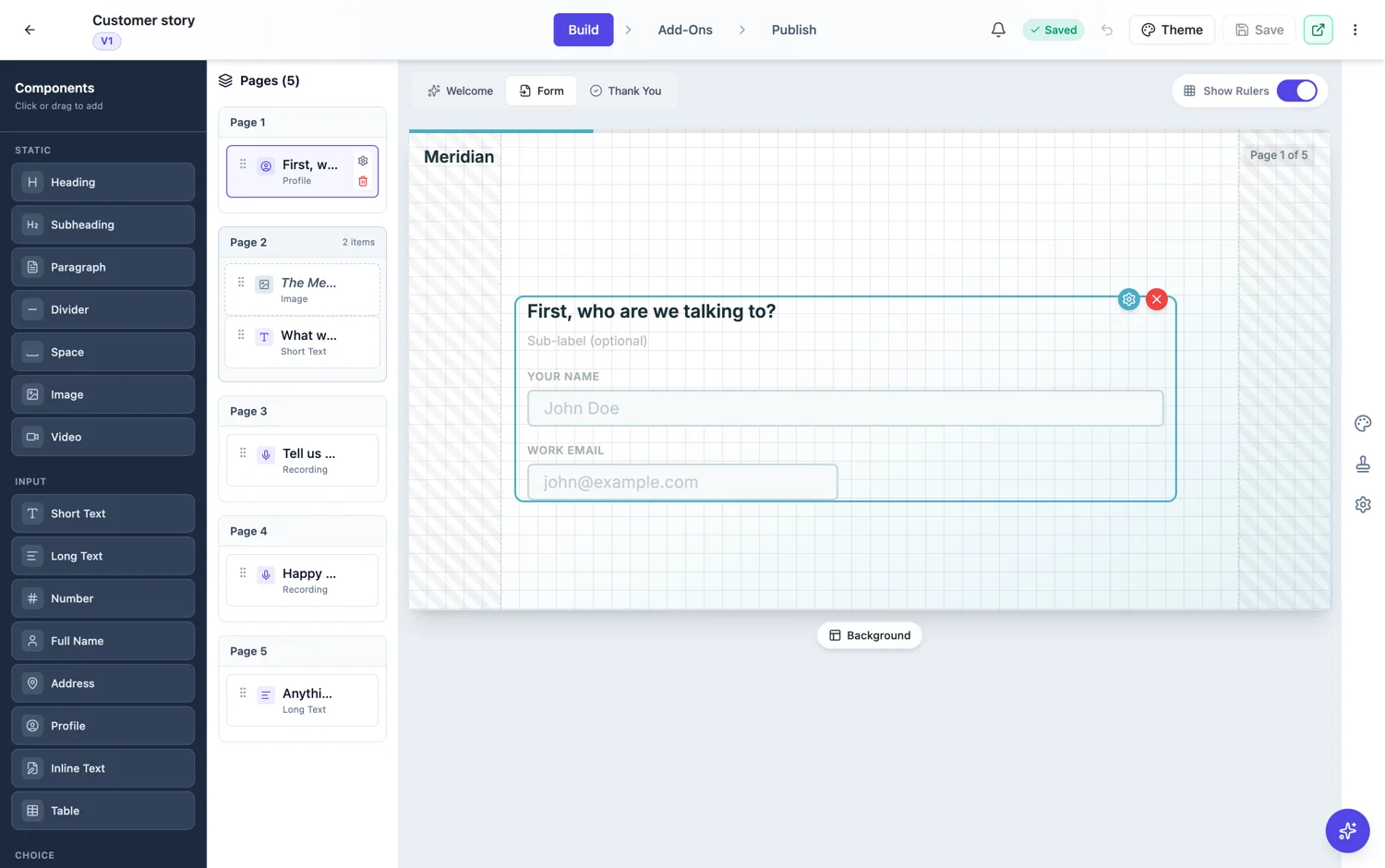
The controls you set
Recording mode is audio or video. Maximum duration is in seconds and defaults to 120, which is long enough for a full answer and short enough that people do not ramble. The timer showing during recording is on by default, and it is worth leaving on: a visible countdown is what makes someone get to the point.
Ask a question they can answer out loud
Spoken answers reward a specific prompt. "Tell us about your experience" gets a shapeless minute. "What were you doing before, and what changed in the first month?" gets a story with a beginning and an end. Put the question in the field label and any extra guidance in the description underneath.
Where it lives
The recording field is a conversational form field. That fits, because a recording deserves its own screen: a respondent needs to read the question, think, then press record without anything else competing for the screen. Recordings play back in the response viewer alongside the typed answers.
Storage and the owner's quota
A voice recording is a file like any other and counts against the storage of whoever owns the form. The quota is checked before the upload is permitted, so a form at its limit refuses cleanly instead of accepting a recording it cannot keep. Audio is far lighter than video, which is part of why a voice question is the easier of the two to ask at volume.
In the CSV it is a line of text
The export says a recording was uploaded and nothing else, because a CSV is text. Play them from the responses table or the opened response, where each one sits beside the answers it came with. If the point of the question is something you need to count, ask it as a normal field and keep the recording for the colour.
How it works, in three steps
Step 1
Add a recording field on its own screen
In a conversational form, give the recording its own page so nothing competes with it.
Step 2
Set audio and a duration
Choose audio mode and a cap. Ninety to a hundred and twenty seconds suits most single questions.
Step 3
Ask a question with an answerable shape
Before and after, or a specific moment, rather than an invitation to talk generally.
The full walkthrough with screenshots is in the guide Create a conversational form with AI.
Limits worth knowing
- Recording fields are conversational only.
- The default cap is 120 seconds and you set it in seconds.
- There is no transcription. You get the recording, not text.
- Respondents need to give their browser permission to use the microphone.
See it on a finished piece
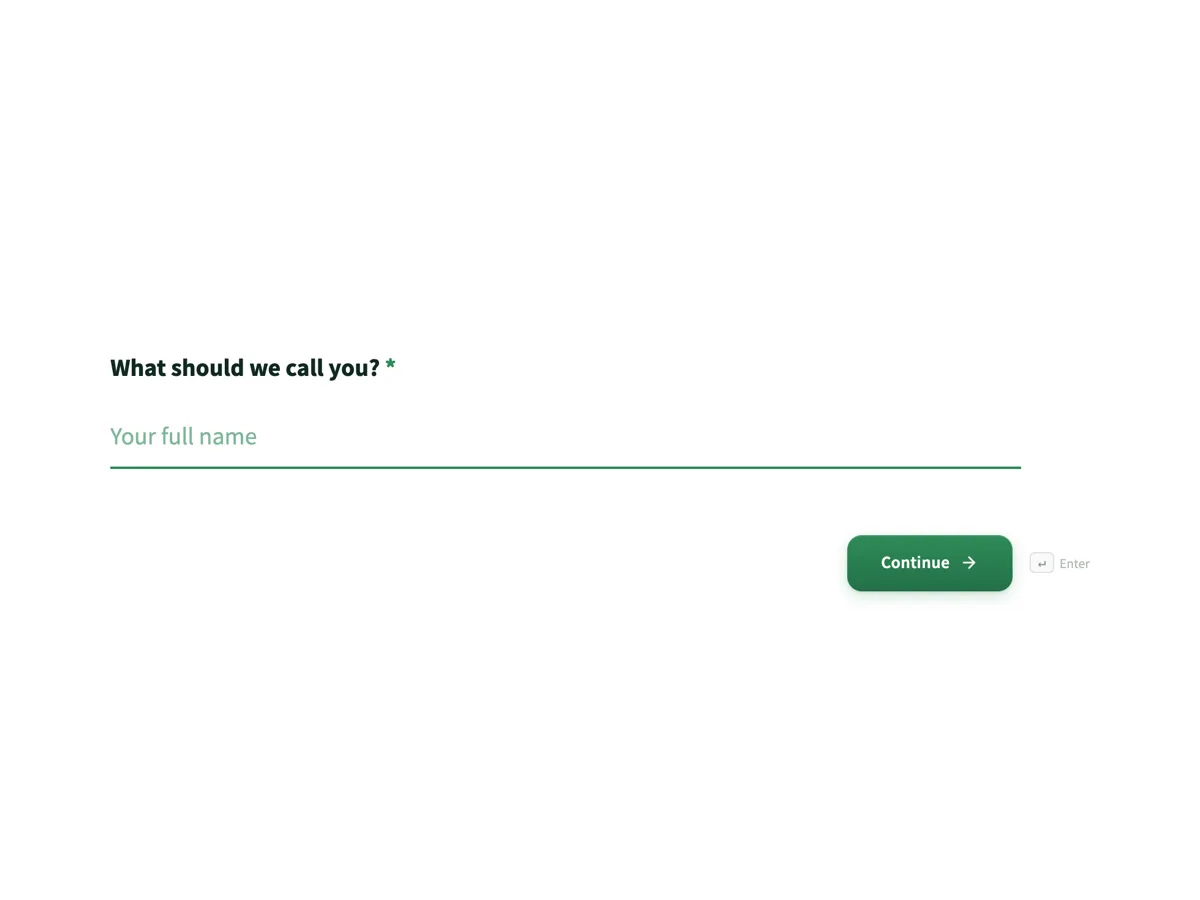
Questions people ask
How long can a recording be?
You set the cap in seconds and it defaults to 120. Shorter caps get better answers, because a voice question with two minutes of room invites rambling and a forty second cap makes people answer the question. The cap is also what bounds the file size, since there is no separate byte limit.
Is the audio transcribed?
No. You get the recording to play back in the response viewer, and nothing turns it into text. If you need words you can search, sort or count, ask the question as a text field and keep the voice question for the things tone actually carries, such as a pitch or a pronunciation.
Does it work on a phone?
Yes, as long as the person allows microphone access when the browser asks. That prompt is the most common reason a recording never happens: it appears over the form, people dismiss it by reflex, and then the record button does nothing. Warning them in the question text is worth more than any setting.
Is there a size cap per recording?
The control you set is a duration in seconds, defaulting to 120, and that is what bounds the file. There is no separate byte limit to tune. A shorter cap gets better answers as well as smaller files: two minutes of unstructured talking is rarely more useful than forty seconds of a specific question.
Does it work in every browser?
It works wherever the browser can record audio and the person allows microphone access when prompted. That permission prompt is the real failure point rather than any particular browser: on a phone it appears over the form and people dismiss it without reading. Say in the question that you will ask for the microphone.
Make your own form
The button opens the generator with this use case already described. Change the wording to match yours, generate, then edit anything you like.
Create a form with OneCraftRelated pages
One block for name, email, phone and address
Contact details are the boring part of every form, and in a one question at a time form they cost four screens. The profile field puts them on one screen, so the questions worth asking get the attention instead.
Forms that collect video answers
A recording field set to video asks someone to answer on camera. For screening candidates, collecting testimonials or checking a physical thing, it replaces a scheduling thread with a two minute recording.
Conversational form builder
A conversational form shows one question at a time on its own screen, with a progress bar and a keyboard shortcut to move on. It is the right shape when you are asking a stranger for something and the risk is that they stop halfway.
More finished work of this kind is on the form examples hub.
Written and checked by the OneCraft team. Last checked .