Forms
Forms that collect video answers
A recording field set to video asks someone to answer on camera. For screening candidates, collecting testimonials or checking a physical thing, it replaces a scheduling thread with a two minute recording.
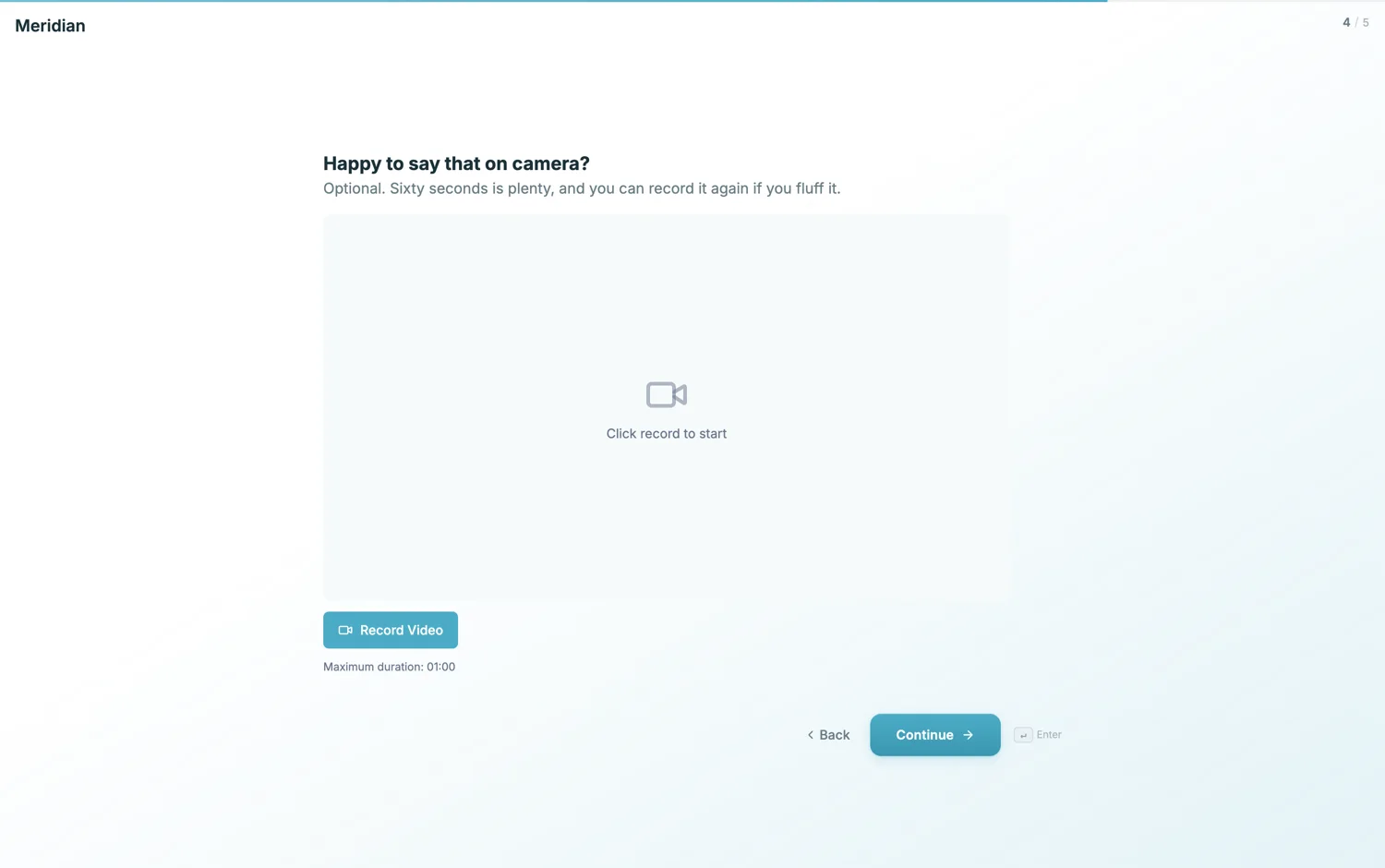
What a video answer is good for
Screening, where thirty candidates on video takes an afternoon and thirty phone calls takes a fortnight. Testimonials, where a face and a voice carry more than a written quote. And show me problems, where someone points the camera at the thing rather than describing it. Outside those three, text is usually kinder to the respondent.
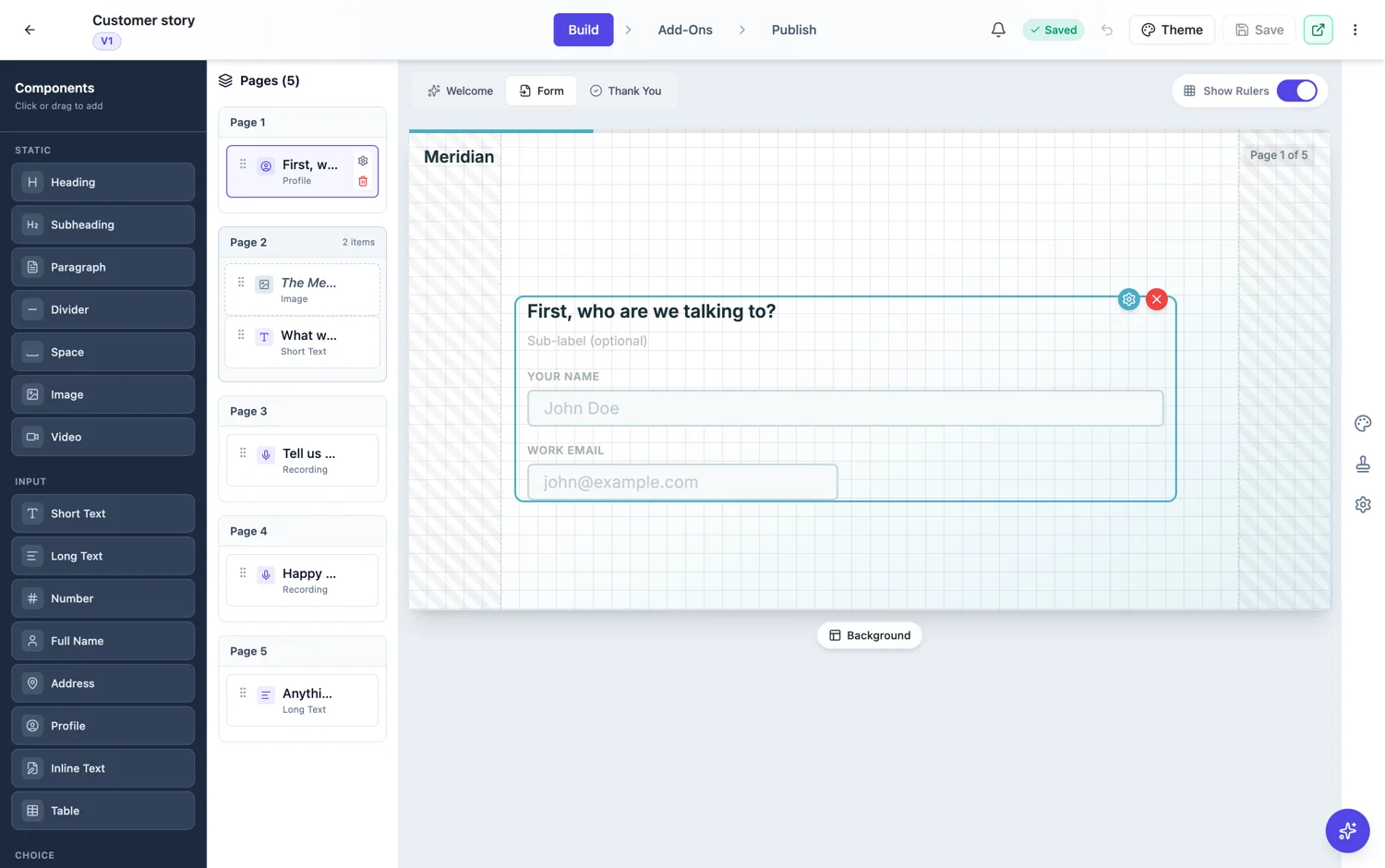
Keep the cap short
Set the duration deliberately. Sixty seconds forces a prepared answer, which is what you want for screening. Ninety to a hundred and twenty gives room for a story, which suits testimonials. The default is 120 seconds. Leave the timer visible so people can pace themselves, because a recording that runs out mid sentence is a bad experience and a wasted answer.
Say what you are asking for, up front
A video question should never be a surprise. Put it on the welcome screen: this form includes one short video answer, it takes about a minute, and you can re-record it. People who are not willing will leave at the welcome screen rather than halfway through, which is better for both sides.
What you get back
The recording is attached to the response with the typed answers, and plays back in the response viewer. Everything is in one place, so you can read the notice period and watch the answer without switching tools or chasing a file.
Storage and the owner's quota
A recording is uploaded and stored like any other file, and it counts against the storage of whoever owns the form, not the person who recorded it. The check runs before the upload is allowed rather than after, so a form at its limit refuses the recording rather than losing it silently. Video is the heaviest thing a form can collect, so a short cap is a storage decision as well as a quality one.
In the CSV it is a line of text
The export cannot carry a video, so the column says a recording was uploaded and nothing more. To watch them you go to the responses table or the opened response, where each one plays beside the typed answers. If you are shortlisting from video, plan to work in the table rather than in a spreadsheet.
Ask one question, not a monologue
A video question works when it is specific enough to answer in a single take: tell me about a time you had to change a plan, not tell us about yourself. A vague prompt produces a minute of preamble and no signal, and it makes the answers impossible to compare because everybody chose a different question to answer. One question per recording, written the way you would ask it across a table.
How it works, in three steps
Step 1
Add a recording field in video mode
Conversational forms only, and give it its own screen so the question is all the respondent can see.
Step 2
Set a deliberate cap
Sixty seconds for screening, ninety to a hundred and twenty for a story. Leave the timer on.
Step 3
Warn them on the welcome screen
Say there is a video question and roughly how long it takes. Nobody should meet the camera unprepared.
The full walkthrough with screenshots is in the guide Create a conversational form with AI.
Limits worth knowing
- Recording fields are conversational only.
- The cap defaults to 120 seconds and is set in seconds.
- No transcription and no editing. You get the recording as taken.
- The respondent has to allow camera and microphone access in their browser.
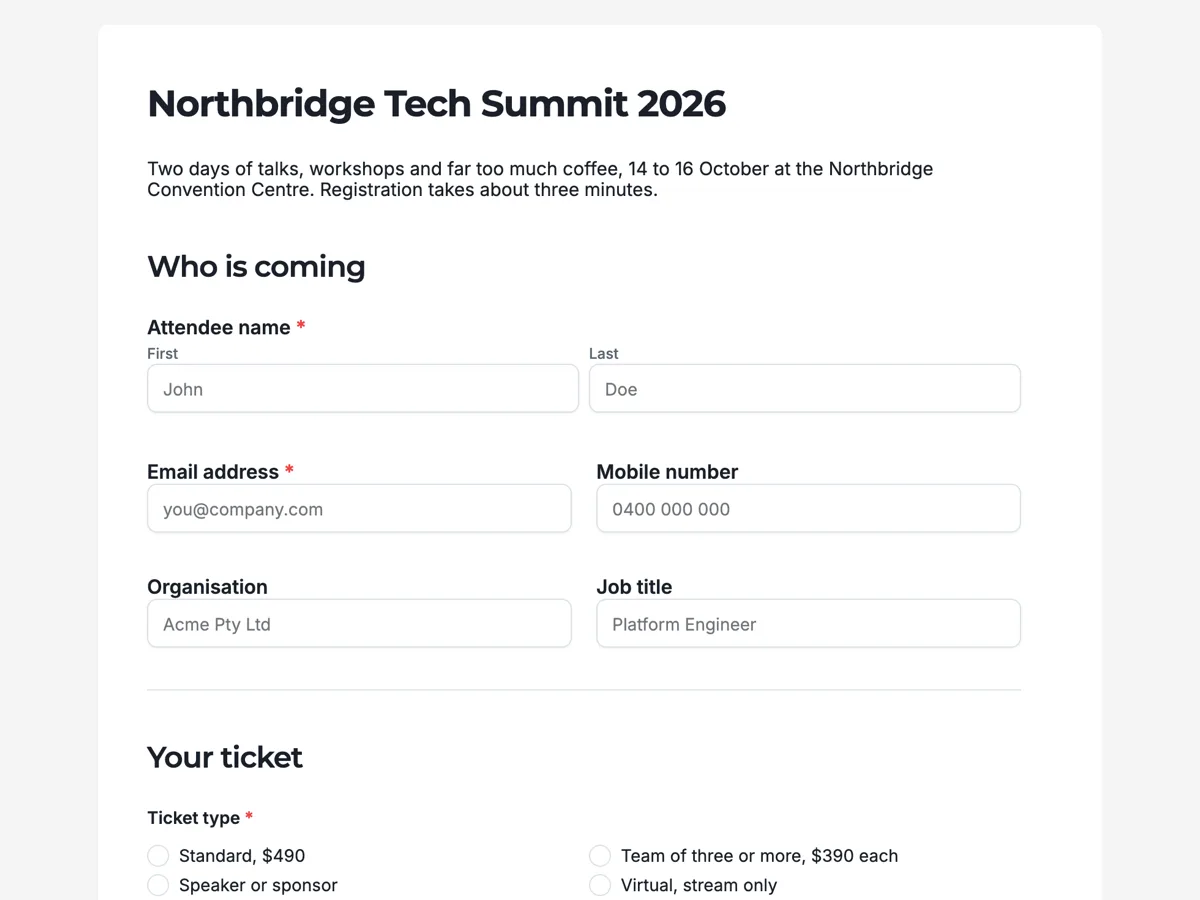
See it on a finished piece
Questions people ask
Can a candidate re-record their answer?
Yes, they can record again before moving on, as many times as they want. Say so in the question, because the fear of a single take is what stops people starting, and a candidate who thinks they get one chance either abandons the form or sends you something worse than their second attempt.
How long should a video question be?
Sixty seconds is enough for a prepared answer and short enough that people will actually do it. Anything past two minutes and the completion rate falls off sharply, the files get large, and you end up watching a lot of throat clearing. Ask one clear question and cap it.
Where do the videos end up?
Attached to the response and playable in the response viewer next to the typed answers, which is where you want them when you are comparing candidates. They are stored against the form owner's storage, and they are not in the CSV, which records only that a recording was uploaded.
What file type comes back?
WebM where the browser supports it, MP4 where it does not, chosen at record time from what the device can actually produce. Both play in the response viewer and both download. You do not choose the format and you do not need to: the recorder picks whatever that browser can write.
Can I download all the recordings at once?
They come down one at a time from the responses table or the opened response. For a round of twenty candidates that is twenty clicks, which is worth knowing before you promise a panel a folder of files. Watching them in the table is usually faster than collecting them.
Make your own form
The button opens the generator with this use case already described. Change the wording to match yours, generate, then edit anything you like.
Create a form with OneCraftRelated pages
Forms that take a voice recording
Some answers are quicker said than typed. A recording field asks for audio instead of text, with a recorder, a running timer and a duration cap, and the recording plays back in the response.
Background designs for forms
A conversational form gives each question a whole screen, and a plain screen with one question on it can feel bare. Background designs fill that space without competing: 24 patterns across four families, applied per form or per page.
AI images in forms
Conversational forms have real space for pictures: a split layout gives half the screen to an image. Rather than hunting for a photo that fits, describe the one you want and it is made at the shape the slot needs.
More finished work of this kind is on the form examples hub.
Written and checked by the OneCraft team. Last checked .