Forms
AI images in forms
Conversational forms have real space for pictures: a split layout gives half the screen to an image. Rather than hunting for a photo that fits, describe the one you want and it is made at the shape the slot needs.
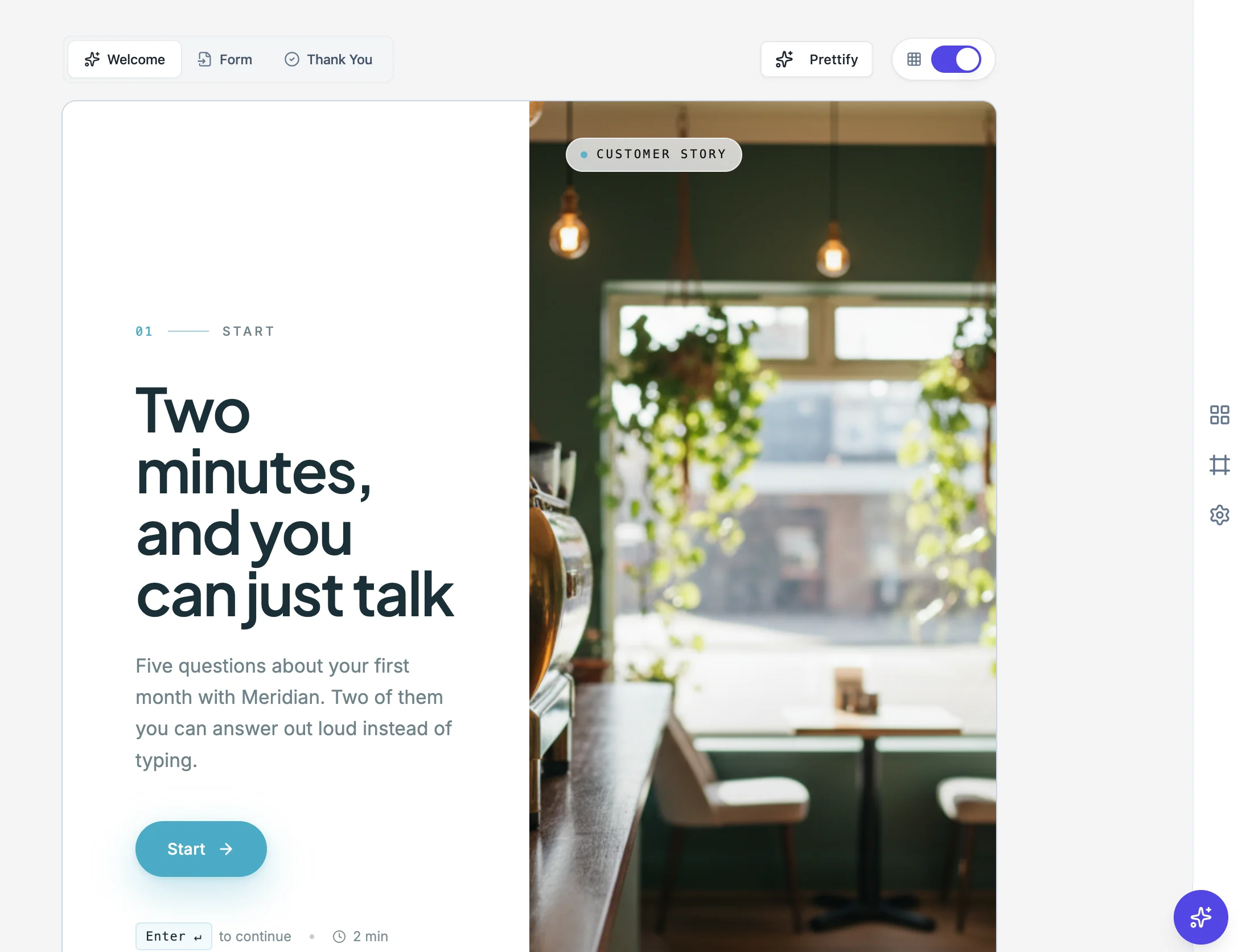
Where a form has room for a picture
Three places. The welcome screen, on the split and overlay layouts, where the image is doing the work of making somebody want to start. The media panel of a split conversational theme, which is visible behind every question. And an image block on a specific question, where you are showing something the question is about.
The shape is chosen for you
Images generate at a 3:4 portrait shape by default, which is what the split panel and the welcome layouts want. That is worth knowing before you write the prompt: describe a scene that works standing up rather than one that needs width, because a wide landscape squeezed into a tall slot loses its edges.
Write the prompt for the mood
A form image sits behind a question, so it is background rather than subject. Prompts that work describe a place, a light and a feeling: an empty studio at sunrise, a clean workshop bench, a quiet clinic waiting room. Prompts that fail describe a busy scene with people doing something specific, because that competes with the question in front of it.
Generated images stay yours to reuse
An image you generate is kept with the form, so you can use it again on another screen rather than regenerating it and getting something slightly different. Consistency across the screens of one form matters more than any individual picture being perfect.
How it works, in three steps
Step 1
Pick the slot first
Welcome screen, theme media panel or a question. The slot decides the shape and how much detail is visible.
Step 2
Describe a place, not an event
A location, a light and a mood. Detailed action competes with the question the image sits behind.
Step 3
Reuse rather than regenerate
Images stay with the form, so use the same one across screens instead of making a near-match.
The full walkthrough with screenshots is in the guide Create a conversational form with AI.
Limits worth knowing
- Images generate at a 3:4 portrait shape by default.
- You cannot edit a generated image afterwards. Regenerate or upload your own instead.
- Recognisable people and real logos are not what this is for. Use your own photography for those.
See it on a finished piece
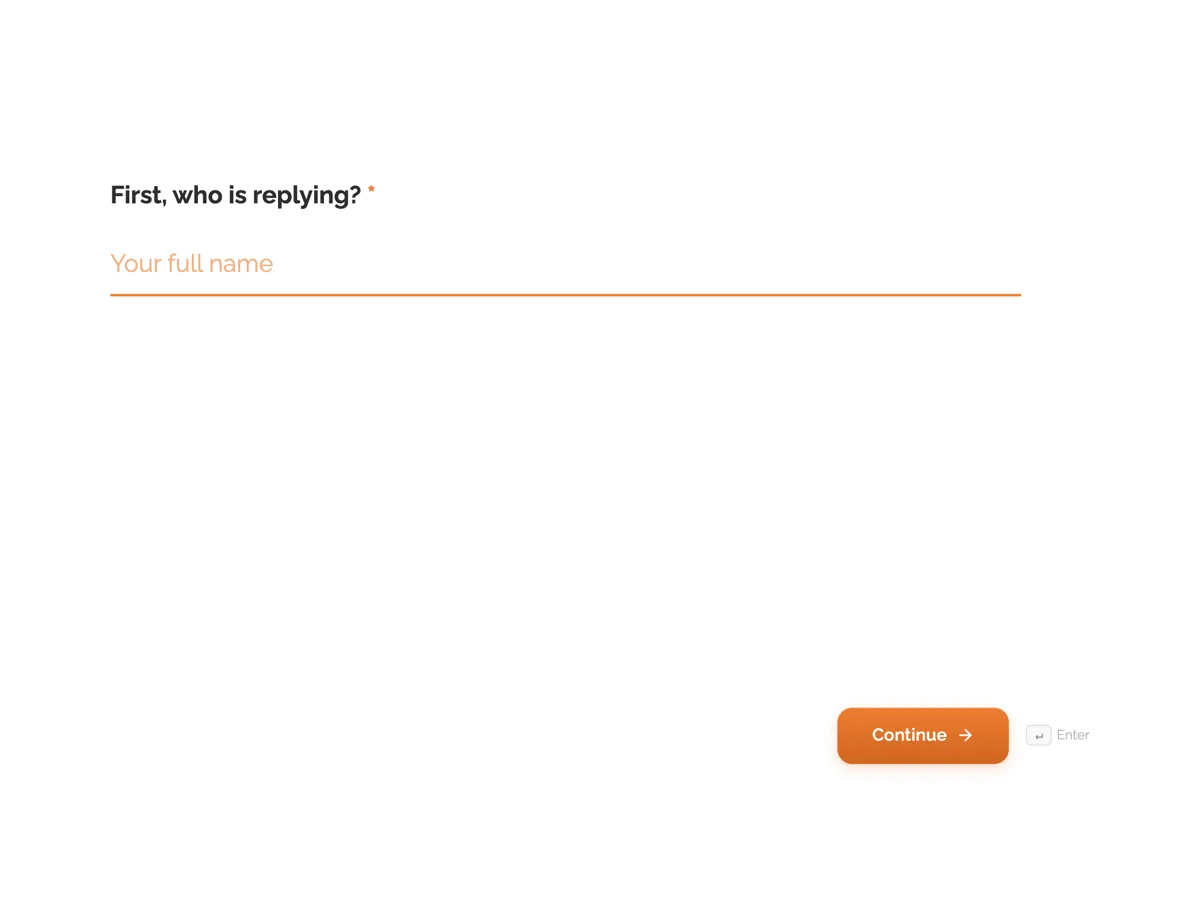
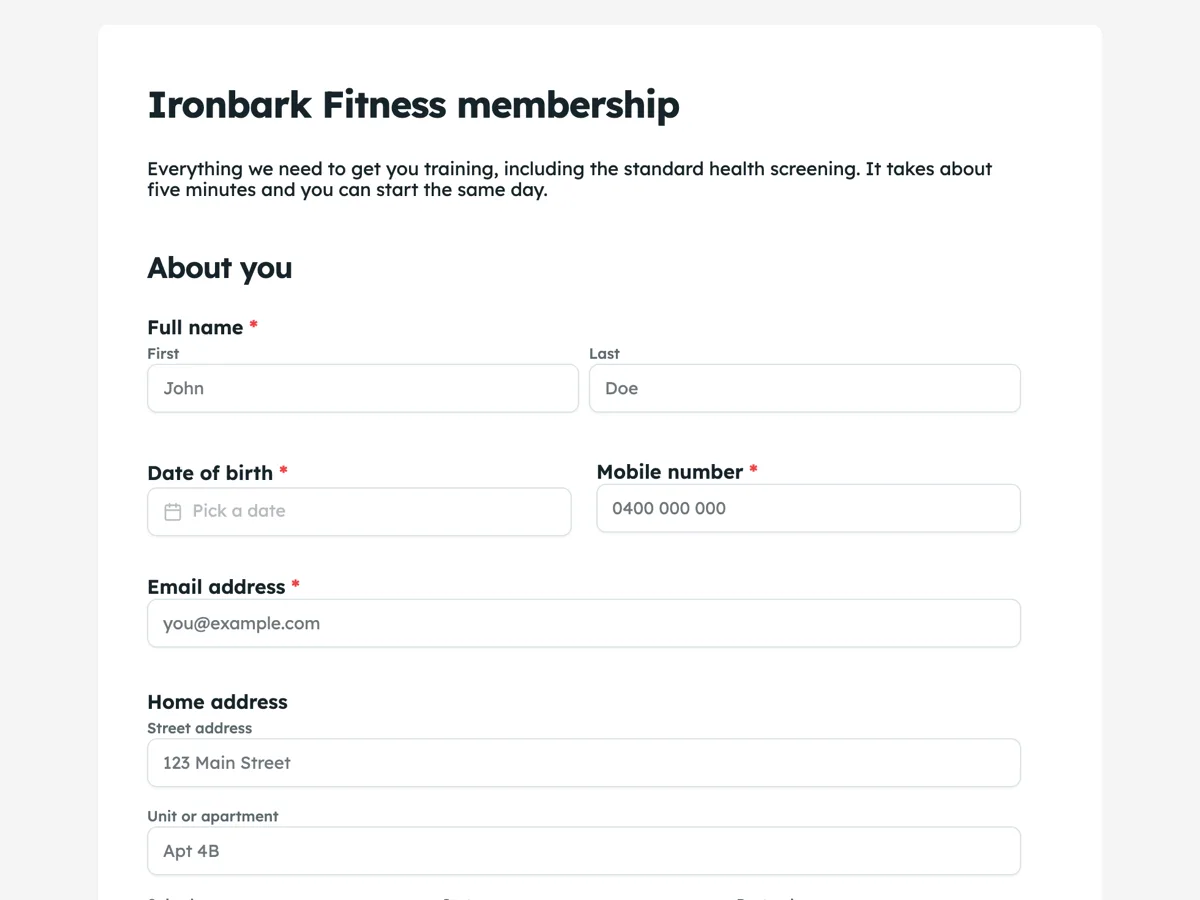
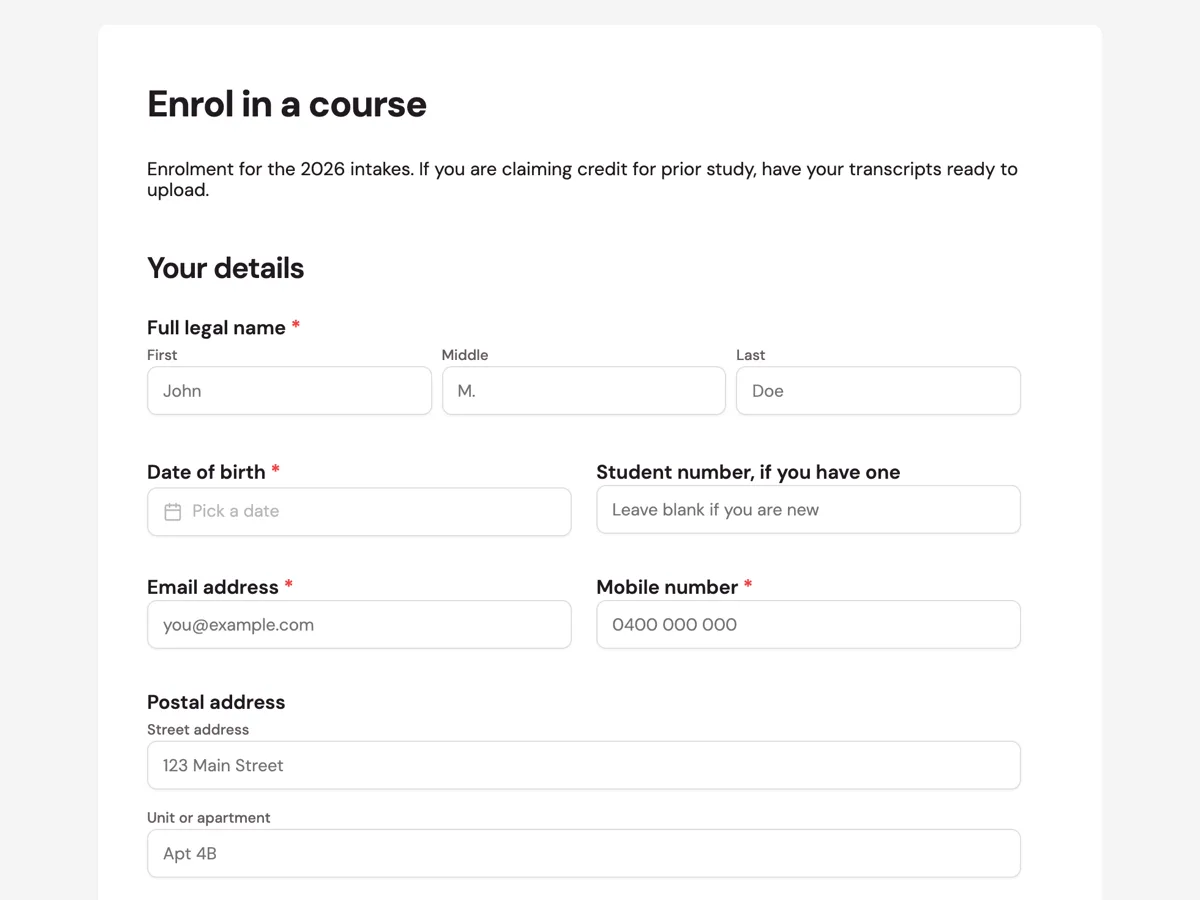
Questions people ask
What shape are generated form images?
Portrait, at 3:4 by default, because that is what the split welcome layout and the conversational media panel need.
Can I upload my own picture instead?
Yes, anywhere an image can be generated it can also be uploaded, and your own photograph of your own place beats a generated one every time.
What makes a good prompt for a form image?
A place, a light and a mood, with no busy action. The picture sits behind a question, so it should not compete with it.
Make your own form
The button opens the generator with this use case already described. Change the wording to match yours, generate, then edit anything you like.
Create a form with OneCraftRelated pages
Forms that collect video answers
A recording field set to video asks someone to answer on camera. For screening candidates, collecting testimonials or checking a physical thing, it replaces a scheduling thread with a two minute recording.
Conversational form builder
A conversational form shows one question at a time on its own screen, with a progress bar and a keyboard shortcut to move on. It is the right shape when you are asking a stranger for something and the risk is that they stop halfway.
Read and manage form responses
Every submission is a row, with a column per input field and the submission time at the front. Composite answers like a matrix, an address or a table are readable in the cell, so you can scan a page of responses without opening any of them.
More finished work of this kind is on the form examples hub.
Written and checked by the OneCraft team. Last checked .