Forms
Conversational form builder
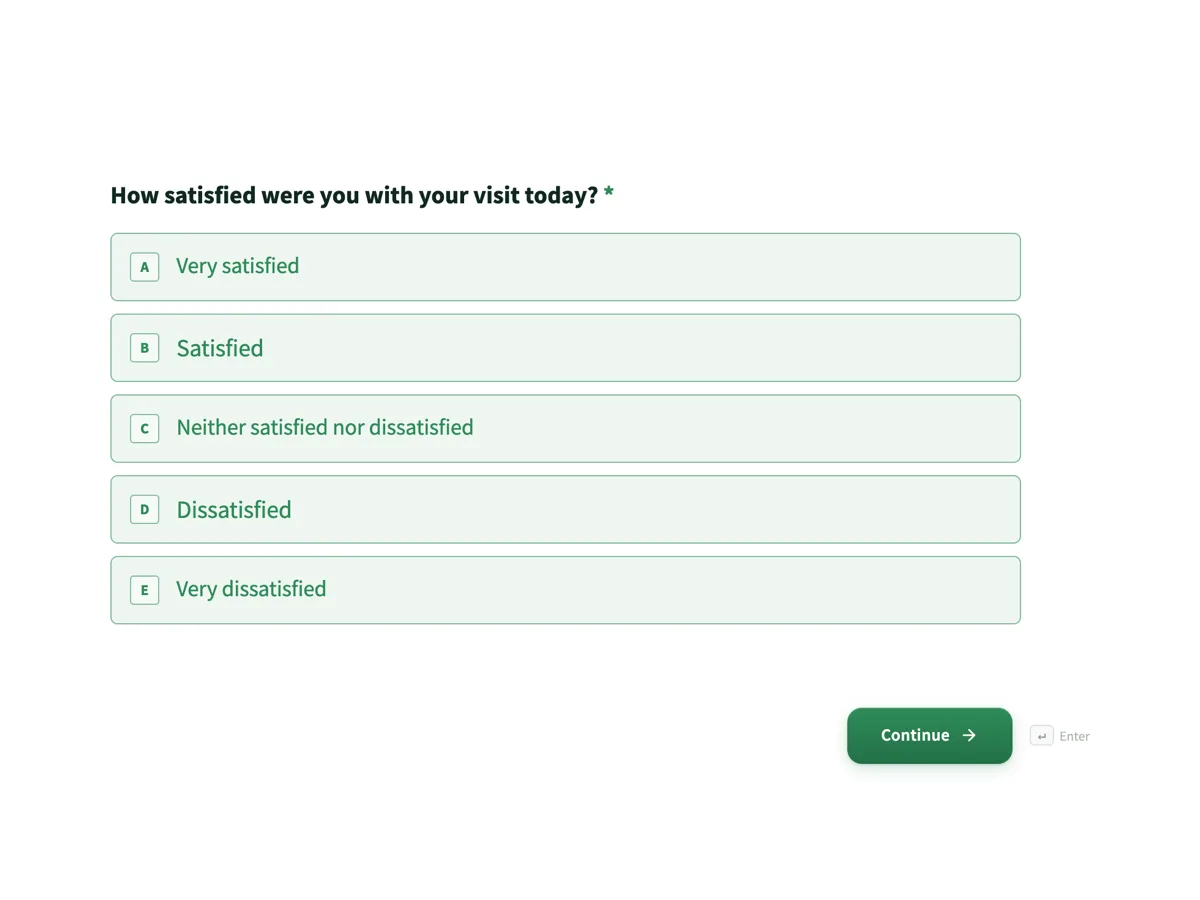
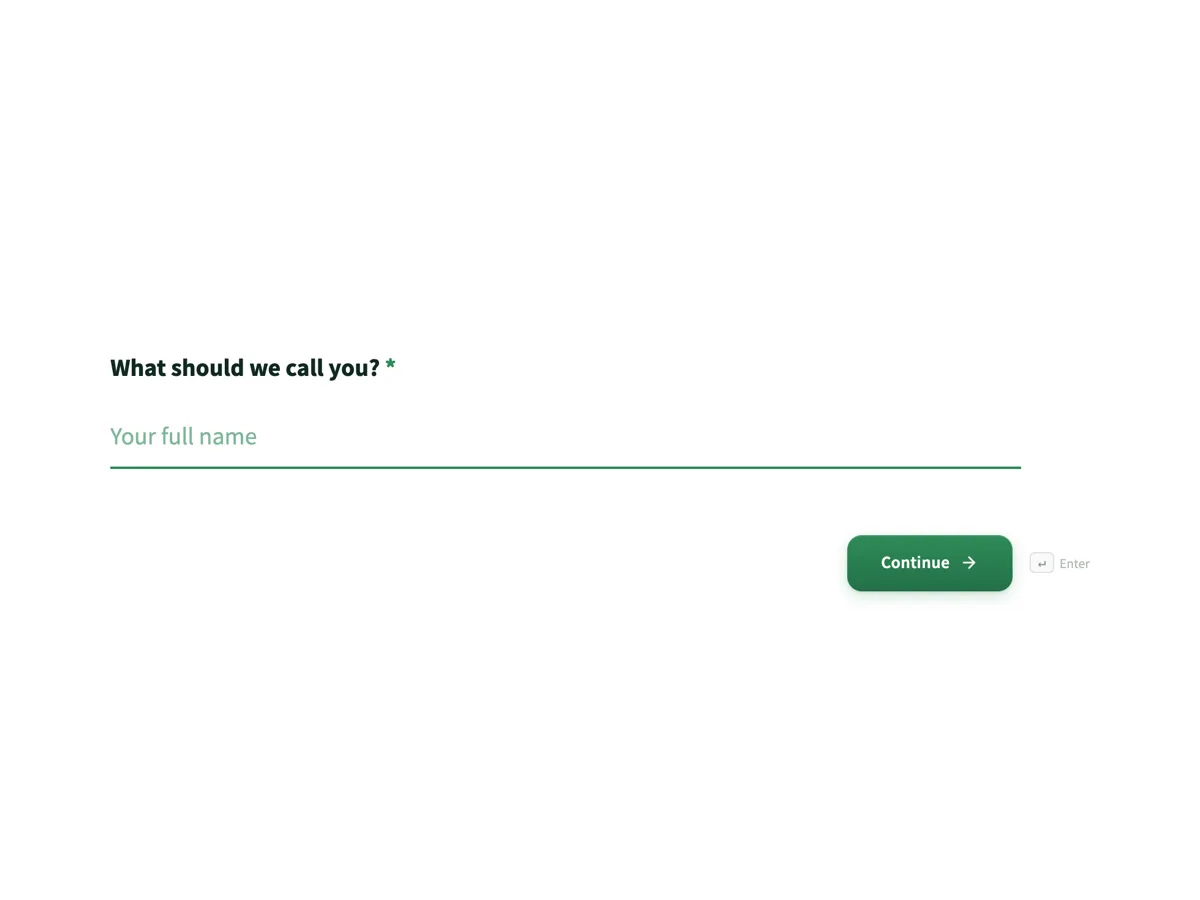
A conversational form shows one question at a time on its own screen, with a progress bar and a keyboard shortcut to move on. It is the right shape when you are asking a stranger for something and the risk is that they stop halfway.
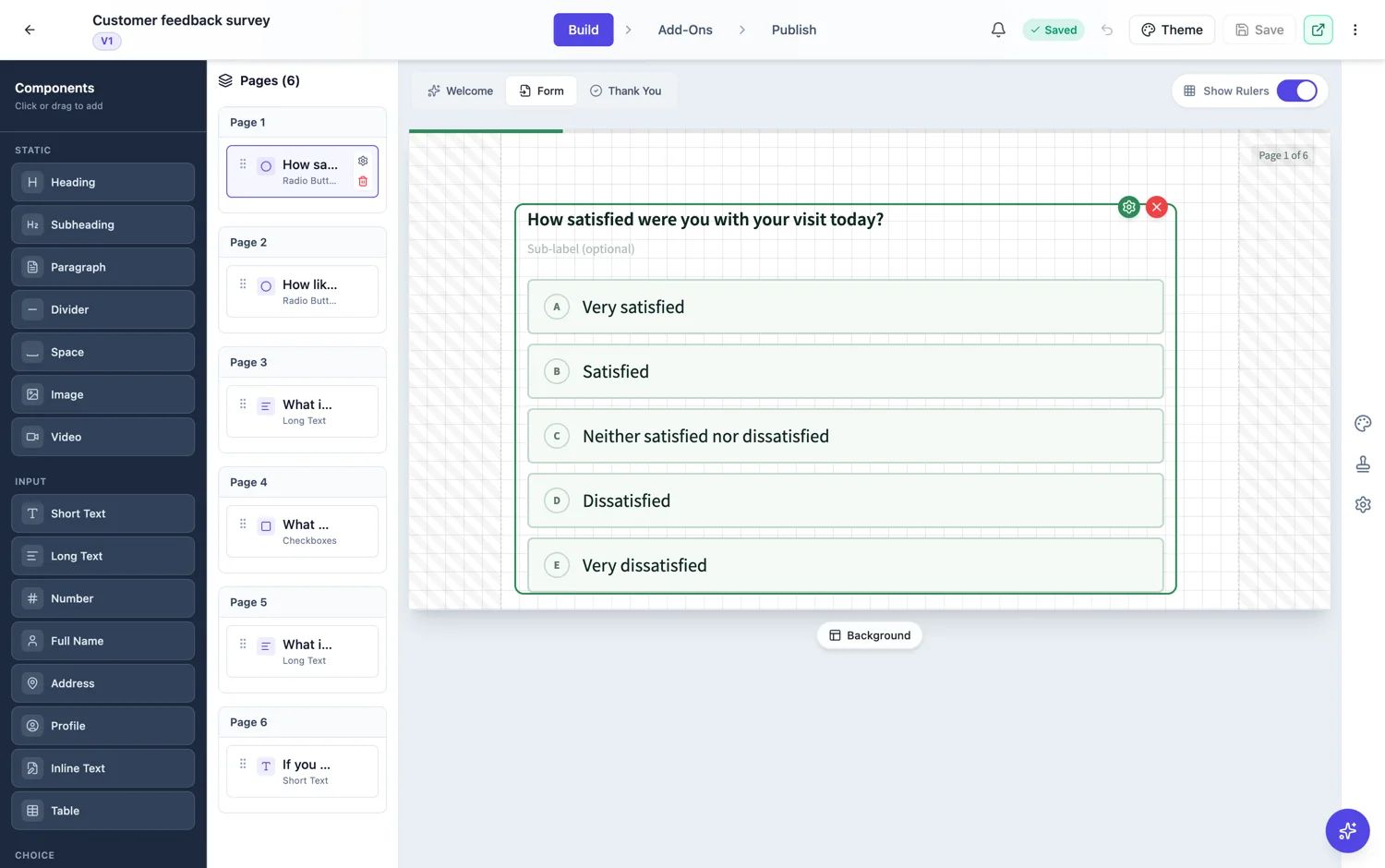
What one question per screen buys you
Three things. A respondent never sees the length of the form as a wall, so the first answer costs them almost nothing. Each question gets the whole screen, so a long question or a set of eight options is readable rather than cramped. And the progress bar converts an unknown into a countdown, which is the part that keeps people going after question five.
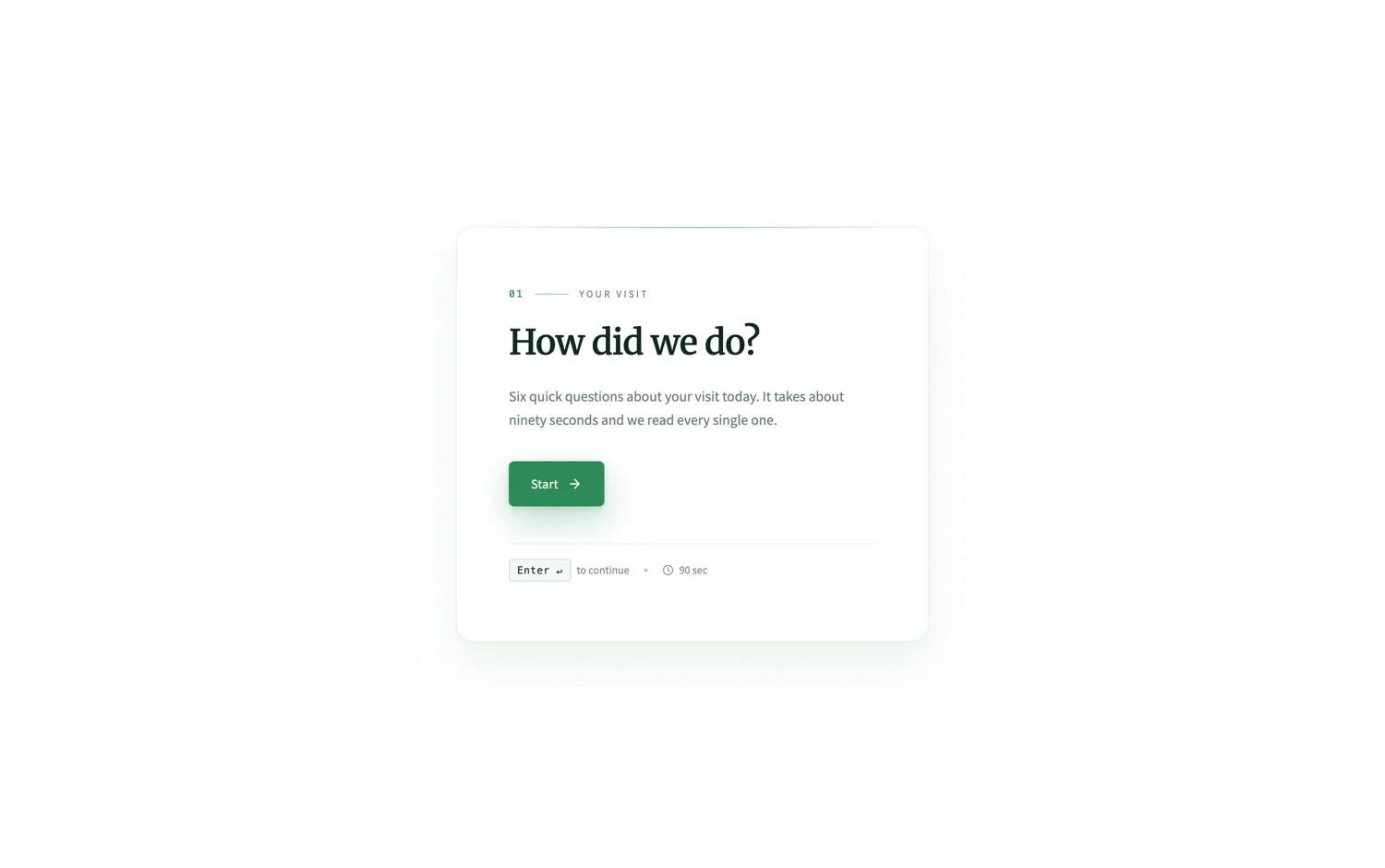
What it costs you
Speed for people who already know the answers. A returning supplier filling in an order for the twelfth time is faster on one page than through fifteen screens. Conversational forms are also harder to scan before starting, so anything that a respondent needs to gather documents for is better as a classic form they can read end to end first.
How to choose between one page and one question per screen
Ask who is filling it in. A stranger who owes you nothing, on a phone, after clicking a link, is a conversational form. A supplier, a patient with paperwork in front of them, or anyone doing this for the fourth time, is a classic form. If the form has uploads, a table of line items or a signature, that settles it as classic regardless of who is filling it in.
The middle option: a paginated classic form
A classic form can be split into steps without becoming conversational. Switch a long classic form to paginated and it becomes a wizard with Back and Next, a progress bar, a page counter and page breaks that never cut a field in half. That gives you grouped screens rather than one question per screen, which suits application forms with four clear sections.
The fields that only exist here
Two field types are conversational only. Profile collects name, email, phone and address on a single screen instead of four, which is the one place the format saves screens rather than adding them. Recording takes an audio or video answer from the respondent, which suits testimonials, pronunciation checks and anything where typing is the barrier.
Design is a separate decision
There are 25 conversational themes, including split layouts with an image panel, floating card layouts and dark themes, plus 24 background patterns you can apply to the whole form or to a single page. None of it changes the questions, so pick the theme after the questions are right.
How it works, in three steps
Step 1
Choose conversational before you generate
The kind is set at the top of the generator. It changes which fields the AI reaches for, so switching later means rechecking the field list.
Step 2
Set the welcome screen
The welcome screen is on by default here. Give it a title, one line of description and an honest estimated time, which is the number that decides whether people start.
Step 3
Publish and watch the drop-off
Publish the link, then read the responses table. If people stop at the same question every time, that question is the problem, not the format.
The full walkthrough with screenshots is in the guide Create a conversational form with AI.
Limits worth knowing
- Tables and inline signature fields belong on classic forms. A conversational form flattens for its PDF rather than laying out a page.
- Profile and recording fields are conversational only.
- The progress bar counts screens, not effort, so one long question and one short one look the same to a respondent.
- Paginated mode is classic only, and it splits by page breaks rather than one question per page.
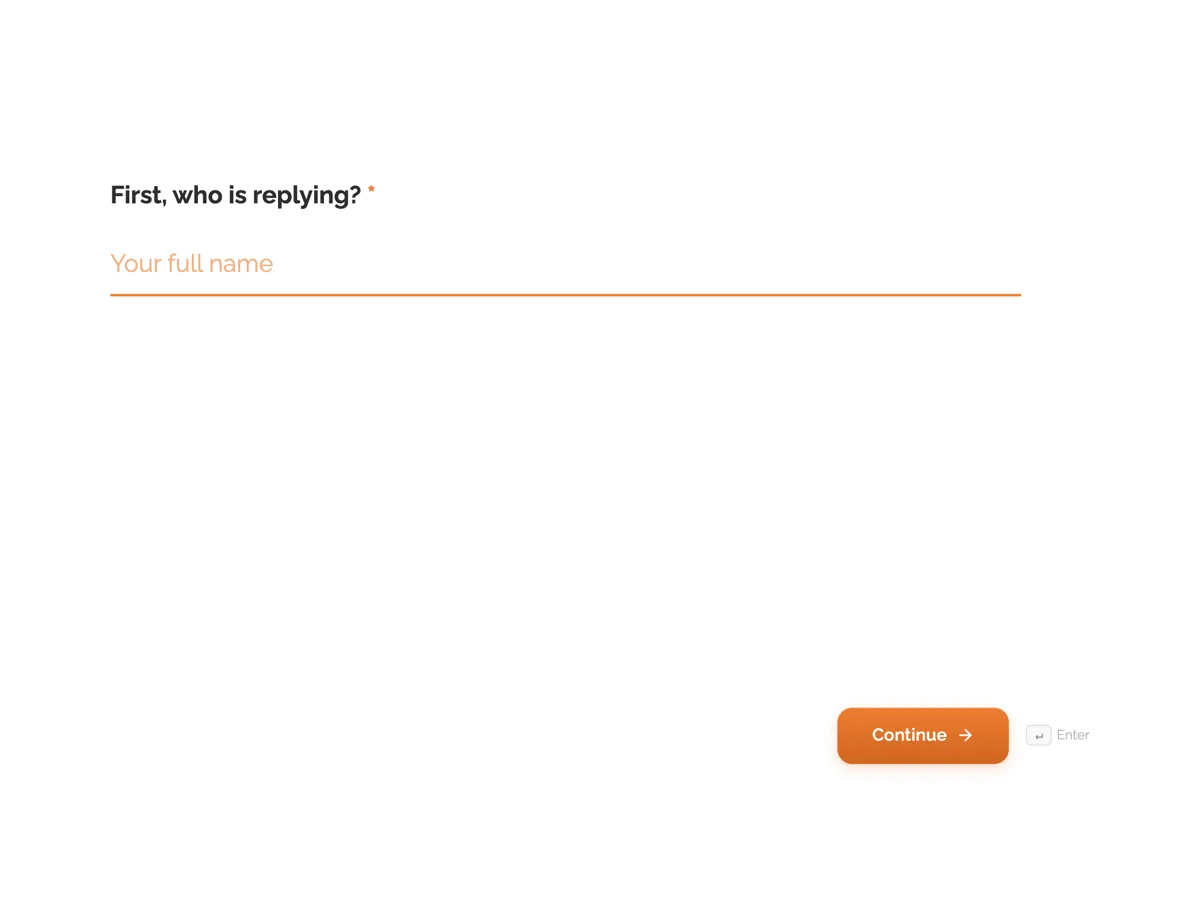
See it on a finished piece
Questions people ask
Do conversational forms get more responses?
They usually get more of the people who start to finish, because the first question is cheap and the progress bar is always visible. They do not make a long form short, and 30 questions is still 30 questions on any layout. Cut the questions you will never act on first, then let the format carry the ones that remain.
Can someone go back and change an answer?
Yes. Back steps through the screens and the answers already given are kept as the respondent moves. If the form uses Logic tab rules, Back retraces the path the respondent actually took, so it returns to the screen they came from rather than the one above it in the build list. Nothing is saved before submit, so closing the tab loses the answers.
Can I switch a form from conversational to classic later?
Not directly. The two are separate builders with separate canvases, so switching means rebuilding the form in the other builder, including its layout, theme and any Logic tab rules, which exist only on conversational forms. Decide which kind you need before you put real work into the design, using who fills the form in as the deciding question.
Does a conversational form work on a phone?
It is the format that suits phones best. One question fills the screen, so there is no zooming, no scrolling past fields you have not reached, and no mis-tapping the field below. Short answers and choice questions work best on a small screen, so move anything that needs documents or long typing to a classic form read on a larger screen.
Is there a question count where I should switch?
There is no clean number, so treat this as a rule of thumb rather than a threshold. Past about eight questions a single page starts to read as work, which favours conversational. Past about twenty, a conversational form starts to feel long even with a progress bar, which favours a paginated classic form with grouped sections and a page counter.
Can I get a progress bar without conversational?
Yes. A classic form set to paginated draws a thin progress bar along its top edge, a Page X of Y badge, and Back and Next buttons, with a page of fields per step rather than one question per screen.
Make your own form
The button opens the generator with this use case already described. Change the wording to match yours, generate, then edit anything you like.
Create a form with OneCraftRelated pages
One block for name, email, phone and address
Contact details are the boring part of every form, and in a one question at a time form they cost four screens. The profile field puts them on one screen, so the questions worth asking get the attention instead.
Forms that take a voice recording
Some answers are quicker said than typed. A recording field asks for audio instead of text, with a recorder, a running timer and a duration cap, and the recording plays back in the response.
Background designs for forms
A conversational form gives each question a whole screen, and a plain screen with one question on it can feel bare. Background designs fill that space without competing: 24 patterns across four families, applied per form or per page.
More finished work of this kind is on the form examples hub.
Written and checked by the OneCraft team. Last checked .