Forms
One block for name, email, phone and address
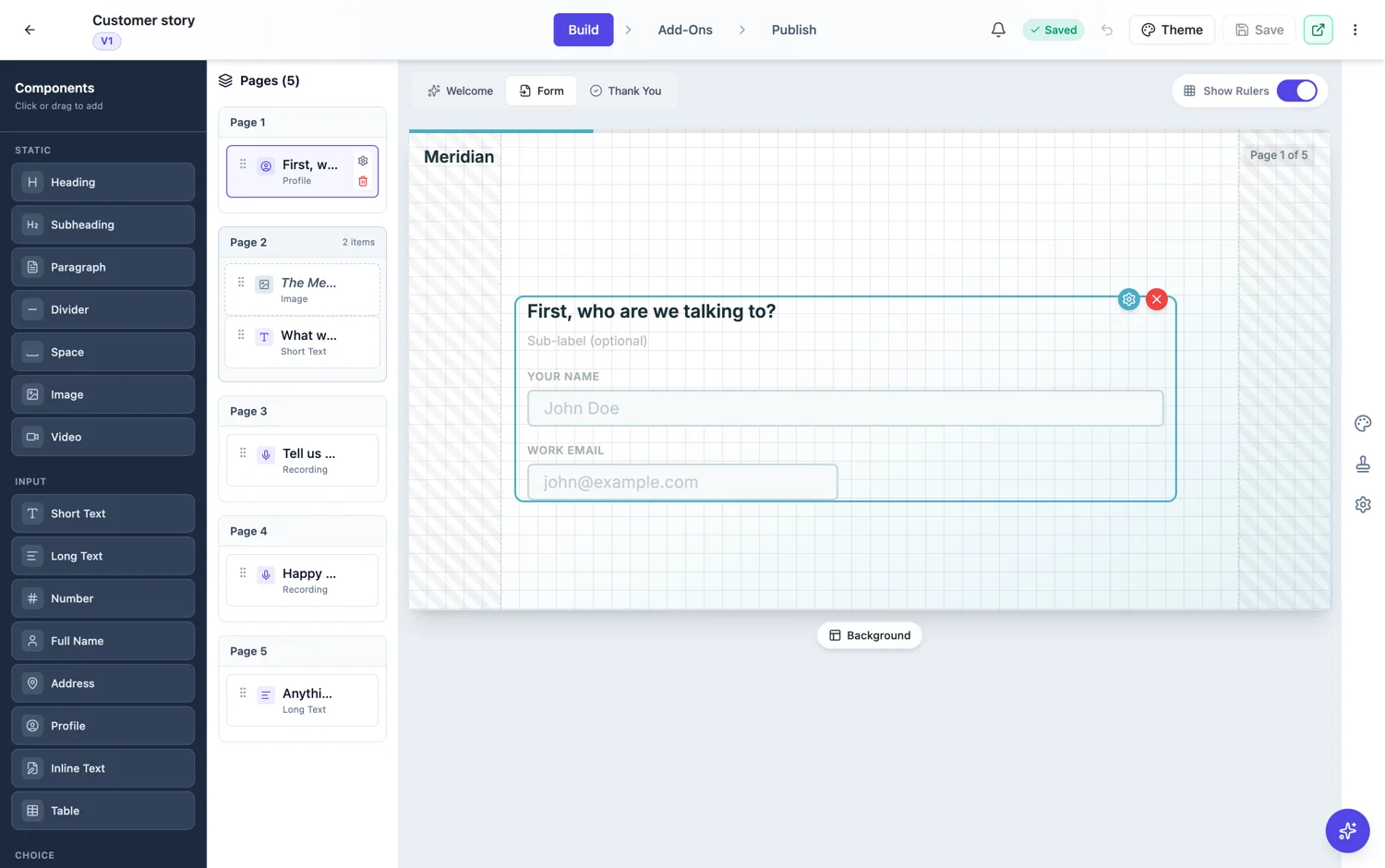
Contact details are the boring part of every form, and in a one question at a time form they cost four screens. The profile field puts them on one screen, so the questions worth asking get the attention instead.
What it collects
Name, email, phone, address and an optional avatar, each of which can be switched off and each of which can be relabelled. Turning off the parts you do not need is the point: a profile block with three fields is faster than three separate screens, and a profile block with five fields nobody needs is worse than either.
Where to put it
Either first or last, and the choice is strategic. Nothing is saved until the form is submitted, so a person who leaves halfway leaves nothing behind wherever the details sit. First suits a short lead capture form, where the details are the point and putting them up front sets the expectation. Last is right when the questions are the interesting part and asking for details up front would put people off, which is true of most surveys and feedback forms.
The avatar
The avatar sits either above the fields or to their right. It is worth including only when the photo does real work later, in a directory, a badge or a profile page. On a general enquiry form it is an extra ask at the exact moment you want the fewest, so leave it off.
Classic forms do not need it
The profile field is conversational only, and that is because a classic form already shows contact fields together on one page. On a classic form use the full name field and separate email and phone fields, laid out on one or two rows.
Profile is conversational only
The profile block belongs to the conversational toolkit. On a classic form the same job is done with the individual fields: a full name field, an email, a phone and an address. That is not a downgrade. On a classic form the fields are already visible together on one page, and the block exists on the conversational side precisely because that builder shows one question at a time and asking for four contact details as four screens is four chances to leave.
How it exports
The block writes into one column, with the parts joined by commas in a fixed order. That keeps one response on one row, which is what makes the file usable. If you know you will need to sort by surname or filter by suburb, ask for those as their own fields on a classic form instead, because splitting a joined column afterwards is fiddly.
How it works, in three steps
Step 1
Add a profile field
Conversational forms only. It arrives with all parts on, which is more than most forms need.
Step 2
Switch off what you will not use
Address and avatar are the two to question first. Every part you leave on is a box someone has to pass.
Step 3
Decide first or last
First for lead capture where follow-up matters. Last for surveys where the answers matter more than the person.
The full walkthrough with screenshots is in the guide Create a conversational form with AI.
Limits worth knowing
- The profile field is conversational only.
- It collects one address, using the same parts as the standalone address field.
- There is no lookup or autocomplete on any part of it.
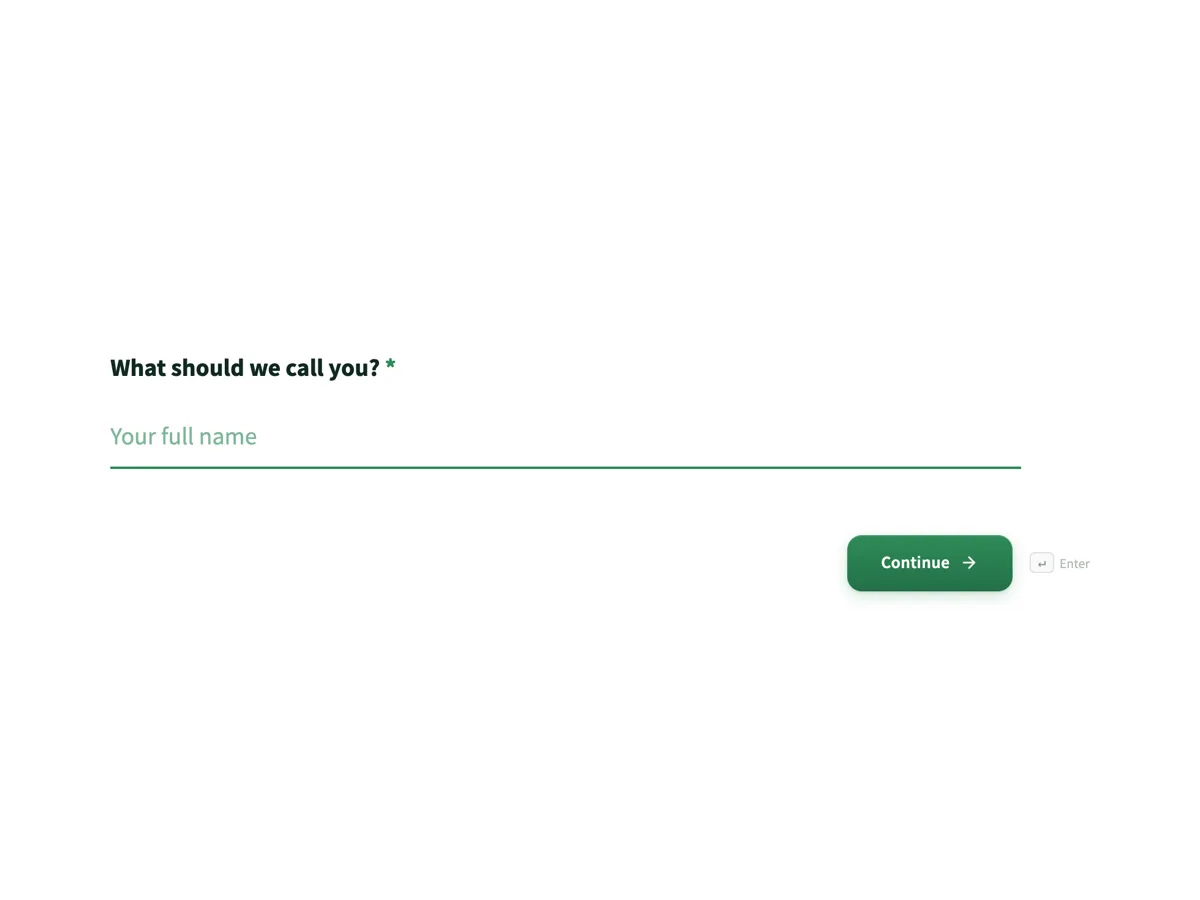
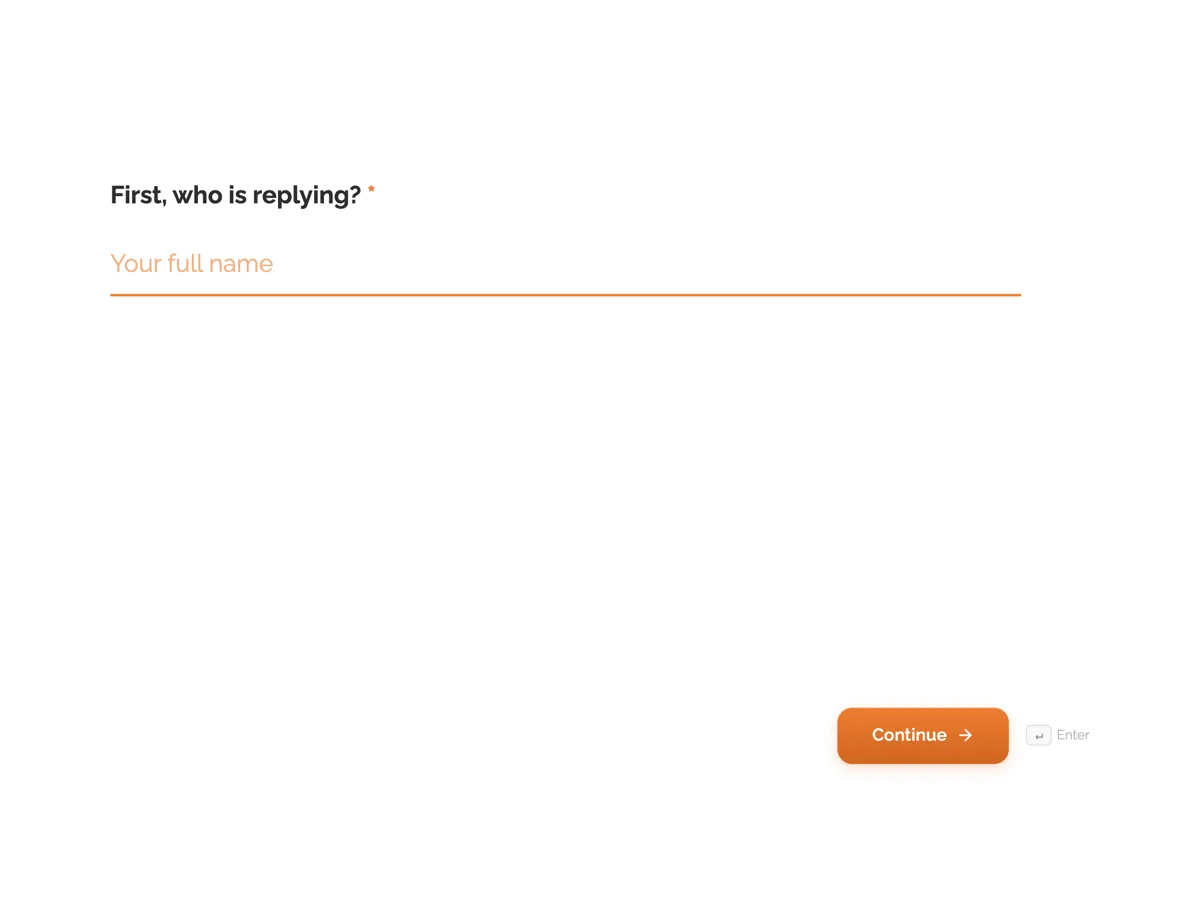
See it on a finished piece
Questions people ask
Can I use the profile block on a classic form?
No, it is conversational only. On a classic form the same job is done by a full name field plus email, phone and address as separate fields, which also lets you set requirements per field and gives you separate columns in the export. The block earns its place on the conversational side, where four screens would otherwise be four exits.
Should contact details come first or last?
First on a short lead form, where the details are the point of the form. Last if asking up front would stop people starting at all, which is usually the case for anything that feels like a sales form. Either way, an unfinished form sends you nothing, because answers are only saved on submission.
Is the avatar worth asking for?
Only if the photo is used somewhere afterwards. On an enquiry form it is one more thing to do on a phone, it costs you completions, and it eats storage for a picture nobody looks at. On a member directory or a conference badge form it is the whole point.
Can I make only the email required?
The block is required or optional as a whole, so a mix means separate fields. That is the usual reason to use the classic builder for a contact section: an email you must have and a phone number you would like are two different questions with two different requirements.
Where does the avatar photo go?
It is uploaded with the response and stored the same way any other upload is, which means it counts against your storage. Ask for it only when the picture gets used somewhere afterwards, such as a directory or a badge. On an enquiry form it is one more thing to do on a phone and a reason to abandon.
Make your own form
The button opens the generator with this use case already described. Change the wording to match yours, generate, then edit anything you like.
Create a form with OneCraftRelated pages
Forms that take a voice recording
Some answers are quicker said than typed. A recording field asks for audio instead of text, with a recorder, a running timer and a duration cap, and the recording plays back in the response.
Fill in the blank forms
Sometimes a question is really a sentence with holes in it. A declaration, a statement of intent, a short contract clause. The inline text field lets you write that sentence and drop real inputs into the gaps.
Address fields in a form
Asking for an address in a single text box gets you five different formats from five people. The address field gives each part its own labelled box, so people fill in what you actually need and nothing gets left out.
More finished work of this kind is on the form examples hub.
Written and checked by the OneCraft team. Last checked .