Forms
Fill in the blank forms
Sometimes a question is really a sentence with holes in it. A declaration, a statement of intent, a short contract clause. The inline text field lets you write that sentence and drop real inputs into the gaps.
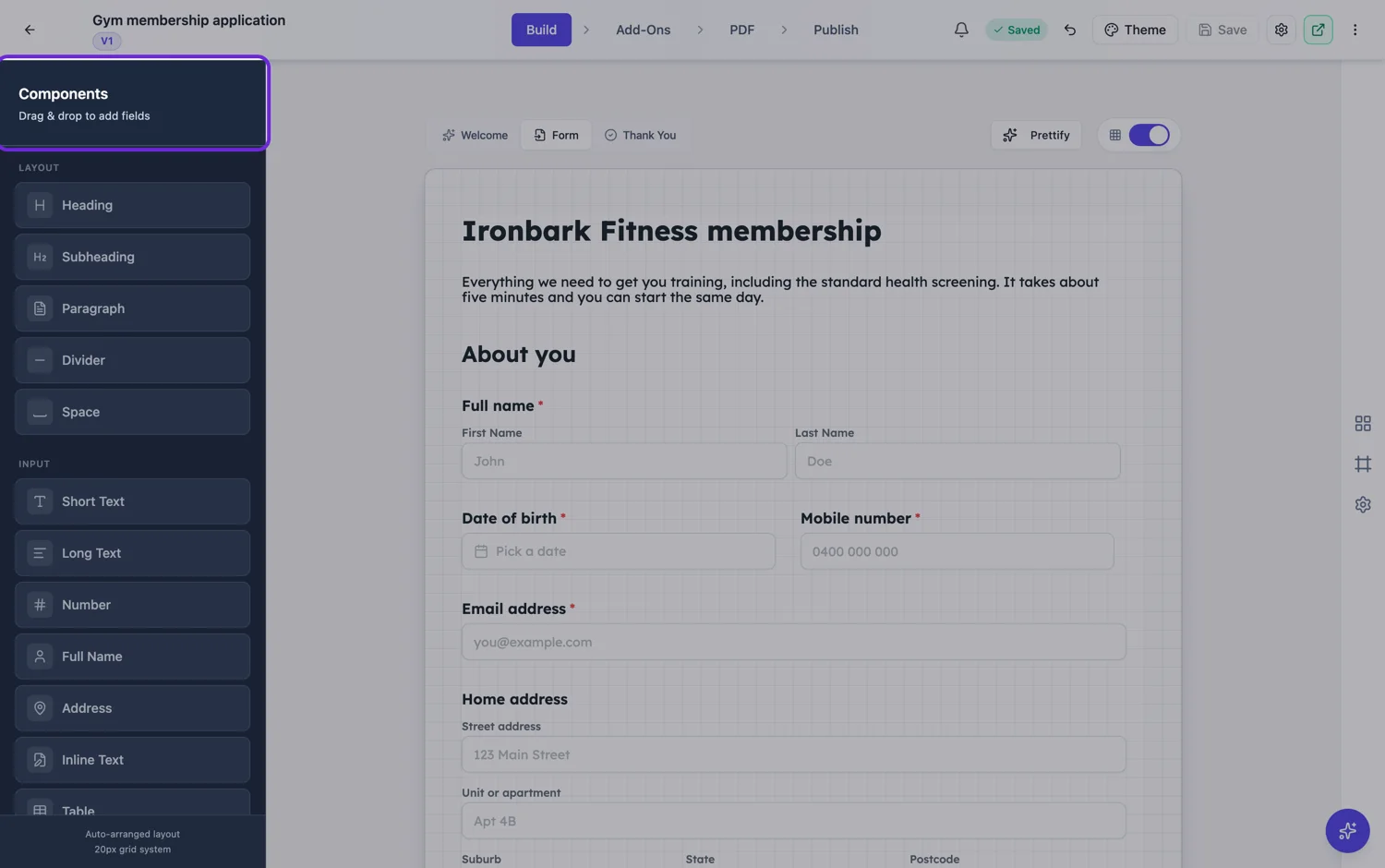
How a blank is written
You write the sentence and mark each gap. Each gap then gets its own type: plain text, a number, a dropdown, a radio choice or a checkbox. So a declaration can read as one continuous sentence while still collecting a name as text, a status from a fixed list and a date as its own value.
Why it beats separate fields here
A legal or formal statement loses its force when it is broken into labelled boxes. "I declare that the information given is true" carries weight as a sentence somebody completes and signs. The same content as four fields labelled Name, Address, Status and Date is a data entry task, and people fill it in without reading it. That difference is the entire reason this field exists.
Keep the sentence short
One or two sentences with three or four blanks is the sweet spot. Longer than that and people lose the thread between the start of the sentence and the box they are typing into, especially on a phone where the sentence wraps over several lines. If the declaration is long, break it into two inline text fields rather than one.
How it prints
In the PDF the sentence prints as a sentence with the answers in place, which is exactly what you want on a declaration, a consent or a short agreement. Pair it with a signature field underneath and the printed page reads like a document rather than a form printout.
Five blank types, and indent levels
You write the sentence with a placeholder wherever an answer goes, and each blank is configured on its own. A blank is text, a number, a checkbox, a radio choice or a dropdown, and where it offers choices you give it the options. Each blank also carries an indent level, so a numbered declaration whose sub-points step in reads as a document rather than as a wall. Checkbox and radio blanks lay out horizontally or vertically depending on how many options there are.
It works in both builders
This is not a classic only field. The conversational toolkit has a real renderer for it, so a fill in the blank statement can be one screen of a conversational form with the sentence completing as the person answers. That makes it the one field that reads the same way in both builders, which is useful when the wording of the statement is the thing that matters legally.
How it works, in three steps
Step 1
Write the sentence
Write it as you want it read back, then mark the gaps.
Step 2
Give each blank a type
Text, number, dropdown, radio or checkbox. Fixed lists are better than free text for anything you will filter later.
Step 3
Add a signature under it
A declaration wants a signature and a date beneath it, which turns the PDF into a usable record.
The full walkthrough with screenshots is in the guide Every form field and when to use it.
Limits worth knowing
- No calculation or validation across blanks.
- Blanks are text, number, dropdown, radio or checkbox. There is no date picker inside a blank.
- Long sentences with many blanks read badly on a phone.
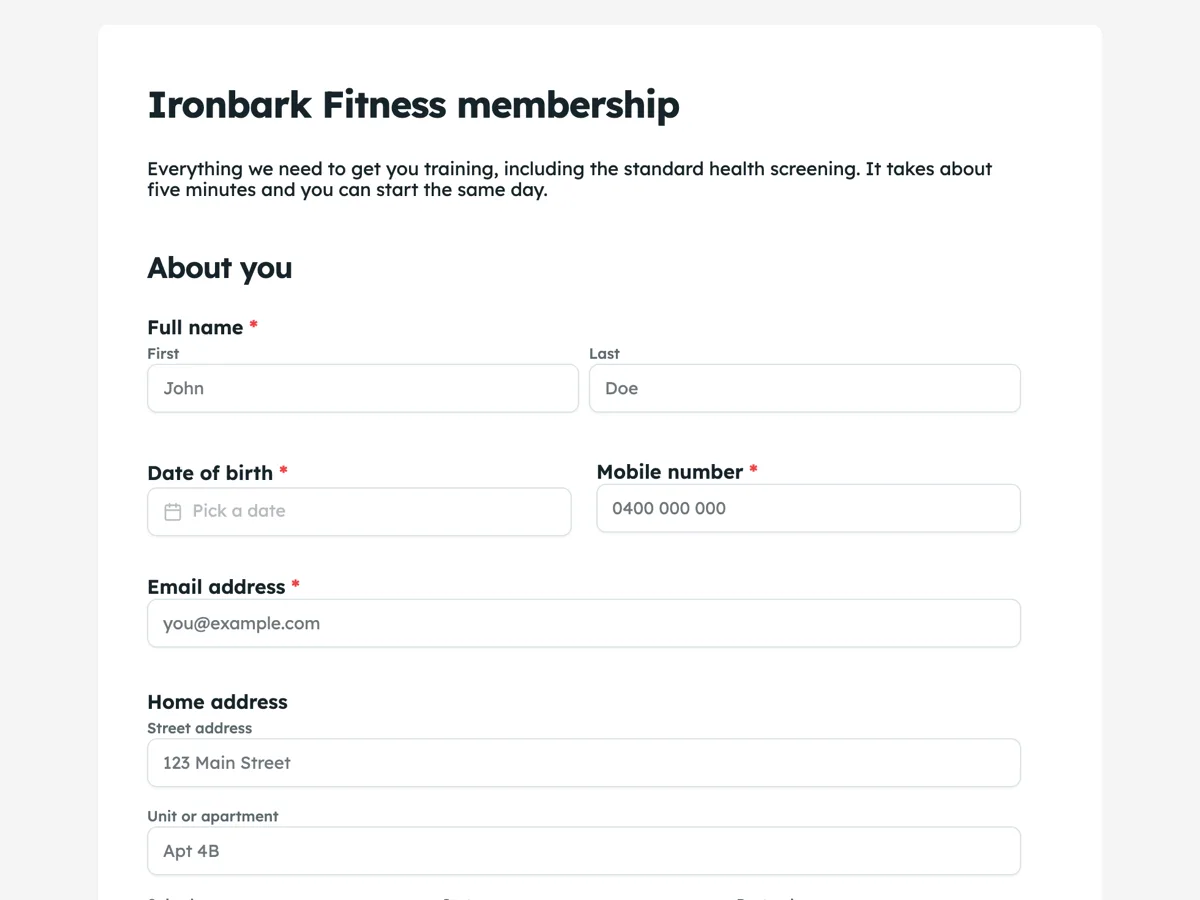
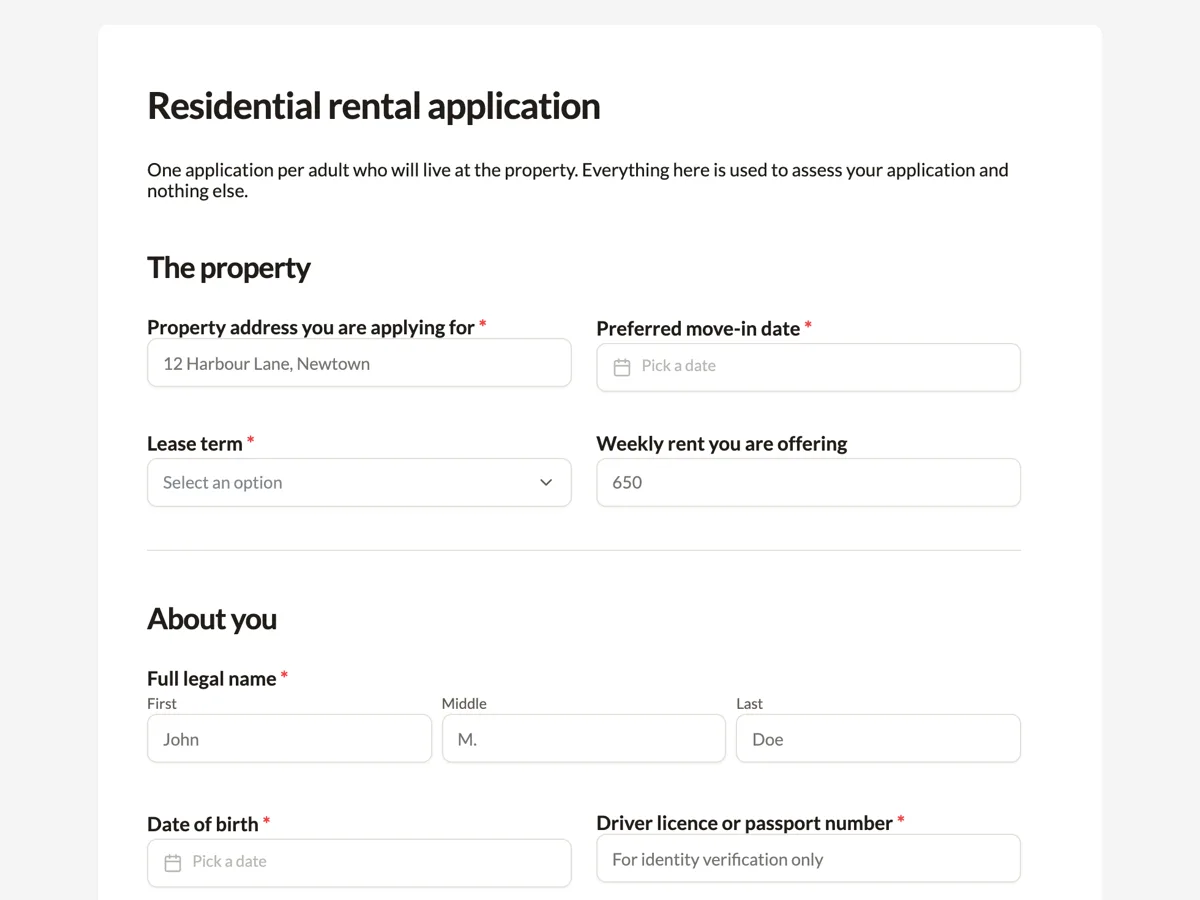
See it on a finished piece

Questions people ask
What can go in a blank?
Text, a number, a dropdown, a radio choice or a checkbox: five types, set per blank. Choice blanks carry their own options and lay out across or down depending on how many there are. For anything you want to filter or count later, a normal field is still the better home, because a blank exports inside a shared column.
Is this the right field for a consent statement?
It fits when the consent is a sentence the person completes: I, name, confirm that on date I did thing. If the consent is a paragraph followed by a tick, that is a paragraph block plus a checkbox, which reads better and gives you a column you can filter on. The test is whether the answers belong inside the sentence.
How does it look in the PDF?
As the sentence with the answers in place, which is exactly why it suits declarations and short agreements: the printed record reads as a statement somebody made rather than as a form somebody filled in. It is also one of the field types that becomes a real fillable field in the fillable PDF export.
How does it export to CSV?
As one column, with the blanks joined by pipes in the order they appear in the sentence. That keeps one response on one row. If you need to count a single blank across everybody, split that column after import, or ask that one thing as its own field instead.
Can a blank be required on its own?
Requirement is set on the field, so the sentence is required or it is not. If one blank matters and the rest are optional colour, that blank is really its own question, and pulling it out into a normal field gives you both the requirement and a clean column in the export.
Make your own form
The button opens the generator with this use case already described. Change the wording to match yours, generate, then edit anything you like.
Create a form with OneCraftRelated pages
Rating matrix questions
A matrix asks six statements against the same five point scale in one field instead of six. It is the densest question type there is, which makes it efficient for the person reading the results and demanding for the person answering.
Forms that get signed by email
The e-signature field is for the party who signs after the form is submitted. Each signer gets their own private link, you decide the order they sign in, and the finished PDF comes back with a record of who signed and when.
Add a signature field to your form
An inline signature is the person in front of you signing the form they are already filling in. They draw with a finger or a mouse, or type their name, and the mark prints into the PDF of their response.
More finished work of this kind is on the form examples hub.
Written and checked by the OneCraft team. Last checked .