Forms
Add a signature field to your form
An inline signature is the person in front of you signing the form they are already filling in. They draw with a finger or a mouse, or type their name, and the mark prints into the PDF of their response.
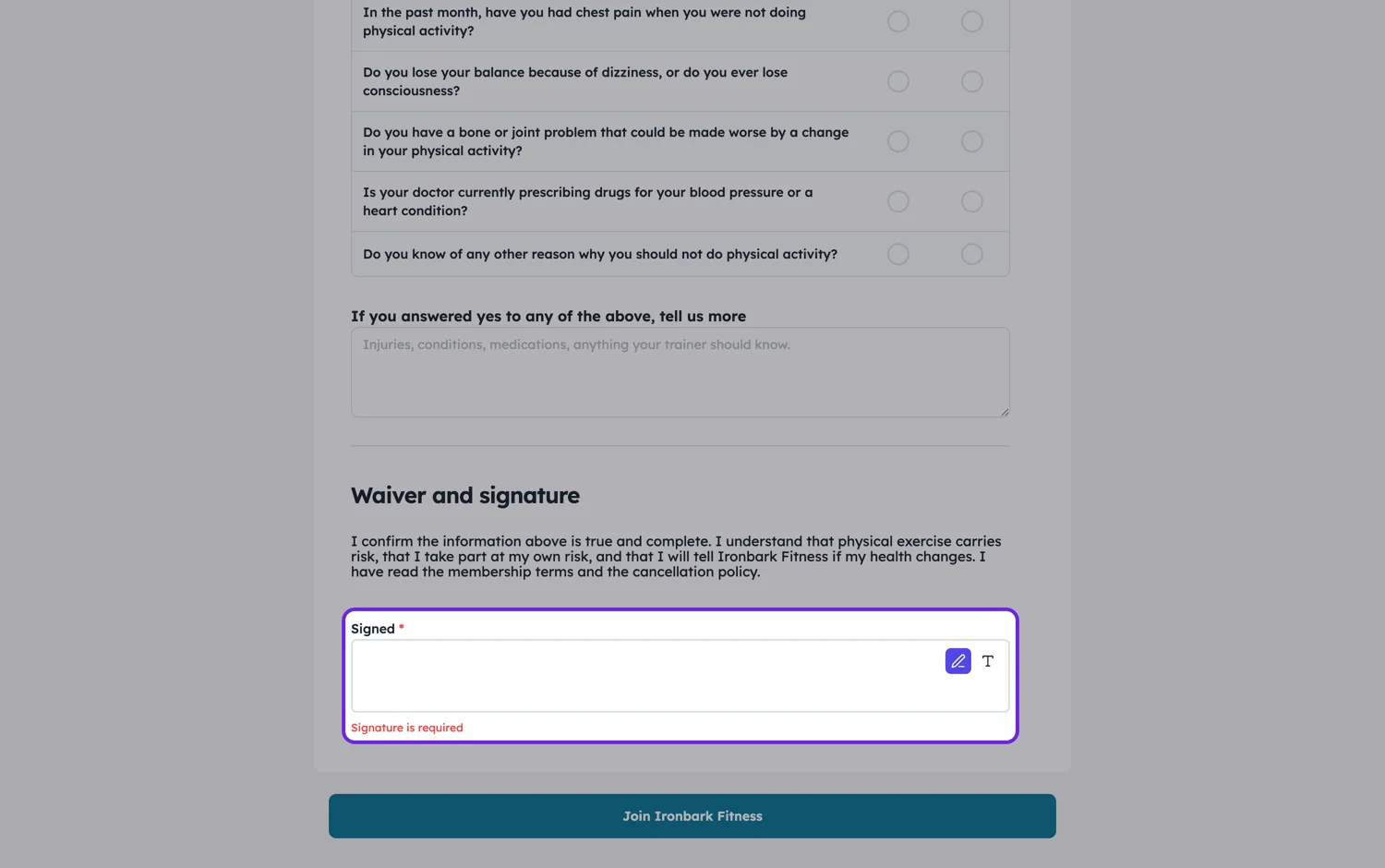
Inline signing is one person, right now
The signature field is for the person completing the form. It is the digital version of signing at the bottom of the page: they are already there, they have read the thing, and they sign. That covers consent forms, waivers, acknowledgements and anything a client signs at reception. What it is not is a way to get a second party to sign later.
Draw or type
The field takes a drawn mark or a typed name rendered as a signature, and it can be cleared and redone. On a phone a finger works well, which matters because a phone is where most consent gets signed. Whichever way they sign, the mark is stored with the response and printed into the PDF at the position you gave the field.
Put a date and a name beside it
A signature on its own is weaker than it looks. Add a printed name field and a date field next to it, and add the labelled lines under the signature rule so the PDF reads like a document rather than a screenshot. That is what makes the record usable later, when the person reading it was not there.
When you need the other kind
If the document has to go to somebody else, be signed in an order, or come back with evidence of who signed and when, that is the e-signature field, not this one. It sends each signer their own private link, tracks who has signed, and returns a signed PDF with a certificate of completion.
How it works, in three steps
Step 1
Add the signature field at the end
Put it after the statement being agreed to, with a printed name and a date field beside it.
Step 2
Add the labelled lines
The field takes static labelled lines under the rule, so the printed version reads as a proper execution block.
Step 3
Check the PDF layout
Open the PDF layout and confirm the signature does not land alone at the top of the last page.
The full walkthrough with screenshots is in the guide Every form field and when to use it.
Limits worth knowing
- Inline signing is the person filling the form, not a second party.
- There is no identity check on an inline signature beyond the submission record.
- For a signing order, expiry, tracking or a certificate of completion, use the e-signature field instead.
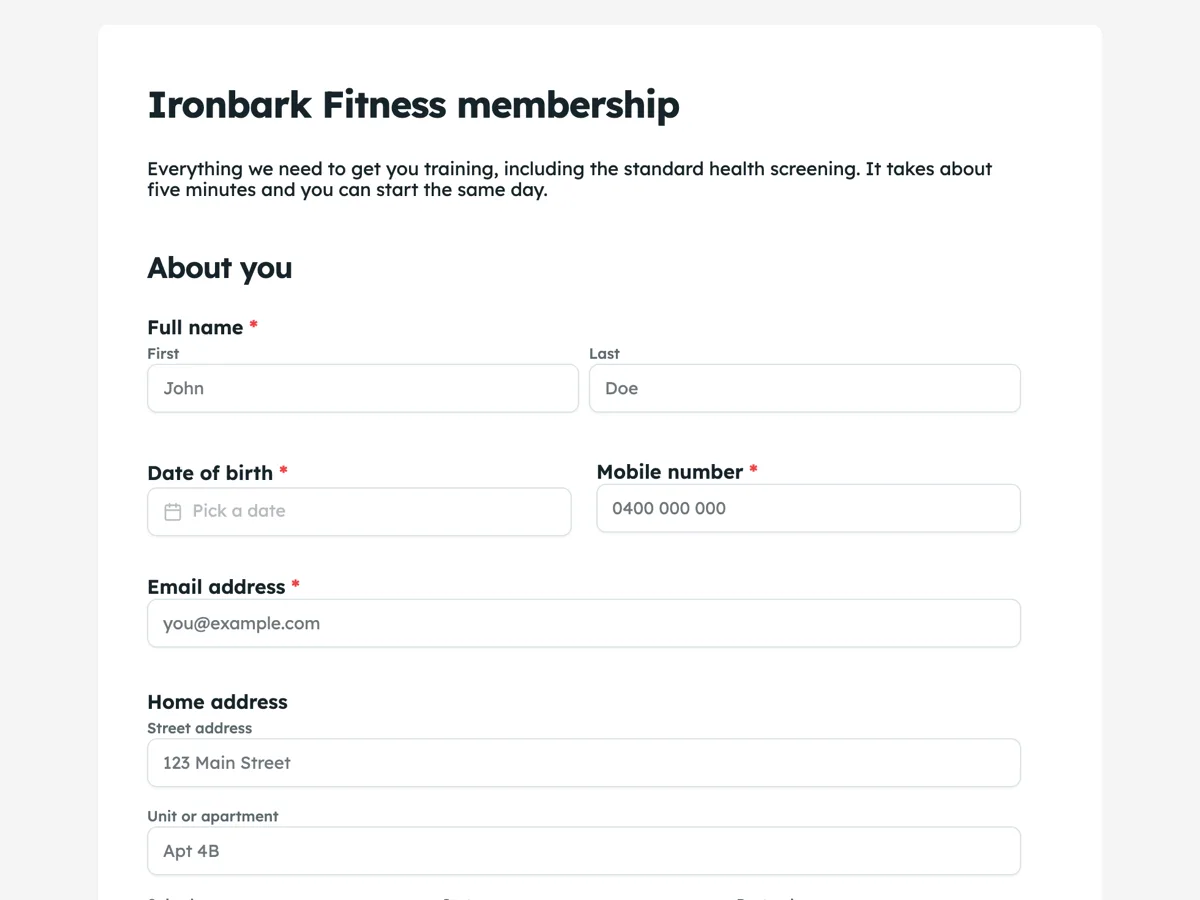
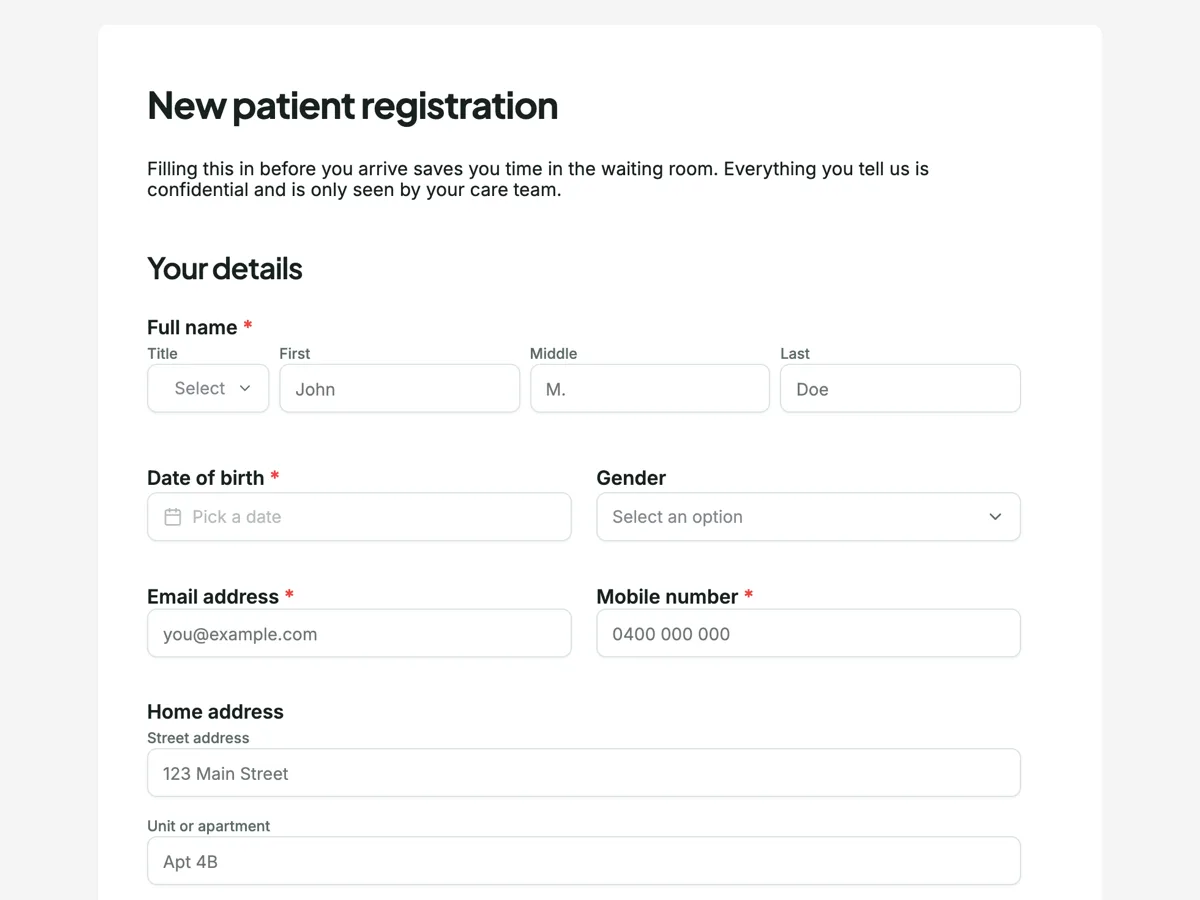
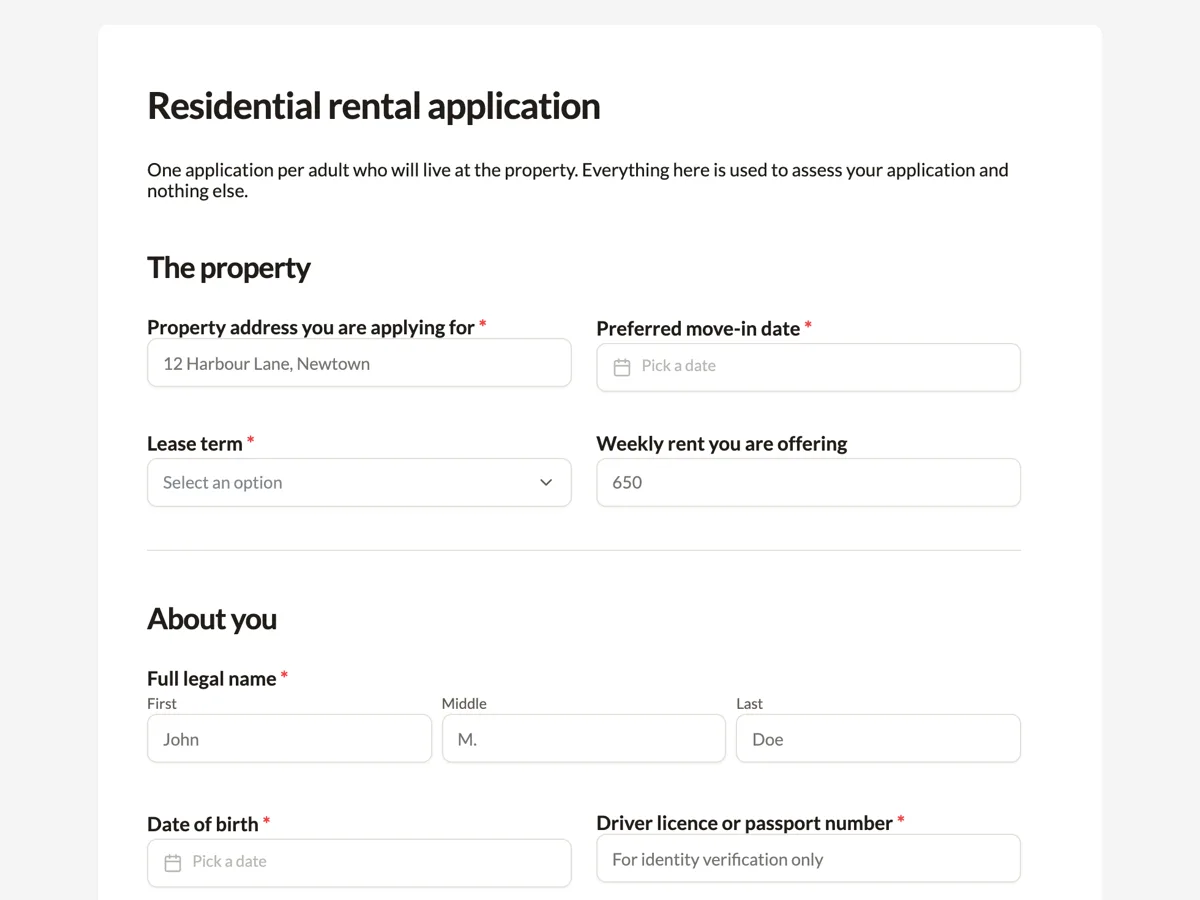
See it on a finished piece
Questions people ask
Is an inline signature legally binding?
It records that the person completing the form drew or typed a signature, along with the submission. Whether that is enough depends on the document and where you are, and for anything contractual the e-signature flow with its audit trail and certificate is the stronger record.
Can someone sign with a finger on a phone?
Yes, and it is the most common way it happens. They can clear and redo the mark before submitting.
Does the signature appear in the PDF?
Yes, in the position you gave the field, with any labelled lines you added underneath.
Make your own form
The button opens the generator with this use case already described. Change the wording to match yours, generate, then edit anything you like.
Create a form with OneCraftRelated pages
Address fields in a form
Asking for an address in a single text box gets you five different formats from five people. The address field gives each part its own labelled box, so people fill in what you actually need and nothing gets left out.
Forms with a table for line items
Some answers repeat. Three work references, five line items, two vehicles. A table field asks for them in named columns instead of you copying the same field five times down the page.
Rating matrix questions
A matrix asks six statements against the same five point scale in one field instead of six. It is the densest question type there is, which makes it efficient for the person reading the results and demanding for the person answering.
More finished work of this kind is on the form examples hub.
Written and checked by the OneCraft team. Last checked .