Forms
Forms that get signed by email
The e-signature field is for the party who signs after the form is submitted. Each signer gets their own private link, you decide the order they sign in, and the finished PDF comes back with a record of who signed and when.
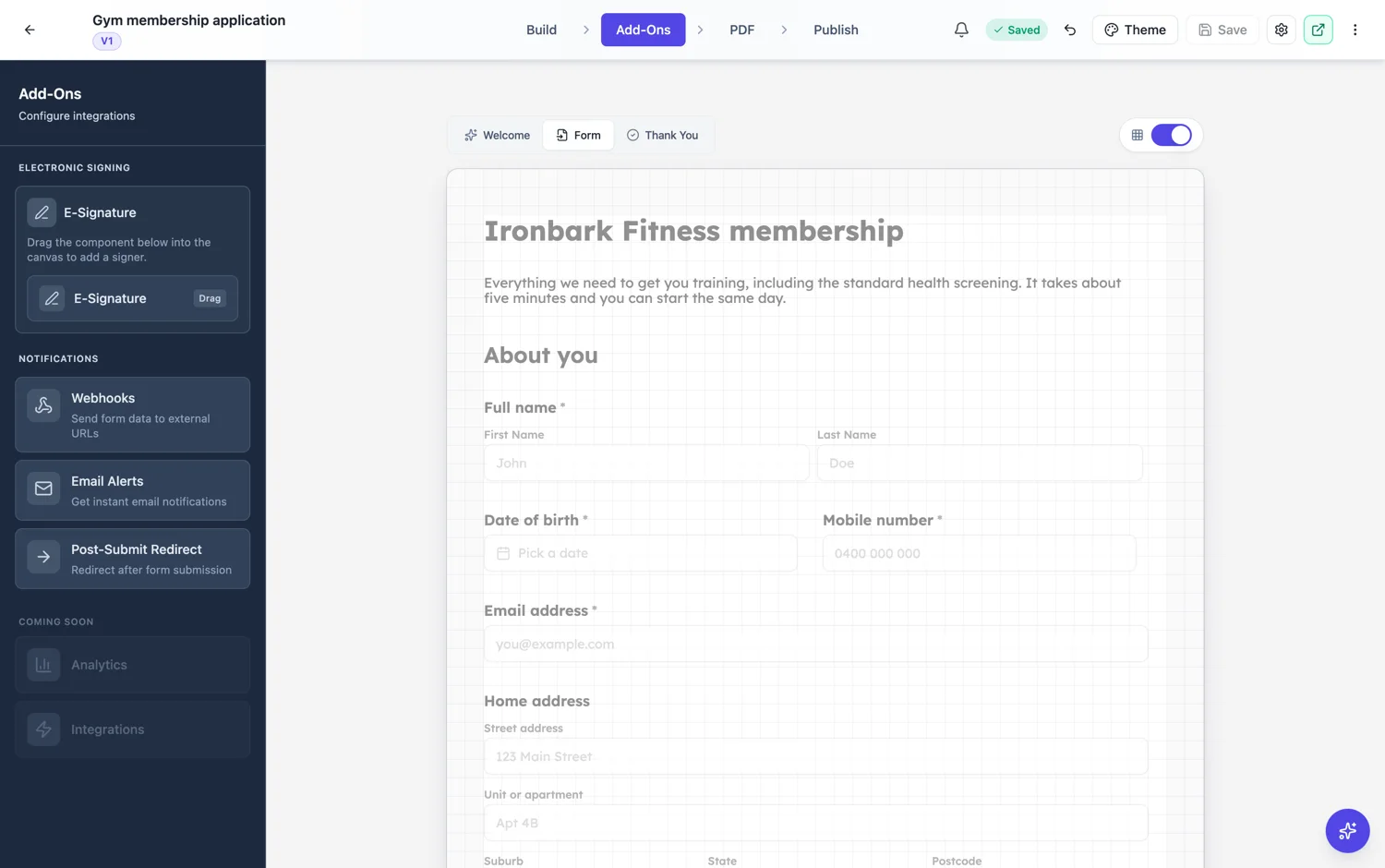
Three ways to know who signs
A signer email can be fixed on the field, so the same manager signs every time. It can be pulled from another field in the form, so whoever typed their email in question two is the person who gets asked to sign. Or it can be asked for at fill time, which suits a form where the person completing it names their own countersigner. A signer name can come from the same three places, or be left off.
Order and evidence
Each e-signature field carries a signing order number, so a contractor can be asked first and an approver second rather than both at once. Two options control what comes back: send a copy to the signer when everything is complete, and append the certificate of completion to the signed PDF, which is the page that records the events behind the signatures.
What the signer sees
An email with a link that is theirs alone. It opens the document with only their fields active, so nobody can sign in someone else’s place. They sign, and the next person in the order is invited automatically. You can watch the state of each signer from the responses side rather than chasing people by email.
Inline signature is a different thing
If the person filling the form is the person signing, you do not need any of this. Use the inline signature field, which they draw or type on the spot. E-signature exists for the case where the document leaves the room, and it carries the extra machinery that case needs.
How it works, in three steps
Step 1
Add one e-signature field per signer
Give each one a signing order number and choose where its email comes from: a fixed address, another field, or asked at fill time.
Step 2
Set the order and the copy options
Give each signer an order number, then choose whether signers get a copy on completion and whether the certificate is appended to the signed PDF.
Step 3
Submit, then track
The first invitation goes out on submission. Follow each signer’s state from the responses side and download the signed document when it is done.
The full walkthrough with screenshots is in the guide Add e-signatures with multiple signers.
Limits worth knowing
- Signing starts after the form is submitted, not while it is being filled in.
- A signer only ever sees their own fields as active.
- There is no expiry setting on a form's e-signature field. If a request has to lapse after a set time, use the e-sign envelope flow with a PDF instead.
- For a document that is not a form, use the e-sign envelope flow.
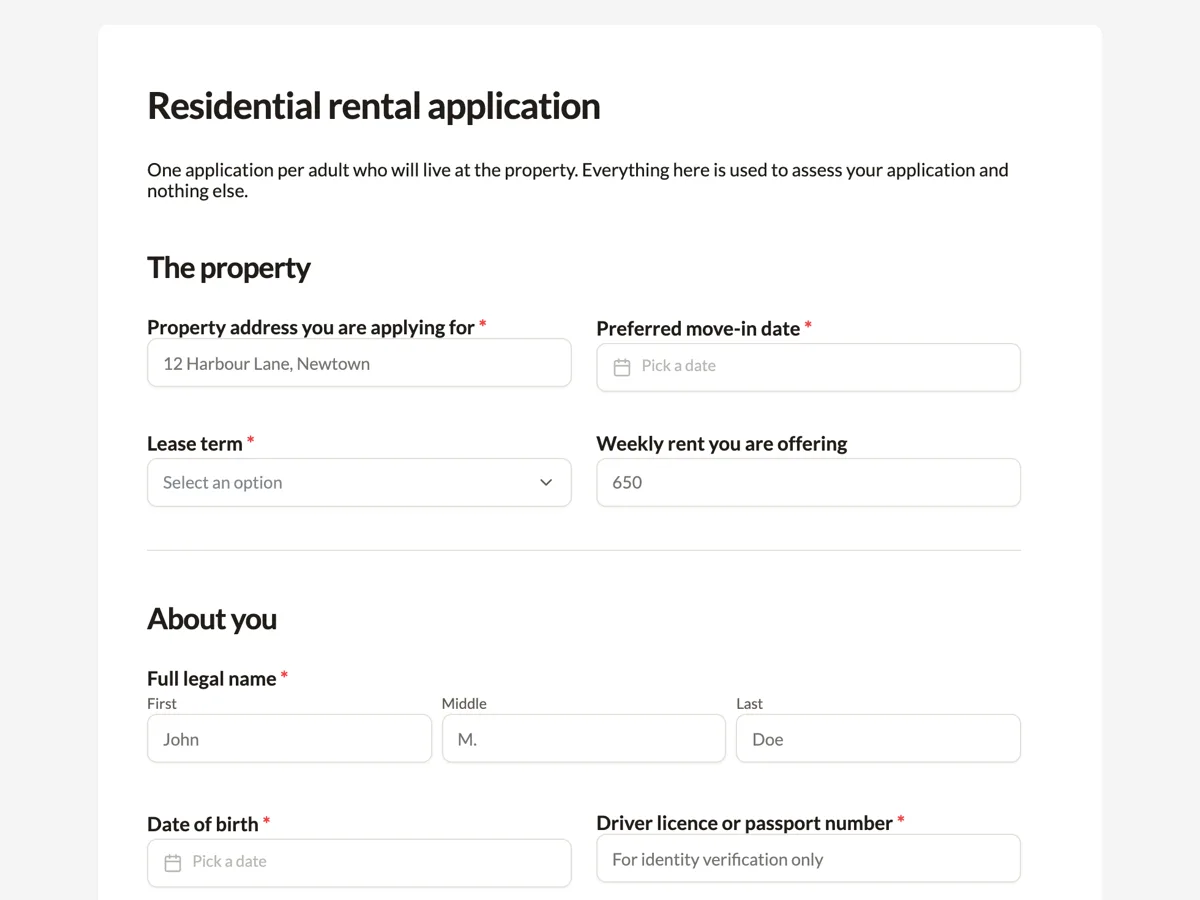
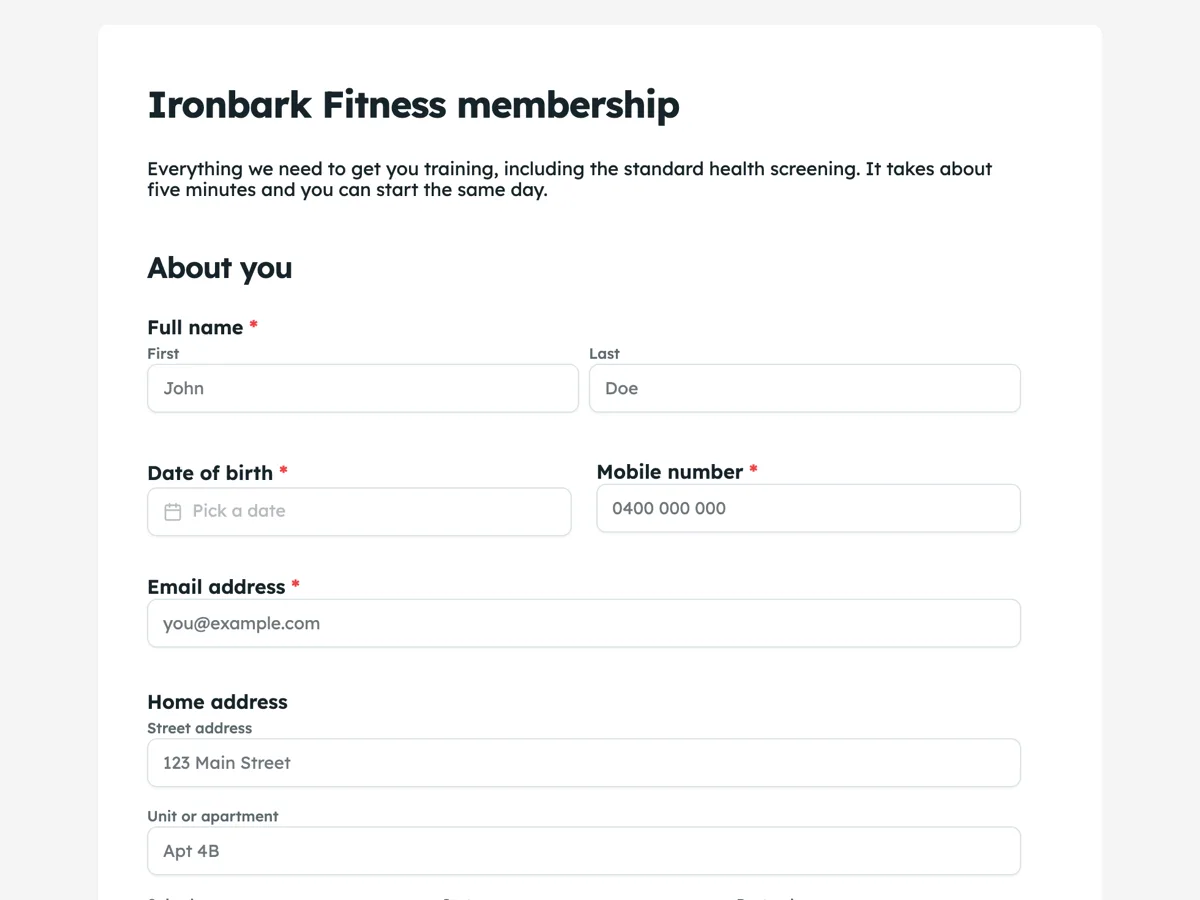
See it on a finished piece

Questions people ask
Can two people sign the same form?
Yes. Add one e-signature field per signer and give them different order numbers. Each gets their own private link, and the second is invited once the first has signed.
How do I know who actually signed?
The certificate of completion records the events behind each signature, and you can append it to the signed PDF so the evidence travels with the document.
Can I make a signing request expire?
Not from a form's e-signature field. The e-sign envelope flow, which starts from a PDF or a document, is where expiry lives.
Can the person filling the form sign it themselves instead?
Yes, with the inline signature field. That is a different field and it does not send any email.
Make your own form
The button opens the generator with this use case already described. Change the wording to match yours, generate, then edit anything you like.
Create a form with OneCraftRelated pages
Types of form fields
There are 41 component types in total, 36 available in the classic builder and 25 in the conversational one. This is the reference: what each group is for, and which fields only exist on one side.
Signature block fields
Placing a signature box, then a name box, then a title box, then a date box, and lining all four up by eye is a waste of a morning. The signature block is one field that draws the whole arrangement and keeps it square.
Forms with photo upload
A form with photo upload uses the photo field, which takes one image per field and opens the camera or photo library on a phone. That sounds like a limitation and is actually what makes the results usable: one named field per shot you need, each landing next to the answers it belongs to.
More finished work of this kind is on the form examples hub.
Written and checked by the OneCraft team. Last checked .