Forms
Types of form fields
There are 41 component types in total, 36 available in the classic builder and 25 in the conversational one. This is the reference: what each group is for, and which fields only exist on one side.
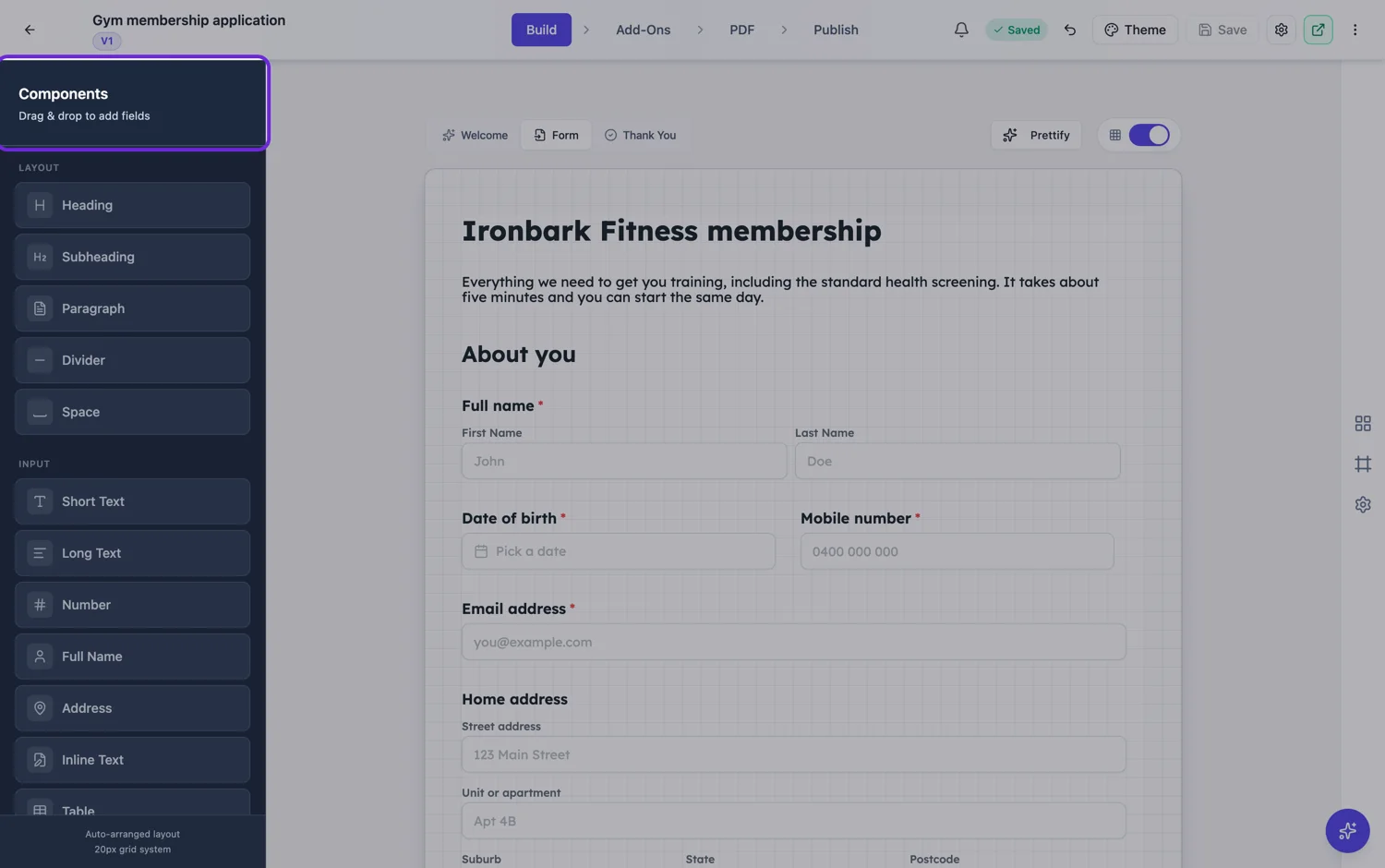
Layout blocks
Heading, subheading, paragraph, divider and space. They collect nothing and they carry the structure. A form with no headings is a list of questions; a form with headings is a set of asks, and people fill in the second one more often. Subheadings can be drawn plain, as a solid accent band or as a soft tinted band, which is enough to mark a section without a rule.
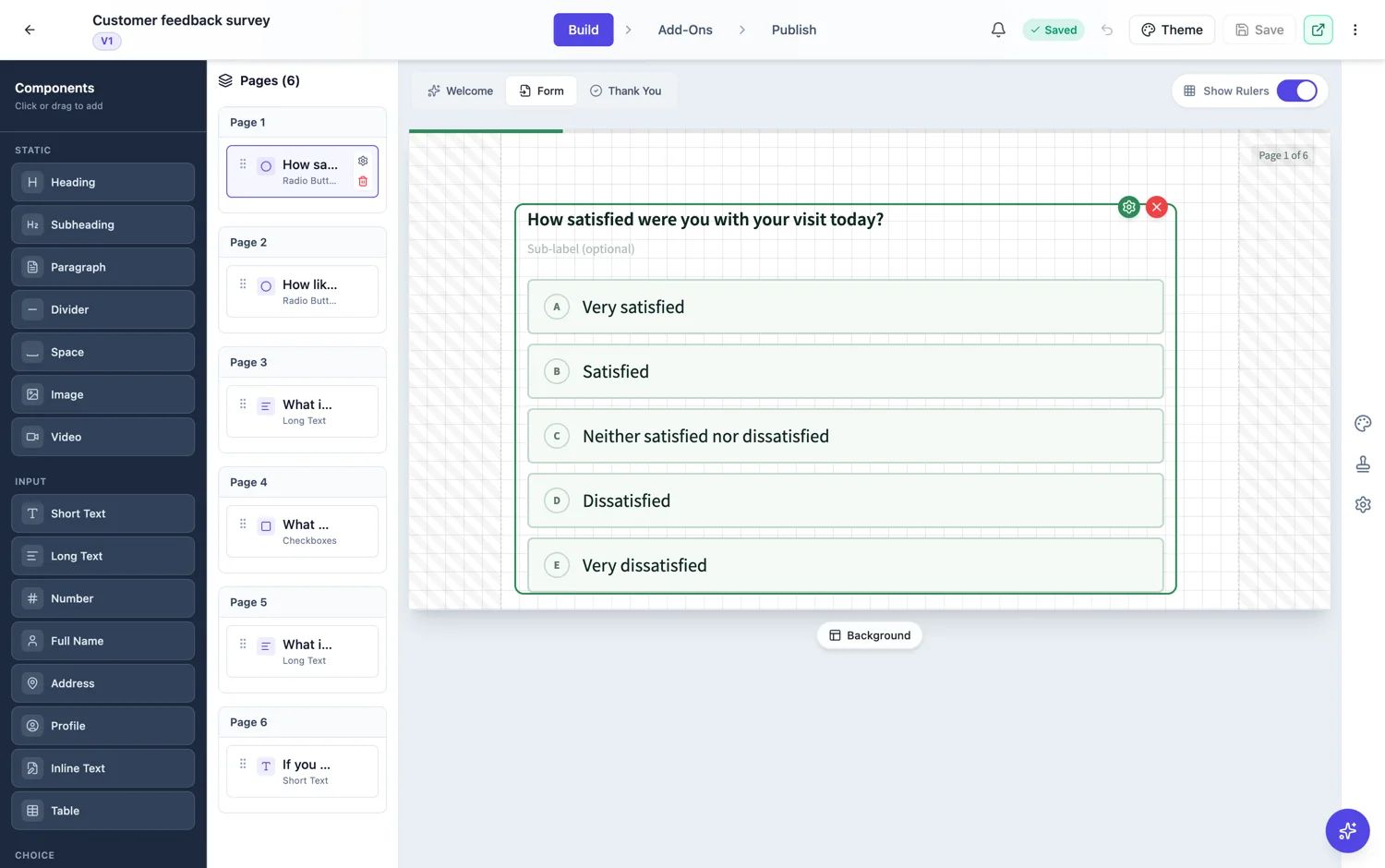
Input fields
Short text, long text, number, full name, address, inline text with blanks, and table. Plus profile in the conversational builder. Full name and address are worth reaching for instead of a pile of text boxes: they collect the parts separately, so nothing goes missing and every response reads back the same way.
Choice and scale
Dropdown, radio buttons, checkboxes and rating matrix. Radio and checkbox groups lay out in one, two or three columns, and a matrix asks the same scale across several statements, either one answer per row or several. None of them offers an Other box with a free text answer, so if your list might miss something, add an Other option and a short text field after it. Use a dropdown when the list is long and radio buttons when it is short enough to read at a glance, because a visible list gets more considered answers.
Date, time, media and evidence
Date picker and time picker, image and video blocks to show things, photo upload and file upload to collect them, inline signing for the person filling the form in, e-signature for a party who signs afterwards, and recording for a spoken or filmed answer in a conversational form.
Design blocks, classic only
Banner, card, badge, stat, chart, shape, list, quote, detail list, key values, data table and signature block. Twelve blocks that make a classic form look like a document rather than a questionnaire, which matters when the form is also a contract, a quote or a report that gets printed.
What is exclusive to each builder
Conversational has profile and recording, which suit a format where every question owns the screen. Classic has e-signature and all twelve design blocks, which suit a format that has a page to lay out. Everything else is in both.
Help text on a classic form
A field description shows under the question in a conversational form, but a published classic form only prints it for the file upload and photo fields. On every other classic field it is dropped, so a respondent never sees it. Anything they must read before answering, such as a date window, a format or a reason for asking, belongs in a paragraph block above the field or in the label itself. That is also the more accessible choice, because the instruction then sits in the reading order rather than in small grey type.
How it works, in three steps
Step 1
Pick the field that matches the answer
A date question wants a date picker, a choice wants a choice field. Text boxes for everything is the most common and most expensive shortcut.
Step 2
Use the composite fields
Full name, address and profile collect their parts separately, so nothing is missed and everything reads back consistently.
Step 3
Add structure blocks
Headings and dividers cost nothing to fill in and change how long the form feels.
The full walkthrough with screenshots is in the guide Every form field and when to use it.
Limits worth knowing
- The classic builder offers 36 components, the conversational one 25.
- Profile and recording are conversational only. E-signature and the twelve design blocks are classic only.
- The photo field takes one image. The file upload field allows images and PDFs only.
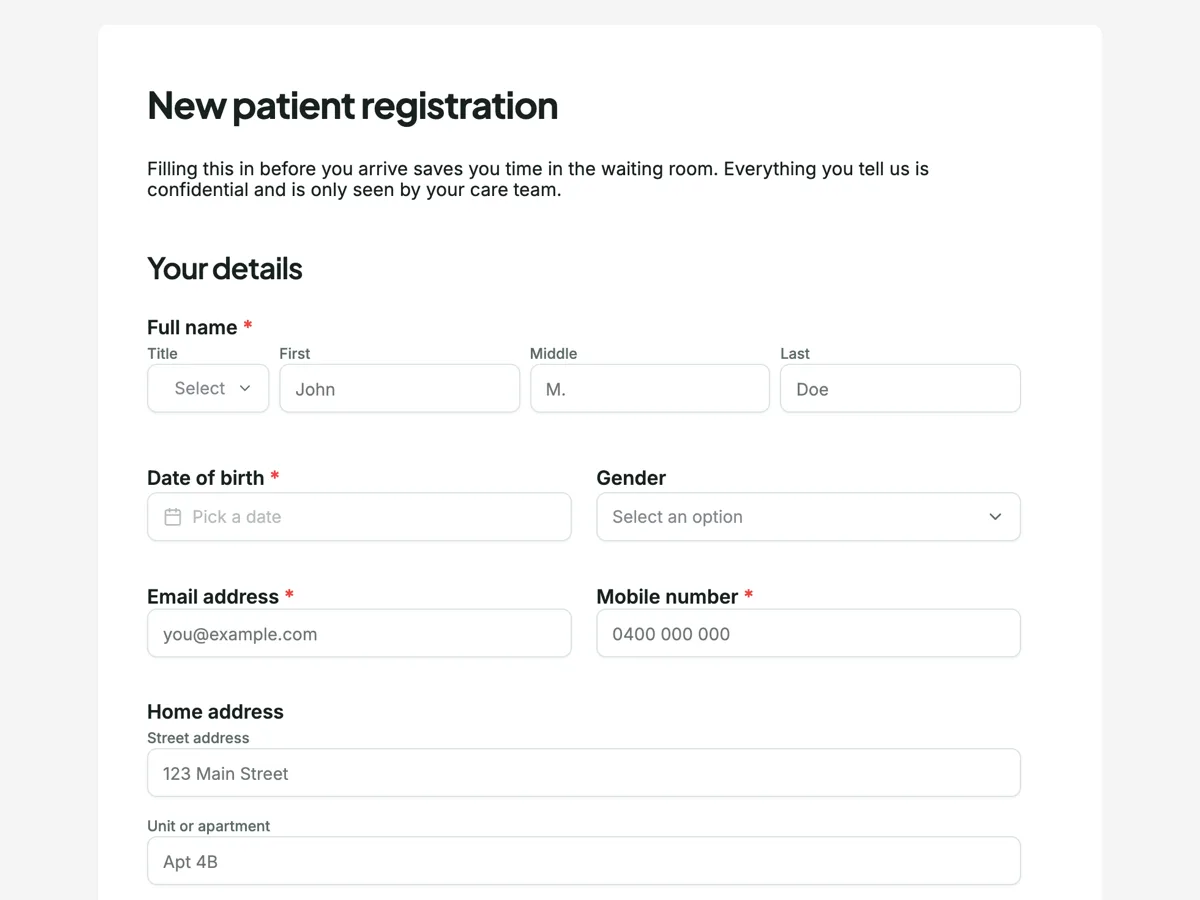
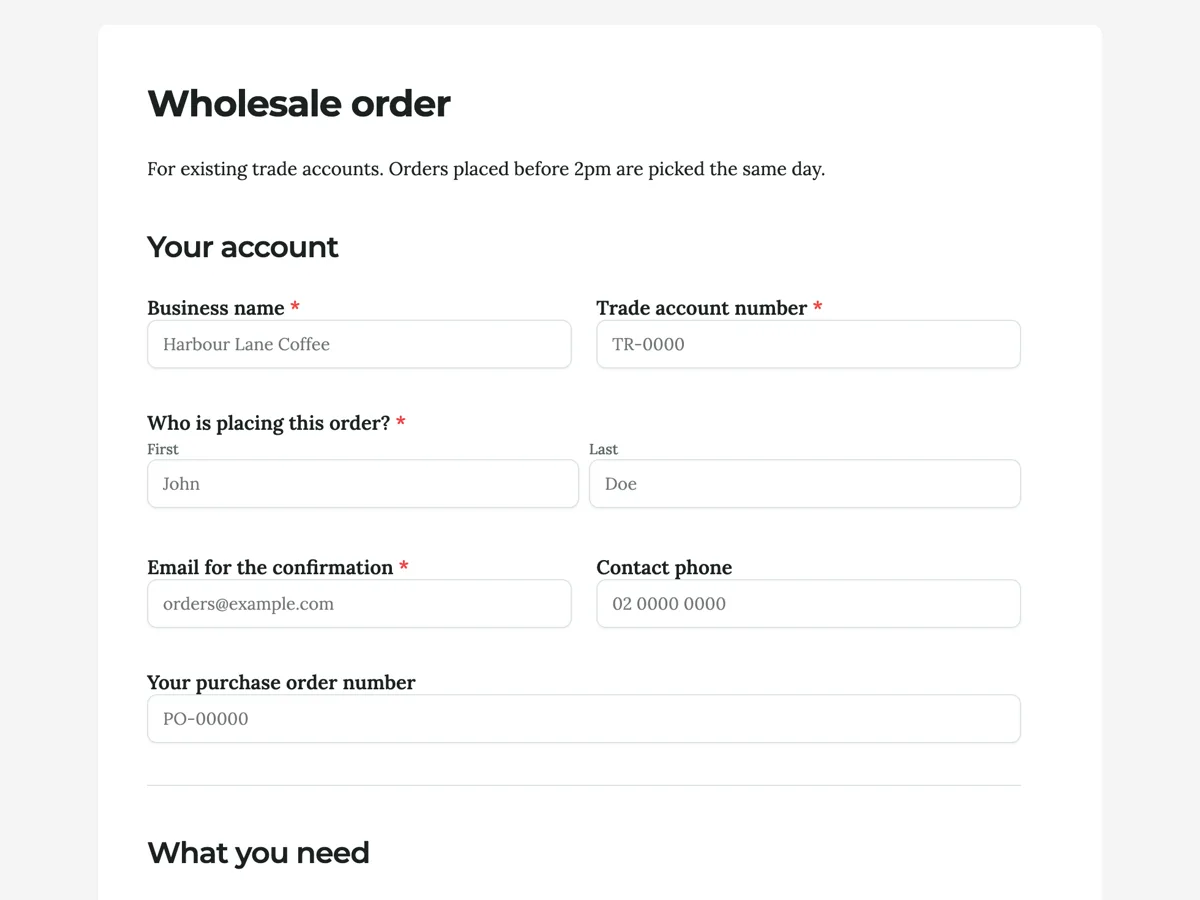
See it on a finished piece
Questions people ask
How many types of form fields are there?
Forty one component types in total. Thirty six are in the classic builder's toolkit and twenty five in the conversational one, and most sit in both. Profile and recording are conversational only; e-signature and twelve design blocks are classic only. A few types are reached through a field's settings rather than the toolkit, which is why the total is larger than either builder's count.
Which fields can I only use in a conversational form?
Profile and recording. Profile collects a name, email, phone and address on one screen, with an optional avatar, which suits a format where each question owns the page. Recording takes a spoken or filmed answer, up to 120 seconds by default with a visible timer. Neither appears in the classic toolkit, so a classic form asks for contact details with separate fields.
Which fields can I only use in a classic form?
E-signature and the twelve design blocks: banner, card, badge, stat, chart, shape, list, quote, detail list, key values, data table and signature block. They exist because a classic form has a page to lay out and is often printed. In a conversational form an e-signature component falls back to a plain text box, so keep signing on classic forms.
Can a respondent add rows to a table field?
No. A table draws the number of rows you set when you build it, and nobody filling it in can add more. Each cell is a plain text box under your column headings. That suits a known count, such as two referees or three previous addresses. For an open ended list, use a long text field and ask for one item per line.
Can I check an answer against a pattern such as a postcode format?
Not with a pattern. Validation covers minimum and maximum length for text, minimum and maximum value for numbers, and the file type, size and count for uploads. There is no regular expression rule, so a postcode or a reference number is checked for length only. Put the expected format in the label, for example Postcode, four digits.
What is the difference between inline signing and e-signature?
Inline signing is a pad the person filling the form draws or types their signature on, and it prints into the response PDF straight away. E-signature sends the submitted response to another party, by email, to sign afterwards through the signing portal, with its own order and audit trail. Use the first for the respondent and the second for a counterparty.
Make your own form
The button opens the generator with this use case already described. Change the wording to match yours, generate, then edit anything you like.
Create a form with OneCraftRelated pages
Rating matrix questions
A matrix asks six statements against the same five point scale in one field instead of six. It is the densest question type there is, which makes it efficient for the person reading the results and demanding for the person answering.
Images and video inside a form
Some questions cannot be asked in words. Which of these three finishes do you want, does this match the damage you are reporting, did you watch the briefing. Image and video blocks put the thing itself on the page.
Address fields in a form
Asking for an address in a single text box gets you five different formats from five people. The address field gives each part its own labelled box, so people fill in what you actually need and nothing gets left out.
More finished work of this kind is on the form examples hub.
Written and checked by the OneCraft team. Last checked .