Videos
AI video length settings: short, standard and long
The video generator's length setting picks a scene budget, not a target duration: short, standard or long. Each setting fixes how many scenes the director builds, and the seconds follow from the video type. Three to six scenes is a different video from six to twelve, regardless of the clock, because it is a different number of things you get to say. So when the question is how long should my video be, count the points you need to make first, then pick the setting that gives each one a scene.
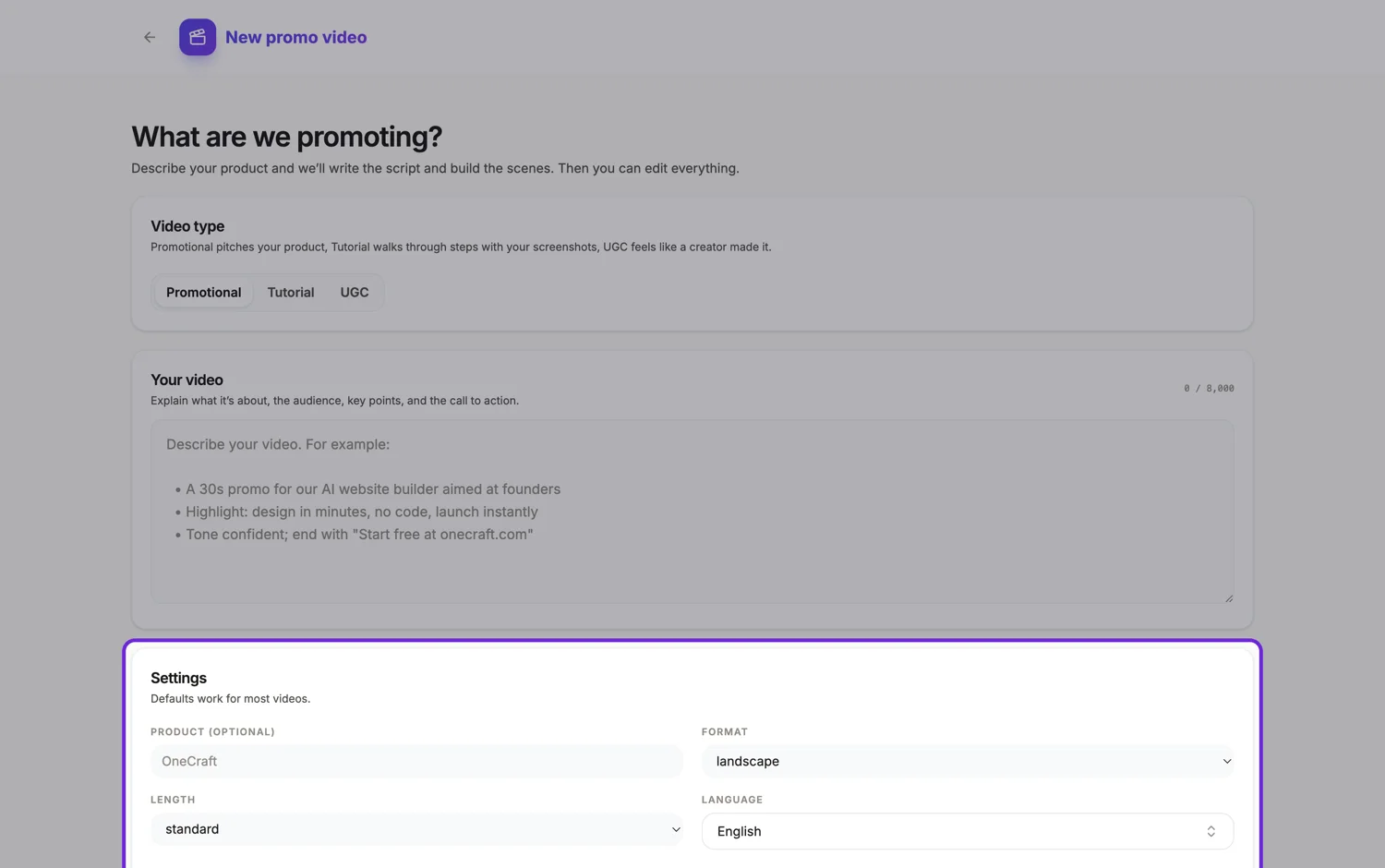
Three settings, three budgets
Short builds 3 to 6 scenes, standard 4 to 9, and long 6 to 12. Those are enforced, not suggested: the director is told to build exactly within that range, no more and no fewer. Each setting also carries a rough duration target used when a template is matched to your brief, at ten, eighteen and thirty seconds respectively, which is where a promo at that scene count naturally lands.
The same budget is a different length per type
This catches people out. A promotional scene runs 2.5 to 4 seconds and carries five to eight words of narration. A tutorial step runs 5 to 9 seconds and carries ten to twenty five words, with three to five seconds for the intro and wrap up. So twelve scenes is around thirty five seconds of promo and well over a minute of walkthrough. The creator format is different again and is hard capped under thirty seconds whatever you pick.
What the published research actually says
Vidyard's benchmark across more than 940,000 business videos found 65 percent of viewers finish a video under one minute and 20 percent finish one over twenty. Wistia's 2026 report, across 13 million videos, shows engagement falling steadily with length, from roughly 52 percent under a minute to 43 percent at three to five minutes. The exception in both datasets is educational and instructional video, which holds up far better at length because the viewer came to learn something.
Pick from the placement, not the content
A feed placement is short, almost always, because the video is competing with a scroll. A watch page, a landing page or an internal walkthrough can be longer, because the viewer chose it. If you have more to say than the placement allows, the answer is two videos rather than one long one, and the scene budget makes that split obvious rather than something you discover in the edit.
How it works, in three steps
Step 1
Choose the placement first
Feed, watch page or internal. That decides the length setting more reliably than how much you have to say does.
Step 2
Count what has to be established
Every point needs a scene. Four points plus a hook and a close is six scenes, which is short at its ceiling or standard comfortably.
Step 3
Let narration retime it
Writing a longer line grows that scene to fit the audio, and shortening it later shrinks the scene back, because the original duration is remembered.
The full walkthrough with screenshots is in the guide Make a promo video with AI voiceover.
Limits worth knowing
- The creator format only offers short and standard, both labelled max 30s, because it is capped under thirty seconds.
- Twelve scenes is the ceiling. There is no setting that builds a five minute video.
- Exports bill their render time, and one over thirty seconds, or one that needs new narration synthesised, needs at least 1 credit left to start.
- On dynamic pace a scene grows to at most one and a half times its authored length, so a very long line spills over the next cut rather than stretching one scene indefinitely.
Questions people ask
What is the shortest useful video?
Three scenes, which is the floor of the short setting: a hook, one point and a close. At promo pacing that is under ten seconds, which suits a feed placement and is long enough to say one thing properly.
Can I make a two minute video?
Only as a tutorial. Twelve steps at five to nine seconds each, plus an intro and a wrap up, reaches into that range. A promo at twelve scenes is still well under a minute because promo scenes are short by design.
Does a longer video cost more?
Generation follows AI usage, about 20 credits for a video. Export bills its render time, so a longer video costs a little more, and over thirty seconds or with new narration it needs at least 1 credit left to start.
Can I trim it after generating?
Yes. Deleting a scene shortens the video, and each scene's duration is adjustable in the timeline. Neither costs a credit, so trimming after the fact is free.
Make your own video
The button opens the generator with this use case already described. Change the wording to match yours, generate, then edit anything you like.
Create a video with OneCraftRelated pages
AI images for video scenes
Some scene layouts want a photograph and you do not have one. A generated image fills that gap, and the interesting part is the rule around it: it is only allowed where the picture is genuinely generic. Faking your own interface, your logo or a real person is explicitly forbidden.
Animated number counter video
A counting number is a scene role, not an effect you bolt onto text. You type the figure the way it should read, and the renderer works out what is a number and what is decoration, then counts the number up and leaves the decoration alone.
Video scene types
A scene here is not a slide, it is a role. Fifty two roles exist, each with a written definition of what it shows and when it should be used, and behind them sit 410 concrete layouts. The director picks a sequence of roles first, then chooses one layout per role.
More finished work of this kind is on the video examples hub.
Written and checked by the OneCraft team. Last checked .