Videos
Turn a one line idea into a video
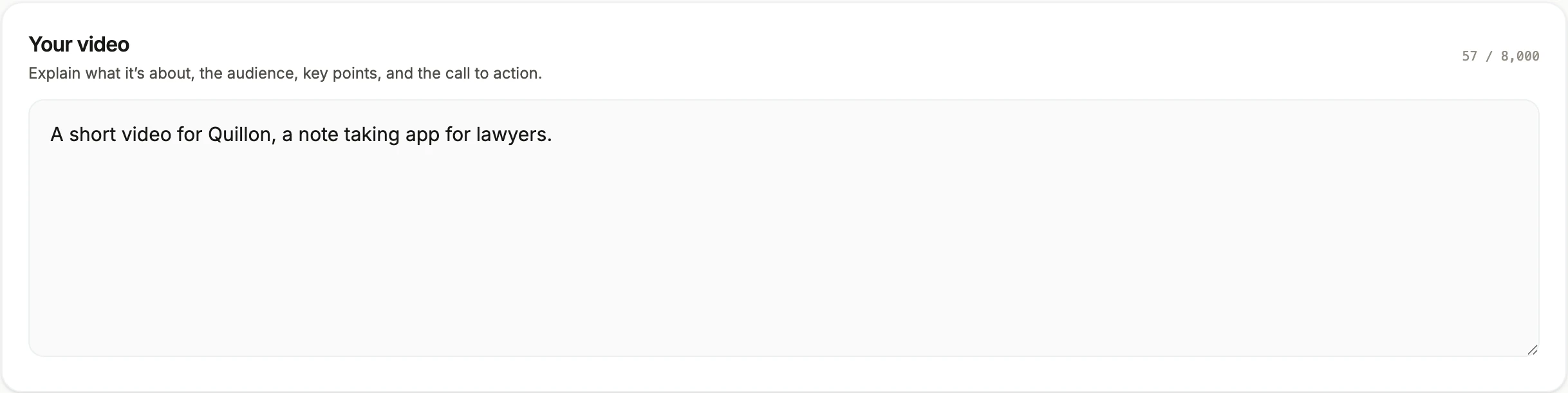
A single sentence is a legitimate input, and it is worth knowing exactly how much is being invented on your behalf when you use one. The answer is: the arc, the scene roles, every word on screen, every spoken line, the voice, the tone and often the format as well.
What gets decided without you
The story arc, chosen by adapting one of eleven example flows the director is shown, such as launch, problem then solution, stat punch or social proof. The scene roles and their order. Which of 410 layouts fills each role. The copy in every box. The narration script. The voice style and gender, picked from the mood of what you wrote rather than defaulted by video type, except a tutorial, which always gets the instructional style. And, unless you pin it, the format.
It can look your product up
This is what makes a one line brief work better than it should. When the sentence names a product or a URL the model does not know, it is told to search the web or fetch the page first and build the video on what the product really does, because a confident wrong story about a real product is worse than a generic one. It is also told never to invent a figure, so it either finds a number or leaves numbers out.
The four guesses worth correcting
Audience, because a sentence naming a product rarely names who it is for, and the audience decides the tone. The closing line, because the last thing spoken is the thing you most want controlled. The format, because it will pick one that suits the tone rather than one that suits your placement. And length, because standard is the default and short is usually right for a feed.
Where a short brief actually shines
Exploring. Because generation is a background job rather than a rendering queue you have to babysit, running two or three one line ideas to see which arc the director reaches for is a genuinely useful way to find the shape of a video before committing. Then write the real brief once you know whether it wants to be a problem and solution story or a stat punch.
How it works, in three steps
Step 1
Start with the sentence
Name the product and what it does. That is enough for a first pass, and a named product may get looked up before the scenes are designed.
Step 2
Read what it assumed
Look at the scene roles it chose and the closing line. Those two tell you what it thought your video was for.
Step 3
Rewrite the brief, not the video
If the assumption was wrong, adding the audience and the closing line to the brief fixes more in one go than editing scene by scene.
The full walkthrough with screenshots is in the guide Make a promo video with AI voiceover.
Limits worth knowing
- Each generation uses about 20 credits, including the exploratory ones.
- Web lookup is one search and one page read at most, before the scenes are designed. It is not deep research.
- With no numbers in the brief and none found, no stat or chart scene appears, because inventing a figure is forbidden.
- Roles needing something you did not supply are never offered, so a one line brief with no screenshots gets no showcase or interface demo scenes.
Questions people ask
Is a one line brief good enough?
For a first pass, yes, especially if the product is real and findable. For anything you will actually publish, add the audience, the two or three points that matter and the closing line, which is about four sentences of work.
Why did it choose that structure?
It is shown eleven named flows as examples and told to adapt rather than copy. With no audience and no numbers, launch and story arcs are the safest, which is why a bare brief so often comes back as intro, features, showcase, close.
Will it get my product wrong?
It can. The lookup helps when your product has a public page, and does nothing when it does not. Read the first scene and the closing line carefully, because that is where a wrong assumption shows first. If nothing about the product is public yet, put two sentences on what it does into the brief.
Can I keep the scenes and change the words?
Yes. Every text box on every scene is editable in the inspector, and the narration is edited separately in the voice dialog, per scene, along with the voice, speed and caption toggle. Rewriting copy does not disturb the layout or the timing, so a draft with the right structure is worth keeping even when most lines need work.
What language will the video be in?
Whatever the brief asks for. The language box is typed freely, with 32 suggestions, and the script, the on screen copy and the narration are all written in it from the same pass. Narration needs a mapped voice, and 56 languages have one. An unmapped language, such as Persian, still gets a complete video in that language, only without a voiceover.
How many scenes does a one line brief produce?
That depends on the length setting, not on the brief. Short asks for 3 to 6 scenes, standard for 4 to 9 and long for 6 to 12, aiming at roughly 10, 18 and 30 seconds. A promo scene runs 2.5 to 4 seconds with 5 to 8 words of narration, so even a long video is a quick run of short beats.
Make your own video
The button opens the generator with this use case already described. Change the wording to match yours, generate, then edit anything you like.
Create a video with OneCraftRelated pages
Capture screenshots for a tutorial, one step at a time
To capture screenshots for a tutorial, share your screen once, then press a button for each step and it snaps one still frame. There is no recording, no video file, and nothing is processed from footage afterwards. What you end up with is a set of PNG screenshots and a walkthrough built from them.
Ecommerce product video maker
A product video for a marketplace is written against a rulebook, not a brief. The big retail platforms autoplay it muted, cap it at well under a minute, and ban a surprising number of the things a marketer would naturally put in it. Knowing the bans before you write is most of the job.
Export a video in 4K
There are two export options and the difference is simpler than the labels suggest. Standard renders at the canvas size. Ultra renders at exactly twice it. That is the whole mechanism, which makes deciding between them a question about where the video is going rather than about quality settings.
More finished work of this kind is on the video examples hub.
Written and checked by the OneCraft team. Last checked .