Documents
Recreate an existing document, and every one like it
To recreate an existing document, attach the file or photos of it in the document generator, ask for the same sections and wording, and it comes back as an editable document you own. The payoff grows with a set: six inherited policies rebuilt one by one can all take the same theme, so they finally look like they came from one organisation.
The problem it solves
A document that matters, produced by somebody who left, in a file nobody has. It gets photocopied and re-sent for years because editing it is impossible, and the six others made at different times by different people each look different again. Rebuilding turns each one into blocks you own, and from there a rebrand of the whole set is a theme choice rather than a retyping project.
One document per generation
Attaching several files to one generation does not give you several documents. Every attachment is read and the readings are joined into one reference, so five policies attached together come back as a single merged document. Rebuild each document in its own run. For a set of six that means six generations, each with its own attachments and the same instruction to keep the sections, headings, numbering and wording.
Pick the input by what must survive
A photo or screenshot of a page is transcribed word for word, up to five pages a run. A PDF is read as page images up to a hundred pages, but its paragraphs come back from key points rather than as a transcript, while headings, numbering and labelled values carry over. For a short policy whose sentences matter, use page images. For a long handbook, the PDF, then read the paragraphs.
Words first, look second
Do the two separately and in that order. Rebuild with the wording locked, check each document against its original, and only then apply a theme. Changing both at once means you cannot tell whether a difference came from the read or from the restyle, which is how errors get through a set of six without anyone noticing.
One look across the set
The theme lives in the Design dialog's Themes tab. For a set, choose something you can pick again identically on every document: one of the ten presets, or your brand kit, which appears under Your brand once it is saved in account settings. A theme generated from a sentence in the Describe the look box is fine for one document, but it is generated fresh each time, so the same sentence is not guaranteed to give the same palette twice, which makes it the wrong choice for matching six.
Differences that are deliberate
Some differences across a rebuilt set are the layout rules working, not inconsistency. A cover is only added to a document of three or more pages that a reader would expect one on, so a two page policy gets none while a twelve page handbook does. A table of contents only appears on long documents. A letter carries a letterhead because it speaks for a sender, while a procedure does not.
When not to do it
When the document is legally executed. A signed agreement is evidence, and a rebuilt copy is a new document that happens to contain the same words. Rebuild the template you send out next time, and keep the signed original exactly as it is.
How it works, in three steps
Step 1
Rebuild each document in its own run
Attach one document per generation, with the instruction to keep sections, headings, numbering and wording.
Step 2
Check each against its original
Read the headings, the numbering and the paragraphs before any restyle.
Step 3
Apply one repeatable theme to all of them
A preset or your brand kit, picked the same way on every document in the set.
The full walkthrough with screenshots is in the guide Turn a PDF or photo into an editable document.
Limits worth knowing
- A rebuild is a new document. Never use it to replace a signed original.
- Attaching files needs the Starter plan or above: 5 files per generation, 10 MB each.
- Several attachments in one generation merge into one document, so a set takes one run per document.
- Logos, fonts and colours in the old files are not imported; the theme replaces them.
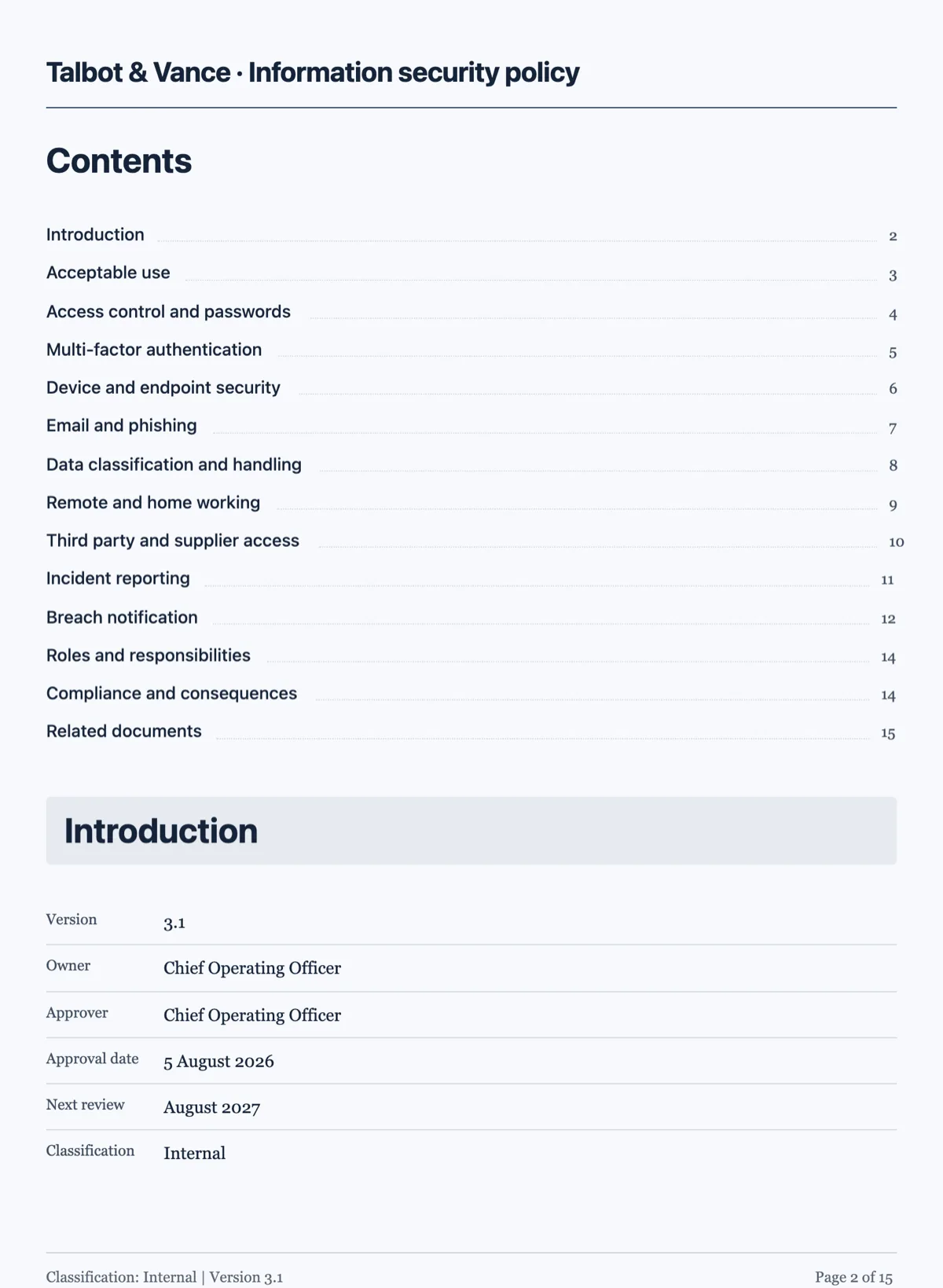
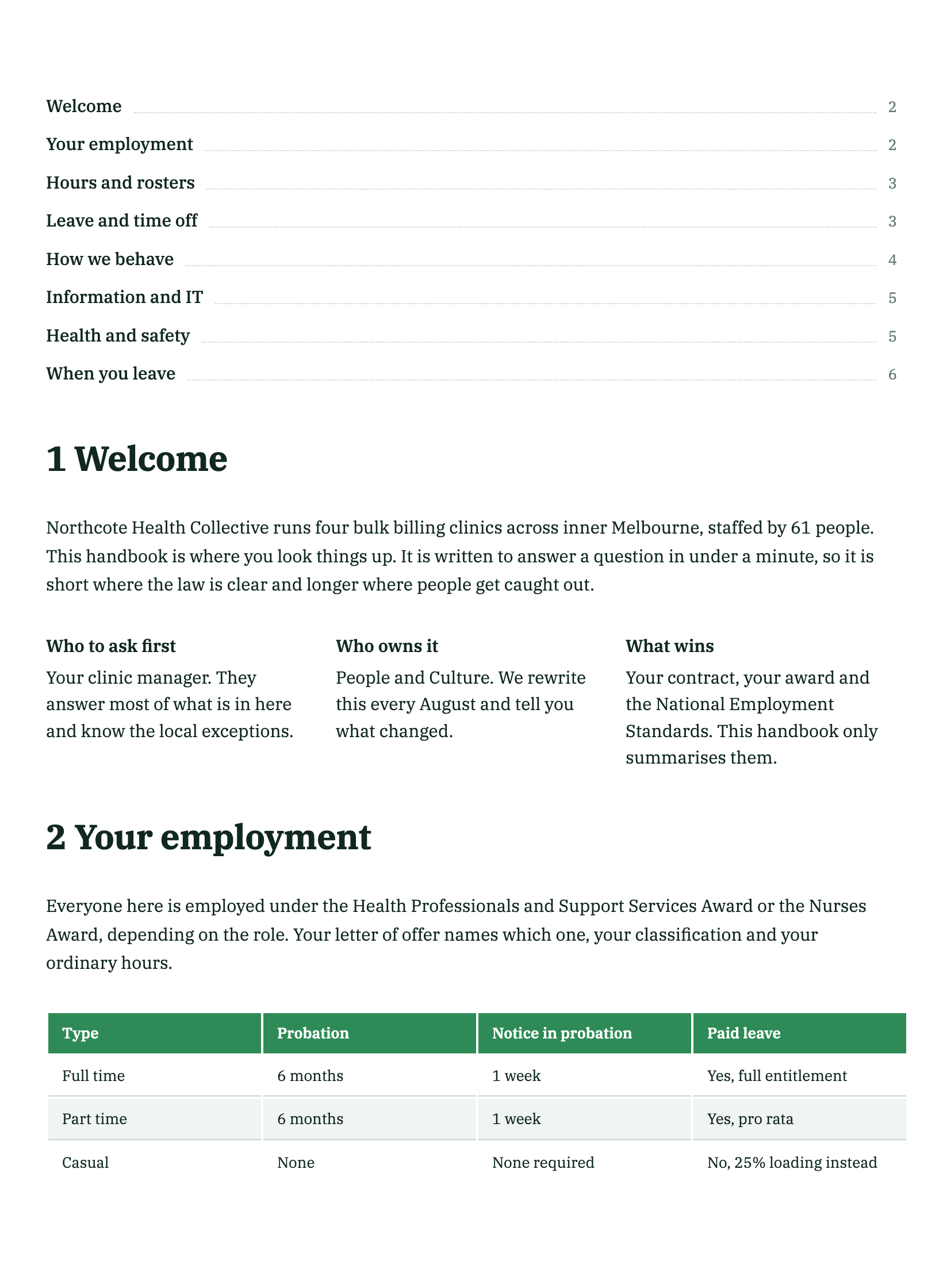
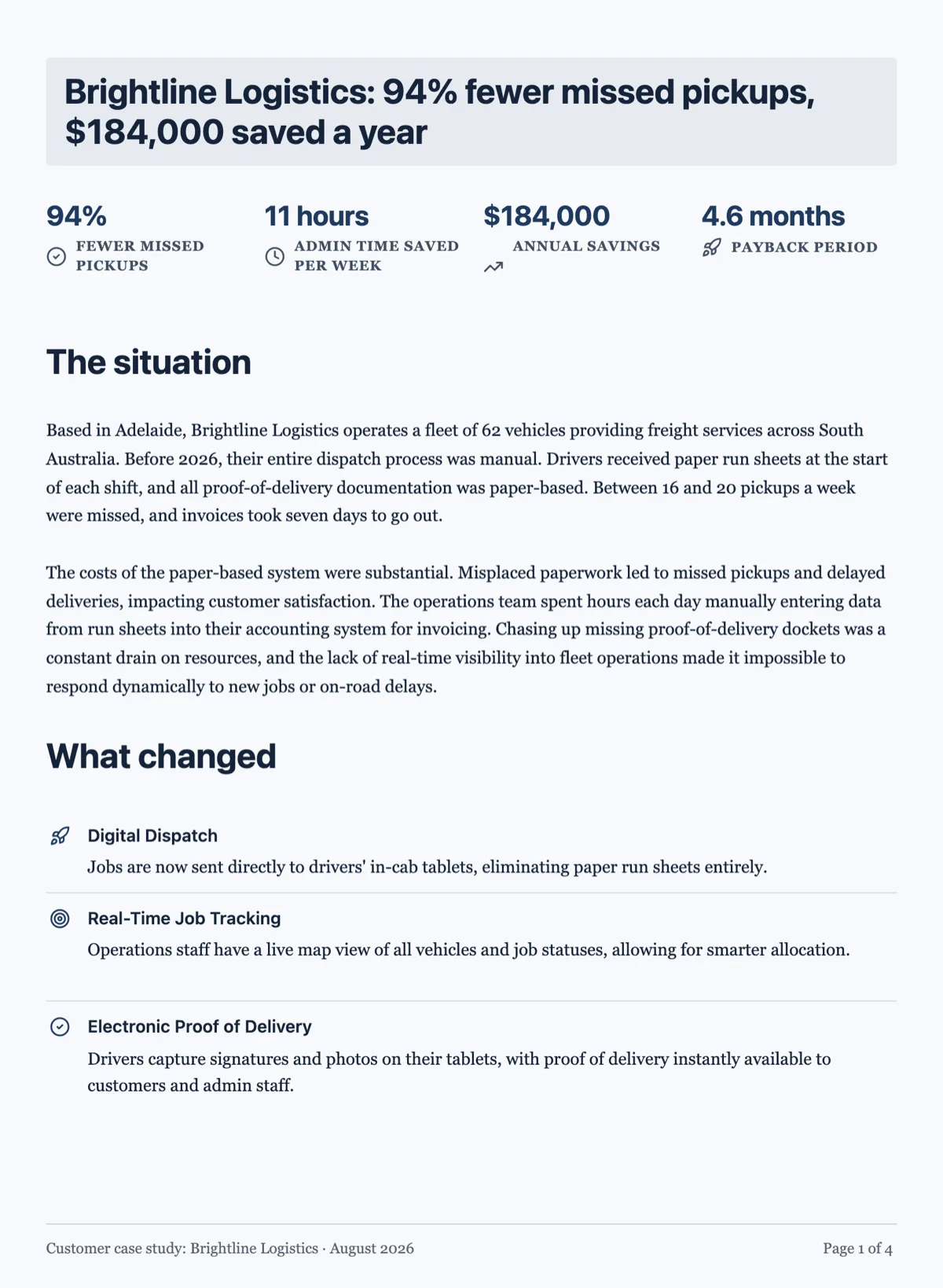
See it on a finished piece
Questions people ask
Can I rebuild a signed contract?
You can rebuild the template it came from, but never treat a rebuilt copy as the executed agreement. The signed original is the evidence, with the signatures, dates and any initialled changes exactly as the parties made them, and it stays as it is. Use the rebuilt version as the clean starting point for the next agreement you send out.
The old documents carry a former company name. Should I fix it in the prompt?
Fix it afterwards. Asking for a rename in the same run as keep the wording gives the generator two instructions that pull against each other, and you lose the clean comparison against the original. Rebuild first, check it, then change the name in the builder, or ask the AI chat panel to replace it throughout, since text edits are exactly what the chat does.
Will the rebuilt documents keep the same page count as the originals?
Rarely. The content is laid out again in the new theme, with its own type sizes, spacing and page furniture, so a four page original might become three or five pages. If a page count matters, for example a form that must stay on one side, say so in the prompt and check the result, then trim spacing or content in the builder.
How do I keep a matching look on documents I create later?
Save a brand kit in the Brand tab of settings with your logo and colours (a generated kit also carries a font pairing, which documents apply), then pick it under Your brand in the Themes tab of every new document, rebuilt or written from scratch. The generator also takes a palette choice up front. A preset works too, as long as everyone creating documents knows which one the set uses.
Can I rebuild a document and translate it in the same run?
You can set the output language in the generator, but doing both at once removes the one check that matters: comparing the rebuilt text against the original line by line. Rebuild in the source language first and confirm it. Then translate, either with a fresh generation in the target language or by asking the AI chat panel to rewrite the text blocks.
Make your own document
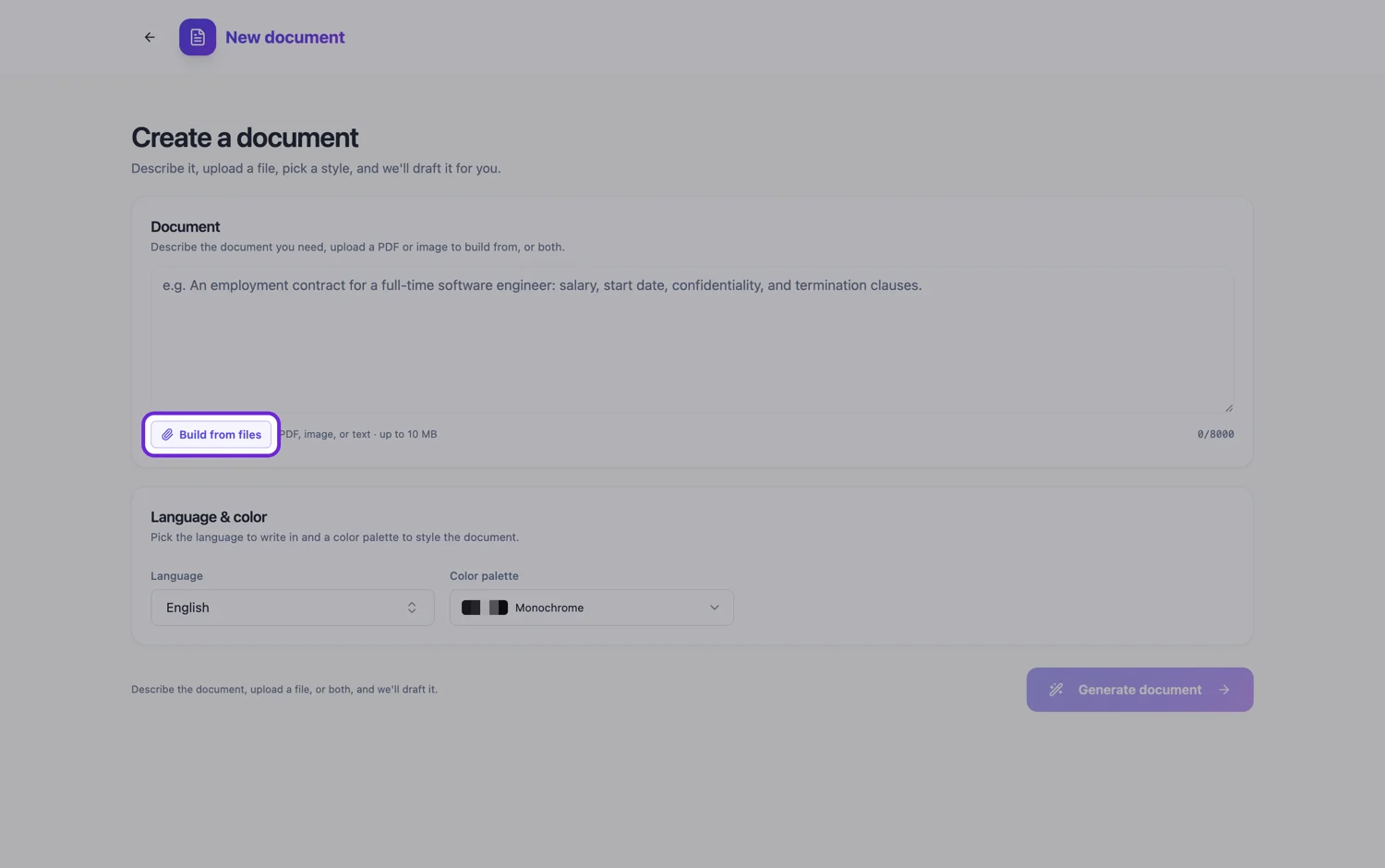
The button opens the generator with this use case already described. Change the wording to match yours, generate, then edit anything you like.
Create a document with OneCraftRelated pages
Custom document theme
When none of the ten presets is your brand, you have two routes: describe the look in a sentence and let it generate one, or set the colour tokens yourself. Most people should start with the first.
Photo of a document to editable, from your phone
A phone photo of a document becomes editable when you attach it in the document generator: the text in the photo is transcribed word for word and rebuilt as headings, paragraphs and tables you can change. Each photo is one page, and up to five go in one run, so this is the route for short documents where the exact wording matters.
Convert a PDF to an editable document
To convert a PDF to an editable document, attach it in the document generator and it comes back as editable blocks in a theme you can change. The file is read as page images, so sections, headings, numbering and labelled fields carry over reliably, while long paragraphs are rewritten from that reading rather than copied word for word.
More finished work of this kind is on the document examples hub.
Written and checked by the OneCraft team. Last checked .