Documents
Scanned document to editable
A scan carries no text, only a picture of text, so everything depends on how good the picture is. This page is about the difference between a scan that rebuilds cleanly and one that costs you an afternoon.
Quality is the whole story
A 300 dpi scan of a printed original reads almost completely. A photocopy of a photocopy loses thin rules and small print, which is where footnotes, footers and table borders live. A page fed through a scanner at an angle is the worst case, because skew makes columns drift into each other and a table can come back as scrambled rows.
Stamps, signatures and handwriting
A received stamp, a wet signature or a handwritten margin note is a mark on the image, not content. Say in the prompt that they should be ignored, otherwise a stamp sitting across a heading can confuse the read of that heading. A signature is best rebuilt as a proper signature block rather than carried across as a picture.
Fix the source before you fix the output
If the scan is poor and the paper original still exists, rescan it flat at 300 dpi. Ten minutes at the scanner beats an hour repairing forty blocks, and the result is better in every case. If only a bad copy exists, expect to check tables and any small print by eye against the paper.
Rebuild, then improve
Old scanned documents usually carry decades of accumulated structure: numbering that restarts halfway, three heading styles doing the same job, a table that exists because the typewriter could not indent. Once it is editable, that is worth cleaning up. The rebuild is the moment those choices are cheapest to change.
Your scan is downsampled before anything reads it
Whatever you upload, each page is rendered at roughly 200 dots per inch and handed over as an image. A scan is already a picture, so nothing is lost in that step, but it does mean the ceiling on accuracy was set by your scanner rather than by anything here. Up to a hundred pages go through at once. The practical consequence is that the time to spend is on the capture: a flat page, even light and sharp edges change the result far more than anything you can do afterwards.
Labelled boxes survive as pairs
A scanned form or invoice is mostly labels and the things written beside them, and those come back identified: each label as printed, each value exactly as it appears, and an empty string where the box was left blank. So a stack of scanned records turns into something with reference numbers, dates and amounts you can actually pick out, rather than a wall of recognised text you would have to read to find anything in.
How it works, in three steps
Step 1
Scan flat at 300 dpi
One multi page PDF, square to the glass, no skew.
Step 2
Name what to ignore
Stamps, signatures and margin notes are marks on the image, not content.
Step 3
Check tables and small print
Those are the two things a scan loses first.
The full walkthrough with screenshots is in the guide Turn a PDF or photo into an editable document.
Limits worth knowing
- A scan is read as an image, so accuracy depends on the scan.
- Skew, stamps and photocopy loss all cost fidelity.
- Handwriting is not read as content.
- Attaching files is a paid plan feature.
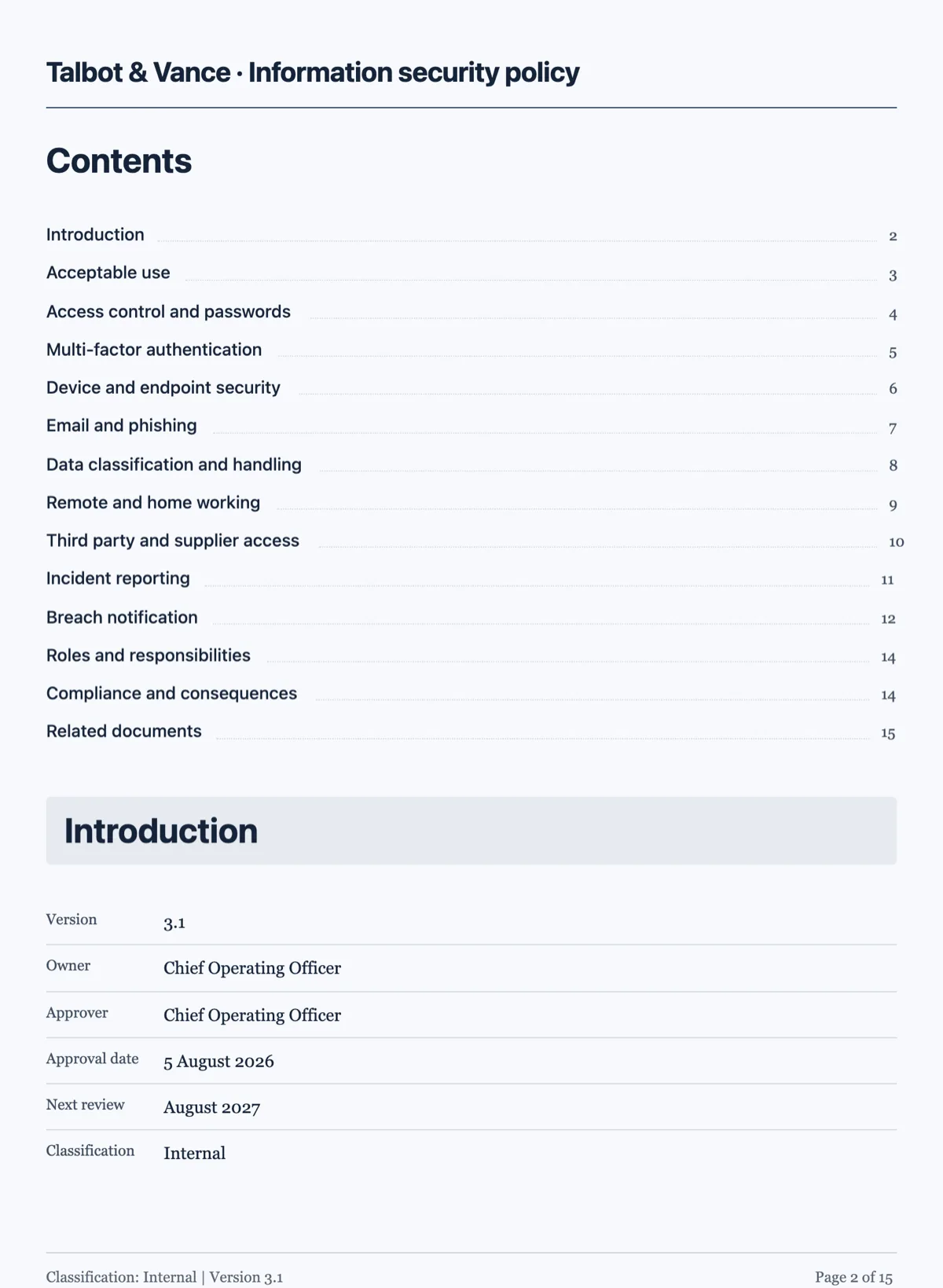
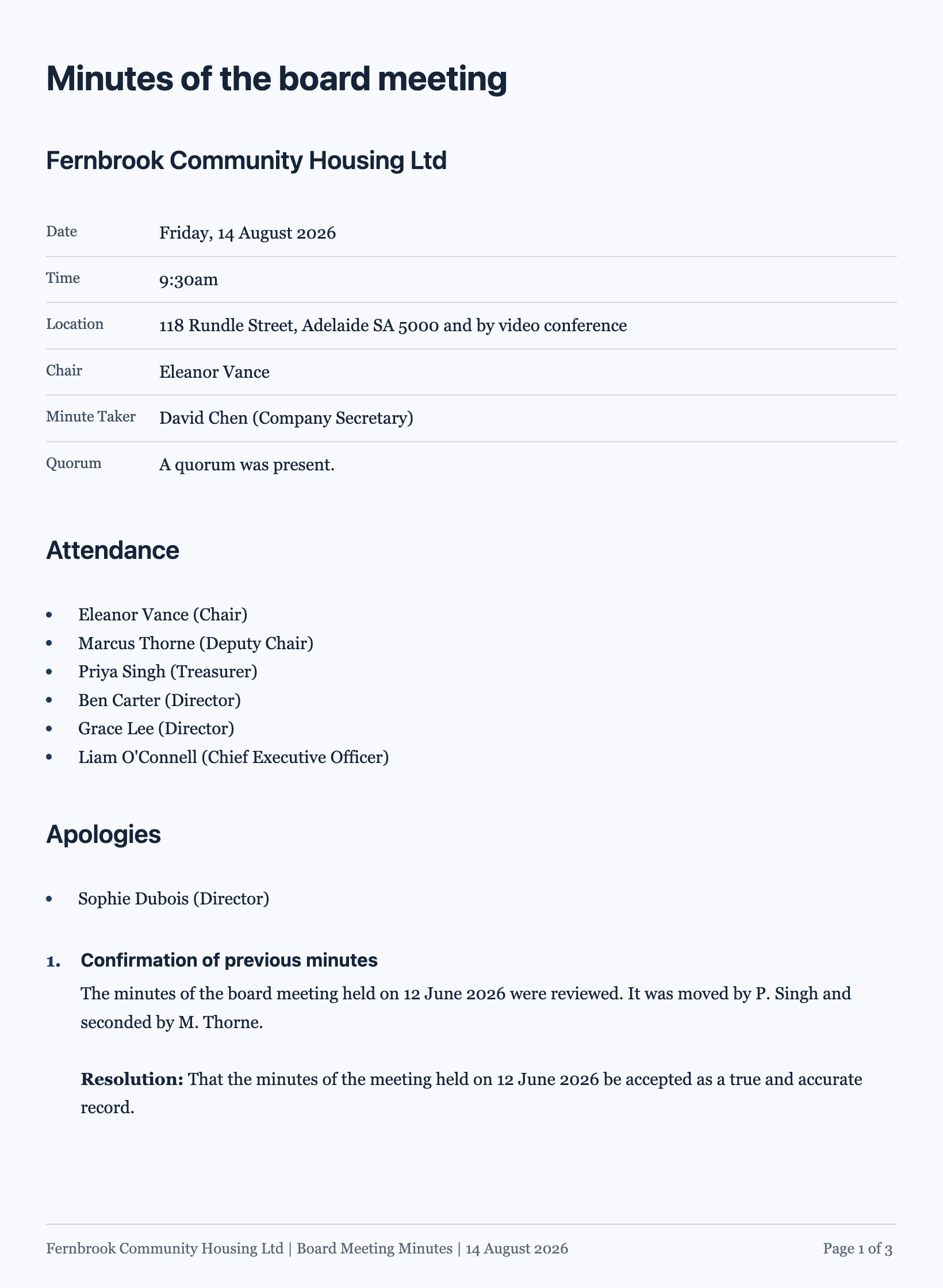
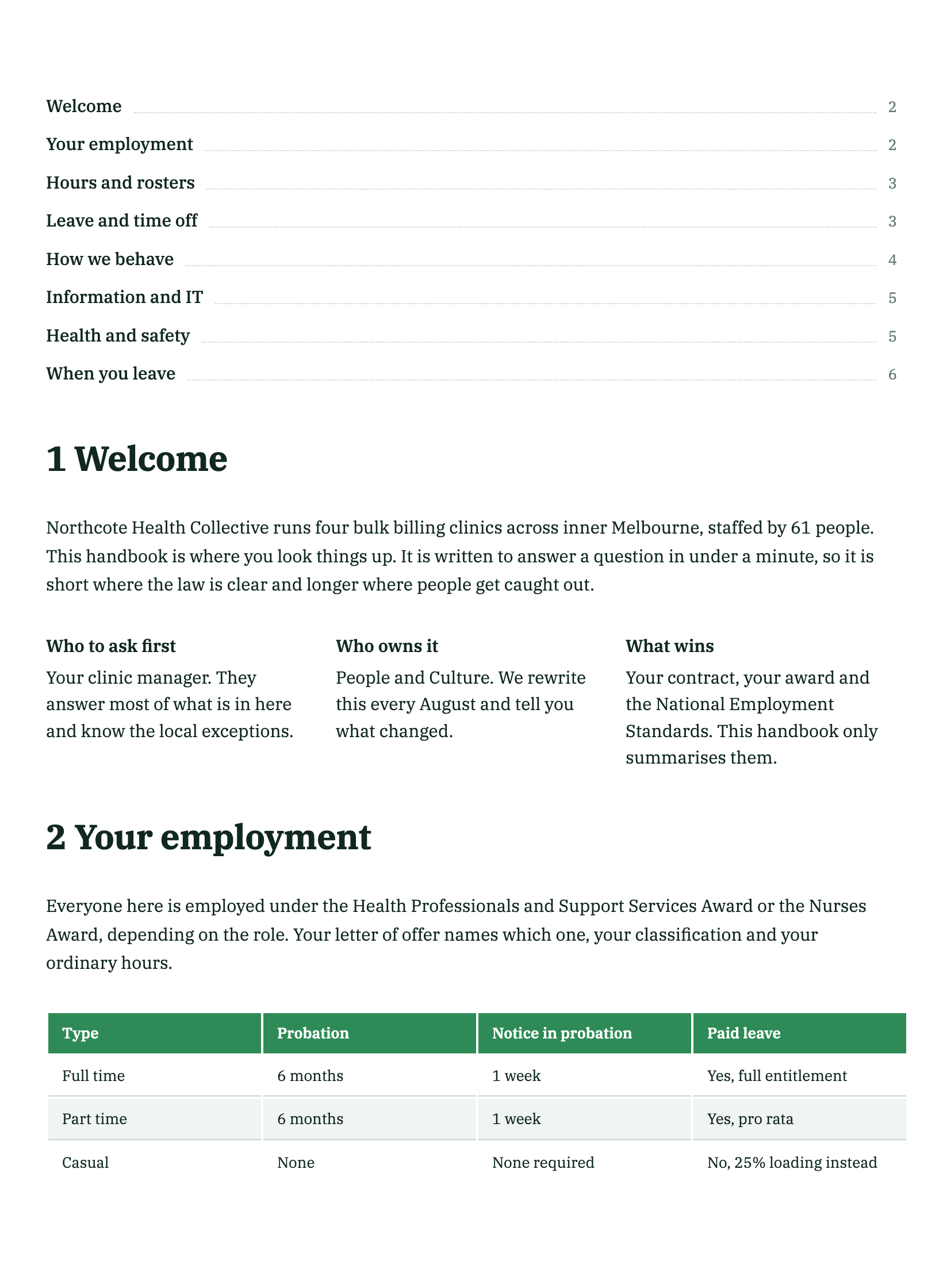
See it on a finished piece
Questions people ask
Is a 600 dpi scan of a document better than 300 dpi?
No. Around 300 dpi is enough for text, and there is no gain past that. The read renders each page at roughly 200 dpi anyway, so a 600 dpi scan is a much larger file that gets downsampled before anything looks at it. Scanning higher costs you upload time and the 10 MB per file limit, and buys nothing.
What happens to a stamp or a signature on the page?
They are marks on the image, not content. Say in the prompt to ignore them, otherwise a stamp across a heading can confuse the read of that heading. Rebuild a signature as a proper signature block instead, which also lets each party sign the new document electronically, one signer per block.
My scan is a poor photocopy. Is it worth trying?
Try it, but expect to check tables and small print by eye, because thin rules and small type are what a photocopy loses first. If the paper original exists, rescanning it flat at 300 dpi is faster than repairing the output. If only the copy survives, keep it beside the rebuilt document while you check.
Does a phone photo work as well as a scan?
It can, if the page fills the frame, the light is even and the paper is flat. What kills a phone photo is a shadow across the page, a curled edge or a shot taken at an angle, because all three distort the letters. If you are photographing rather than scanning, put the paper on a table, stand over it and turn the flash off.
Will stamps and letterheads be reproduced?
No. They are read, not reproduced: a stamp is marks on an image, and nothing copies the graphic across into the new document. What you get is a clean rebuild you can put your own letterhead on. If the stamp mattered, keep the scan alongside the rebuilt document as the evidence.
Should I upload a scan as a PDF or as page images?
Page images, if the wording matters. A PNG, JPEG, WebP or GIF has its visible text transcribed word for word before the document is written. A PDF, scanned or not, is read as page images but only a summary, key points and labelled fields come back, so paragraphs are rewritten rather than copied. One run takes up to five files of 10 MB each.
Make your own document
The button opens the generator with this use case already described. Change the wording to match yours, generate, then edit anything you like.
Create a document with OneCraftRelated pages
Photo of a document to editable, from your phone
A phone photo of a document becomes editable when you attach it in the document generator: the text in the photo is transcribed word for word and rebuilt as headings, paragraphs and tables you can change. Each photo is one page, and up to five go in one run, so this is the route for short documents where the exact wording matters.
Scan a form and make it digital
To scan a form and make it digital, scan it to one PDF at about 300 DPI, attach it to the form generator, and the pages come back as sections of an online form you can publish. The scanner settings and one sentence about repeated blocks decide most of the result.
Turn a photo of a form into a digital form
You can turn a photo of a form into a digital form by attaching the phone photos to the form generator, one page per image, and it rebuilds the questions as fields. A flat, square, evenly lit shot is the whole trick, because the photo is transcribed line by line.
More finished work of this kind is on the document examples hub.
Written and checked by the OneCraft team. Last checked .