Forms
Turn a photo of a form into a digital form
You can turn a photo of a form into a digital form by attaching the phone photos to the form generator, one page per image, and it rebuilds the questions as fields. A flat, square, evenly lit shot is the whole trick, because the photo is transcribed line by line.
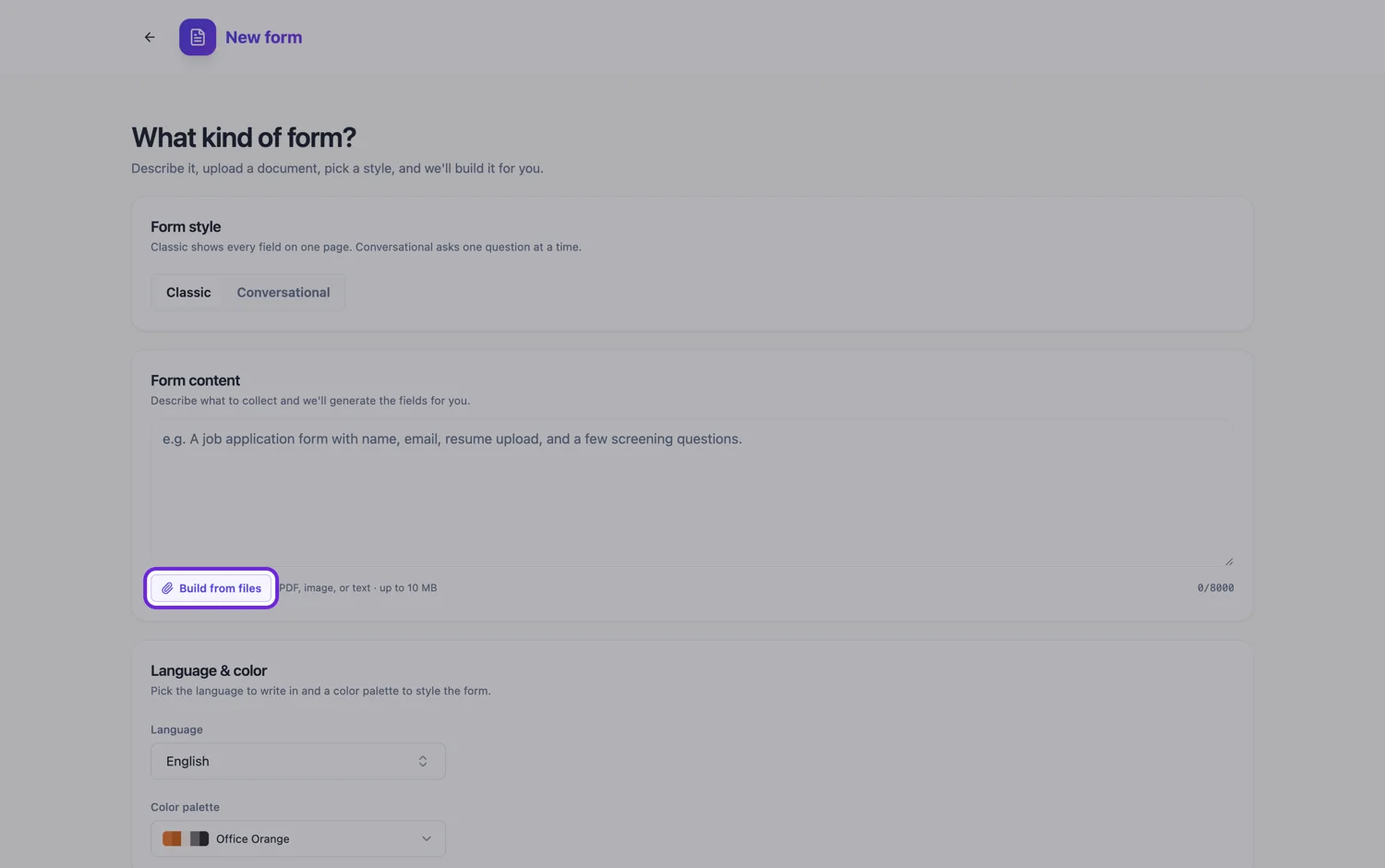
Why a phone photo is a good input
Photos are read more closely than PDFs. A PNG, JPG, WebP or GIF is sent to a vision model that transcribes every visible line verbatim, in reading order, and also lists each labelled field. A PDF, by contrast, is read for its fields and a summary with no line by line transcription. So a sharp phone photo of a one or two page form often keeps instructions and declarations closer to the original than a PDF of the same pages would. The catch is that the model can only transcribe what the camera actually caught.
The four things that ruin a shot
Angle, shadow, curl and crop. A photo taken at an angle turns straight rows into trapezoids and can scramble which label belongs to which box. Your own shadow across the page hides a band of text. A page that is not flat bends the text away at the edge, which is where footers and small print sit. A crop that clips the bottom loses the declaration, usually the part that mattered most. Retaking a photo takes seconds; correcting a dozen fields afterwards does not.
How to take it
Lay the page on a flat, dark surface with light from the side rather than from behind you. Hold the phone parallel to the page and fill the frame with the sheet plus a small margin. Use your phone's document scanning mode if it has one, because it flattens and squares the page, doing the correction a skewed photo would otherwise leave to guesswork. On an iPhone that is Scan Documents inside a note in the Notes app. Save each page as its own image rather than a single stitched PDF.
The five photo ceiling
One generation takes up to five files, 10 MB each. A phone photo is usually well under that size, so the limit that bites is the count: five photos is five pages. For a longer form you have two choices. Photograph the pages whose wording matters most and describe the rest in the prompt, or combine every page into one PDF, which is read up to 100 pages but loses the verbatim transcription. Attaching files needs a paid plan; a free account can type the questions into the prompt instead.
Forms that were already filled in
If the only copy you have has someone's answers written on it, the rebuilt form is still blank. Answers are not imported as responses and nothing is prefilled. Handwriting over the labels can still confuse the read, though, so a clean blank copy is always the better photo. If the form contains personal details, a blank is also the safer thing to upload.
How it works, in three steps
Step 1
Shoot each page flat and square
Page on a table, side light, phone parallel, document mode on if your phone has it, one image per page.
Step 2
Attach up to five photos with a short brief
Say what must stay word for word, which questions are required, and anything on the sheet to leave out.
Step 3
Compare the fields with the photo
Read the field list against the page once, correct choice types and required flags, then publish.
The full walkthrough with screenshots is in the guide Convert a paper form into a web form.
Limits worth knowing
- Attaching a photo is a paid plan feature.
- Five files per generation, 10 MB each, in PNG, JPG, WebP, GIF, PDF or plain text. HEIC photos from an iPhone need converting to JPG first.
- Answers written on the sheet are not imported. The rebuilt form is blank.
- Tiny print, rotated text and footers are where a photo is weakest.
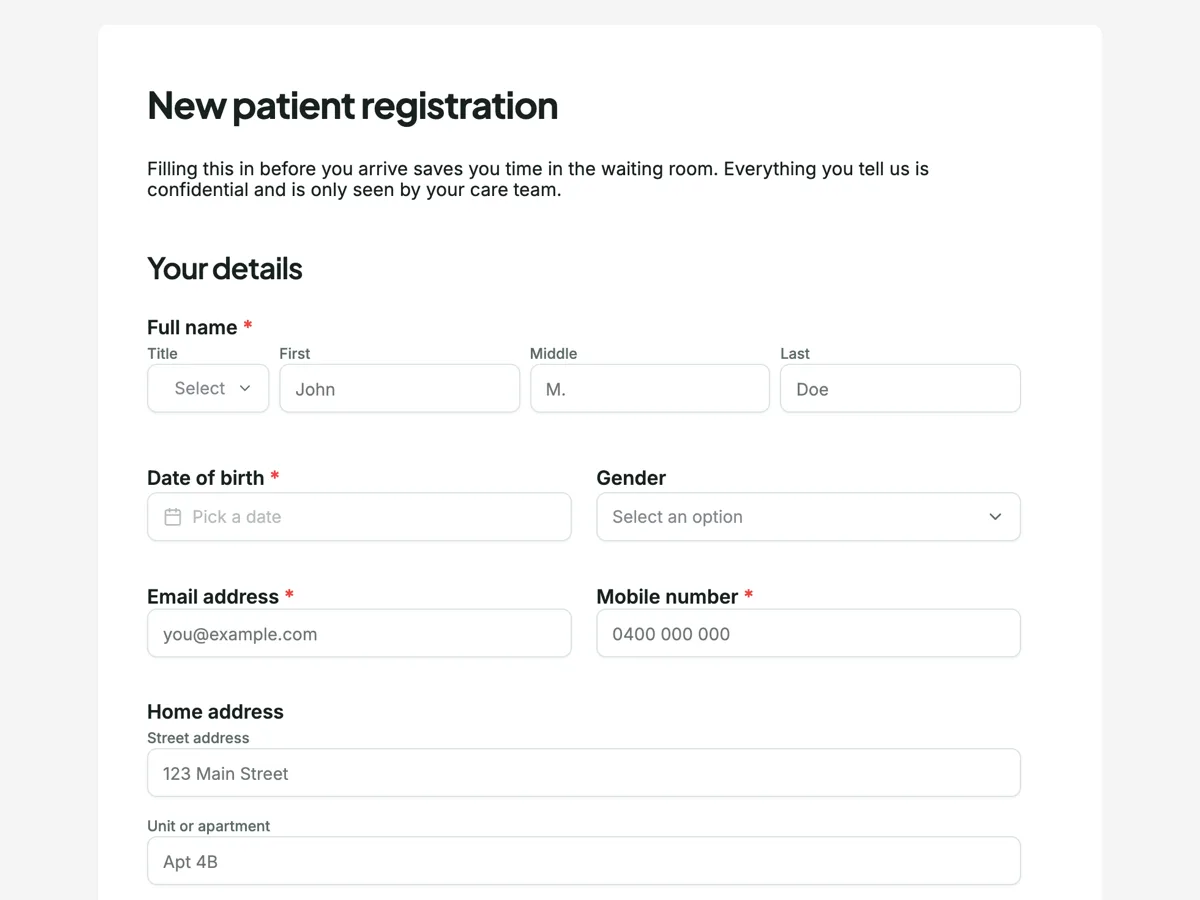
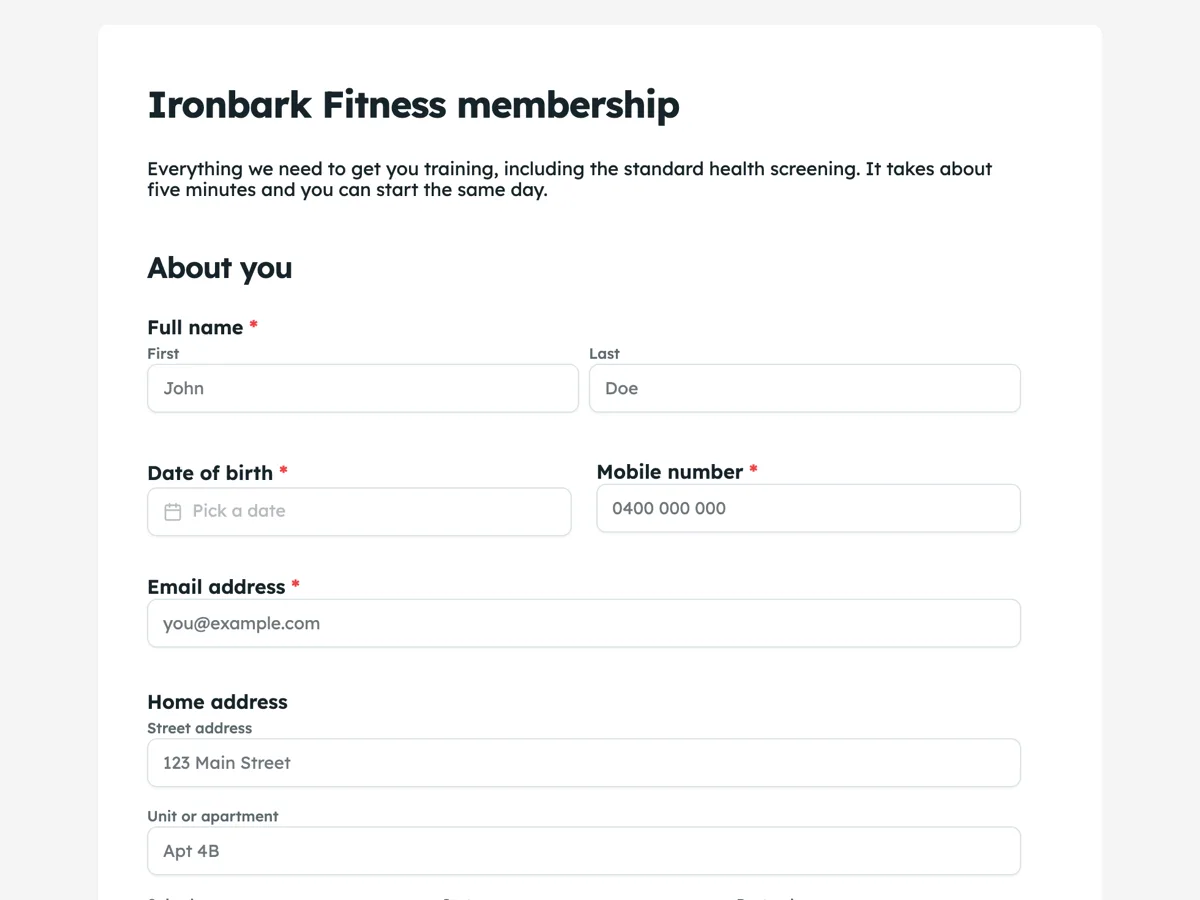
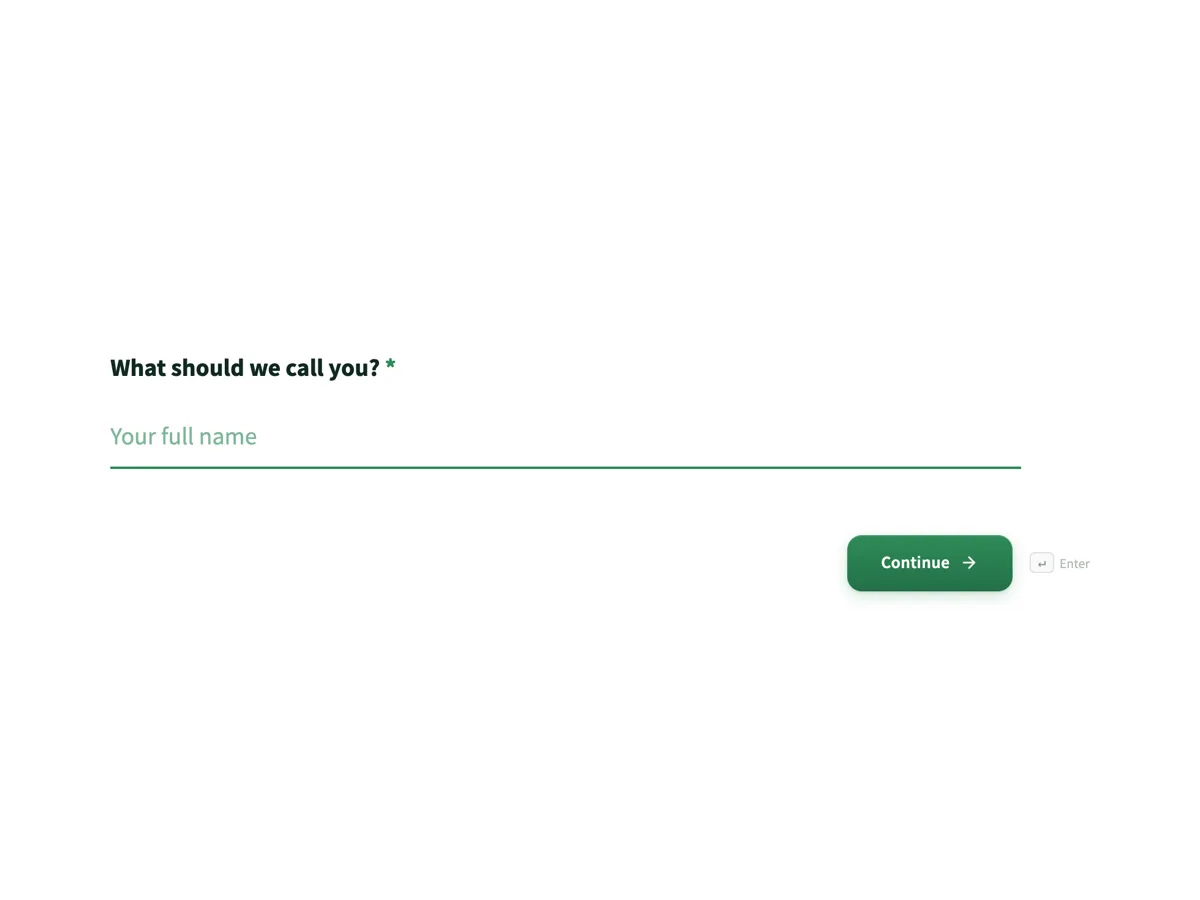
See it on a finished piece
Questions people ask
Should I send one photo per page or stitch them into a PDF?
For five pages or fewer, send one image per page. Images are transcribed line by line, while a PDF is read for its fields and a summary, so separate photos keep wording closer to the original. Stitch into a PDF only when the form is longer than five pages, since one PDF counts as a single file.
Does my phone's document scanning mode make a difference?
Yes, usually a real one. Document mode finds the page edges, squares the sheet and evens out the lighting, which removes the angle and shadow problems that cause most misread fields. Export the result as JPG or PNG images rather than a PDF if the form is short enough to fit within five files.
Can I photograph a large fold out or A3 form?
Photograph it in halves if the text becomes too small to read when the whole sheet fits in the frame. Keep a small overlap and mention in the prompt that two images are one page, so questions on the join are not duplicated. Check the order of the fields around the fold afterwards.
Why won't my iPhone photo attach?
The accepted image types are PNG, JPG, WebP and GIF. Recent iPhones save photos as HEIC by default, which is not on that list. Set the camera format to Most Compatible so new photos are saved as JPEG, or export the photo as JPG from the Photos app, then attach it again. Screenshots are PNG already.
Is a photo of a form good enough to replace scanning it?
For most printed forms, yes. A sharp, square photo in even light gives the reader enough to transcribe every line, and it is the input that keeps wording best. A flatbed scanner still wins on very small print, faint photocopies and forms with many thin ruled lines, where a phone camera's focus and lighting struggle.
Make your own form
The button opens the generator with this use case already described. Change the wording to match yours, generate, then edit anything you like.
Create a form with OneCraftRelated pages
Convert a paper form to an online form
To convert a paper form to an online form, give the generator the form in whichever shape you have it: a photo, a scan, or its questions typed out. It rebuilds the questions as fields you can publish on a link, and the paper version can live on as a printable PDF.
Photo of a document to editable, from your phone
A phone photo of a document becomes editable when you attach it in the document generator: the text in the photo is transcribed word for word and rebuilt as headings, paragraphs and tables you can change. Each photo is one page, and up to five go in one run, so this is the route for short documents where the exact wording matters.
Scan a form and make it digital
To scan a form and make it digital, scan it to one PDF at about 300 DPI, attach it to the form generator, and the pages come back as sections of an online form you can publish. The scanner settings and one sentence about repeated blocks decide most of the result.
More finished work of this kind is on the form examples hub.
Written and checked by the OneCraft team. Last checked .