Forms
Scan a form and make it digital
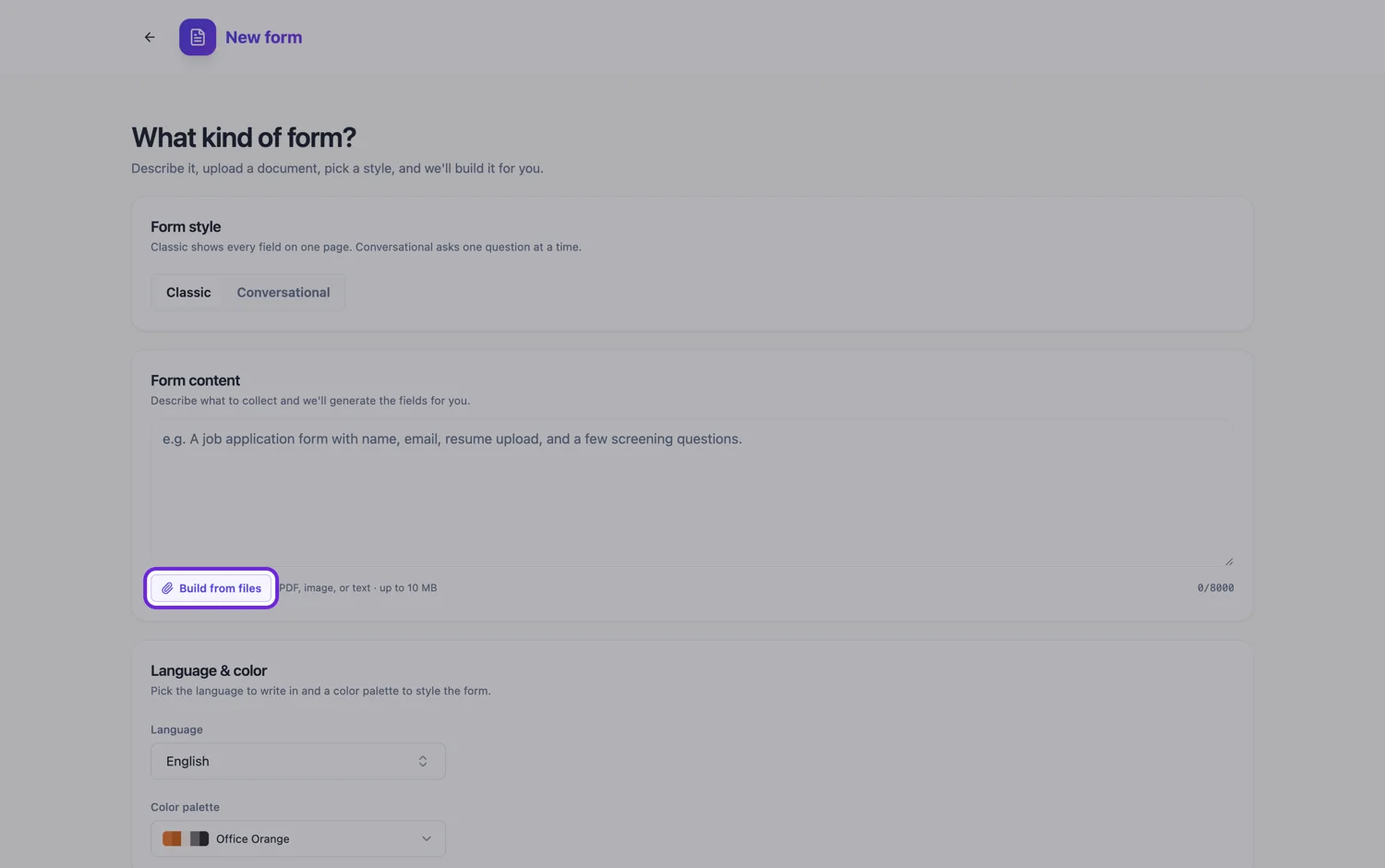
To scan a form and make it digital, scan it to one PDF at about 300 DPI, attach it to the form generator, and the pages come back as sections of an online form you can publish. The scanner settings and one sentence about repeated blocks decide most of the result.
Scanner settings that read cleanly
About 300 DPI is enough for printed text; more mostly adds file size. Scan in greyscale unless colour carries meaning, such as a red box marking a required section, because colour makes the file several times larger. Keep the feed straight: a skewed page makes rows drift across columns, which is the worst case for a form. Turn on your scanner's automatic deskew and blank page removal if it has them. Each attached file is capped at 10 MB, so a long colour scan at high resolution is the one thing likely to be refused.
What happens to the scan
A scanned PDF is rendered back to page images at about 200 DPI, up to 100 pages, and a vision model reads each page for its labelled fields and a summary. It does not transcribe the pages word for word. That is why scan quality matters: faint print, thin rules and photocopy speckle are exactly what the model has to see through. If one page carries wording that must stay exact, such as a consent statement, scan that page separately as a PNG, since image files are transcribed line by line.
Pages become sections
Each page of a paper form usually holds one topic, so pages come across as section headings with their fields underneath. That is the structure you want, because it is what lets you show the form one step at a time: set a classic form to the paginated layout and it becomes a series of pages with Back and Next buttons. If a page carries two unrelated topics, say so in the prompt and ask for it to be split.
Repeated blocks become one table
Paper handles repetition by printing the same block again and again: eight rows for eight items, or four identical boxes for four children. Online you want one table field with named columns. The table draws a fixed number of rows that you choose, and respondents cannot add more, so set the count to match the paper or the most anyone needs. Name the table and its columns in the prompt, because a scan of eight identical blocks otherwise reads as eight separate sets of questions.
Then cut it down
A five page paper form is rarely a five page web form. Once it is rebuilt, look for fields that only existed because paper cannot calculate, check or route. Serial numbers written twice, totals added up by hand, and office use only blocks usually come straight out. The scan was a record of what the old process needed, not a specification for the new one.
How it works, in three steps
Step 1
Scan the whole form as one PDF
Greyscale, about 300 DPI, deskew on, under 10 MB. Add a PNG of any page whose wording must stay exact.
Step 2
Describe the repetition
Name the repeated blocks, the columns they should become and how many rows the table needs. This is the most useful sentence in the prompt.
Step 3
Delete what paper forced on you
Remove duplicate entries, hand totals and office use blocks, then set the paginated layout if you want one page per step.
The full walkthrough with screenshots is in the guide Convert a paper form into a web form.
Limits worth knowing
- A scanned PDF is read as page images for its fields and a summary, not transcribed verbatim.
- Attaching files is a paid plan feature, five files at 10 MB each, and a PDF is read up to 100 pages.
- Handwritten answers on the scan are not imported. The rebuilt form is blank.
- A table field shows a fixed number of rows. Respondents cannot add rows.
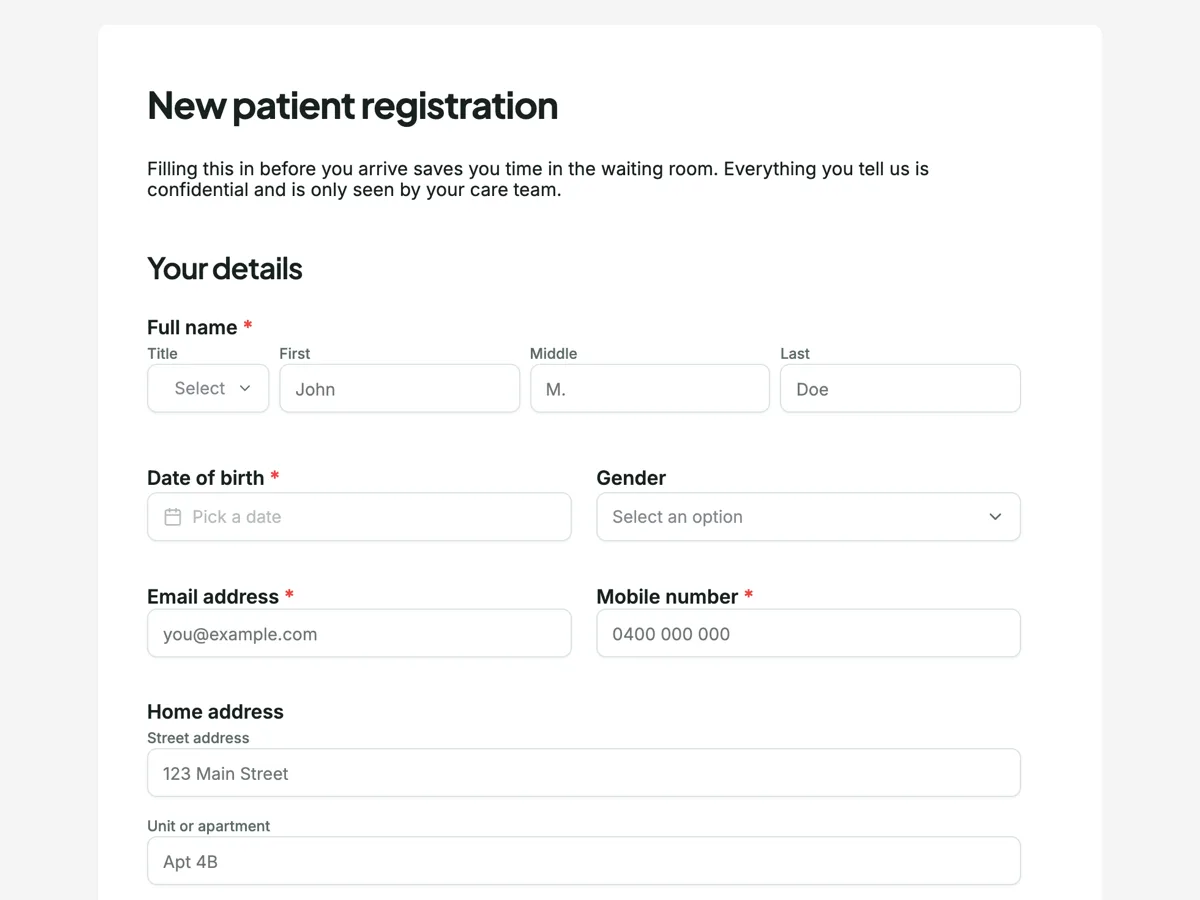
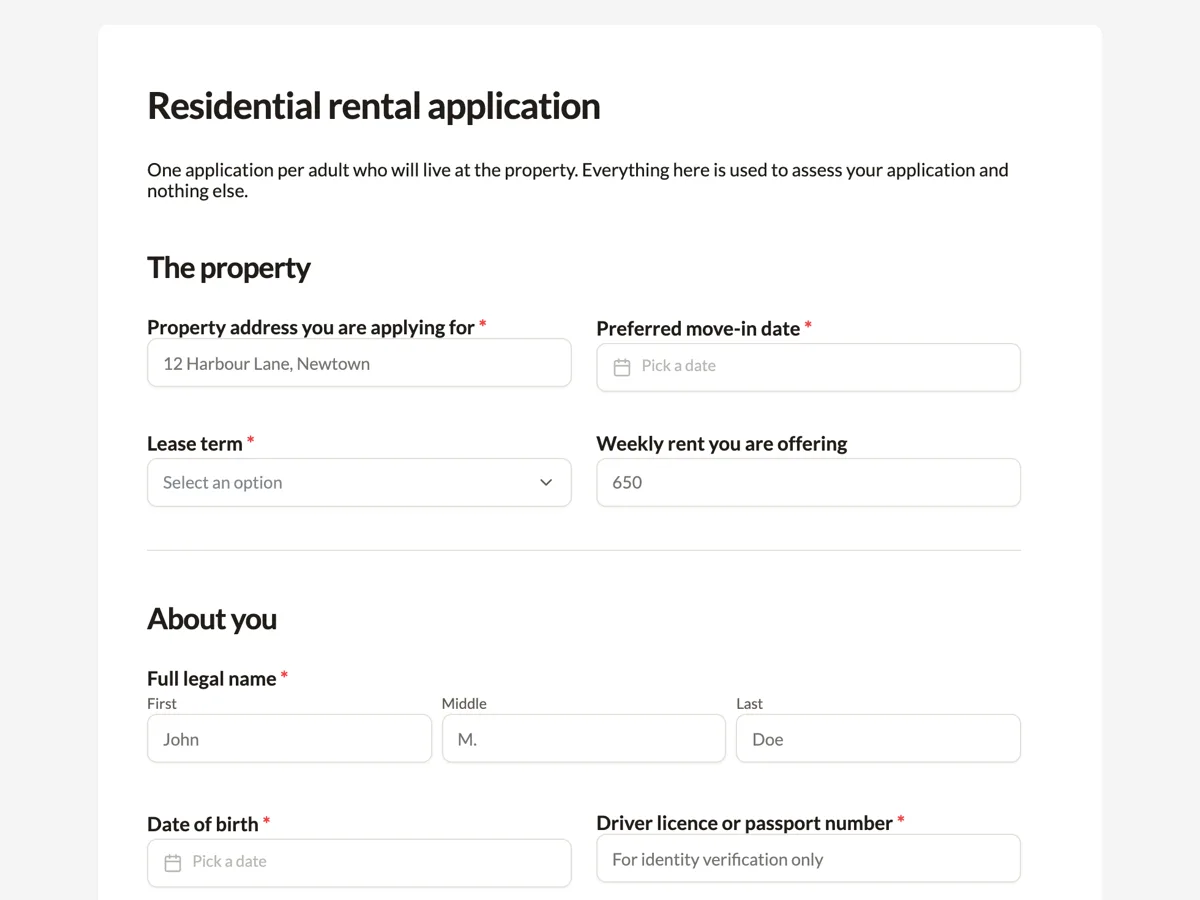
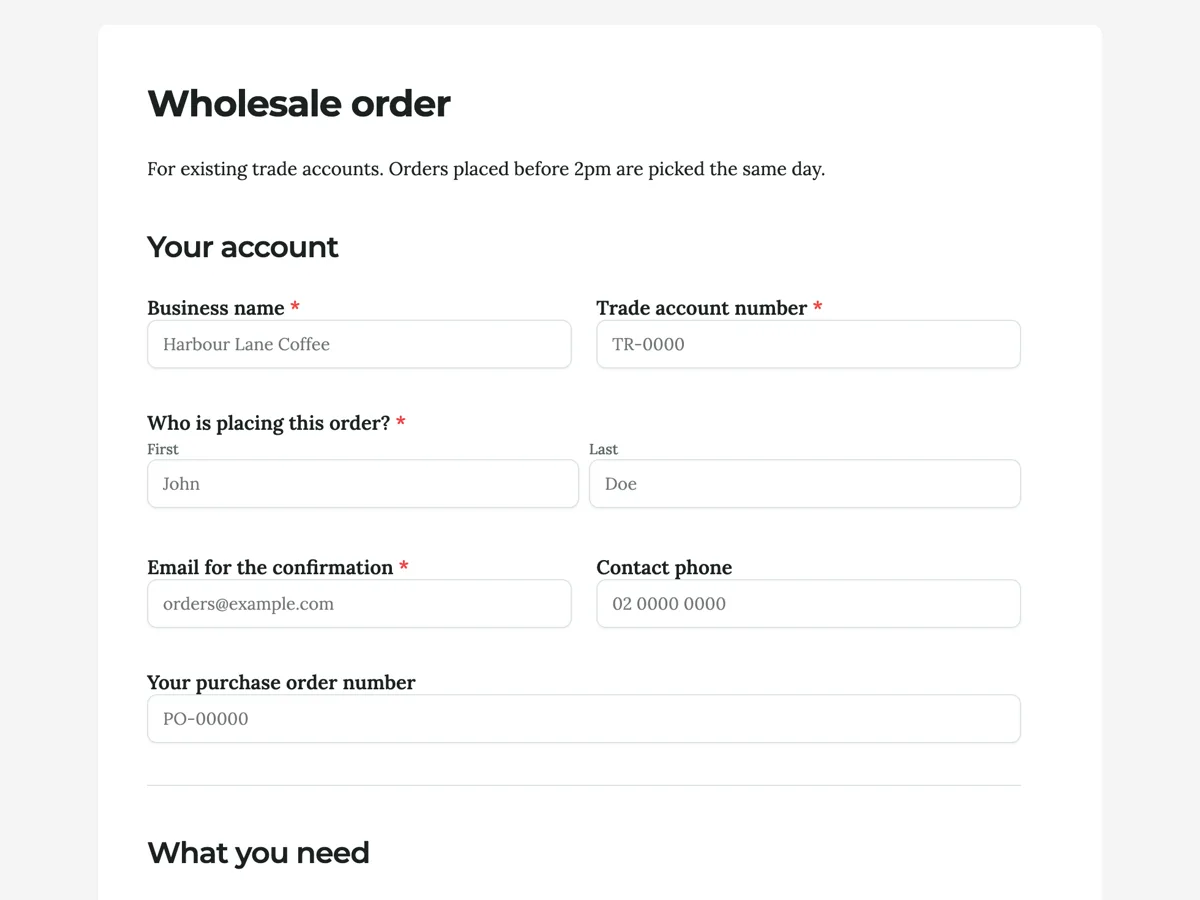
See it on a finished piece
Questions people ask
What scanner settings work best for a paper form?
Greyscale at about 300 DPI, one multi page PDF, with automatic deskew switched on. Use colour only when colour carries meaning on the form. Avoid the photo or high quality presets, which can push a long form over the 10 MB file cap without making the printed text any easier to read.
My scanned form is over 10 MB. What can I do?
Rescan in greyscale rather than colour, drop the resolution to around 300 DPI, or split the form into two or three PDFs, since five files can go into one generation. Removing blank backs of pages helps too. Compressing a finished PDF in another tool also works, as long as small print stays sharp.
How do I stop eight identical blocks becoming eight sets of questions?
Ask for a table in the prompt, name the columns, and give the number of rows, for example a table of items with columns for item, condition and notes and eight rows. The table then appears as one field. Remember respondents cannot add rows, so choose the count with the longest realistic answer in mind.
Does it matter if my scan came out slightly crooked?
A slight tilt is usually fine for labels, but it hurts grids and tables, where rows drift into the wrong columns. If the scan is visibly skewed, rescan with deskew on rather than fixing fields by hand. A document feeder that pulls pages in at an angle is the most common cause.
Can I scan a form that has already been filled in?
You can, but a blank copy reads better. Nothing written on the page is imported as a response, and handwriting over printed labels can make the labels harder to read. If the filled copy holds personal details, scanning a blank also keeps that information out of the upload.
Make your own form
The button opens the generator with this use case already described. Change the wording to match yours, generate, then edit anything you like.
Create a form with OneCraftRelated pages
Convert a Word form to a web form
To convert a Word form to a web form, save the document as PDF and attach it to the form generator, or paste its questions into the prompt box, and the questions come back as fields you can publish on a link. Word files cannot be attached directly.
Edit a form with AI
The chat panel is a text editor you talk to. Ask it to soften a label, shorten the help text or rewrite every question in plainer English and it does that across the form. What it will not do is just as important as what it will.
Turn a price list into a flyer
A price list is easy to write and hard to lay out. The awkward part is not the design, it is arithmetic: a flyer slot holds a fixed number of rows, and your list almost certainly has more than that. Knowing the budget before you start decides whether you get a menu or a mess.
More finished work of this kind is on the form examples hub.
Written and checked by the OneCraft team. Last checked .