Forms
Convert a Word form to a web form
To convert a Word form to a web form, save the document as PDF and attach it to the form generator, or paste its questions into the prompt box, and the questions come back as fields you can publish on a link. Word files cannot be attached directly.
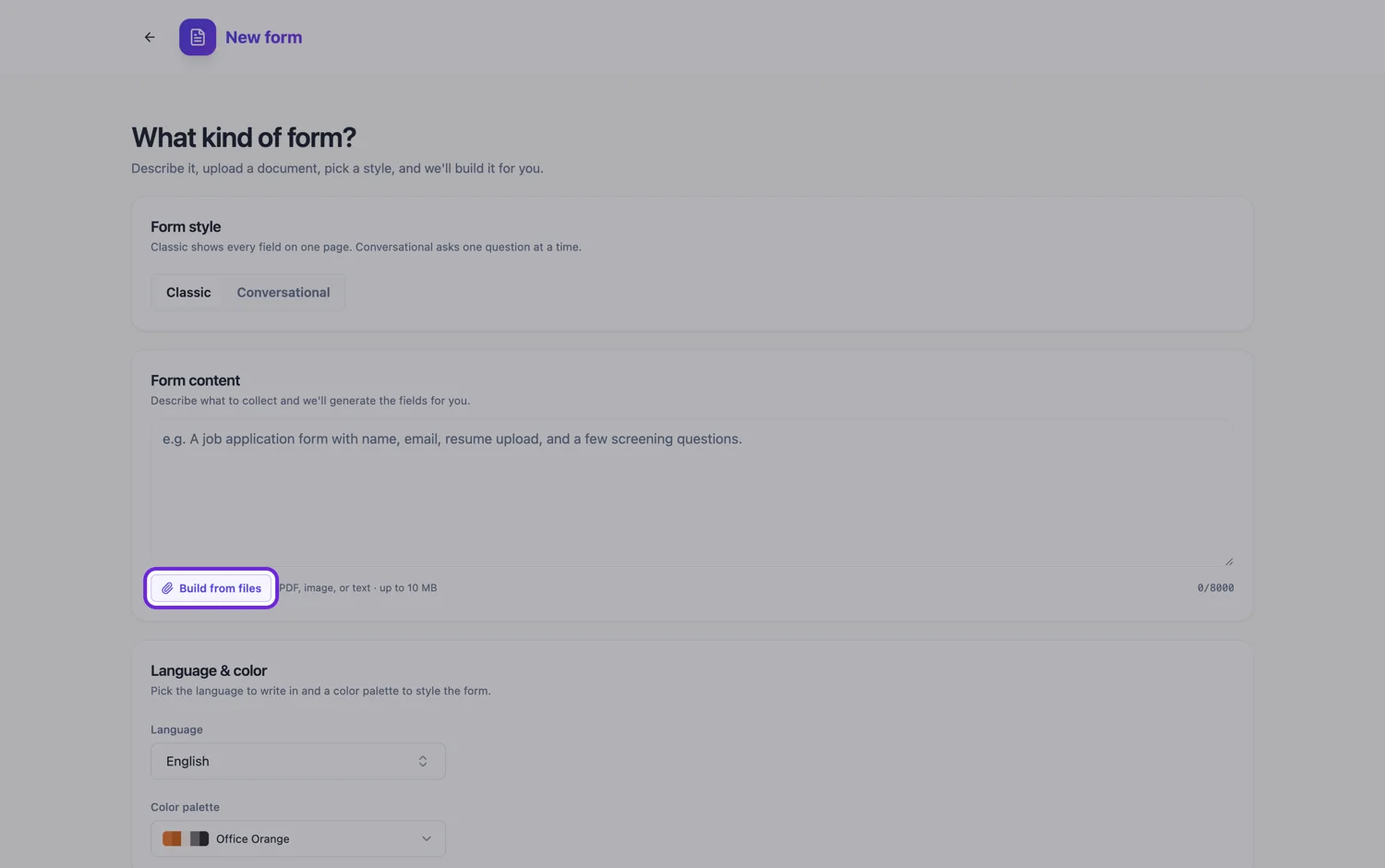
Two routes out of Word
The generator accepts PDF, plain text, PNG, JPG, WebP and GIF, not .docx. So you either export the document to PDF and attach it, or copy the text of the form into the prompt box. The two behave differently. An attached PDF is rendered as page images and read for its labelled fields and a summary, which captures layout such as tables and tick box rows but is not a word for word transcription. Pasted text is used exactly as typed, up to 10,000 characters. Word gives you the text already, so for most office forms the best result is both: paste the questions, and attach the PDF so the structure is visible.
What tables of boxes become
Word forms tend to use a table with a column of small squares. Where the options are mutually exclusive, that becomes a single choice question. Where several can apply, it becomes checkboxes. Where the table is a grid of statements down the side and a scale across the top, it becomes a matrix, which is one field rather than one per row. A table that people fill in with several lines of data becomes a table field with a fixed number of rows, which you set, since respondents cannot add rows.
What underscored blanks become
A run of underscores after a label reads as "answer here". A short blank on the same line as its label becomes a single line text field, and a blank several lines deep becomes a long text box. A blank labelled with a date becomes a date field and one asking for a quantity becomes a number field. An email or phone blank becomes a short text field, because a classic form has no separate email or phone type.
Content controls and legacy form fields
If the Word document uses content controls or the older legacy form fields, none of that survives as fields. A drop-down content control prints as whatever value is showing, so its other options never reach the PDF. Date pickers print as a date or placeholder text. List every drop-down's options in the prompt, in the order you want them, and they are used as written.
The header, logo and styling
The Word styling does not come across. The web form uses the theme you pick, from 37 themes and 22 colour palettes, and the printed version has its own PDF layout with a separate header and footer that you edit in the builder. A logo in the Word header is not lifted out as an image, so add it to the form yourself if you want it shown.
How it works, in three steps
Step 1
Save the document as PDF
Use Save As or Export to PDF in Word. Keep it under 10 MB, which almost any exported form is.
Step 2
Paste the questions and attach the PDF
Paste the form's text into the prompt for exact wording, attach the PDF for structure, and list the options of any drop-down.
Step 3
Check the choice questions
Single choice versus multiple choice is the judgement most worth checking, and it is one setting to switch per field.
The full walkthrough with screenshots is in the guide Convert a paper form into a web form.
Limits worth knowing
- Word .docx files are not accepted. Export to PDF, or paste the text into the prompt.
- Word content controls and legacy form fields do not come across as fields or as their option lists.
- Attaching a file is a paid plan feature, capped at five files of 10 MB each. Pasting text works on any plan.
- The prompt box holds 10,000 characters.
- Word tables used only for layout can come back as separate fields rather than one table.
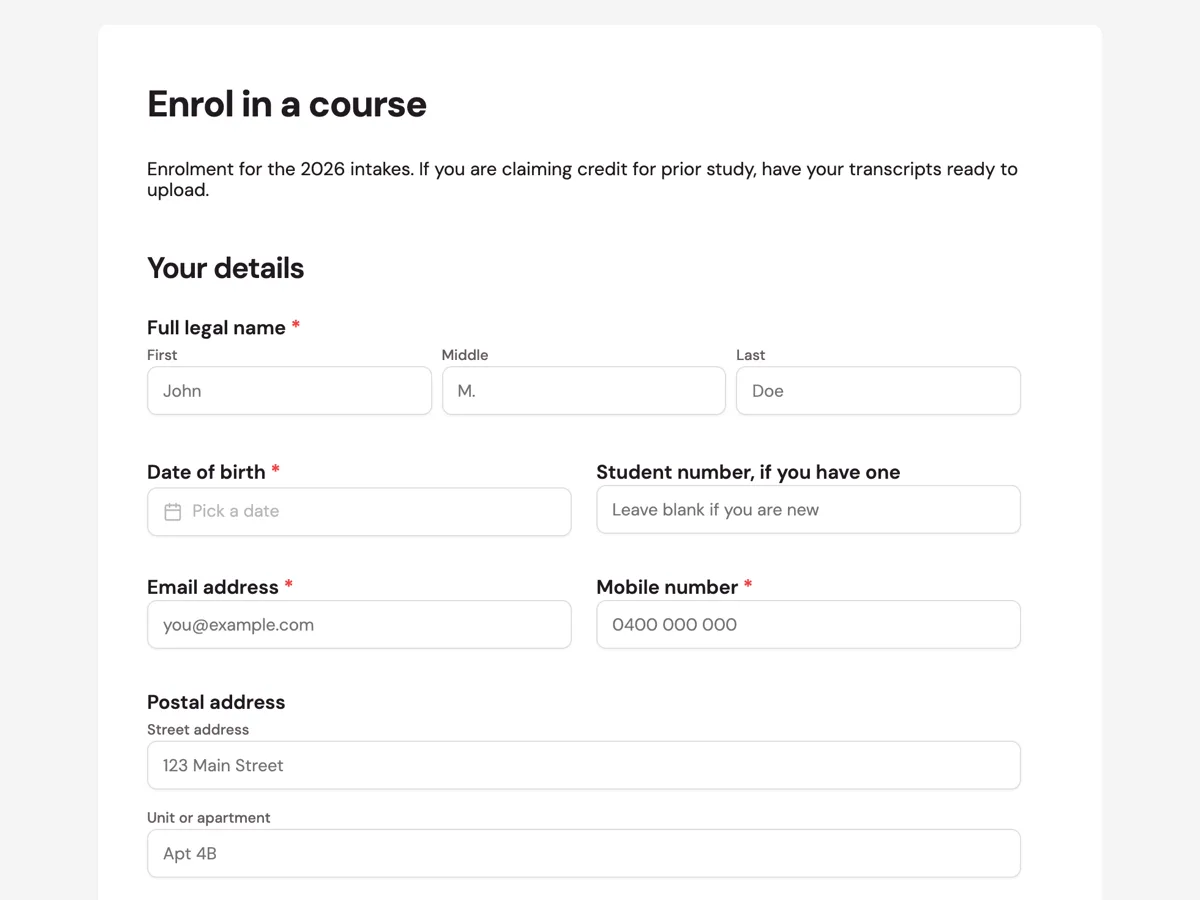
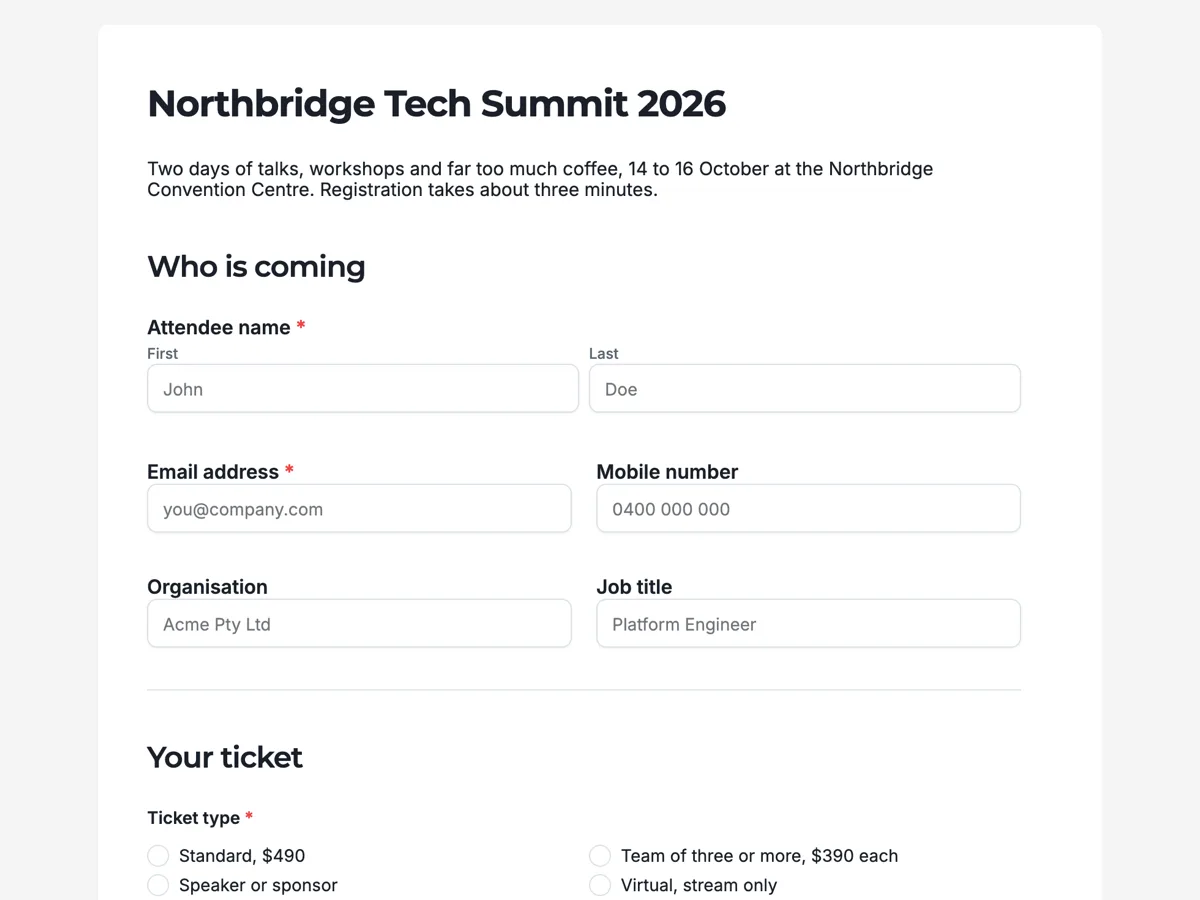
See it on a finished piece

Questions people ask
Is it better to paste the Word text or attach the exported PDF?
Both, if the plan allows. Pasted text is used exactly as written, so wording survives. The PDF is read as page images for its fields and a summary, which shows the model where tables, tick boxes and signature lines sit. On a free account attachments are unavailable, so paste the text and describe any tables in a line or two.
Can I save the Word form as plain text and attach that?
You can, since plain text is an accepted type, but you lose the layout that tells the model which lines are tick box rows or tables. An attached text file is also summarised into fields rather than transcribed. Pasting the same text into the prompt box keeps it word for word and costs nothing extra.
What happens to the drop-down lists in my Word form?
Their options do not survive the export, because a drop-down content control prints only the value currently showing. List the options in the prompt, for example Department: Finance, HR, Operations, Sales. They are used as written, and a long list usually suits a dropdown field while two or three options suit radio buttons.
Why did an email question come back as a short text field?
A classic form has no dedicated email or phone field type, so the generator uses short text for both. The label and placeholder still tell people what to enter. If you need an address checked before the form can be sent, a classic form cannot do that on its own, so review the answers when they arrive.
Will my Word form's header and logo appear on the web form?
No. Word styling, headers and embedded images are not carried over. The web form takes one of the built in themes and palettes, and the printed PDF layout has its own header and footer. Add your logo in the builder as an image block if the form should carry it.
Make your own form
The button opens the generator with this use case already described. Change the wording to match yours, generate, then edit anything you like.
Create a form with OneCraftRelated pages
Scan a form and make it digital
To scan a form and make it digital, scan it to one PDF at about 300 DPI, attach it to the form generator, and the pages come back as sections of an online form you can publish. The scanner settings and one sentence about repeated blocks decide most of the result.
Convert a paper form to an online form
To convert a paper form to an online form, give the generator the form in whichever shape you have it: a photo, a scan, or its questions typed out. It rebuilds the questions as fields you can publish on a link, and the paper version can live on as a printable PDF.
Turn a photo of a form into a digital form
You can turn a photo of a form into a digital form by attaching the phone photos to the form generator, one page per image, and it rebuilds the questions as fields. A flat, square, evenly lit shot is the whole trick, because the photo is transcribed line by line.
More finished work of this kind is on the form examples hub.
Written and checked by the OneCraft team. Last checked .