Forms
Convert a paper form to an online form
To convert a paper form to an online form, give the generator the form in whichever shape you have it: a photo, a scan, or its questions typed out. It rebuilds the questions as fields you can publish on a link, and the paper version can live on as a printable PDF.
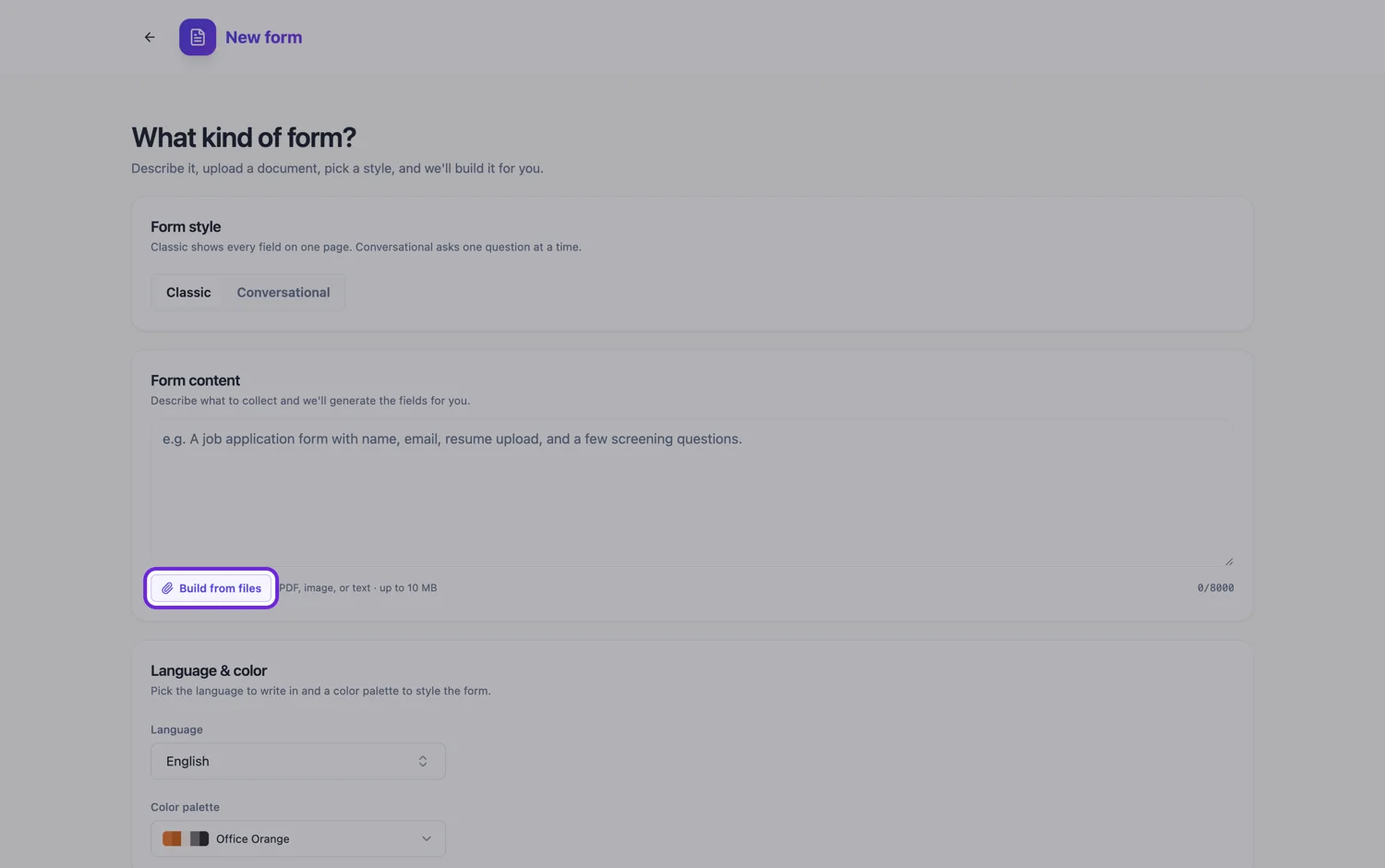
Pick the route that matches what you are holding
There are three ways in, and they are not equal. A phone photo or a PNG screenshot of each page is read with a verbatim transcription of every visible line, so it keeps the exact wording best. A PDF, including a scan saved as PDF, is turned into page images at about 200 DPI and read for its labelled fields and a summary, which is faster for long forms but can paraphrase. Typing the questions into the prompt box keeps every word exactly as you wrote it, up to 10,000 characters. Short forms suit photos, long forms suit a PDF, and anything where the legal wording matters suits the typed list.
Paper conventions do not all survive, and some should not
Paper has habits that make no sense on a screen. "Please write in block capitals" is pointless when people type. "Office use only" boxes belong in your own records, not in front of the respondent. Totals filled in by hand, reference numbers written twice and "see over" instructions exist because paper cannot calculate or branch. Tell the generator in one line which of these to drop, and delete anything it keeps. The UK government service manual makes the same point: every question has to earn its place, and you should know what each answer is used for.
What each paper element becomes
A printed label and blank becomes a short text field, and a blank several lines deep becomes a long text box. A row of tick boxes becomes a radio group when only one can apply, or checkboxes when several can. A grid of statements against a scale becomes one matrix field. A ruled table becomes a table field with named columns and a fixed number of rows, which you set to match the paper. Name, address and date blocks become the full name, address and date fields. An email or phone line becomes a short text field, because a classic form has no separate email or phone type.
Keeping paper for the people who need it
Converting does not have to mean dropping paper on the same day. Every classic form has its own PDF layout, separate from the screen layout, with its own order, header and footer, and fields you can hide from the printed copy. The blank template PDF downloads on any plan, so a front desk can keep a stack for walk in visitors. A fillable PDF that people type into in a reader comes from the Starter plan. If staff type the paper answers into the online form, both channels land in the same response list.
Where the answers go afterwards
The practical gain of converting is on the receiving end. Each submission arrives as a row rather than a sheet in a tray, and the CSV export has one column per field, starting with the submission time. Each response can also be downloaded as a PDF, with uploaded images and attached PDFs added as extra pages, so whoever filed the paper copy still gets a document. If a submission should notify someone, the email alerts add on sends the answers to one address.
How it works, in three steps
Step 1
Choose photo, scan or typed list
Photos or screenshots for short forms, one PDF for long ones, and the typed question list when the wording has to stay word for word.
Step 2
Say what to drop and what is mandatory
In the prompt, list the paper only boxes to remove, the questions that must be answered, and anything that should stay in the original wording.
Step 3
Set the printed copy
Open the PDF layout, hide the fields that only make sense online, and download the blank template for anyone still filling in paper.
The full walkthrough with screenshots is in the guide Convert a paper form into a web form.
Limits worth knowing
- Attaching files is a paid plan feature. A free account can still type the questions into the prompt box.
- Up to five files of 10 MB each in PDF, plain text, PNG, JPG, WebP or GIF. Word documents must be exported to PDF first.
- Answers already written on the paper are not imported as responses. The rebuilt form is blank.
- A table field shows a fixed number of rows. Respondents cannot add more, so set the count to the largest you expect.
- The fillable PDF export needs the Starter plan. The blank template PDF has no plan gate.
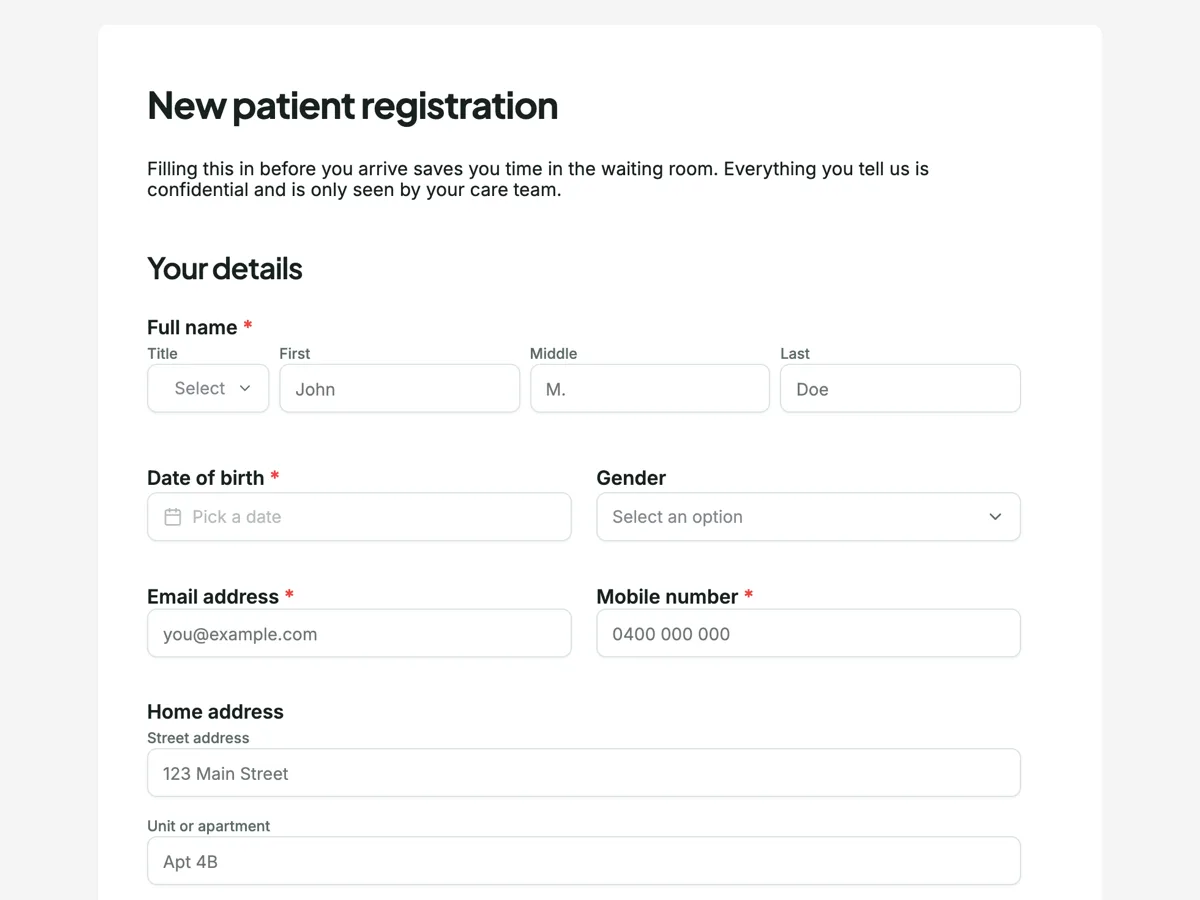
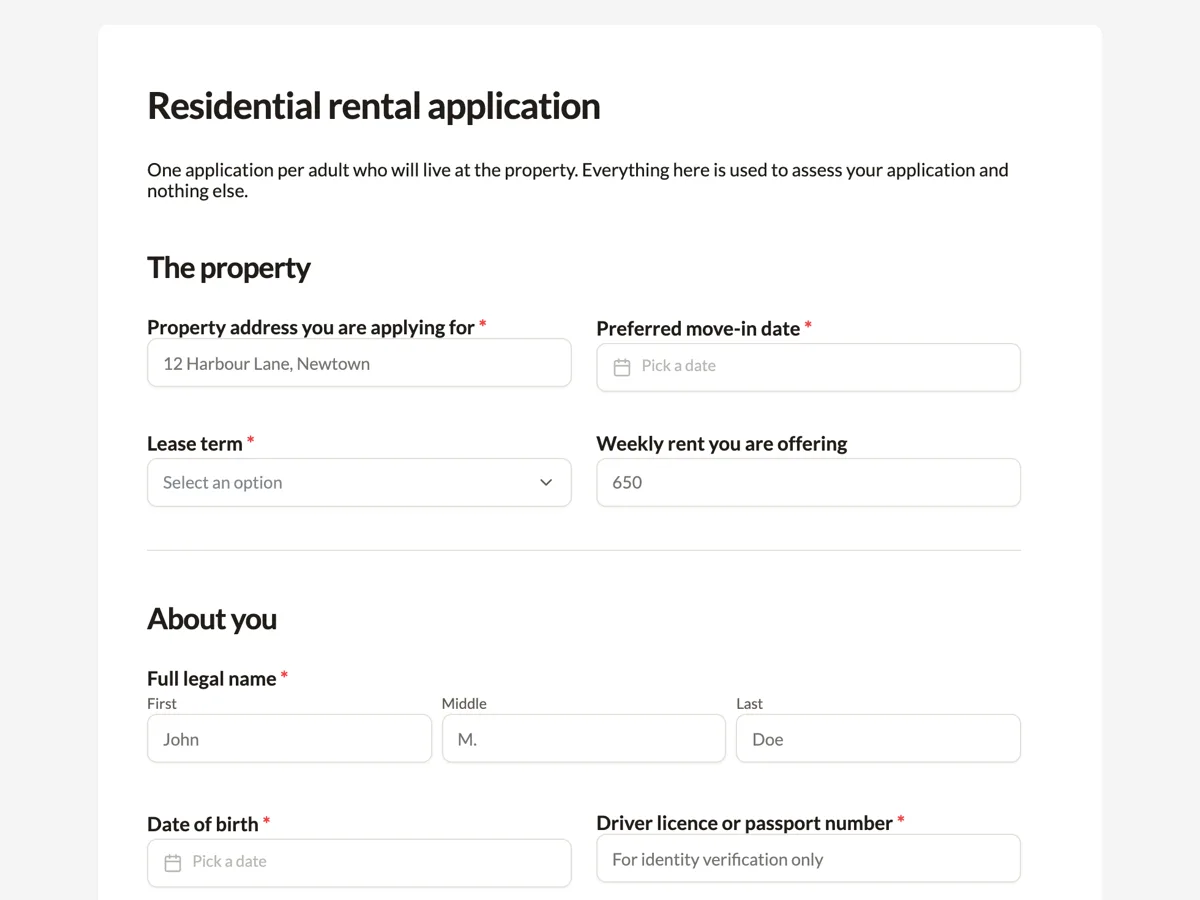
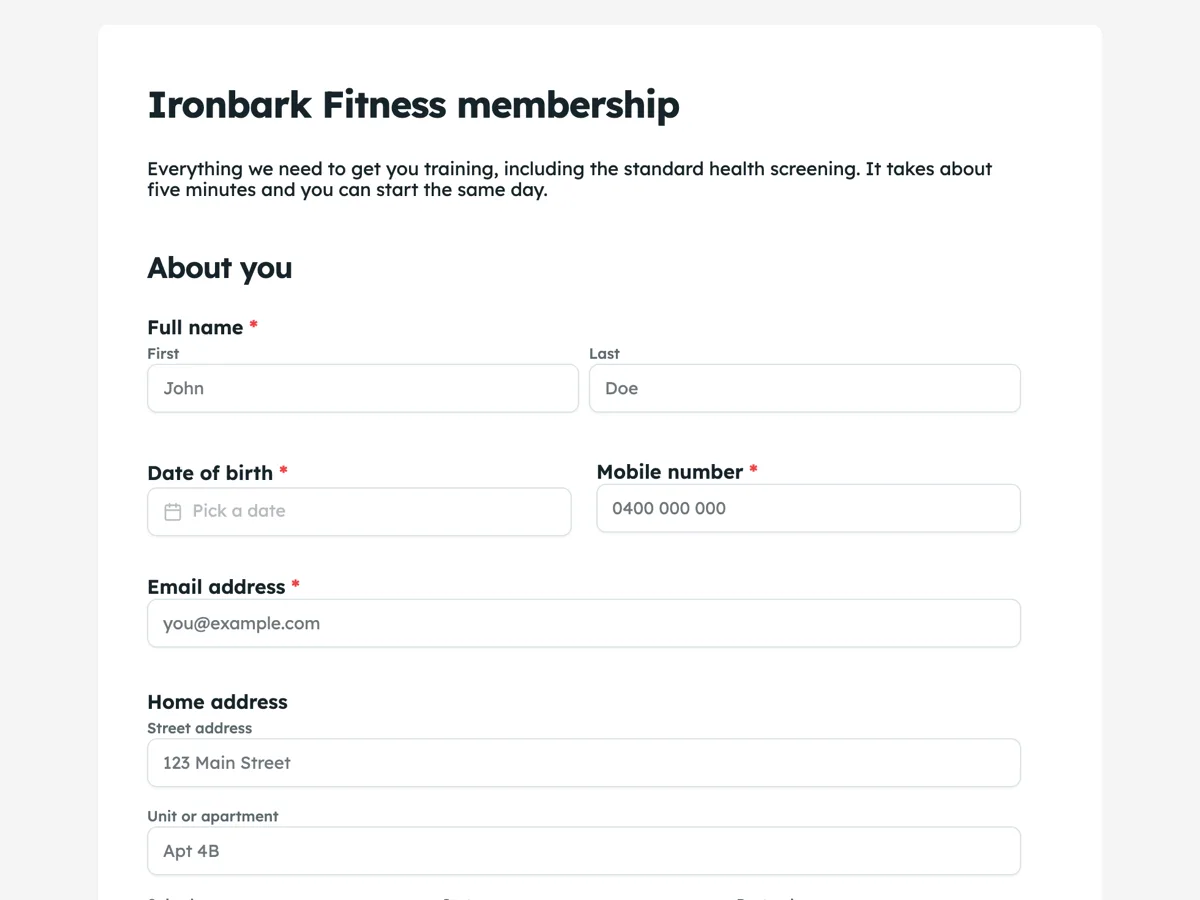
See it on a finished piece
Questions people ask
Is a photo, a scan or a typed list best for a paper form?
It depends on length and wording. Photos and screenshots are transcribed line by line, so they keep wording best on short forms, and five files is the attachment limit. A PDF suits long forms because one file can hold many pages, but it is read for fields and a summary. Typing the questions keeps every word exact and needs no paid plan.
What should I do with the office use only box on my paper form?
Leave it out of the online form. Staff notes, approval stamps and file numbers belong in your own records once the response arrives, not in front of the person filling it in. Say in the prompt that office use sections should be dropped, then check the field list in case one survived as a text field.
Can the paper version and the online version run side by side?
Yes. Publish the link for people who will fill it in online and download the blank template PDF, which has no plan gate, for everyone else. Because the PDF layout is edited separately, the printed copy can carry instructions such as a return address that the screen version does not need.
What happens to the declaration and signature at the bottom of the page?
Keep the declaration as a required checkbox or a paragraph above one, and turn the signature line into a signature field, where the person draws or types their signature and it prints into the response PDF. If several people must sign by email after submission, use the e-signature field instead, which is available on classic forms only.
Will the online form ask exactly the same questions as the paper one?
It starts from the same questions in the same order, but labels can be tidied and a question worded for paper, such as "tick one box only", often reads better rewritten. If the wording is regulated, type the questions into the prompt and ask for them to be kept word for word, then compare the field list against the sheet.
How long does it take to convert a typical paper form?
Generation runs as a background job with a five minute limit. The time that matters more is the check afterwards: reading the field list against the paper once, fixing required flags and choice types, and setting each table's row count. A short form with few tables needs one careful read; a long one with grids and tables needs more.
Make your own form
The button opens the generator with this use case already described. Change the wording to match yours, generate, then edit anything you like.
Create a form with OneCraftRelated pages
Turn a photo of a form into a digital form
You can turn a photo of a form into a digital form by attaching the phone photos to the form generator, one page per image, and it rebuilds the questions as fields. A flat, square, evenly lit shot is the whole trick, because the photo is transcribed line by line.
Scanned document to editable
A scan carries no text, only a picture of text, so everything depends on how good the picture is. This page is about the difference between a scan that rebuilds cleanly and one that costs you an afternoon.
Convert a PDF form to an online form
To convert a PDF form to an online form, attach the PDF to the form generator and it rebuilds the questions as fields you can publish on a link. The PDF is read as page images, so an exported PDF and a scanned one go down the same path.
More finished work of this kind is on the form examples hub.
Written and checked by the OneCraft team. Last checked .