Forms
Convert a PDF form to an online form
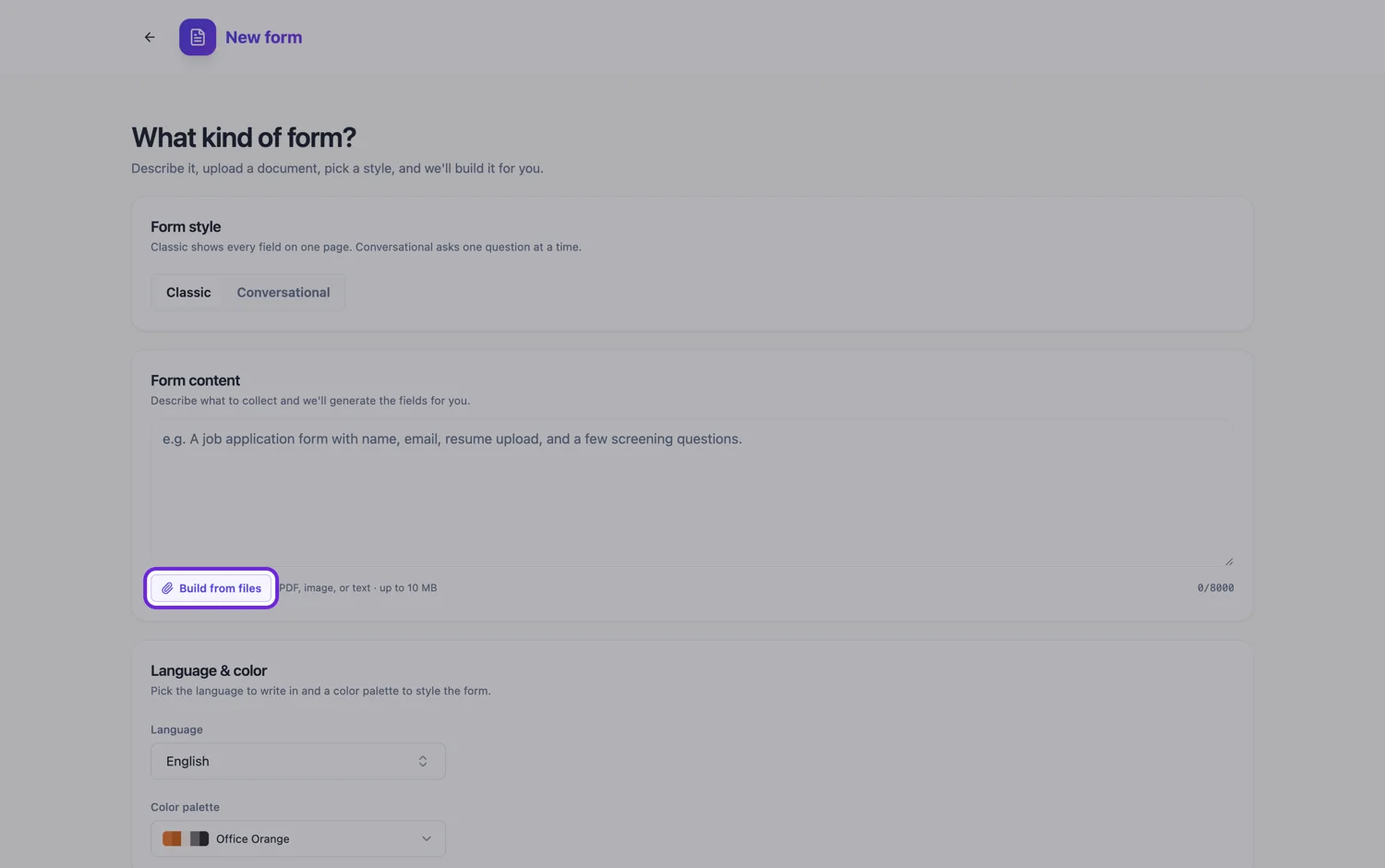
To convert a PDF form to an online form, attach the PDF to the form generator and it rebuilds the questions as fields you can publish on a link. The PDF is read as page images, so an exported PDF and a scanned one go down the same path.
How the PDF is read
The PDF is not parsed as text. Each page, up to 100 of them, is rendered as an image at about 200 DPI and read by a vision model, which returns the document type, a summary, key points and every labelled field with its label as written. That field list is what the form is built from. A PDF exported from office software and a PDF produced by a scanner are handled identically, so there is no bonus for having the original file rather than a scan, other than the scan being cleaner or not.
When a screenshot beats the PDF
Image files are read differently. A PNG, JPG or WebP of a page is transcribed verbatim, line by line, in reading order, and that full text reaches the form builder alongside the field list. A PDF gets the field list and a summary only. So when the exact wording of an instruction or a declaration matters, a screenshot of that page keeps it better than the PDF of the same page. For a long form, send the PDF for the structure and add screenshots of the one or two pages where wording is regulated, within the five file limit.
Tick boxes, tables and signature lines
A row of tick boxes with mutually exclusive options becomes a radio group, and a row where several can apply becomes checkboxes. A ruled table of line items becomes a table field with the same named columns. The table shows a fixed number of rows, set by you, and respondents cannot add more, so give it as many rows as the paper had or the most anyone will need. A signature line becomes a signature field that the respondent draws or types into, and it prints into the response PDF.
What happens to existing fillable fields
If the PDF is already a fillable form with AcroForm fields, those fields are not carried across as fields. The pages are rendered as images, so a text box in the PDF looks like any other empty box and is rebuilt from its printed label. Drop-down menus inside the PDF are the weak point: only the value showing on the page is visible, so list the full set of options in the prompt.
Keeping a PDF at the end of it
Converting does not mean giving up the document. Every submitted response can be downloaded as a PDF with the answers in place, and uploaded images and attached PDFs are added to it as extra pages. The form also keeps its own PDF layout, so you can download a blank template on any plan, or a fillable PDF that people type into in a reader from the Starter plan.
How it works, in three steps
Step 1
Attach the PDF
One multi page file is fine, up to 10 MB. If a page carries wording that must stay exact, add a PNG screenshot of that page as a second file.
Step 2
Name the awkward fields in the prompt
Say which line is a signature, which block is a table and how many rows it needs, which questions are required, and the options of any drop-down.
Step 3
Publish and keep the PDF output
Publish the link for people who fill it in online, and use the response PDF for anyone downstream who still wants a document.
The full walkthrough with screenshots is in the guide Convert a paper form into a web form.
Limits worth knowing
- Attaching a file is a paid plan feature.
- Five files per generation, 10 MB each. A PDF is read up to 100 pages.
- A PDF is read for its labelled fields and a summary, not transcribed word for word. Images are transcribed.
- Existing AcroForm fields in the source PDF are not carried across as fields.
- A table field shows a fixed number of rows and has no button to add more.
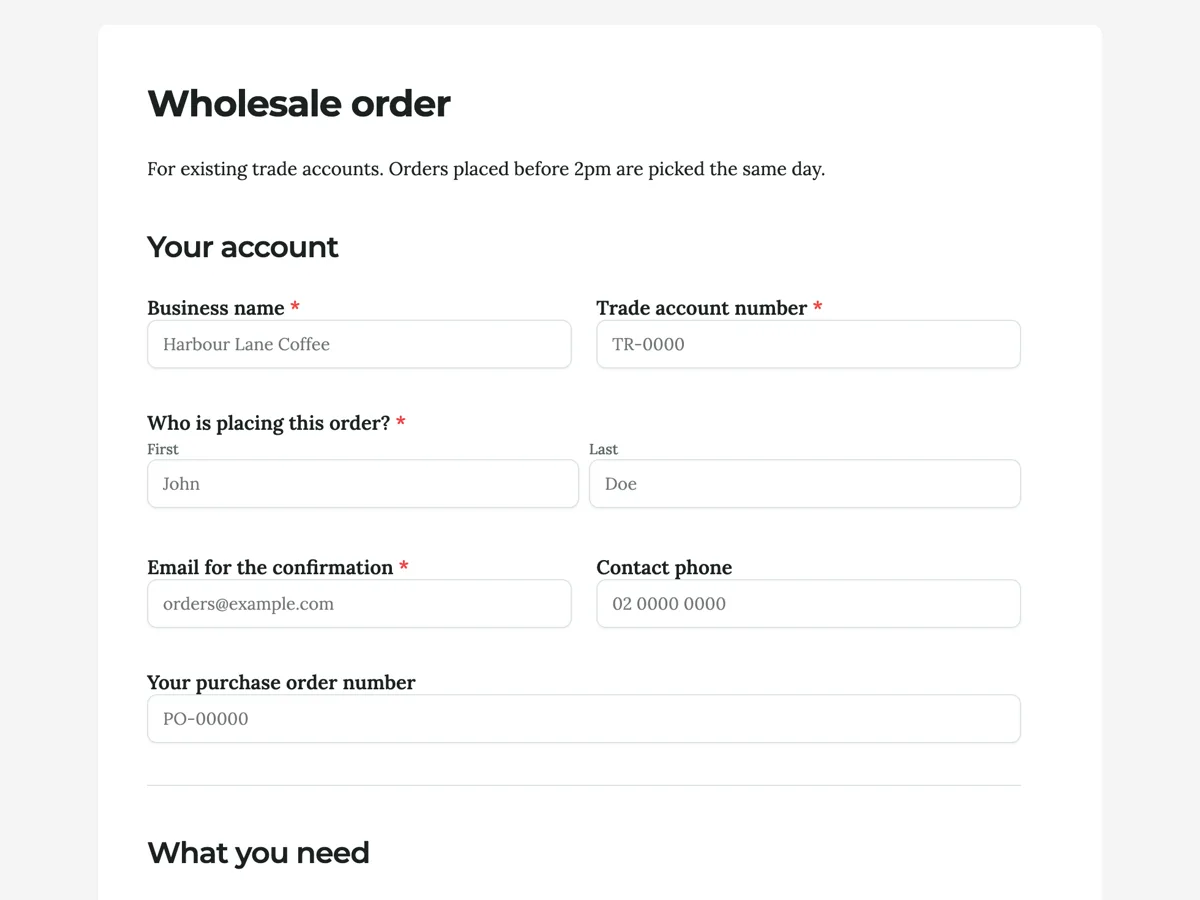
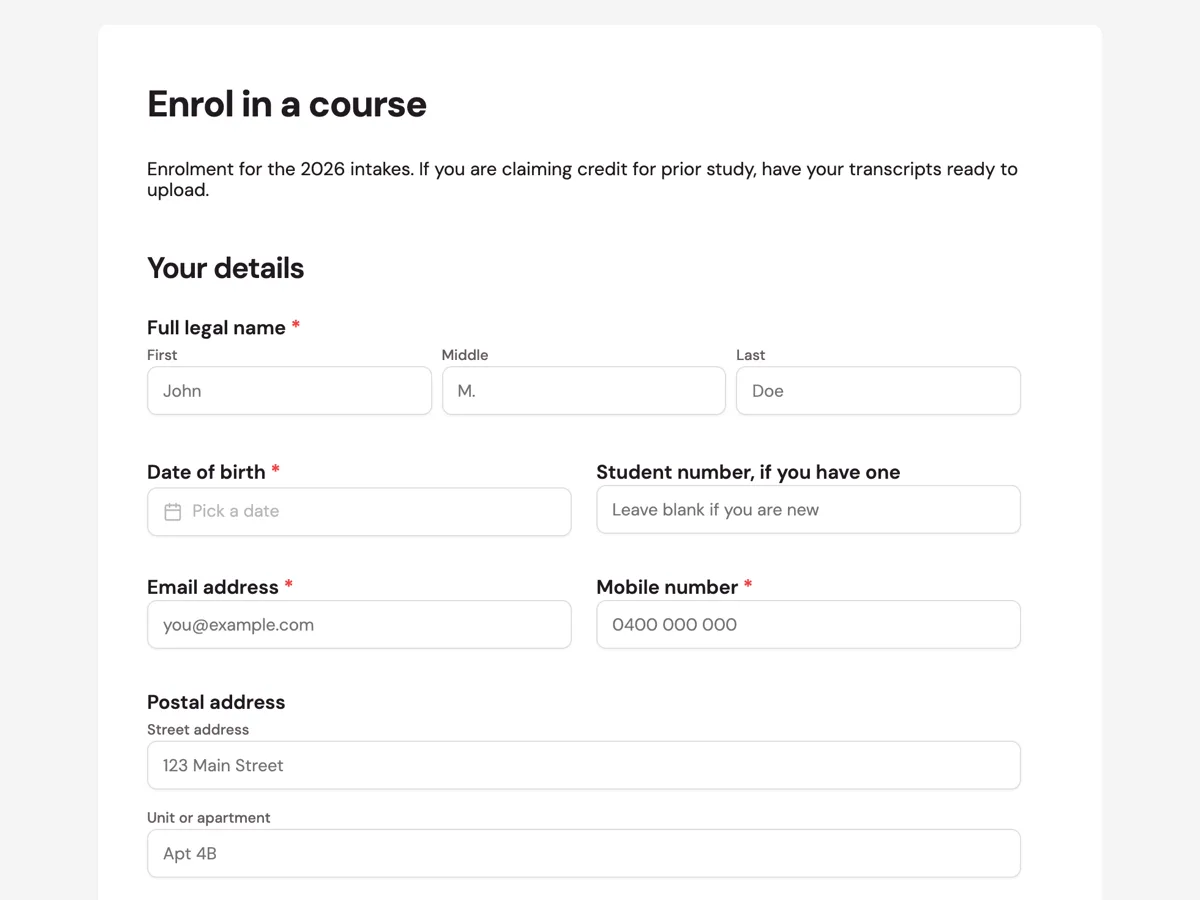
See it on a finished piece

Questions people ask
Why did some wording change from my PDF form?
A PDF is read for its labelled fields and a summary rather than transcribed line by line, so long instructions can come back shortened or paraphrased. Labels are usually kept as written. If a sentence must stay exact, paste it into the prompt and say so, or attach a PNG screenshot of that page, which is transcribed verbatim.
Does a scanned PDF read worse than one exported from software?
Only as much as the scan itself is worse. Every PDF is rendered to page images before it is read, so an exported file and a clean scan follow the same path. A skewed, faint or photocopied scan loses thin rules and small print, so rescan rather than correcting dozens of fields by hand.
How many rows should a converted table field have?
As many as anyone will realistically fill in, because the table draws exactly that many rows and respondents cannot add more. Match the paper if it printed ten rows. If most people need two and a few need twenty, consider a long text field or a file upload for the long cases instead of a very tall table.
Can the online version keep my PDF's section headings?
Yes. Headings printed on the pages are read as labelled structure and usually come back as section headings, in page order. If you want each section on its own screen, set the classic form to the paginated layout, which splits it into pages with Back and Next buttons, or build it as a conversational form.
Is there a page limit for a PDF form?
The reader renders up to 100 pages of one PDF, and each file is capped at 10 MB. A long scanned form can pass the size cap before the page cap, so scan in greyscale at around 300 DPI, or split it into two files, since five files can be attached to one generation.
Make your own form
The button opens the generator with this use case already described. Change the wording to match yours, generate, then edit anything you like.
Create a form with OneCraftRelated pages
Make a fillable PDF from a form
A fillable PDF is a document with real form fields in it. People open it in any reader, type into the boxes, save it and send it back. It is what you need when the recipient will not use a link but will use a computer.
Convert a Word form to a web form
To convert a Word form to a web form, save the document as PDF and attach it to the form generator, or paste its questions into the prompt box, and the questions come back as fields you can publish on a link. Word files cannot be attached directly.
Edit a PDF flyer without the original file
Print PDFs outlive the people who made them. When the artwork file is gone and only the export survives, the useful question is not whether a PDF can be rebuilt but how much of it comes back, and the answer depends on something most people would never guess: the PDF is read as pictures, not as text.
More finished work of this kind is on the form examples hub.
Written and checked by the OneCraft team. Last checked .