Forms
Make a fillable PDF from a form
A fillable PDF is a document with real form fields in it. People open it in any reader, type into the boxes, save it and send it back. It is what you need when the recipient will not use a link but will use a computer.
What makes it fillable
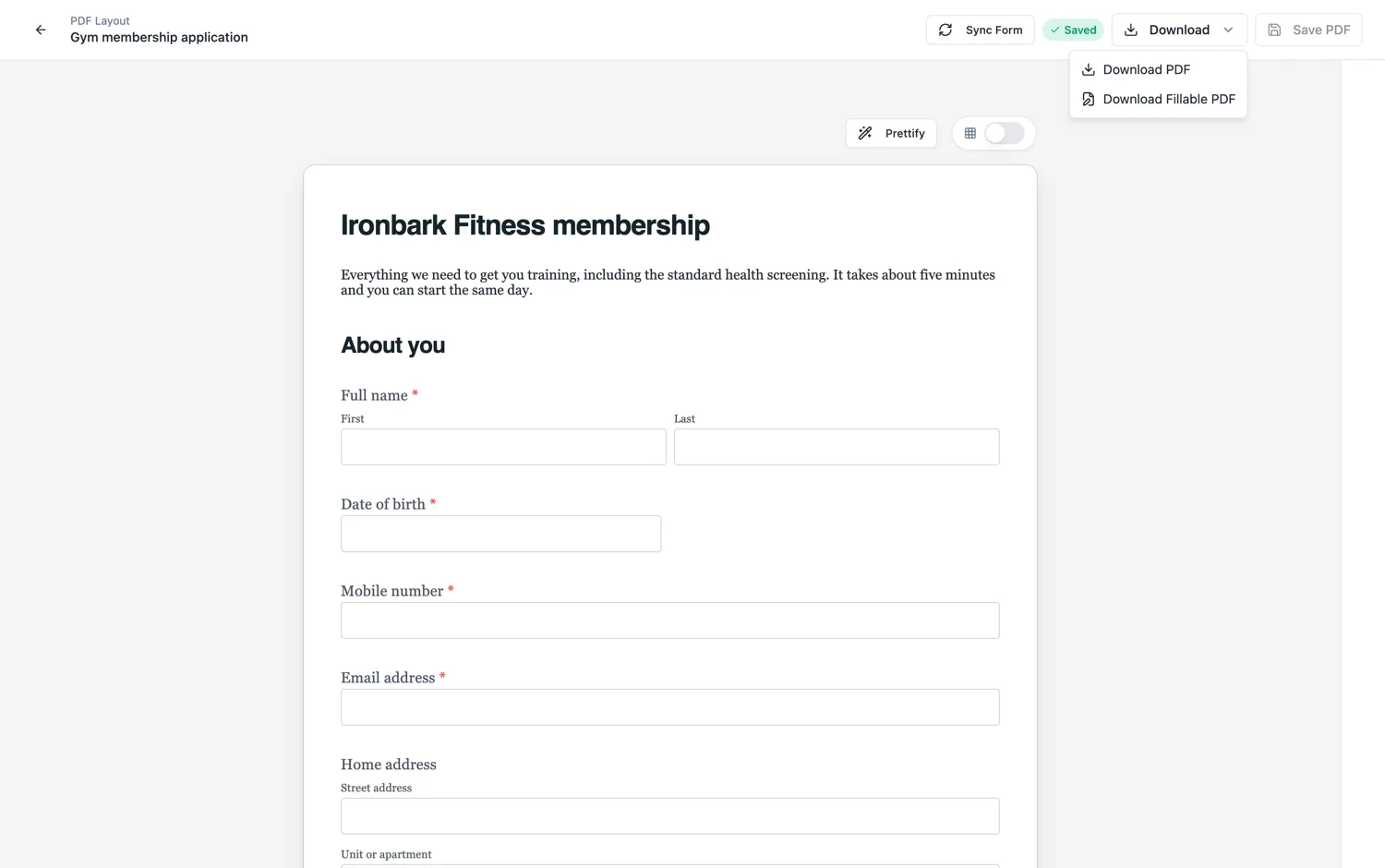
The export builds real PDF form fields rather than drawing boxes on a page. Text fields accept typing, choice fields behave as choices, and the whole thing can be filled in and saved in any standard reader without printing. That is the difference between a fillable PDF and a blank template, which is just a picture of a form.
When it is the right answer
When the recipient is an organisation with a document process rather than a person with a phone. Procurement, legal and government workflows often require a returnable file rather than a link. It is also the honest answer for anyone who will not click a link from an email, which is a real and reasonable position in a lot of industries.
What you give up
Everything the online form does after submission. No responses table, no export, no email alert, no webhook, no validation, no required-field enforcement. A returned fillable PDF is a file in your inbox, and somebody has to read it. Use it for the recipients who need it, and keep the link for everybody else.
The plan gate
Fillable PDF export is available from the Starter plan. On a free account the request comes back refused with an upgrade message. The blank template PDF and the response PDF are not gated, so a free account can still print a form and download a submitted response as a document.
Which fields become PDF fields
Fifteen types convert: short and long text, email, phone, number, date, time, dropdown, radio, checkbox, full name, address, fill in the blank, table and matrix. They become real AcroForm fields, so any standard reader can type into them. What does not convert is anything that is not a value: a file upload has nothing to hold a file, and a signature is left as a visible box to sign with a stylus or by hand, because a PDF signature field means a cryptographic signature and a text box drawn over the box would cover it.
Queued, not instant
The export runs as a job rather than in the request, so a large form comes back after a short wait rather than timing out. That is also why the download button waits a moment before it gives you the file. It is the same path the response PDF uses, and the wait scales with how many pages the layout produces.
How it works, in three steps
Step 1
Lay out the PDF version first
The fillable export follows the PDF layout, so reorder or hide fields there before exporting.
Step 2
Export the fillable PDF
It is generated in a queue and downloads when ready.
Step 3
Test it in a reader
Open it, tab through the fields and save. Tab order is the thing worth checking before you send it out.
The full walkthrough with screenshots is in the guide Shape the PDF version of your form.
Limits worth knowing
- Available from the Starter plan. Free accounts get an upgrade message.
- A returned fillable PDF does not appear in your responses table. It is a file, not a submission.
- No required-field enforcement or validation inside the PDF.
- Classic forms only.
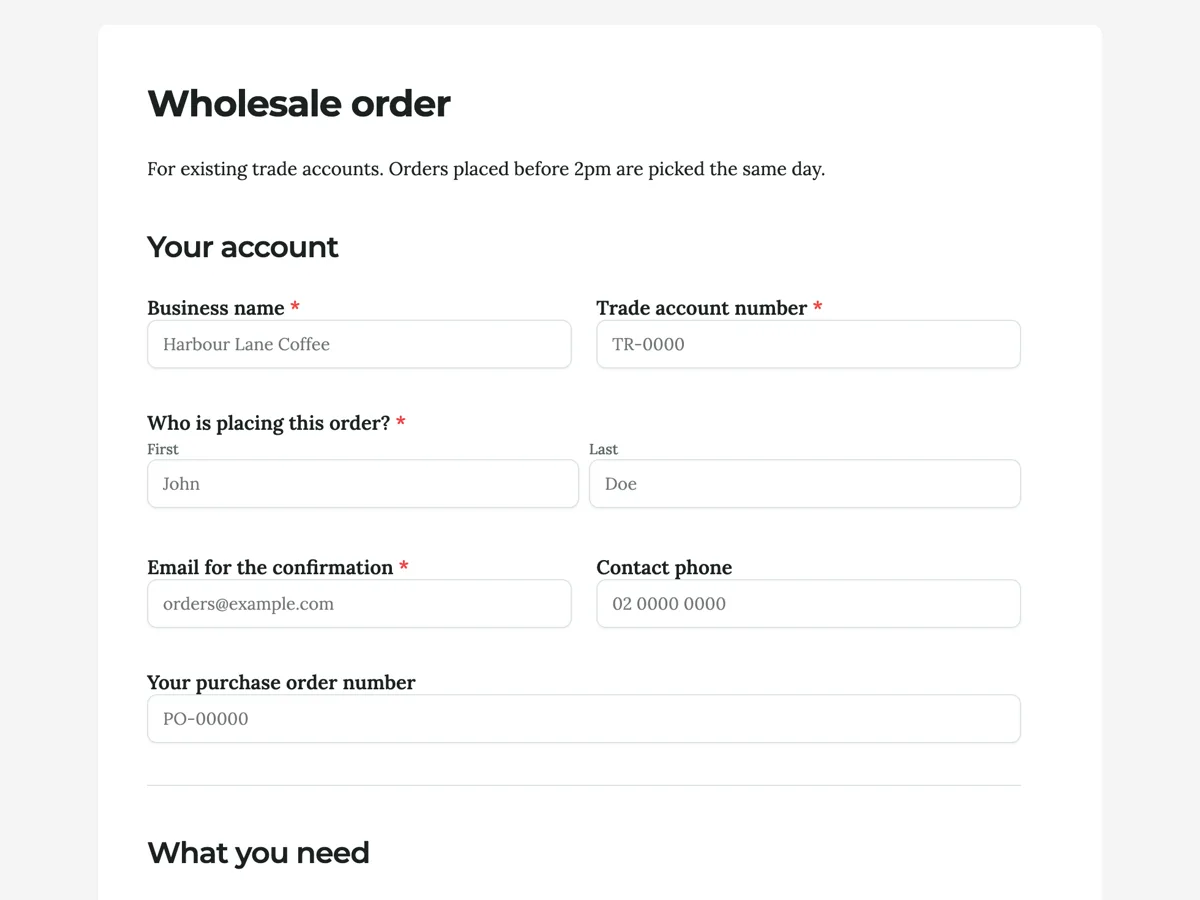
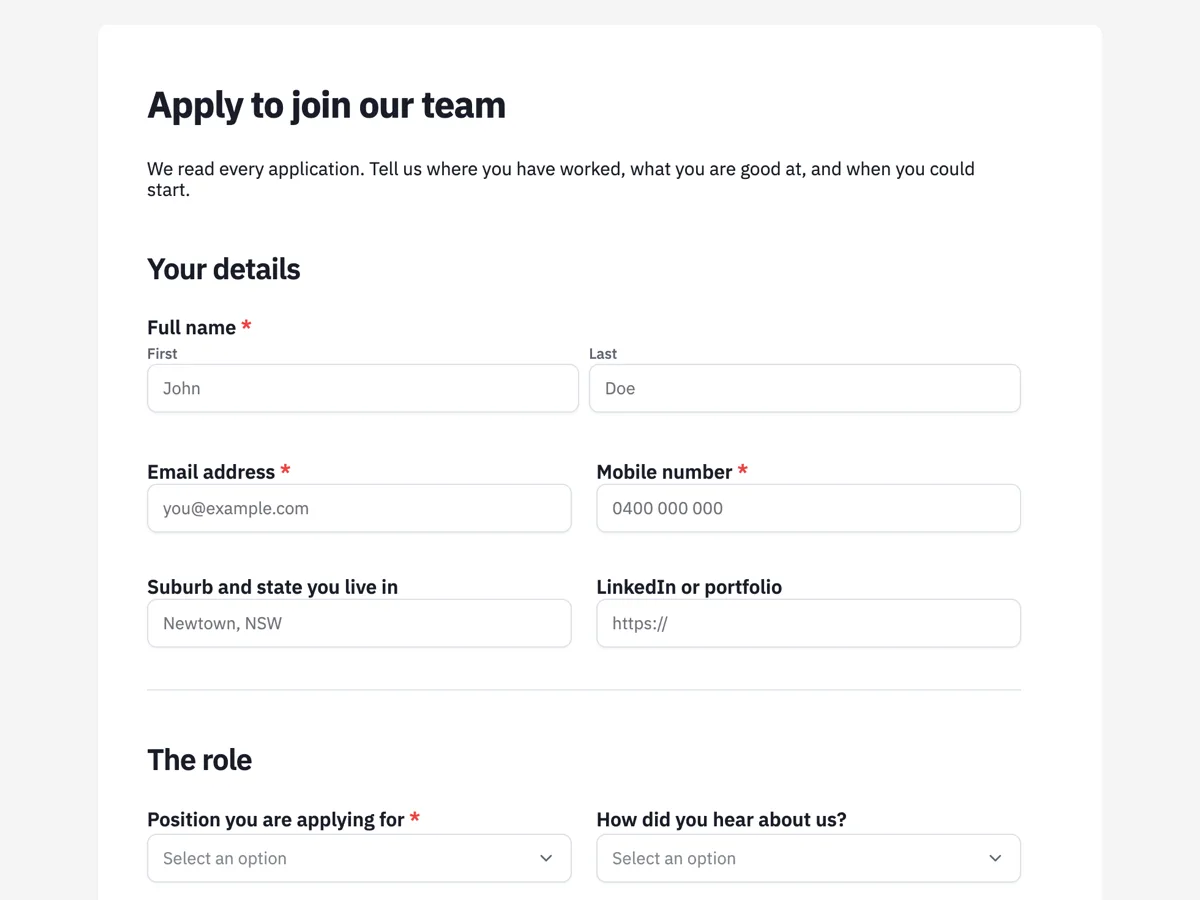
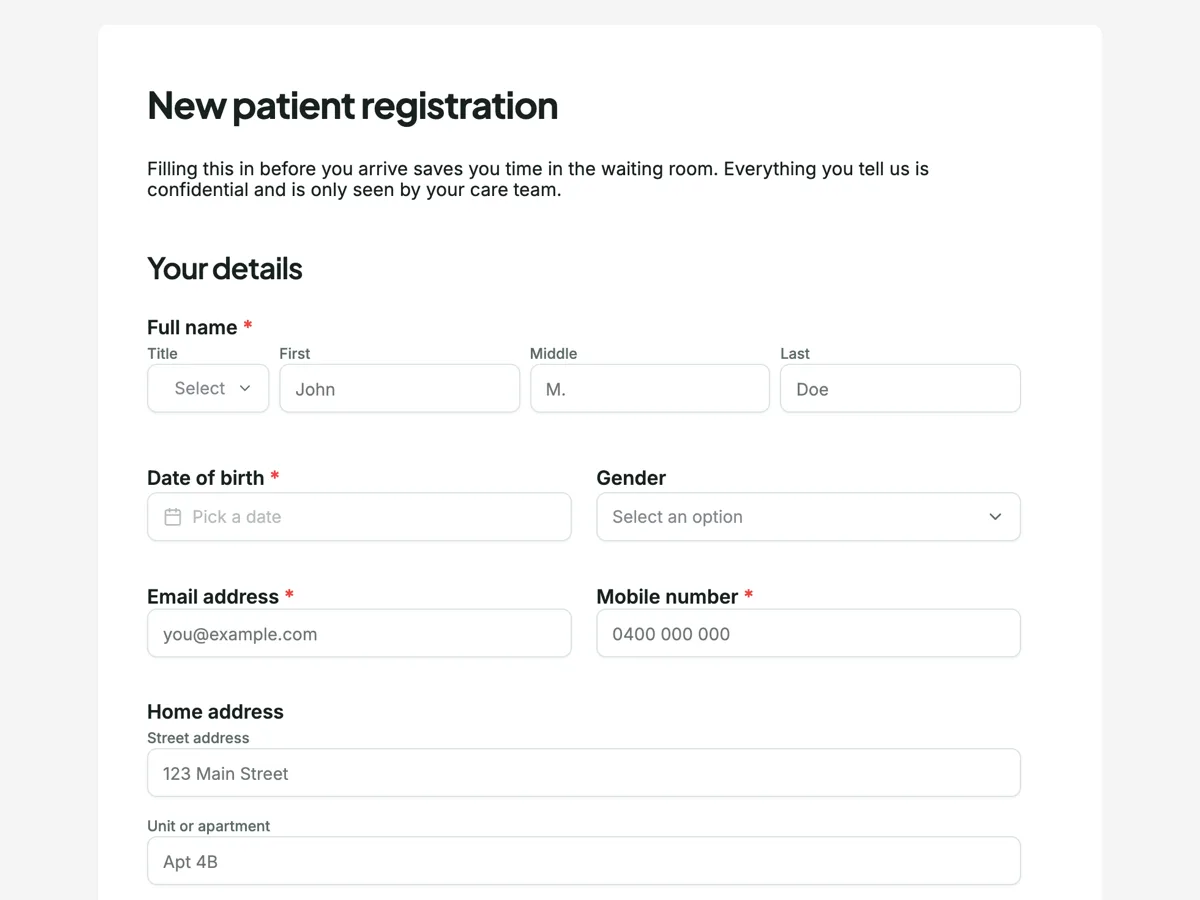
See it on a finished piece
Questions people ask
Do I need a paid plan for a fillable PDF?
Yes, from the Starter plan. The blank template PDF and the response PDF are not gated, so a free account can still print a form and print a submitted response. It is only the version with typeable fields in it that sits behind the plan, and asking for it on a free account returns a clear message rather than a broken download.
Do fillable PDF answers come back into my responses?
No. A returned PDF is a file somebody emails you, and nothing reads it back into the table. Only submissions through the form link become rows you can sort, export and count. Use the fillable PDF for the people who genuinely cannot use the link, and type their answers in afterwards if they need to be counted.
Which readers can fill it in?
Any standard PDF reader, because the export creates real AcroForm fields rather than drawing boxes that look like fields. That includes Acrobat, Preview on a Mac, and the built in viewers in Chrome and Edge. A reader that cannot fill forms will still show the document correctly.
Why does the download take a minute?
Because the file is built on a queue rather than in your browser. The form is rendered, the field boxes are positioned in PDF points against the real page sizes, and the fields are created in the document, then the finished file comes back. For a short form that is seconds; for a long one with a table and a matrix it is longer.
Can I brand the fillable PDF?
Yes, through the PDF layout: the header and footer there print on the fillable export as well, so a form somebody fills in on paper or on screen still carries your name, address and any reference line you need. Fields you hid in that layout stay off the fillable version too.
Make your own form
The button opens the generator with this use case already described. Change the wording to match yours, generate, then edit anything you like.
Create a form with OneCraftRelated pages
Download a form response as a PDF
A response is a row in a table, which is right for you and useless for anyone downstream. The response PDF turns one submission into a document: the questions, the answers, the photos and the attachments in one file.
Download a form as a PDF
Not everyone will use the link. A blank template PDF gives you the same form as a printable page, laid out properly rather than screenshotted, with a header, a footer and page numbers.
Proposal to PDF without layout surprises
Turning a proposal into a PDF should give a file that matches the screen page for page, so the copy the client files is the copy they accepted. Here the PDF is rendered on a server in a headless browser from the same layout the builder and the client view use.
More finished work of this kind is on the form examples hub.
Written and checked by the OneCraft team. Last checked .