Forms
Download a form as a PDF
Not everyone will use the link. A blank template PDF gives you the same form as a printable page, laid out properly rather than screenshotted, with a header, a footer and page numbers.
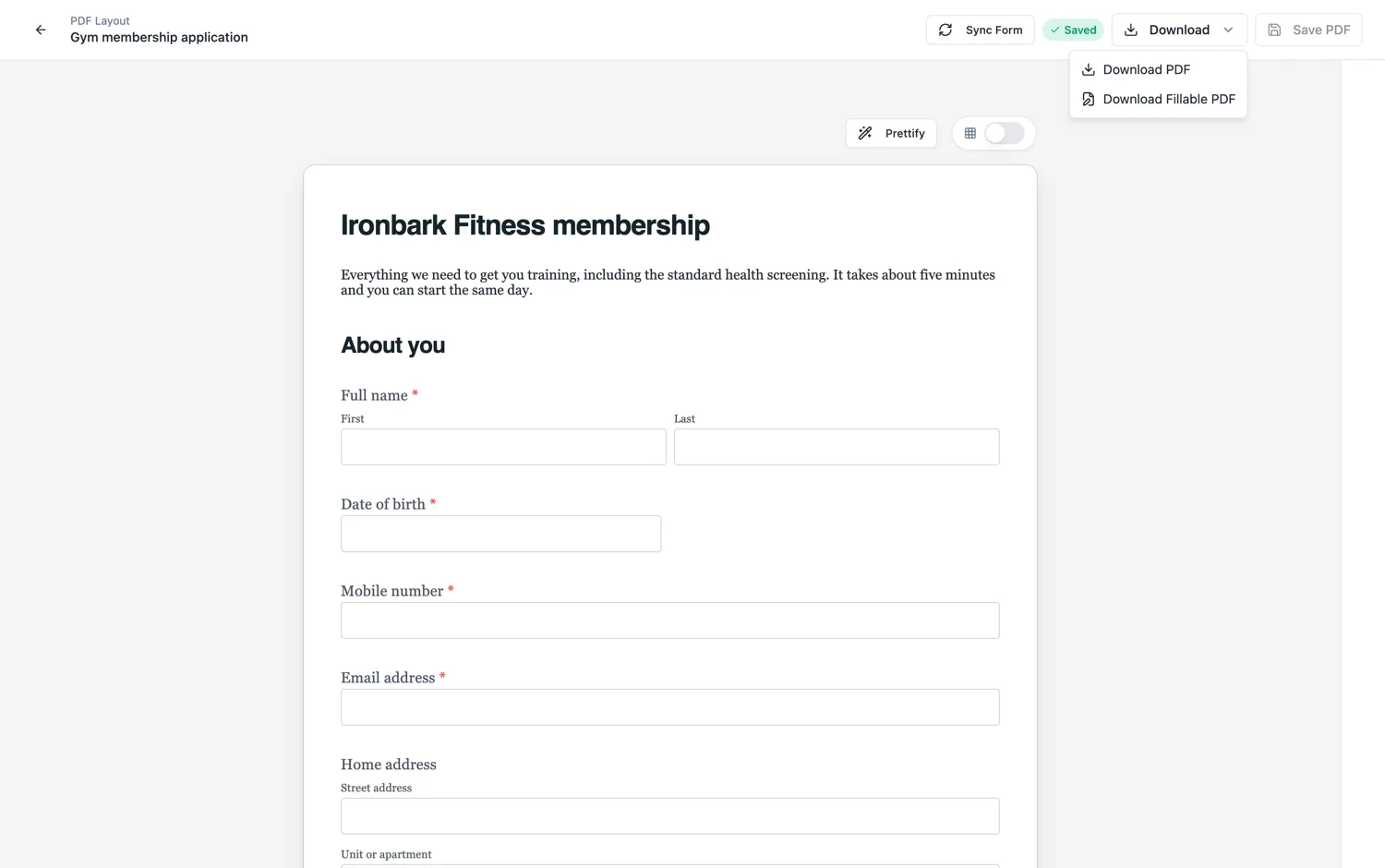
It is a layout, not a screenshot
The PDF is built by a page layout engine, not captured from the screen. That means fields are never cut in half by a page break, a section heading never sits alone at the bottom of a page, and the spacing is set for paper rather than for a browser window. It is the same engine that drives paginated mode on screen.
Page size and margins
Page size is a form setting: A4 portrait, A4 landscape, Letter or a custom size. Choose it before you lay the form out, because changing it afterwards moves every page break, and if your audience is in the United States, Letter is the paper that is in the tray. Padding is set per side or symmetrically.
Margins are where prints go wrong
Padding can be set symmetrically or per side. Most desktop printers cannot print to the edge and will silently shrink or clip a page whose content runs too close. Around fifteen millimetres of margin is a safe minimum, and more on the side you might staple or hole punch.
Header and footer
The PDF layout carries its own header with a logo and a company name, and its own footer with free text and a page number. Both can be shown on every page or only on the first or last. This is separate from any on-screen branding, so a plain form on screen can print with a full letterhead.
Check the breaks before you print a hundred
Open the PDF once. Look for a section heading stranded at the foot of a page, a signature block that has been pushed onto a page of its own, and any field that lands awkwardly across a fold. Adjusting the spacing above a block is usually the whole fix. On a printed form the header and footer page numbers are how somebody knows a page is missing once the sheets have been photocopied.
Blank template, filled response, or fillable
Three different PDFs, and it is worth knowing which one you want. The blank template is this page: an empty form to print. The response PDF is one submitted response with the answers in it. The fillable PDF is a real form-field document people can type into in a reader, and that one is available from the Starter plan.
How it works, in three steps
Step 1
Set the page size and padding
A4 portrait or Letter, with enough padding that a printer will not clip the edges.
Step 2
Check the PDF layout
The PDF has its own order, header and footer. Open it once before you print a hundred copies.
Step 3
Download the blank template
Generation is queued, so it takes a moment and then downloads.
The full walkthrough with screenshots is in the guide Shape the PDF version of your form.
Limits worth knowing
- PDF export is for classic forms. Conversational forms flatten into a page layout rather than being designed for print.
- PDFs are generated in a queue and can take a moment on a long form.
- The blank template has no form fields in it. For a document people can type into, use the fillable PDF.
- There is no bleed or crop mark support. This is office printing, not commercial print.
- Page size applies to the whole form, not per page.
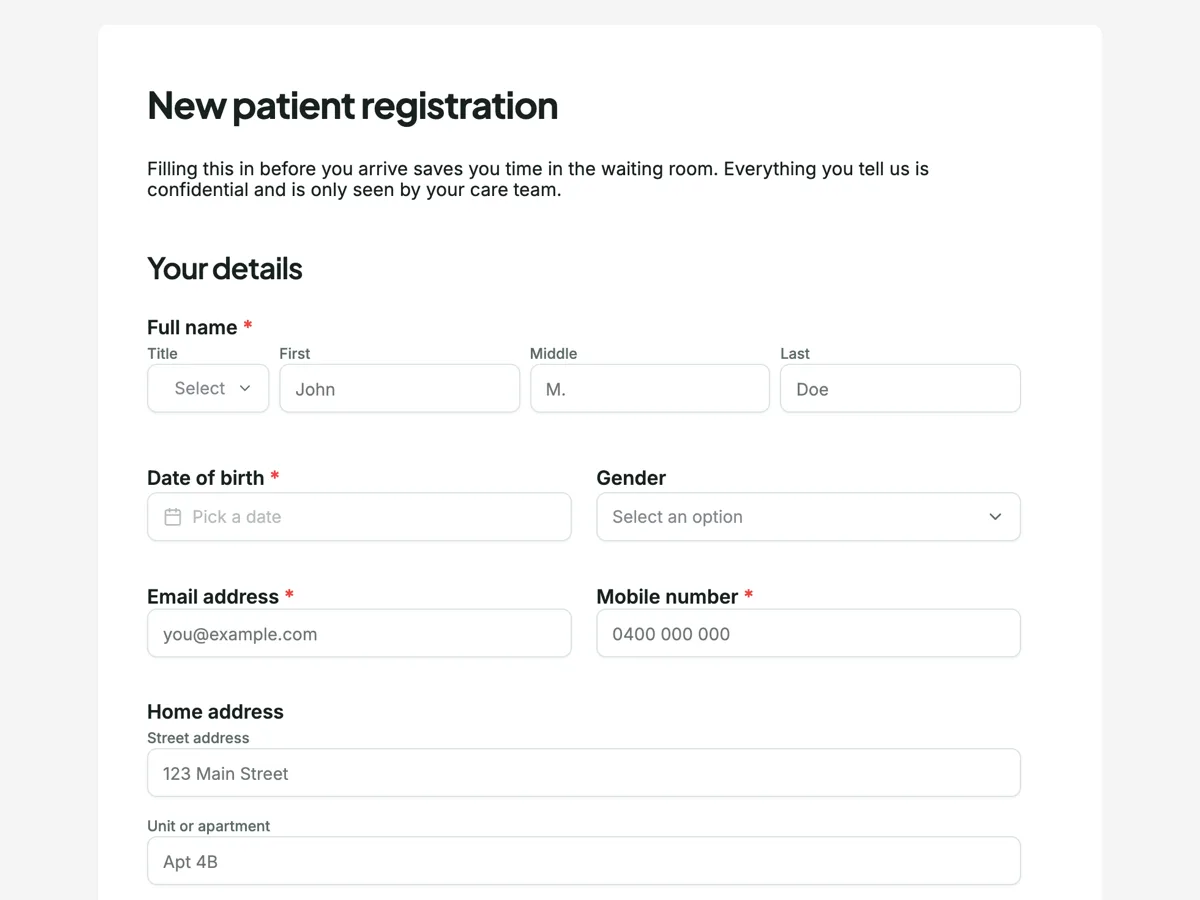
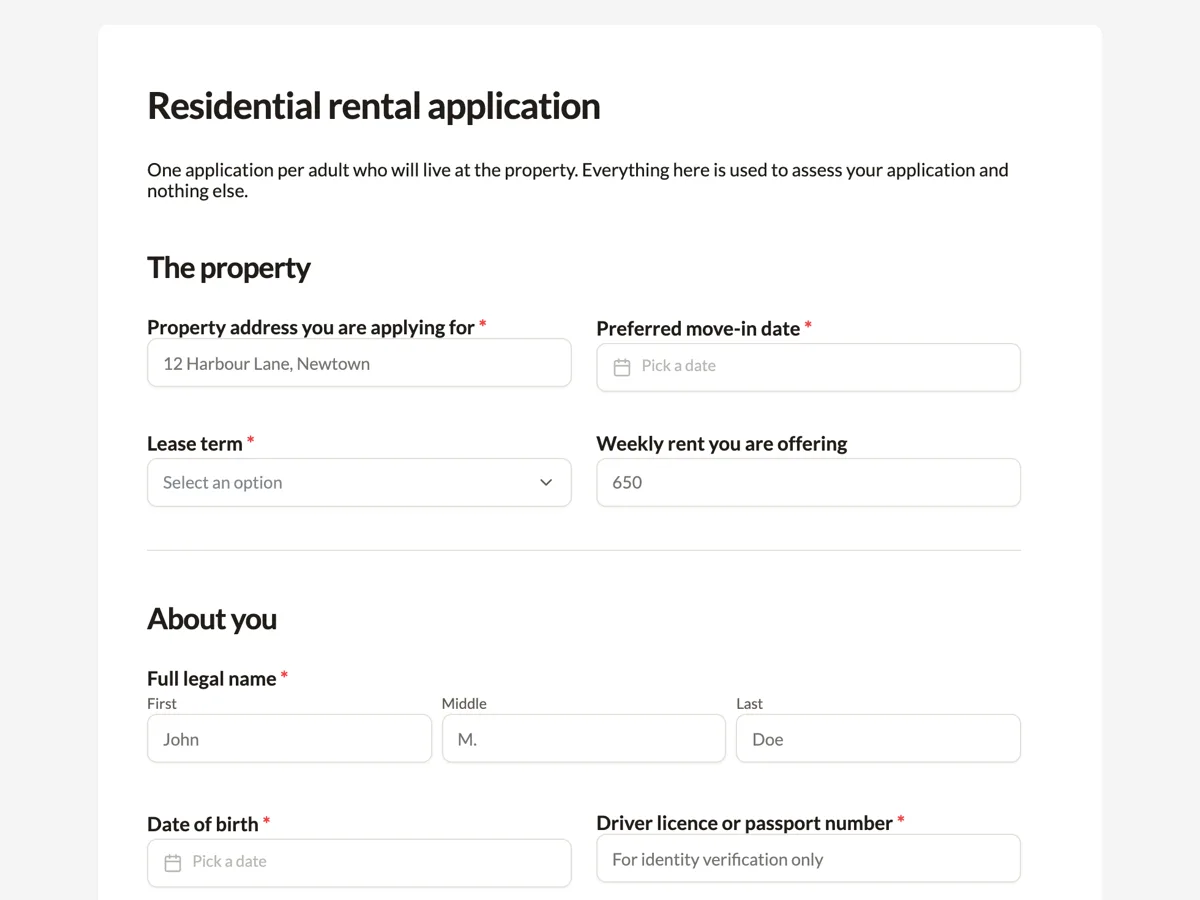
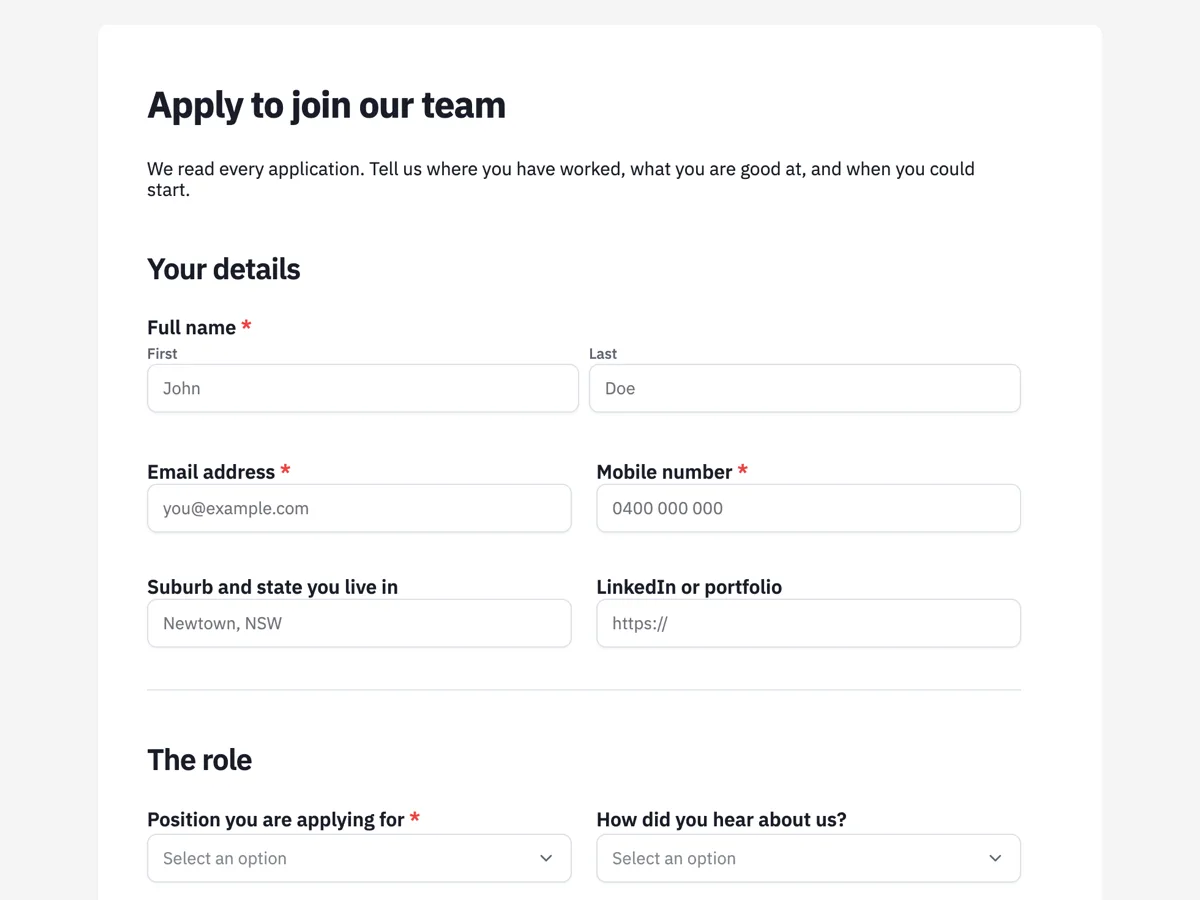
See it on a finished piece
Questions people ask
Is the PDF a screenshot of my form?
No. It is laid out by a page layout engine, the same one that drives paginated mode on screen, so nothing is cut across a page break and section headings stay with the fields below them. Spacing is set for paper rather than a browser window, which is why the PDF can look tidier than the form does on a wide monitor.
Can people type into the downloaded PDF?
Not the blank template, which is a flat page meant to be printed and filled in by hand. The fillable PDF export gives you a real form-field document that people can type into in a PDF reader and save, and it is available from the Starter plan. Check it in the reader your respondents actually use before you send it out.
Which paper size should a printable form use?
The paper in your respondents' printers: A4 almost everywhere outside North America, Letter in the United States and Canada. Both are page size options, along with A4 landscape and a custom size, and the choice applies to the whole form. Set it before laying the form out, because changing it later moves every page break.
How much margin should I leave?
About fifteen millimetres as a minimum on every side, and more on the edge you staple or hole punch. Most office printers cannot print to the edge and will silently shrink or clip a page whose content runs too close. Padding can be set symmetrically or per side, so widen only the binding edge if the form goes into a folder.
Make your own form
The button opens the generator with this use case already described. Change the wording to match yours, generate, then edit anything you like.
Create a form with OneCraftRelated pages
Download a form response as a PDF
A response is a row in a table, which is right for you and useless for anyone downstream. The response PDF turns one submission into a document: the questions, the answers, the photos and the attachments in one file.
Design the PDF version of a form
A form on screen and the same form on paper want different things. The PDF layout is a second arrangement of the same fields, with its own order, its own header and footer, and the ability to hide anything that only matters online.
Make a fillable PDF from a form
A fillable PDF is a document with real form fields in it. People open it in any reader, type into the boxes, save it and send it back. It is what you need when the recipient will not use a link but will use a computer.
More finished work of this kind is on the form examples hub.
Written and checked by the OneCraft team. Last checked .