3 finished designs
Cafe menu flyer
A cafe menu flyer puts every dish, its whole price, the opening hours and the address on one page that a customer can read from the door. These three examples do that for one imaginary cafe, Fern & Fig at 9 Fenwick Lane, open 7am to 3pm every day. The full menu lists twelve lines in one table, eight dishes and four drinks, from a $4.50 batch brew to green shakshuka at $19. The specials board pulls four of those dishes onto a photo grid for the week, at the same prices. The set menu sheet turns the same kitchen into three per person packages for tables of eight or more: Morning at $32, Long Lunch at $55 and Catering at $28 a head.
The 3 designs
The same business laid out three ways, on three templates and three colour themes. Every price, name and time on these was written for this example, so you can judge the layouts on real content rather than placeholder text.
Full menu
Fern & Fig Cafe Menu
Also native at A4 Landscape, Instagram Post, Instagram Story, Facebook Post, LinkedIn Post, Facebook Cover, Twitter Header
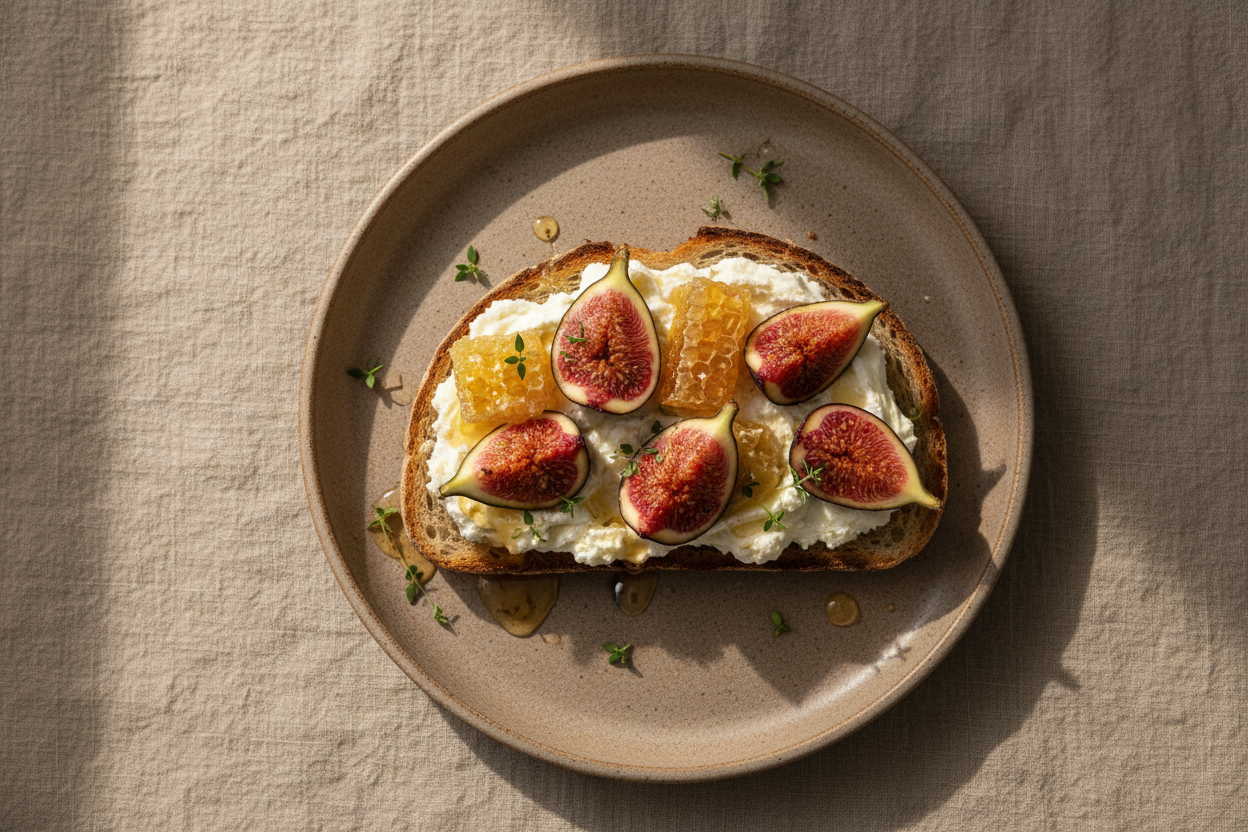
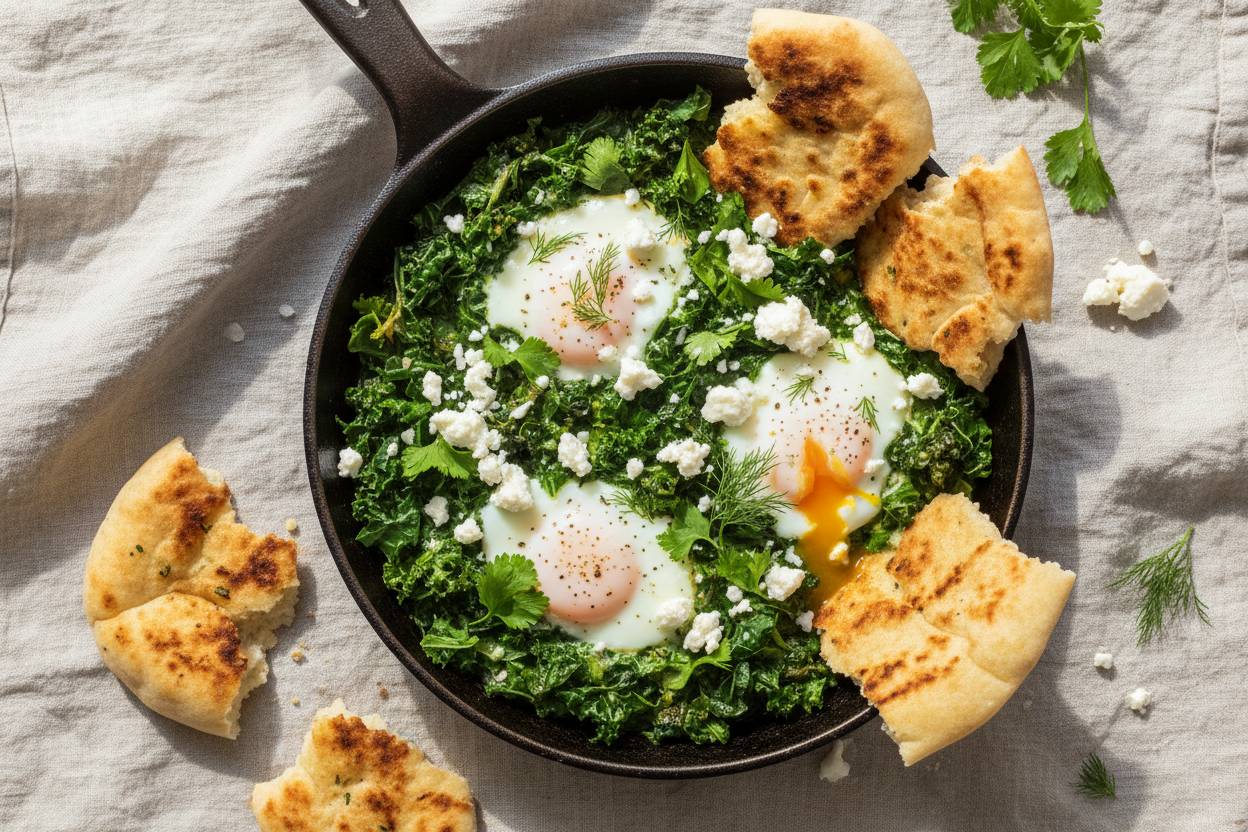
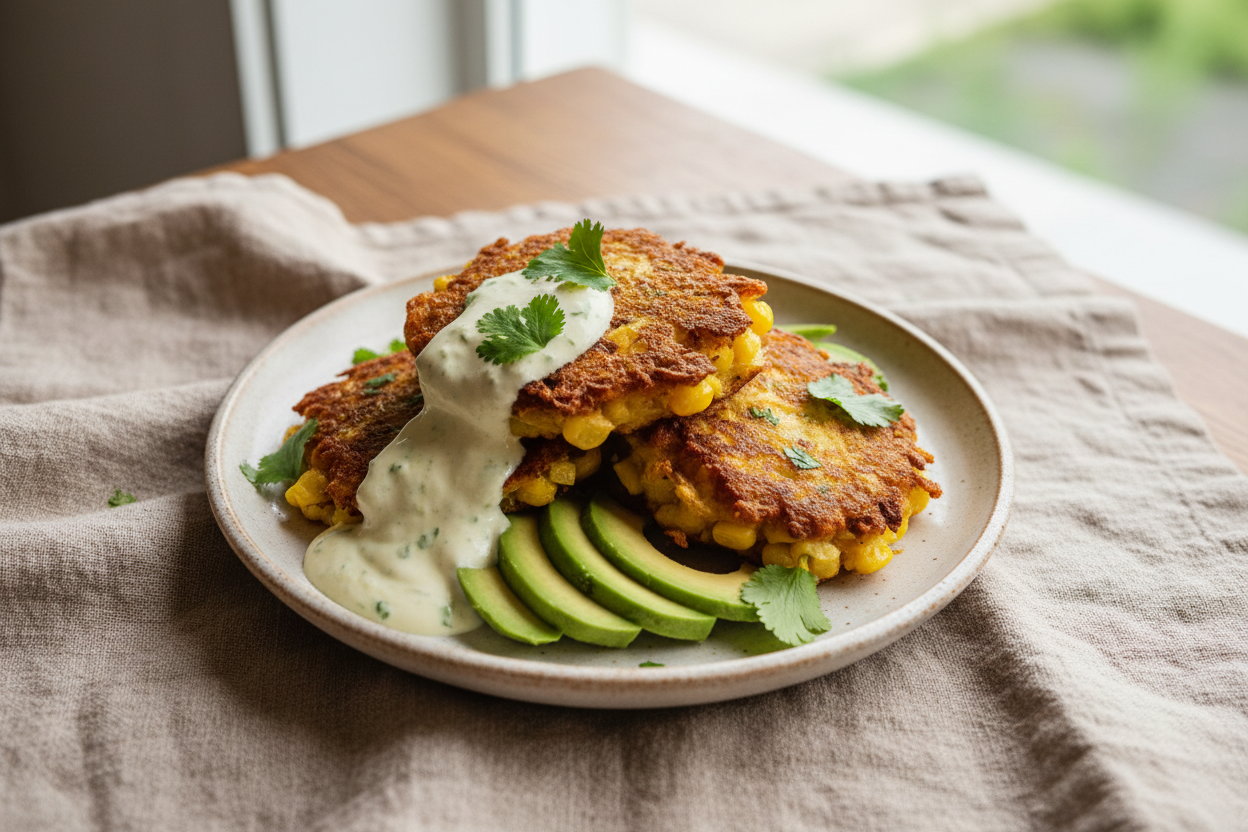
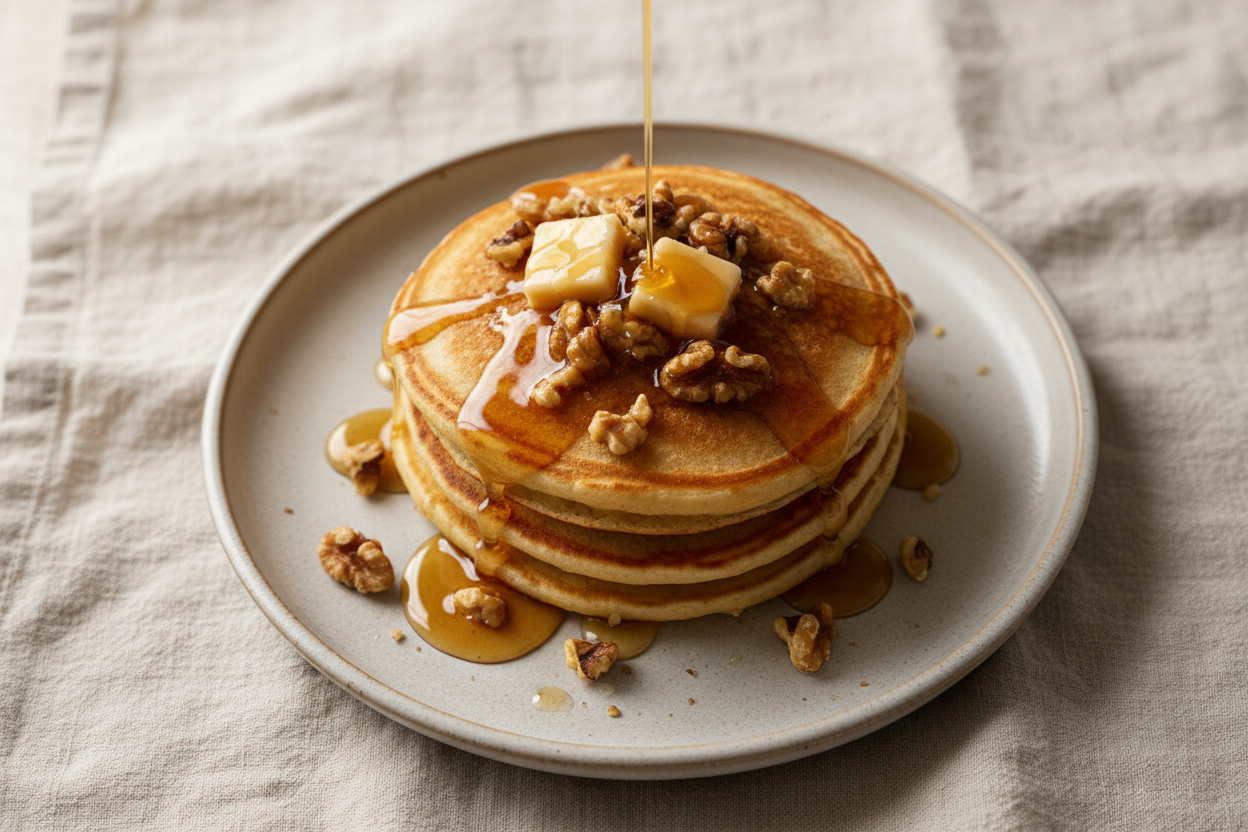
Photo specials board
Fern & Fig Weekly Specials
Also native at A4 Landscape, Instagram Post, Instagram Story, Facebook Post, LinkedIn Post, Facebook Cover, Twitter Header
Set menus for groups
Fern & Fig Set Menus
Also native at A4 Landscape, Instagram Post, Instagram Story, Facebook Post, LinkedIn Post, Facebook Cover, Twitter Header
Write the menu before you open the builder
Type the menu out first as plain lines: dish, three ingredient words, price. Group food above drinks, and keep the list to about twelve lines, which is what the full menu here carries on one A4 page with room for the header and the footer. Then paste those lines into the prompt with your hours, address, phone and Instagram handle. The generator is told never to invent prices, addresses or phone numbers, so anything you leave out of the prompt is left off the flyer rather than made up. If you already have a menu as a PDF or a photo, attach it instead; the file is read for its text and labelled values, but none of its fonts, colours or layout come across, and attaching files needs the Starter plan or above. Leaving the Template setting blank returns two designs to choose between; picking one returns one.
Which of the three designs to use where
Print the full menu for the door, the counter and the takeaway pile, because it is the only one with every line. The specials board is the one to post each week: four photos, four prices and a Book a table bar with the web address and a QR code, which that design carries in its footer. The set menu sheet goes in the email reply to anyone asking about a function, since it answers the price, minimum and notice questions before the call. All three are A4 portrait and each has its own native layout in the other seven canvas sizes, so the specials board can become an Instagram Post or Story on a new page of the same flyer without squashing the A4 version.
What makes these work
Prices sit in one column
On the full menu every price has its own column at the right of the table, so a customer scanning for a number never has to read the dish description to find it. Each figure is the whole price, from $4.50 for the batch brew to $19 for the shakshuka, which is what the ACCC expects a displayed price to be. The specials board repeats four of those numbers exactly, so the door and the photo grid never disagree.
Descriptions stop at three ingredients
Long dish copy is what makes a menu look cluttered. Each line names two or three things, such as silverbeet, feta, warm flatbread, and stops. The one line worth adding is an allergen note, because a cafe selling unpackaged food has to give allergen information when a customer asks. Kilojoules are not needed on a single cafe menu; in NSW that rule only reaches chains with 20 or more outlets in the state or 50 nationally.
The group sheet answers the booking questions
The set menu sheet is a comparison table, not a menu. Its rows are the things a person organising a work breakfast asks on the phone: price per person, minimum guests, courses, whether coffee is included, dietary swaps, a private room, delivery and notice needed. Long Lunch is the only package with a private room, Catering is the only one that delivers, within 8km, and coffee costs $4 more on Catering where the other two include it.
Questions people ask
What size should a cafe menu flyer be?
A4 portrait is the safest for a printed menu because it fits a standard menu holder and a home printer. For Instagram, set that page's canvas to Instagram Post. Each of these three designs has its own square layout, so it is swapped in rather than the A4 one being squashed, and your prices and dish names carry across. Size is set per page, so one flyer can hold both.
How many dishes fit on one A4 cafe menu?
About twelve to fourteen lines before the type gets too small to read at arm's length on a counter or a door. The full menu here carries twelve: eight dishes and four drinks, each with a short description and a price. If your kitchen runs more than that, split it into a food page and a drinks page of the same flyer rather than shrinking the text, and export both together as one PDF.
Can I swap the AI food images for photos of my own dishes?
Yes. Save the flyer first, then click a photo and upload a JPEG, PNG, WebP or GIF of up to 10 MB. The picture fills the slot and is cropped to its shape rather than letterboxed, so shoot the plate with some space around it. You can also describe a shot and have one generated at the slot's shape, but a real photo of the actual dish is more honest on a specials board.
How do I change menu prices when costs go up?
Open the saved flyer, click the price and type the new one, or ask the AI chat to change it, since the chat can rewrite the text in any slot. Undo and redo hold the last 50 steps while the flyer is open. There is no version history drawer for flyers, so export and keep the old PDF before you save if you want a record of what last season cost.
Can a cafe menu flyer show a public holiday surcharge?
Yes, as a clear statement rather than a hidden fee. ACCC guidance lets cafes and restaurants show a surcharge statement, such as a percentage added on public holidays, instead of printing a second price for every dish, provided the statement names the days and the amount and is at least as prominent as the prices. Add it as a text line in the footer so it sits on the same page as the menu.
Can the price column be right aligned?
No. Every table cell is left aligned and there is no per column alignment control, so prices sit at the left edge of their cell. In practice that is fine on a menu, because the prices are similar in length. If you want them hard against the right edge, use a list layout instead of a table.
How many pages can one menu flyer have?
As many as you add. Pages come from the template library at the active page size, or blank at A4 portrait. A cafe running a food menu and a drinks menu usually keeps them as two pages of one flyer, then exports a single PDF, since PDF includes every page in the file.
Build your own in about a minute
The button below opens the generator with this use case already described. Change the wording to match your own, generate, then edit anything you like.
Make one like thisOther flyer examples
Handyman flyer with an hourly rate and a job list
A handyman flyer is pinned to the fridge for the day the list of small jobs gets too long, so it has to make the cost of those jobs easy to predict. These three designs for Fixit Fergus Handyman, a fictional one van business in Auckland, print $75 an hour including GST, the one hour minimum and how long twelve common jobs usually take.
Massage therapy flyer with 30, 60 and 90 minute prices
A massage therapy flyer sells on price per length of session and on whether the visit can be claimed, so those two facts belong in the first place the eye lands. These three designs for Kneadwattle Remedial Massage, a fictional clinic on South Terrace in Fremantle WA, print remedial sessions at $65, $105 and $150 for 30, 60 and 90 minutes, health fund rebates on site, gift vouchers and 20% off a first 60 minute visit.
Workshop flyer for a small business training studio
A workshop flyer sells one outcome, shows the agenda and makes registering obvious, and these three do exactly that for Kilnhouse Studio, a fictional training room in a converted pottery that runs paid workshops for local business owners. Each flyer names the outcome in the headline, breaks the day into three steps, and prints the price beside the date, because a workshop flyer without a price collects enquiries instead of bookings.
Want the steps in the builder? Read Make a flyer from a PDF or photo, then Choose the template, theme and size for your flyer. For everything this generator can do, see the flyer maker.
Written and checked by the OneCraft team. Last checked .