Flyers
Add your logo to a flyer
A logo slot is a different kind of box from a photo slot. It shows an uploaded image if there is one, and a monogram built from your name if there is not, and there is no generate button on it at all.
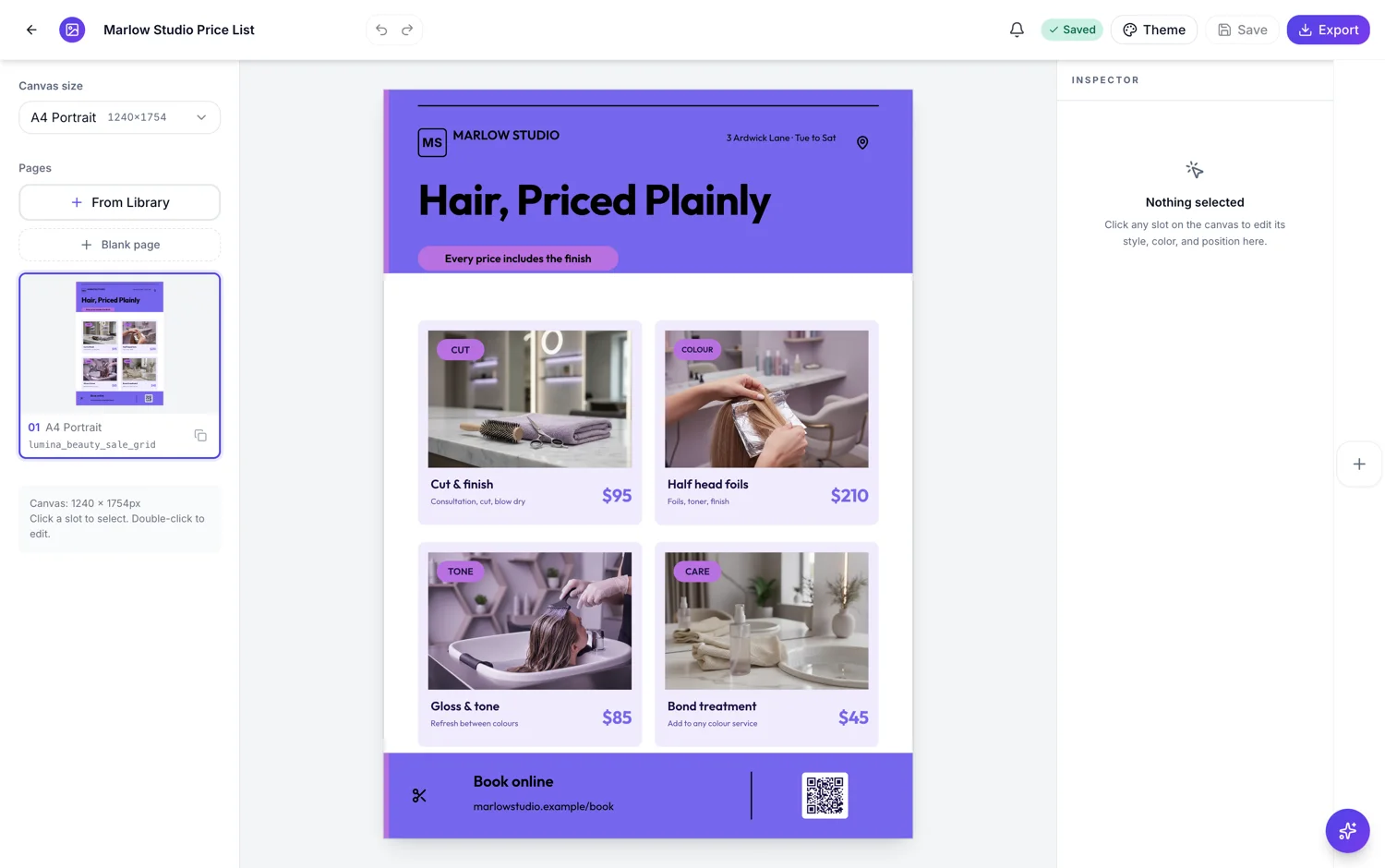
Image, or a monogram it builds for you
The slot has two states. Upload an image and it shows the image. Leave it empty and it draws a monogram instead, made from the name you typed: the first letter of each word if there are several, or the word itself if there is one, cut to four letters and set in capitals. So Marram Books becomes MB and Halyard becomes HALY. That fallback is why a flyer never has an empty box where a logo should be.
Generation is switched off here, on purpose
Image generation skips any slot whose purpose is a logo, in exactly the same way it skips a headshot. The skip is enforced both in the builder and in the fill service, so nothing invents a brand mark for you in the first generation or later through the AI chat. A generated logo is not your logo, and putting one on a flyer that goes to print is a mistake nobody catches until the flyer is on a wall.
Most designs have one, and some do not
Of the flyer template files in the library, about four in five carry a logo slot: 1,470 of 1,813, spread across 214 of the 259 designs. That still leaves designs drawn without one, usually the poster-like and heavily photographic layouts where a mark would fight the image. If you have picked one of those, the fix is to insert an image element from the Add items panel and size it by hand rather than hunting for a hidden setting.
The file rules are the same as any image
JPEG, PNG, WebP or GIF, up to 10 MB, and the flyer has to be saved before an upload is accepted. Upload the version of your logo with a transparent background if you have one, because the slot sits on the design's own colour rather than on white. A logo with a white box around it will show that box on every coloured panel.
How it works, in three steps
Step 1
Click the logo slot
It is usually in the header band. The inspector shows the upload control rather than a generate button.
Step 2
Upload a transparent PNG or SVG-exported PNG
Up to 10 MB. Save the flyer first if you have not; uploads need a saved flyer.
Step 3
Or type the name and let it draw a monogram
Leave the image empty and the slot sets your initials, up to four letters, in the theme's mark colour.
Step 4
Check it on every page and size
A logo that reads on A4 can be too small on a story. Look at each page before you export.
The full walkthrough with screenshots is in the guide Resize one flyer for every social size.
Limits worth knowing
- 1,470 of the 1,813 flyer template files carry a logo slot, across 214 of the 259 designs; the rest were drawn without one.
- The monogram fallback is cut to four letters and set in capitals.
- Logo slots are skipped by image generation everywhere, including the AI chat.
- Uploads are JPEG, PNG, WebP or GIF up to 10 MB, and the flyer must be saved first.
- An inserted image element is a plain image, so it does not gain the logo slot's monogram fallback.
Questions people ask
Why is there no generate button on the logo slot?
Because a generated logo is a made up brand mark, and putting one on a printed flyer is worse than leaving the space empty. The skip is deliberate and enforced in two places, so it holds whether the image would have come from the first generation or from an instruction you type into the AI chat later.
What happens if I never upload a logo?
The slot draws a monogram from the name instead, so the flyer still looks finished. It takes the first letter of each word, or the whole word if there is only one, and cuts it to four letters in capitals. For many small businesses that is genuinely enough, and it is better than a placeholder rectangle.
Can I control the monogram letters?
Yes. Switch the logo slot to Initials in the inspector and type the letters you want, up to four characters, which are set in capitals in the theme's mark colour. If the automatic result from a longer name is not what you want, typing the initials yourself fixes it. For a mark that is a symbol rather than letters, upload a small image instead.
My design has no logo slot. What now?
Insert an image element from the Add items panel and place it yourself. It behaves as a plain image, so it will not fall back to a monogram and it will not be skipped by generation in the way a real logo slot is. Keep an eye on it if you later regenerate anything.
Should I use a transparent background?
Yes, wherever you have one. The slot sits on the design's own colour, so a logo saved on a white square shows that square against every coloured band. A transparent PNG solves it, and it also means the same file works on the light and dark versions of a design.
Does the logo appear on every page of a multi page flyer?
Only where that page's design has a logo slot. Pages are independent, each built from its own template, so a three page piece can have a mark on the cover and none inside. Check each page rather than assuming the header repeats.
Make your own flyer
The button opens the generator with this use case already described. Change the wording to match yours, generate, then edit anything you like.
Create a flyer with OneCraftRelated pages
Add your own photo to a flyer
Generated photography is convincing until the flyer is about your shop, your team or your actual product. Then you want the real picture in the real slot, and the thing to understand first is that the slot crops your photo rather than fitting it inside.
Add your logo to a form
A form on a link, sent by email, arrives with no context. A logo answers the question the respondent is actually asking, which is whether this is really from you, before they type anything.
Add a logo to slides
One control puts your brand mark on the deck. It lives in the same panel as the transition and footer settings, applies at deck level, and offers exactly the decisions worth making: what to show, how big, and on how many slides.
More finished work of this kind is on the flyer examples hub.
Written and checked by the OneCraft team. Last checked .