Forms
Add your logo to a form
A form on a link, sent by email, arrives with no context. A logo answers the question the respondent is actually asking, which is whether this is really from you, before they type anything.
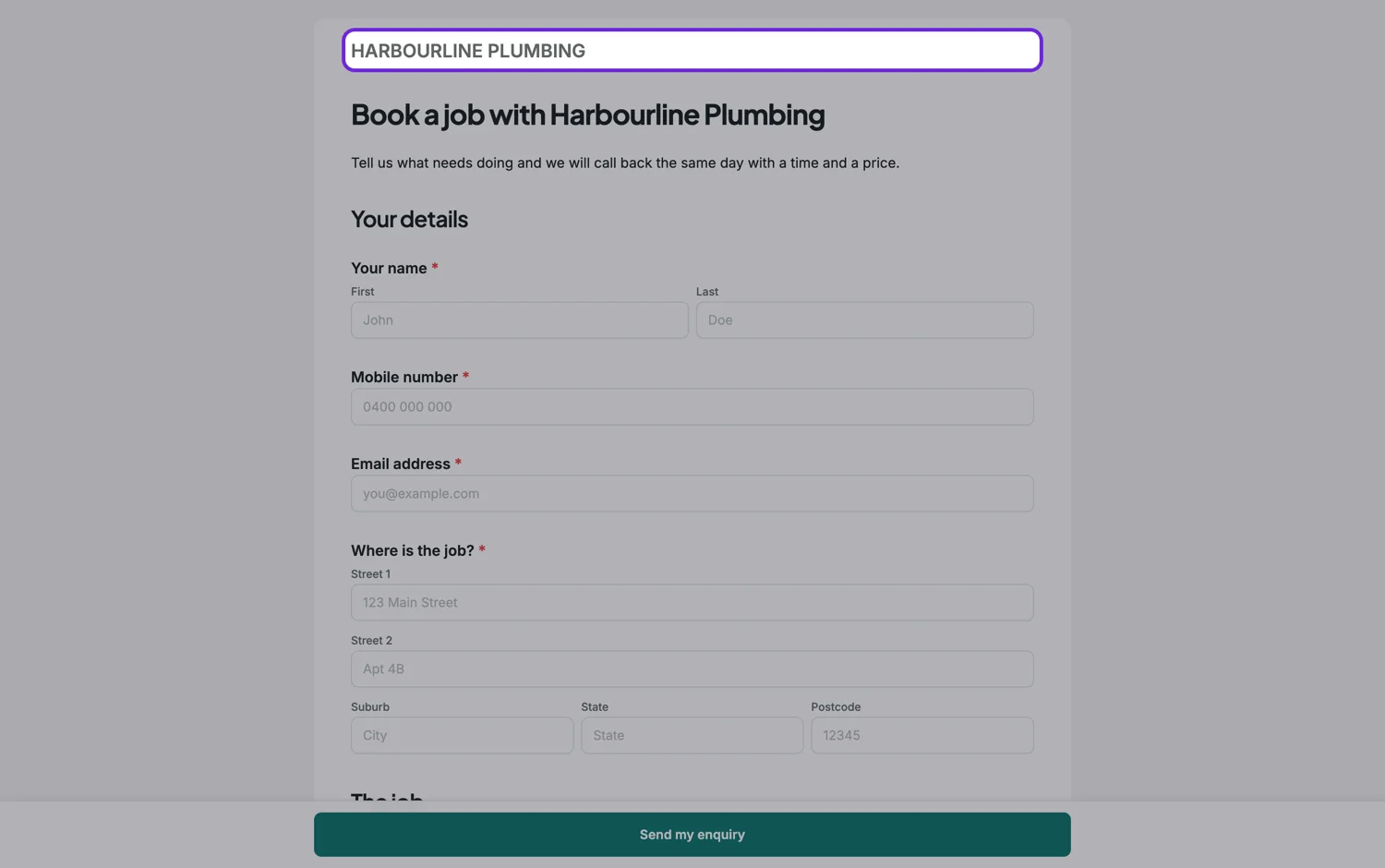
Three modes
Logo only, text only, or logo and text together. Text only is the underrated one: a company name set in the form’s own heading font often looks better than a logo that was drawn for a dark background and is now sitting on white. If your logo needs a specific background to work, use text.
Height and side
You set the logo height in pixels rather than a width, so the logo keeps its proportions whatever shape it is. When you show a logo and text together, you choose which side the logo sits on. Around forty to sixty pixels of height is enough to be recognised and small enough not to compete with the first question.
First page or every page
On a long or paginated form, branding on every page reassures somebody four screens in that they are still where they thought they were. On a short form, first page only is cleaner. Conversational forms also let you choose which side of the screen the branding sits on, which matters for the split layouts where one half is an image.
The printed version is separate
Classic forms carry their own logo settings for the PDF layout, with a company name, an orientation and a first-page-or-all-pages choice. That is a different setting from the on-screen branding, so a form can be plain on screen and carry a full letterhead when it prints.
How it works, in three steps
Step 1
Choose the mode
Logo, text, or both. Use text when your logo needs a background colour to look right.
Step 2
Set the height and the side
Forty to sixty pixels of height is usually right. Pick which side the logo sits on when you show both.
Step 3
Decide first page or all pages
All pages for long or paginated forms, first page only for short ones.
The full walkthrough with screenshots is in the guide Build your own form theme.
Limits worth knowing
- The logo height is set in pixels; the width follows the image.
- On-screen branding and the PDF header are separate settings.
- Conversational branding has its own screen position setting, which classic forms do not.
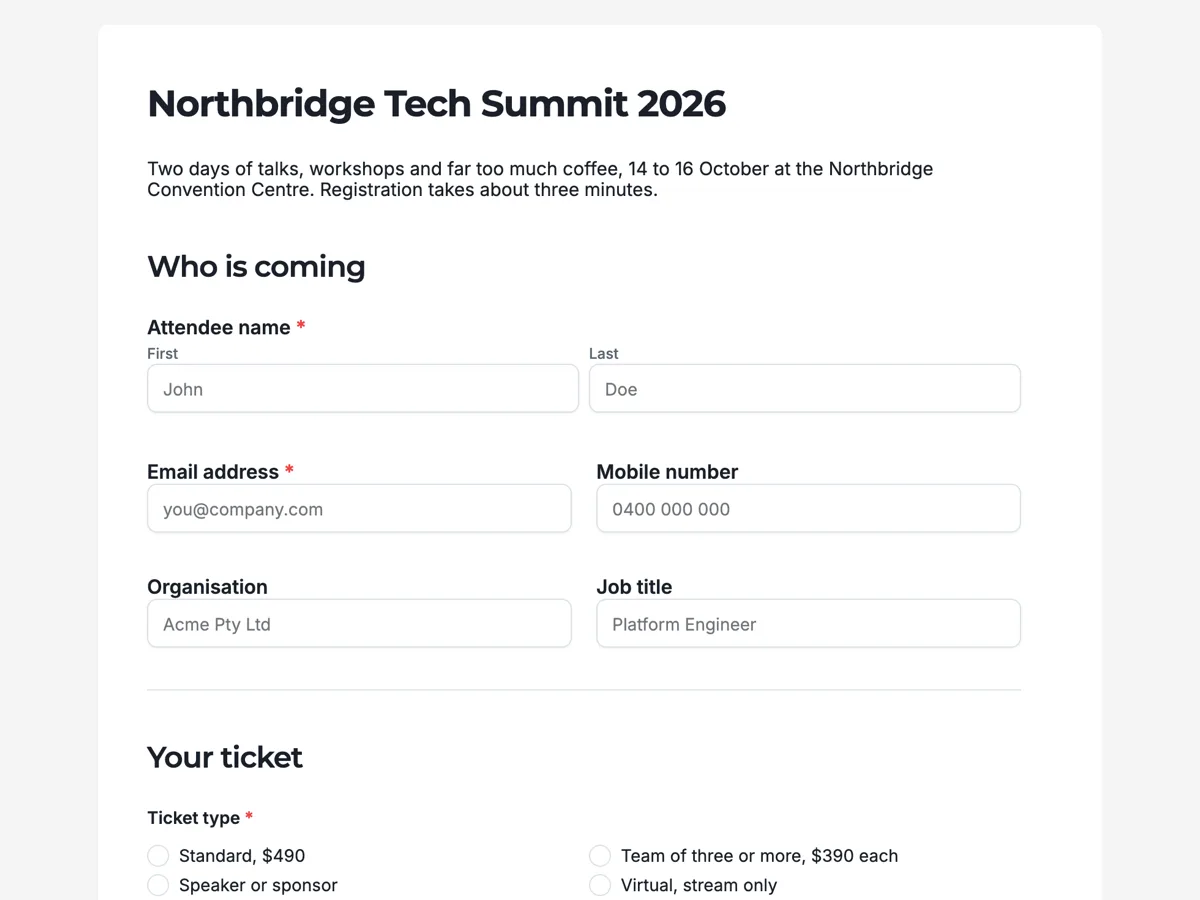
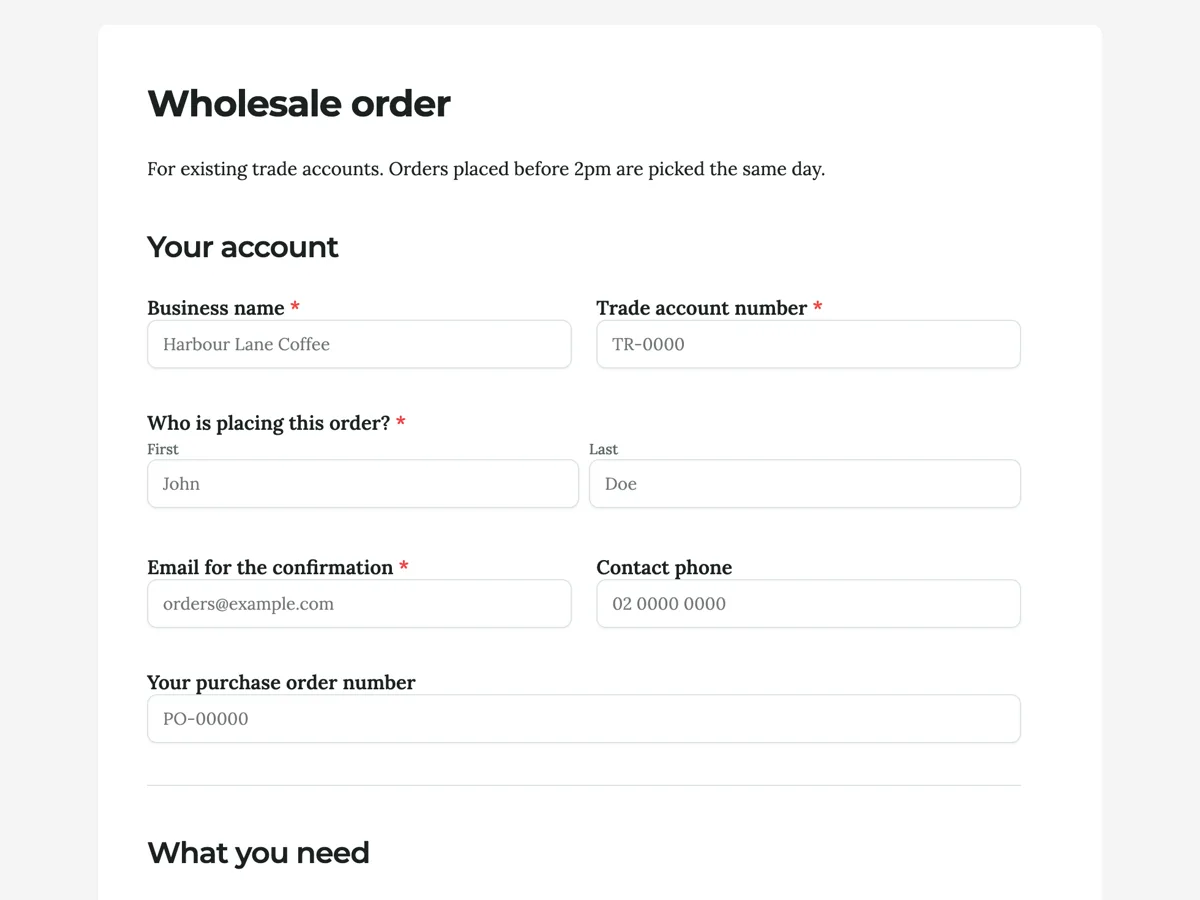
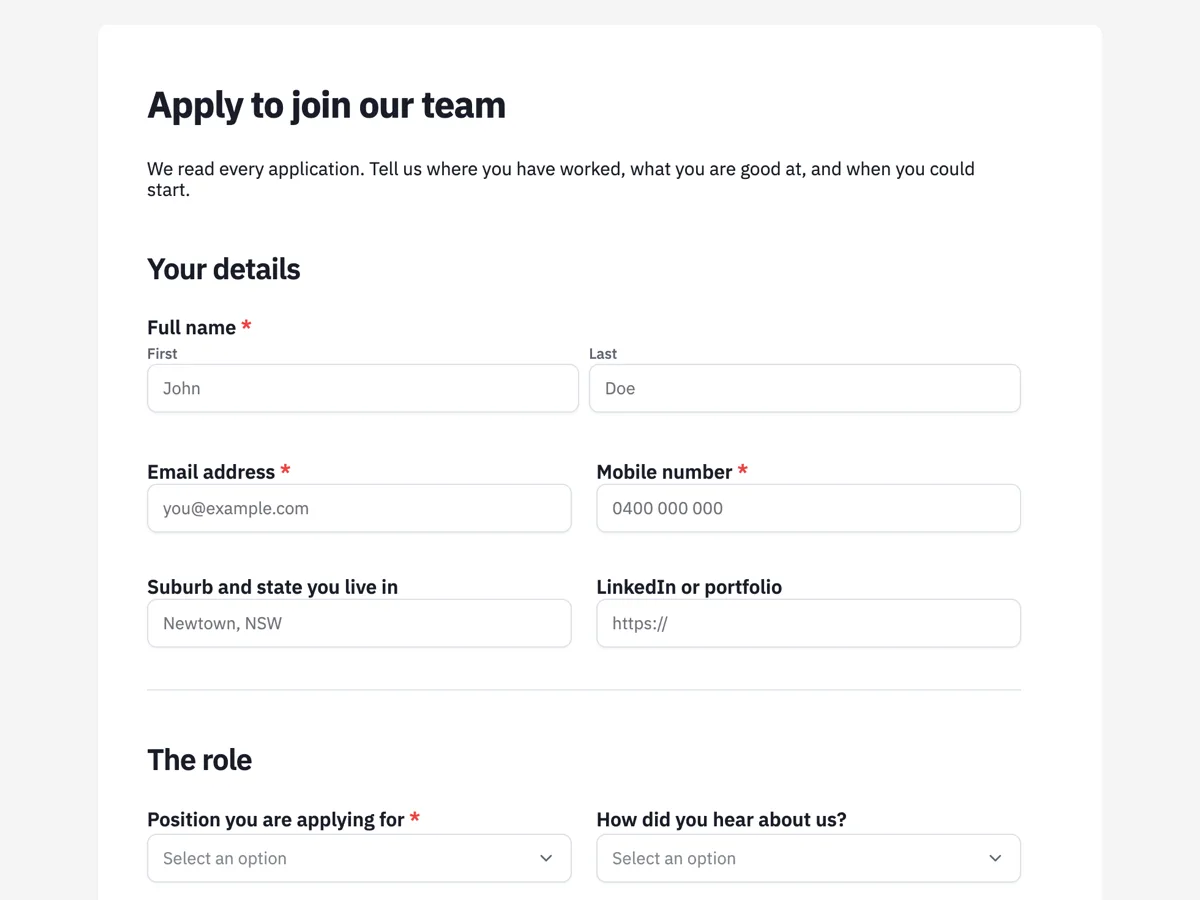
See it on a finished piece
Questions people ask
Where does the logo appear on a classic form?
In the page padding band at the top, with optional text on the other side. You choose first page only or every page.
My logo looks wrong on a white form. What do I do?
Use text only mode. A company name in the form’s heading font usually looks better than a logo drawn for a dark background.
Does the logo print on the PDF?
The PDF layout has its own logo and header settings, separate from the on-screen branding, so you can have one without the other.
Make your own form
The button opens the generator with this use case already described. Change the wording to match yours, generate, then edit anything you like.
Create a form with OneCraftRelated pages
Form themes and colours
A theme restyles the whole form at once: background, form surface, input borders, focus colour, buttons and type. There are 12 for classic forms and 25 for conversational ones, and you can change your mind after every one of them.
Build a custom form theme
When the palettes are close but not right, build the theme yourself. Theme Studio, the builder's theme panel, has Themes, Colors and Fonts tabs, and its Create Custom Theme card opens a theme builder in a new tab. The builder saves the result to your account and puts it alongside the built-in themes on every form you make afterwards.
Logo watermark on video
A watermark here is not a corner bug stamped over the whole video. It appears after the opening scene, holds through the middle at partial opacity, and fades out before the closer, because those two scenes are already carrying the brand and a mark on top of a wordmark reads as a mistake.
More finished work of this kind is on the form examples hub.
Written and checked by the OneCraft team. Last checked .