Forms
Form themes and colours
A theme restyles the whole form at once: background, form surface, input borders, focus colour, buttons and type. There are 12 for classic forms and 25 for conversational ones, and you can change your mind after every one of them.
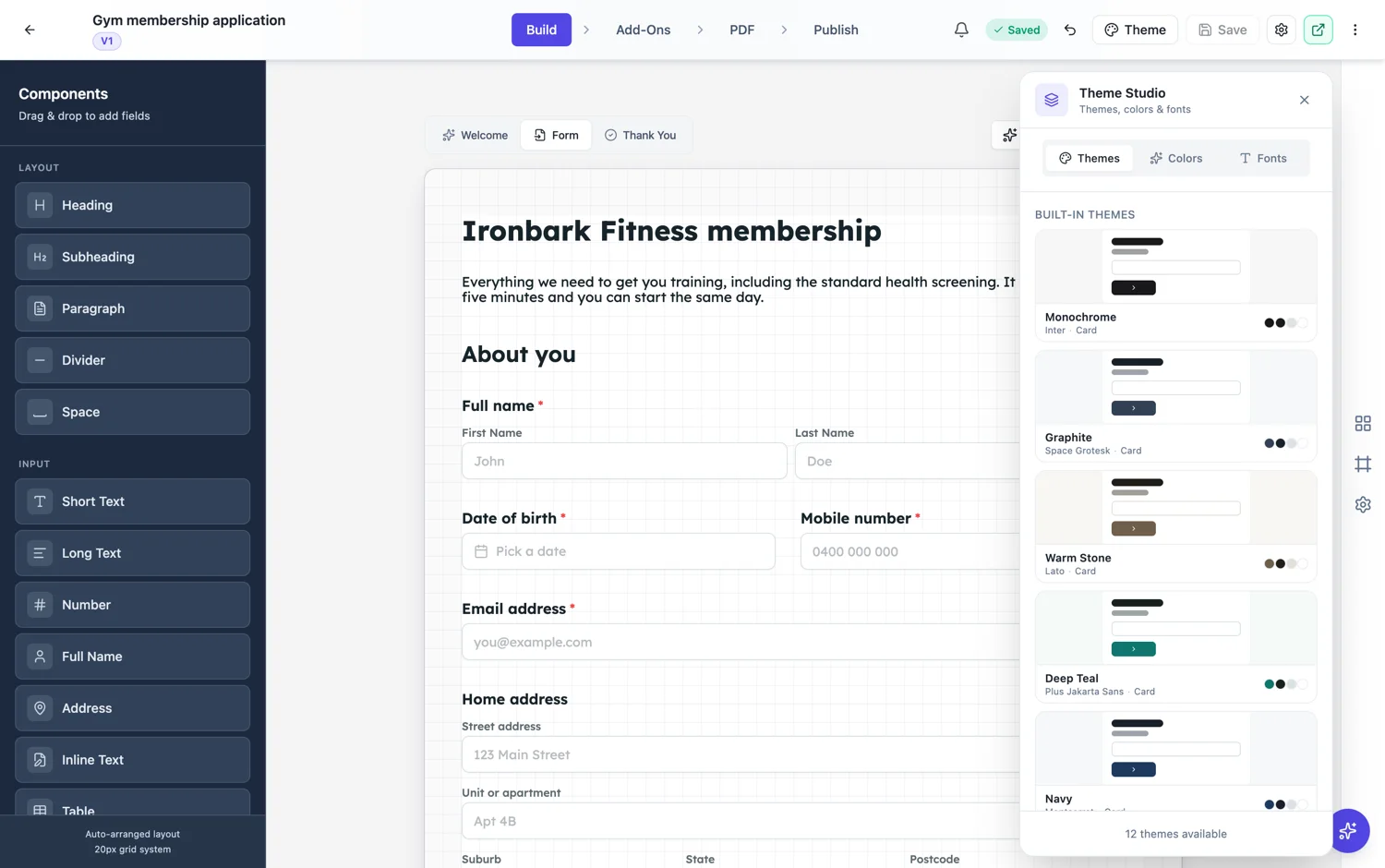
Two families, because the forms are different
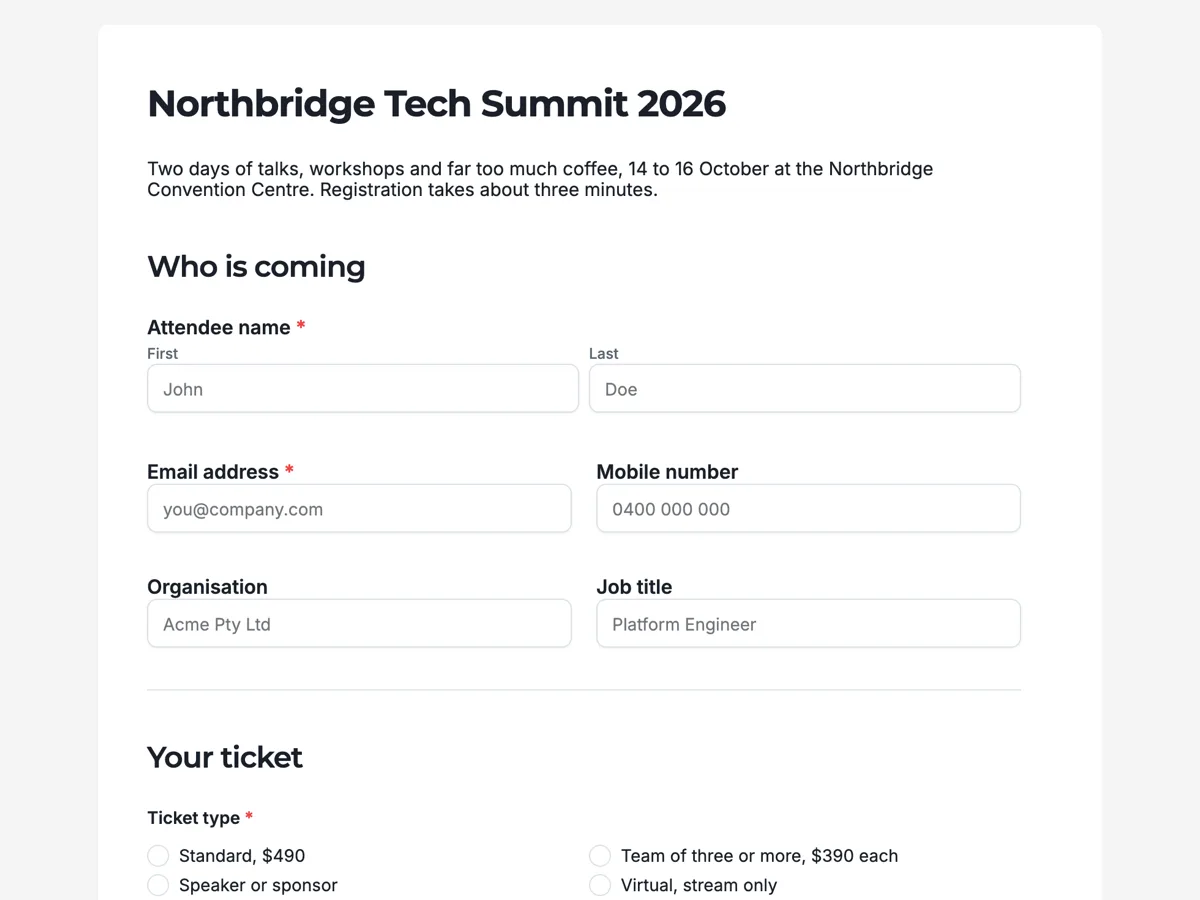
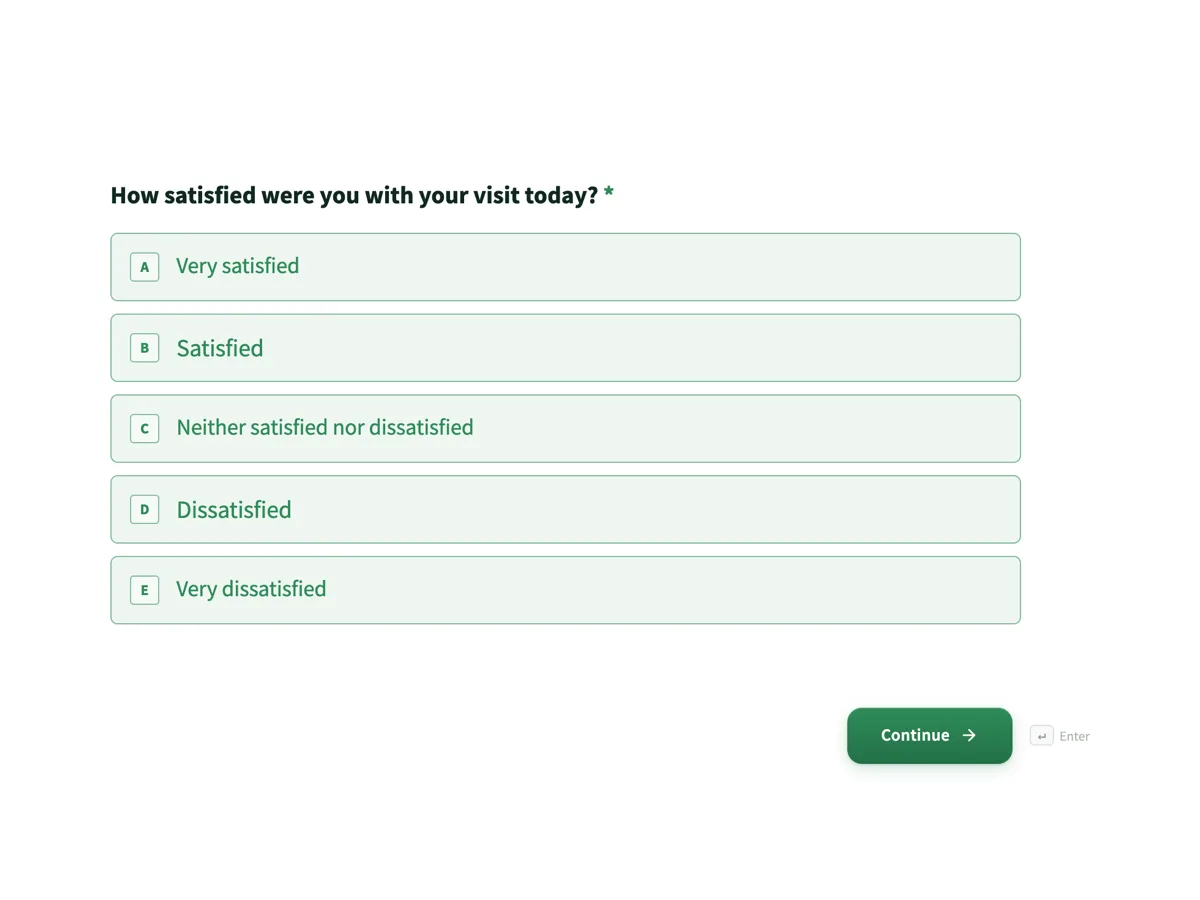
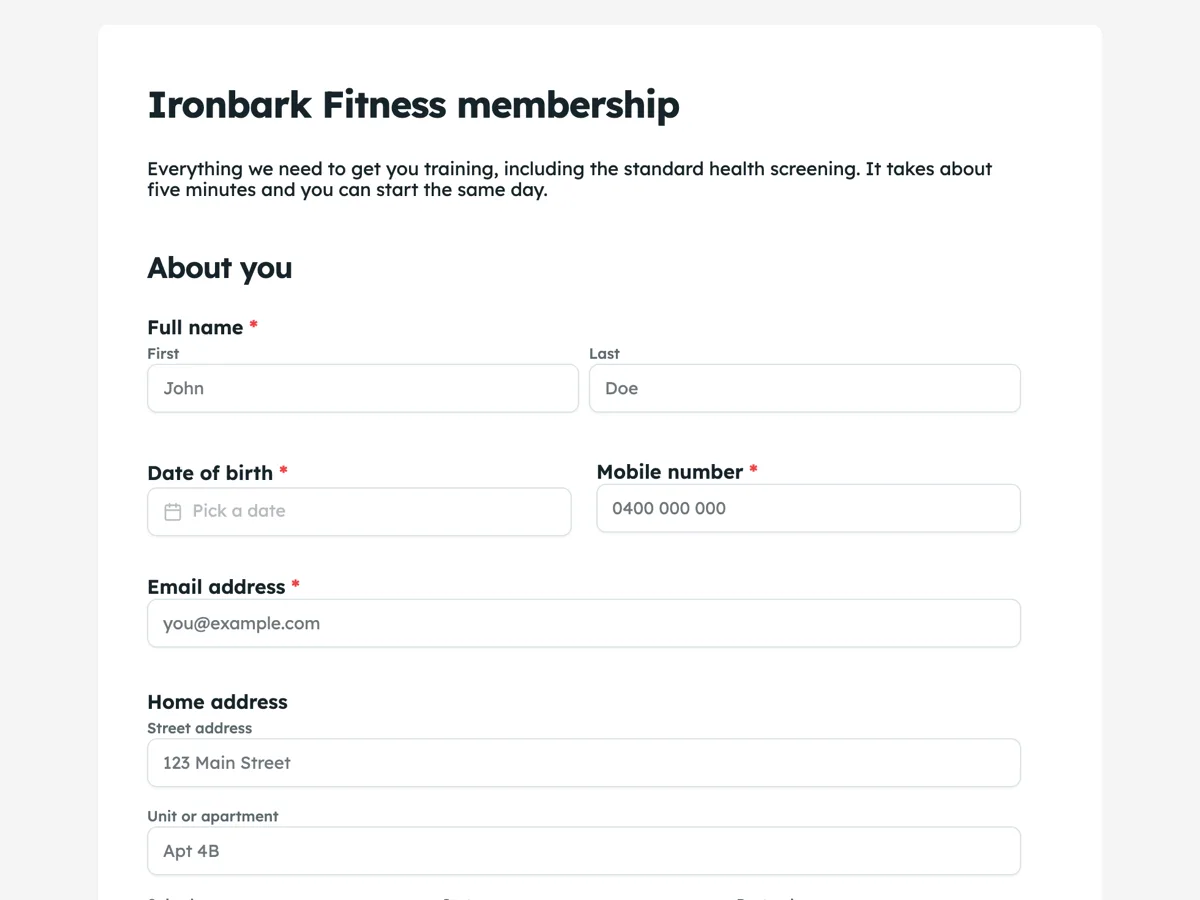
The 12 classic themes are editorial: a flat near white page, a white form surface, one deep accent, and type that stays out of the way. They are built for forms that get printed and forms with many fields. The 25 conversational themes are the opposite, because a conversational form gives every question a whole screen and can afford a real design: split layouts with an image panel, floating cards, dark themes and gradients.
Colour is separate from theme
A colour palette can be applied over any theme, and there are 22 of them grouped as warm, cool, neutral, vibrant, coloured and dark. That means you are not choosing between a layout you like and a colour you need. Pick the theme for the layout, then set the palette to match your brand.
So are the fonts
Font pairs are also independent, with 23 to choose from. A pair sets a heading face and a body face that were picked to sit together, which is a safer route than choosing two fonts separately. If your brand has one typeface, pick the pair whose body font is closest and leave it there.
Do the theme last
The order that saves time is fields, then copy, then theme. Restyling is one click and stays one click no matter how late you leave it, whereas fixing the questions after you have fallen in love with a design tends not to happen. If the form looks good and asks the wrong things, it is a bad form.
How it works, in three steps
Step 1
Get the questions right first
Themes take a click. Field lists take thought. Do them in that order.
Step 2
Pick a theme for the layout
Classic themes for dense and printable forms, conversational themes for one question per screen.
Step 3
Set colour and fonts on top
Twenty two palettes and twenty three font pairs apply over any theme, so brand colour is not a layout decision.
The full walkthrough with screenshots is in the guide Build your own form theme.
Limits worth knowing
- Classic themes and conversational themes are separate sets and do not cross over.
- A palette overrides the theme colours; a font pair overrides the theme fonts.
- Background patterns are a separate setting again and apply to conversational forms.
See it on a finished piece
Questions people ask
How many form themes are there?
Thirty seven in total: twelve for classic forms and twenty five for conversational ones. On top of those you can apply any of twenty two colour palettes and twenty three font pairs.
Can I use my brand colours without building a theme?
Yes. Pick the palette closest to your brand and apply it over any theme. Building a custom theme is for when you need exact colours and want to reuse them across forms.
Does changing the theme change my fields?
No. Themes change how the form looks, never what it asks. You can switch as many times as you like.
Make your own form
The button opens the generator with this use case already described. Change the wording to match yours, generate, then edit anything you like.
Create a form with OneCraftRelated pages
Build a custom form theme
When the palettes are close but not right, build the theme yourself. Theme Studio, the builder's theme panel, has Themes, Colors and Fonts tabs, and its Create Custom Theme card opens a theme builder in a new tab. The builder saves the result to your account and puts it alongside the built-in themes on every form you make afterwards.
Document theme colours
A theme is a set of colour tokens and two fonts, and every block on the page reads from it. Switching theme restyles the headings, the tables, the charts and the callouts together rather than one at a time.
Branded proposals from your brand kit
A branded proposal carries your name, logo and colours so the client recognises it as yours before reading a word. Setting the brand once and having every proposal and invoice pick it up is faster and more consistent than restyling each document.
More finished work of this kind is on the form examples hub.
Written and checked by the OneCraft team. Last checked .