Videos
AI promo video maker
A promo has a shape older than any of the tools that make one. Grab attention, show why it matters, prove it, ask for the click. The promo director here is built around that arc and is measured against it, which is why the output cuts rather than scrolls.
The arc, and where each role sits
Openers name the thing or ask the question: intro, hook_question, logo_bumper, agenda. Body roles carry the middle and there are 44 of them, from problem and solution through showcase, feature_list, stat, comparison, testimonial and offer. Closers end it: cta when there is a real action, outro when a hard sell would jar, contact for a service business. A promo must end on one of those three, and the same role never runs twice in a row.
The motion rule
Every scene layout is tagged high, medium or low motion. The promo director is instructed that at least half its scenes must be high motion, counting numbers, building charts, animated interface, the product actually moving, and that two low motion scenes may never sit back to back. That single constraint is what separates a promo from a deck with music over it.
Copy has to be short or the whole thing collapses
The headline on a statement, hook, intro, offer, stat or closing scene is 2 to 5 words. A supporting line is under 8. Narration is 5 to 8 words a scene unless a scene genuinely needs to explain something, in which case its duration grows to match. Big short type reads as a cut ad. Sentences read as a slideshow, which is the failure mode this is written to avoid.
Brand presence without a logo slide
Rather than bookending with a logo card, a promo can carry a small wordmark or logo in the bottom left through the middle scenes, fading in after the opener and out before the closer at about 72 percent opacity. Hero text beats are also painted on a full brand colour field, so the brand reads continuously instead of only at the ends.
How it works, in three steps
Step 1
Name the audience, not just the product
Who is watching decides the tone, the voice style and half the copy. Office managers and founders want different sentences about the same coffee.
Step 2
Give it the one number you actually have
The director is told never to invent a figure. One real number turns a claim scene into a stat scene, which is a high motion beat.
Step 3
Write the last line yourself
Put the exact closing sentence in the brief. It becomes the closing scene copy and the final spoken line, and it is the part most worth controlling.
The full walkthrough with screenshots is in the guide Make a promo video with AI voiceover.
Limits worth knowing
- A promo scene runs 2.5 to 4 seconds by default, so a long paragraph of narration will stretch a scene rather than fit it.
- Roles that need something you did not supply are not offered at all: showcase and ui_demo require an uploaded screenshot.
- The comparison role is instructed to keep the rival generic, so it will not name a competitor for you.
- Exports bill their render time, usually a small amount, and one over 30 seconds or needing new narration needs at least 1 credit left to start.
Questions people ask
How many scenes should a promo have?
Short gives 3 to 6, standard 4 to 9, long 6 to 12. Standard suits most product promos, because it has room for a hook, two value beats, a proof beat and a close without rushing any of them.
Can I choose the story structure?
There are eleven named arcs the director is shown as examples, including problem to solution, stat punch, social proof, demo walkthrough, offer push, case study and pricing led. It adapts one rather than copying it, and you can steer it in the brief.
Will it sound like an ad?
The prompt bans the usual corporate filler, so unlock, seamless and take it to the next level are ruled out. Voice style is picked from the mood of your brief, so a calm or premium subject gets a warm or neutral read rather than an energetic one.
Can I reuse one promo for two placements?
Yes. Switch the format in the builder and the layout reflows, since every slot carries a position for each canvas. Your edits are held per format, so fixing the vertical cut does not disturb the landscape one.
Make your own video
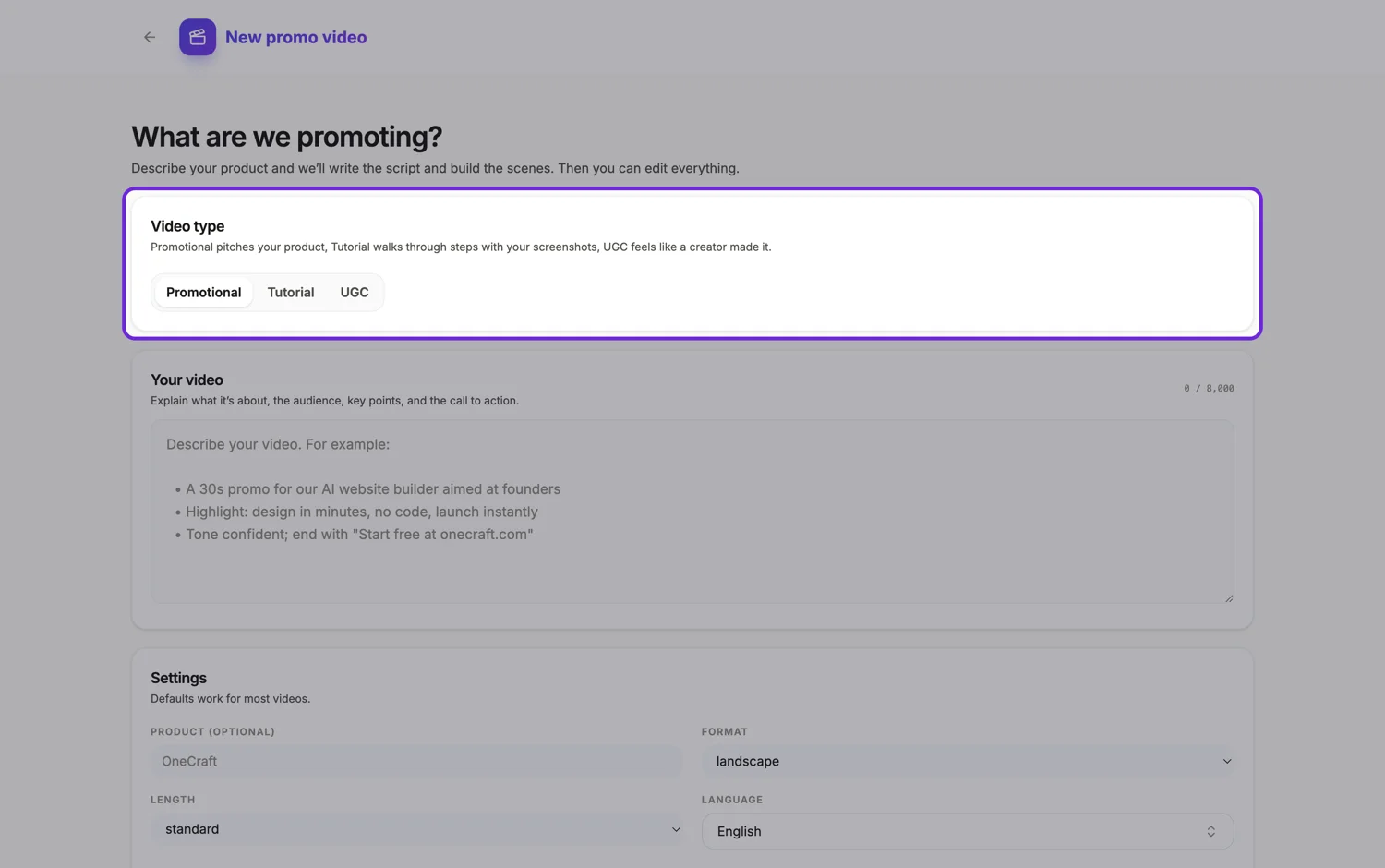
The button opens the generator with this use case already described. Change the wording to match yours, generate, then edit anything you like.
Create a video with OneCraftRelated pages
Local business video maker
The best venue videos open on the thing being done, not the sign over the door. A feed autoplays muted and scrolls in about a second, so the first frame has to be the food coming out of the pass, the bar being racked, or the chair being turned to the mirror.
B2B video maker
Two findings from a professional network's own creative research shape everything about B2B video. A logo in the opening two seconds lifts click through by about a sixth. Human talent in that same window lifts it by around two fifths. And only about seven percent of the B2B ads analysed featured any human emotion at all.
Video scene types
A scene here is not a slide, it is a role. Fifty two roles exist, each with a written definition of what it shows and when it should be used, and behind them sit 410 concrete layouts. The director picks a sequence of roles first, then chooses one layout per role.
More finished work of this kind is on the video examples hub.
Written and checked by the OneCraft team. Last checked .