Documents
Callout box in a document
A callout is the sentence a reader cannot afford to skim past, lifted out of the paragraph and marked. It works because it is rare, which is why the interesting question is when not to use one.

Four kinds, and they are not interchangeable
Info is a clarification, the thing people commonly misread. Warning is a consequence: do this late and something happens. Success is a confirmation, most useful in a procedure where somebody needs to know they have finished a stage correctly. Danger is for safety and legal exposure, and if you are using it for a deadline you have devalued it for the day you need it.
One per page, at most
The whole mechanism is contrast. A page with one callout has a sentence that stands out. A page with four has a decorated page and a reader who skims all of them. If four things on a page all matter that much, the section is badly written and the fix is in the prose, not in the boxes.
Write it as a standalone sentence
A callout gets read out of order, often by someone scanning for it, so it cannot depend on the paragraph above. Give it a short title that says what it is about and a body that makes sense cold. "Two working days" plus the rule underneath works. "Note" plus a pronoun referring to the last paragraph does not.
Where they earn their place
Policies, where one clause is the one everybody gets wrong. Procedures, where a step has a deadline attached. Agreements, where a defined term means something narrower than its everyday meaning. In a proposal or a report, a callout is usually decoration and a strong sentence would do the same work.
How the four variants print
The variant is a token, not a colour. Info, warning, success and danger each resolve against the document theme, so swapping the theme recolours every callout in the document at once and none of them drift out of the palette. That is why you pick by meaning rather than by how the colour looks: a warning stays a warning after a theme change, whereas a callout you coloured by hand would become whatever that hex is against the new page.
Callouts and the AI chat
The chat can rewrite what a callout says, because its text is a component property like any other. It cannot add one, delete one or move it to another page, since the three operations it has are all edits to something already on the page. So the callouts you get are the ones the generator decided the document needed, and if you want another, add it in the builder and then ask the chat to word it.
How it works, in three steps
Step 1
Find the sentence people get wrong
That is the callout. If nothing qualifies, the page does not need one.
Step 2
Pick the kind by consequence
Info clarifies, warning has a cost, success confirms, danger is for safety and legal exposure.
Step 3
Make it readable cold
A title that names the subject and a body that stands without the paragraph above it.
The full walkthrough with screenshots is in the guide Every document component and when to use it.
Limits worth knowing
- Four kinds: info, warning, success and danger.
- A callout is a block in the flow, so it moves with the content around it.
- It has a title and a body, not a list or a table inside it.
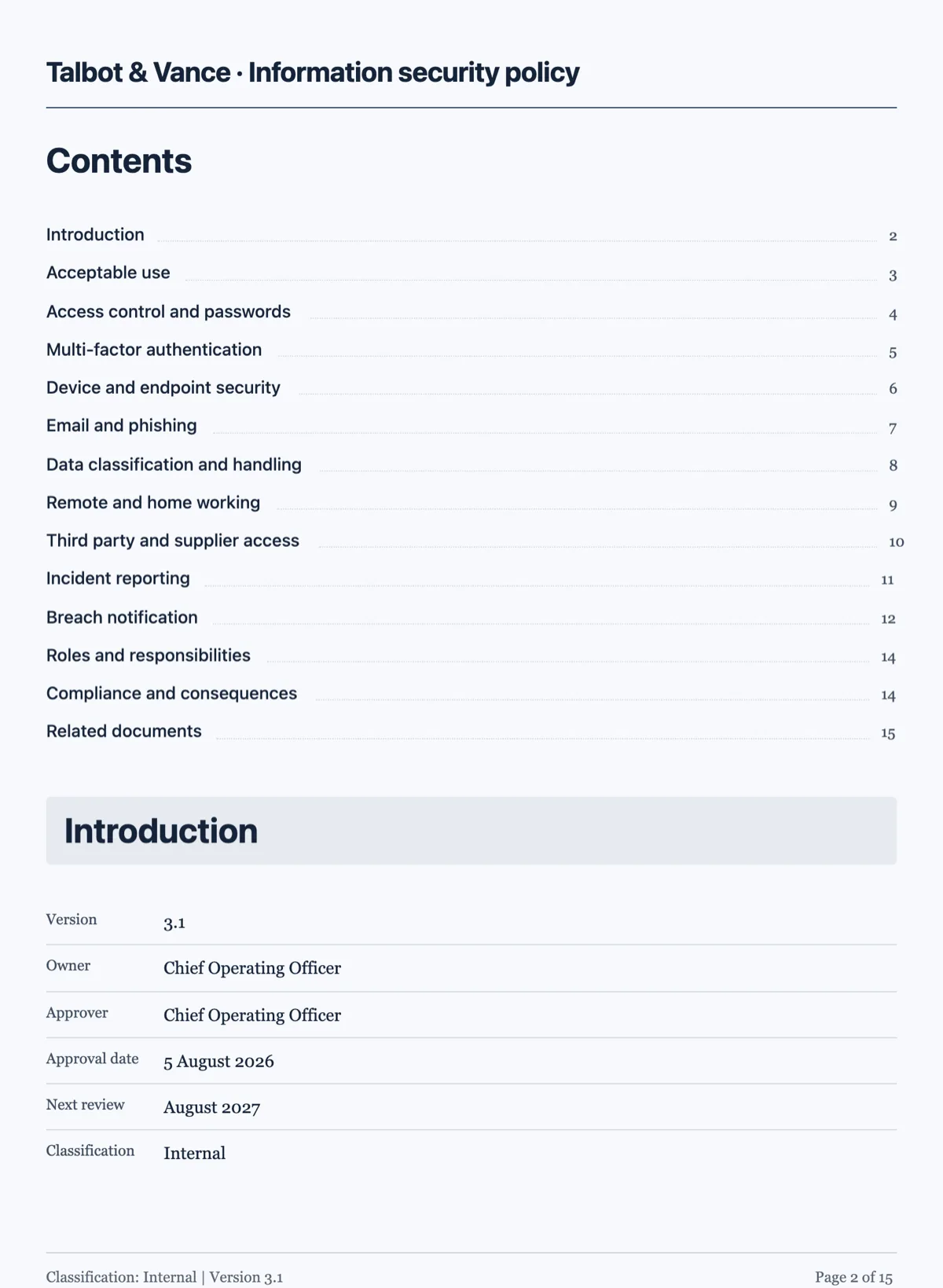
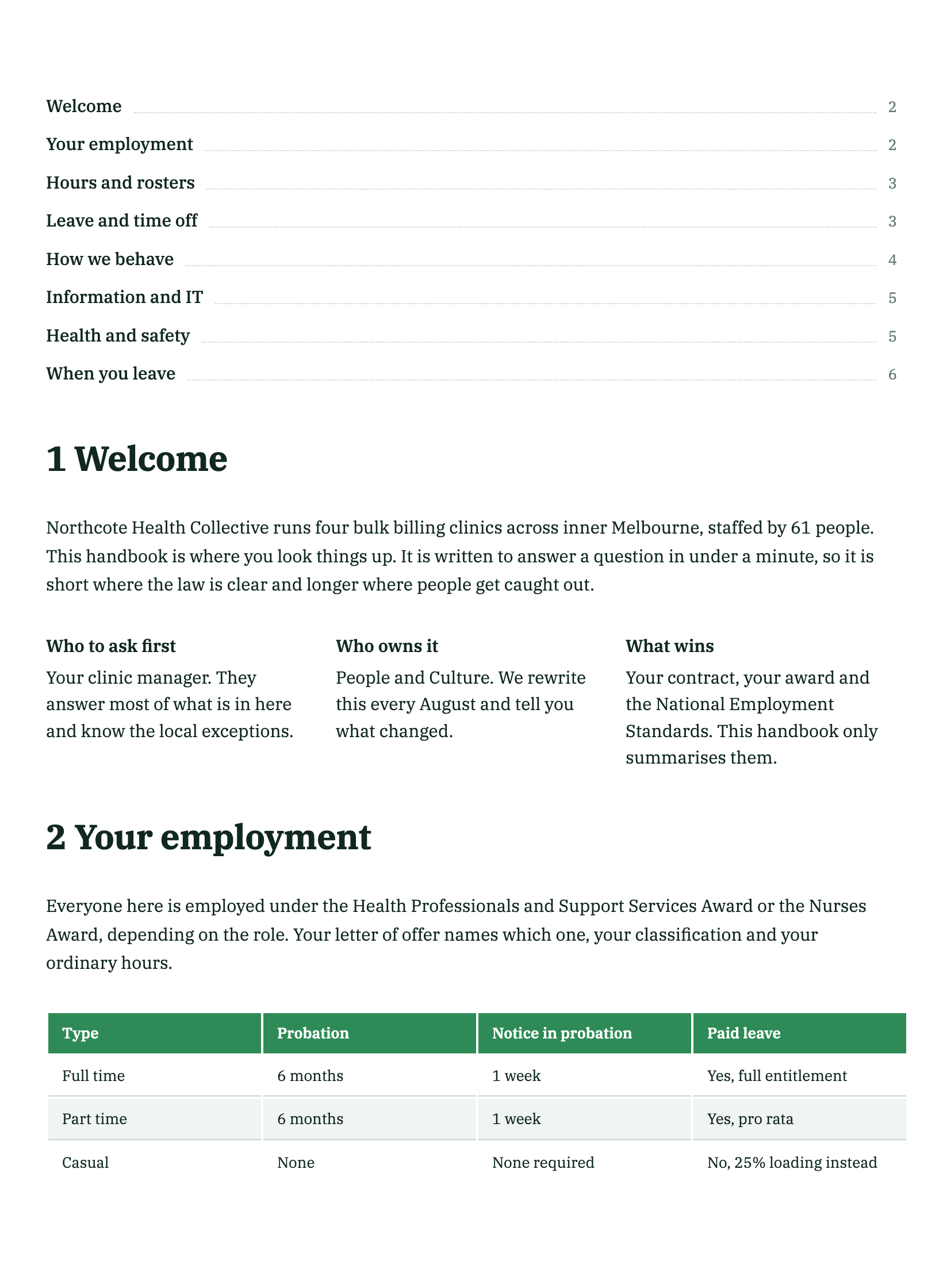
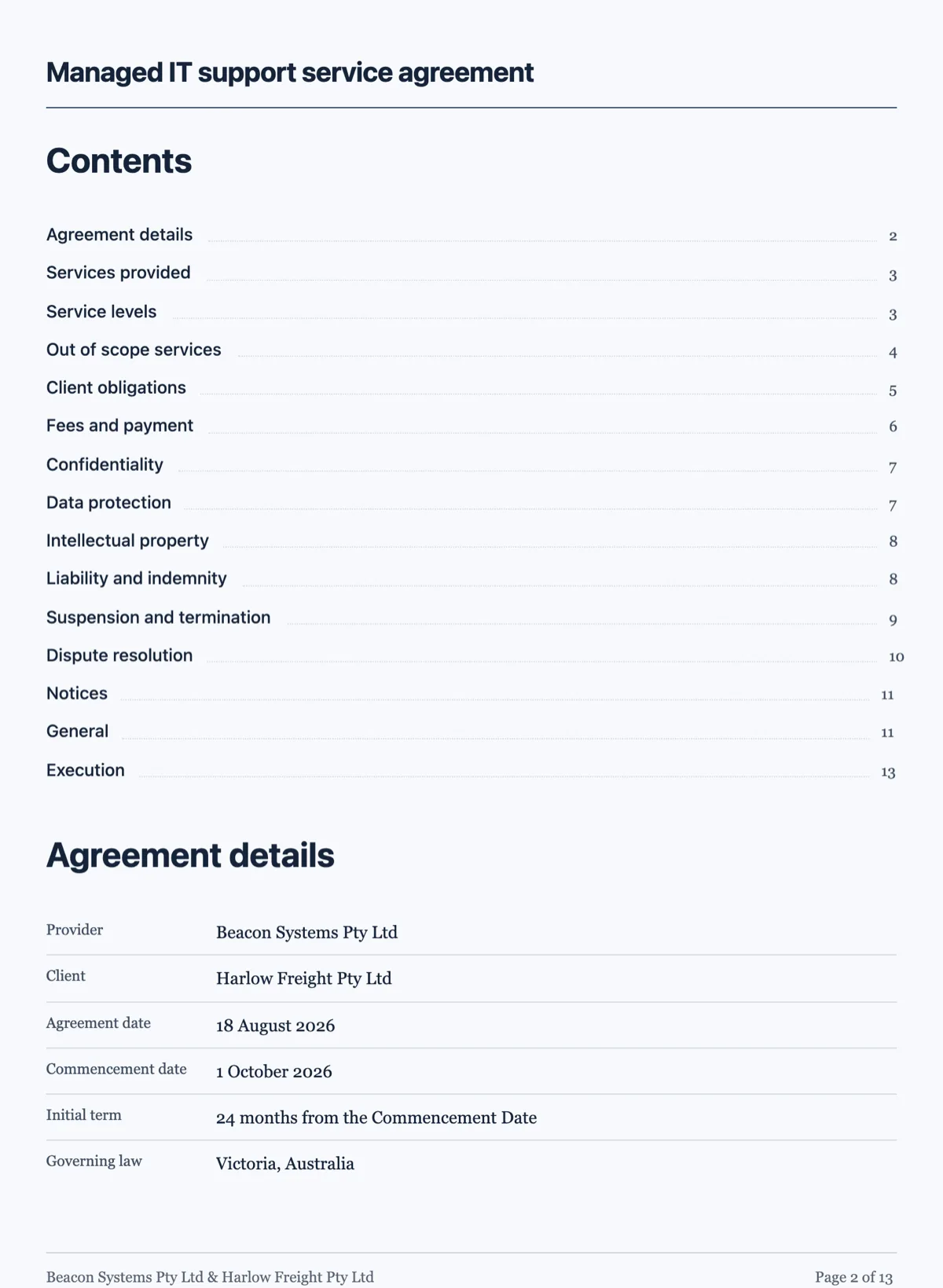
See it on a finished piece
Questions people ask
How many callouts should a document have?
As few as possible, and one per page is a sensible ceiling. The box works by being unusual: a page with three of them has no aside at all, just three paragraphs wearing a border. If a section needs several notes, the notes are probably the section, and the honest fix is to give them a heading and write them as body text.
What is the difference between warning and danger?
Warning is a consequence you can plan around, such as a deadline you will miss or a step that has to happen first. Danger is safety or legal exposure, the thing that ends badly rather than late. Spending danger on a deadline leaves you nothing for the paragraph that really needs it, and a reader who has seen danger used loosely stops reading it.
Can I put a list inside a callout?
A callout takes a short title and a body, so a list has to be written as a sentence inside that body. If the content genuinely wants bullets, it is usually a section rather than an aside: an aside is one thought held to one side of the argument, and once it has four parts it is part of the argument again.
Does a callout survive a page break?
It is laid out as one block with a known height, so the engine places it whole on a page rather than splitting it across two. A callout that would not fit in the remaining space moves down to the next page. That is also why a very long callout is a bad idea: it can push a large hole into the page above it.
Can the AI chat add a callout for me?
No. The chat has three operations and all of them edit existing content: it can rewrite a component, rewrite a cell inside a container, and set the document title. Adding, deleting or reordering blocks is builder work. Ask it to word the callout after you have placed one.
Make your own document
The button opens the generator with this use case already described. Change the wording to match yours, generate, then edit anything you like.
Create a document with OneCraftRelated pages
Document components
There are 45 block types. You will use about twelve of them regularly, and knowing which twelve is most of the difference between a document that reads as designed and one that reads as typed.
Numbered clauses in a document
A numbered clauses document is an agreement written as clause blocks, each with its own number, title and body, and sub-clauses such as 5.1 and 5.2 under each heading. Numbering is what makes an agreement usable. Without it nobody can point at anything, and every conversation about the contract becomes a conversation about which paragraph you both mean.
Diagrams in a document
You give a diagram its steps and it lays itself out. There are five kinds, and every coordinate is derived from the kind you pick, so there is nothing to align and nothing to nudge.
More finished work of this kind is on the document examples hub.
Written and checked by the OneCraft team. Last checked .