Documents
Diagrams in a document
You give a diagram its steps and it lays itself out. There are five kinds, and every coordinate is derived from the kind you pick, so there is nothing to align and nothing to nudge.
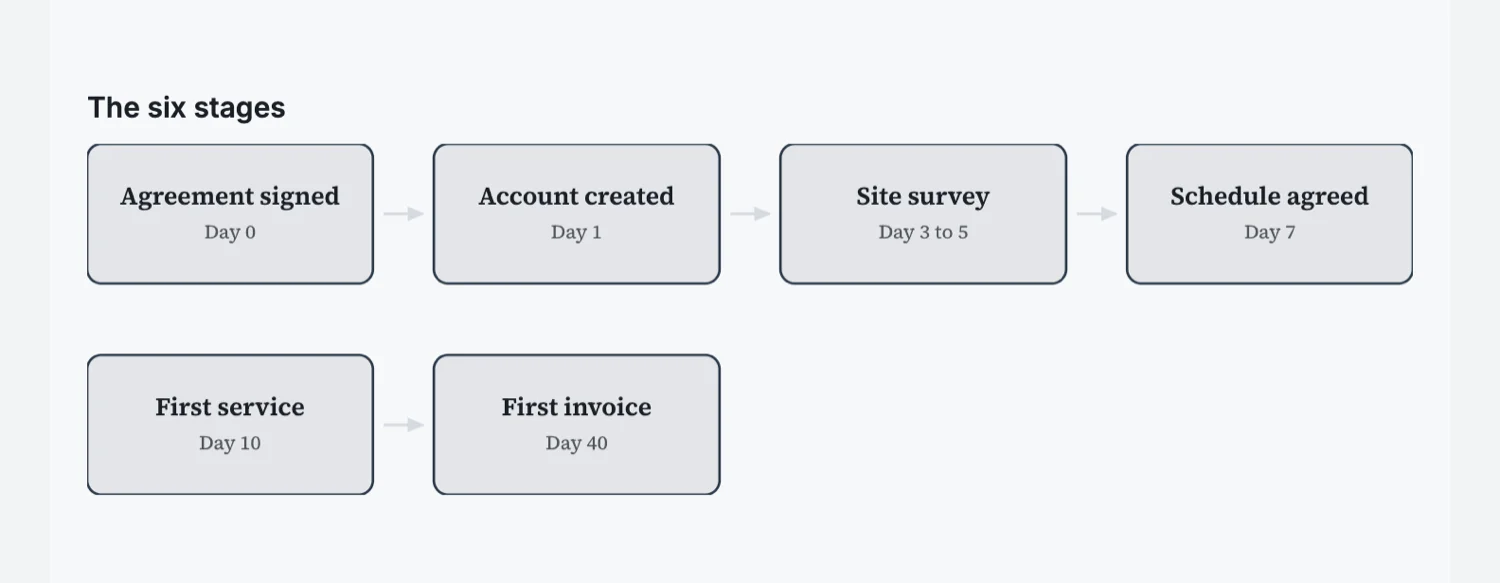
Content in, layout out
A diagram is described as a list of nodes, each with a label and an optional line of detail, and the renderer works out every position from the kind you chose. That is why they stay consistent through a long document and why changing a step does not break the alignment of the rest.
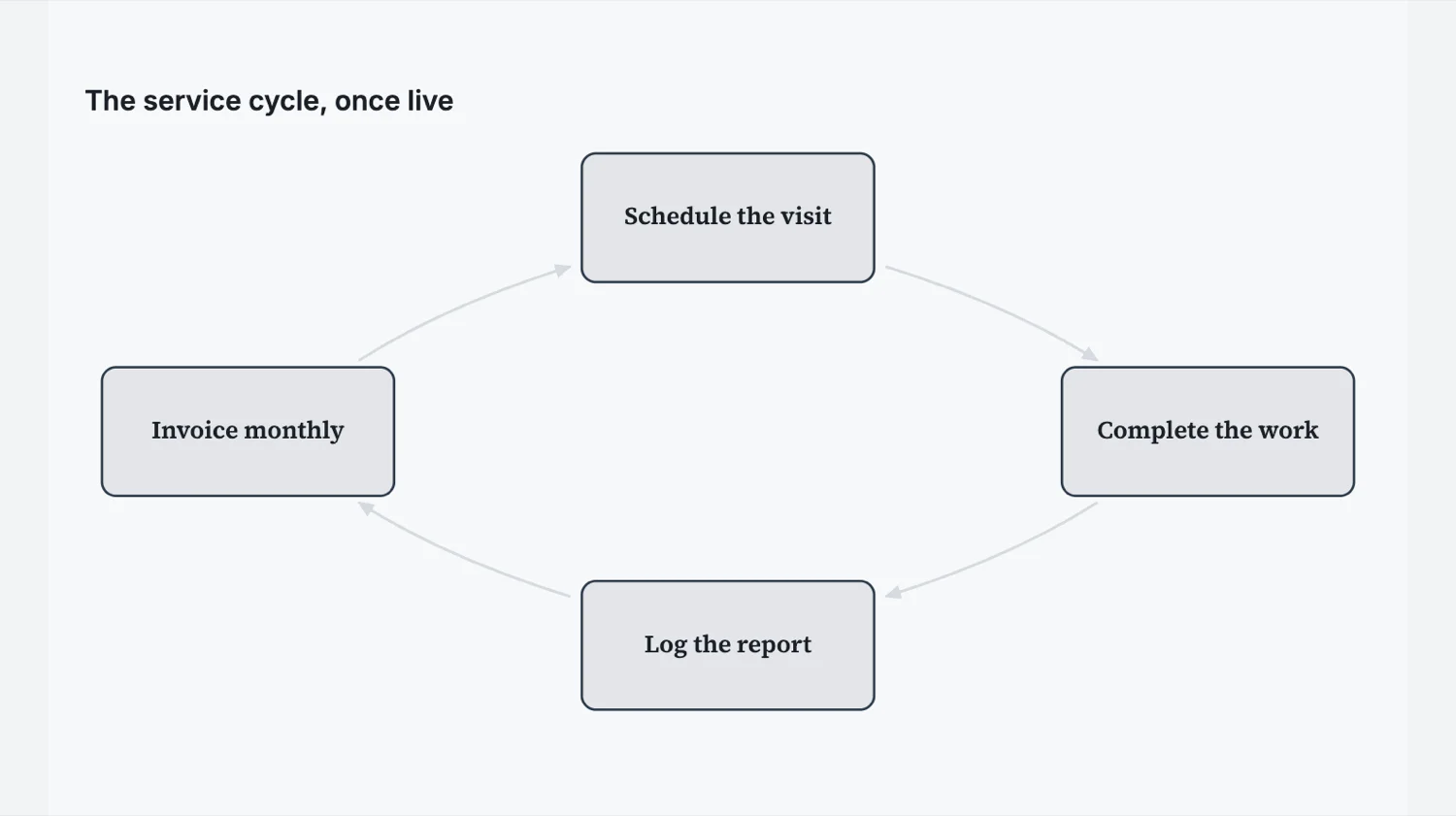
The five kinds
Process is a straight run of ordered steps. Flow branches, so a step can point at more than one next step, which is what you want for a decision. Cycle closes the loop for something that repeats. Funnel narrows, for stages that lose volume. Hierarchy nests, for a structure of parents and children.
Pick by the shape of the truth
The commonest mistake is drawing a process for something that is really a cycle, which quietly tells the reader the work ends when it does not. The second commonest is a funnel used for stages that do not actually narrow. Choose the kind that matches how the thing behaves and the diagram does the explaining for you.
Keep the labels short
A node label is a name, not a sentence, and the optional detail line underneath is where the qualification goes. Long labels force small type, and small type in a diagram is the point at which readers skip it and read the paragraph instead.
A diagram is not a decoration
The test is whether the paragraph next to it could be deleted. If the diagram only restates what the text already said, it is costing a third of a page to say nothing twice. The diagrams that earn their space are the ones showing something prose is bad at: what happens in parallel, where a decision splits the path, and what loops back to the start.
How it works, in three steps
Step 1
Name the steps
Short labels, in order, with an optional line of detail on each.
Step 2
Pick the kind that matches the behaviour
Straight run, branch, loop, narrowing or nesting.
Step 3
Read it without the surrounding text
If it does not stand alone, the labels need work rather than the layout.
The full walkthrough with screenshots is in the guide Every document component and when to use it.
Limits worth knowing
- Five diagram kinds: process, flow, cycle, funnel and hierarchy.
- Positions are derived from the kind. You cannot drag an individual node.
- Only flow and hierarchy use the links between nodes; the other three ignore them.
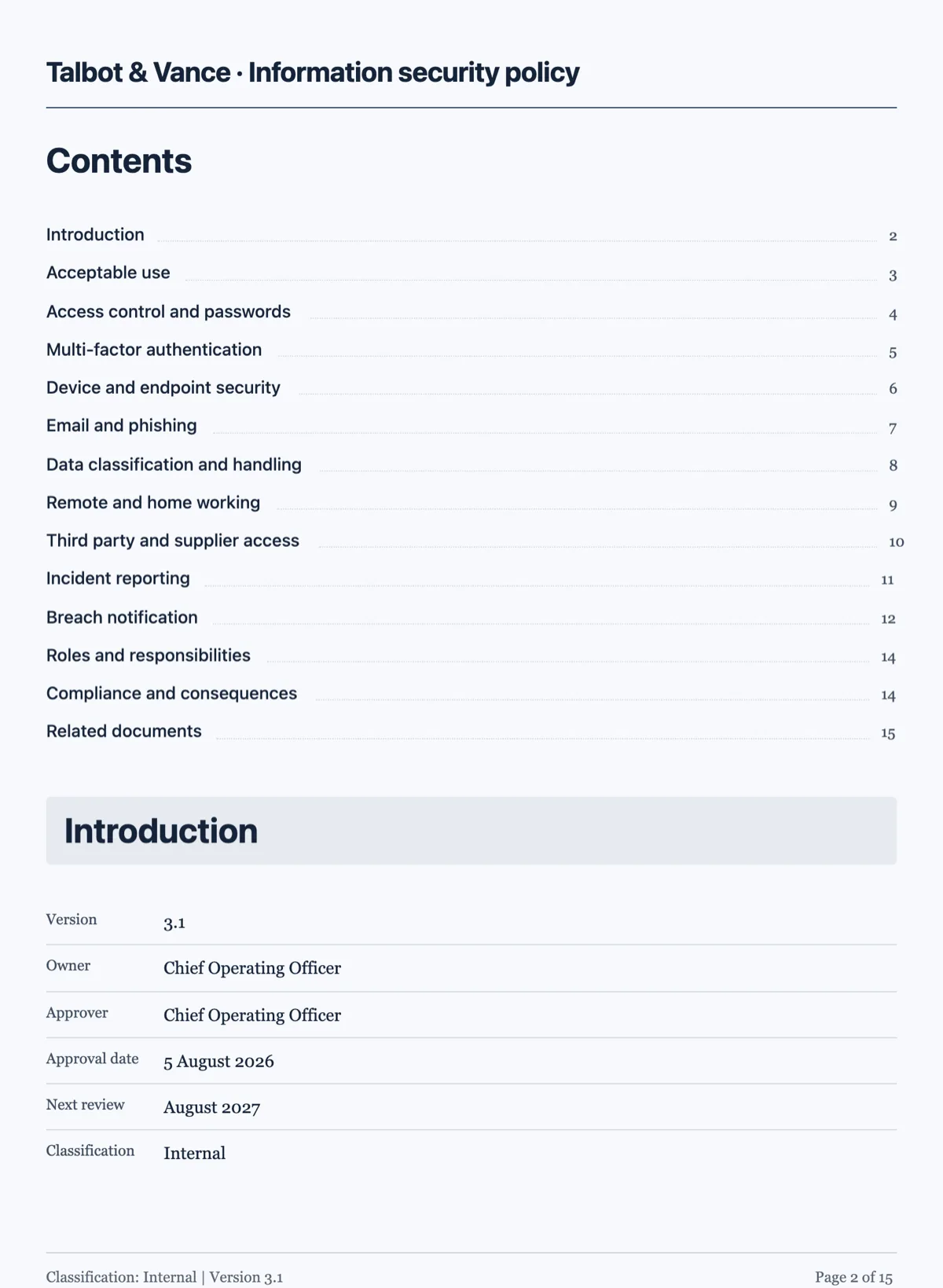
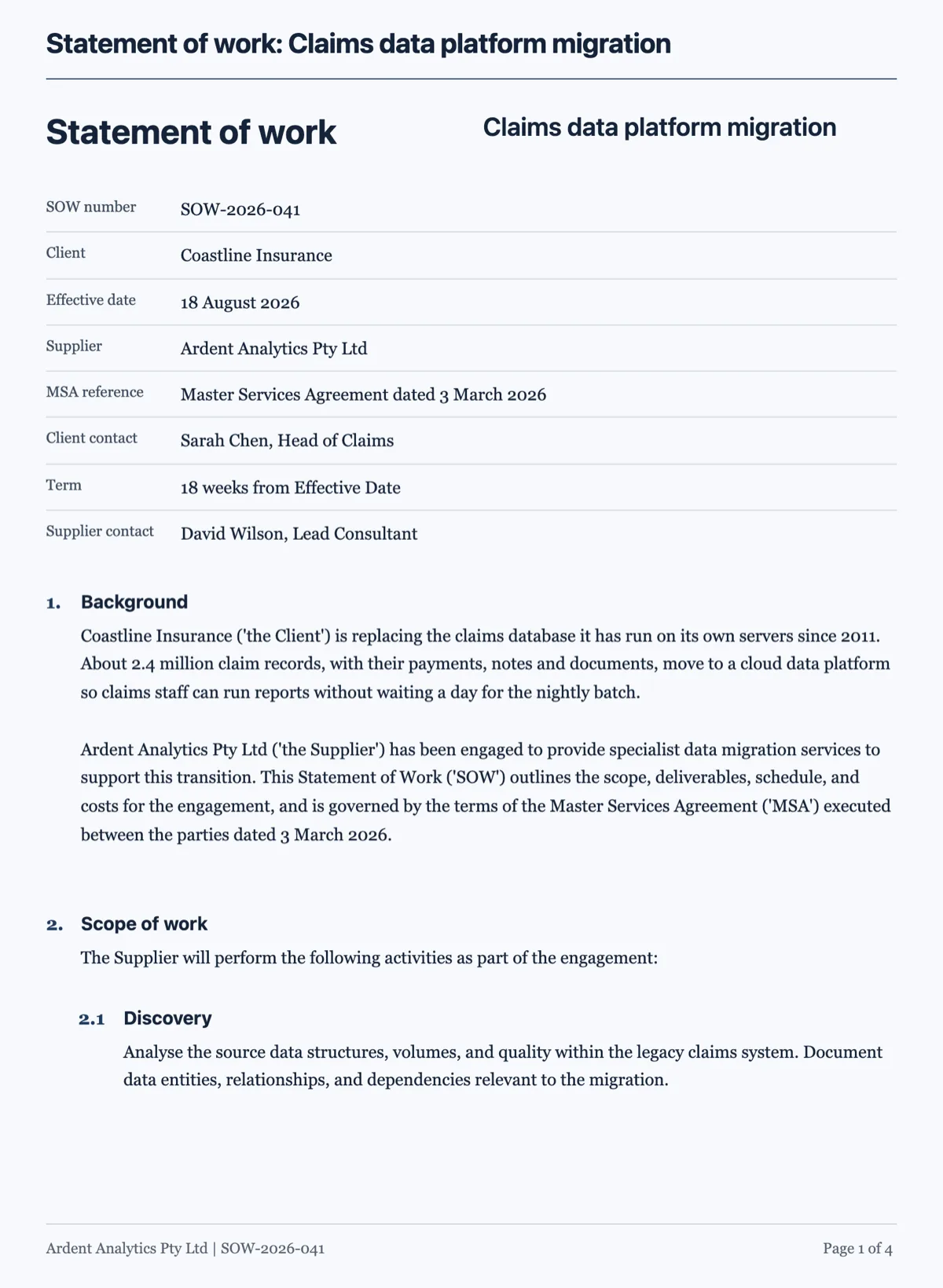
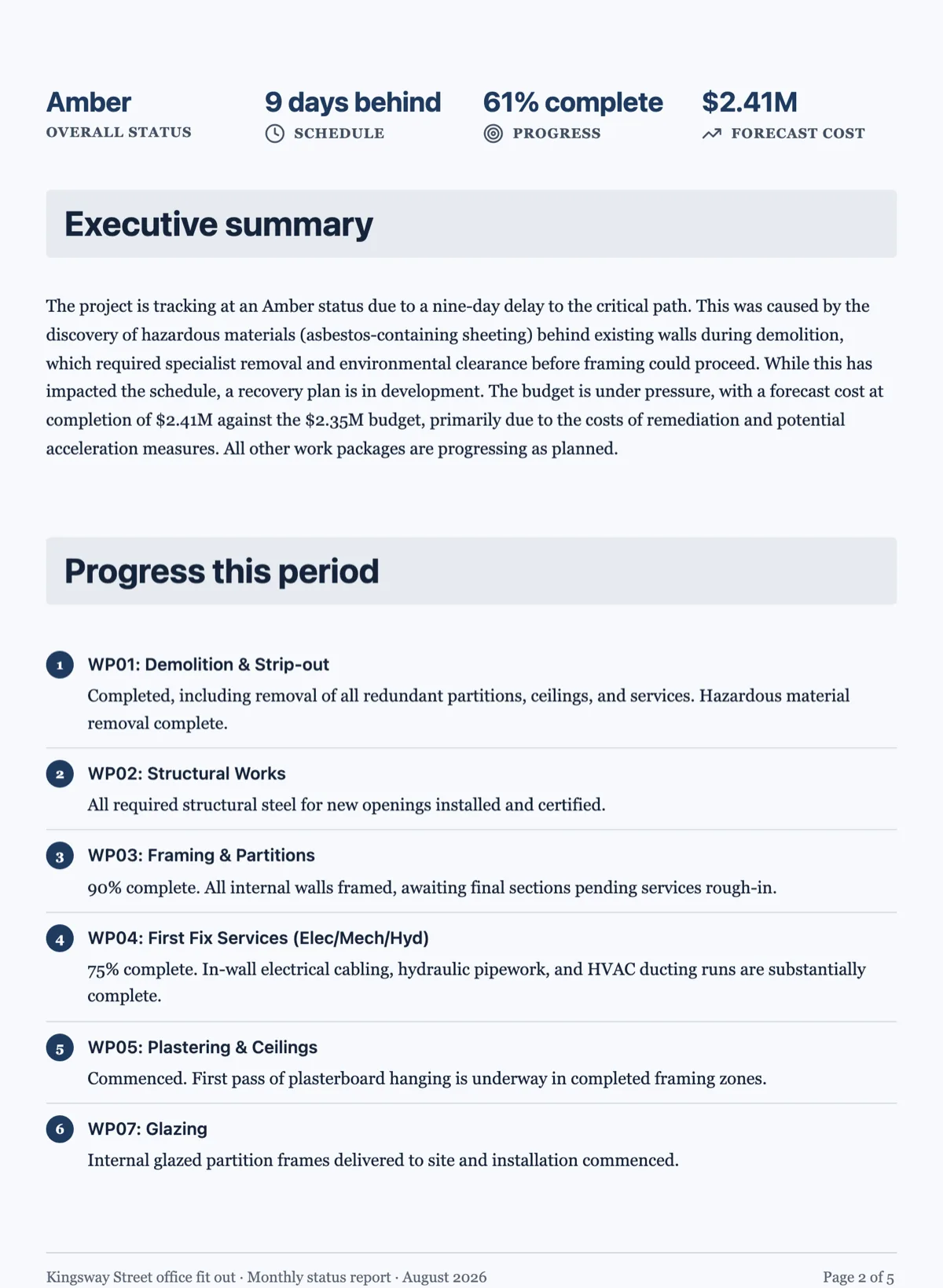
See it on a finished piece
Questions people ask
Can I move the boxes around?
No, and that is the point. Every coordinate comes from the kind you chose, so the diagram stays aligned and consistent as you edit the content.
Which kind should I use for a decision?
Flow. It is the one where a step can point at more than one next step.
How many steps is too many?
Past about seven the labels shrink and readers stop reading it. Split it into two diagrams instead.
Make your own document
The button opens the generator with this use case already described. Change the wording to match yours, generate, then edit anything you like.
Create a document with OneCraftRelated pages
Recreate an existing document, and every one like it
To recreate an existing document, attach the file or photos of it in the document generator, ask for the same sections and wording, and it comes back as an editable document you own. The payoff grows with a set: six inherited policies rebuilt one by one can all take the same theme, so they finally look like they came from one organisation.
Document table of contents
You write the section titles, the engine writes the page numbers. Numbering runs last, after every other layout pass, because moving one section changes every number after it.
AI images in a document
Most documents need fewer pictures than people put in them, and the ones that earn their place are specific. Describing the figure you want beats searching for a photograph that nearly fits.
More finished work of this kind is on the document examples hub.
Written and checked by the OneCraft team. Last checked .