Documents
AI images in a document
Most documents need fewer pictures than people put in them, and the ones that earn their place are specific. Describing the figure you want beats searching for a photograph that nearly fits.
Three places an image is worth the space
A cover, where it sets the register before a word is read. A section opener in a long editorial document, where it gives the eye somewhere to rest. And a figure that shows something words are bad at, such as a site, a product or a physical arrangement. A photograph of people at a laptop in the middle of a proposal is costing you a third of a page.
Caption it, and it numbers itself
An image with a caption is numbered as a figure in the finished document, and the numbering is resolved at the end of layout along with the contents list, so it stays right when a section moves. That is what lets the text refer to figure three instead of saying the picture above, which breaks the moment anything reflows.
Write the prompt for a document, not a poster
Document images sit behind text and beside tables, so they want to be calm: a place, a light, a subject, no busy action and no text baked into the picture. Anything with words in it will clash with your typography and cannot be translated with the rest of the document.
Your own photographs beat generated ones
For a case study, a capability statement or a site report, a real photograph of the real thing is more persuasive than anything generated. Generation is for when the picture is illustrative rather than evidential. If the document is making a claim about a specific place or product, use the real image.
The image is generated at the shape of the block
You do not pick a resolution. The block you are filling has a shape, and the request carries that shape to the image model as the composition to draw for, defaulting to 3:4 when nothing else is set. So a wide banner comes back composed as a wide picture rather than a square one cropped to fit, and the subject sits where the block will show it. If you want a different shape, change the block first and then generate.
Headshots and logos: upload, do not generate
Never generate a person or a brand mark. A generated face is not the person the document is about, and a generated logo is not your logo, and both look wrong to anyone who knows the subject. Upload those from the image panel instead. Generation is for the illustrative picture that has no real original: a scene, a concept, a texture, an object that stands for an idea.
How it works, in three steps
Step 1
Ask what the image proves
If it proves nothing, the space is better spent on a figure or a table.
Step 2
Describe a scene, not an event
A place, a light and a subject. No text in the image.
Step 3
Add a caption
A captioned image is numbered as a figure, and the numbering survives reflow.
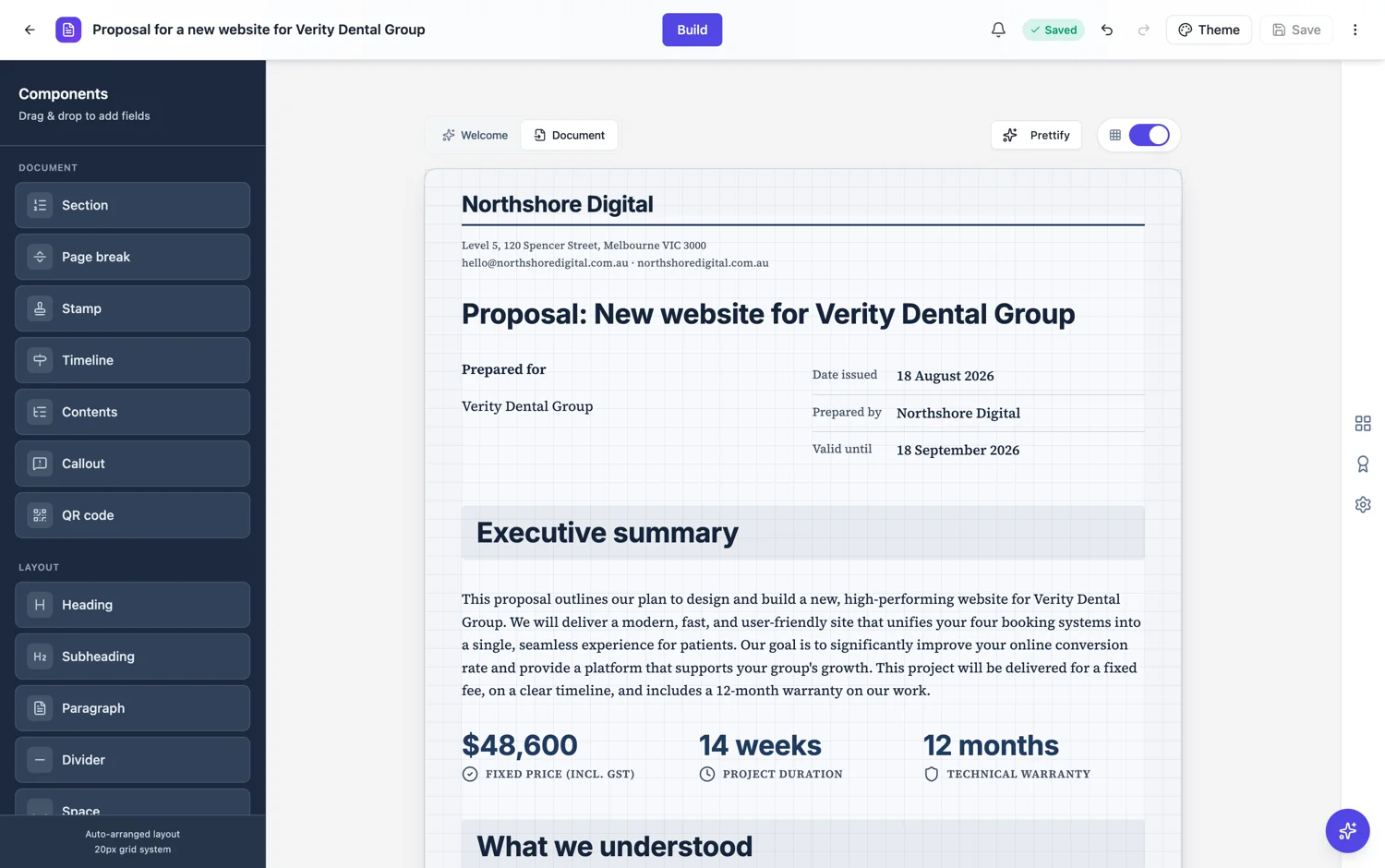
The full walkthrough with screenshots is in the guide Add and generate images in a document.
Limits worth knowing
- Generated images are illustrative. For a claim about a real place or product, use a real photograph.
- Text inside a generated image cannot be edited or translated with the document.
- Image generation runs as a background job, so it takes a moment.
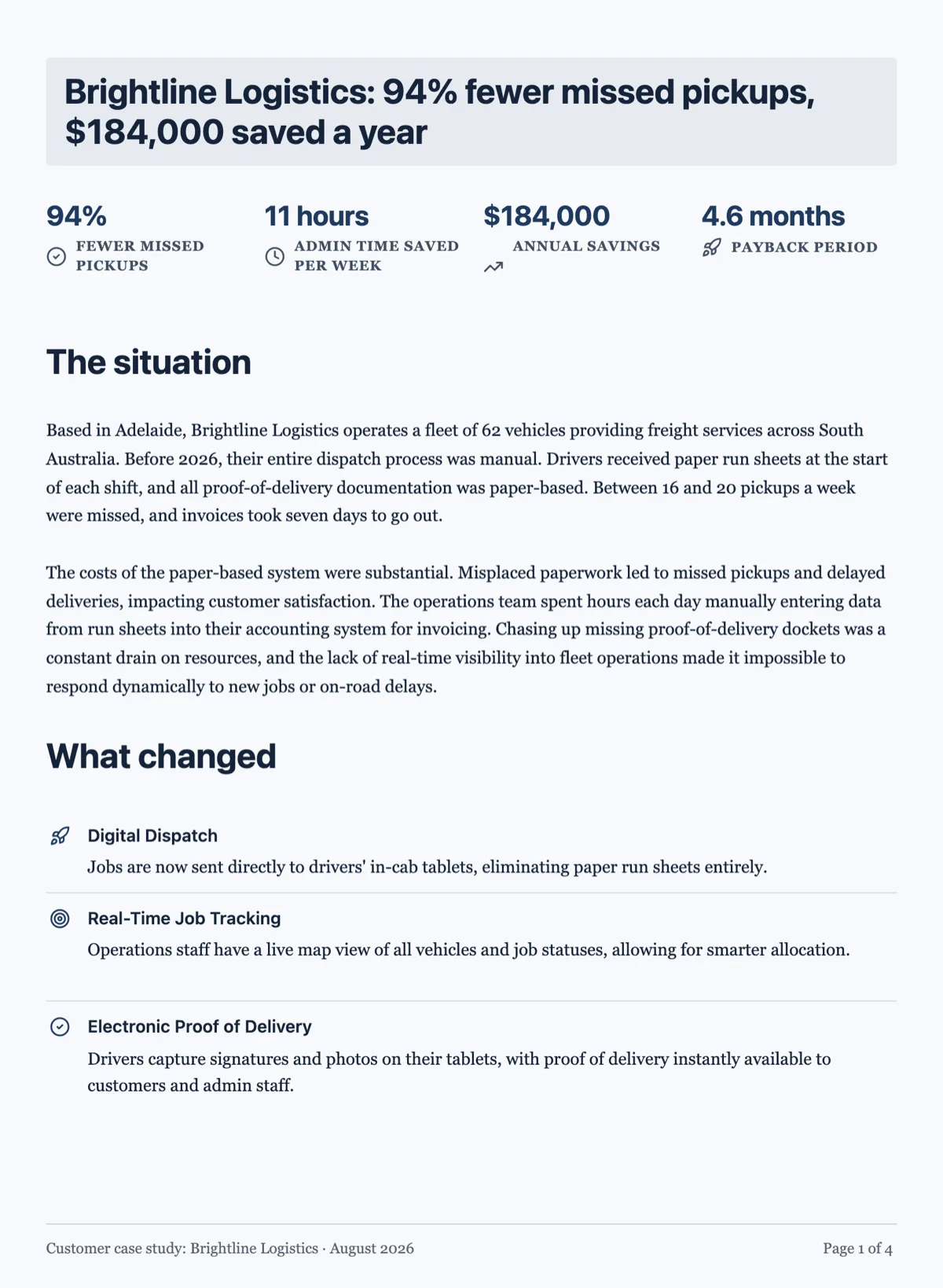
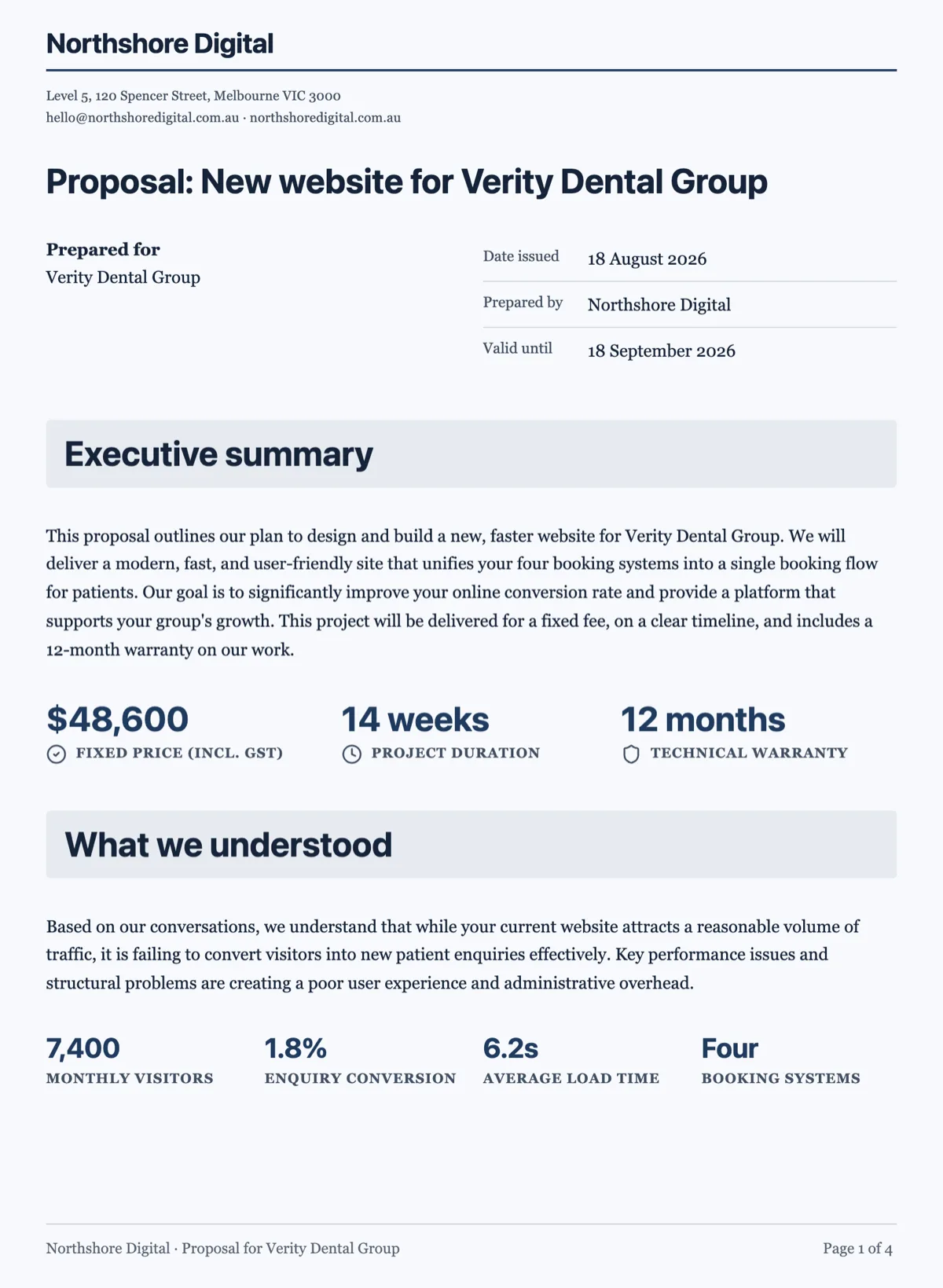
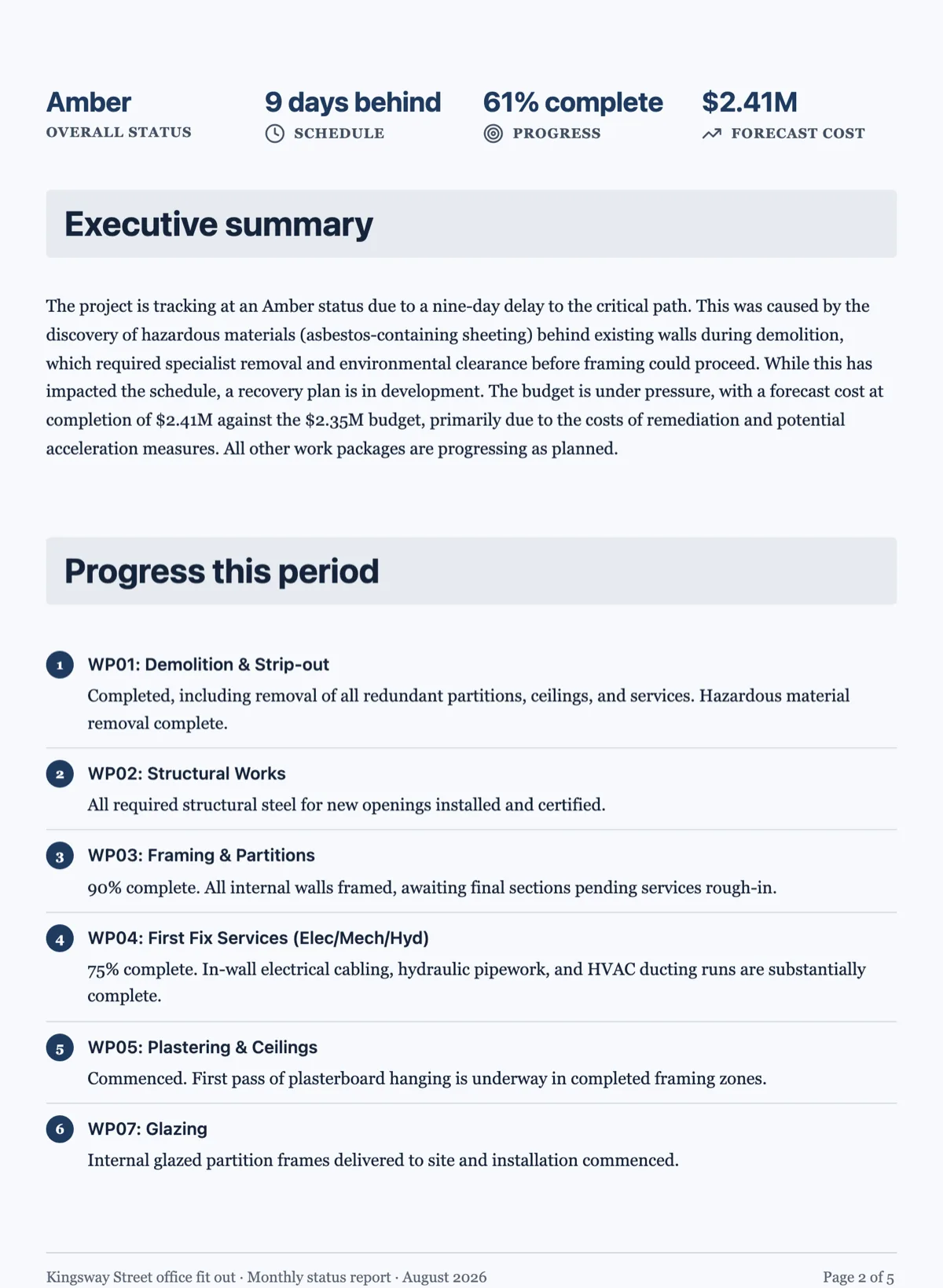
See it on a finished piece
Questions people ask
Do figures get numbered automatically?
Yes, when you caption them. The caption carries the figure number and the numbering runs across the document in reading order, so inserting an image in the middle renumbers everything after it. An uncaptioned image is not a figure and takes no number, which is the right behaviour for a picture that is there to set a tone rather than to be referred to.
Can I upload my own photograph instead?
Yes, from the image panel, and for anything real you should. A photograph of the actual site, the actual product or the actual team is worth more than a generated approximation, because a reader who knows the subject can tell the difference immediately and stops trusting the rest of the document.
Should the image contain text?
No. Ask for a picture with no text, no logos and no watermarks, which is what the request already tells the model. Text drawn into an image cannot be edited, cannot be translated, does not scale with the page and often comes back subtly misspelled. Anything that has to read as words belongs in a caption or a callout beside the image.
How many images should a report carry?
Three places earn one: the cover, a section where a picture explains something faster than a paragraph would, and the closing page if the document needs a note to end on. Everything else is decoration that pushes the words further apart. A twenty page report with three good images reads better than the same report with twelve.
Can I regenerate one image without touching the others?
Yes. Generation is per block, so you open the image you want to change, adjust the description and generate again. Nothing else in the document moves, and the other images keep the versions you already approved.
Where do generated images count?
Against your storage, the same as an uploaded file, and the check runs before the file is written rather than after. That is why a very large document full of generated pictures can hit a storage limit even though nothing was uploaded by hand: an image is bytes wherever it came from.
Make your own document
The button opens the generator with this use case already described. Change the wording to match yours, generate, then edit anything you like.
Create a document with OneCraftRelated pages
One page documents
The failure mode of a one page document is a page that is two thirds full. It is treated as a composed page rather than a short document, which means the blocks are sized to use the height they have.
Code blocks and equations
Some content has to be reproduced exactly: a configuration snippet, a decision rule, a formula. Prose paraphrases it and gets it wrong. These two blocks print it as written.
Two column document layout
There is no columns switch for the page. Two things sit side by side when they are cells of one row, and that row is what the pagination engine moves as a unit.
More finished work of this kind is on the document examples hub.
Written and checked by the OneCraft team. Last checked .