Documents
Code blocks and equations
Some content has to be reproduced exactly: a configuration snippet, a decision rule, a formula. Prose paraphrases it and gets it wrong. These two blocks print it as written.
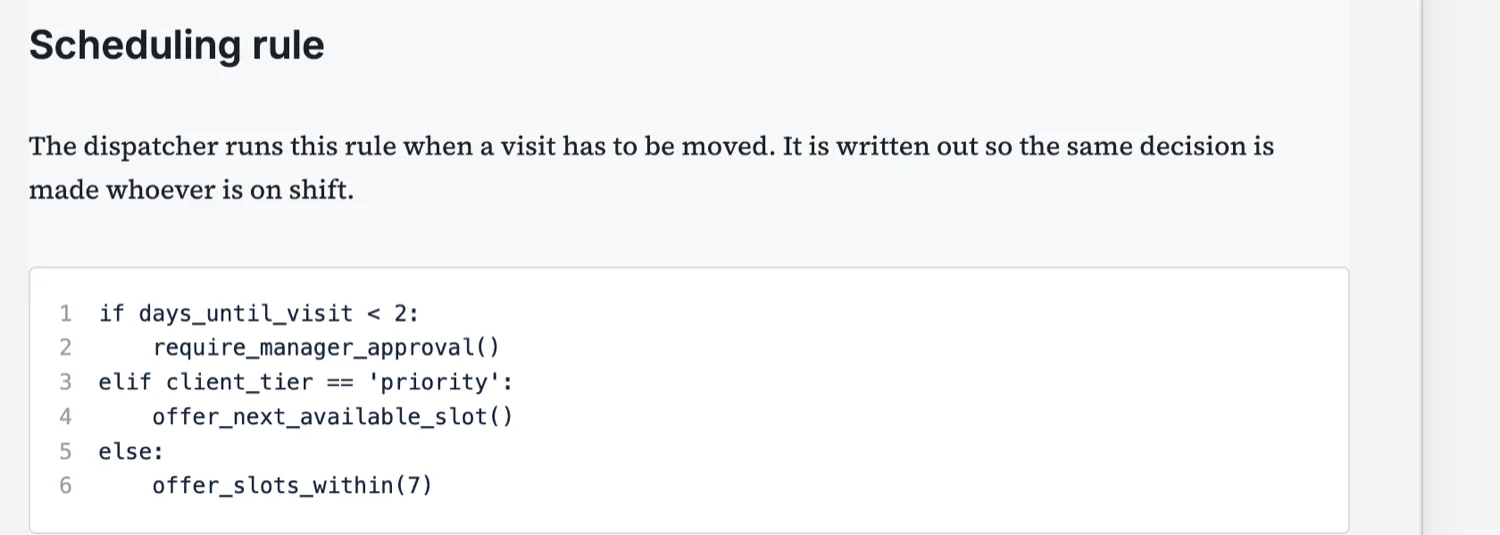
A code block prints exactly what you write
It is set in a monospace face, keeps its indentation, and can carry line numbers. That last part matters more in a document than in an editor, because line numbers give a reviewer something to point at: "line four should be a warning, not an approval". Without them a review turns into quoting fragments.
Not only for software
The block suits any rule where the exact characters matter. A pricing rule, an escalation rule, a validation pattern, a configuration a technician has to type in. Writing a rule as a listing forces it to be unambiguous, which is why an operations procedure often benefits from one more than a paragraph would.
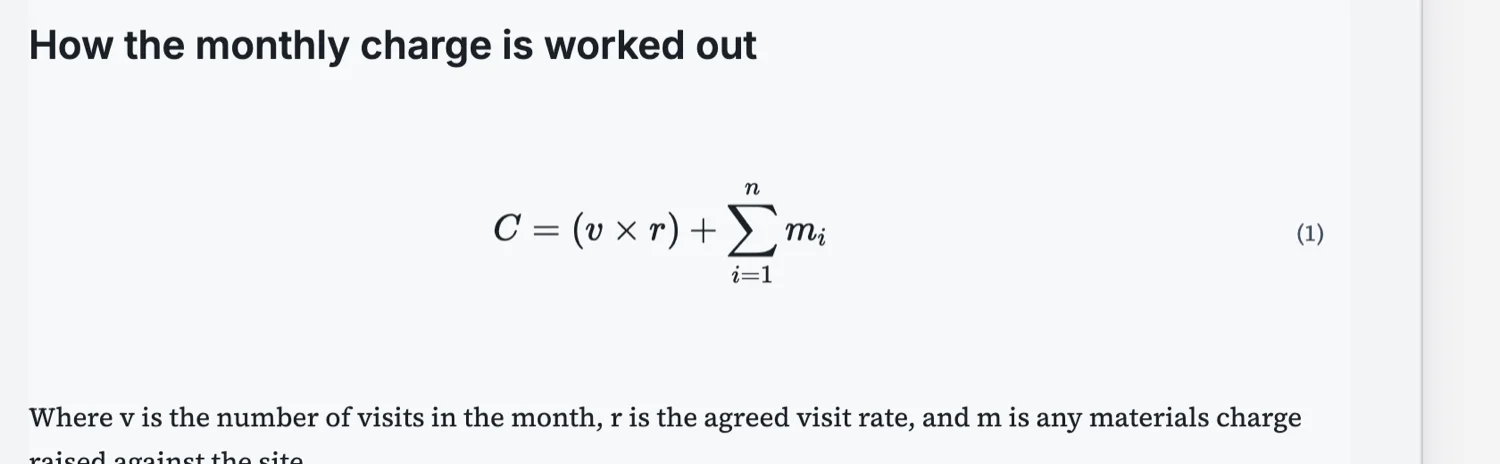
Equations are block level and numbered
An equation is written in LaTeX and printed on its own line with an optional number beside it. The number is the point: it lets the text refer back to equation one rather than describing it again. Inline arithmetic that reads fine as a sentence should stay a sentence.
Always define the variables
A formula without its terms defined is decoration. The convention is a short paragraph immediately underneath saying what each symbol is, in the same order they appear. It costs two lines and it is the difference between a document somebody can use and one they have to ask about.
Where these two belong
Technical papers, runbooks, integration guides and operations procedures. A listing in a proposal is usually a mistake, because the reader is buying an outcome rather than reviewing an implementation. If a client genuinely needs the configuration, it belongs in an appendix or a separate technical document, not in the middle of the commercial pitch.
What the code block does not do
There is no syntax highlighting. A code block prints exactly the characters you give it in a monospace face, with optional line numbers, and the language you name is a label rather than a switch that colours keywords. For a printed document that is usually right: colour that means nothing on paper is noise, and a reader copying a command wants the characters, not the theme.
Equations are LaTeX, and block level only
An equation block takes LaTeX and prints it as a display formula on its own line, optionally numbered. There is no inline maths, so you cannot drop a formula into the middle of a sentence. Plain arithmetic that reads fine as text should stay as text; the block is for the formula a reader needs to see set out.
How it works, in three steps
Step 1
Decide if the exact characters matter
If a paraphrase would be wrong, use a block. If not, write the sentence.
Step 2
Turn line numbers on for anything reviewed
They give a reviewer something to point at.
Step 3
Define the variables under an equation
Each symbol, in the order it appears, in one short paragraph.
The full walkthrough with screenshots is in the guide Every document component and when to use it.
Limits worth knowing
- A code block prints a listing; it does not run or validate anything.
- Equations are block level LaTeX, not inline maths inside a sentence.
- A very wide listing is constrained by the page, so keep lines short.
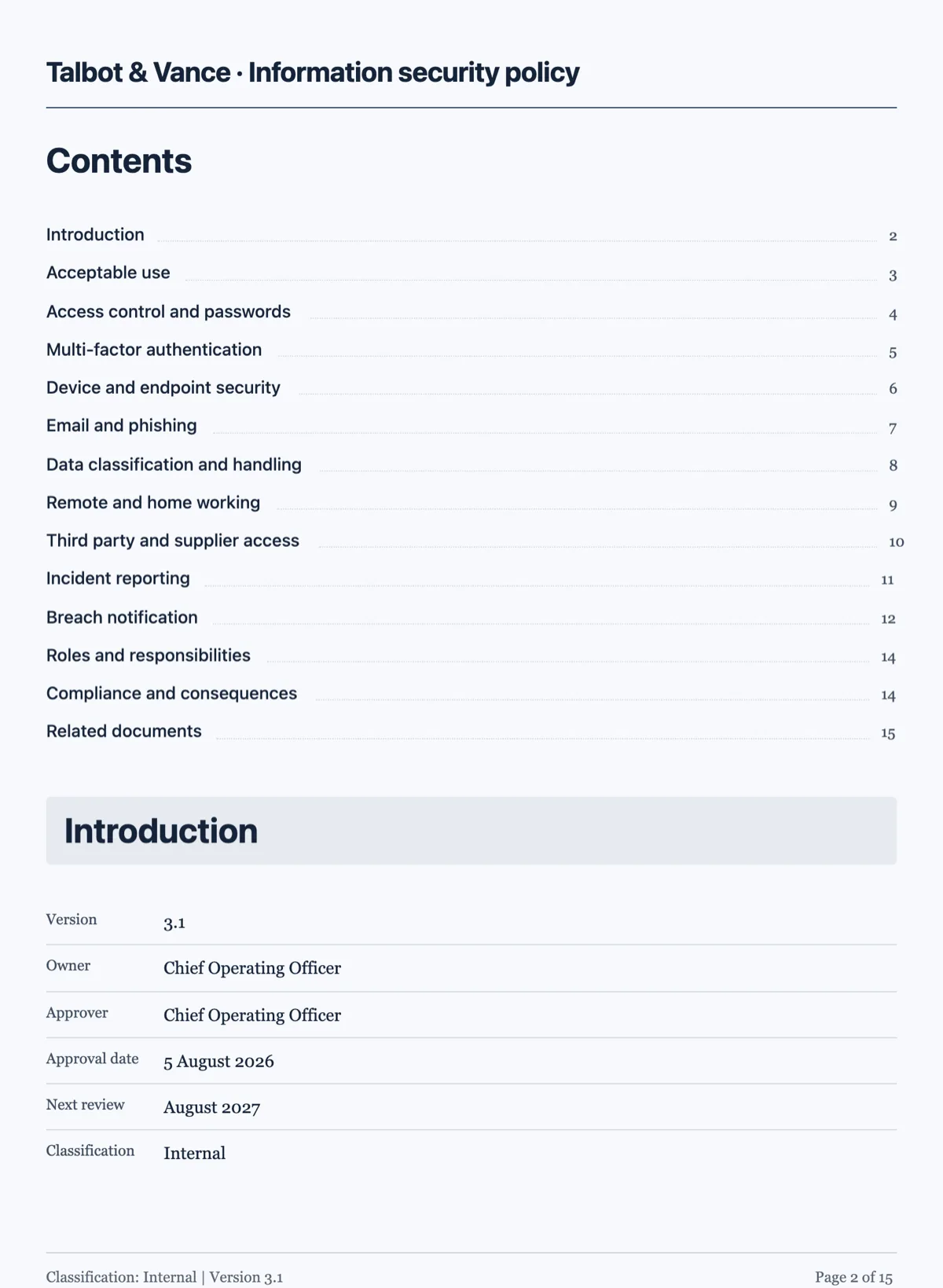
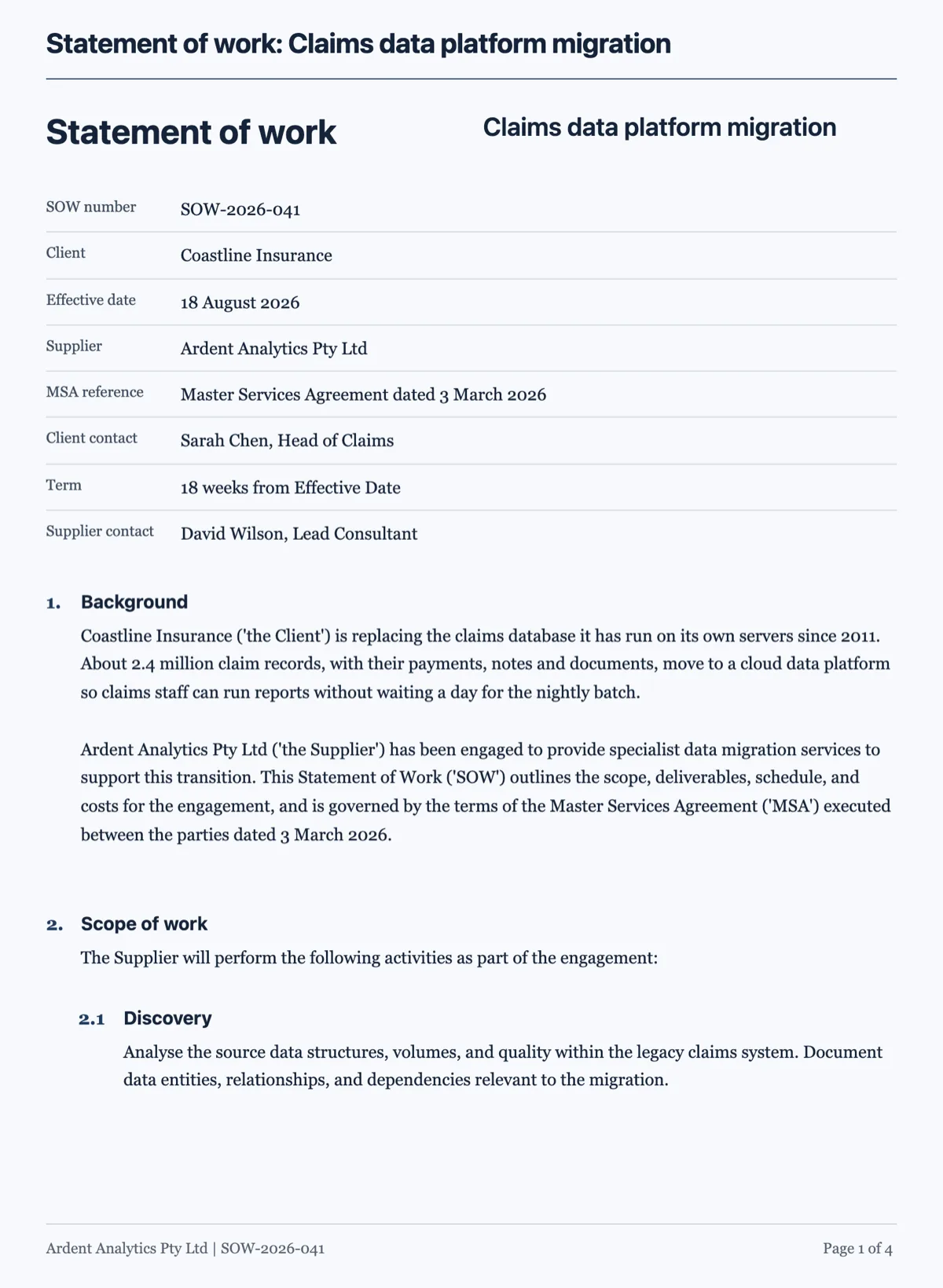
See it on a finished piece
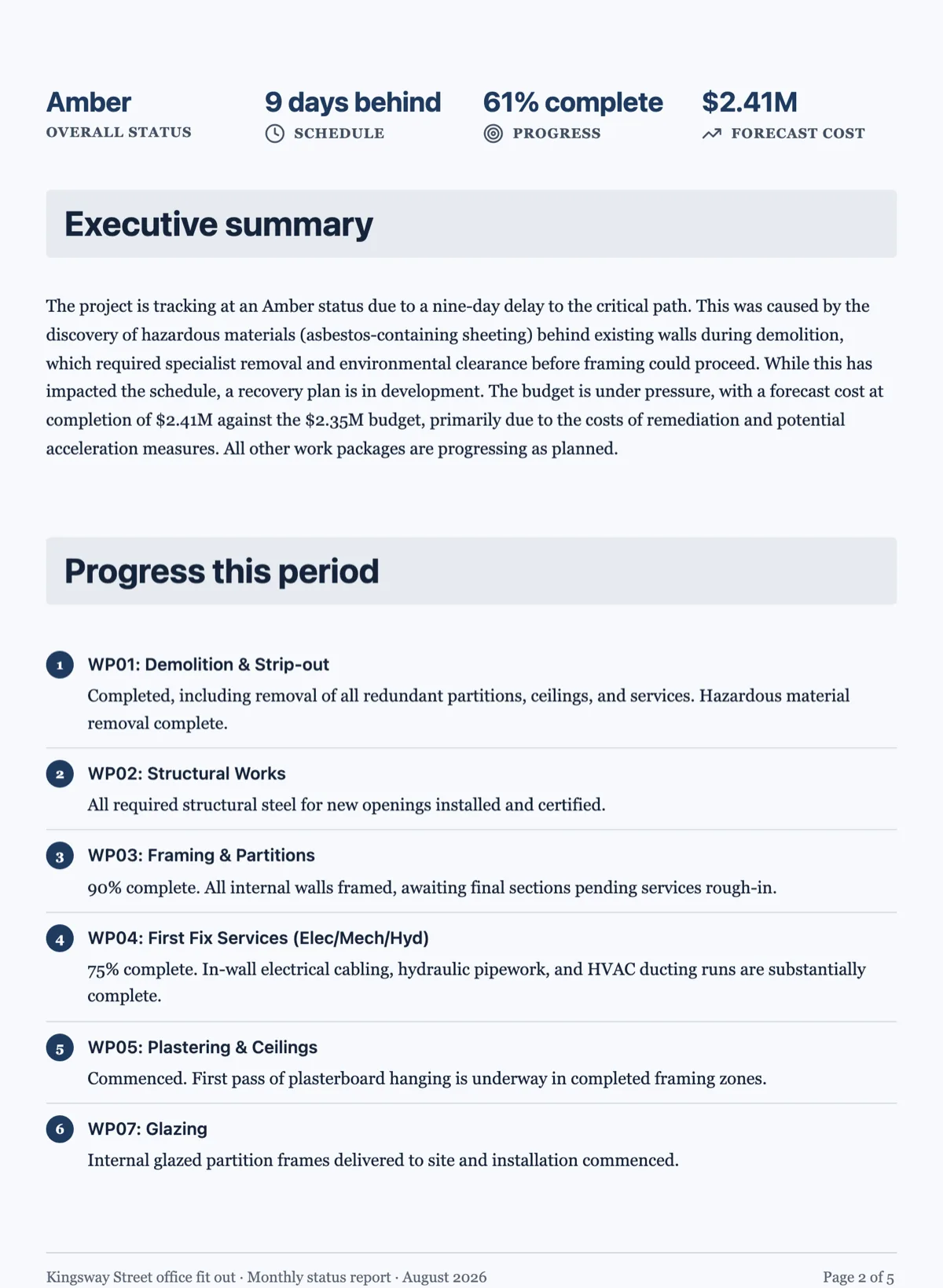
Questions people ask
Does the code get syntax highlighted?
No. The block prints exactly what you write in a monospace face, with line numbers if you turn them on. Naming the language labels the listing rather than colouring it. On paper that is the better default, because highlighting that carries no meaning to the reader is just noise around the characters they came for.
Can I put an equation inside a sentence?
No, equations are block level and print on their own line. Arithmetic that reads fine in a sentence should stay in the sentence, written as words and numbers. The block is for the formula a reader needs to see set out and possibly refer back to, not for every number that appears in the document.
Why number an equation?
So the text can point at it later without repeating it: "substituting into (1)" is shorter and clearer than writing the formula out twice. If nothing in the document refers back to it, leave the number off, because an unreferenced number is just furniture that makes the page look more formal than it is.
Can I paste a whole config file?
You can, but a page of configuration is rarely what the reader needs. The block prints every line you give it and the engine sizes the page around it, so a hundred line file becomes several pages of monospace. Paste the part that matters and say where the whole file lives.
Will a long line wrap or run off the page?
Write the listing with the line breaks you want. The block prints what you give it, so a line longer than the column is your decision to make in the source rather than something the renderer will re-flow for you. Break long commands with a continuation character the way you would in a terminal.
Make your own document
The button opens the generator with this use case already described. Change the wording to match yours, generate, then edit anything you like.
Create a document with OneCraftRelated pages
Send a document for signature
To send a document for signature, upload the PDF to a new envelope, add each signer's name and email, place their signature fields on the page and send. Every signer gets a personal link by email, and when the last one signs you get back a certified signed PDF and a certificate of completion.
Document cover page
A cover is a separate designed sheet before the content, and it is added only to documents a reader would expect to open on one. There are seven layouts, and the choice says as much as the words on it.
Document with a signature block
An execution block is the part of an agreement people get wrong most often, usually by typing underscores. A signature block gives every party the same structure, and it is also what the signing flow reads to place its fields.
More finished work of this kind is on the document examples hub.
Written and checked by the OneCraft team. Last checked .