Documents
Send a document for signature
To send a document for signature, upload the PDF to a new envelope, add each signer's name and email, place their signature fields on the page and send. Every signer gets a personal link by email, and when the last one signs you get back a certified signed PDF and a certificate of completion.
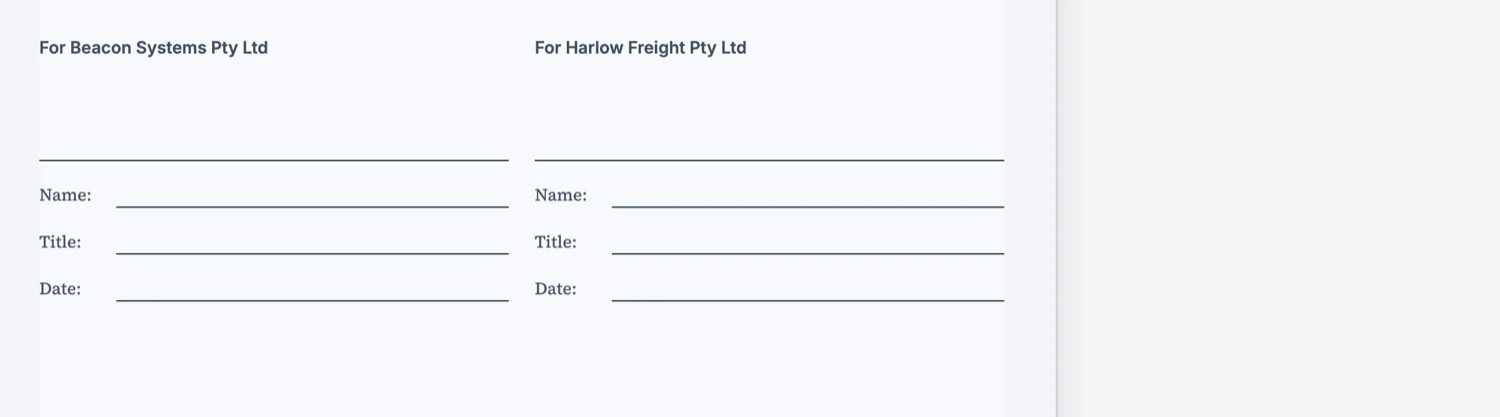
The envelope: one PDF, its signers, their fields
Open E-sign request from the dashboard and choose New envelope. An envelope holds one PDF of up to 25 MB, up to 25 recipients and up to 500 fields. Two kinds of file are turned away at upload: a PDF with rotated pages, which is rejected with the page number so you can straighten it and export again, and a password protected PDF, which cannot be read at all. Remove the password before you upload.
Placing the fields
Drag fields onto the page for each signer, and each signer's fields take their own colour. There are ten field types: signature, initials, date signed, name, email, title, company, text, checkbox and a signature block. Every signer needs at least one signature, initials or signature block field, and a date field alone does not count. You cannot type a value in advance for anyone, so every text and checkbox value comes from the signer it belongs to.
Who signs, and in what order
The Sign in order switch decides the sequence. With it on, only the signer with the lowest order is invited, and the next is invited once they finish, so a director can sign after the account manager rather than beside them. With it off, everyone is invited at once and signs in any order. Look at the switch before you send rather than trusting how the envelope was set up earlier.
Who can open the link
By default a signer is checked by the email link only, so anyone who can open that inbox can sign. For anything that matters, pick a stronger check per signer: an access code of at least four characters that you share with them by phone or message, or an emailed one-time code of six digits that lasts ten minutes. Five wrong attempts lock that signer out for fifteen minutes.
After you send
The envelope can no longer be edited once it has gone out. What you can do is resend an invitation, which retires the old link, or void the envelope with an optional reason, which emails everyone still holding a live link. A signer can decline with a reason, and you are emailed it. Every envelope expires 30 days after it was created, and that date cannot be changed.
What comes back
When the last signer finishes, every recipient and the sender receive the signed PDF by email. The file is certified, so a later edit shows up as a broken certification in a PDF reader. The certificate of completion is a separate download listing each signer's verification method, signing time, IP address and consent, plus the full event log. A checkbox in the prepare panel, off by default, also appends it to the signed PDF.
When the document is written here instead
A document built in the document builder skips the field placement step. Its signature blocks already carry each party's name, email and signing order, so they become the signers and their fields when you send it. That route has its own page.
How it works, in three steps
Step 1
Create an envelope and upload the PDF
New envelope, a title, an optional message, then the PDF. Up to 25 MB, no rotated pages, no password.
Step 2
Add signers and place their fields
Name, email, order and identity check for each signer, then drag at least one signature field per signer onto the page.
Step 3
Send and track
Each signer gets a personal link. Follow Viewed and Signed on the status page instead of chasing people.
The full walkthrough with screenshots is in the guide Send a PDF for e-signature. If the document was written in OneCraft, read Send a document for signature.
Limits worth knowing
- One PDF per envelope, up to 25 MB. Rotated pages and password protected files are rejected.
- Up to 25 recipients and 500 fields per envelope.
- Nothing can be edited after sending. A mistake means voiding the envelope and sending a new one.
- Envelopes expire 30 days after creation, and the date cannot be changed in the app.
- The sender cannot pre-fill any field; every value is entered by its signer.
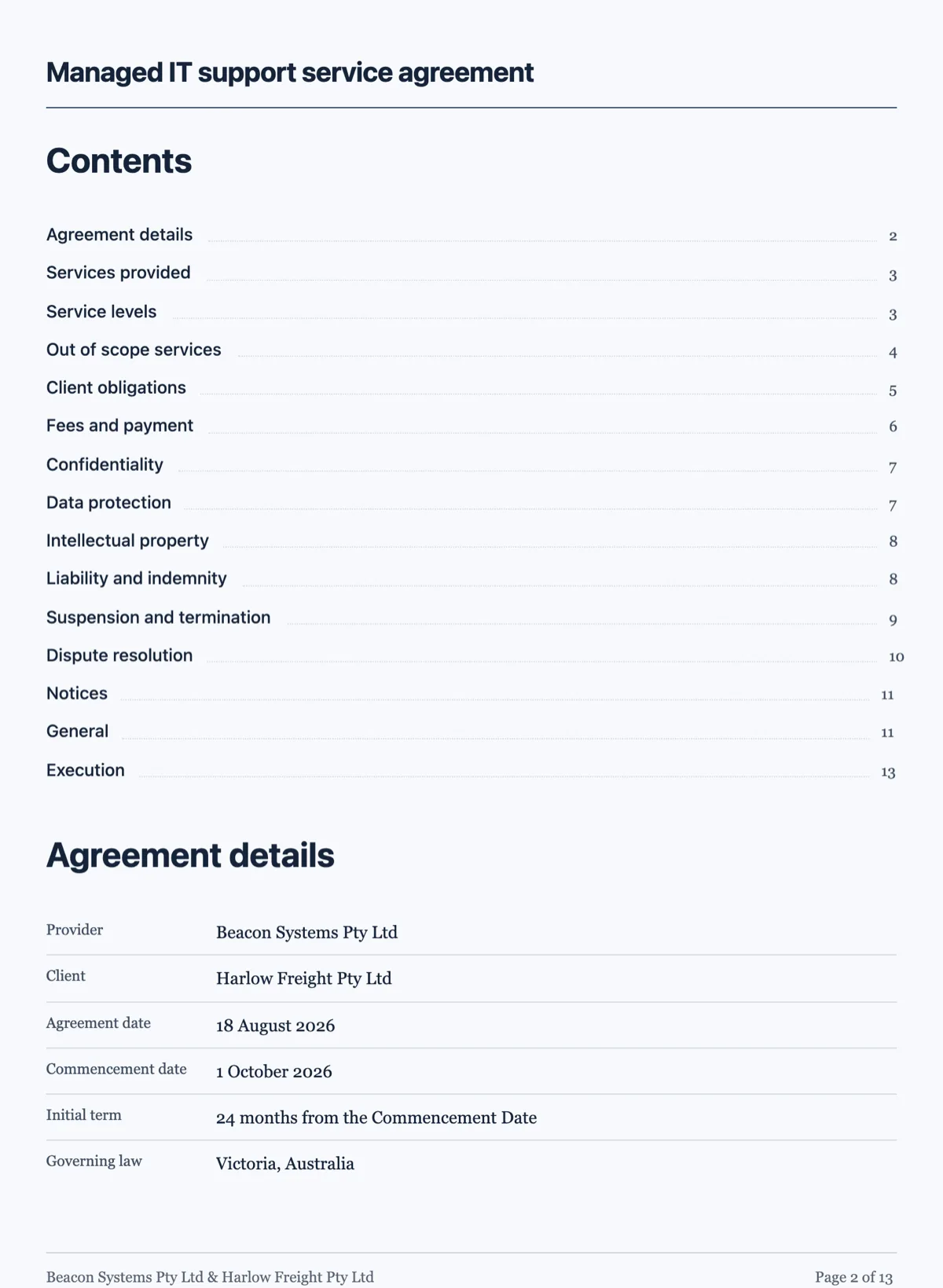
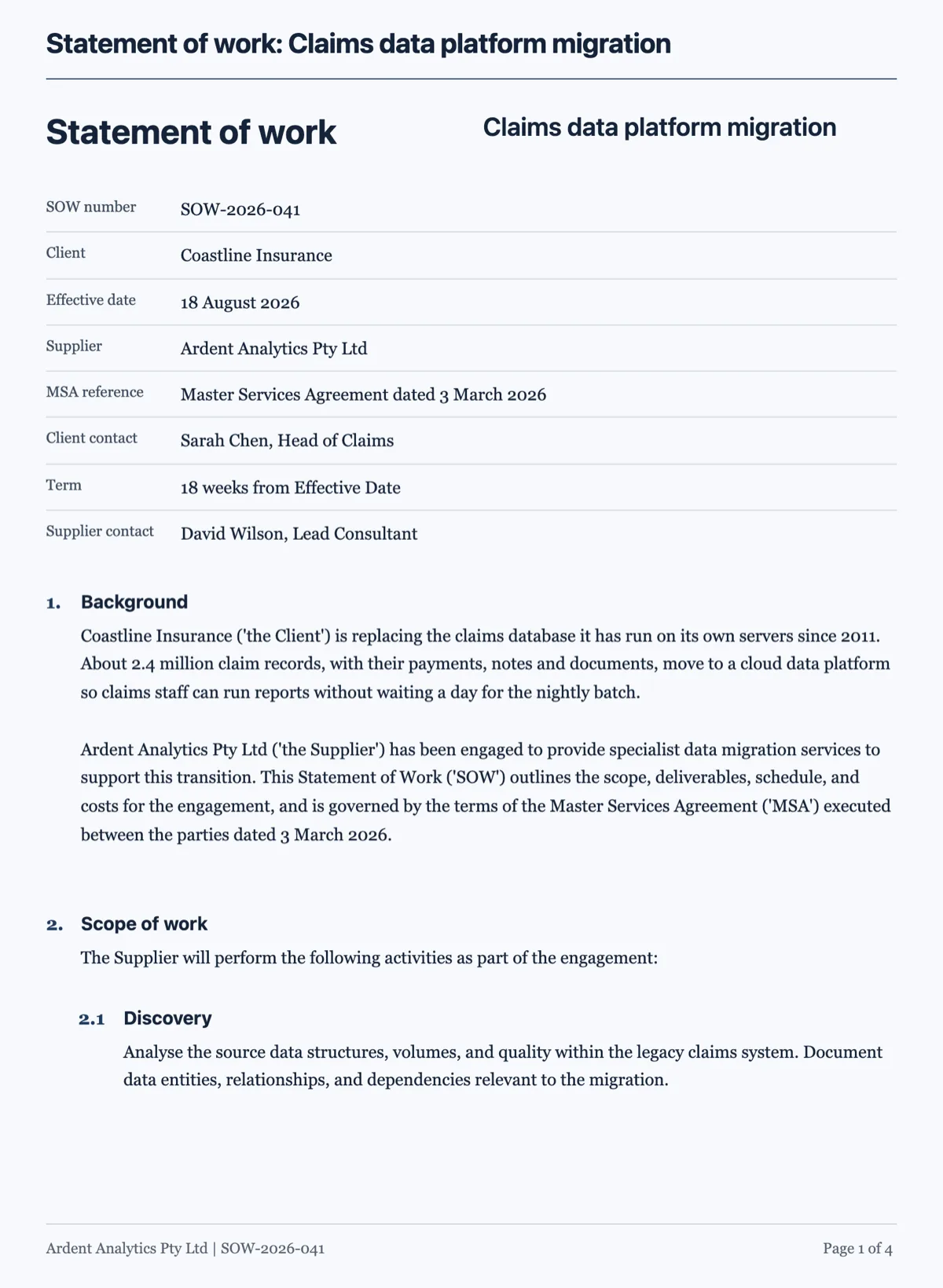
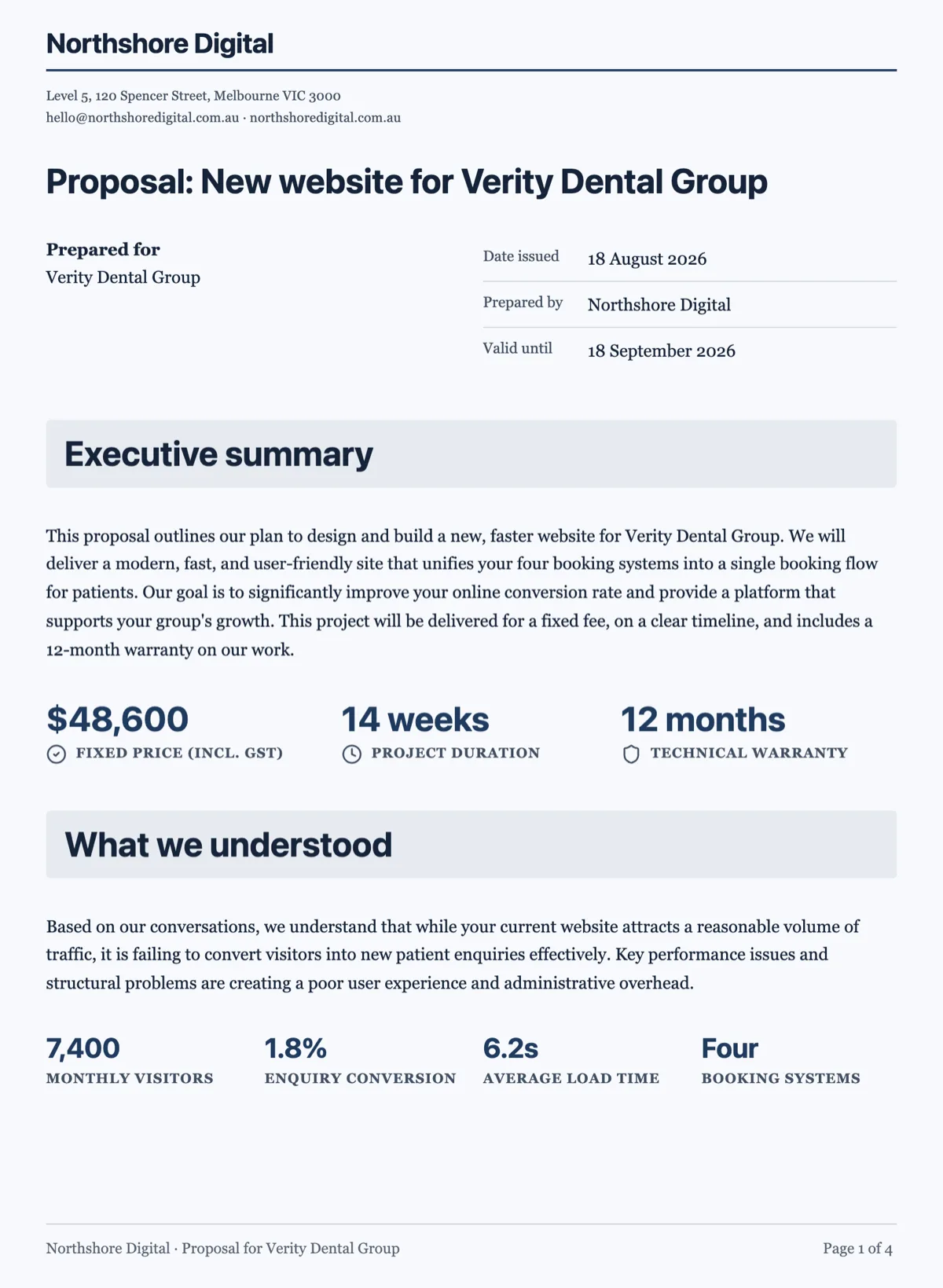
See it on a finished piece
Questions people ask
Is an electronic signature legally binding for a business agreement?
For most commercial agreements, yes. Australia's Electronic Transactions Act 1999, the US ESIGN Act and the UK Electronic Communications Act 2000 all give electronic signatures legal effect, and the Australian Act asks that the method identify the person and show their intention. Some documents, such as wills and certain deeds, still need ink or witnesses under local rules, so check yours before sending.
Can I sign the document myself as one of the parties?
Yes. Add yourself as a recipient with your own email and place your fields like anyone else's. You then sign from the invitation email, or from the envelope's status page if the person signing is with you in the room, which hosts the signing on your screen and records that it was signed in person rather than from a link.
What happens if a signer never opens the email?
The envelope waits. Resend the invitation from the status page, which issues a fresh link and retires the old one, and check the address, because a delivery failure shows in the event trail as Invitation email failed. If nobody signs within 30 days of the envelope being created, it expires and outstanding signers can no longer open it.
Can a signer change the document before signing?
No. The signer sees the PDF as uploaded with only their own fields active, and can type only into those fields. If a signer wants a clause changed, they decline with a reason, which reaches you by email, and you send a corrected PDF in a new envelope. That keeps every signed copy identical to the one everybody agreed.
How many signatures can one envelope collect?
Up to 25 recipients per envelope, each with their own fields, within a total of 500 fields. A board resolution or a group lease fits comfortably. Every signer must have at least one signature, initials or signature block field of their own before the envelope can be sent, and each drawn signature fills all of that signer's spots in one go.
Make your own document
The button opens the generator with this use case already described. Change the wording to match yours, generate, then edit anything you like.
Create a document with OneCraftRelated pages
Document with a signature block
An execution block is the part of an agreement people get wrong most often, usually by typing underscores. A signature block gives every party the same structure, and it is also what the signing flow reads to place its fields.
Multiple signers on one document
Three people signing the same agreement is three sets of boxes on one PDF. The difficulty is never the signing, it is making sure the right box belongs to the right person and that nobody can fill in somebody else's.
Numbered clauses in a document
A numbered clauses document is an agreement written as clause blocks, each with its own number, title and body, and sub-clauses such as 5.1 and 5.2 under each heading. Numbering is what makes an agreement usable. Without it nobody can point at anything, and every conversation about the contract becomes a conversation about which paragraph you both mean.
More finished work of this kind is on the document examples hub.
Written and checked by the OneCraft team. Last checked .