Documents
Document with a signature block
An execution block is the part of an agreement people get wrong most often, usually by typing underscores. A signature block gives every party the same structure, and it is also what the signing flow reads to place its fields.
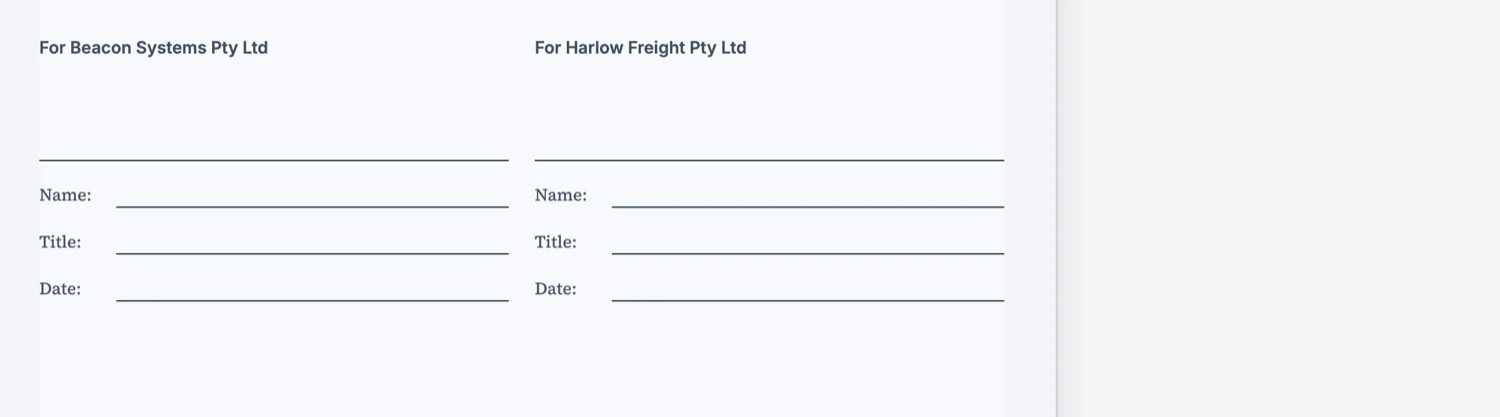
One party, one block
Each party gets a role heading, a rule to sign on and the labelled lines underneath: Name, Title, Date. Two parties sit side by side on the page, which is the convention and also the practical arrangement, because it puts both signatures on the same sheet instead of stranding one on a page of its own.
Why underscores are not good enough
A row of underscores gives a signer nowhere to write their title and no prompt for the date, which is the field most often left blank and the one that matters in a dispute. The labelled lines are a checklist. They also survive being converted to signing fields, which a row of underscores does not.
It becomes the signing fields
When a document is sent for signature, each signature block party becomes one signer, carrying their name, email and signing order. The block on the page and the field the signer completes are the same thing, so a document laid out properly needs no separate field placement.
Put it under a heading, at the end
An execution section with a heading, then the blocks. That gives the layout engine something to keep the blocks with, so the signature does not end up alone at the top of a final page, which is the single most common ugly page break in an agreement.
What each line becomes when you send it
The block you see in the document is not redrawn by the signing step; its blanks are filled. The signature area becomes a required signature field. A line labelled Name becomes a name field and is the one that is required. Title and Company become their own field types, the date line becomes a date signed field, and any other line you write becomes a plain text field. The mapping is by the label you typed, lowercased, so "Name" and "name" both work and "Full name" does not: it comes through as text.
Two parties, two blocks, one page
Write one block per party. There is an open defect where a hand authored block carrying two parties renders only the first, while a block the generator produced renders both, so the safe shape until that is fixed is a separate signature block for each side. It also reads better on paper: two blocks side by side make it obvious who signs where, and each one carries its own name, title and date lines.
How it works, in three steps
Step 1
Add an execution heading
It gives the blocks something to stay with when the pages are laid out.
Step 2
One block per party
Role, rule, and the Name, Title and Date lines underneath.
Step 3
Send it for signing from the same document
Each party becomes a signer, so there is no separate field placement step.
The full walkthrough with screenshots is in the guide Send a document for signature.
Limits worth knowing
- A signature block is content, not an input field. It becomes a signing field only when the document is sent for signature.
- Each party carries a name, an email and a signing order when it is sent.
- Two parties side by side is the practical limit on an A4 page.
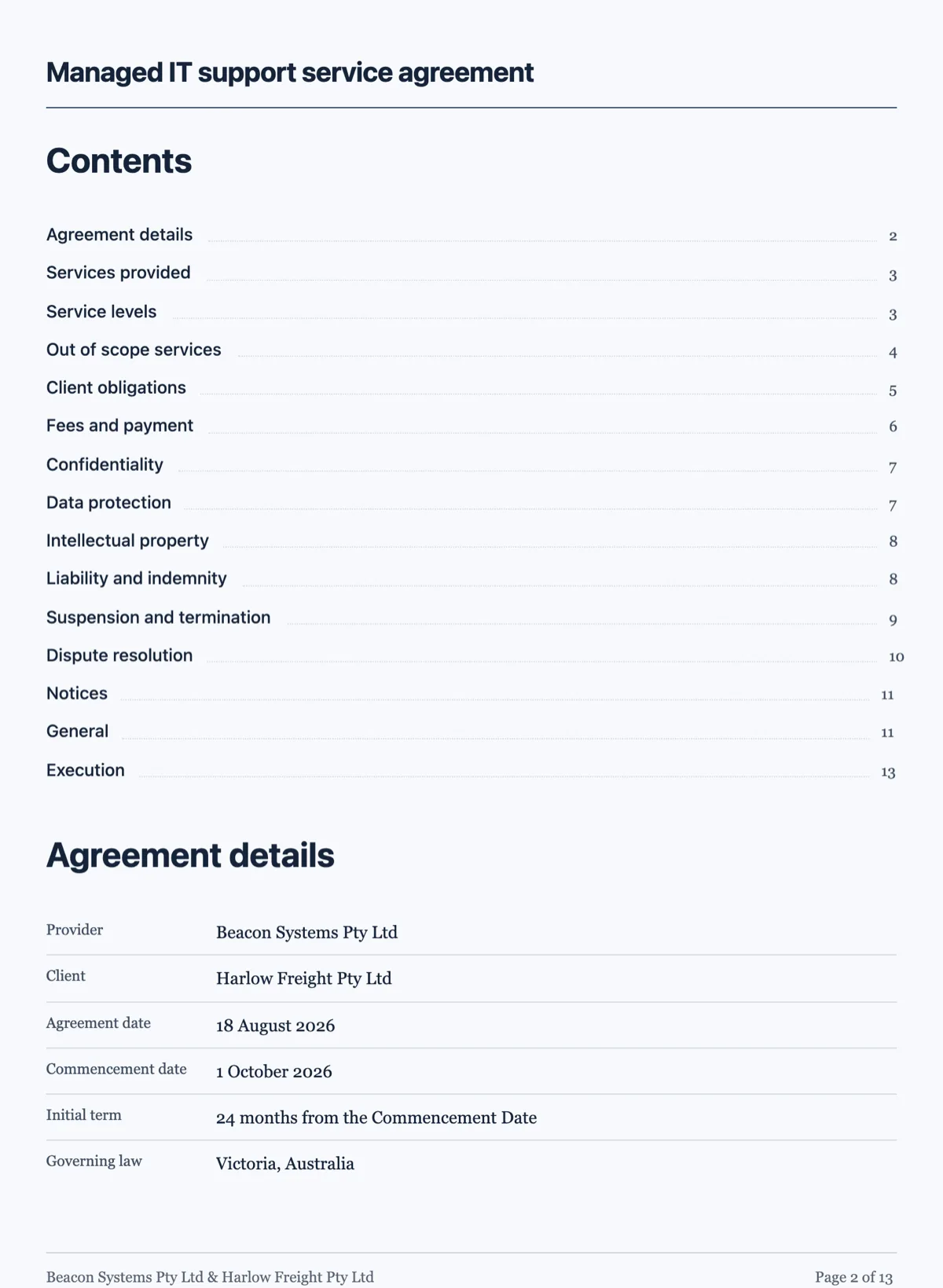
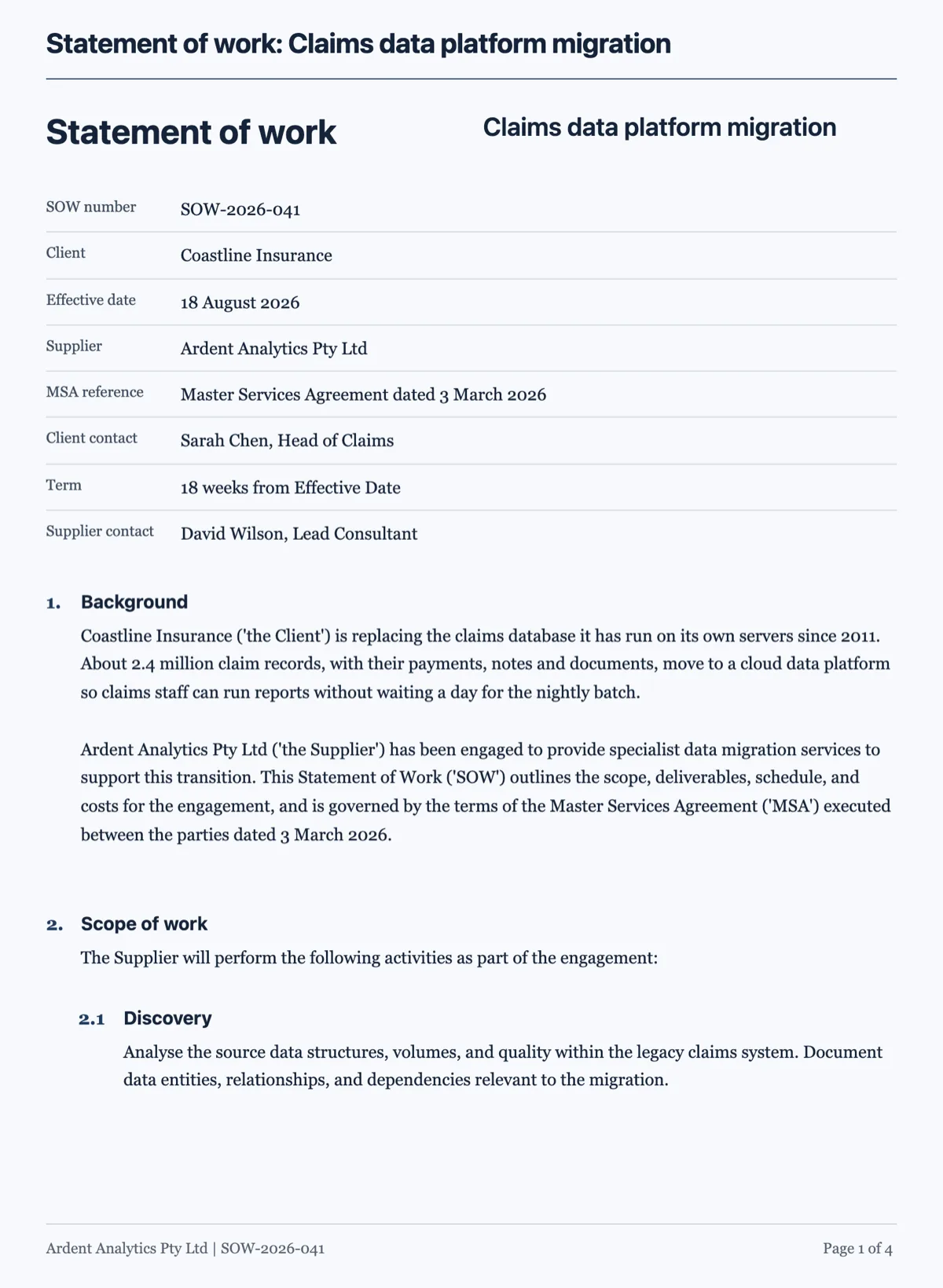
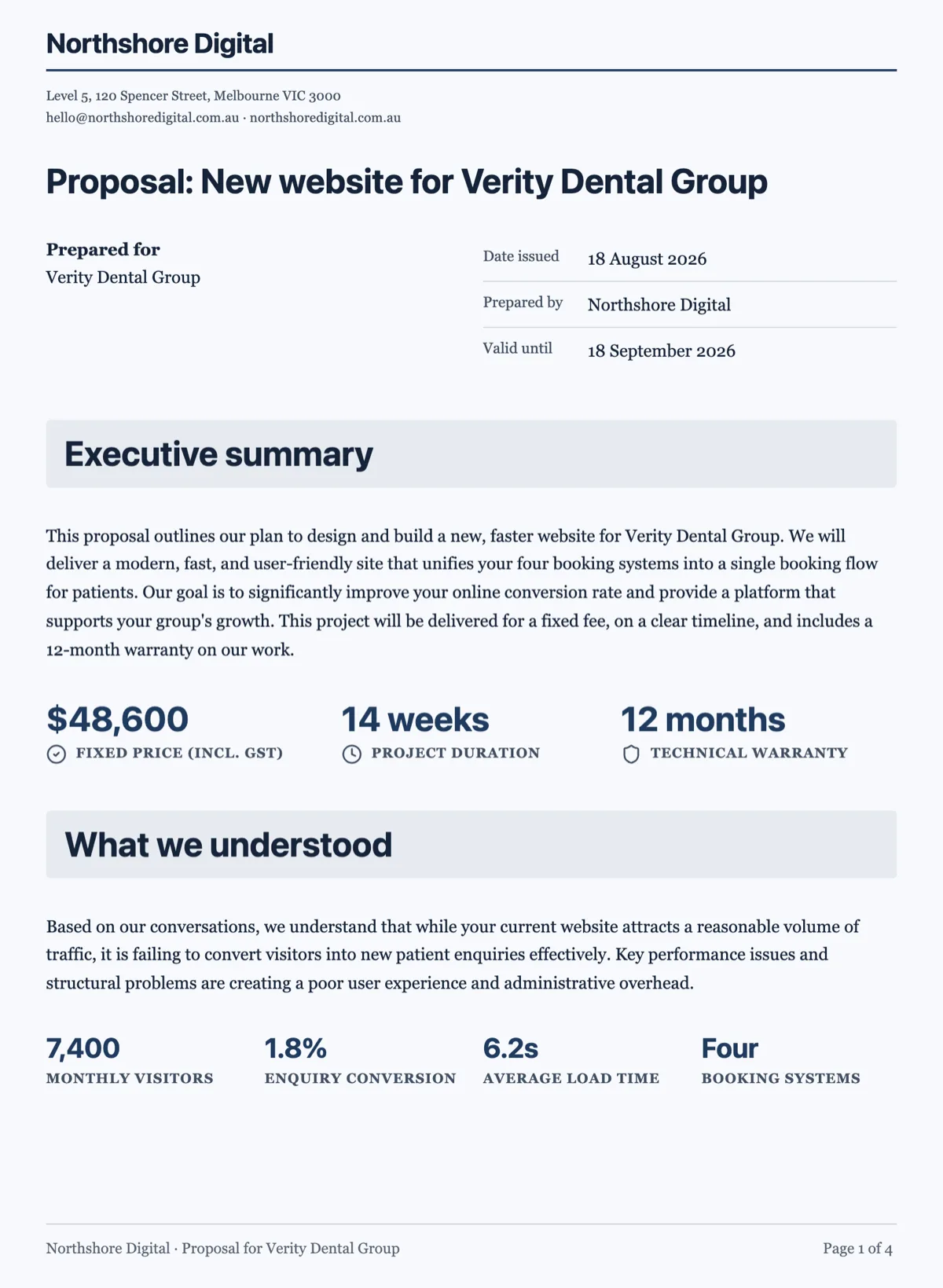
See it on a finished piece
Questions people ask
Is a signature block the same as an e-signature field?
On the page it is content: a labelled block that prints in the document. When you send the document for signing, the blanks in that printed block become the fields, one signer per party, so the two are joined up rather than being two separate things you have to keep in step. That is why the signing step never draws a second set of rules on top of the ones already on the page.
How many parties can sign?
As many as the agreement has, written as one block per party. Two side by side is what fits comfortably across an A4 page and more stack down it. Keep one party per block rather than putting two into one, both because it reads better and because a hand authored block carrying two parties currently renders only the first.
Why not just type a line of underscores?
A row of underscores gives the signer no prompt for their title or the date, and it converts into nothing when you send the document for signature, so somebody has to place the fields by hand afterwards. The labelled block does both jobs at once: it prints properly and it tells the signing step exactly where each field goes and what type it is.
Can I add a witness?
Add a third block and label it Witness. It becomes a third recipient with its own signature, name and date fields, and it signs through its own link like anybody else. There is no separate witness role with different rules, so the witness is a signer whose block says witness on it.
Can the signer change the printed name?
No. The name field is filled from the recipient row you set when you sent it, so what prints is the name you addressed the request to. That is the point: a signature page where the signer types whatever name they like is worth less than one where the name came from the person who sent it.
Make your own document
The button opens the generator with this use case already described. Change the wording to match yours, generate, then edit anything you like.
Create a document with OneCraftRelated pages
Send a document for signature
To send a document for signature, upload the PDF to a new envelope, add each signer's name and email, place their signature fields on the page and send. Every signer gets a personal link by email, and when the last one signs you get back a certified signed PDF and a certificate of completion.
Numbered clauses in a document
A numbered clauses document is an agreement written as clause blocks, each with its own number, title and body, and sub-clauses such as 5.1 and 5.2 under each heading. Numbering is what makes an agreement usable. Without it nobody can point at anything, and every conversation about the contract becomes a conversation about which paragraph you both mean.
Document components
There are 45 block types. You will use about twelve of them regularly, and knowing which twelve is most of the difference between a document that reads as designed and one that reads as typed.
More finished work of this kind is on the document examples hub.
Written and checked by the OneCraft team. Last checked .