Documents
Numbered clauses in a document
A numbered clauses document is an agreement written as clause blocks, each with its own number, title and body, and sub-clauses such as 5.1 and 5.2 under each heading. Numbering is what makes an agreement usable. Without it nobody can point at anything, and every conversation about the contract becomes a conversation about which paragraph you both mean.
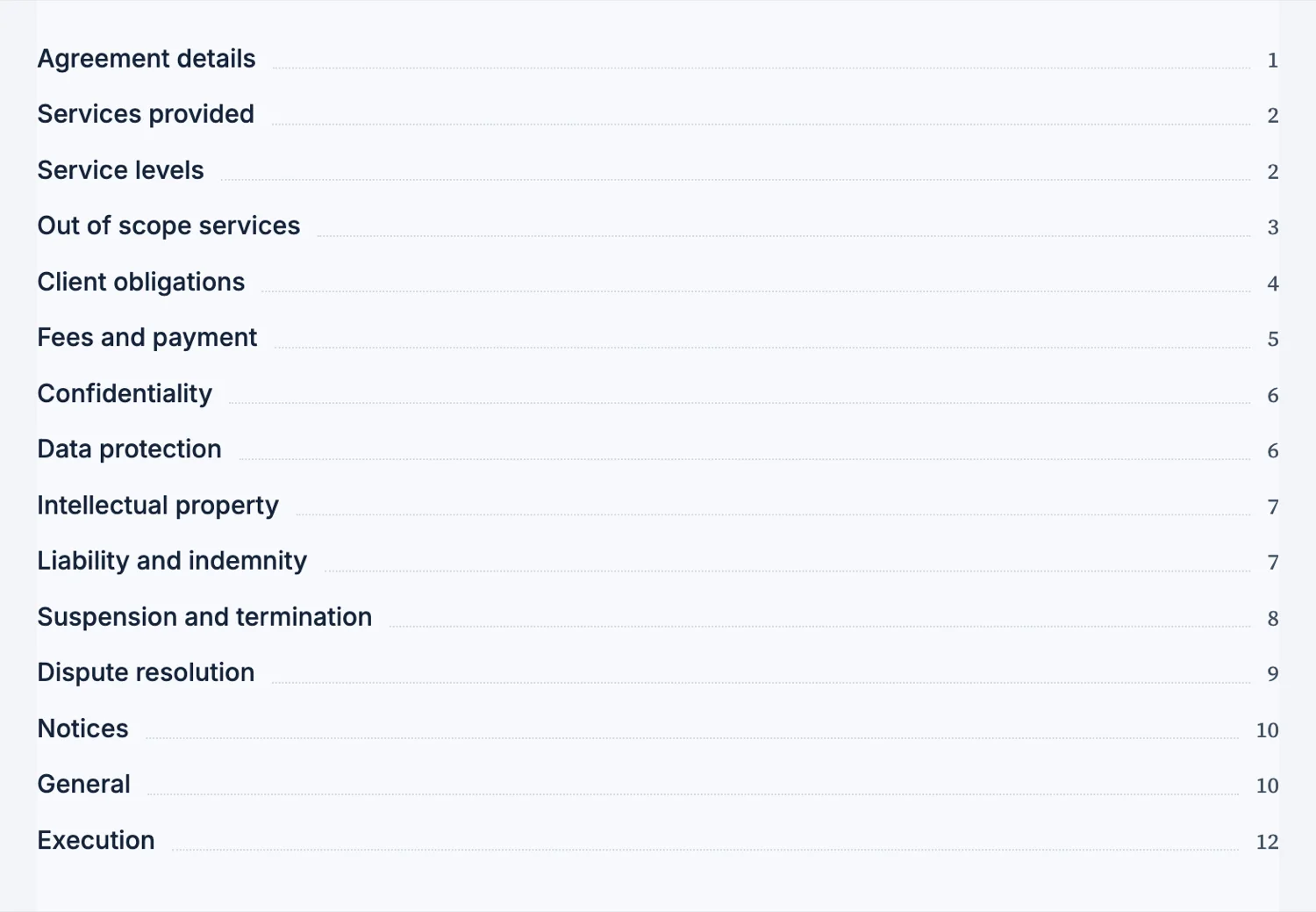
The number is a field on the block
A clause carries its number, its title and its body as one block, and the number sits in its own field in front of the text rather than inside the sentence. The generator writes the sequence when it drafts the agreement, and you can click the number and change it. It does not renumber itself: insert a clause between 4 and 5 and you type 5 on the new one and change every number after it. That keeps a cross reference such as subject to clause 6 from moving under your feet, but it does mean a settled order is worth reaching before you start inserting.
Sub-clauses are where the detail lives
A top level clause states the obligation and its sub-clauses qualify it. Confidentiality as clause 5, with the definition at 5.1, the permitted disclosures at 5.2 and the return of information at 5.3. That structure is what lets a lawyer say "we can live with 5.2 if you delete 5.3" instead of quoting a paragraph.
Structure follows the register
A document classified as legal and numbered gets clauses, an execution block and no decoration: no icons, no charts, nothing that would look out of place in front of a court. A document classified as corporate gets headings instead. Asking for a contract gets you the first, and that is the right default even though it looks plainer.
Keep one clause to one obligation
The most common drafting fault is a clause that does three things, because it cannot then be amended without touching all three. If a clause contains an "and also", it is two clauses. Splitting them costs nothing and makes the document negotiable.
The chat rewrites wording, not position
The AI chat edits text inside blocks, so it can rewrite what a clause says without moving it or deleting it. Ask for plainer wording on clause 7 and clause 7 is still clause 7, with the same number in its field. What the chat will not do is add a clause or renumber the ones after it, so structural changes are made in the builder, followed by a pass over the numbers and the cross references.
Cross references are typed, not linked
When a clause says "subject to clause 4.2", those characters are text. Nothing follows the reference and nothing updates it if the numbering shifts, so a clause inserted above 4.2 leaves every reference to it pointing at the wrong place. Keep the structure settled before you write cross references, and read them once more after any insertion.
How it works, in three steps
Step 1
Ask for a numbered structure
Say it is an agreement and name the clauses. That classification is what produces clause blocks rather than headings.
Step 2
Push the detail into sub-clauses
The top level states the obligation, the level below qualifies it.
Step 3
Split anything with an "and also"
One clause, one obligation, so it can be amended on its own.
The full walkthrough with screenshots is in the guide Every document component and when to use it.
Limits worth knowing
- Clause numbers are typed on each clause. Nothing renumbers them when you insert or delete one.
- Legal register documents deliberately carry no icons or charts.
- The execution block is a separate signature block at the end, not part of a clause.
See it on a finished piece
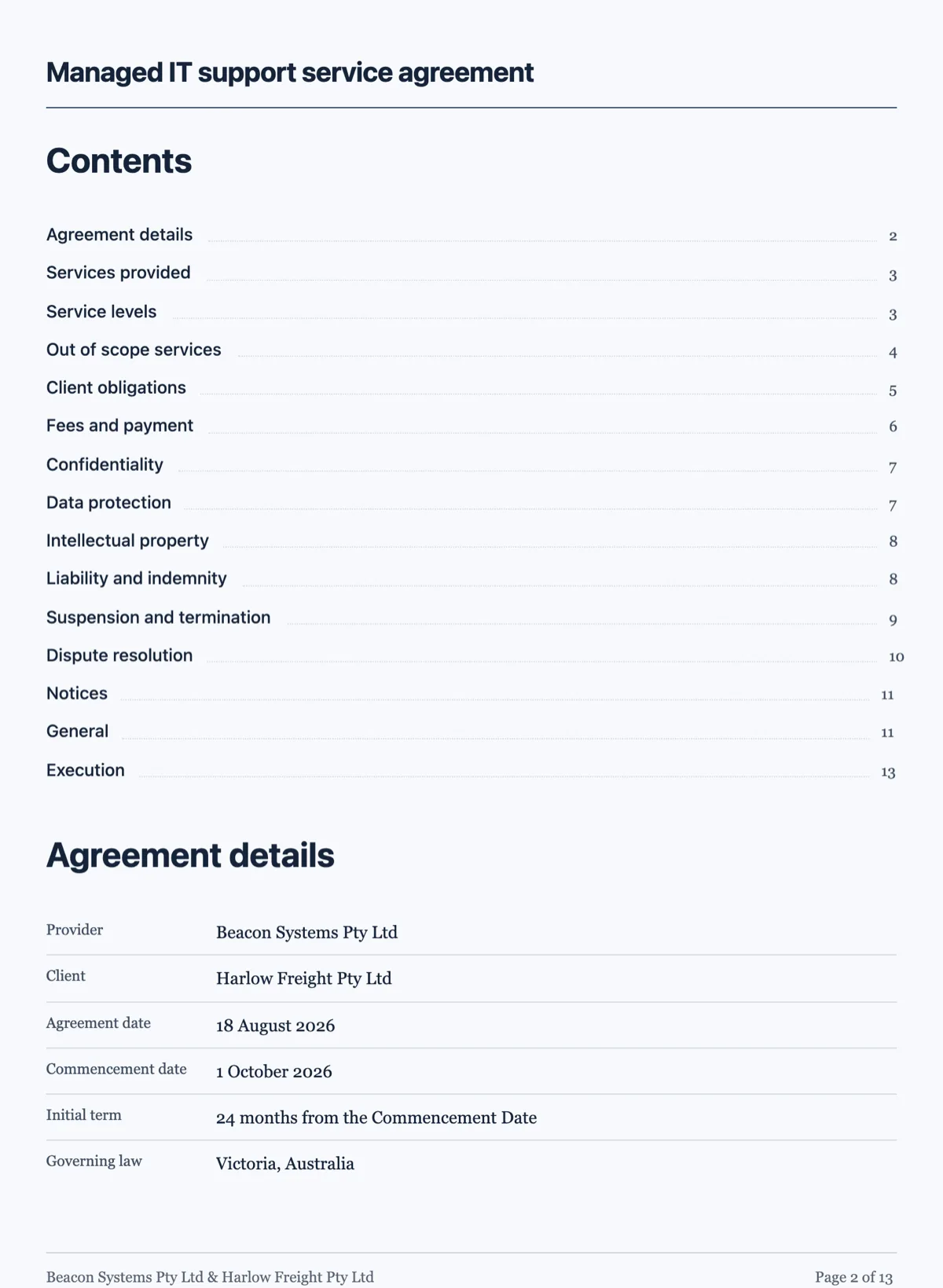
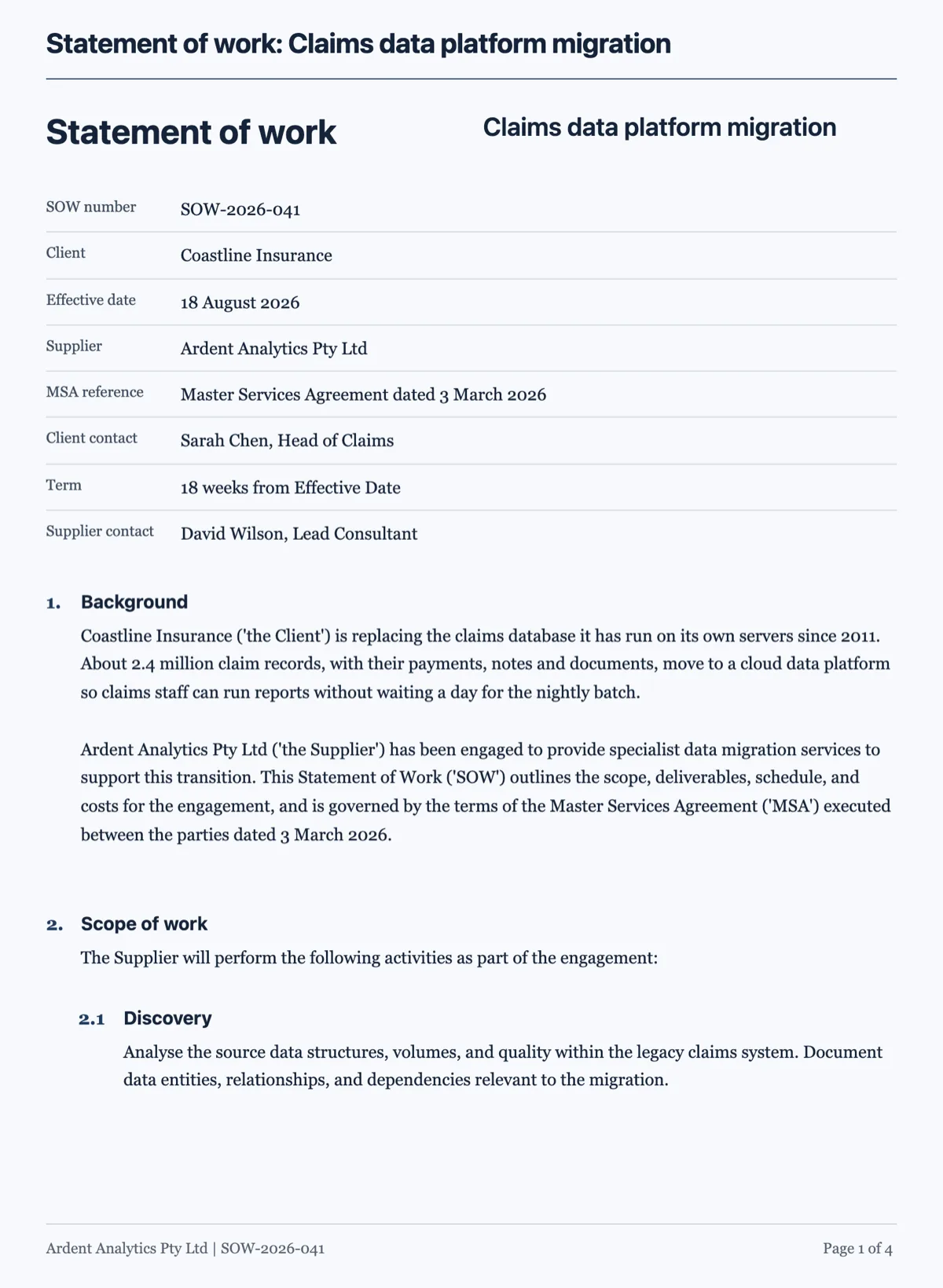
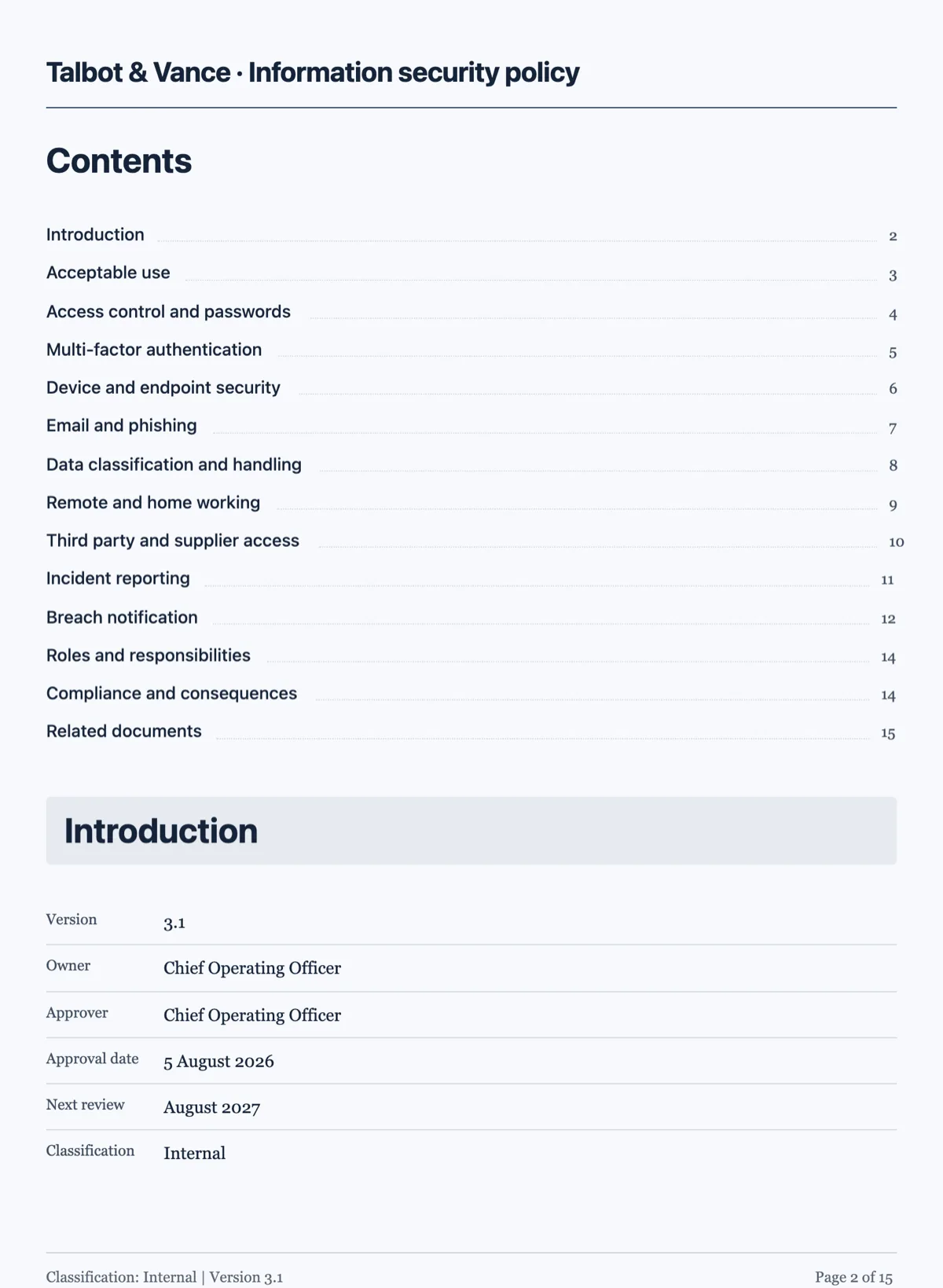
Questions people ask
Do the clause numbers update if I add one in the middle?
No. Each clause carries the number you wrote on it, so inserting a clause means renumbering the ones after it yourself. That is deliberate: automatic renumbering would silently invalidate every cross reference in the document, and in an agreement a wrong reference is worse than a gap in the sequence.
How deep can the numbering go?
Deep enough for 1., 1.1 and 1.1.1, with each level indented under its parent. Most agreements never need the third level. Because you type the number yourself, nothing technically stops a fourth, but a clause reaching for one is usually two obligations wearing one number and reads better split into two clauses at the level above.
Why does my contract have no charts or icons?
Because the legal register drops them. A contract is read line by line, often by somebody looking for the clause that decides an argument, and a chart in the middle of it is decoration that invites a dispute about what it meant. Numbers that matter belong in a clause or a labelled table.
Can I start at clause 3?
You write the number on each clause, so yes, though it is rarely what you want. The usual reason for asking is that the document is one part of a larger agreement, and in that case the cleaner answer is a schedule with its own numbering rather than a document that opens mid sequence.
Should a clause carry more than one obligation?
No. One clause, one thing somebody has to do or not do. The test is whether you could breach half of it: if you can, it is two clauses wearing one number, and the day it matters nobody will agree on which half was broken. Splitting them costs a line and saves an argument.
Make your own document
The button opens the generator with this use case already described. Change the wording to match yours, generate, then edit anything you like.
Create a document with OneCraftRelated pages
Send a document for signature
To send a document for signature, upload the PDF to a new envelope, add each signer's name and email, place their signature fields on the page and send. Every signer gets a personal link by email, and when the last one signs you get back a certified signed PDF and a certificate of completion.
Document with a signature block
An execution block is the part of an agreement people get wrong most often, usually by typing underscores. A signature block gives every party the same structure, and it is also what the signing flow reads to place its fields.
Timeline in a document
A schedule buried in a paragraph is a schedule nobody checks. A timeline block takes the phases and their dates and lays them out in order, which is the one thing a client looks for in a proposal.
More finished work of this kind is on the document examples hub.
Sources
Written and checked by the OneCraft team. Last checked .