Documents
Timeline in a document
A schedule buried in a paragraph is a schedule nobody checks. A timeline block takes the phases and their dates and lays them out in order, which is the one thing a client looks for in a proposal.
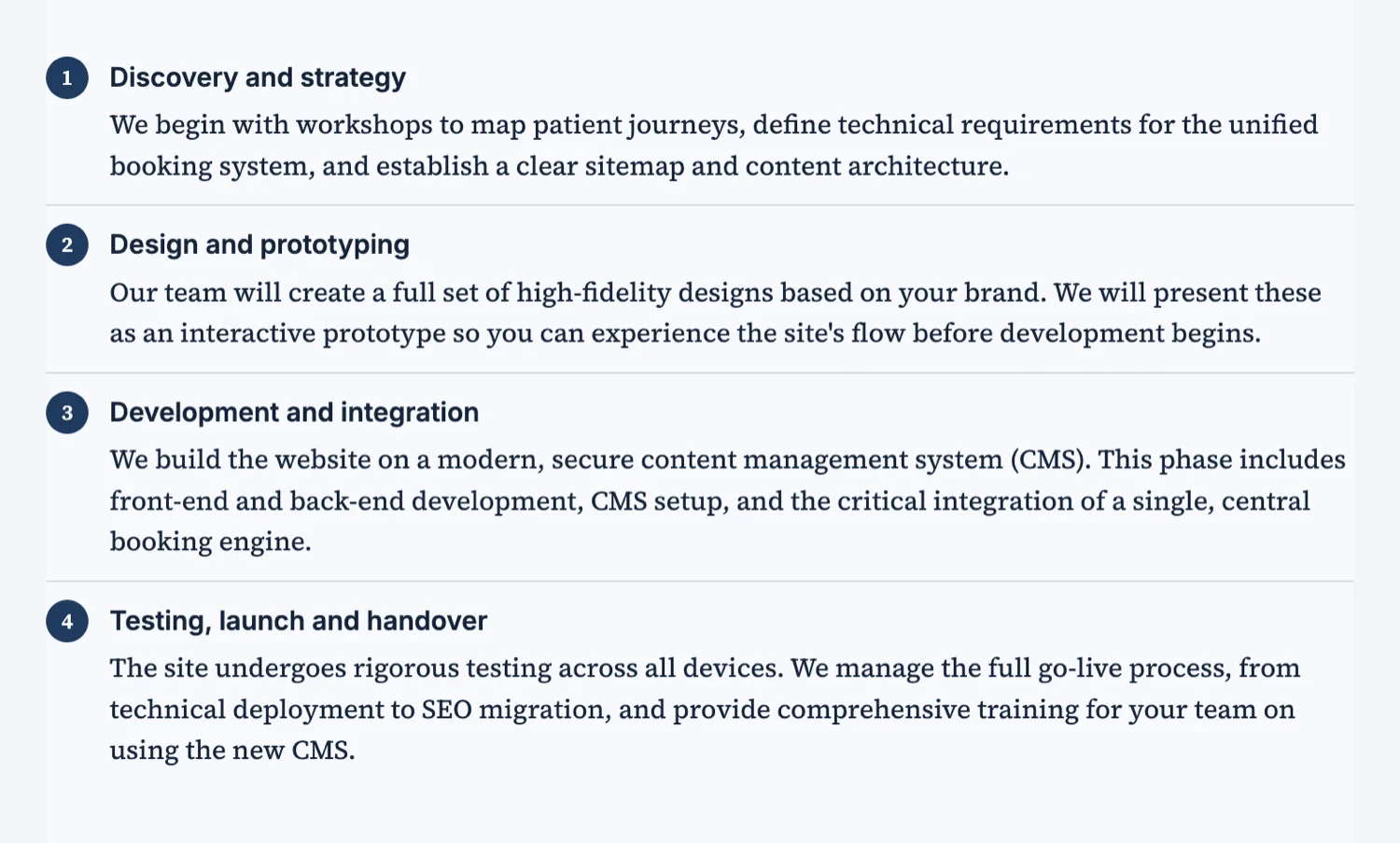
Content in, sequence out
Each entry is a title and a short date line. The block lays them out in order with the dates aligned, so adding a phase does not mean rebuilding anything. Keep the date line short, a week number or a month, because a long one wraps and breaks the rhythm the block exists to create.
Phases, not tasks
A timeline in a document is for the phases a client cares about: kickoff, design, build, testing, launch, handover. Tasks belong in a project plan the client will never read. Seven entries is a comfortable maximum, and past about ten it stops being a timeline and becomes a list with dots.
Say when they have to do something
The most useful timeline in a proposal marks the points where the client is the blocker: content due, sign-off on designs, access provided. Putting those in the timeline turns a schedule into an agreement about who is holding what, which is where most projects actually slip.
Timeline against table
A timeline shows sequence. A table shows values you compare. If the reader needs to compare cost or effort per phase, that is a table, and it can sit under the timeline. Using a timeline to carry numbers wastes the one thing it does well.
Dates that will still be true
A proposal is often read a fortnight after it was written, so absolute dates age badly and undermine everything around them. Week numbers relative to a start, or a month, survive the delay. If you do use real dates, add the assumption they depend on, such as a start within two weeks of signing, so a late signature moves the schedule rather than making the document wrong.
How it works, in three steps
Step 1
List the phases in order
A title each, plus a short date or week line.
Step 2
Mark the client-side dates
Content due, sign-off, access. That is the half that slips.
Step 3
Put the numbers in a table underneath
Sequence in the timeline, values in the table.
The full walkthrough with screenshots is in the guide Every document component and when to use it.
Limits worth knowing
- A timeline shows a sequence of entries; it is not a Gantt chart with bars and dependencies.
- Each entry is a title and a short description, not a nested list.
- Long date lines wrap and spoil the alignment.
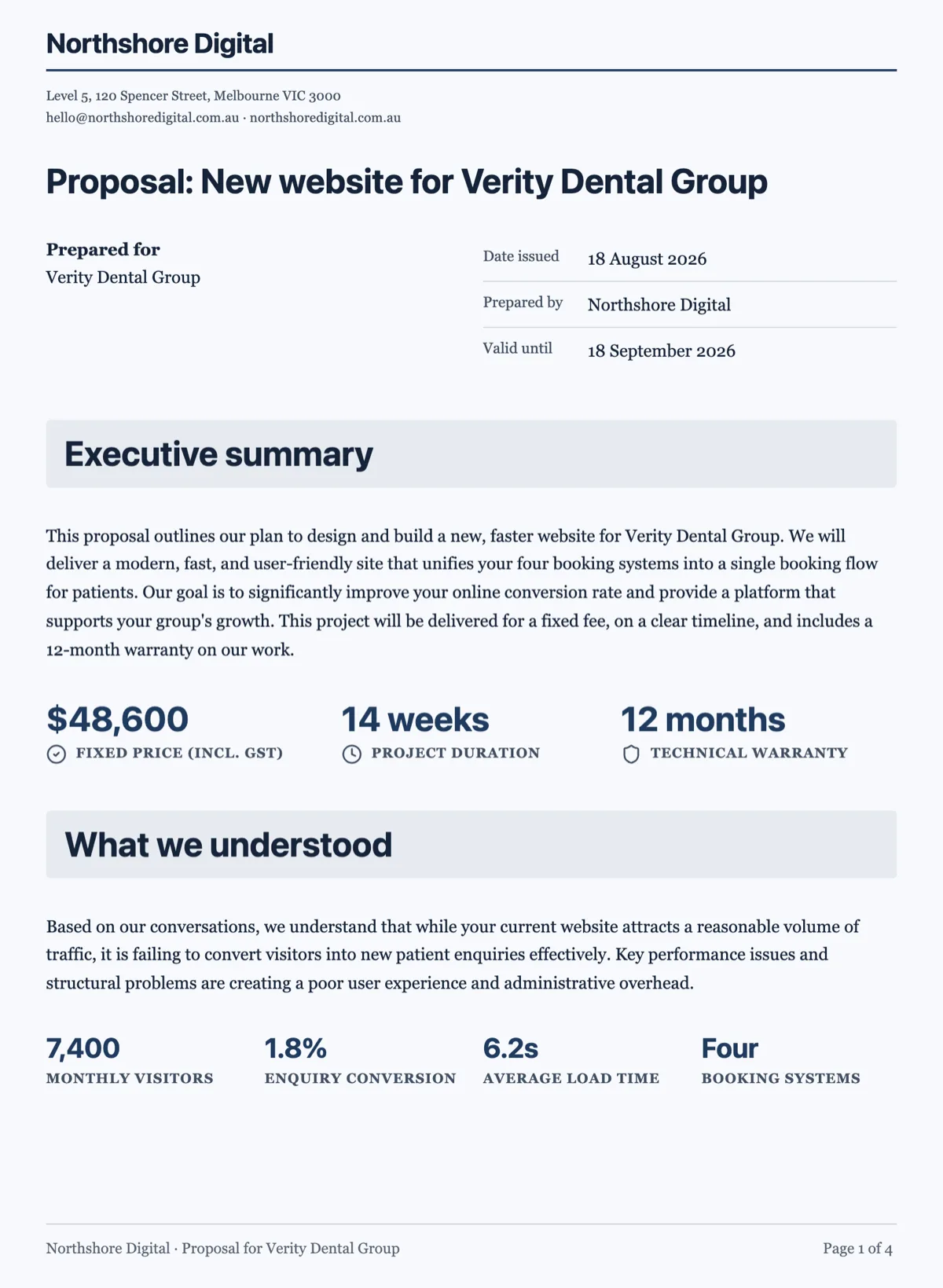
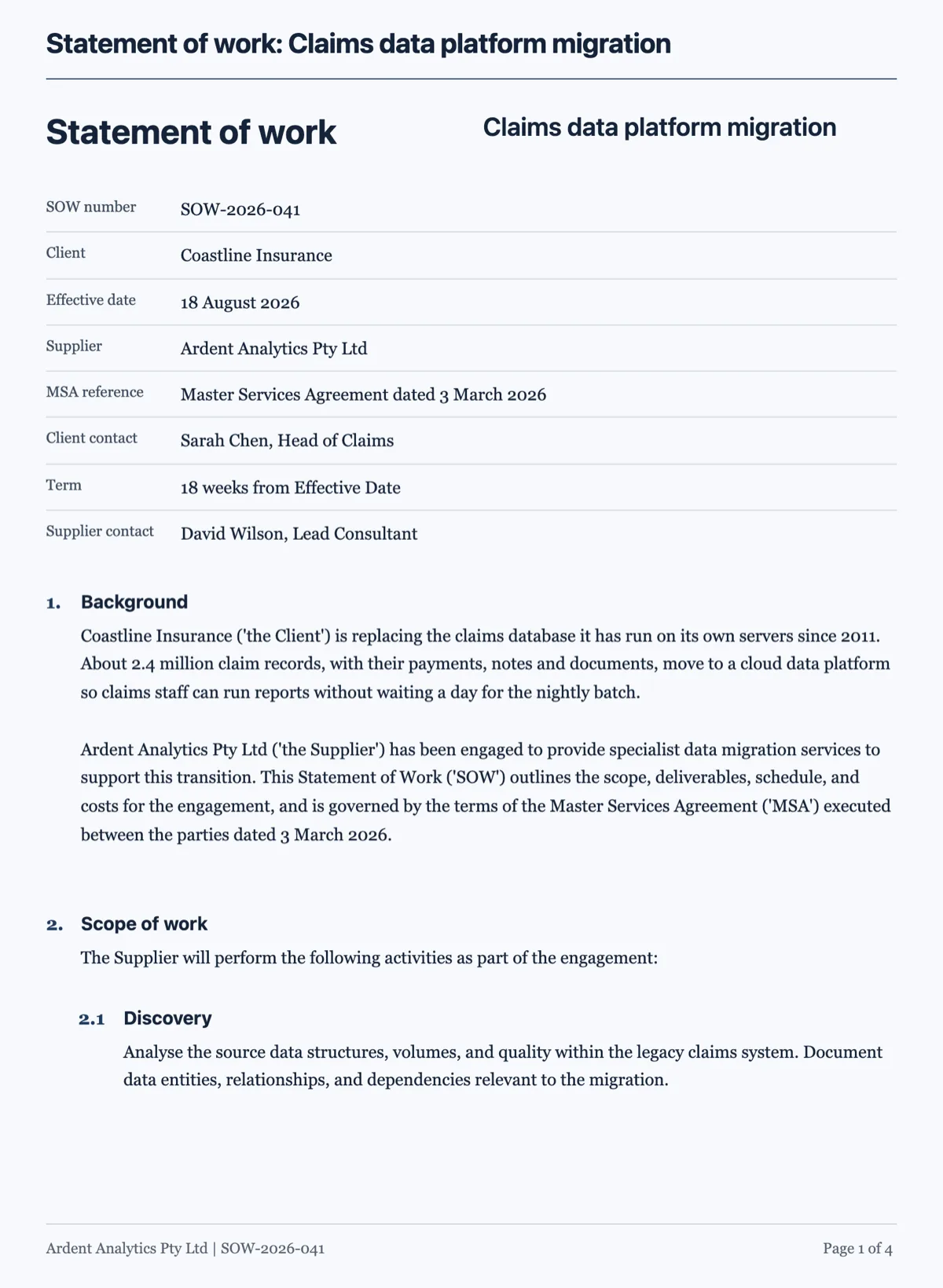
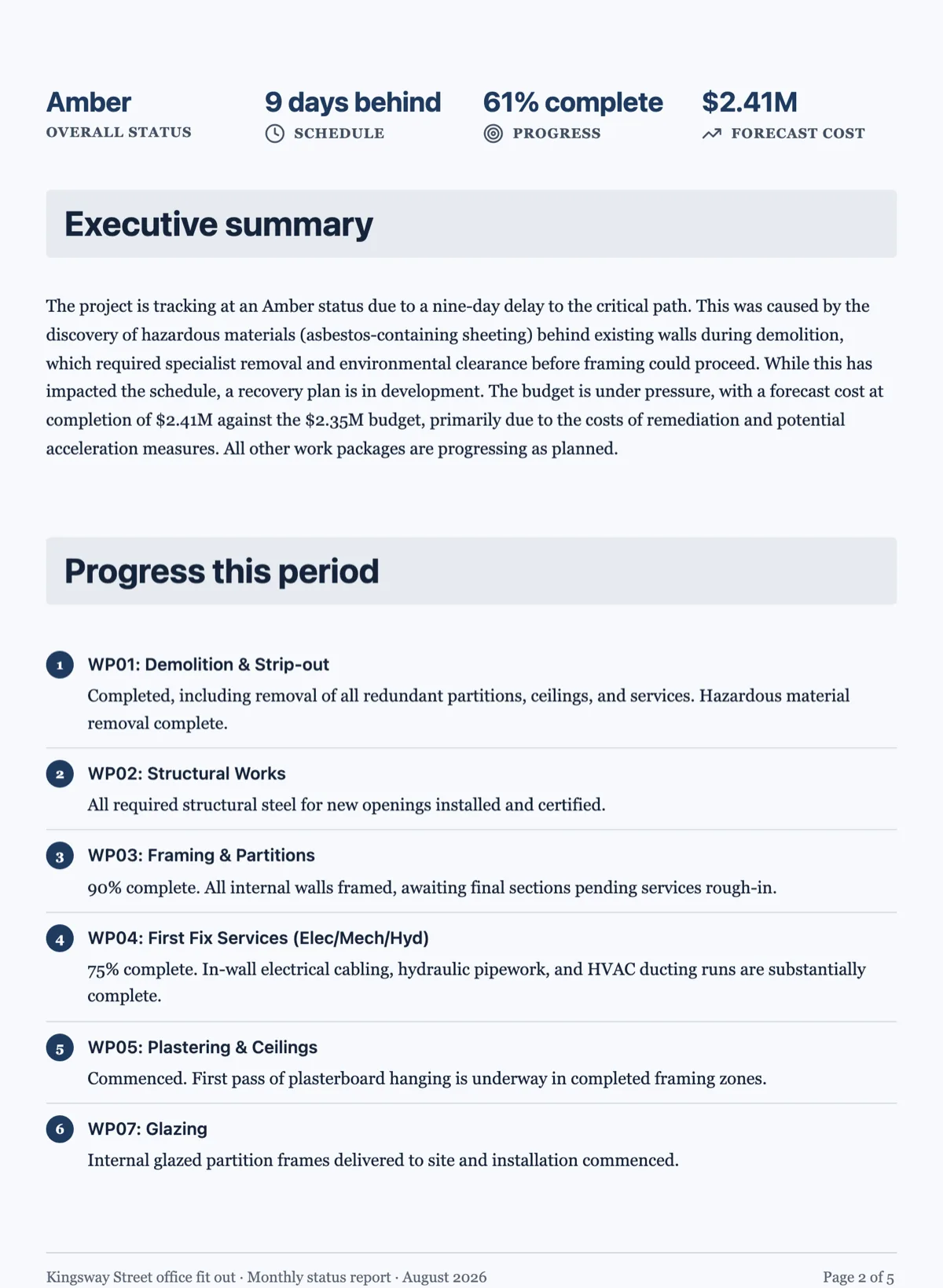
See it on a finished piece
Questions people ask
Is this a Gantt chart?
No. It is an ordered set of dated phases. There are no bars, no overlaps and no dependencies, which is usually right for a document a client reads rather than a plan a team works from.
How many phases should a timeline have?
Around five to seven. Past ten it reads as a list rather than a schedule.
Can I show cost per phase?
Put that in a table under the timeline. The timeline is for sequence, the table is for values.
Make your own document
The button opens the generator with this use case already described. Change the wording to match yours, generate, then edit anything you like.
Create a document with OneCraftRelated pages
Key figures in a document
Some information is looked up rather than read: the price, the duration, the invoice number, who to contact. Burying those in a paragraph makes a reader hunt. A key values block puts them where the eye goes first.
A proposal with a deposit that invoices itself
A proposal with a deposit asks the client to pay part of the price up front before work starts. The deposit should be visible in the pricing table and, once the client accepts, turn straight into an invoice they can pay that day.
Scanned document to editable
A scan carries no text, only a picture of text, so everything depends on how good the picture is. This page is about the difference between a scan that rebuilds cleanly and one that costs you an afternoon.
More finished work of this kind is on the document examples hub.
Written and checked by the OneCraft team. Last checked .